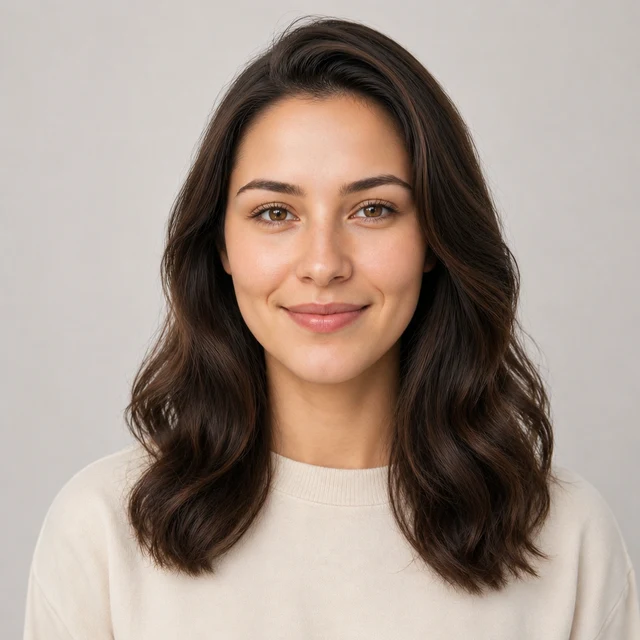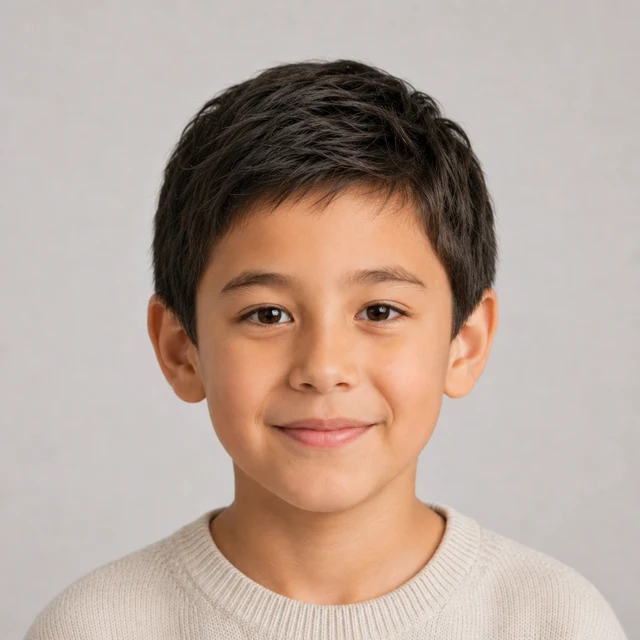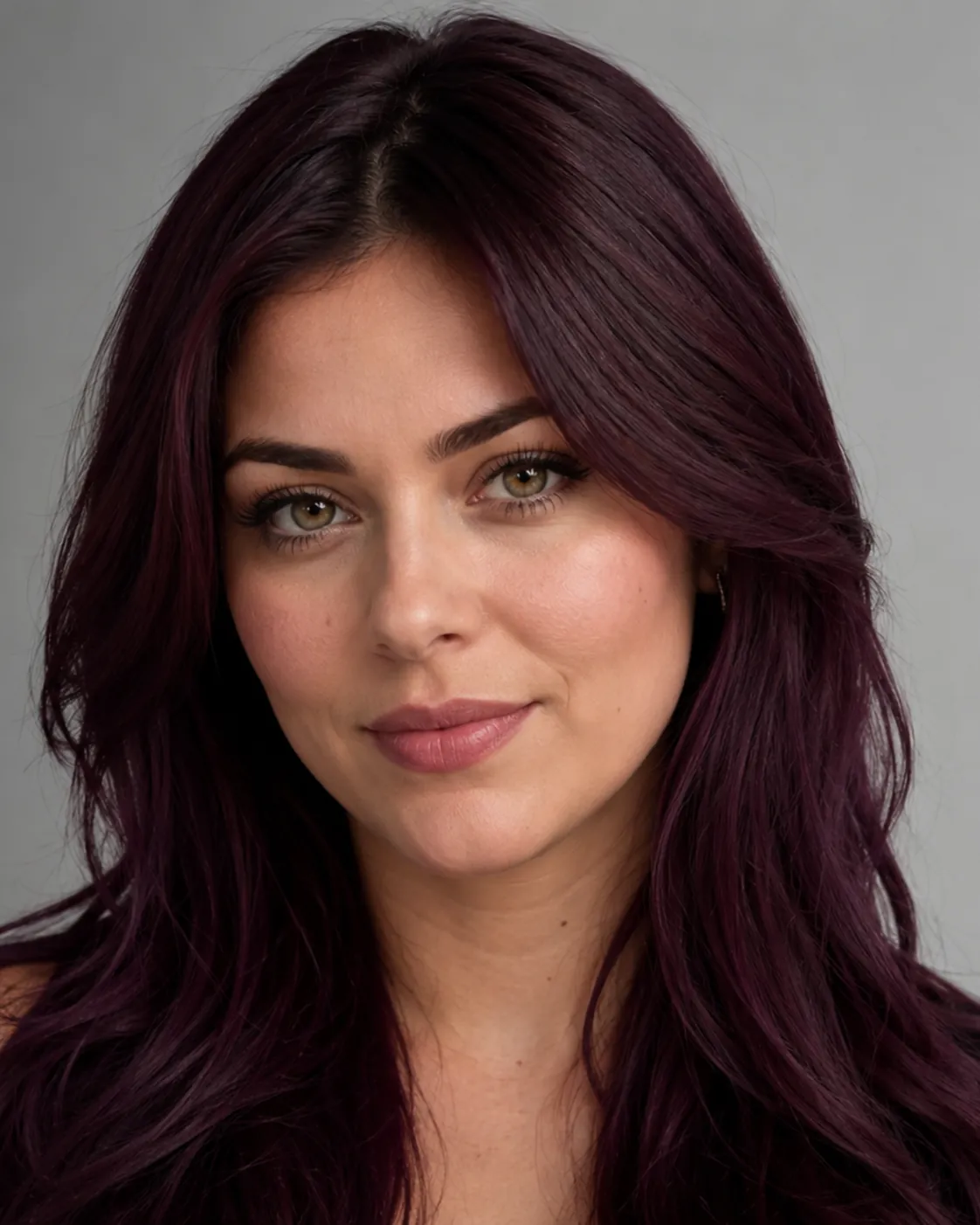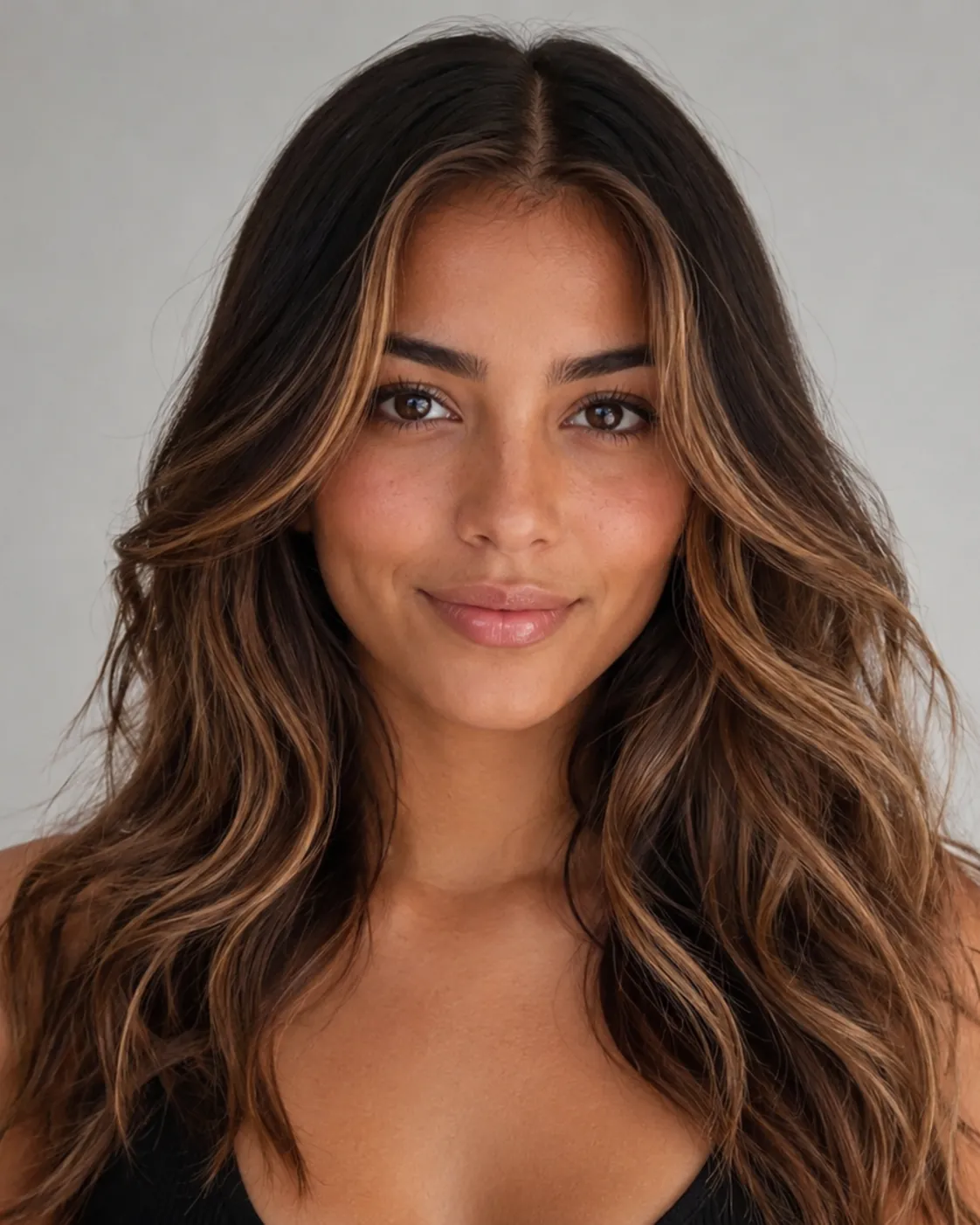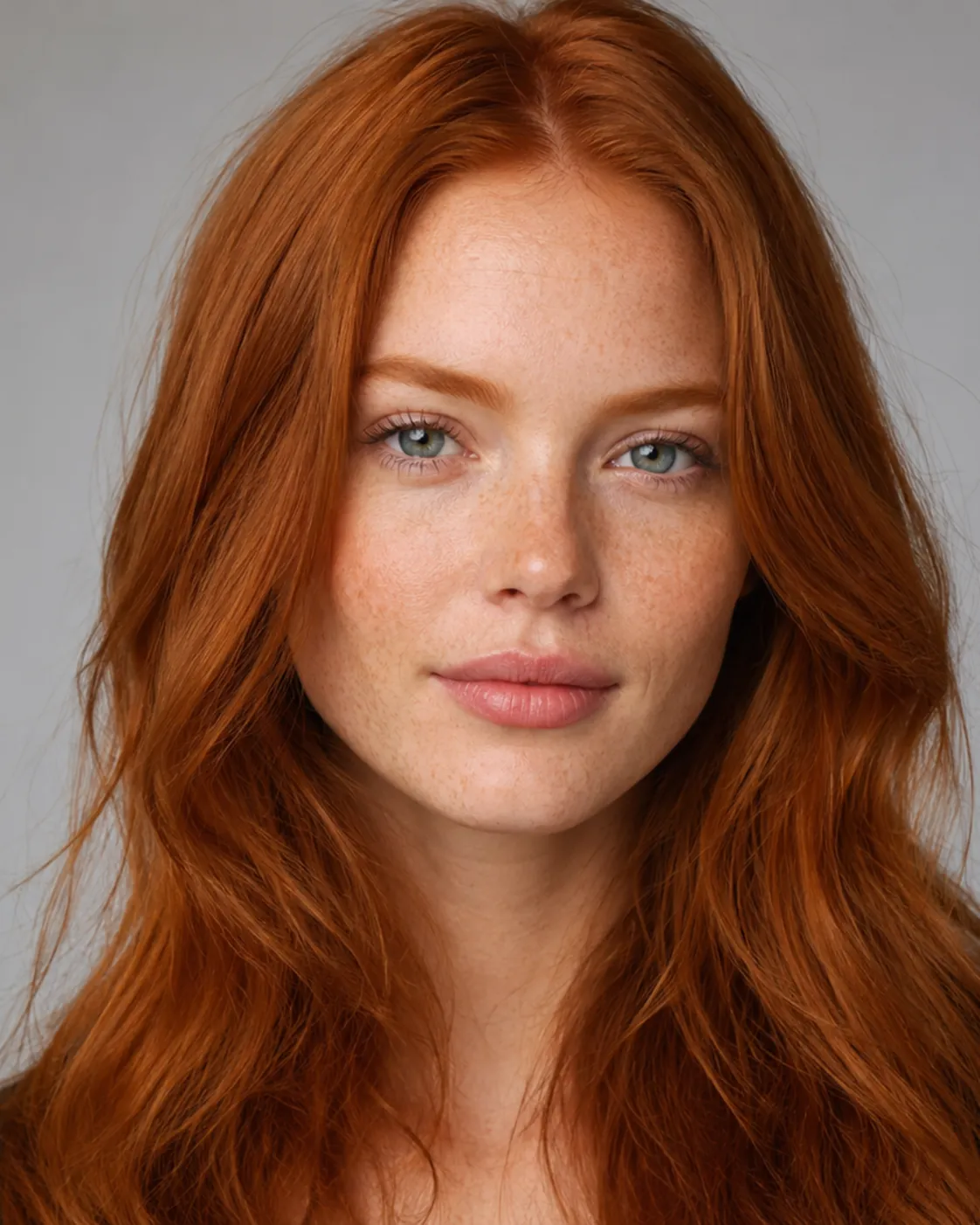
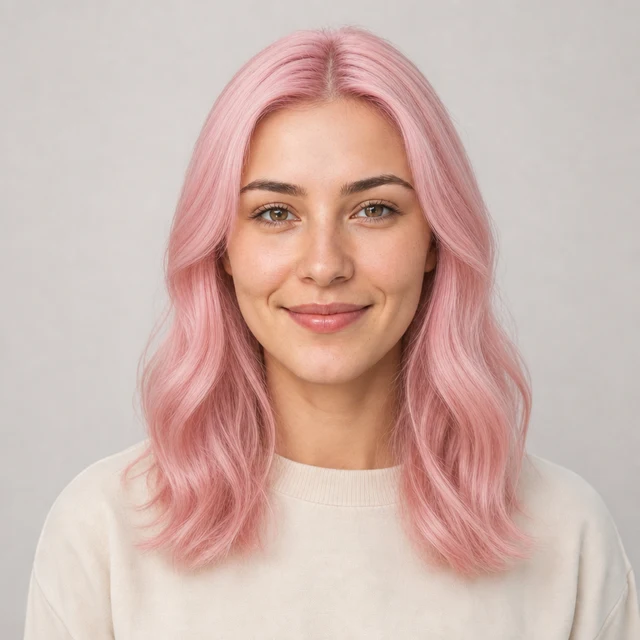

Change your hair color with AI

AI Hair Color Changer

Upload a portrait, describe a change, choose a color, or generate an AI hair report for your face shape.

AIChangeHair keeps the face, pose, clothing, lighting, and background stable while changing hair color, hairstyle, or both.

The AI hair report studies face shape, head shape, current hair, length, parting, fringe, and color direction before showing what may flatter you.✨ A brand-new report every time — a different hairstyle and color on every single generation.Edit hair · Try styles · Generate hair report
Upload a clear portraitTap to upload
1Task
2Input method
3Quality
AI hair editor online

Change hair color, try hairstyles, or ask for a hair report

Use this AI hair color changer to type a short hair prompt, pick from salon-ready color palettes, browse 180 hairstyle presets, or generate an AI hair report from one portrait.

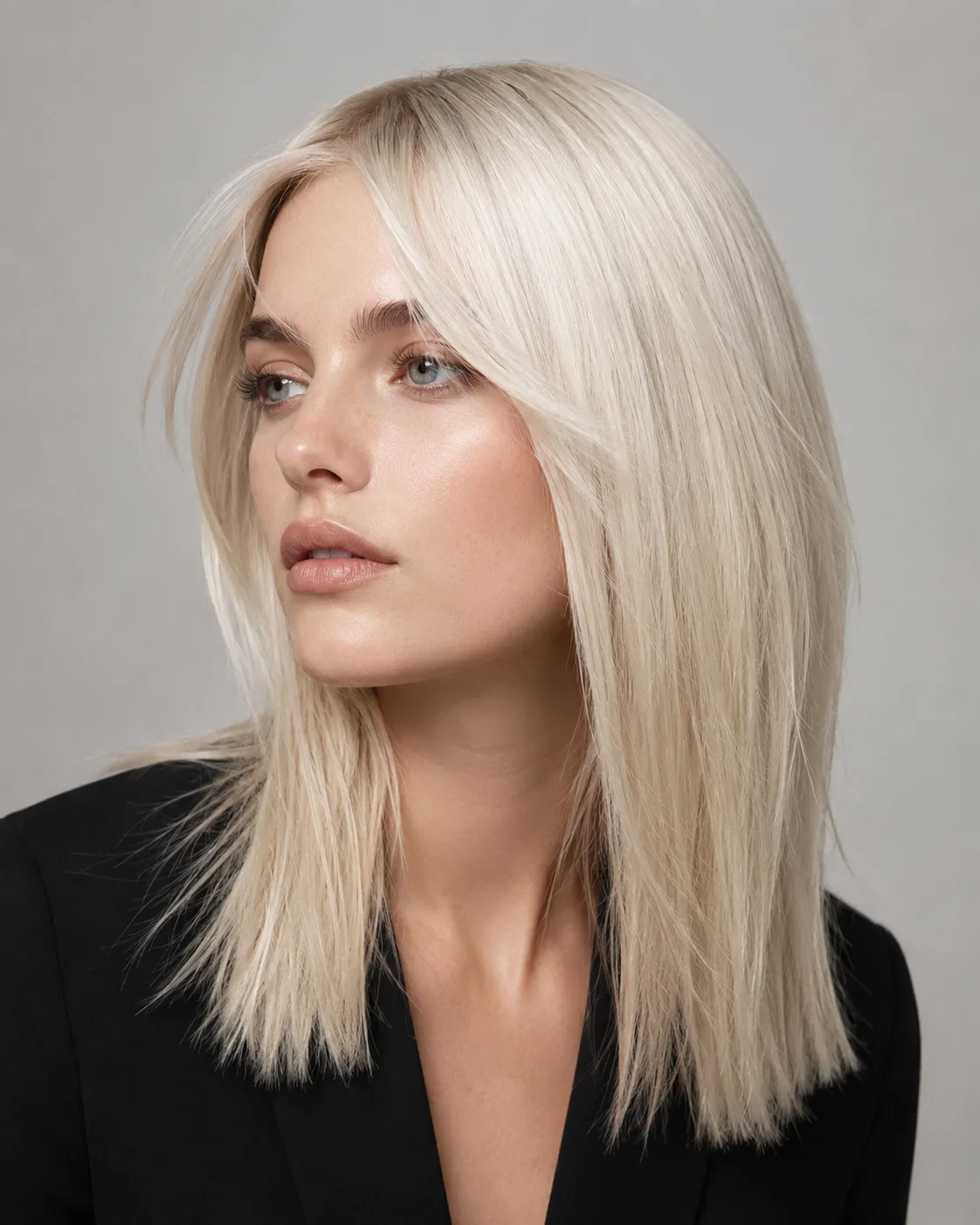
AI hair color try on preview with icy platinum blonde hair
Platinum Blonde
AI hair color try on preview with soft cherry pink hair
Cherry Pink
AI hair color try on preview with cool silver hair
Silver Pixie
One portrait, four ways to direct your hair edit

Describe a change, choose a color, select a hairstyle reference, or ask for a face-shape-aware report while keeping facial identity, clothing, lighting, and camera angle stable.

Text prompt control

Type a short request like green, copper bob, curtain bangs, or glossy waves.

Color palette

Choose natural, warm, cool, or creative shades, or pass a custom HEX color.

180 hairstyle presets

Use curated female, male, and children hairstyle references for clearer style direction.

AI hair report

Generate a visual consultation with flattering styles, avoid notes, length, fringe, and color guidance.

Custom promptDescribe your hair change
Make my hair a glossy copper bob with soft curtain bangs, natural volume, and a photo-real salon finish.
One input is enoughGenerate from description
Custom hair prompt editor

Describe any hair color or hairstyle change

Write one idea and generate from description. A short prompt like green, copper bob, soft curtain bangs, glossy waves, or textured crop is enough. AIChangeHair keeps the request focused on hair while preserving face, clothing, lighting, and background.


Bob hairstyle preview
Bob
Pixie Cut hairstyle preview
Pixie Cut
Soft Waves hairstyle preview
Soft Waves
Buzz Cut hairstyle preview
Buzz Cut
Fade hairstyle preview
Fade
Cute Bob hairstyle preview
Cute Bob
Color palettes and hairstyle presets

Choose a color palette, 180 hairstyle presets, or both

Use the AI hair color changer for blonde, copper, raven black, rose pink, turquoise, silver, emerald, and custom HEX shades. Switch to presets when you want bobs, bangs, long waves, braids, buns, buzz cuts, fades, and other hairstyle references across female, male, and children groups.

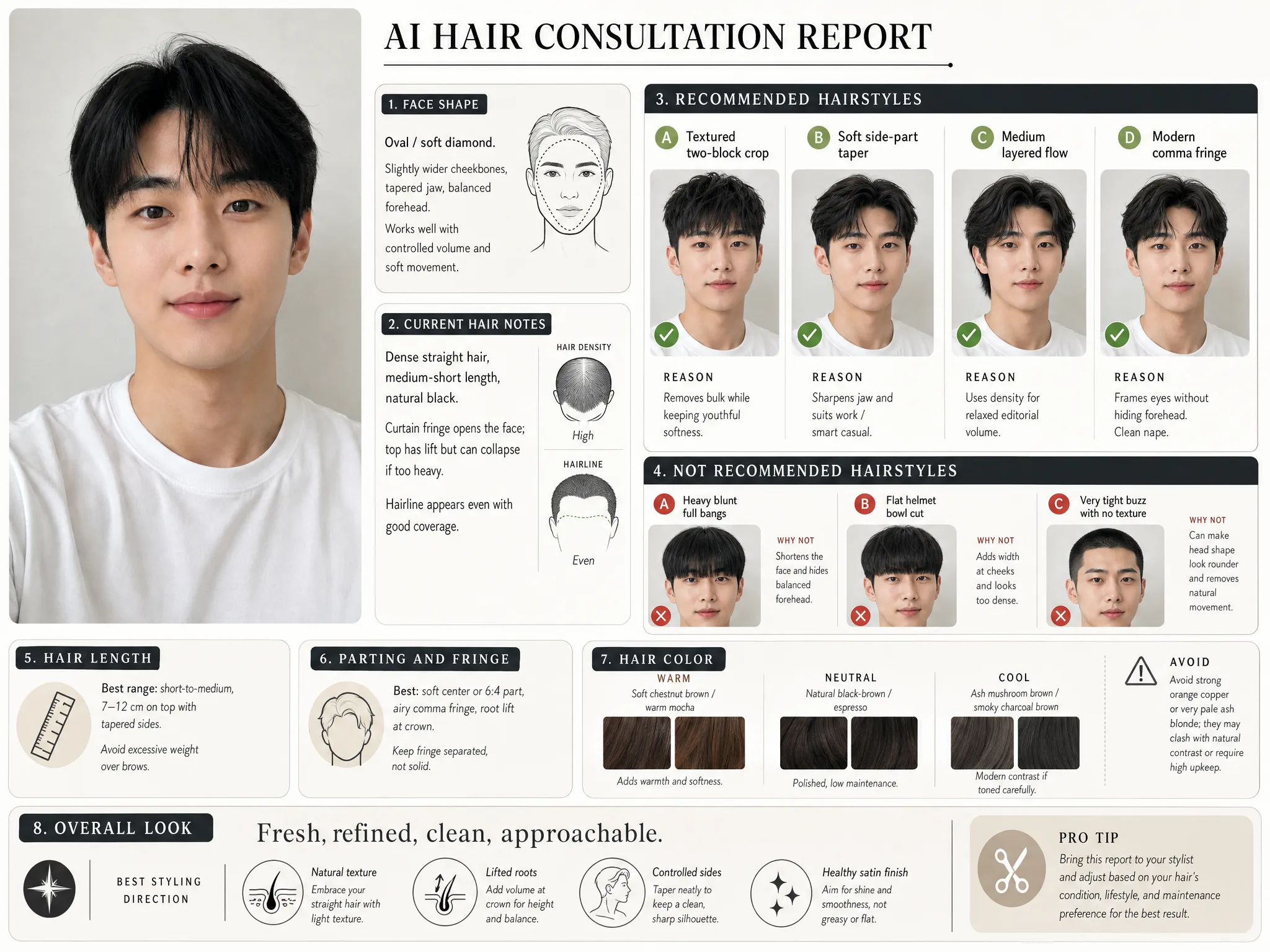
Example AI hair consultation report preview
AI hair report

Get a visual hair report before changing your look

Generate an AI hair report that studies your face shape and features, then recommends one hairstyle and one hair color made just for you — shown front, side, and back, with the reasons it suits your face. Each report is a fresh, different recommendation, so generate again any time for a new look.

✨ Every report is different — a new hairstyle and color each time you generate.

How to Change Hair with AIChangeHair

01

Upload Your Portrait

Drag and drop or upload a clear portrait. AIChangeHair works best with visible hair, good lighting, and a front-facing or three-quarter angle.

02

Choose the Hair Edit

Pick a hair color, try a hairstyle preset, or describe a custom look. The editor keeps the prompt focused on hair while preserving the rest of the photo.

03

Generate and Download

Preview the result, download the image, copy the link, or start a new hair edit from your gallery.

Try AIChangeHair Now
Pricing

Start free. Upgrade when you need more.

Free daily credits to start. Upgrade for high quality, no credit counting on Studio, custom prompt edits, 180 hairstyle presets, AI hair reports, and high-volume use - monthly or pay once for life.

Starter

$0/ forever

Try hair color, hairstyle, prompts, and reports with no commitment.

  • 20 free credits on signup + 20 every day you claim
  • = 2 1K edits, or 1 2K edit / AI hair report per daily claim
  • 1K edits cost 10 credits · 2K cost 16 · 4K cost 24
  • Custom text prompts, color palette, 180 hairstyle presets, and AI hair reports

Pro

$14.99/ month

For creators, salons, stylists, and profile refreshes.

  • 2,000 credits every month
  • = 200 1K edits, 125 2K, 83 4K, or 125 AI hair reports
  • All three resolutions — 1K, 2K, and 4K — available
  • Monthly refill for regular creator, salon, and profile refresh workflows
  • All color palettes, 180 hairstyle presets, and custom prompt edits
Unlimited

Studio

$34.99/ month

For salons, content teams, and high-volume previews.

  • Unlimited 1K hair edits — generate as much as you want
  • 4,000 high-res credits / month for 2K, 4K, and AI hair reports (≈ 250 high-res looks)
  • No daily credit counting — just create
  • All color palettes, 180 hairstyle presets, and custom prompts
  • Built for salon, content team, and high-volume preview workflows
Limited time · 50% off

Lifetime

$400$200one-time

Pay once. Use it forever — no subscription, ever.

  • 60,000 credits included
  • Credits never expire — yours for life
  • = 6,000 1K edits, 3,750 2K, 2,500 4K, or 3,750 AI hair reports
  • All three resolutions use your included lifetime credits
  • No subscription, no recurring fees
  • Color palette, 180 hairstyle presets, custom prompts, and reports

60,000 credits equals about 6,000 1K edits, 3,750 2K, or 2,500 4K edits / hair reports - and they never expire.

One-time credit packs

Buy credits without a subscription

Top up whenever you need to. Credits are added instantly, with no recurring charge.

Starter pack

$9.90one-time

1,000 credits

≈ 100 1K / 62 2K / 41 4K edits

Popular

Value pack

$19.90one-time

2,000 credits

≈ 200 1K / 125 2K / 83 4K edits

Bulk pack

$39.90one-time

4,000 credits

≈ 400 1K / 250 2K / 166 4K edits

Prices in USD. Cancel monthly plans anytime. Questions? Talk to us.

AI Hairstyle Changer and AI Hair Color Changer: Common Questions

1. How does the AI hair color changer work?

Upload a clear portrait, choose a hair color, a hairstyle, or both, and AIChangeHair builds a focused prompt that edits the hair while preserving your face, pose, clothing, background, lighting, and photo realism.

2. Is it free to use?

Yes. Sign up with no credit card and you get 20 free credits to start, plus 20 more every day you check in. A standard hair edit costs 10 credits, so the free tier covers a couple of previews.

3. Is my data safe when I upload photos?

Yes. Uploads are encrypted in transit and at rest, used only to generate your result, and never used to train public models. You can delete your generations and source photos from your gallery at any time.

4. Can I use it on my phone?

Yes — it runs entirely in your mobile browser on iOS Safari and Android Chrome, with no app to install. You can upload from your camera roll or take a photo, and the editor adapts for one-handed use.

5. Can I try hairstyles as well as hair colors?

Yes. You can keep the current style, keep the current color, combine a hairstyle with a new color, write a custom hair prompt, or generate an AI hair report before choosing a direction.

6. What kind of photos work best?

Clear, well-lit portraits with visible hair work best. Front-facing or three-quarter angles give the most natural result. Avoid hats, heavy shadows, and cropped hair when you want accurate color or style previews.

7. How long does a hair edit take?

Most edits finish in about 1 to 2 minutes. High quality can take a little longer, and failed generations are refunded automatically.

8. Can I share or sell the results?

Yes. You can use generated hair previews for social posts, salon consultation mockups, profile previews, portfolios, or creative projects, as long as you have the rights to the uploaded photo.