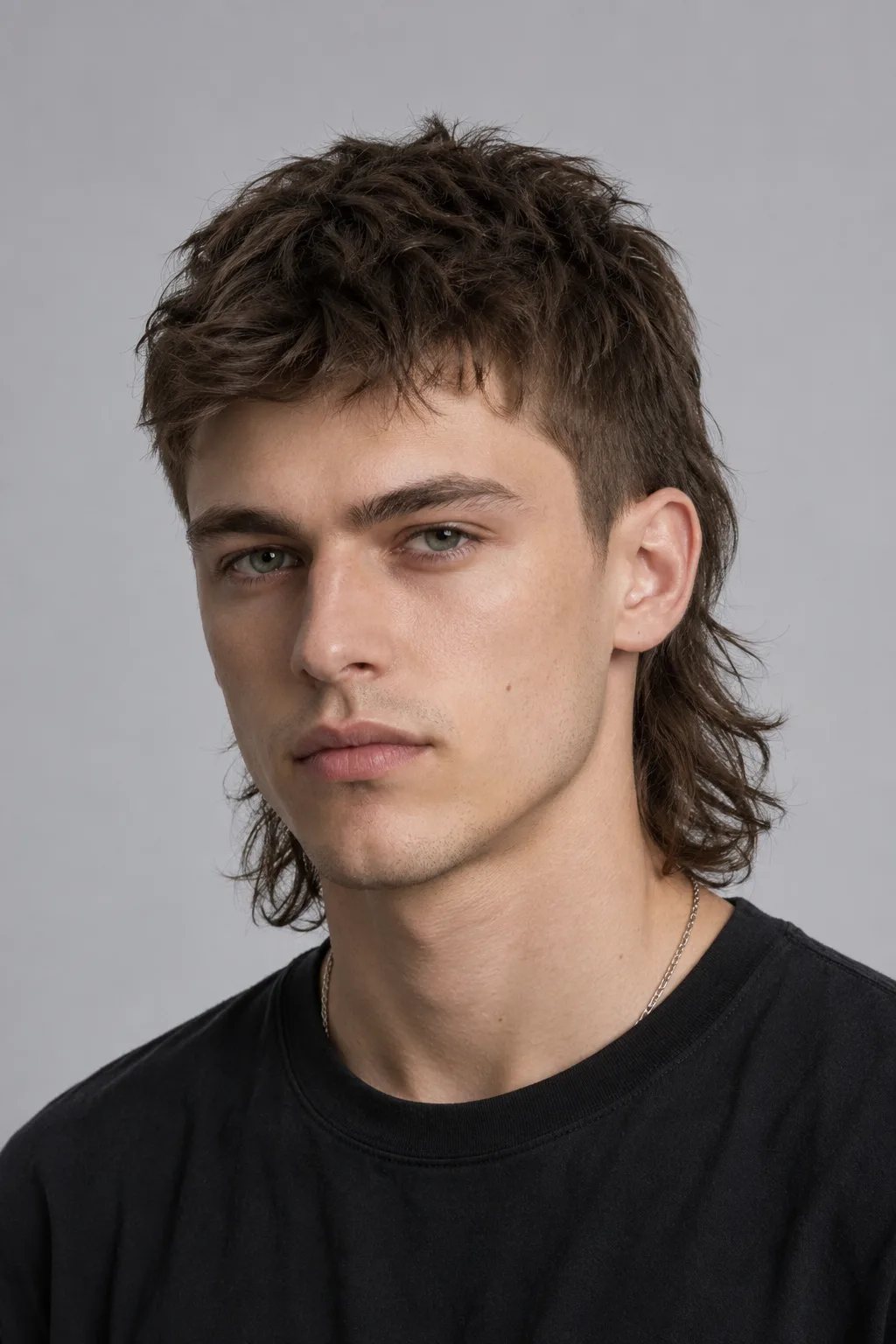




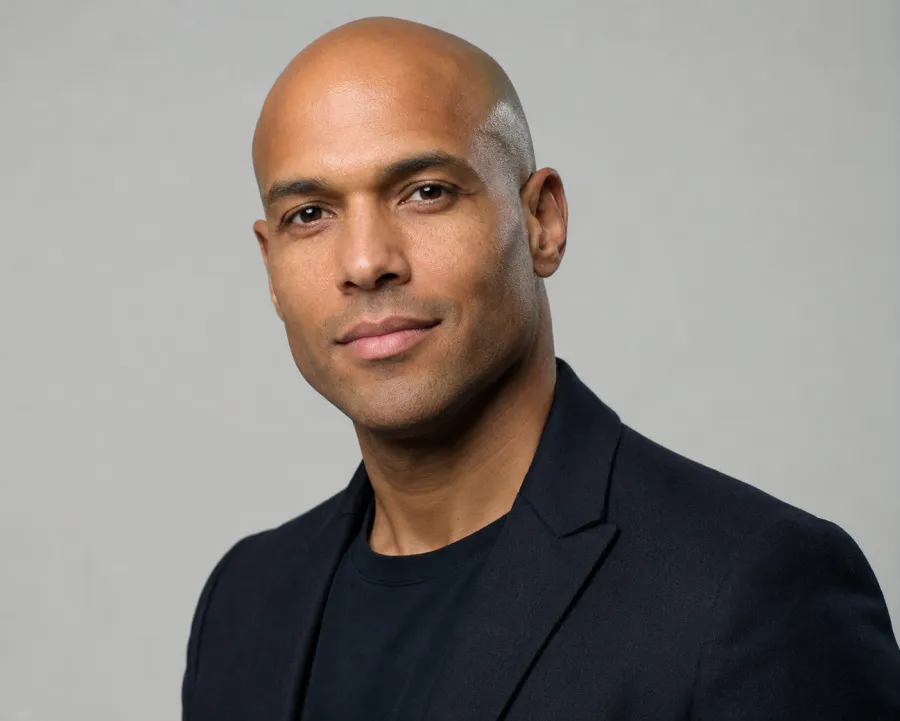
See the buzz cut before the clippers

Buzz Cut Filter

Upload one photo and preview a buzz cut, crew cut, or full shave on your own face — no clippers, no guessing.

AIChangeHair locks the edit to the buzz cut shape and length while keeping your face, skin tone, lighting, and background exactly as they are.

Preview the look from a longer buzz down to an induction cut, with or without a beard, before you commit to the real thing.✨ A brand-new report every time — a different hairstyle and color on every single generation.Edit hair · Try styles · Generate hair report
Upload a clear portraitTap to upload
1Task
2Input method
3Quality
AI buzz cut preview

Try a buzz cut on your own photo, grade by grade

This buzz cut filter is a free way to see yourself with a buzz cut before a real haircut. Upload one portrait and the AI shaves the look onto your head while keeping your face, ears, skin tone, and background unchanged — so you can judge a buzz cut on you, not on a stock model.

Buzz cut filter preview with a classic short buzz cut
Classic Buzz
Buzz cut filter preview with a faded buzz cut
Faded Buzz
Buzz cut filter preview with a short crew cut
Crew Cut
One photo, the full range of short cuts

Preview a clean buzz, a faded buzz, a crew cut, or a near-bald shave, and keep or drop the beard, while your facial identity, lighting, and camera angle stay stable.

Pick a grade

Preview a longer buzz, a short induction cut, or a clean crew cut to find the length that suits your head shape.

Keep or drop the beard

See the buzz cut with your current facial hair or shaved clean, since the two looks read very differently.

Your real skin tone

The edit keeps your scalp, hairline, and skin tone realistic instead of pasting on a generic shaved head.

Add a color

Try the buzz as a bleached, salt-and-pepper, or natural shade by adding a color on top of the cut.

Buzz Cut hairstyle preview
Buzz Cut
Crew Cut hairstyle preview
Crew Cut
Fade hairstyle preview
Fade
Caesar Cut hairstyle preview
Caesar Cut
Textured Crop hairstyle preview
Textured Crop
Buzz cut presets

Choose a buzz, crew cut, fade, or full shave

Start from a curated short-cut reference so the model understands the exact length and silhouette: a classic buzz, a tapered fade, a crew cut, a Caesar crop, or a textured short crop. Pick the one closest to what you are considering and generate it on your own photo.

Custom promptDescribe your hair change
Make my hair a glossy copper bob with soft curtain bangs, natural volume, and a photo-real salon finish.
One input is enoughGenerate from description
Custom buzz prompt

Describe the exact buzz you want

Type a short request like a number 2 buzz, a faded buzz with a sharp hairline, a grown-out buzz, or a clean induction cut. The editor keeps the request focused on the cut while preserving identity, clothing, lighting, and background.

How to Try a Buzz Cut on Your Photo

01

Upload Your Photo

Upload a clear, front-facing or three-quarter portrait in even lighting, with your current hair and hairline visible. Skip hats and heavy shadows so the AI maps the shaved length accurately.

02

Pick a Grade or Describe It

Choose a buzz, fade, crew cut, or Caesar crop preset, or type a grade like a number 2 buzz or a clean induction cut. Keep your beard or shave it clean to compare both looks.

03

Generate and Compare

Get the buzz cut preview in about a minute, compare it with your original photo, then download it or try the next length from your gallery.

Try AIChangeHair Now
Pricing

Start free. Upgrade when you need more.

Free daily credits to start. Upgrade for high quality, no credit counting on Studio, custom prompt edits, 180 hairstyle presets, AI hair reports, and high-volume use - monthly or pay once for life.

Starter

$0/ forever

Try hair color, hairstyle, prompts, and reports with no commitment.

  • 20 free credits on signup + 10 every day you claim
  • = 1 1K edit per daily claim
  • 1K edits cost 10 credits · 2K cost 16 · 4K cost 24
  • Custom text prompts, color palette, 180 hairstyle presets, and AI hair reports

Pro

$14.99/ month

For creators, salons, stylists, and profile refreshes.

  • 2,000 credits every month
  • = 200 1K edits, 125 2K, 83 4K, or 125 AI hair reports
  • All three resolutions — 1K, 2K, and 4K — available
  • Monthly refill for regular creator, salon, and profile refresh workflows
  • All color palettes, 180 hairstyle presets, and custom prompt edits
Unlimited

Studio

$34.99/ month

For salons, content teams, and high-volume previews.

  • Unlimited 1K hair edits — generate as much as you want
  • 4,000 high-res credits / month for 2K, 4K, and AI hair reports (≈ 250 high-res looks)
  • No daily credit counting — just create
  • All color palettes, 180 hairstyle presets, and custom prompts
  • Built for salon, content team, and high-volume preview workflows
Limited time · 50% off

Lifetime

$400$200one-time

Pay once. Use it forever — no subscription, ever.

  • 60,000 credits included
  • Credits never expire — yours for life
  • = 6,000 1K edits, 3,750 2K, 2,500 4K, or 3,750 AI hair reports
  • All three resolutions use your included lifetime credits
  • No subscription, no recurring fees
  • Color palette, 180 hairstyle presets, custom prompts, and reports

60,000 credits equals about 6,000 1K edits, 3,750 2K, or 2,500 4K edits / hair reports - and they never expire.

One-time credit packs

Buy credits without a subscription

Top up whenever you need to. Credits are added instantly, with no recurring charge.

Starter pack

$9.90one-time

1,000 credits

≈ 100 1K / 62 2K / 41 4K edits

Popular

Value pack

$19.90one-time

2,000 credits

≈ 200 1K / 125 2K / 83 4K edits

Bulk pack

$39.90one-time

4,000 credits

≈ 400 1K / 250 2K / 166 4K edits

Prices in USD. Cancel monthly plans anytime. Questions? Talk to us.

Buzz Cut Filter: Common Questions

1. Can I see myself with a buzz cut without actually shaving?

Yes — that is exactly what the buzz cut filter is for. Upload one photo and the AI previews a buzz cut on your own head while keeping your face, ears, and skin tone, so you can judge the look before you pick up the clippers.

2. Will a buzz cut suit my head shape?

The fastest way to know is to see it on you rather than on a model. Generate a buzz, a faded buzz, and a crew cut from the same portrait and compare how each length reads against your head shape and hairline.

3. Can I preview different buzz cut lengths?

Yes. Pick a preset for a classic buzz, a tapered fade, a crew cut, or a Caesar crop, or describe a specific grade like a number 2 buzz or a clean induction cut, and the editor renders that exact length.

4. Can I keep my beard with the buzz cut?

Yes. You can preview the buzz cut with your current facial hair or shaved clean. The two looks read very differently, so it helps to generate both before deciding.

5. Does the buzz cut filter work for women?

Yes. The filter previews a buzz or short shaved style on any portrait. Upload your photo, choose a short-cut reference or describe the length you want, and the AI keeps your facial features and skin tone natural.

6. Is the buzz cut filter free to use online?

Yes — you get 20 credits at sign-up plus 10 more each day you check in, and one buzz cut preview costs 10 credits. That is enough to try the buzz cut filter online for a free look every day.

7. What photo works best for a buzz cut preview?

Use a clear, front-facing or three-quarter portrait in even lighting where your current hair and hairline are visible. Avoid hats and heavy shadows so the AI can map the shaved length accurately.