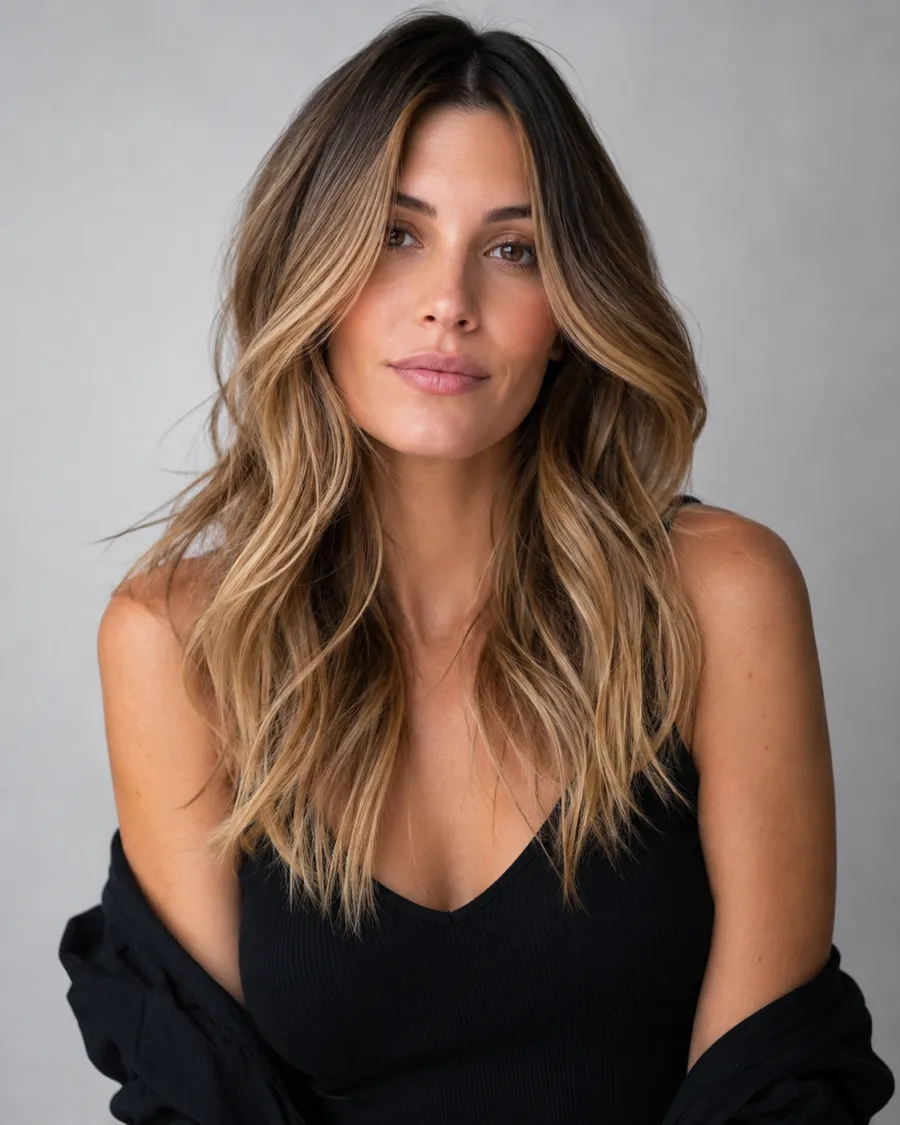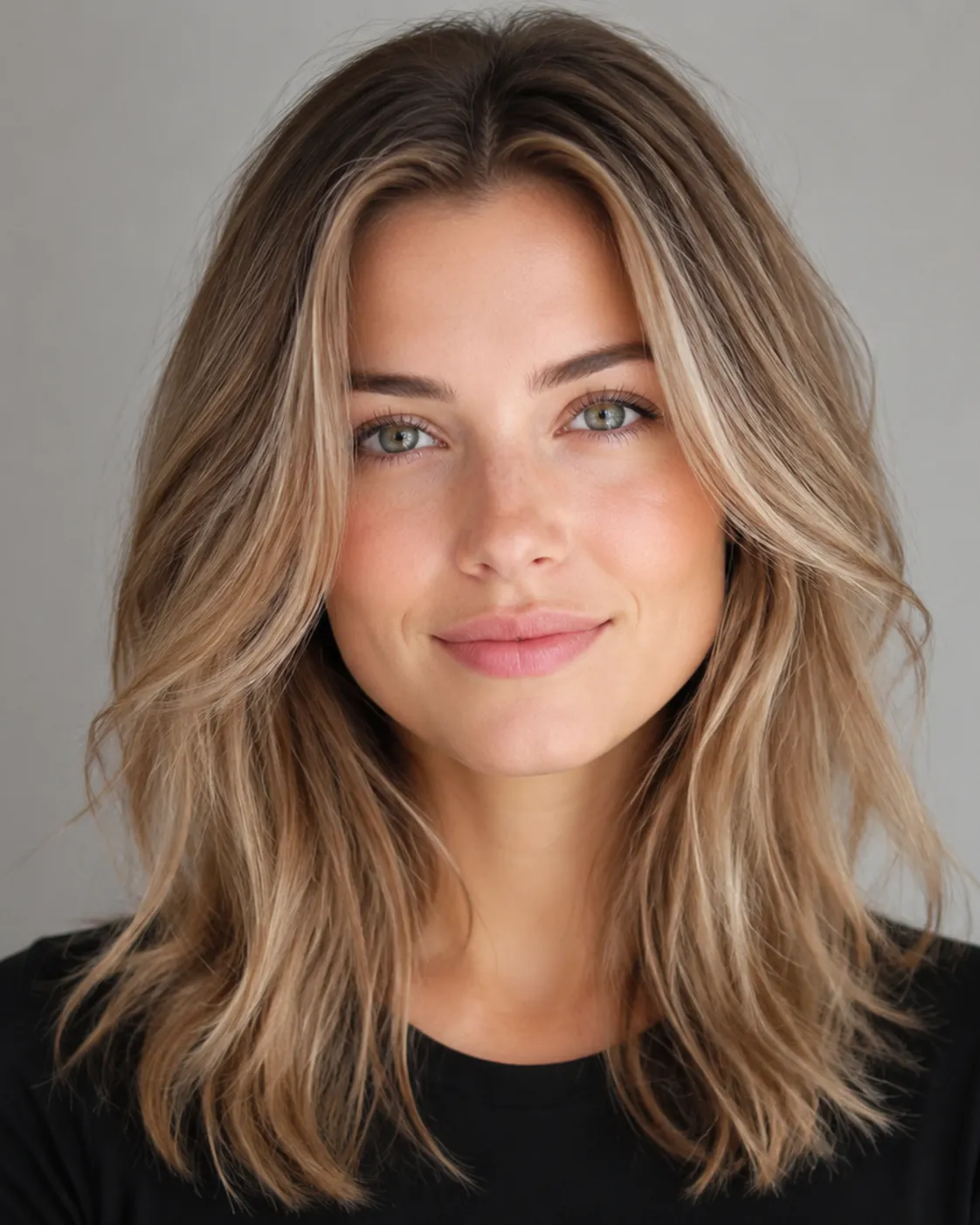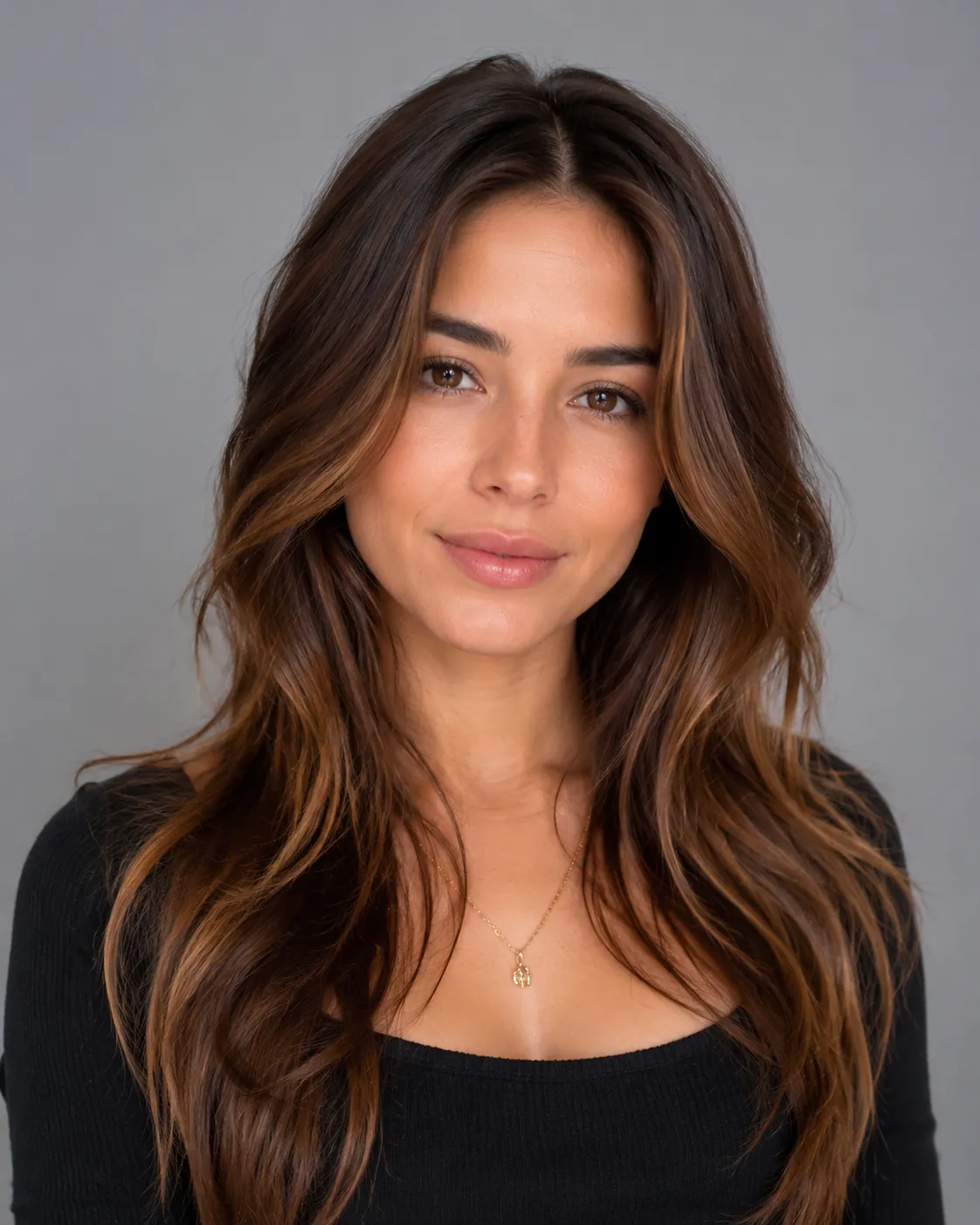
See auburn on your own photo first

Auburn Hair Filter

Upload one photo and preview Light Auburn, Classic Auburn, and Dark Auburn on your own face. No dye, no guessing.

Auburn is the reddish-brown that sits between red and brown. You get real warmth without going full ginger. AIChangeHair recolors only your hair and leaves your face, skin tone, lighting, and background exactly as they are.

Put a warm Light Auburn next to a deep Dark Auburn on the same photo, then pick your shade before you ever touch a box of dye.✨ A brand-new report every time — a different hairstyle and color on every single generation.Edit hair · Try styles · Generate hair report
Upload a clear portraitTap to upload
1Task
2Input method
60 styles
3Quality
AI auburn hair preview

Try auburn on your own photo, from light to dark

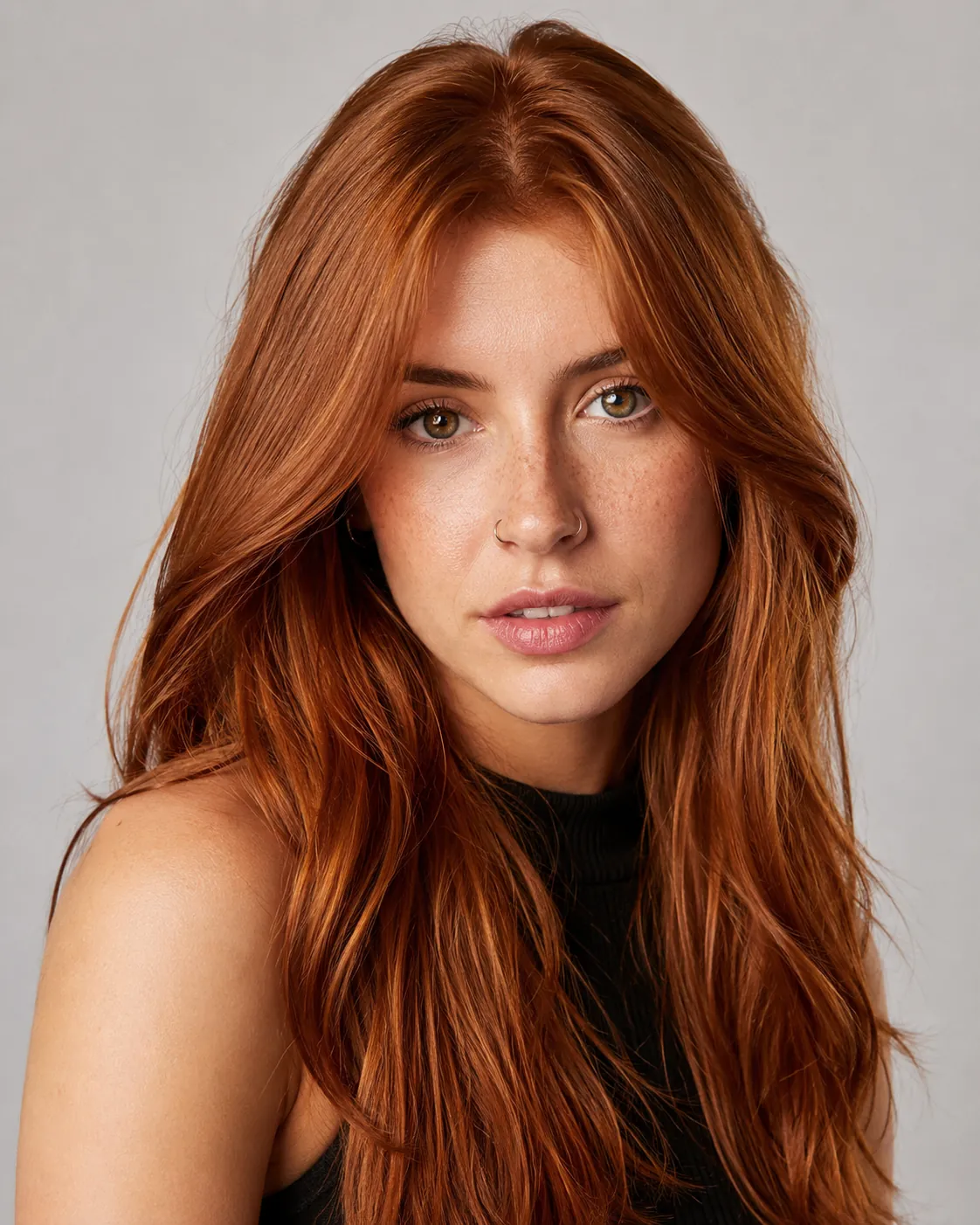
People always ask the same question: is auburn red or brown? It's both. Auburn is a reddish-brown, an autumn shade that borrows the warmth of red and the depth of brown. That mix is why it usually reads natural instead of costume-bright. The red shows in the light and settles back to a soft brown in the shade, so the exact tone you get depends on your skin. Upload one portrait, recolor your hair, and judge it on your own face instead of a stock model or a paper swatch.

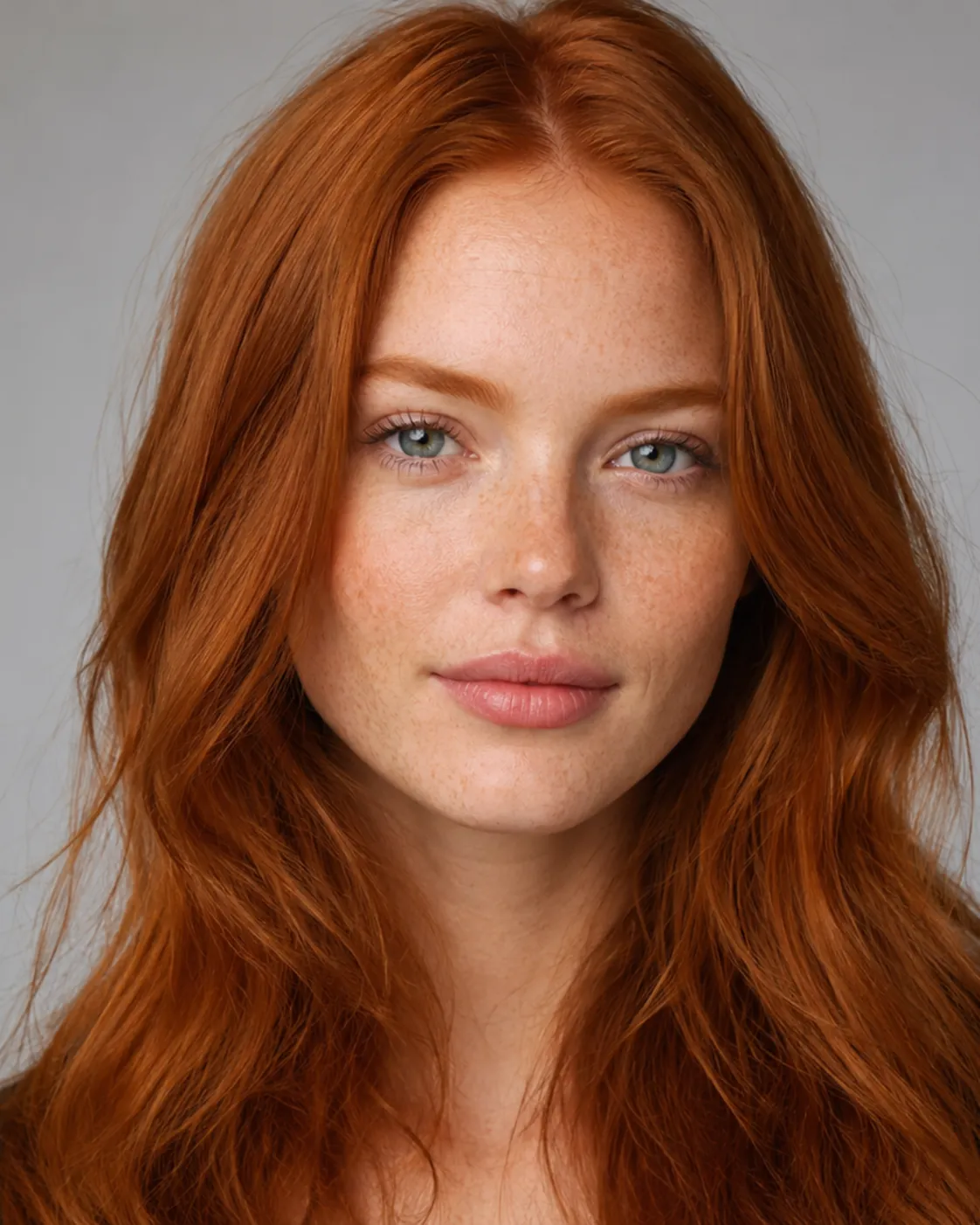
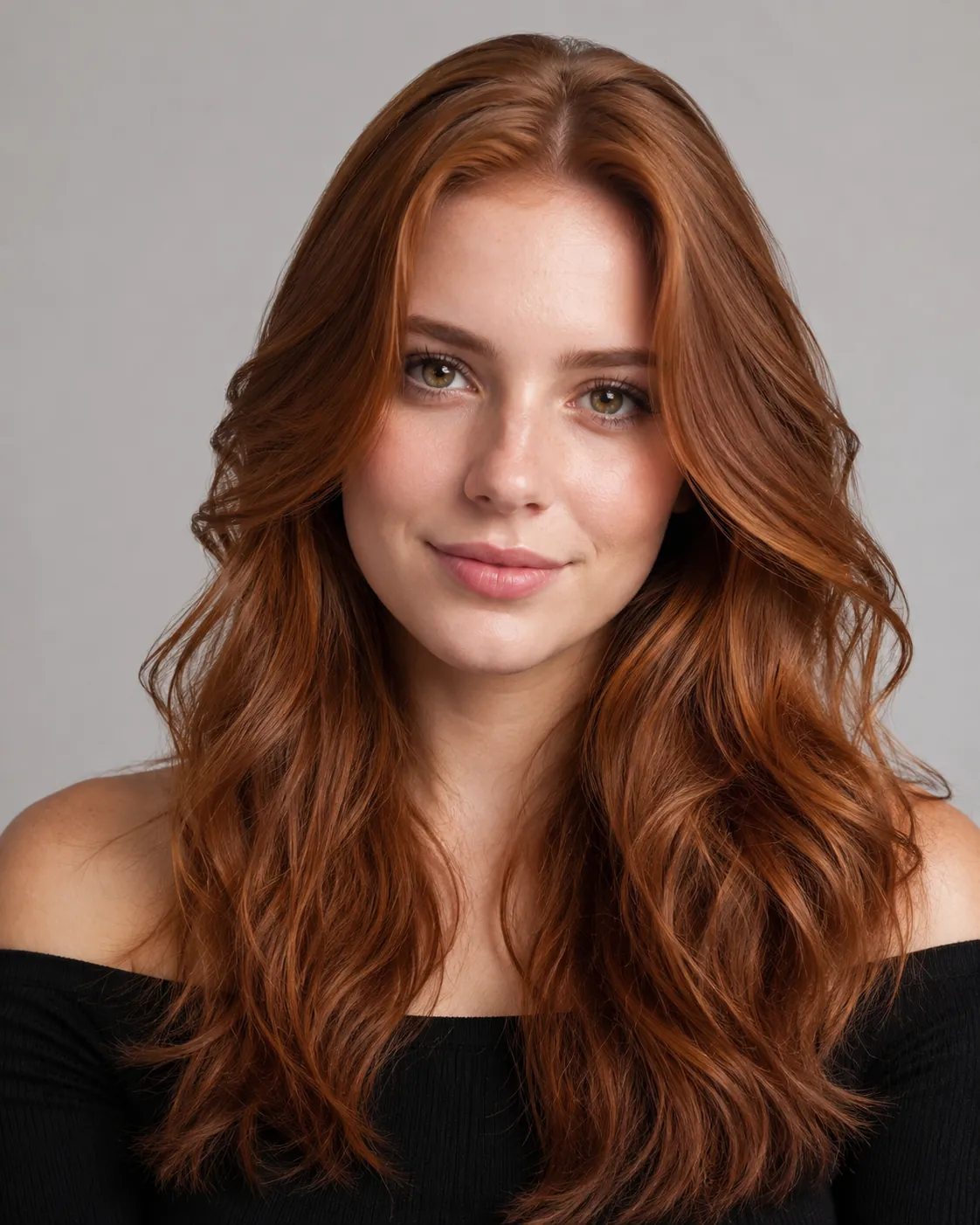
Auburn hair filter preview with warm light auburn reddish-brown hair on a fair-skinned woman
Light Auburn
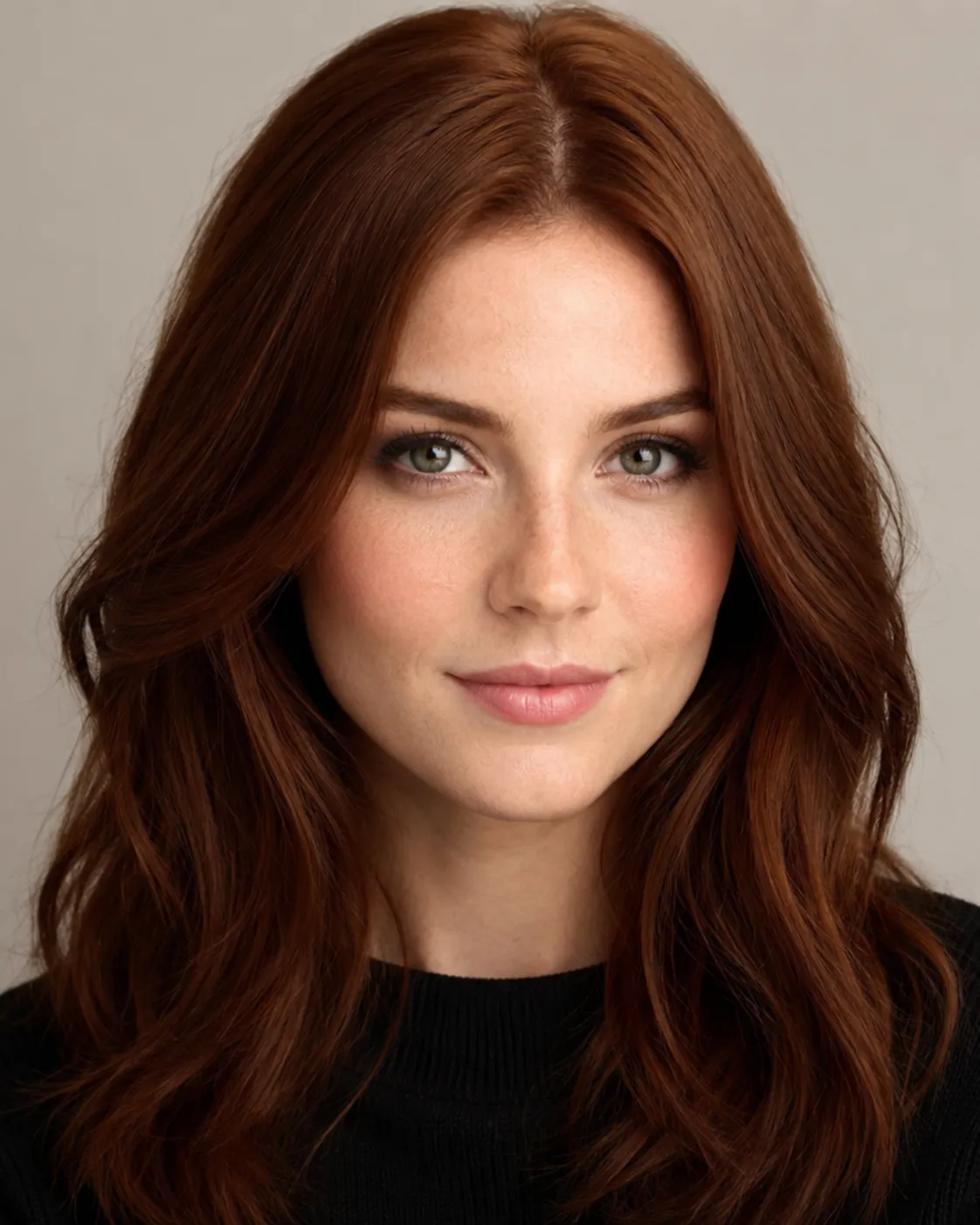
Auburn hair filter preview with balanced classic auburn red-brown hair on a man
Classic Auburn
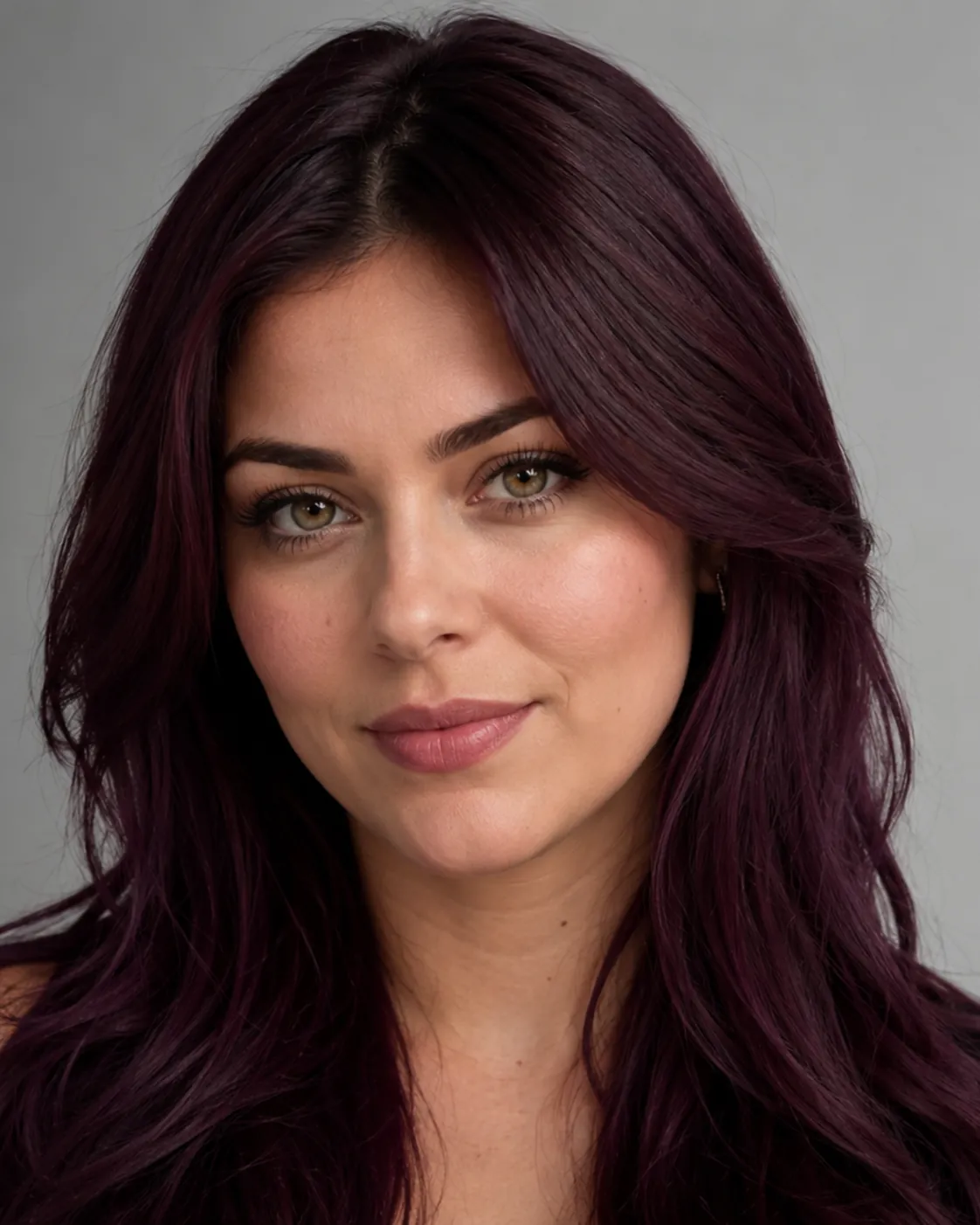
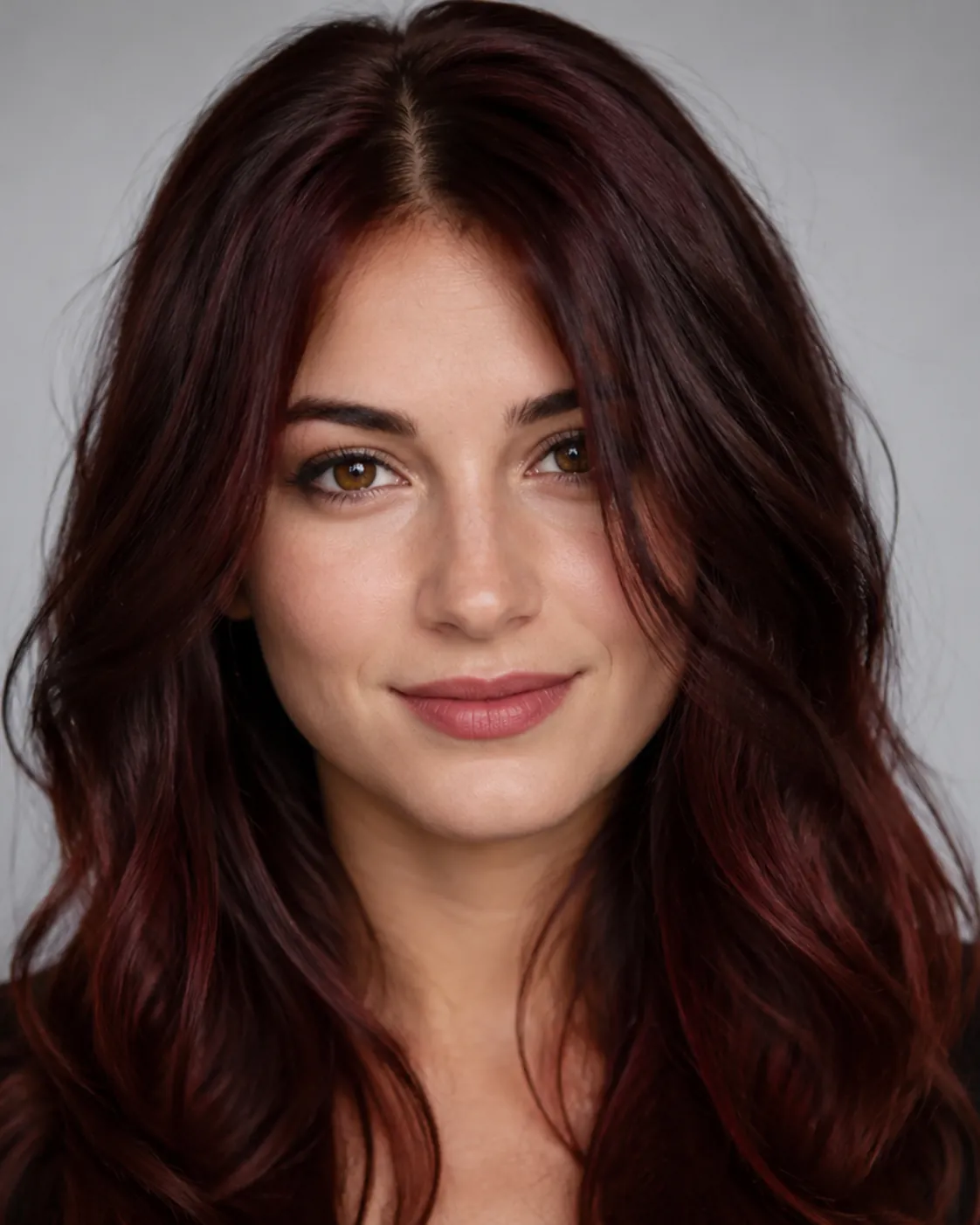
Auburn hair filter preview with deep dark auburn reddish-brown hair on a woman with medium skin
Dark Auburn
One photo, three depths of auburn

Preview a sunny Light Auburn, a balanced Classic Auburn, or a rich Dark Auburn. Your haircut stays the same. Only the color and depth change.

Light, classic, or dark auburn

Light Auburn shows the most red and warmth. Classic Auburn sits dead center between red and brown. Dark Auburn looks almost brunette until the light catches it. Compare all three on one face to find your depth.

Red without going full ginger

Auburn is the safe way to wear red. There's enough brown in it to stay believable for work, for photos, or for anyone who wants warmth without a fire-engine result.

Keep your haircut

The filter changes only the color, so your length, layers, and texture stay put. You're seeing your own cut in auburn, not a restyle.

Custom shade

Type a specific request, like a copper-leaning light auburn, a cool red-brown auburn, or an inky dark auburn, and the editor matches that tone.

Custom promptDescribe your hair change
Make my hair a glossy copper bob with soft curtain bangs, natural volume, and a photo-real salon finish.
One input is enoughGenerate from description
Custom auburn shade

Describe the exact auburn you want

Write one idea and generate from the description. A short prompt is enough: warm copper-auburn, a true red-brown auburn, a cool burgundy-leaning auburn, or a soft strawberry auburn. AIChangeHair keeps the change locked to your hair color and leaves your face, clothing, lighting, and background alone. That precision helps a lot with auburn, because nudging it warmer pulls it toward copper and cooling it down pulls it toward chestnut brown.


Bob hairstyle preview
Bob
Pixie Cut hairstyle preview
Pixie Cut
Soft Waves hairstyle preview
Soft Waves
Auburn on any hairstyle

Pair auburn with a bob, waves, or a pixie

Keep your current cut, or pair auburn with a hairstyle preset like a blunt bob, soft waves, or a pixie to preview a full restyle from the same portrait. Auburn catches light along the layers, so it often looks richer on waves than on a flat blunt cut. Switch back to a single color any time to keep the haircut you already have.

How to Try Auburn Hair on Your Photo

01

Upload Your Portrait

Upload a clear, evenly lit portrait with your hair fully visible. Neutral light matters for auburn, because warm lamps can push the red too far toward orange. Skip hats and heavy shadows.

02

Pick an Auburn Shade

Open the auburn preset, then choose your depth: Light Auburn, Classic Auburn, or Dark Auburn. Keep a single color to preview auburn on your current haircut, or describe a more specific red-brown tone.

03

Generate and Compare

Get your auburn preview in about a minute. Set it next to your original to see how much red actually shows on you, then download it or try the next depth from your gallery.

Try AIChangeHair Now
Pricing

Start free. Upgrade when you need more.

Free daily credits to start. Go Monthly, or save 53% with the Yearly plan - high quality, custom prompt edits, 180 hairstyle presets, AI hair reports, and high-volume use.

Starter

$0/ forever

Try hair color, hairstyle, prompts, and reports with no commitment.

  • 20 free credits on signup + 10 every day you claim
  • = 1 1K edit per daily claim
  • 1K edits cost 10 credits · 2K cost 16 · 4K cost 24
  • Custom text prompts, color palette, 180 hairstyle presets, and AI hair reports

Monthly

$14.99/ month

For regular hair color, hairstyle, and profile-refresh workflows.

  • 800 credits every month
  • = 80 1K edits, 50 2K, 33 4K, or 50 AI hair reports
  • All three resolutions — 1K, 2K, and 4K — available
  • All color palettes, 180 hairstyle presets, custom prompts, and AI hair reports
  • Cancel anytime
Best value · 53% off first year

Yearly

$6.99/ month

$83.88 your first year · renews $179.88/yr

Best value — the lowest price per credit, billed once a year.

  • Everything in Monthly, for 53% less per month
  • 14,400 credits up front — 50% more than a year of monthly
  • = 1,440 1K edits a year (about 120 every month)
  • Just $6.99/mo, billed $83.88 your first year
  • All color palettes, 180 hairstyle presets, custom prompts, and reports

$83.88 for the first year (about $6.99/mo). Renews at $179.88/year — still 50% more credits than monthly. Cancel anytime.

One-time credit packs

Buy credits without a subscription

Top up whenever you need to. Credits are added instantly and never expire, with no recurring charge.

Starter pack

$9.90

300 credits

≈ 12–30 edits

Popular

Value pack

$19.90

650 credits

≈ 27–65 edits

Bulk pack

$39.90

1,400 credits

≈ 58–140 edits

Prices in USD. Cancel monthly and yearly plans anytime. Questions? Talk to us.

Auburn Hair Filter: Common Questions

1. Is auburn hair red or brown?

It's both, and that's the point of auburn. It's a reddish-brown, so it has the warmth and shine of red over a brown base. In bright light you'll catch the red; in shade it settles back toward brown. That's why it reads more natural than a straight red. The filter shows you exactly where your shade lands.

2. Will I need to bleach my hair to go auburn?

Usually less than you'd think. Auburn is a medium-to-dark reddish-brown, so it sits over a lot of natural colors without heavy lifting, especially on brown bases. A Light Auburn on very dark hair may need some lightening for the red to show, and the preview gives you that honest difference before you decide.

3. Does auburn suit my skin tone?

Auburn is one of the most flexible warm shades. Warm undertones tend to glow with a copper-leaning Light or Classic Auburn, while cooler undertones often look best in a deeper, more muted Dark Auburn. The best way to know is to see it on your own face, which is what this filter is for.

4. What's the difference between auburn and copper or red?

Copper is brighter and more orange. True red is the most saturated and the least brown. Auburn sits between them, with a brown core that keeps the red grounded. If a full ginger or fire-red feels like too much, auburn gives you the warmth without the loud part. Compare them on one photo to feel the gap.

5. What's the difference between light, classic, and dark auburn?

Light Auburn shows the most red and warmth, so it reads the brightest. Classic Auburn is the balanced middle, an even red-brown. Dark Auburn is the deepest, almost brunette until light hits it and the red flashes through. You can preview all three from the same photo and pick the depth that suits you.

6. Is the auburn hair filter free to use?

Yes. You get 20 credits at sign-up with no credit card, plus 10 more every day you check in, and one auburn preview costs 10 credits. That's enough to try a new depth for free each day, and failed generations are refunded automatically.