
















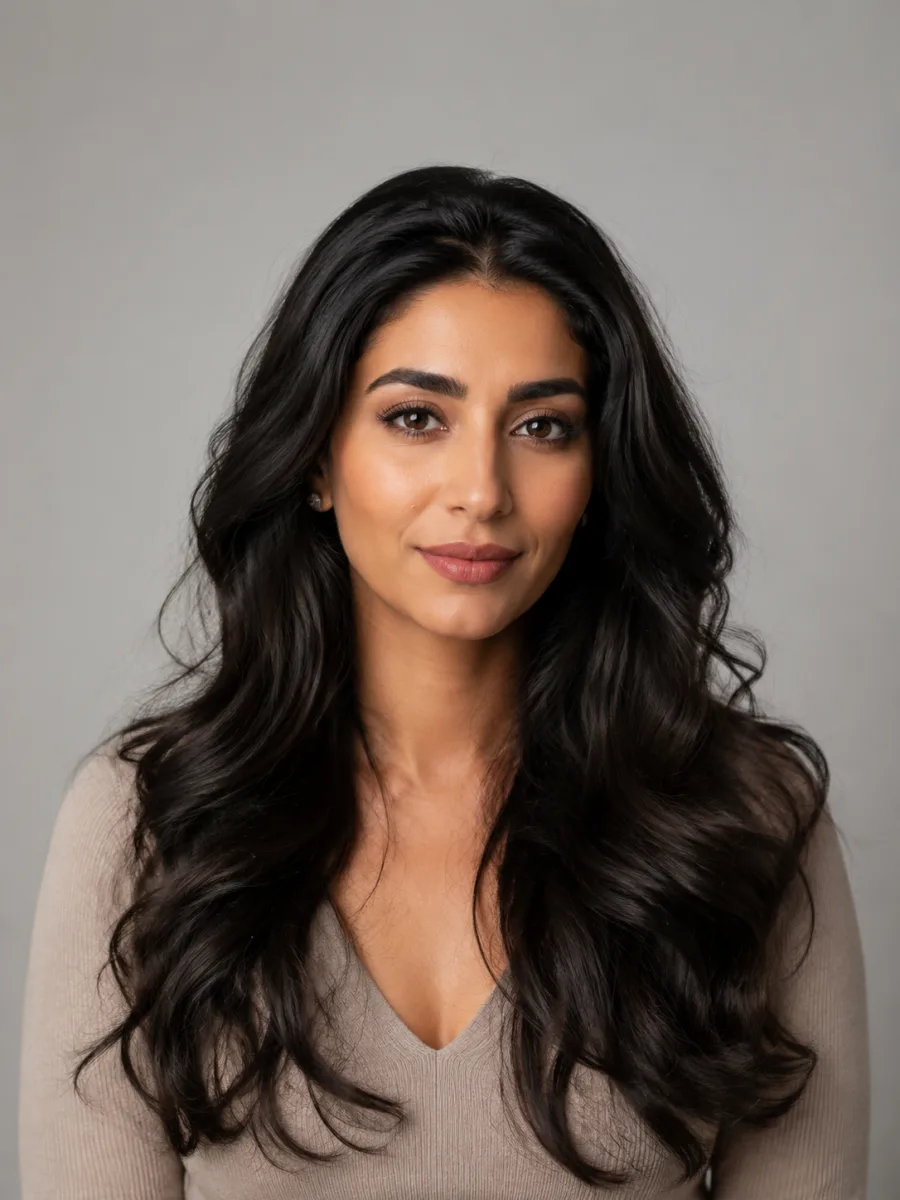
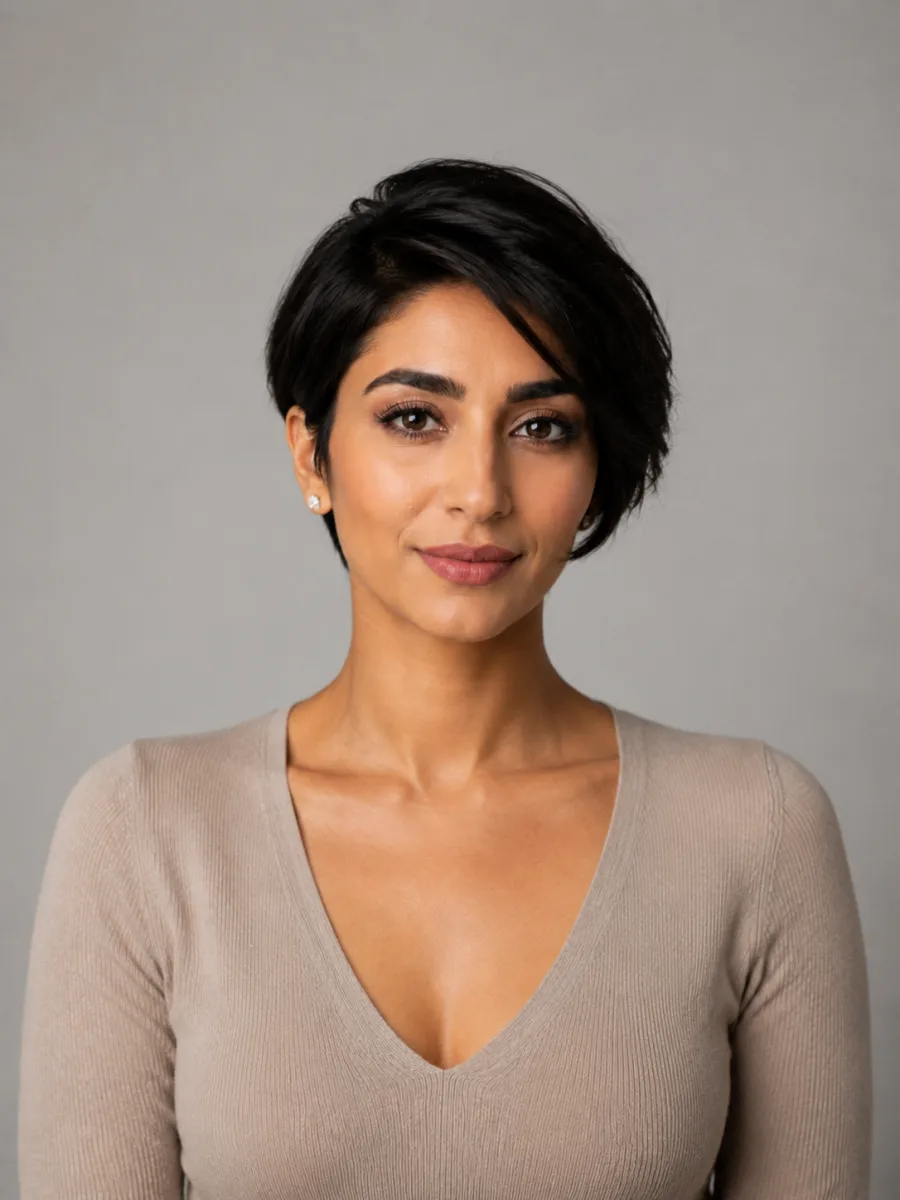
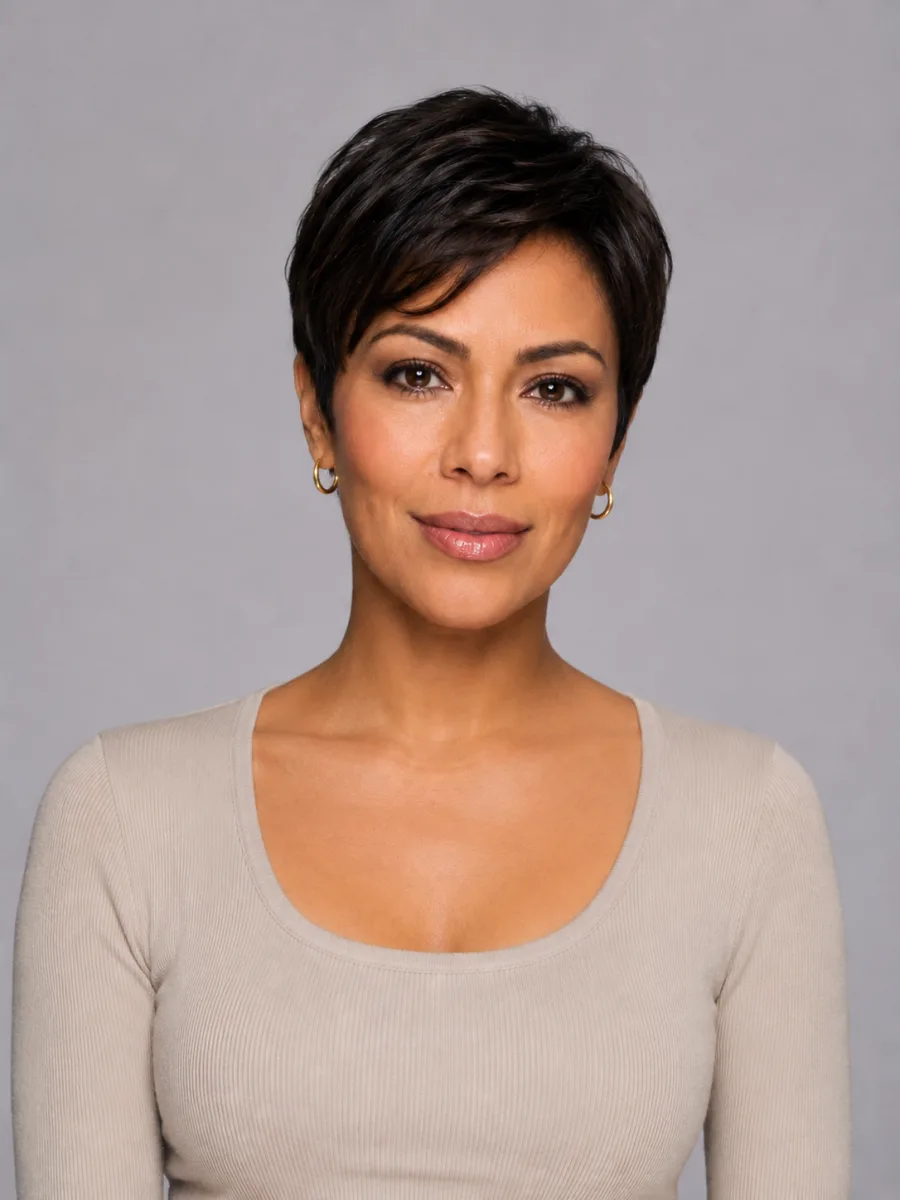
Short cut gallery

Pixie Haircuts

A pixie is the boldest short cut you can ask for, and it shifts more than people expect. It runs from soft and feathered to sharp and razored, with a long fringe you can sweep or a blunt crop that bares the neck. Below are real pixie looks across face shapes, hair textures, and grow-out stages. Find one you love, then see it on your own photo before you ever call to book.

Pixie cuts worth a second look

16 styles

Eight short crops, from the classic pixie to the bobs you might land on instead. Tap any look to picture it on your face.

Tap any look to open it in the editor below and preview it on your own photo.

Free try-on

Try pixie haircuts on your own photo

Upload once, then switch between looks in seconds.

The editor changes only the hair, so you can preview pixie haircuts on your own face while your skin, features and background stay exactly as they are in your photo.

No sign-up to start — upload a clear, front-facing photo and generate your first look in under a minute.✨ A brand-new report every time — a different hairstyle and color on every single generation.Edit hair · Try styles · Generate hair report
Upload a clear portraitTap to upload
1Task
2Input method
3Quality

Same person, new cut

Real before-and-after previews made with the tool. Same face, same lighting, just a fresh pixie, so you can judge the chop on you and not on a model.

Before
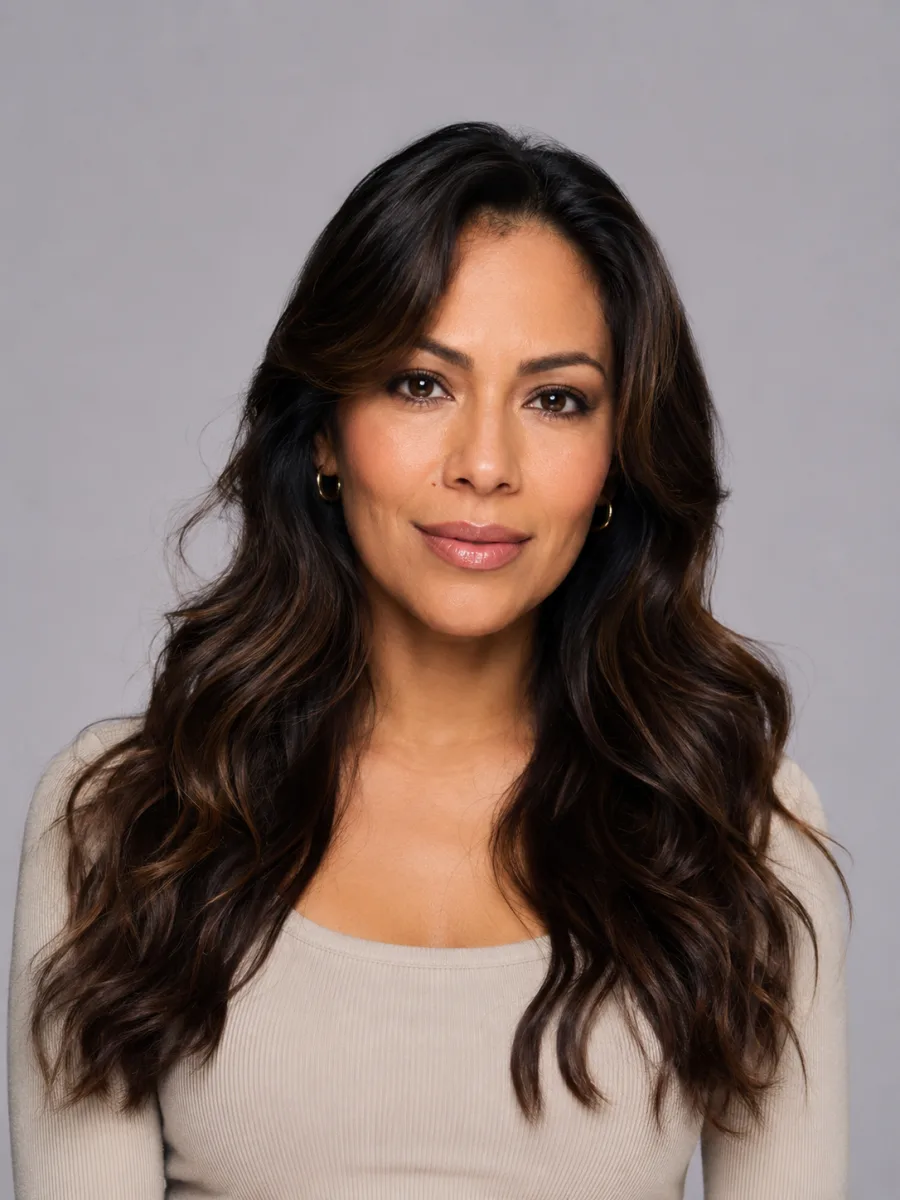
Before and after: Long → classic pixie, the same person generated from one photoAfter
Long → classic pixie
Before
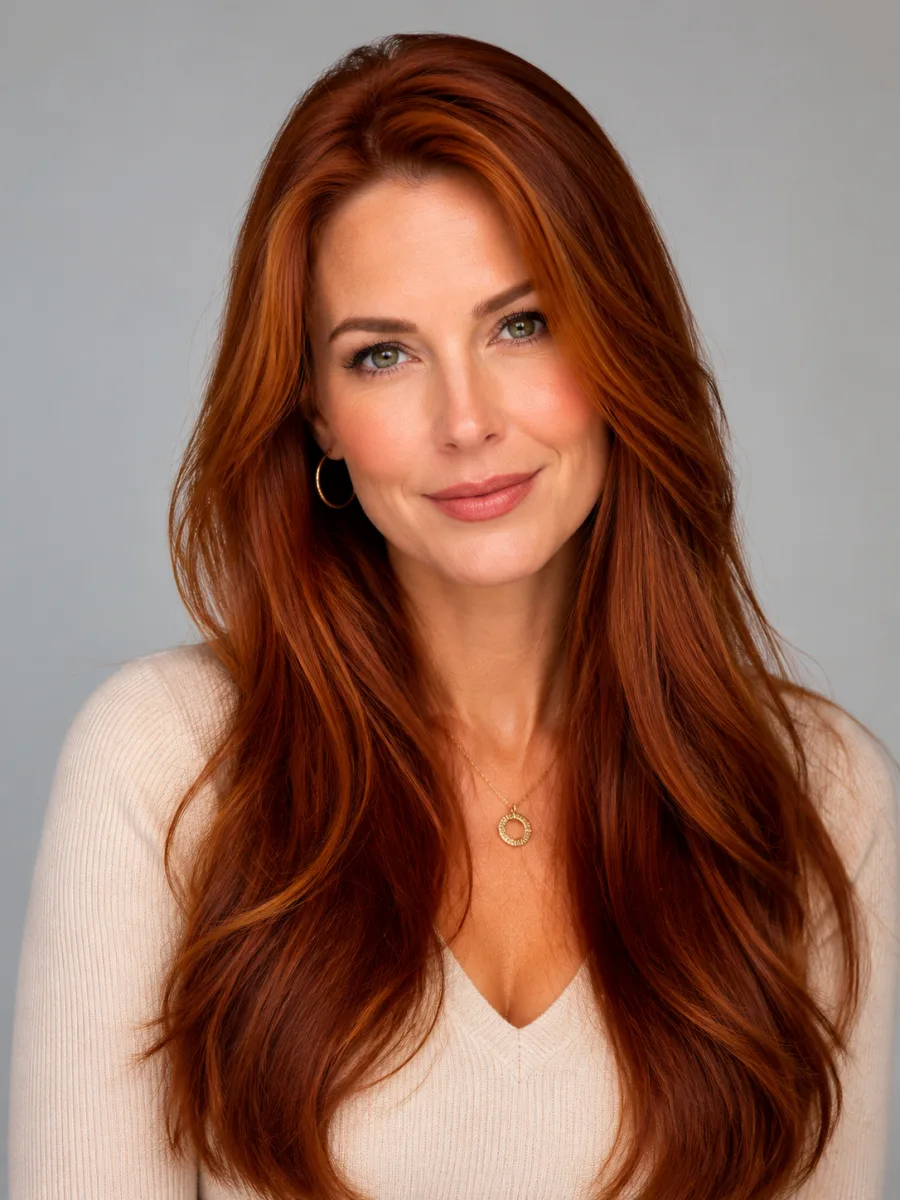
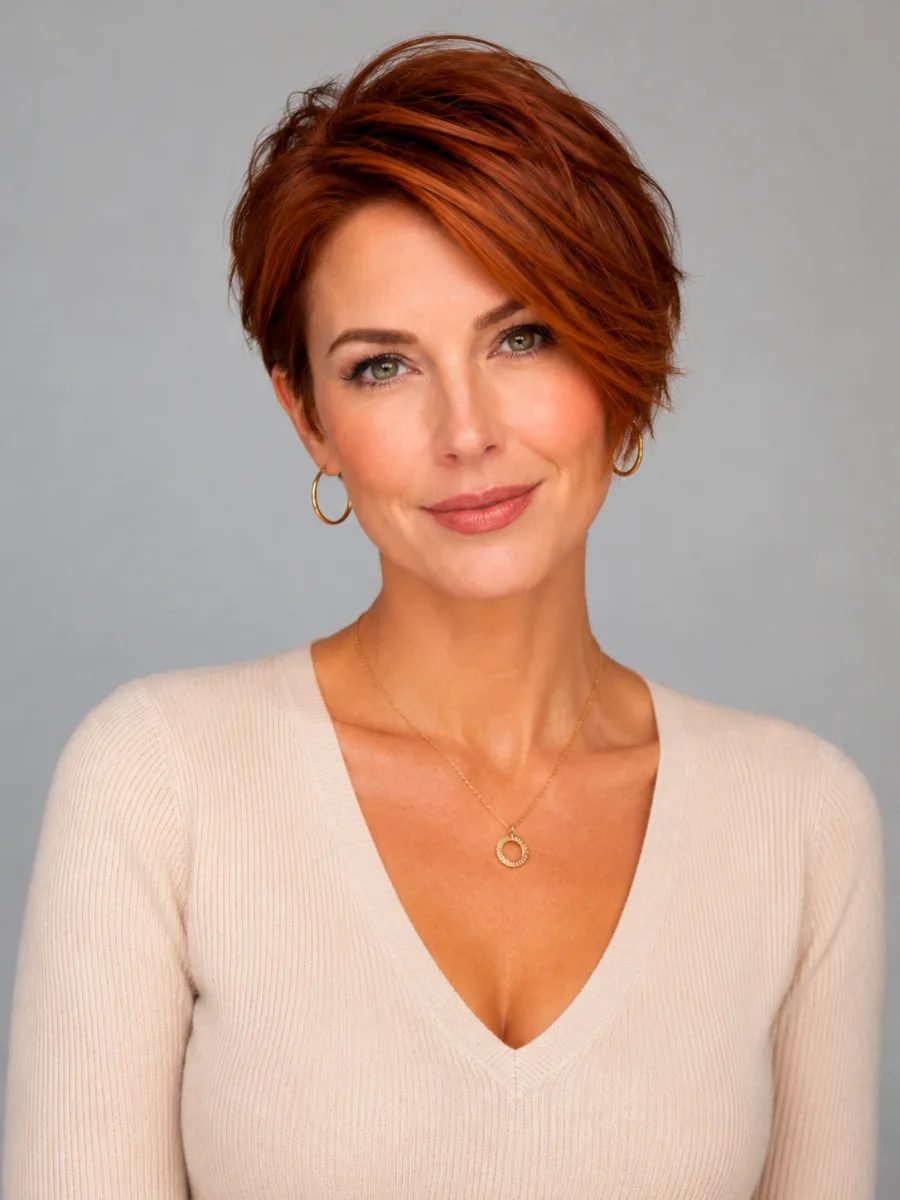
Before and after: Auburn → long pixie, the same person generated from one photoAfter
Auburn → long pixie
Before
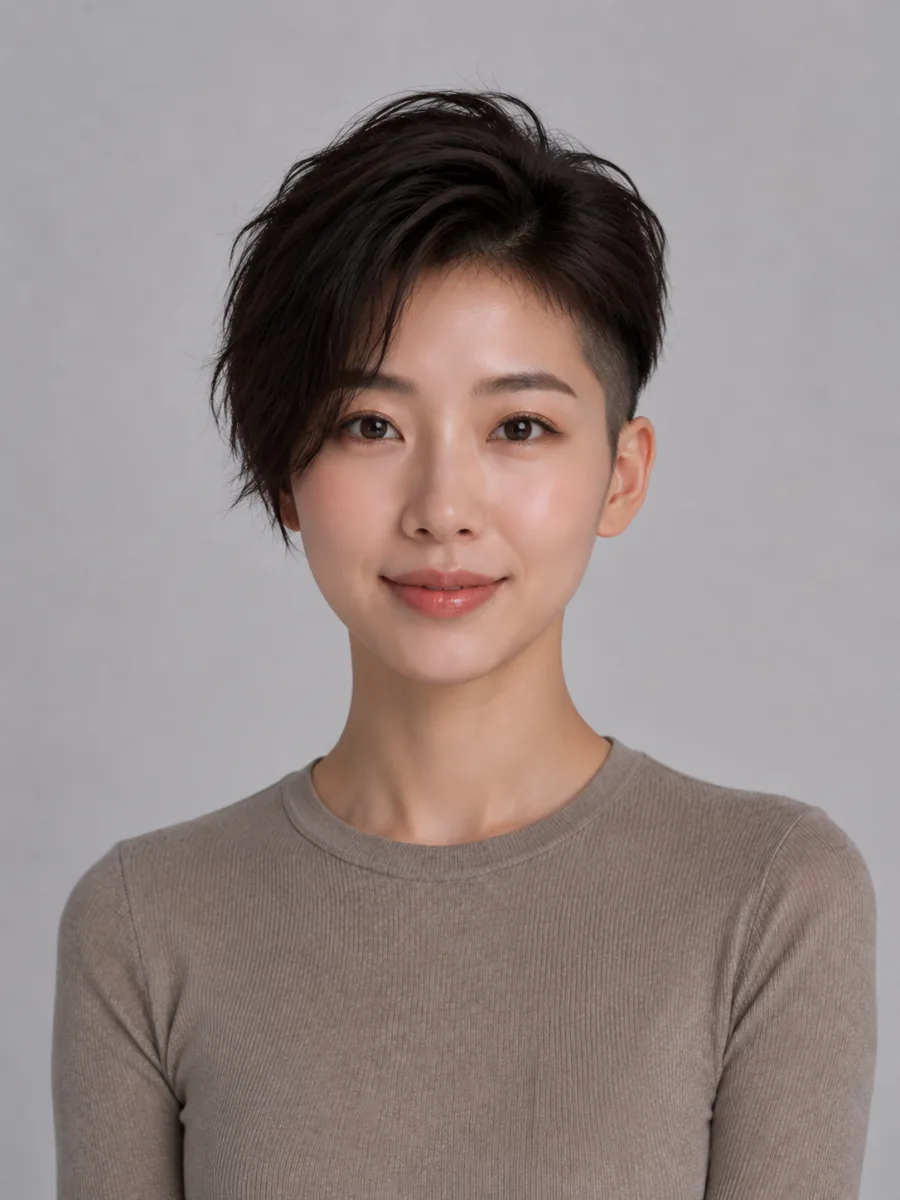
Before and after: Long → undercut pixie, the same person generated from one photoAfter
Long → undercut pixie
Before
Before and after: Long → side-swept pixie, the same person generated from one photoAfter
Long → side-swept pixie

Before you go this short

What a pixie actually does to your face
Face shape and features

What a pixie actually does to your face

Cutting short pulls every eye straight to your face. There's no hair to hide behind, and that's the whole point. Strong cheekbones, a defined jaw, and big eyes all get the spotlight. If your features feel soft, a sideswept fringe or a few choppy layers up top add the angles a blunt crop can flatten. Round faces tend to want height and volume on the crown to lengthen the look. Longer faces do better with a fuller fringe to break up the vertical. Your ears and neck come into play too, since a true pixie shows both. None of this is a rule you have to follow. It's just worth knowing where a cut sends the eye before you commit, which is exactly what a preview lets you check in a few seconds.

Try it on your photo


How your hair type changes the cut
Texture and upkeep

How your hair type changes the cut

Fine hair loves a pixie. Short length reads as instant thickness, and a razored or choppy finish keeps it from sitting flat. Thick or coarse hair can absolutely go pixie, but it needs more internal layering so the crown doesn't balloon into a helmet. Curly and coily textures make gorgeous pixies with a cloud of shape on top, cut to work with the curl pattern rather than against it. Be honest about styling time: a tousled razor cut air-dries in minutes, while a sleek sideswept pixie may want a round brush and a little product. And the grow-out is real. Most pixies hit an awkward shaggy stage around week six, then settle into a soft bob. Previewing both the fresh cut and a longer version helps you plan for the whole cycle, not just day one.

Try it on your photo

See your pixie in three steps

1

Upload your photo

Pick a clear, front-facing photo in even light, with your current hair pulled back off your face if you can. The more your features show, the truer the preview.

2

Choose a pixie

Pick any look from the gallery, classic, sideswept, razored, or choppy, or describe the exact crop you have in mind in your own words.

3

Generate and compare

In seconds you get your face with the new cut. Save it, try another length, or screenshot it to show your stylist before the scissors come out.

Try AIChangeHair Now
Pricing

Start free. Upgrade when you need more.

Free daily credits to start. Go Monthly, or save 53% with the Yearly plan - high quality, custom prompt edits, 180 hairstyle presets, AI hair reports, and high-volume use.

Starter

$0/ forever

Try hair color, hairstyle, prompts, and reports with no commitment.

  • 20 free credits on signup + 10 every day you claim
  • = 1 1K edit per daily claim
  • 1K edits cost 10 credits · 2K cost 16 · 4K cost 24
  • Custom text prompts, color palette, 180 hairstyle presets, and AI hair reports

Monthly

$14.99/ month

For regular hair color, hairstyle, and profile-refresh workflows.

  • 800 credits every month
  • = 80 1K edits, 50 2K, 33 4K, or 50 AI hair reports
  • All three resolutions — 1K, 2K, and 4K — available
  • All color palettes, 180 hairstyle presets, custom prompts, and AI hair reports
  • Cancel anytime
Best value · 53% off first year

Yearly

$6.99/ month

$83.88 your first year · renews $179.88/yr

Best value — the lowest price per credit, billed once a year.

  • Everything in Monthly, for 53% less per month
  • 14,400 credits up front — 50% more than a year of monthly
  • = 1,440 1K edits a year (about 120 every month)
  • Just $6.99/mo, billed $83.88 your first year
  • All color palettes, 180 hairstyle presets, custom prompts, and reports

$83.88 for the first year (about $6.99/mo). Renews at $179.88/year — still 50% more credits than monthly. Cancel anytime.

One-time credit packs

Buy credits without a subscription

Top up whenever you need to. Credits are added instantly and never expire, with no recurring charge.

Starter pack

$9.90

300 credits

≈ 12–30 edits

Popular

Value pack

$19.90

650 credits

≈ 27–65 edits

Bulk pack

$39.90

1,400 credits

≈ 58–140 edits

Prices in USD. Cancel monthly and yearly plans anytime. Questions? Talk to us.

Pixie cut questions, answered

1. How do I know if a pixie will suit me?

There's no perfect face shape for a pixie. Far more depends on your features and confidence than on any rule. The honest answer is to see it on yourself. Upload a clear photo, generate a pixie preview, and look at it next to your current hair. You'll know in a glance whether the shape feels like you, and you can adjust the fringe or length until it does.

2. Is a pixie cut high maintenance?

It's high maintenance at the salon, low maintenance at home. A pixie needs a trim every four to six weeks to hold its shape, so the upkeep is real. But daily styling is fast. Most cuts air-dry with a bit of texture product and you're out the door. The trade-off is frequent trims for almost no morning routine, which suits a lot of busy people well.

3. What's the difference between a pixie and a short bob?

A pixie is cut close at the back and sides with short length on top, baring your neck and usually your ears. A bob keeps more weight and length, sitting anywhere from the chin to the shoulders, with the perimeter left intact. Pixies tend to grow into bobs, which is why the in-between stage feels shaggy. Preview both to see which length you actually want.

4. Will a pixie make my fine hair look thicker?

Usually yes. Removing length takes away the weight that drags fine hair flat, so a short crop instantly reads fuller and bouncier. A razored or choppy finish adds even more apparent density by separating the ends. Thick hair gets the opposite treatment, more internal layering so the cut doesn't sit too bulky. Try a preview to see how your specific texture looks short.

5. How long does it take to grow out a pixie?

Plan on six months to a year to reach a chin-length bob, and longer for anything past the shoulders. Hair grows around half an inch a month, so patience helps. The trick is shaping trims along the way, plus a sideswept fringe to ease the awkward middle stage. Preview a few grow-out lengths now so the journey feels less like a gamble.