

AI Face Editor

Goatee Filter

Upload one photo and preview a goatee on your own chin — no growing it out, no guessing.

Drop in a single portrait and the editor sketches a clean goatee onto your chin in seconds. Your face, skin tone, lighting, and background stay exactly as they were — only the chin changes — so you see how the style actually sits on you before you pick up a razor.

Free to try · One photo · Identity kept intact✨ A brand-new report every time — a different hairstyle and color on every single generation.Edit hair · Try styles · Generate hair report
Upload a clear portraitTap to upload
1Task
2Input method
3Quality
What it does

See the goatee before you shape it

This goatee filter is a free way to see yourself with a goatee before you commit weeks to growing one. Upload one portrait and the AI adds the facial hair while keeping your face, skin tone, and background unchanged — so you judge the chin style on your own features, not on a stock model with a beard you'll never have.

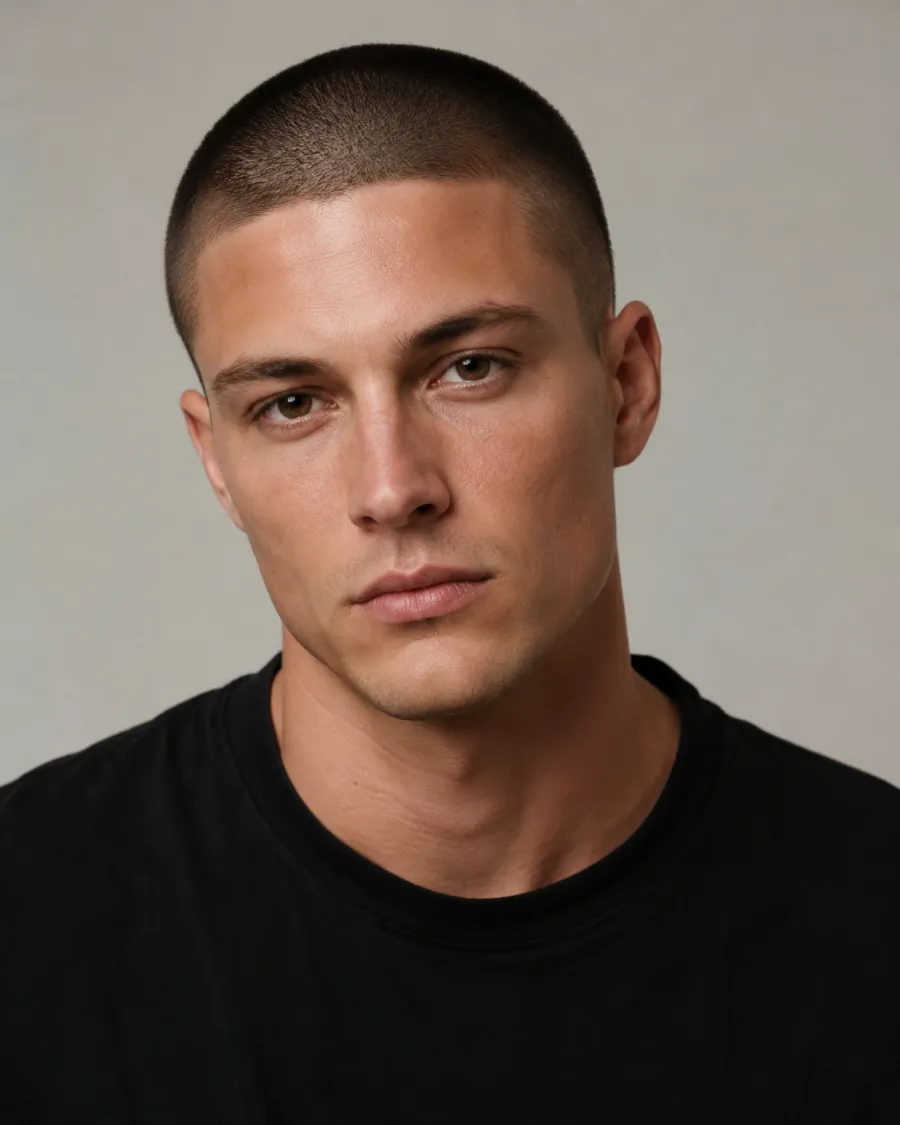
Goatee filter preview adding a classic chin goatee to a man's portrait
Classic goatee
Goatee filter preview adding a Van Dyke goatee to a man's face
Van Dyke goatee
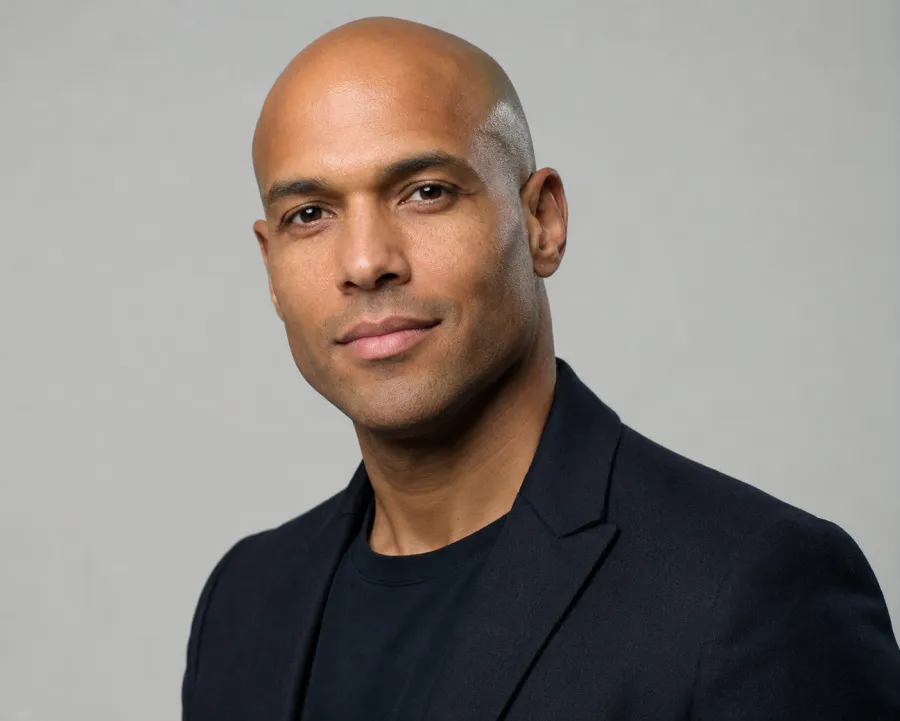
Goatee filter preview adding a circle goatee to a Black man's portrait
Circle goatee
Goatee styles you can preview

Each result keeps the same person and lighting — only the chin grows a goatee. Compare a tidy classic, a sharper Van Dyke, and a rounded circle goatee side by side to find the shape that fits your jaw.

Pick your goatee shape

Preview a classic chin patch, a Van Dyke with a separate mustache, a connected circle goatee, or an extended anchor — and decide which outline flatters your jaw.

Your identity stays put

The edit touches the chin only. Eyes, nose, skin tone, hairline, and the room behind you are left untouched, so the result still reads as a photo of you.

Match it to your hair

The goatee is rendered to sit naturally with your existing hair color and density, instead of pasting on a shade that clashes with the head it's under.

Test before the mirror

Knowing how a goatee frames your face up front saves you from growing in a patchy shape for two weeks just to shave it off in frustration.

Custom promptDescribe your hair change
Make my hair a glossy copper bob with soft curtain bangs, natural volume, and a photo-real salon finish.
One input is enoughGenerate from description
Describe it

Say the exact edit in your own words

The page opens on a describe box already filled in with "Add a neat goatee to this person's chin, keeping their face and identity." That sentence is the whole instruction — you don't pick from menus or drag sliders. Want something more specific? Swap a word or two: ask for a thicker outline, a sharper edge, a touch of gray, or a particular named style. The AI reads your plain-English request and applies only that change to the chin, leaving the rest of the portrait exactly as you uploaded it.


Custom promptDescribe your hair change
Make my hair a glossy copper bob with soft curtain bangs, natural volume, and a photo-real salon finish.
One input is enoughGenerate from description
Explore the range

One photo, many goatees

Because the look comes from a short text instruction, you can line up wildly different chins from the same upload. Run a classic goatee, then a Van Dyke, then a connected circle or an anchor with the jaw extended — each on your real face. Go denser or trim it neat, nudge it darker or grayer, and even hand the same shot to a friend or use it on a woman's portrait for a costume or character idea. Every pass starts from your identity and changes nothing but the facial hair.

How to add a goatee to your photo

01

Upload one portrait

Choose a clear, front-facing photo of a clean or lightly stubbled chin. A selfie works fine — you just need your face in good light.

02

Keep or tweak the instruction

The describe box is pre-filled with "Add a neat goatee to this person's chin, keeping their face and identity." Leave it as is, or name a style like Van Dyke or circle goatee.

03

Generate and compare

Hit generate and the AI returns your photo wearing the goatee. Re-run with a different style word to line up a few shapes before you choose.

Try AIChangeHair Now
Pricing

Start free. Upgrade when you need more.

Free daily credits to start. Go Monthly, or save 53% with the Yearly plan - high quality, custom prompt edits, 180 hairstyle presets, AI hair reports, and high-volume use.

Starter

$0/ forever

Try hair color, hairstyle, prompts, and reports with no commitment.

  • 20 free credits on signup + 10 every day you claim
  • = 1 1K edit per daily claim
  • 1K edits cost 10 credits · 2K cost 16 · 4K cost 24
  • Custom text prompts, color palette, 180 hairstyle presets, and AI hair reports

Monthly

$14.99/ month

For regular hair color, hairstyle, and profile-refresh workflows.

  • 800 credits every month
  • = 80 1K edits, 50 2K, 33 4K, or 50 AI hair reports
  • All three resolutions — 1K, 2K, and 4K — available
  • All color palettes, 180 hairstyle presets, custom prompts, and AI hair reports
  • Cancel anytime
Best value · 53% off first year

Yearly

$6.99/ month

$83.88 your first year · renews $179.88/yr

Best value — the lowest price per credit, billed once a year.

  • Everything in Monthly, for 53% less per month
  • 14,400 credits up front — 50% more than a year of monthly
  • = 1,440 1K edits a year (about 120 every month)
  • Just $6.99/mo, billed $83.88 your first year
  • All color palettes, 180 hairstyle presets, custom prompts, and reports

$83.88 for the first year (about $6.99/mo). Renews at $179.88/year — still 50% more credits than monthly. Cancel anytime.

One-time credit packs

Buy credits without a subscription

Top up whenever you need to. Credits are added instantly and never expire, with no recurring charge.

Starter pack

$9.90

300 credits

≈ 12–30 edits

Popular

Value pack

$19.90

650 credits

≈ 27–65 edits

Bulk pack

$39.90

1,400 credits

≈ 58–140 edits

Prices in USD. Cancel monthly and yearly plans anytime. Questions? Talk to us.

Goatee Filter questions, answered

1. Is the goatee filter free to use?

Yes, you can upload a photo and preview a goatee for free. Try a few styles to see which chin shape suits you before you decide to grow one.

2. Will it still look like me with the goatee on?

It will. The edit only adds hair to your chin — your eyes, nose, skin tone, hairline, lighting, and background stay exactly as they were, so the result reads as a real photo of you.

3. Can I choose a specific goatee style?

Yes. The box defaults to a neat goatee, but you can type a style — classic, Van Dyke, circle, or extended anchor — and regenerate to compare each shape on your face.

4. Does it work on a selfie?

It does. Any clear, front-facing photo works, including phone selfies. Good lighting and a visible chin give the AI the most realistic placement.

5. Can women use the goatee filter too?

Yes. The filter adds a goatee to whatever face you upload, so anyone can try the look for a costume, a character concept, or just to see the transformation.