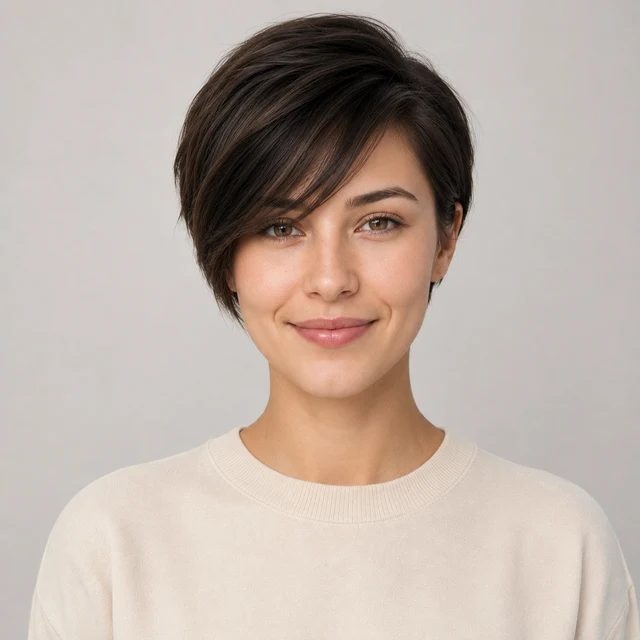















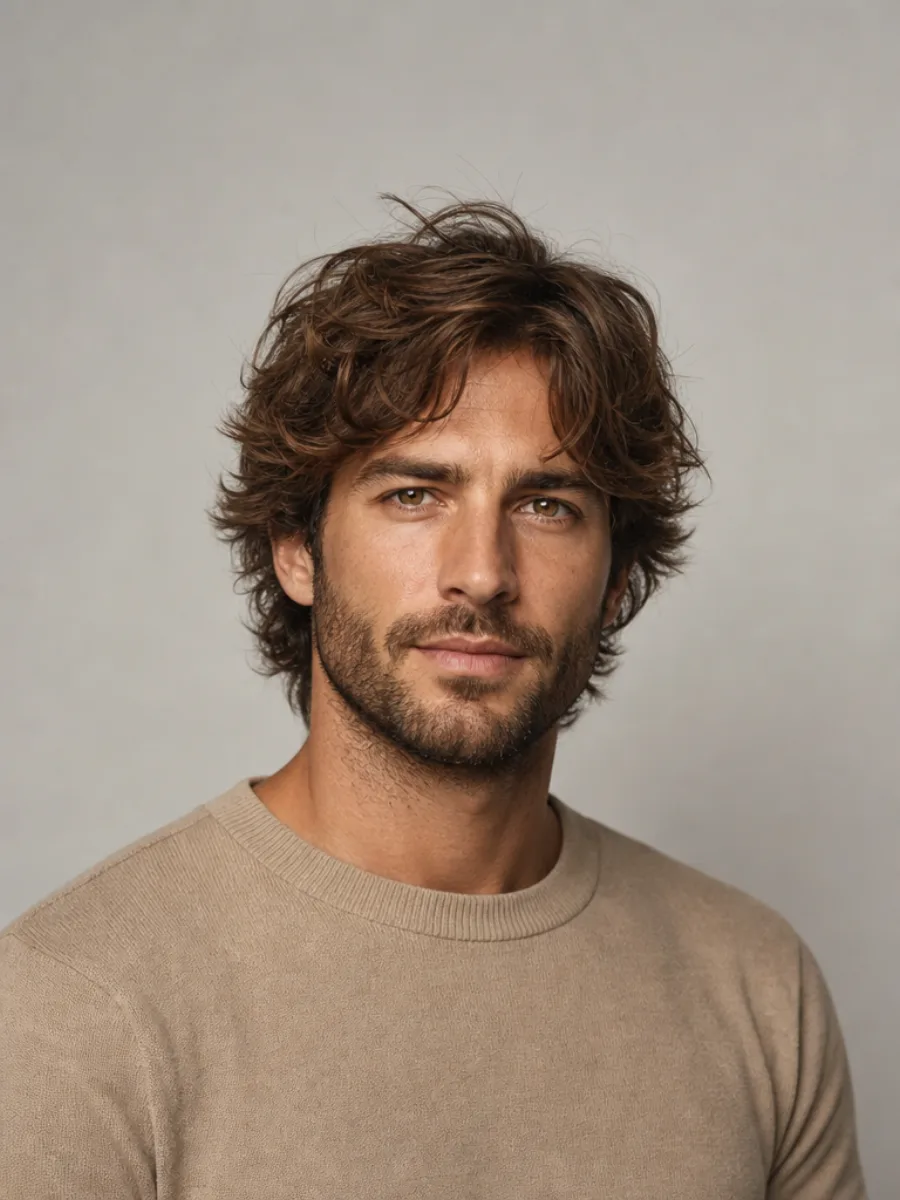
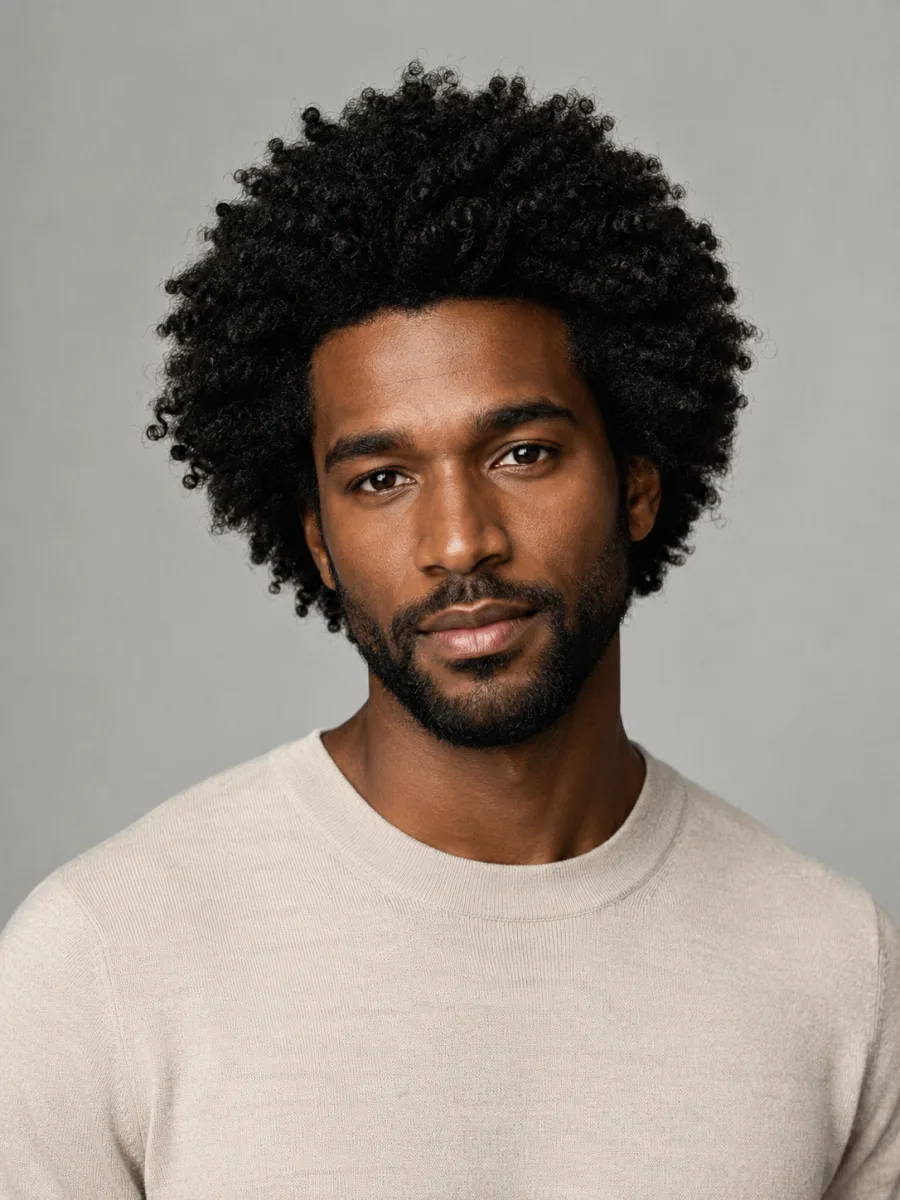
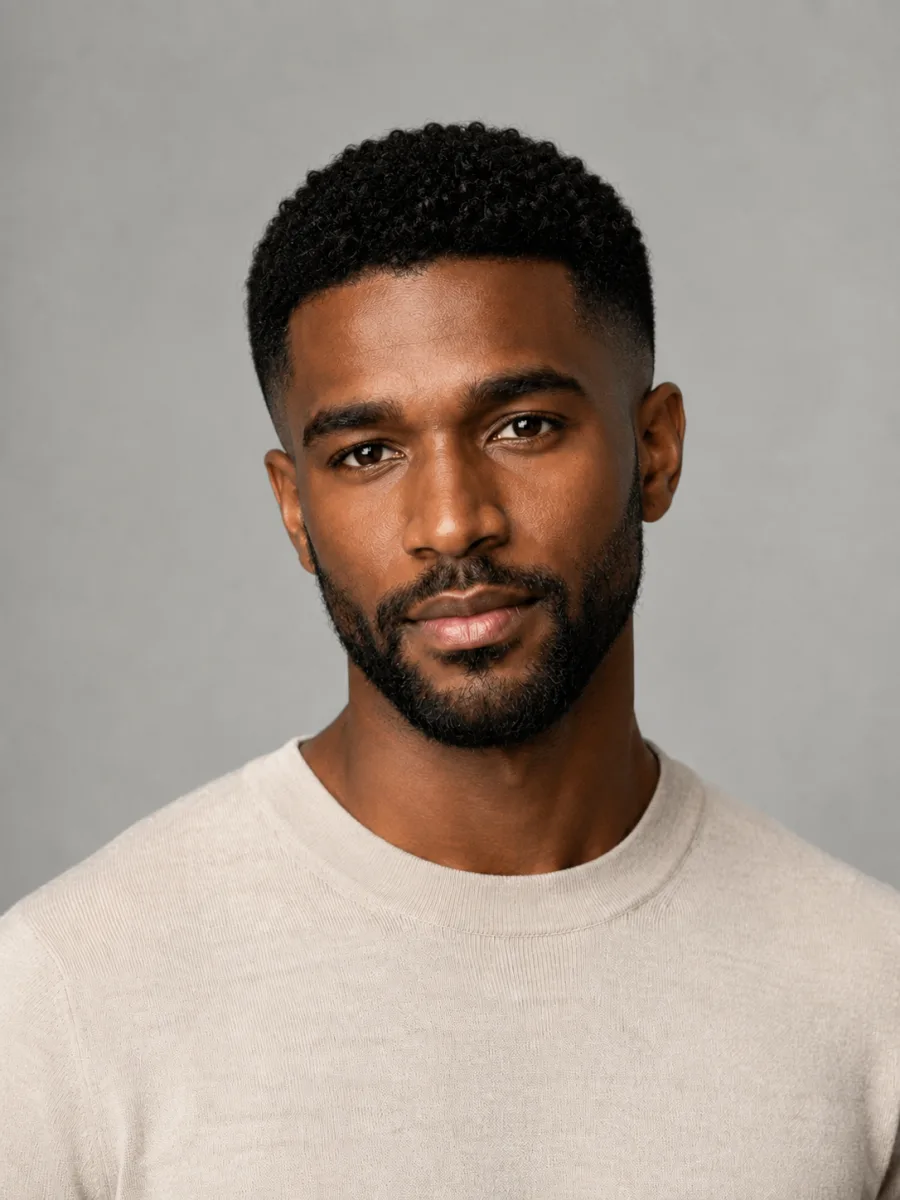
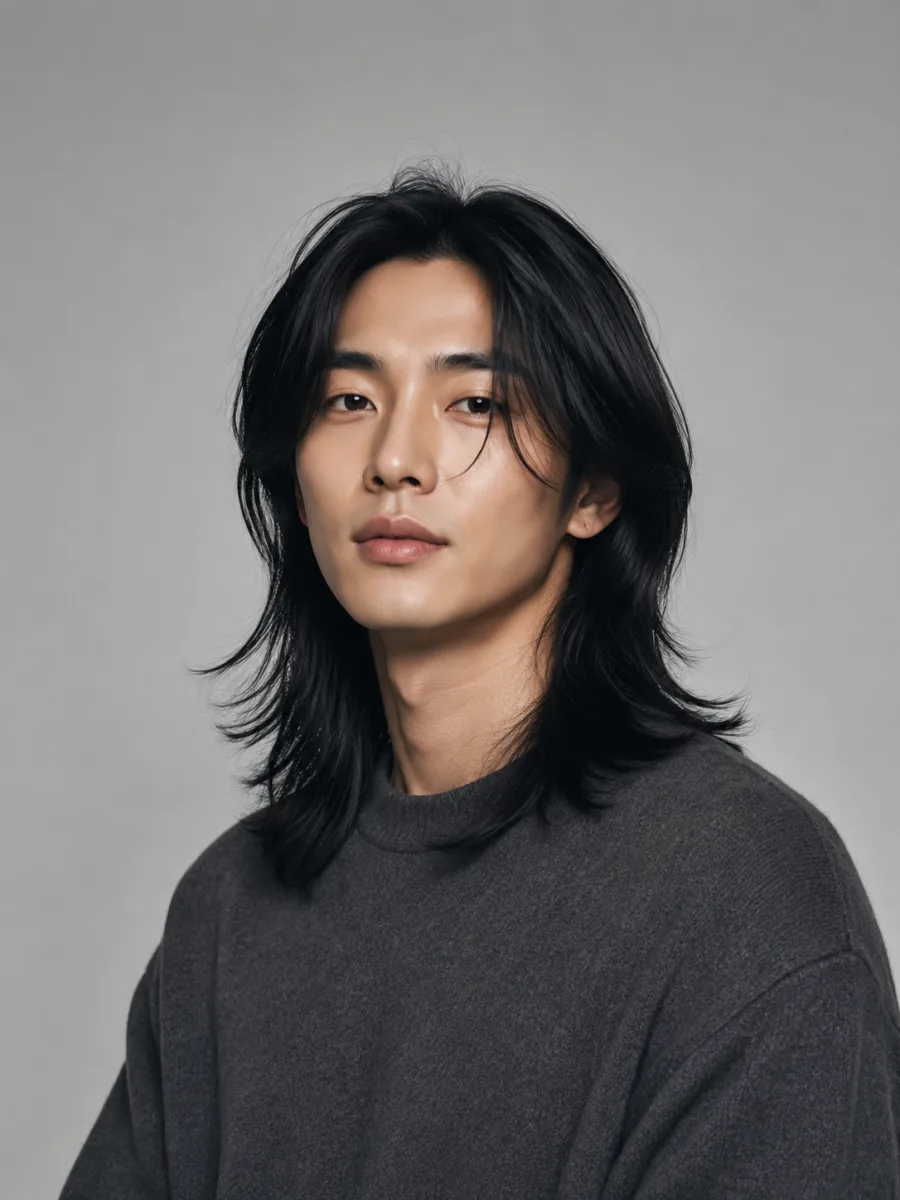
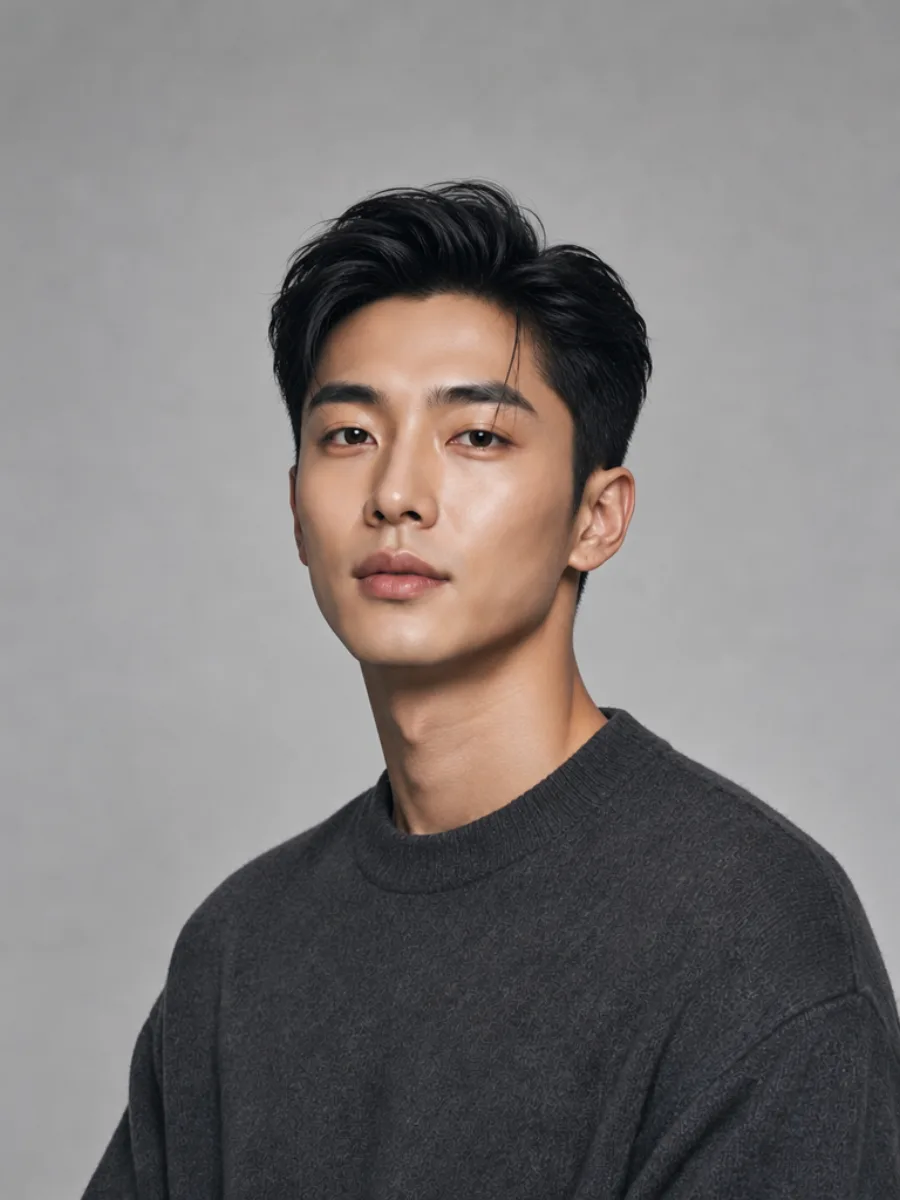
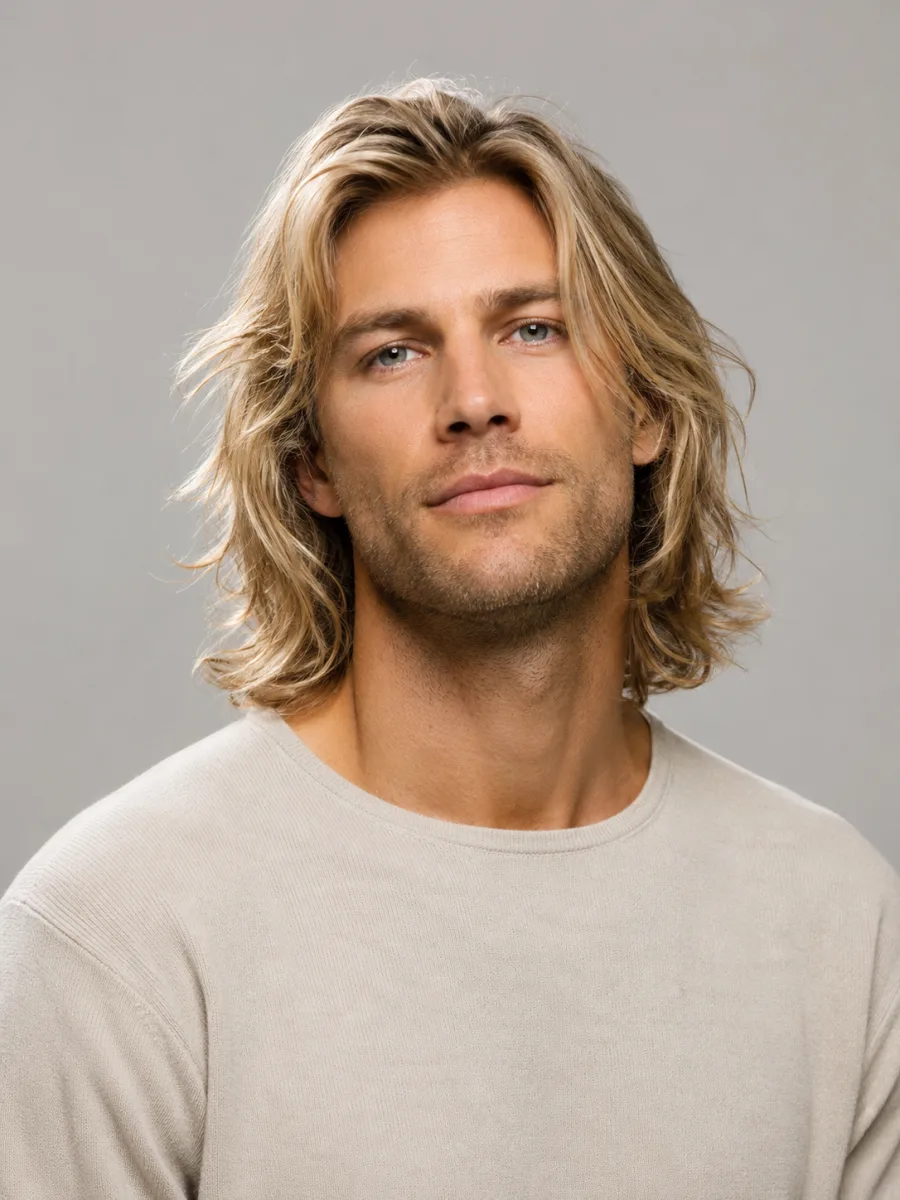
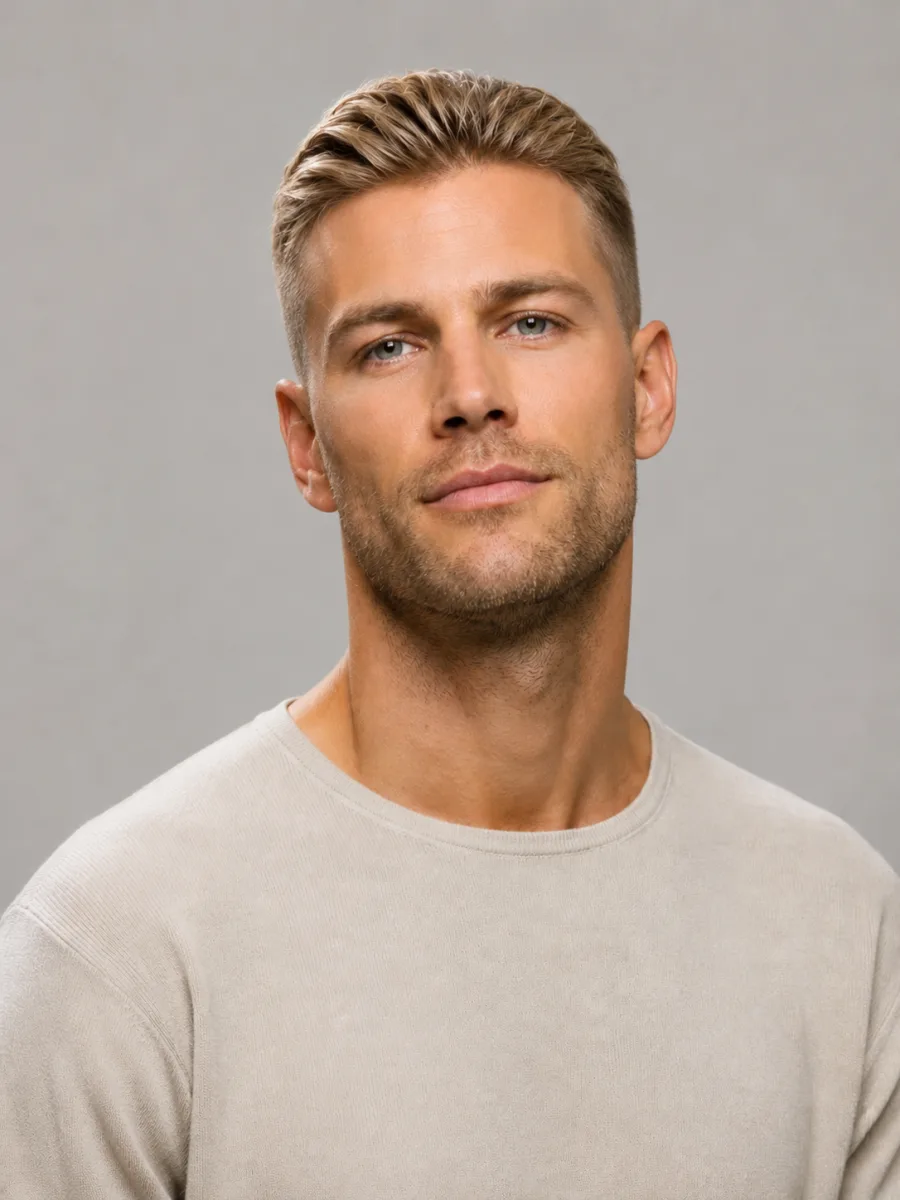
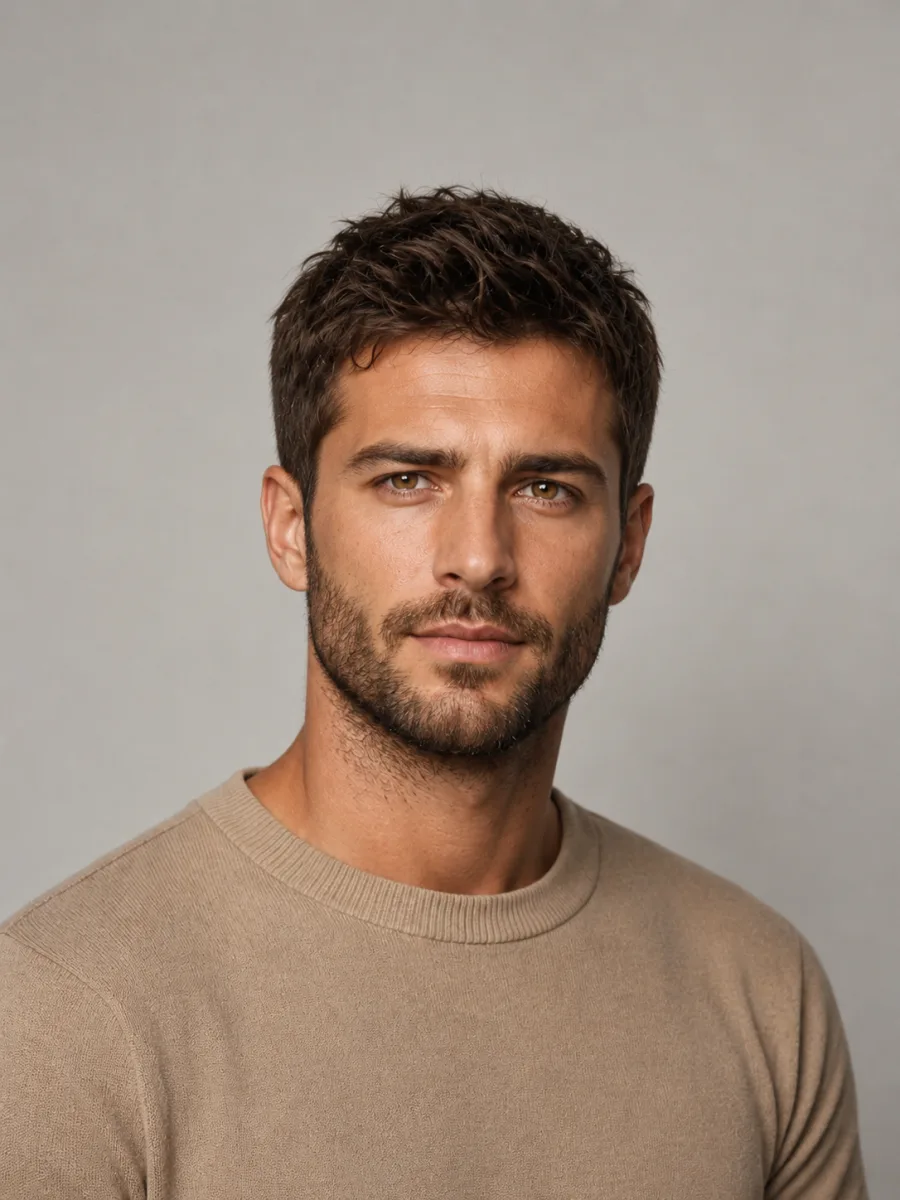
Men's hair gallery

Haircuts for Men

The right cut comes down to three things: your hair texture, your face shape, and how much you'll actually fuss with it in the morning. Below are real men's looks worth stealing, sorted by vibe and upkeep. Pick one, drop in a photo, and see it on your own face before you say a word to the barber.

Cuts worth taking to the chair

16 styles

Eight cuts that cover most heads of hair - low-maintenance buzzes, sharp fades, and styles with some movement on top. Tap one to picture it on you.

Tap any look to open it in the editor below and preview it on your own photo.

Free try-on

Try haircuts for men on your own photo

Upload once, then switch between looks in seconds.

The editor changes only the hair, so you can preview haircuts for men on your own face while your skin, features and background stay exactly as they are in your photo.

No sign-up to start — upload a clear, front-facing photo and generate your first look in under a minute.✨ A brand-new report every time — a different hairstyle and color on every single generation.Edit hair · Try styles · Generate hair report
Upload a clear portraitTap to upload
1Task
2Input method
3Quality

Same guy, new cut

Real before-and-after shots made with the tool - one photo in, the cut you picked rendered on the same face, same lighting, same person.

Before
Before and after: Tousled → crew cut, the same person generated from one photoAfter
Tousled → crew cut
Before
Before and after: Curls → skin fade, the same person generated from one photoAfter
Curls → skin fade
Before
Before and after: Long → quiff, the same person generated from one photoAfter
Long → quiff
Before
Before and after: Shaggy → slicked back, the same person generated from one photoAfter
Shaggy → slicked back

Picking a cut that actually suits you

Read your own head first
Match it to your hairline and face

Read your own head first

Before you fall for a photo, look at two things: your hairline and your face shape. A receding or high hairline plays nicely with a faded crop or a Caesar - the forward fringe softens the front while the fade keeps everything tidy. Round face? Height on top, like a quiff or a pompadour-leaning style, stretches it and adds angle. A longer face balances better with a bit more on the sides and less lift, so a textured crop or Ivy League sits right. Square jaws can carry almost anything, a hard skin fade included. The usual mistake is copying a celebrity cut that was built for a completely different head. Use the gallery to test the shape on your own face, not theirs.

Try it on your photo


How much work do you really want?
Be honest about upkeep

How much work do you really want?

Every cut has a maintenance bill, and it pays to know it before you sit down. A buzz or crew cut is the cheapest by far - five minutes, no product, a trim every two to three weeks to keep it sharp. A fade looks crisp on day one but blurs fast, so plan on the barber every couple of weeks to stay tight. Anything with length on top - quiff, slicked back, undercut - needs product and two minutes of styling each morning, or it just flops. A textured crop is the sweet spot for a lot of guys: it grows out gracefully and a little matte paste does the job. Decide how many mornings you'll really spend on your hair, then pick a cut that fits that number, not your best-case fantasy.

Try it on your photo

See it on you in under a minute

1

Upload a photo

Use a clear, front-facing selfie in decent light. Pull any hair off your forehead so the tool can read your hairline and face shape properly.

2

Choose a cut

Pick any style from the gallery - fade, quiff, crop, slicked back - or describe the exact length and finish you want in your own words.

3

Generate

The tool renders the cut on your actual face in seconds. Like it? Save the image and show your barber instead of fumbling for words.

Try AIChangeHair Now
Pricing

Start free. Upgrade when you need more.

Free daily credits to start. Go Monthly, or save 53% with the Yearly plan - high quality, custom prompt edits, 180 hairstyle presets, AI hair reports, and high-volume use.

Starter

$0/ forever

Try hair color, hairstyle, prompts, and reports with no commitment.

  • 20 free credits on signup + 10 every day you claim
  • = 1 1K edit per daily claim
  • 1K edits cost 10 credits · 2K cost 16 · 4K cost 24
  • Custom text prompts, color palette, 180 hairstyle presets, and AI hair reports

Monthly

$14.99/ month

For regular hair color, hairstyle, and profile-refresh workflows.

  • 800 credits every month
  • = 80 1K edits, 50 2K, 33 4K, or 50 AI hair reports
  • All three resolutions — 1K, 2K, and 4K — available
  • All color palettes, 180 hairstyle presets, custom prompts, and AI hair reports
  • Cancel anytime
Best value · 53% off first year

Yearly

$6.99/ month

$83.88 your first year · renews $179.88/yr

Best value — the lowest price per credit, billed once a year.

  • Everything in Monthly, for 53% less per month
  • 14,400 credits up front — 50% more than a year of monthly
  • = 1,440 1K edits a year (about 120 every month)
  • Just $6.99/mo, billed $83.88 your first year
  • All color palettes, 180 hairstyle presets, custom prompts, and reports

$83.88 for the first year (about $6.99/mo). Renews at $179.88/year — still 50% more credits than monthly. Cancel anytime.

One-time credit packs

Buy credits without a subscription

Top up whenever you need to. Credits are added instantly and never expire, with no recurring charge.

Starter pack

$9.90

300 credits

≈ 12–30 edits

Popular

Value pack

$19.90

650 credits

≈ 27–65 edits

Bulk pack

$39.90

1,400 credits

≈ 58–140 edits

Prices in USD. Cancel monthly and yearly plans anytime. Questions? Talk to us.

Questions guys actually ask

1. Which haircut suits my face shape?

Rough rule: round faces want height on top (quiff, pompadour) to add length; long faces want fuller sides and less lift (textured crop, Ivy League); square and oval faces can pull off almost anything, including a sharp skin fade. The fastest way to know is to stop guessing - upload your photo and try a few shapes on your own face to see what actually balances your features.

2. What's the difference between a fade and an undercut?

A fade is a gradual blend - your hair shrinks from longer on top down to skin or near-skin at the bottom, with no hard line. An undercut is disconnected: the sides are cut to one short length with a clear break from the longer hair up top, no blending. Fades look softer and more tapered; undercuts look bolder and more graphic. Try both in the gallery and you'll see the contrast instantly.

3. Will the result actually look like me?

Yes - that's the whole point. The tool keeps your face, skin tone, and lighting and only changes the hair, so you see your own head with a new cut, not a stranger wearing it. Use a sharp, well-lit, front-facing photo for the most accurate result. Blurry or heavily shadowed shots give the tool less to work with, and the rendering suffers.

4. How do I show a barber the cut I want?

Photos beat descriptions every time. Barbers hear 'just a trim' or 'short on the sides' and fill in the blanks with their own idea. Generate the exact cut on your own face, save the image, and hand it over. Now you're both looking at the same result on the same head, which kills the guesswork and the awkward halfway-through panic in the mirror.

5. What if I have thin hair or a receding hairline?

Plenty of cuts work for you - the trick is not fighting it. Shorter, textured styles like a Caesar, a buzz, or a faded crop create the look of density and draw the eye away from a thinning crown or high hairline. Steer clear of long, slicked-back styles that expose the scalp. Try a few short options on your photo and you'll quickly see which one reads fullest.