AI Hair Color Changer

Brunette Hair Filter

See Ash Brunette, Chocolate Brunette, and Golden Brunette on your own face from a single upload.

Brunette covers the whole range of rich medium-to-dark browns, from cool, smoky ash to warm chocolate. AIChangeHair recolors only the hair and leaves your face, skin tone, lighting, and background exactly as they were.

Going darker from blonde or a lighter shade is a big jump. Put two brunette versions of the same photo side by side and decide before you book.✨ A brand-new report every time — a different hairstyle and color on every single generation.Edit hair · Try styles · Generate hair report
Upload a clear portraitTap to upload
1Task
2Input method
60 styles
3Quality
Going Brunette

The brunette switch, tested on you first

Going brunette is a real change, not a touch-up, especially if you're coming from blonde or anything light. The drama is in the depth. Brunette adds a weight and richness that a lighter color can't fake. The big decision is cool versus warm. Cool brunette reads ashy and sleek; warm brunette glows golden and softens your features. The right pick depends on your undertone, so judge it on your own face instead of a stock model or a swatch.

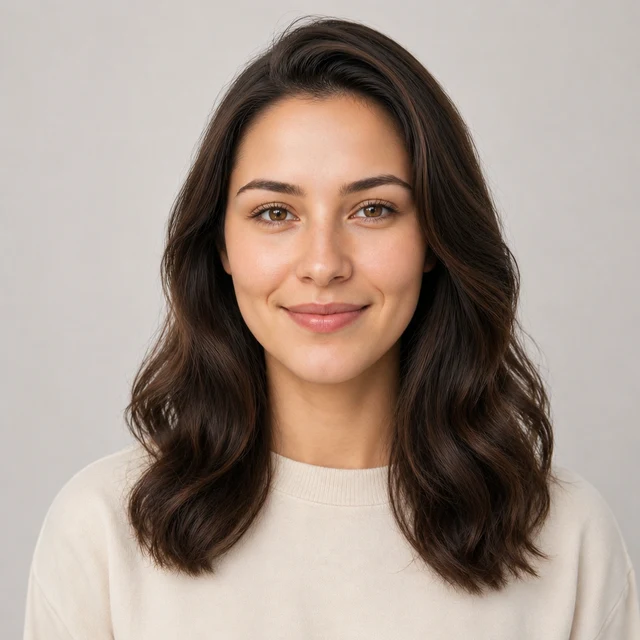
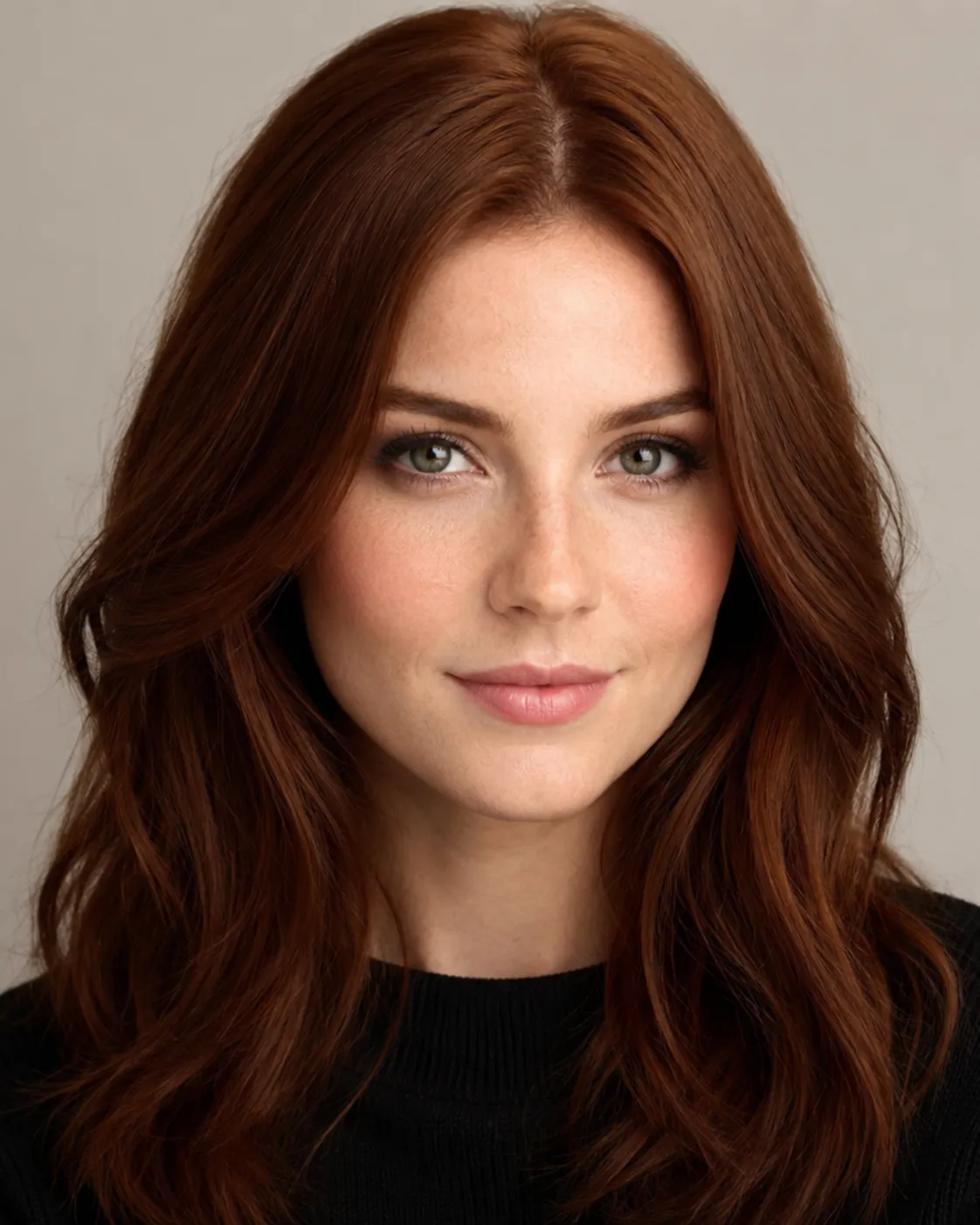
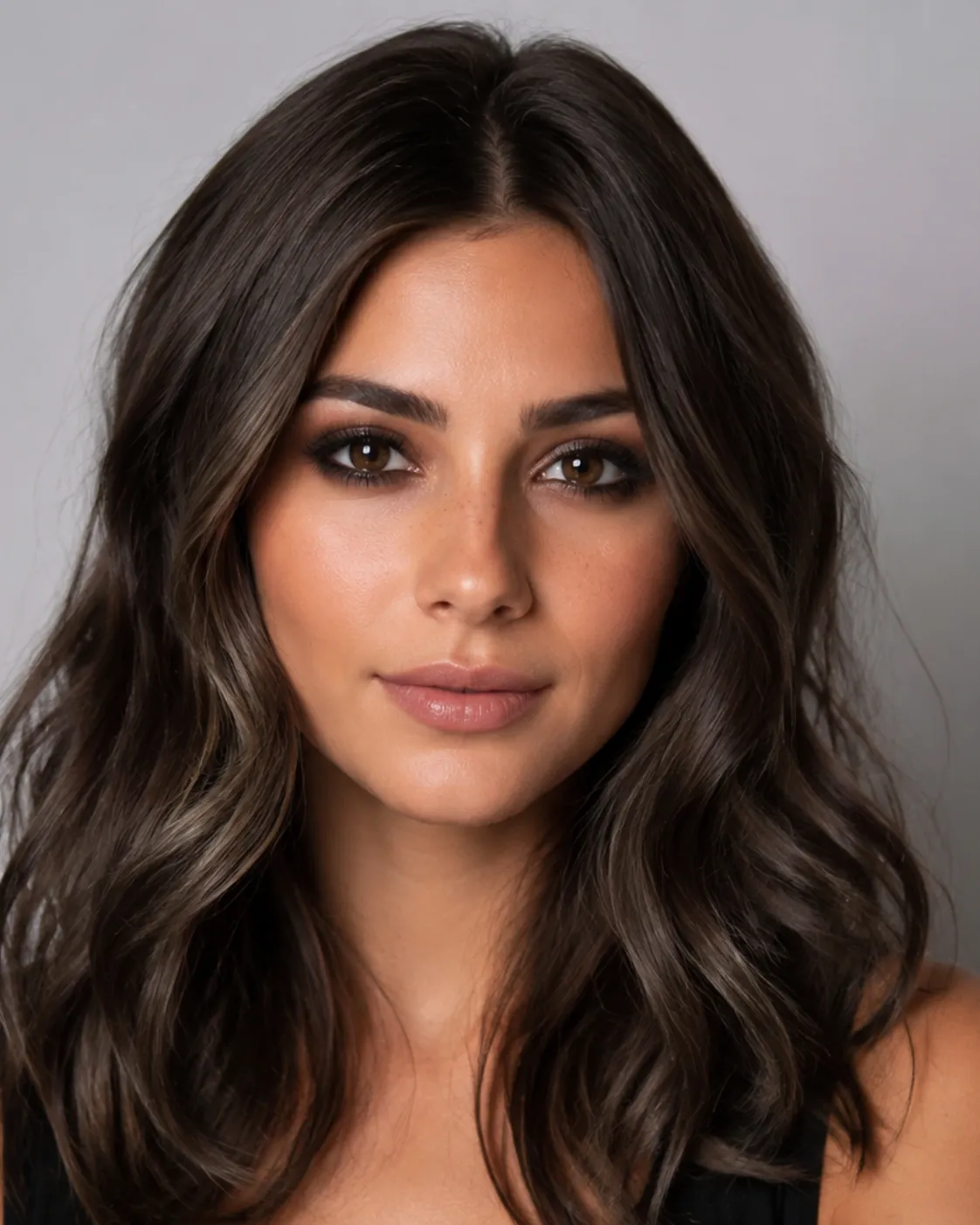
brunette hair filter preview with ash brunette, a cool smoky medium brown
Ash Brunette
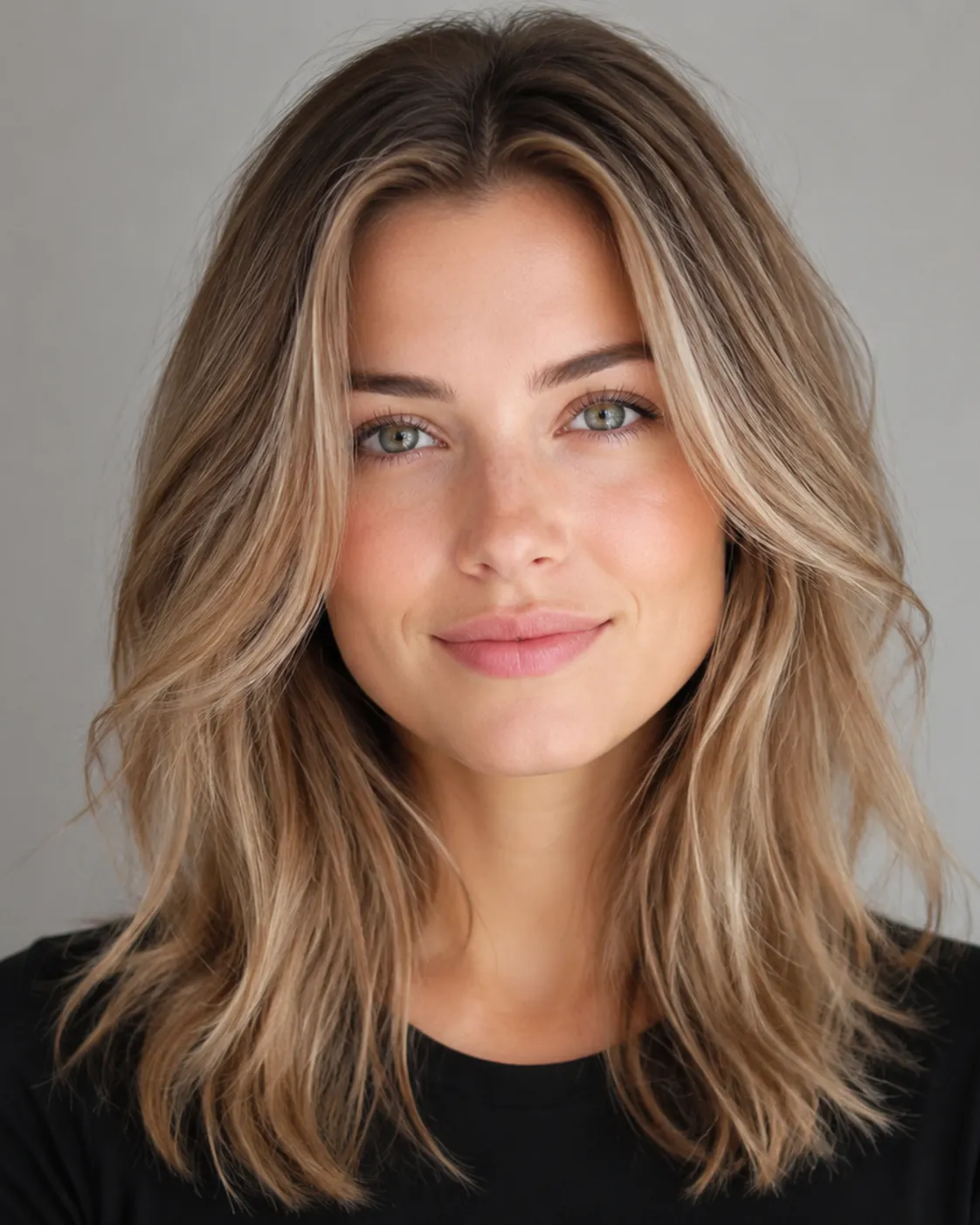
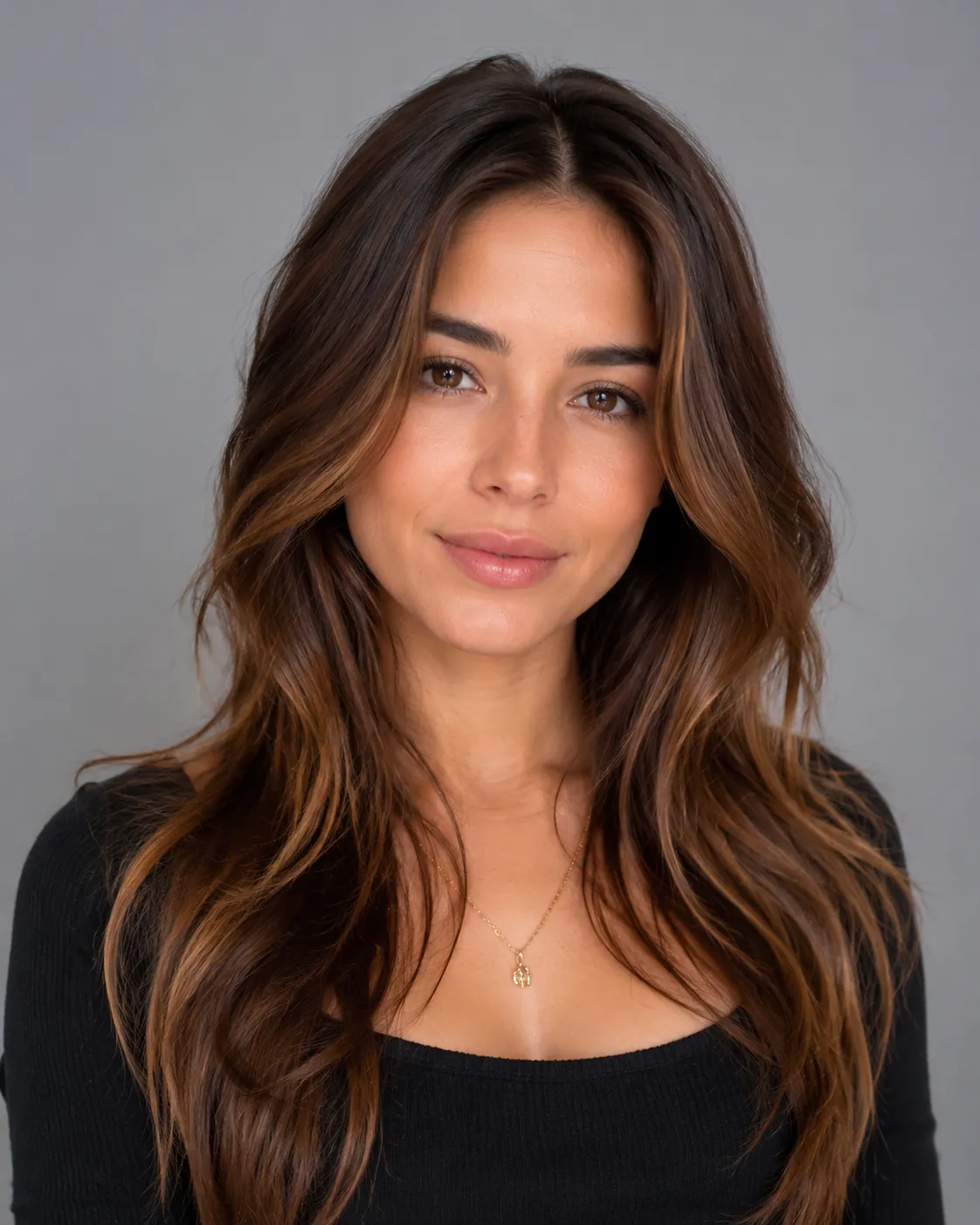
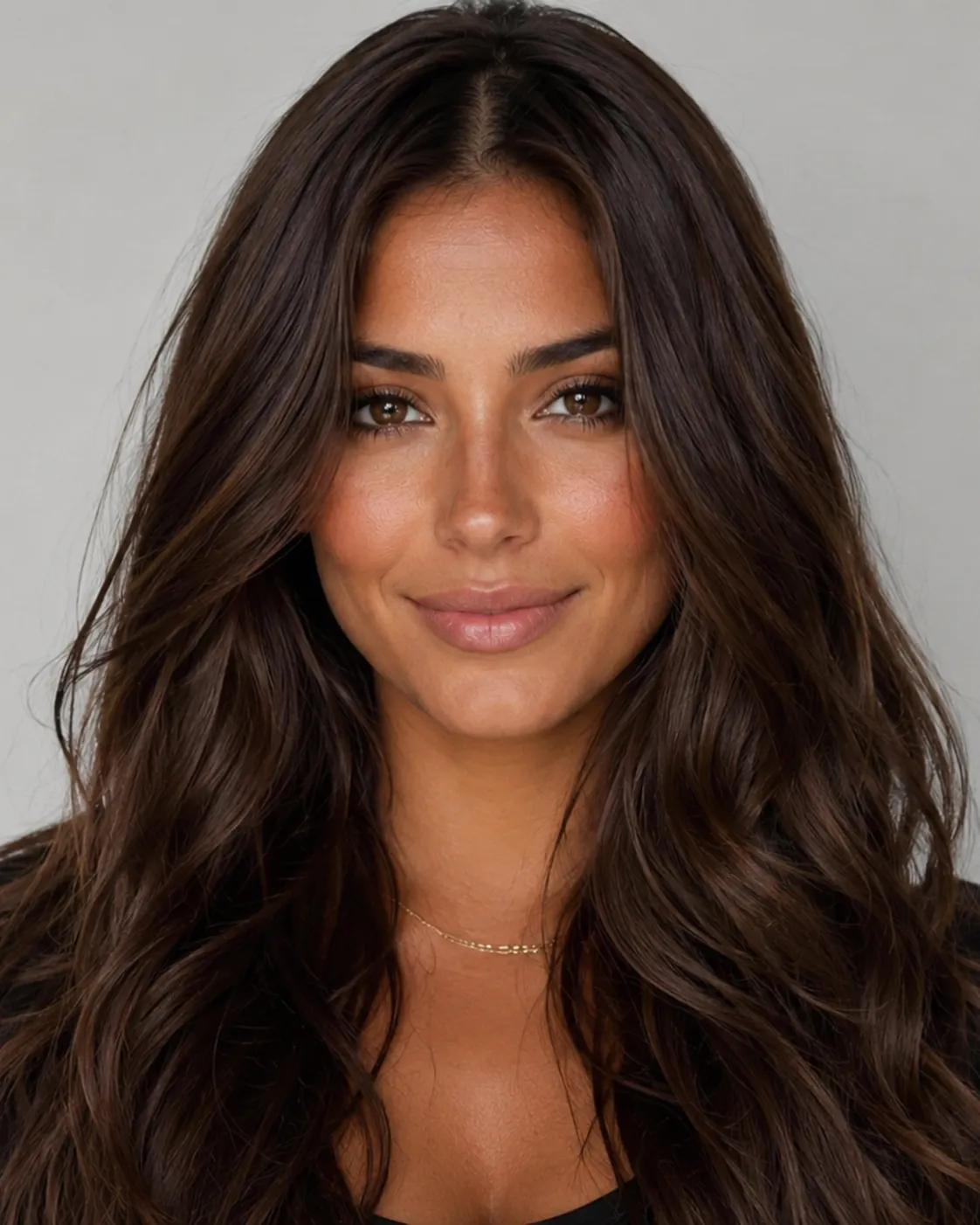
brunette hair filter preview with chocolate brunette, a rich warm deep brown
Chocolate Brunette
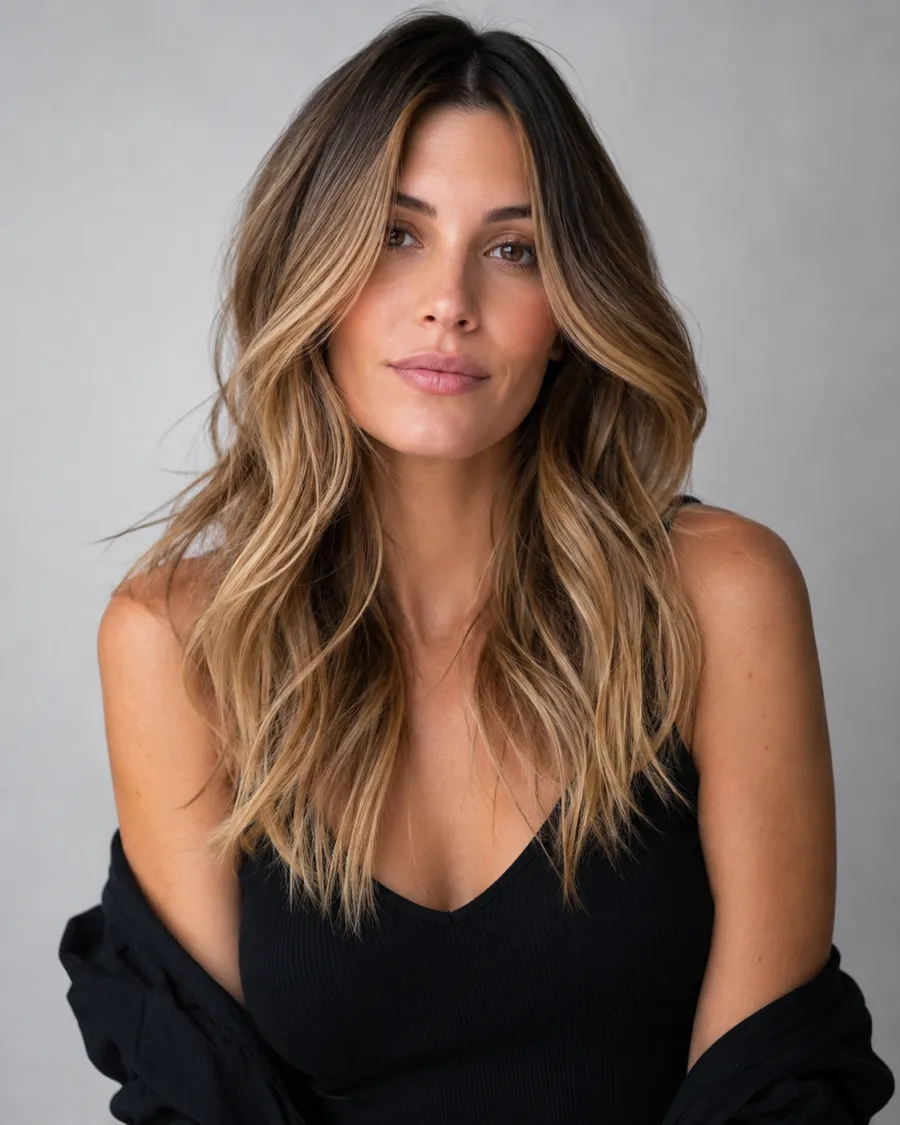
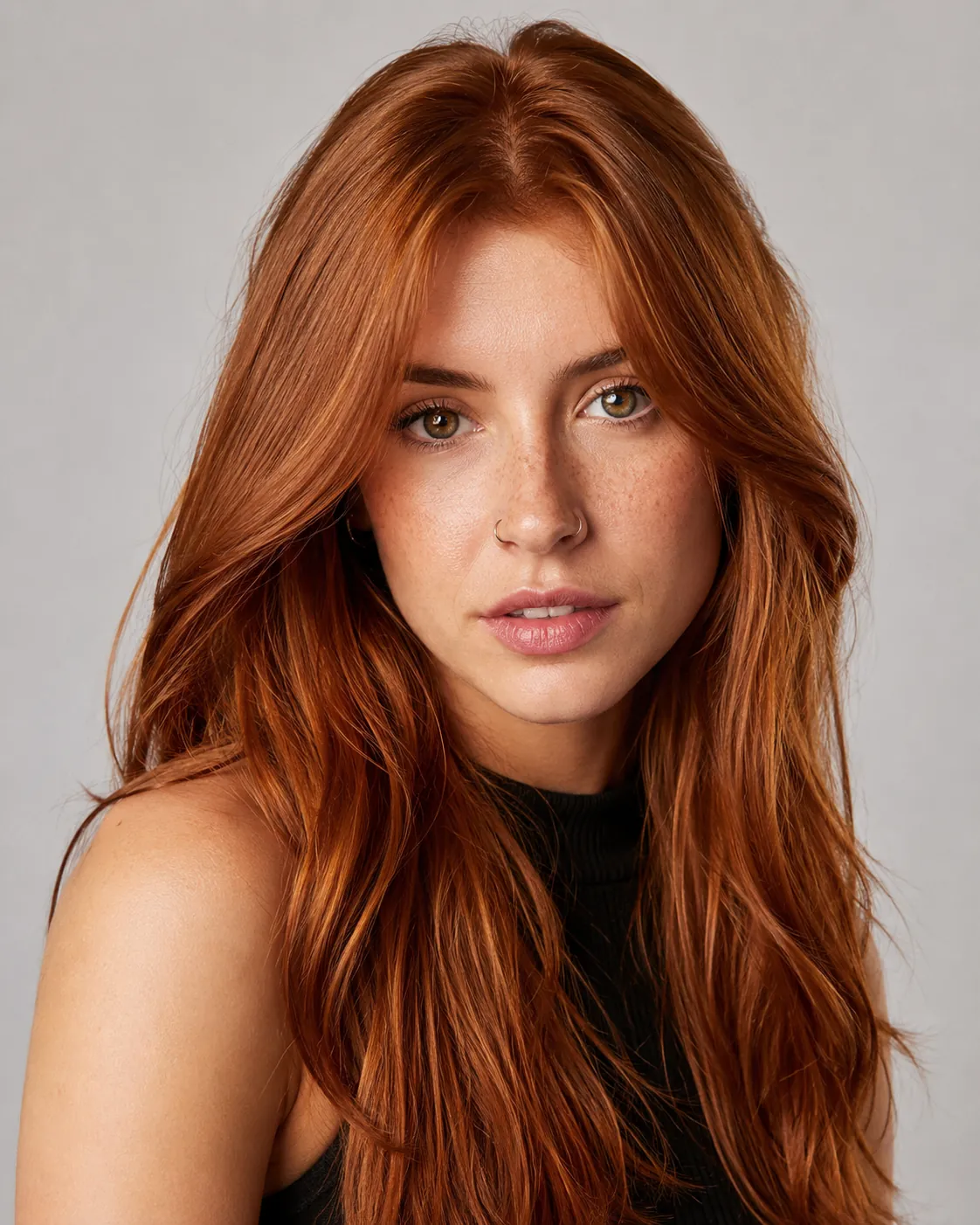
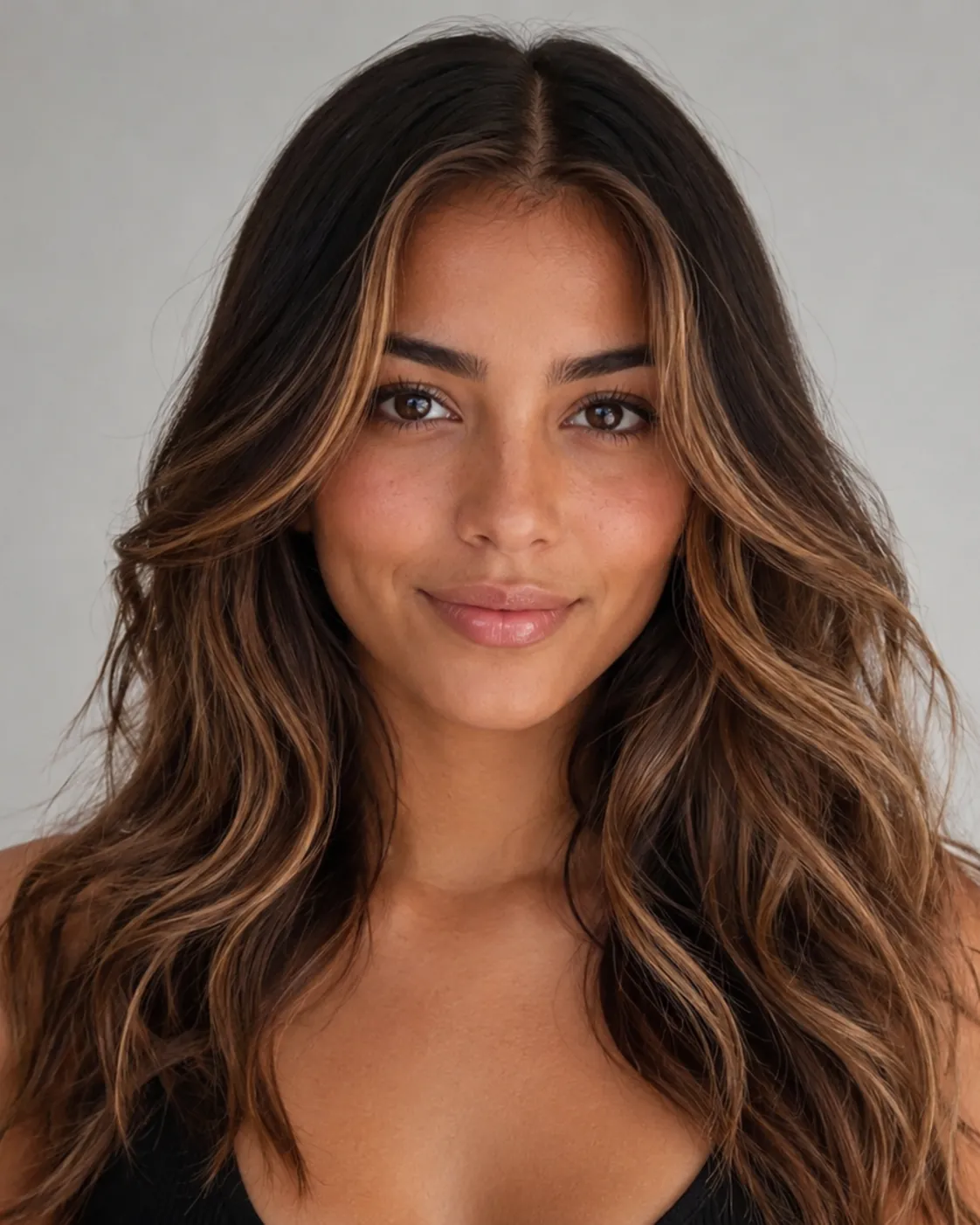
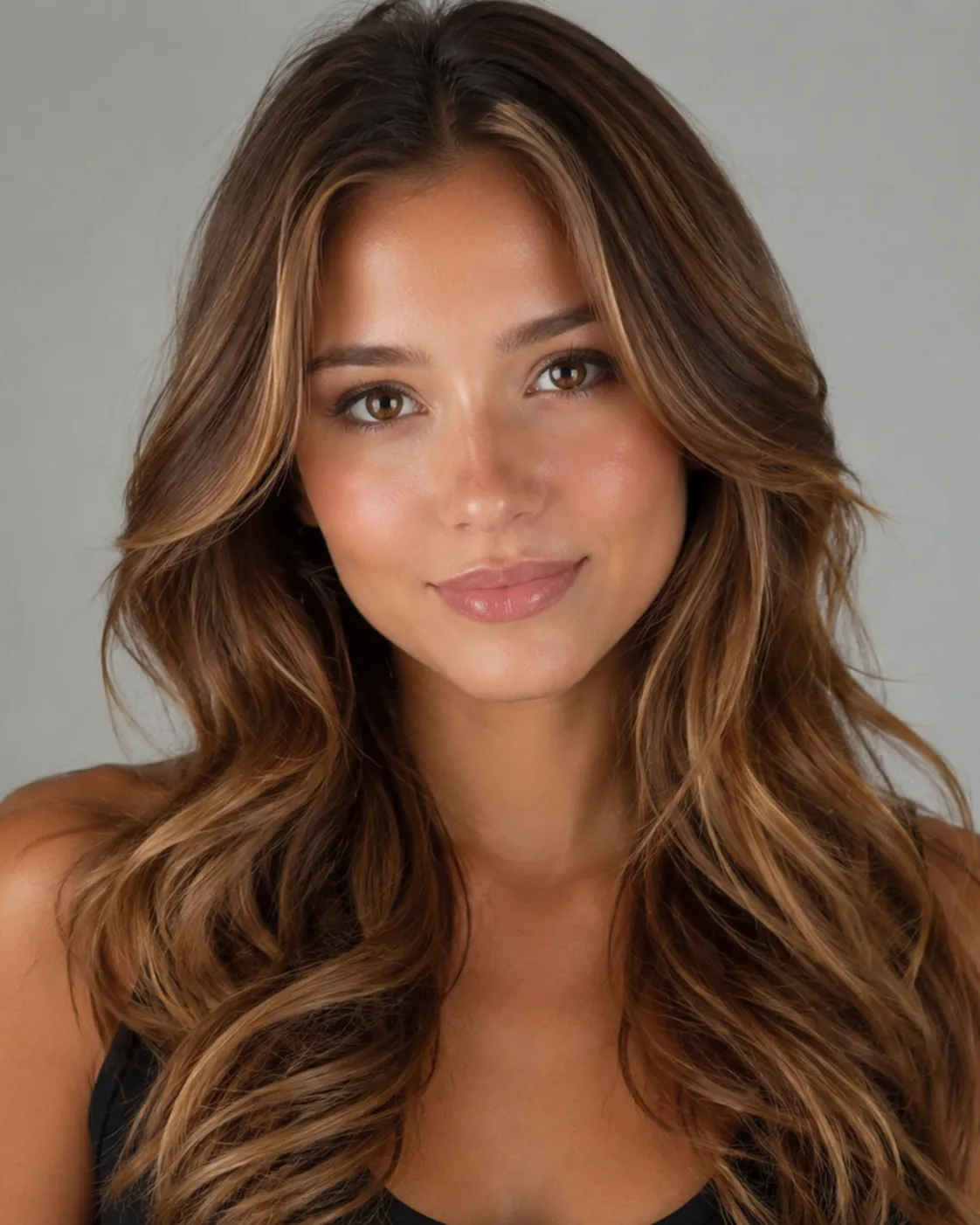
brunette hair filter preview with golden brunette, a sun-warmed honey-toned brown
Golden Brunette
Three brunettes, one face

Compare Ash Brunette, Chocolate Brunette, and Golden Brunette on the same photo. The gap between cool, neutral, and warm is easy to see when it's all on you.

Built for the cool-vs-warm call

The shade list runs from ashy and smoky to golden and honeyed, so you can land on your exact spot on the brunette spectrum instead of settling for one generic brown.

A real preview of the change

Brunette is a noticeable shift from blonde or light hair, so the AI shows the finished result on your actual photo, not a sketch of someone else.

Your features stay yours

Brunette frames the face differently than a light color does. The filter recolors the hair only, so your skin, eyes, and bone structure look the way they do in real life.

Describe a shade in your own words

Want a cool espresso with no red, or a soft golden brunette for summer? Type it out and the AI mixes that tone instead of locking you into a preset.

Custom promptDescribe your hair change
Make my hair a glossy copper bob with soft curtain bangs, natural volume, and a photo-real salon finish.
One input is enoughGenerate from description
Custom Shade

Describe the exact brunette you want

Maybe you want a smoky cool brown with zero warmth, or a soft golden brunette that catches the light. Type the shade in plain words and the AI mixes that tone on your photo instead of snapping to the nearest preset. It's the easiest way to match a specific reference you saved.
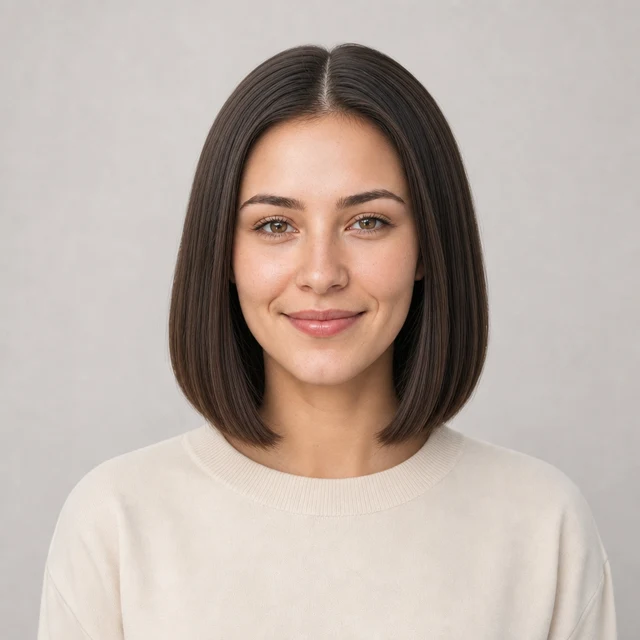

Bob hairstyle preview
Bob
Pixie Cut hairstyle preview
Pixie Cut
Soft Waves hairstyle preview
Soft Waves
Color Plus Cut

Pair brunette with a fresh cut

Brunette reads differently depending on the shape it sits in. A glossy chocolate looks polished on a blunt bob, an ashy brown shows off the dimension in long waves, and a deep brunette makes a pixie look sharp. Try the color and a new haircut together so you see the full picture before you book.

How to Try Brunette Hair on Your Photo

01

Upload a clear, evenly lit photo

Pick a front-facing shot with your hair visible and soft, even light. Harsh shadows or a busy backdrop make any brown harder to read, so keep it simple.

02

Pick your brunette shade

Choose Ash Brunette, Chocolate Brunette, or Golden Brunette, or describe the exact cool or warm brown you have in mind. Coming from blonde? Start a shade or two lighter than you think.

03

Generate and compare

Give it about a minute, then look at the result on your own face. Run a cool version and a warm version, then set them next to your original to see which one wins.

Try AIChangeHair Now
Pricing

Start free. Upgrade when you need more.

Free daily credits to start. Go Monthly, or save 53% with the Yearly plan - high quality, custom prompt edits, 180 hairstyle presets, AI hair reports, and high-volume use.

Starter

$0/ forever

Try hair color, hairstyle, prompts, and reports with no commitment.

  • 20 free credits on signup + 10 every day you claim
  • = 1 1K edit per daily claim
  • 1K edits cost 10 credits · 2K cost 16 · 4K cost 24
  • Custom text prompts, color palette, 180 hairstyle presets, and AI hair reports

Monthly

$14.99/ month

For regular hair color, hairstyle, and profile-refresh workflows.

  • 800 credits every month
  • = 80 1K edits, 50 2K, 33 4K, or 50 AI hair reports
  • All three resolutions — 1K, 2K, and 4K — available
  • All color palettes, 180 hairstyle presets, custom prompts, and AI hair reports
  • Cancel anytime
Best value · 53% off first year

Yearly

$6.99/ month

$83.88 your first year · renews $179.88/yr

Best value — the lowest price per credit, billed once a year.

  • Everything in Monthly, for 53% less per month
  • 14,400 credits up front — 50% more than a year of monthly
  • = 1,440 1K edits a year (about 120 every month)
  • Just $6.99/mo, billed $83.88 your first year
  • All color palettes, 180 hairstyle presets, custom prompts, and reports

$83.88 for the first year (about $6.99/mo). Renews at $179.88/year — still 50% more credits than monthly. Cancel anytime.

One-time credit packs

Buy credits without a subscription

Top up whenever you need to. Credits are added instantly and never expire, with no recurring charge.

Starter pack

$9.90

300 credits

≈ 12–30 edits

Popular

Value pack

$19.90

650 credits

≈ 27–65 edits

Bulk pack

$39.90

1,400 credits

≈ 58–140 edits

Prices in USD. Cancel monthly and yearly plans anytime. Questions? Talk to us.

Brunette Hair Filter: Common Questions

1. What exactly counts as brunette?

Brunette is the medium-to-dark brown range that sits between blonde and true black. It covers everything from cool ash browns to warm chocolate and golden tones, which is why two brunettes can look completely different on the same person.

2. If I'm blonde now, will I have to bleach to go brunette?

No. Going darker means adding pigment, not lifting it, so brunette usually skips the bleach. The catch is that brown over blonde can grab fast and turn darker or cooler than you wanted, since blonde hair is porous and has little warmth left underneath. Colorists often start lighter and build up. The filter lets you test the depth before you sit in the chair.

3. Does brunette suit my skin tone?

Almost everyone can wear some version of brunette, but the undertone matters. Cool, ashy brunettes flatter pink or neutral skin, while golden and chocolate brunettes warm up olive and tan complexions. Trying it on your own photo answers this faster than any color theory.

4. What's the difference between brunette and brown?

They overlap a lot. People tend to say brunette for the richer, deeper, more saturated browns and brown as the catch-all term. If you want to fine-tune a specific shade by depth, the brown shade picker gives you more granular control. This page is about the brunette look as a whole.

5. Should I go warm or cool brunette?

Cool brunette (ash) reads sleek and modern and plays down redness, while warm brunette (golden or chocolate) adds glow and looks softer and richer. Your skin undertone usually decides it, but the real test is seeing both on your face and trusting your gut.

6. Is the brunette hair filter free to try?

Yes, you can preview brunette on your own photo for free. Upload a picture, pick or describe a shade, and see the result before you commit to anything permanent or pay for a salon visit.