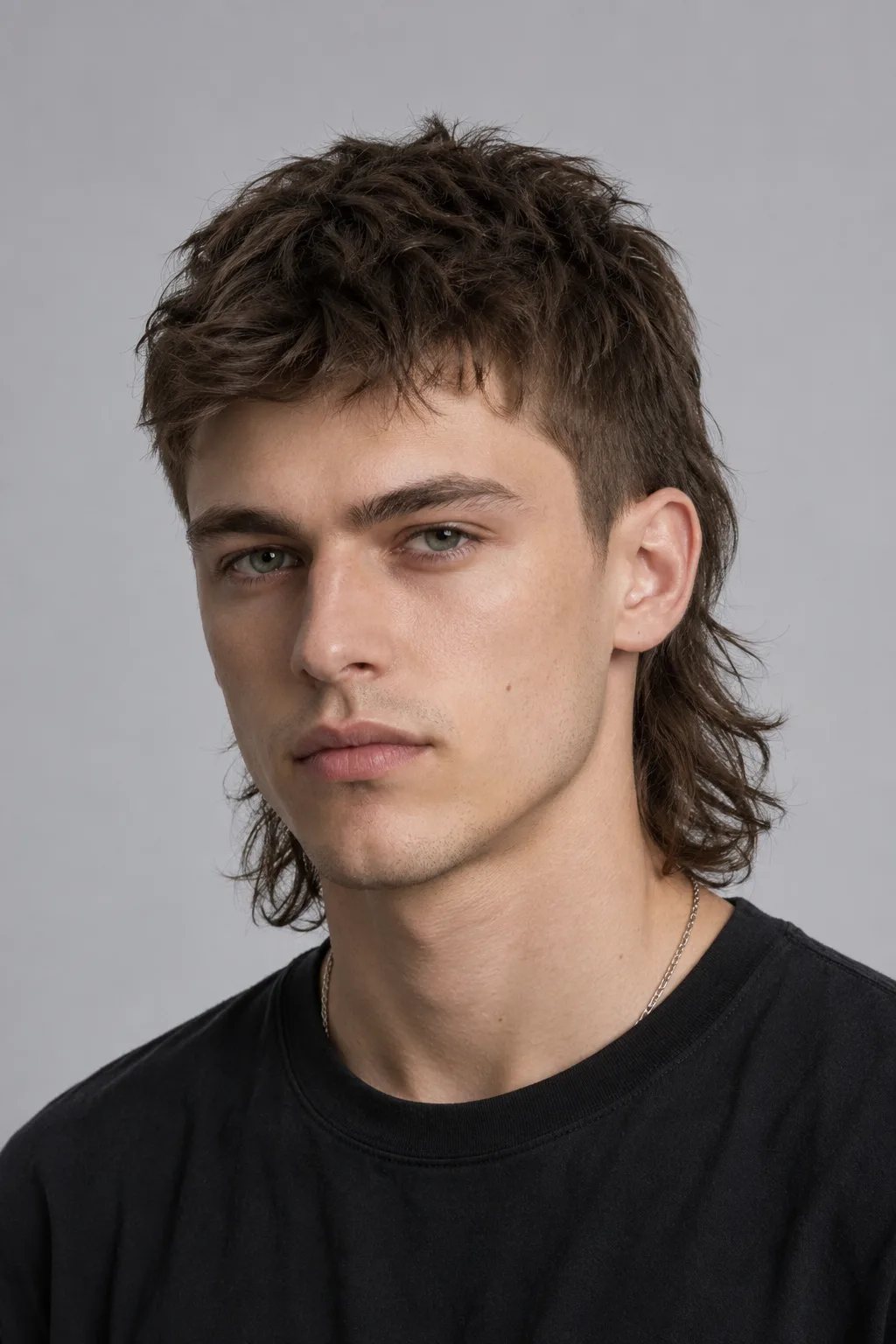
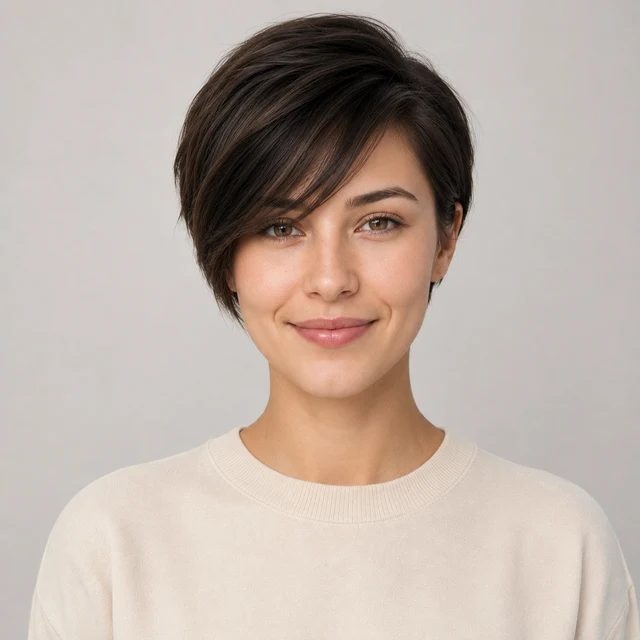

See the big chop before the scissors

Pixie Cut Filter

Upload one photo and preview a pixie cut on your own face — short and bold, before you commit.

A pixie is a short crop: close at the back and sides, with a little length left on top to style. AIChangeHair restyles only your hair and keeps your face, skin tone, lighting, and background exactly as they are.

Test the chop on your own photo first. See whether short suits you before you sit in the chair and lose the length.✨ A brand-new report every time — a different hairstyle and color on every single generation.Edit hair · Try styles · Generate hair report
Upload a clear portraitTap to upload
1Task
2Input method
60 styles
3Quality
AI pixie cut preview

See yourself with a pixie cut before the big chop

Going from long hair to a pixie is a hard one to talk yourself into. Once it's gone, it's gone for months. This filter puts the cut on your own face first, so the question stops being hypothetical. Try a soft, longer pixie you can still style, or a sharp, cropped-close version that's all attitude. Then judge it on your face, not a salon model's.

Pixie Cut Filter preview with classic pixie
Classic Pixie
Pixie Cut Filter preview with sideswept pixie
Sideswept Pixie
Pixie Cut Filter preview with cropped pixie
Cropped Pixie
One photo, the full range of pixies

Preview a long grown-out pixie, a classic short crop, a textured tousled version, and a sleek tapered cut — so you can see how short actually feels right on you.

Long pixie or short crop

Preview a longer, softer pixie you can tuck and tousle, or a cropped-close version. Decide how dramatic you really want to go.

Will it suit my face

A pixie pulls every bit of attention to your face, jaw, and cheekbones. Seeing it on your own photo tells you more than any face-shape chart.

Tweak the texture

Try it sleek and tapered, piecey and tousled, or with a soft side-swept fringe. Find the version that feels like you.

Keep your color

The cut is a separate call from the color. Preview the pixie in your current shade, then add a new color on top if you're curious.

Pixie Cut hairstyle preview
Pixie Cut
Sideswept Pixie hairstyle preview
Sideswept Pixie
Pixie Cut hairstyle preview
Pixie Cut
Pixie cut presets

Choose a long, short, textured, or sleek pixie

Start from a curated pixie reference so the AI nails the length and silhouette: a soft long pixie, a classic short crop, a tousled textured version, a sleek tapered cut, or a pixie with a side-swept fringe. Pick the one closest to what you've been picturing and generate it on your own photo.
Custom promptDescribe your hair change
Make my hair a glossy copper bob with soft curtain bangs, natural volume, and a photo-real salon finish.
One input is enoughGenerate from description
Custom pixie prompt

Describe the exact pixie you want

Type a short request — a long pixie with a side-swept fringe, a cropped pixie with a faded back, a tousled textured pixie. The editor keeps the change focused on the cut and leaves your face, skin tone, lighting, and background alone.

How to Try a Pixie Cut on Your Photo

01

Upload Your Photo

Use a clear, front-facing or three-quarter portrait in even light, with your face and current hairline visible. Pull longer hair away from your cheeks and jaw so the AI can crop it cleanly.

02

Pick or Describe a Pixie

Choose a long, short, textured, or sleek pixie from the presets, or type the version you want — say, a cropped pixie with a soft fringe. Your face, skin tone, and background stay put.

03

Generate and Compare

Get your pixie cut preview in about a minute, set it next to your original photo, then download it or try a different length before you book the chop.

Try AIChangeHair Now
Pricing

Start free. Upgrade when you need more.

Free daily credits to start. Go Monthly, or save 53% with the Yearly plan - high quality, custom prompt edits, 180 hairstyle presets, AI hair reports, and high-volume use.

Starter

$0/ forever

Try hair color, hairstyle, prompts, and reports with no commitment.

  • 20 free credits on signup + 10 every day you claim
  • = 1 1K edit per daily claim
  • 1K edits cost 10 credits · 2K cost 16 · 4K cost 24
  • Custom text prompts, color palette, 180 hairstyle presets, and AI hair reports

Monthly

$14.99/ month

For regular hair color, hairstyle, and profile-refresh workflows.

  • 800 credits every month
  • = 80 1K edits, 50 2K, 33 4K, or 50 AI hair reports
  • All three resolutions — 1K, 2K, and 4K — available
  • All color palettes, 180 hairstyle presets, custom prompts, and AI hair reports
  • Cancel anytime
Best value · 53% off first year

Yearly

$6.99/ month

$83.88 your first year · renews $179.88/yr

Best value — the lowest price per credit, billed once a year.

  • Everything in Monthly, for 53% less per month
  • 14,400 credits up front — 50% more than a year of monthly
  • = 1,440 1K edits a year (about 120 every month)
  • Just $6.99/mo, billed $83.88 your first year
  • All color palettes, 180 hairstyle presets, custom prompts, and reports

$83.88 for the first year (about $6.99/mo). Renews at $179.88/year — still 50% more credits than monthly. Cancel anytime.

One-time credit packs

Buy credits without a subscription

Top up whenever you need to. Credits are added instantly and never expire, with no recurring charge.

Starter pack

$9.90

300 credits

≈ 12–30 edits

Popular

Value pack

$19.90

650 credits

≈ 27–65 edits

Bulk pack

$39.90

1,400 credits

≈ 58–140 edits

Prices in USD. Cancel monthly and yearly plans anytime. Questions? Talk to us.

Pixie Cut Filter: Common Questions

1. What is a pixie cut?

A pixie cut is a short style cropped close at the back and sides, with a bit more length left on top to style. It can be soft and grown-out or sharp and cropped close, but it always sits well above the shoulders and frames the face directly. This filter shows you the full range, so you can see where on that scale you'd want to land.

2. Will a pixie cut suit my face shape?

A pixie pulls all the focus to your face, jaw, and cheekbones, so it lands differently on every face. Oval and heart shapes tend to carry it easily; rounder faces often look better with a longer top or a side-swept fringe to add length. Don't guess from a chart — upload your photo and see the cut on your own face. That's the honest answer.

3. How short is a pixie, and how much commitment is it?

A short crop can come down to an inch or two; a long pixie keeps a few inches on top so you can still tuck and tousle it. Either way, it's a real commitment. Growing back to a bob takes several months, and back to long hair, a year or more. Previewing it first is the cheapest way to be sure you want the chop.

4. What's the difference between a pixie cut and a short bob?

A bob sits around the chin or jaw and keeps the weight in the length; a pixie is shorter and cropped close at the back and sides. A pixie reads bolder and lower-maintenance, while a bob is softer and leaves you more hair to play with. Preview both on your photo and compare them side by side before you decide.

5. Can I keep my hair color when I try a pixie?

Yes. The filter changes the cut and length first, so your preview keeps your current color by default. If you're also curious about going lighter or bolder with the new short look, you can add a color on top. The cut and the color are separate choices, and you can test them one at a time.

6. Is the pixie cut filter free?

You can try it for free, and one free preview is enough to see whether a pixie suits you before a salon visit. If you want more versions — different lengths, textures, and colors — there are paid options for extra previews. The first look costs nothing.