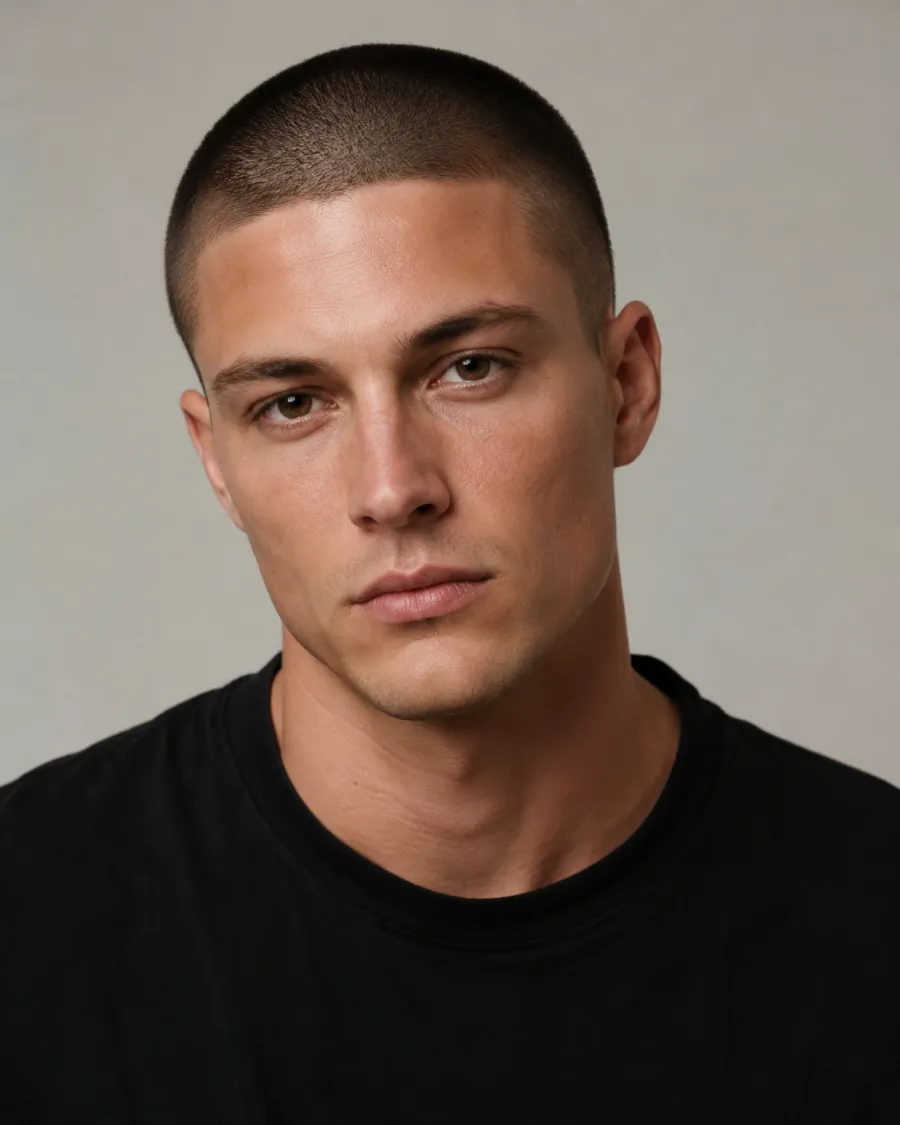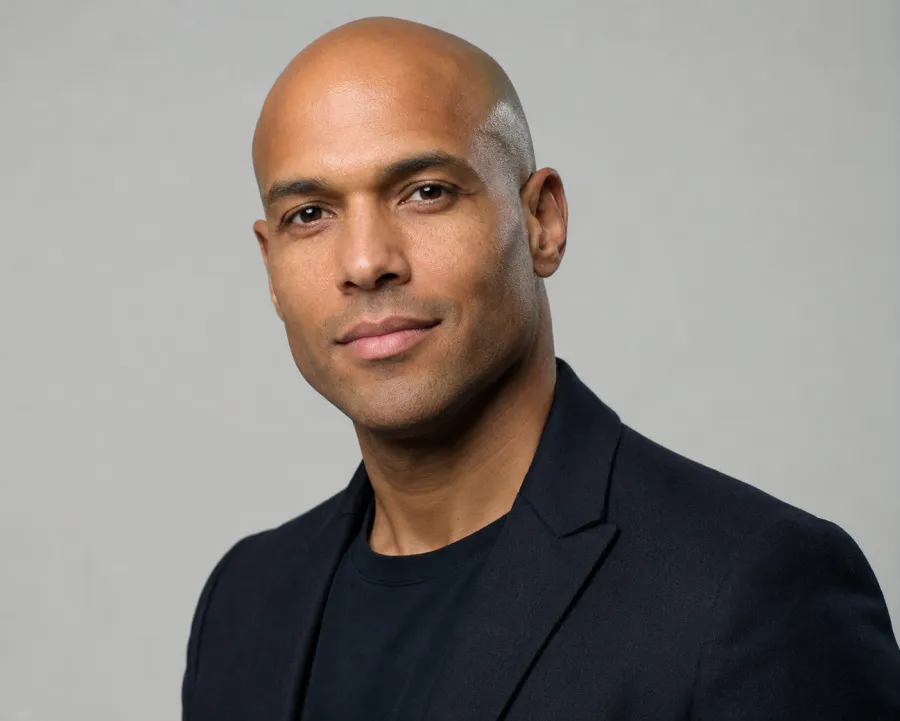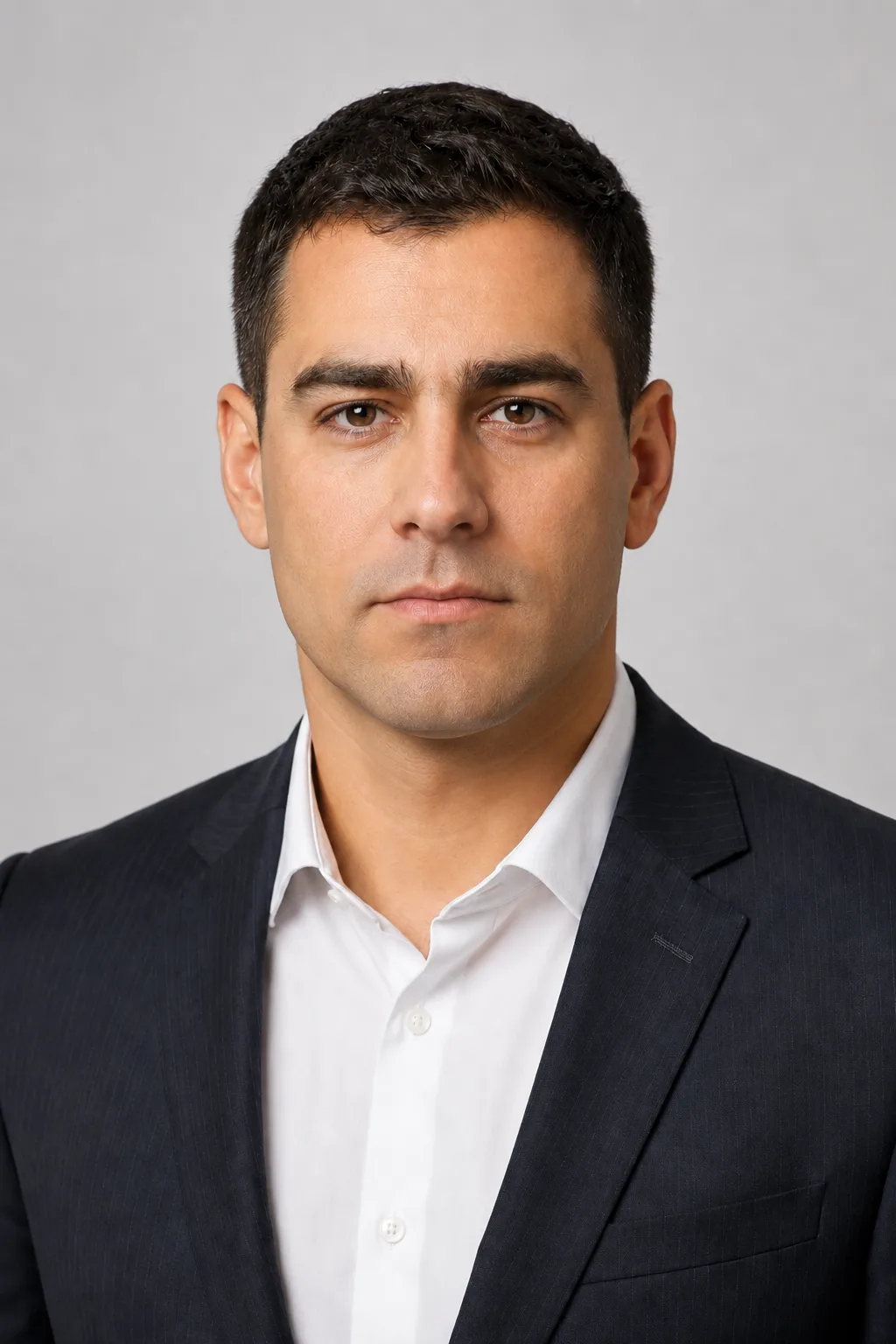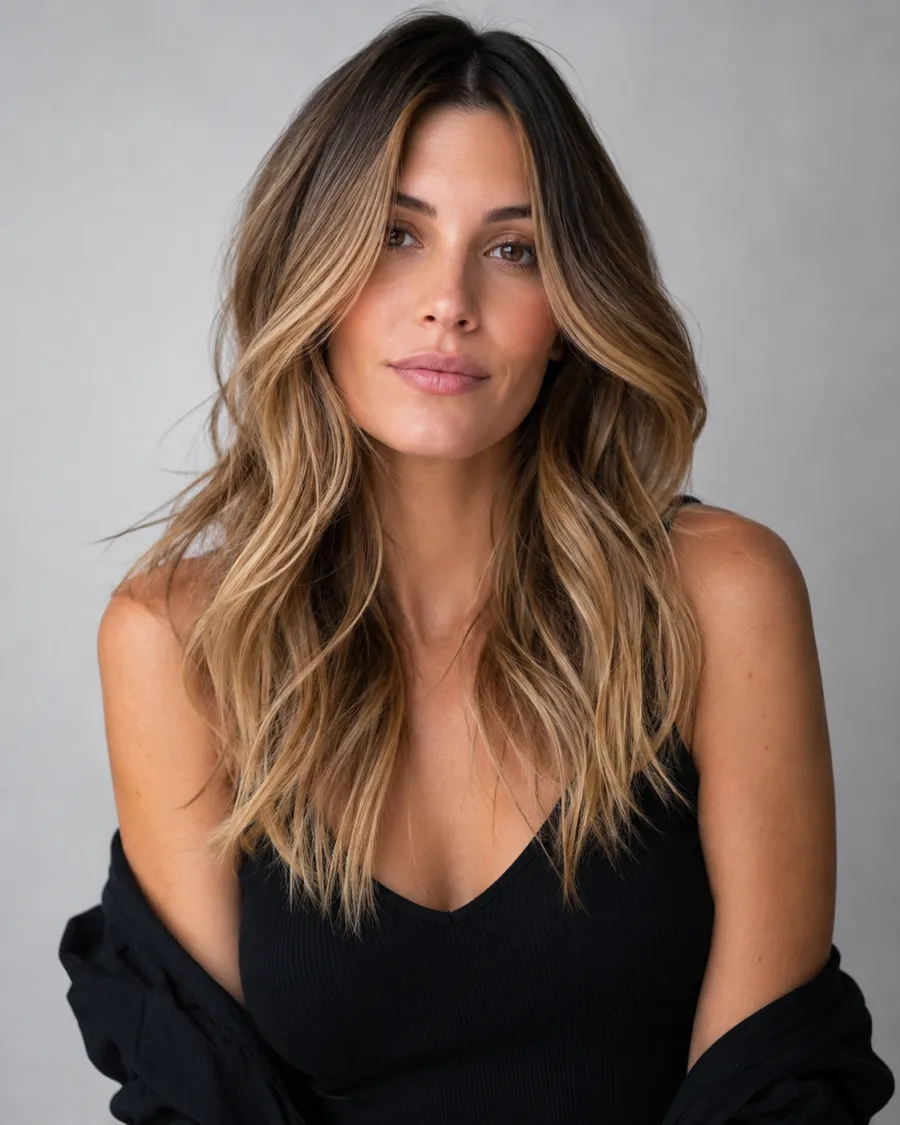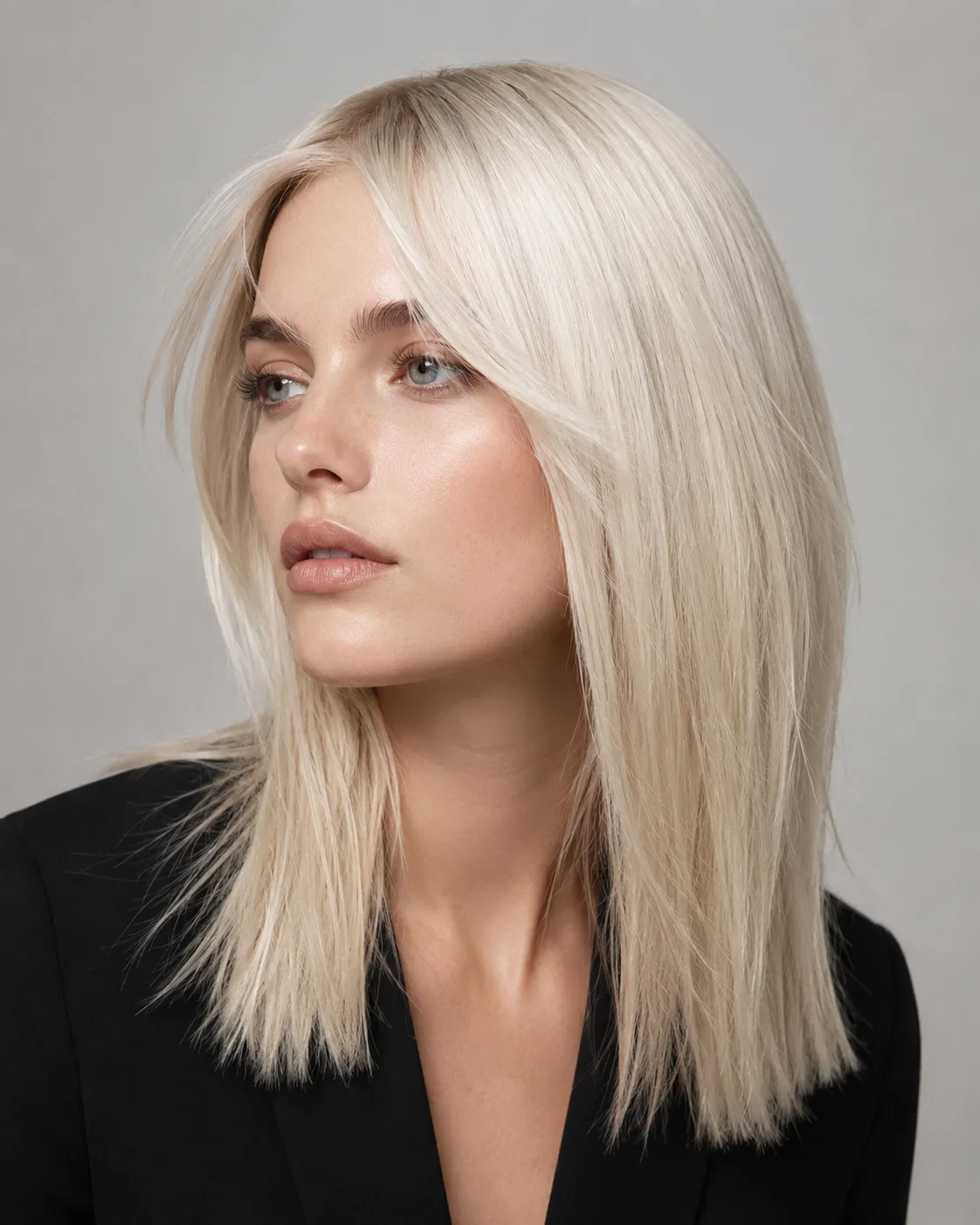

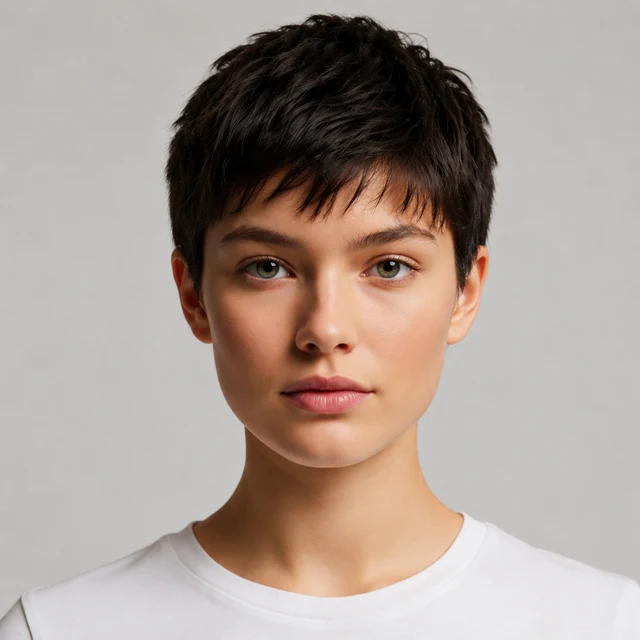
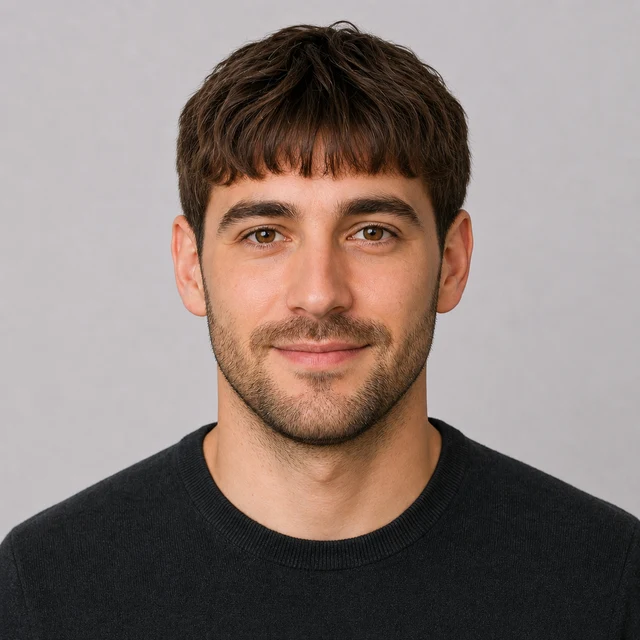
See bangs on your face before the scissors

Bangs Filter

Upload one photo and preview blunt, curtain, side-swept, or wispy bangs on your own face — the low-stakes way to answer "would bangs suit me?"

The bangs filter adds the fringe you choose without touching your face, your existing length and color, lighting, or background.

Compare a heavy blunt fringe against airy curtain bangs on the same portrait before you book the chair.✨ A brand-new report every time — a different hairstyle and color on every single generation.Edit hair · Try styles · Generate hair report
Upload a clear portraitTap to upload
1Task
2Input method
60 styles
3Quality
AI bangs preview

Try bangs on your own photo before you commit to the cut

This bangs filter is a free way to see yourself with bangs before a real trim — and bangs are the one cut most people regret growing out. Upload one portrait and the AI adds the fringe to the front of your hair leaving your face, the length and color of your existing hair, and the background unchanged, so you can judge bangs on you rather than on a model.

Bangs filter preview with a straight blunt fringe
Blunt Bangs
Bangs filter preview with soft side-swept bangs
Side-Swept Bangs
Bangs filter preview with light wispy airy bangs
Airy Bangs
One photo, every kind of fringe

Preview a heavy blunt fringe, soft side-swept bangs, airy face-framing curtain bangs, or wispy baby bangs, while your facial identity, hair length, color, and camera angle stay stable.

Blunt or wispy

Compare a heavy straight-across blunt fringe with light, wispy baby bangs to see how much weight suits your face.

Curtain or side-swept

Preview soft face-framing curtain bangs or one-sided side-swept bangs — the most forgiving fringe shapes for most face shapes.

Keep your length and color

The bangs filter only adds the fringe; your existing length, color, and texture stay completely untouched.

For any hair

Bangs preview on female, male, and children portraits — pick a fringe reference or describe the shape you have in mind.

Blunt Bangs hairstyle preview
Blunt Bangs
Side-Swept Bangs hairstyle preview
Side-Swept Bangs
Airy Bangs Short hairstyle preview
Airy Bangs Short
Blunt Bangs hairstyle preview
Blunt Bangs
Bangs presets

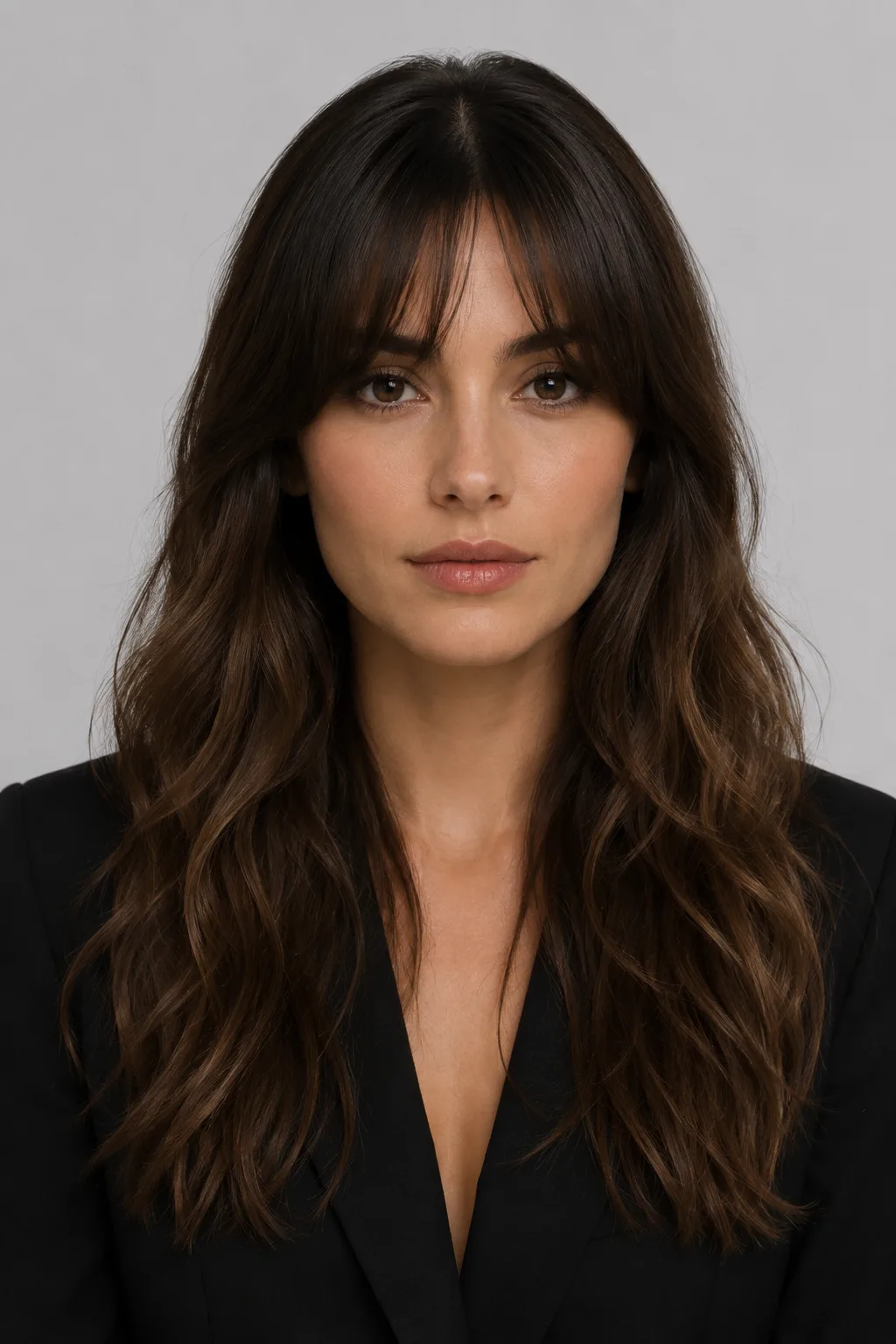
Choose blunt, side-swept, curtain, or wispy bangs

Start from a curated fringe reference so the model understands the exact shape and weight: a straight blunt fringe, soft side-swept bangs, airy face-framing curtain bangs, or light baby bangs. Pick the one closest to what you are considering and generate it on your own photo.
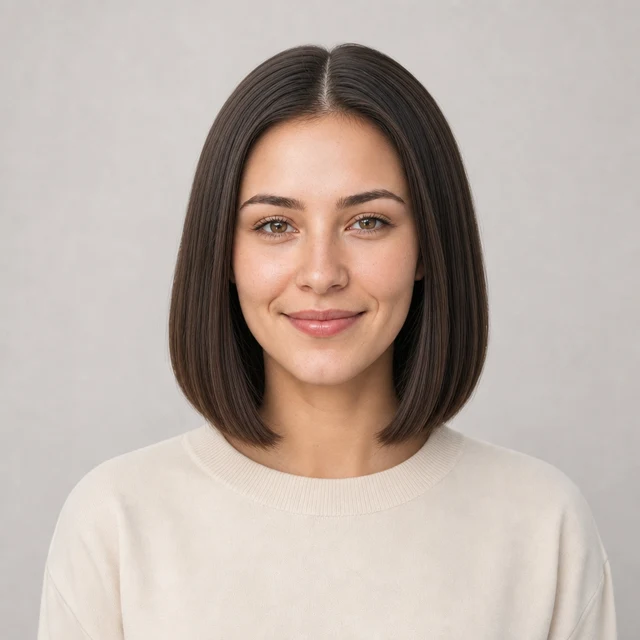
Custom promptDescribe your hair change
Make my hair a glossy copper bob with soft curtain bangs, natural volume, and a photo-real salon finish.
One input is enoughGenerate from description
Custom bangs prompt

Describe the exact fringe you want

Type a short request like soft curtain bangs, a heavy blunt fringe, wispy face-framing bangs, side-swept bangs that hit the cheekbone, or grown-out bangs. The bangs filter keeps the request focused on the fringe while preserving identity, clothing, lighting, and background.

How to Try Bangs on Your Photo

01

Upload Your Photo

Upload a clear, front-facing portrait in even lighting with your forehead and current hairline visible. Pulling your hair back off your face helps the AI place the new fringe accurately.

02

Pick a Fringe or Describe It

Choose blunt, side-swept, curtain, or wispy bangs from the presets, or type a request like soft curtain bangs that hit the cheekbone. The rest of your hair, its length, and its color stay as they are.

03

Generate and Compare

Get the bangs preview in about a minute, compare it with your original photo, then download it or try a different fringe shape from your gallery.

Try AIChangeHair Now
Pricing

Start free. Upgrade when you need more.

Free daily credits to start. Go Monthly, or save 53% with the Yearly plan - high quality, custom prompt edits, 180 hairstyle presets, AI hair reports, and high-volume use.

Starter

$0/ forever

Try hair color, hairstyle, prompts, and reports with no commitment.

  • 20 free credits on signup + 10 every day you claim
  • = 1 1K edit per daily claim
  • 1K edits cost 10 credits · 2K cost 16 · 4K cost 24
  • Custom text prompts, color palette, 180 hairstyle presets, and AI hair reports

Monthly

$14.99/ month

For regular hair color, hairstyle, and profile-refresh workflows.

  • 800 credits every month
  • = 80 1K edits, 50 2K, 33 4K, or 50 AI hair reports
  • All three resolutions — 1K, 2K, and 4K — available
  • All color palettes, 180 hairstyle presets, custom prompts, and AI hair reports
  • Cancel anytime
Best value · 53% off first year

Yearly

$6.99/ month

$83.88 your first year · renews $179.88/yr

Best value — the lowest price per credit, billed once a year.

  • Everything in Monthly, for 53% less per month
  • 14,400 credits up front — 50% more than a year of monthly
  • = 1,440 1K edits a year (about 120 every month)
  • Just $6.99/mo, billed $83.88 your first year
  • All color palettes, 180 hairstyle presets, custom prompts, and reports

$83.88 for the first year (about $6.99/mo). Renews at $179.88/year — still 50% more credits than monthly. Cancel anytime.

One-time credit packs

Buy credits without a subscription

Top up whenever you need to. Credits are added instantly and never expire, with no recurring charge.

Starter pack

$9.90one-time

300 credits

≈ 30 1K / 18 2K / 12 4K edits

Popular

Value pack

$19.90one-time

650 credits

≈ 65 1K / 40 2K / 27 4K edits

Bulk pack

$39.90one-time

1,400 credits

≈ 140 1K / 87 2K / 58 4K edits

Prices in USD. Cancel monthly and yearly plans anytime. Questions? Talk to us.

Bangs Filter: Common Questions

1. Can I see myself with bangs before actually cutting them?

Yes — that is what the bangs filter is for. Upload one photo and the bangs filter adds the fringe to the front of your hair while keeping your face and your existing length and color, so you can decide whether bangs suit you before the scissors come out.

2. Would bangs suit my face shape?

The fastest way to find out is to see them on you, not on a model. Generate blunt, curtain, and side-swept bangs from the same portrait and compare how each fringe shape frames your forehead and face shape.

3. What types of bangs can I preview?

Pick a preset for blunt bangs, side-swept bangs, airy curtain bangs, or wispy baby bangs, or describe a specific fringe like soft curtain bangs that hit the cheekbone, and the editor renders that exact shape.

4. Do bangs change the rest of my hairstyle?

No. The bangs filter only adds the fringe at the front. Your existing length, color, and texture stay exactly as they are, so the preview shows your real hairstyle with bangs added.

5. Can I see what bangs look like grown out?

Yes. Describe grown-out bangs or longer face-framing layers, and the editor previews the awkward in-between stage — useful before you commit, since growing bangs out is the part most people regret.

6. Is the bangs filter free to use online?

Yes — you get 20 credits at sign-up plus 10 more each day you check in, and one bangs preview costs 10 credits. That is enough to try the bangs filter online for a free look every day.

7. What photo works best for trying on bangs?

Use a clear, front-facing portrait in even lighting where your forehead and current hairline are visible. Pulling hair back off your face helps the AI place the new fringe accurately.