
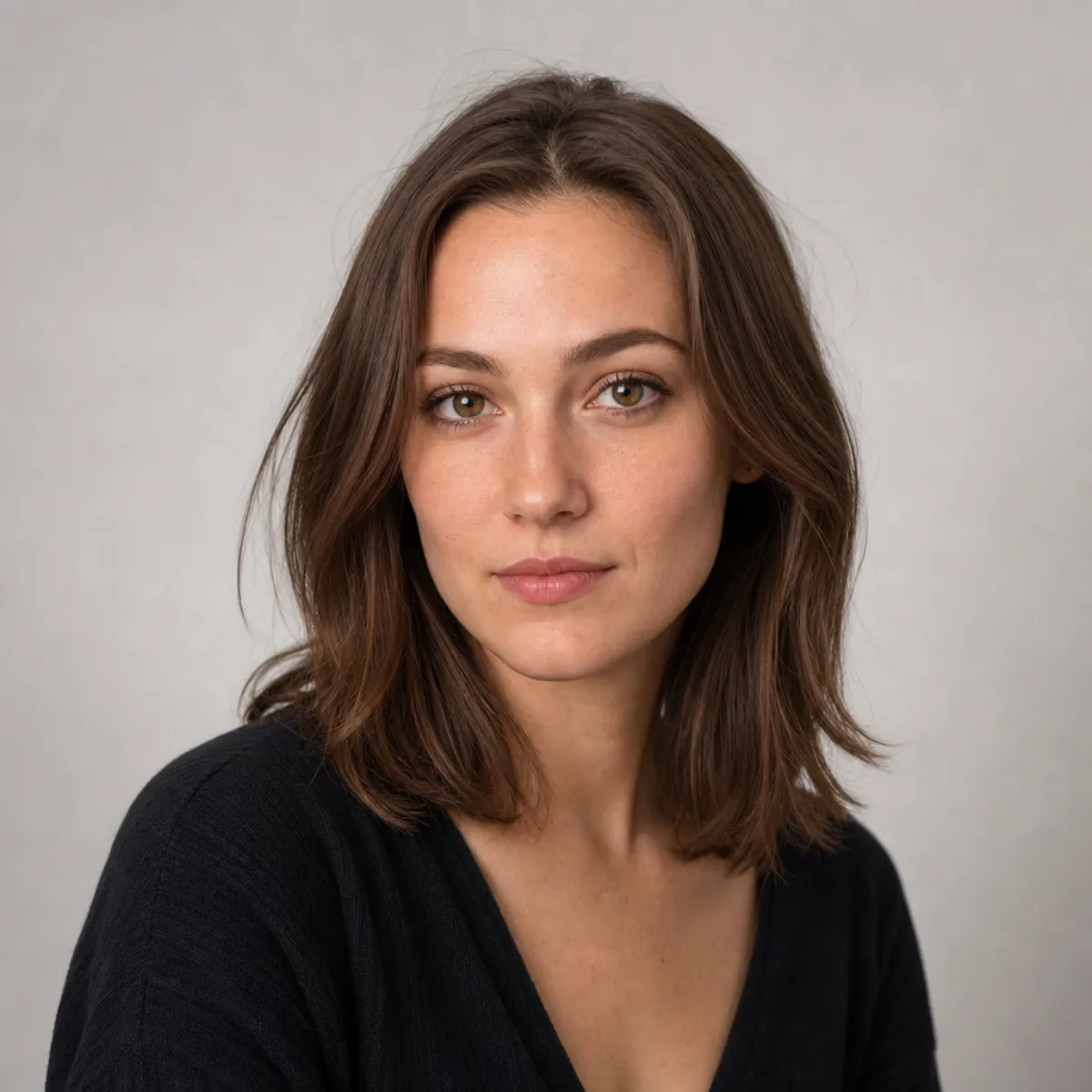
Best AI Hairstyle Changer Apps in 2026 (We Tested 10, Free Picks)
We tested 10 AI hairstyle apps. Best free pick for a realistic try-on on your own face: AIChangeHair, in any browser. Side-by-side test photos inside.
Sean Avery·
Guides, tips, and behind-the-scenes notes on AI hairstyle try-on, hair color previews, and realistic portrait hair edits.
We tested 10 AI hairstyle apps. Best free pick for a realistic try-on on your own face: AIChangeHair, in any browser. Side-by-side test photos inside.
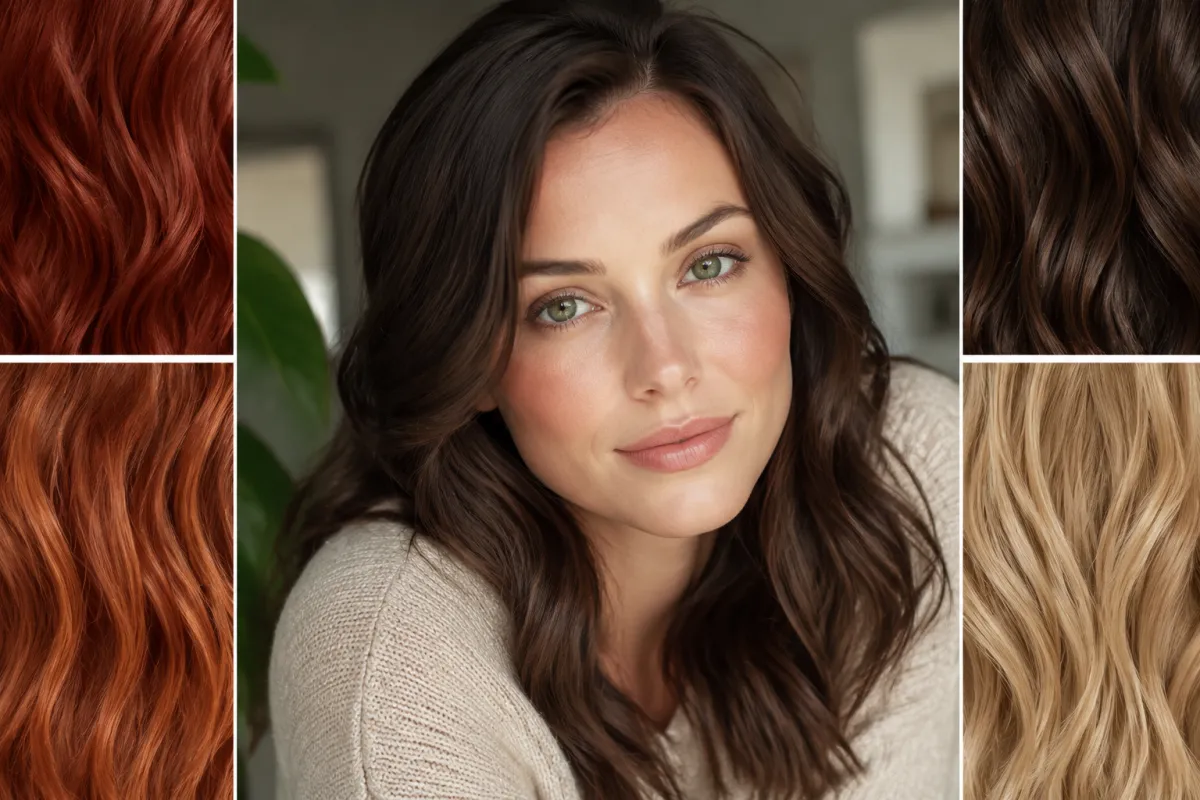
The best hair colors for green eyes are copper, auburn, warm chocolate, honey blonde and burgundy. See them on one face, then preview free on yours.
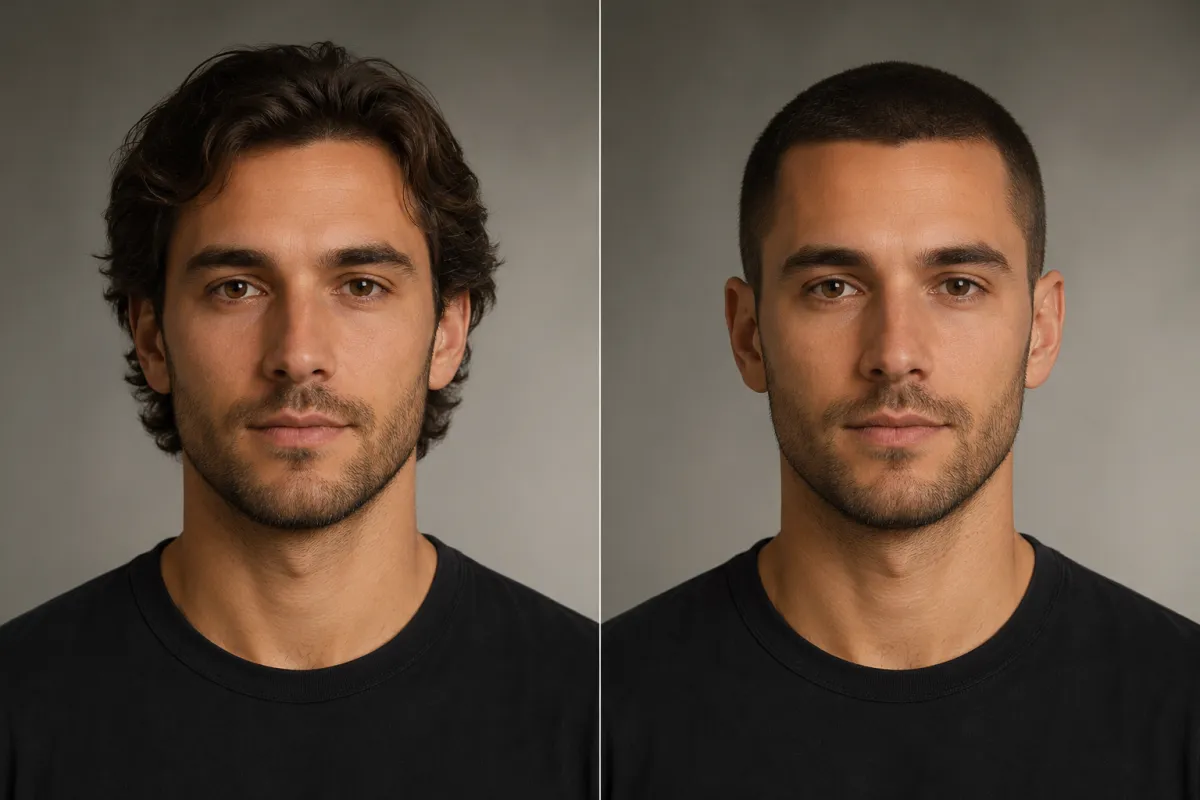
See what you would look like with a buzz cut: a free filter previews the clippered look on your own selfie, at the length you choose, in a minute or two.
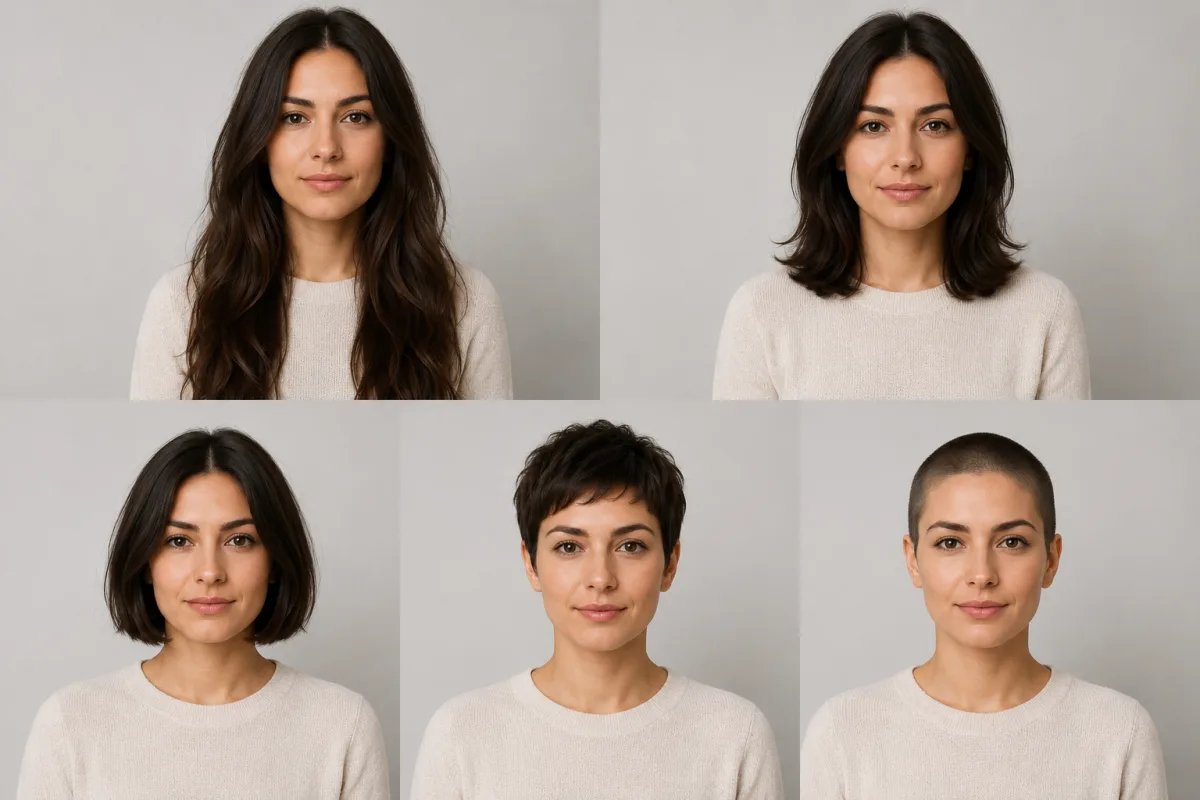
See what you would look like with short hair for free: preview a lob, pixie and buzz cut on your own selfie, then use the chin test before you cut.
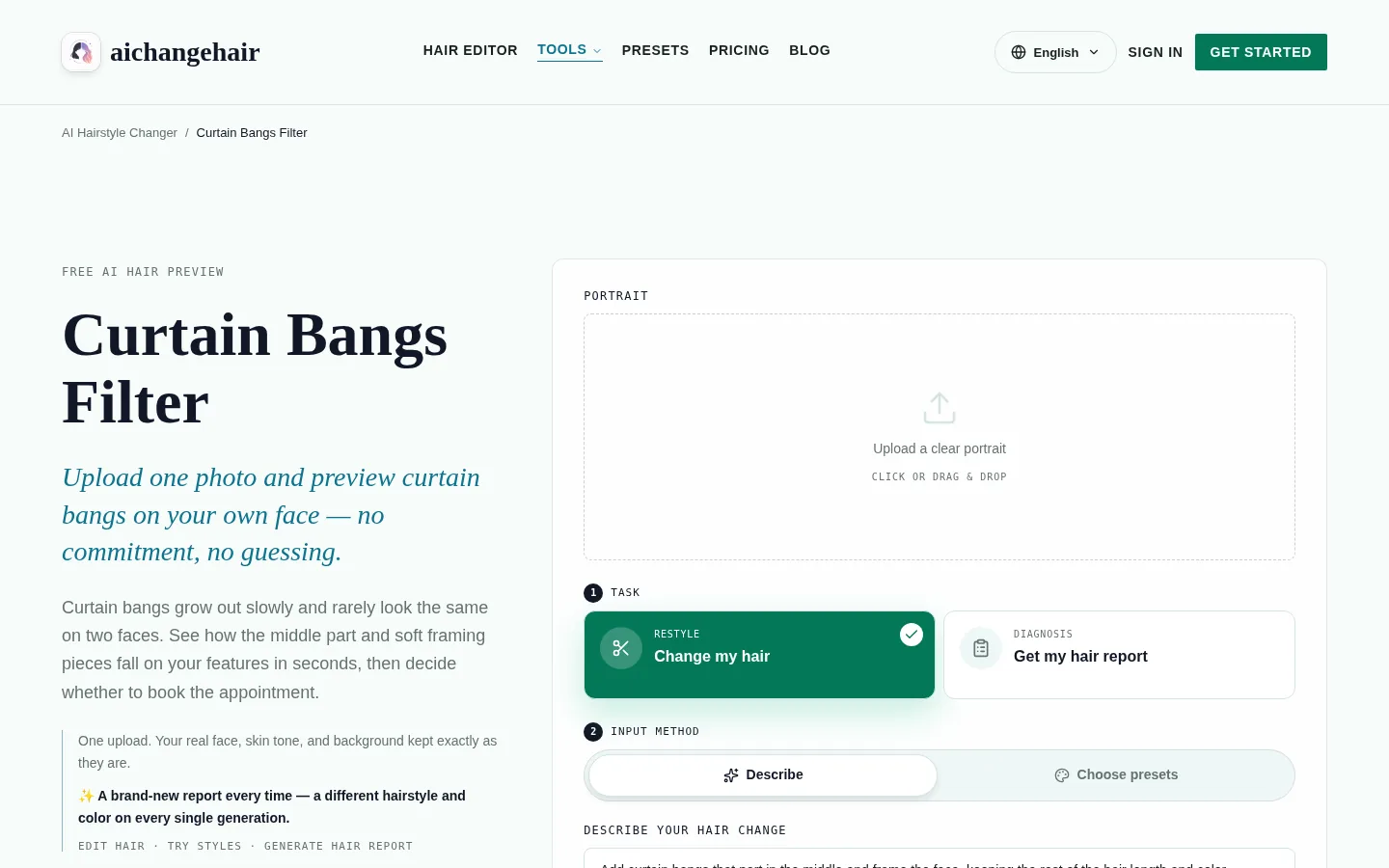
Preview curtain bangs fringe placement on your portrait to shortlist a look, then check real wig photos, specs, and seller details before you buy.
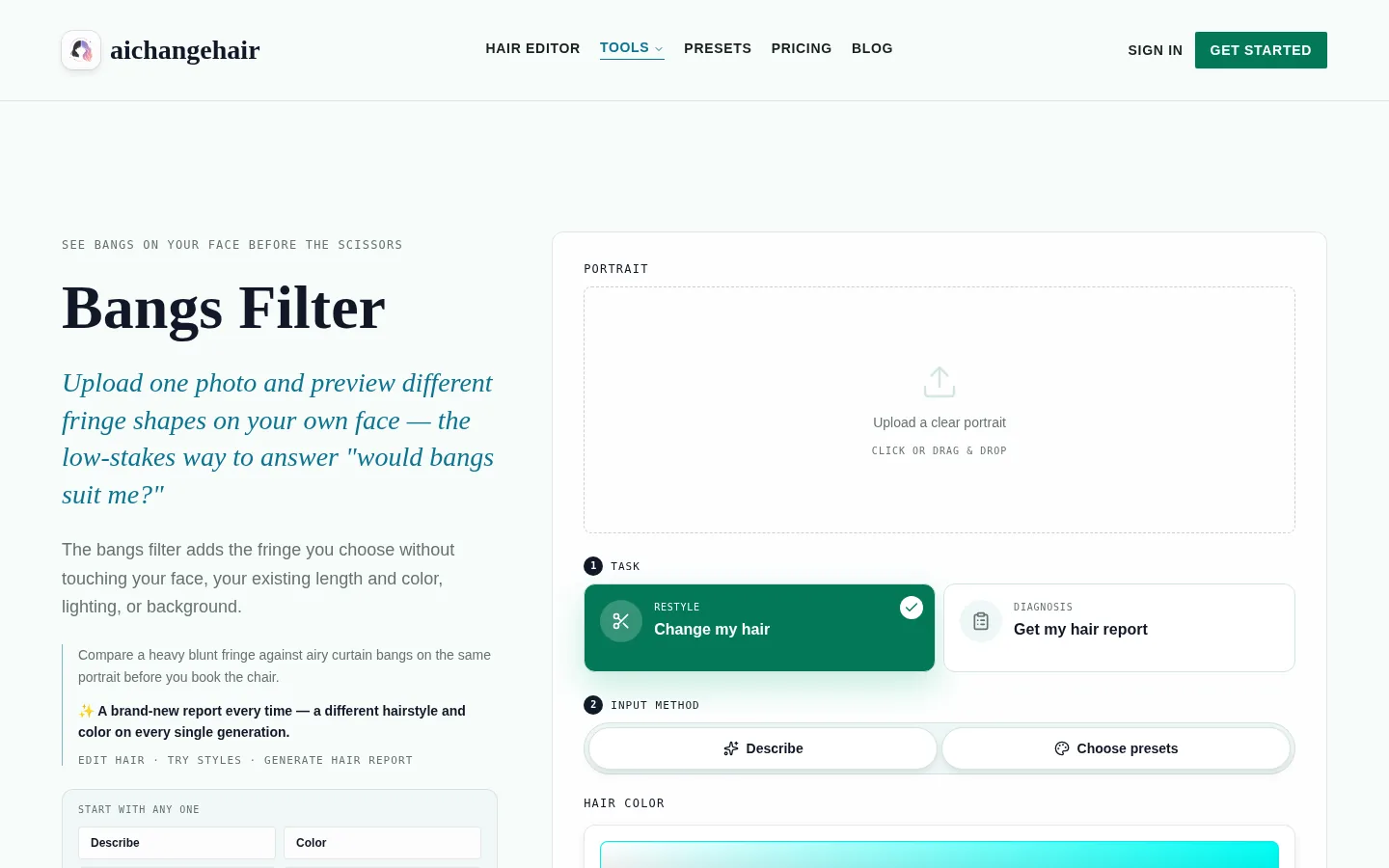
Use a bangs try on filter without confusing left and right. Check the saved photo and download, then add a clear direction note for your stylist.
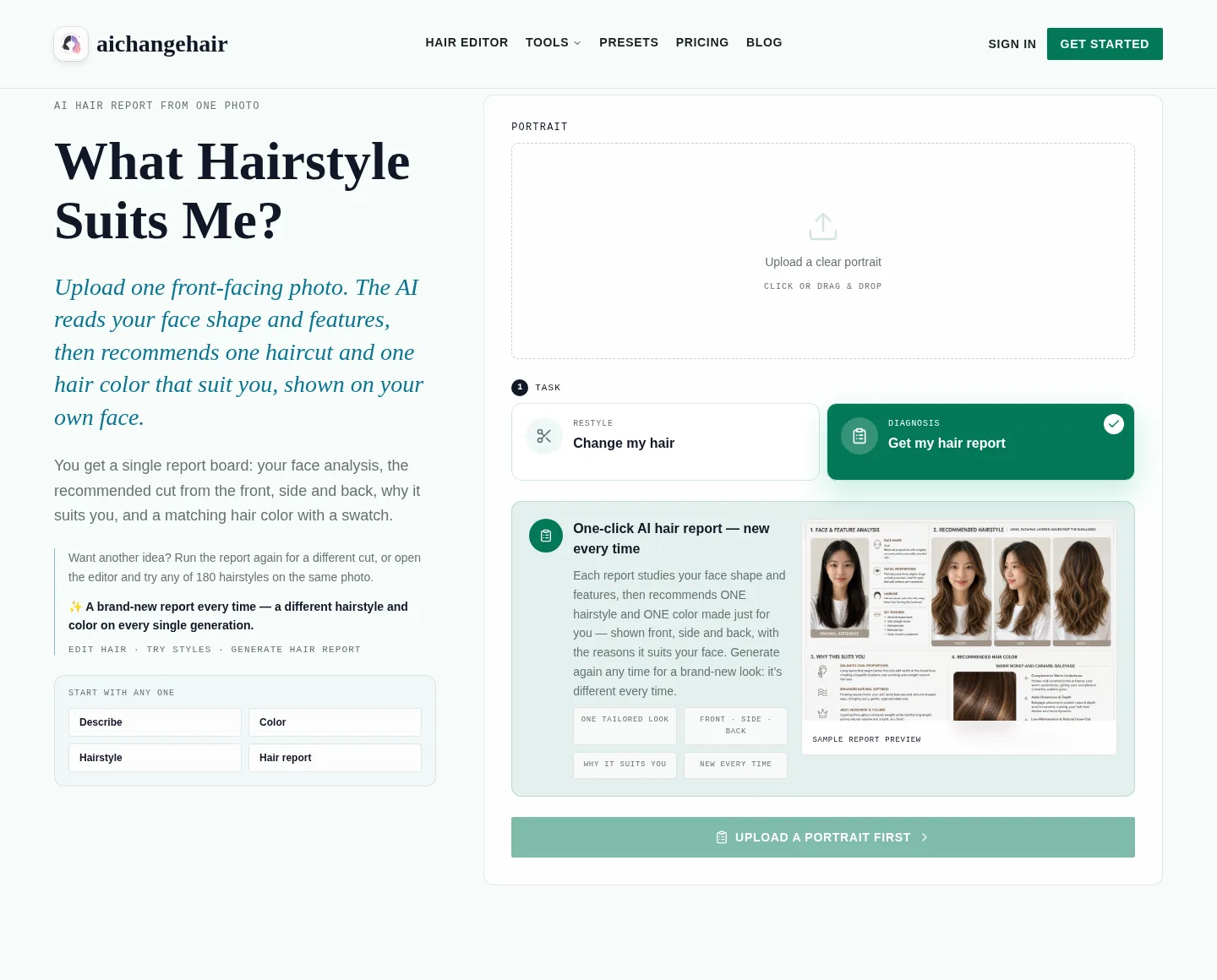
Find a hairstyle for my face shape using a clear photo. Check camera angle, hidden jawlines, and close-up distortion before trusting a hair report.
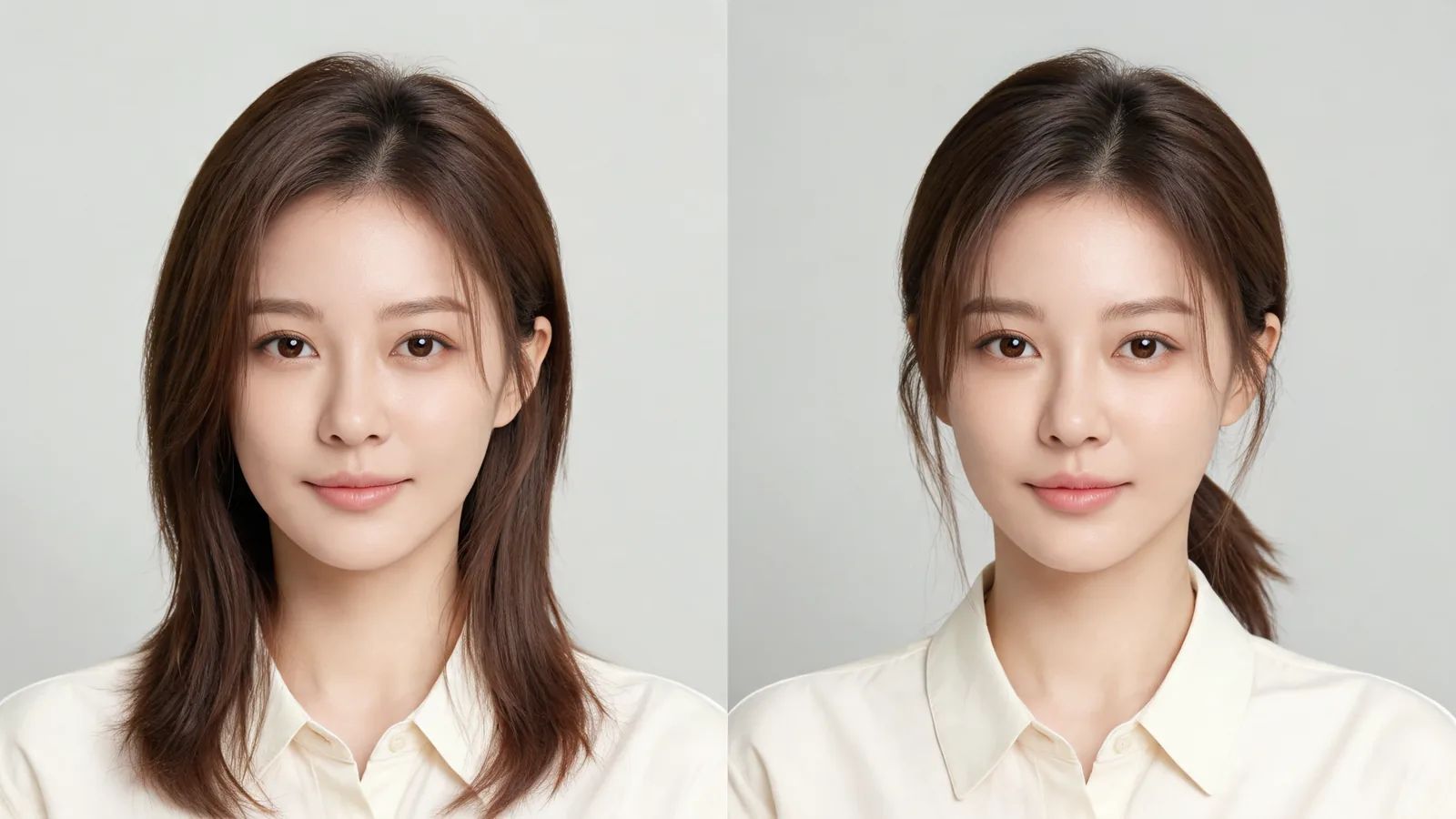
Use a virtual hairstyle try on to compare one proposed cut worn down and tied back. Keep length consistent and spot previews that invent extra hair.
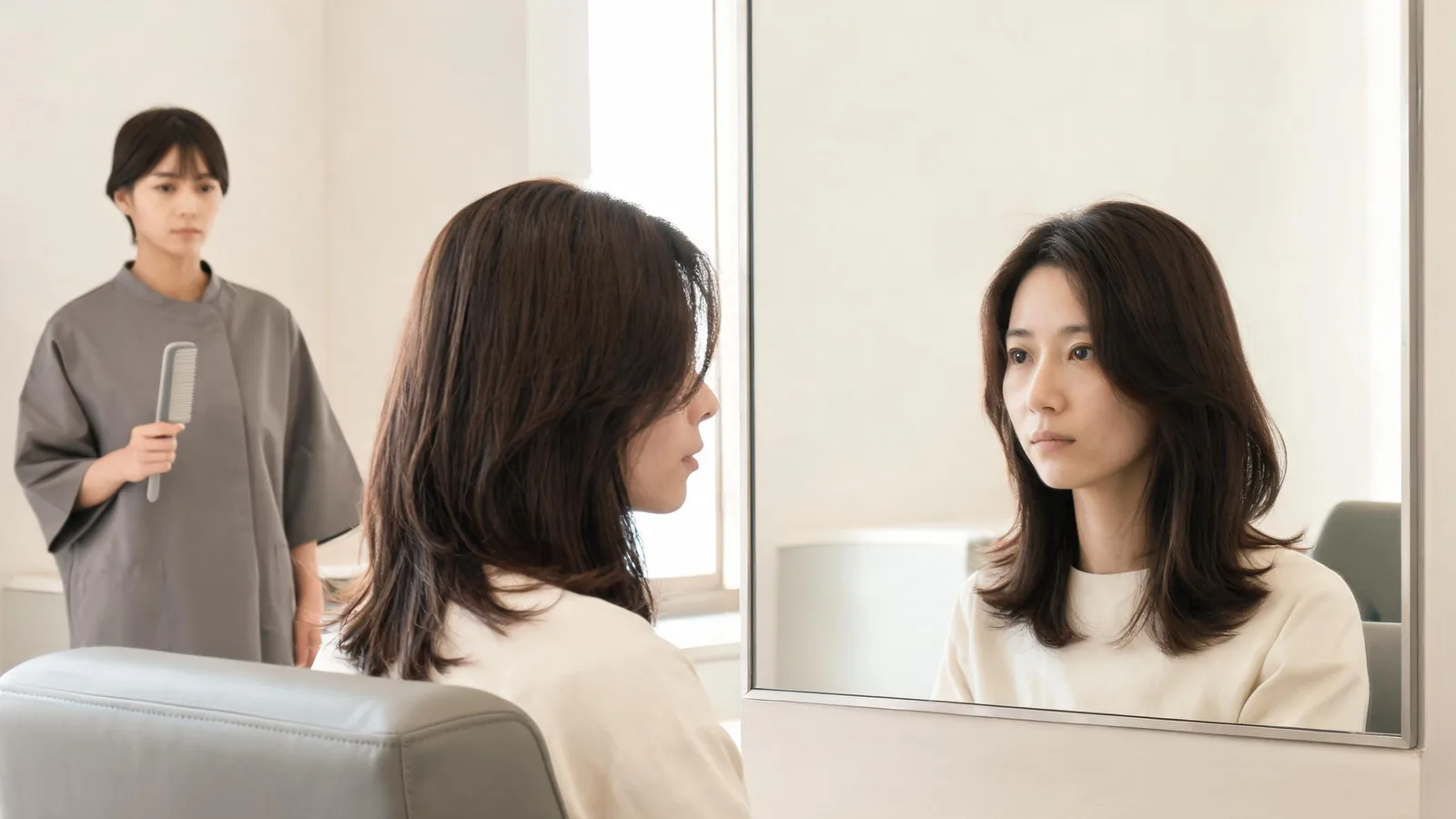
Wondering what haircut suits me? Use one clear photo to read a hair report, compare close variations, and prepare a useful salon or barber reference.
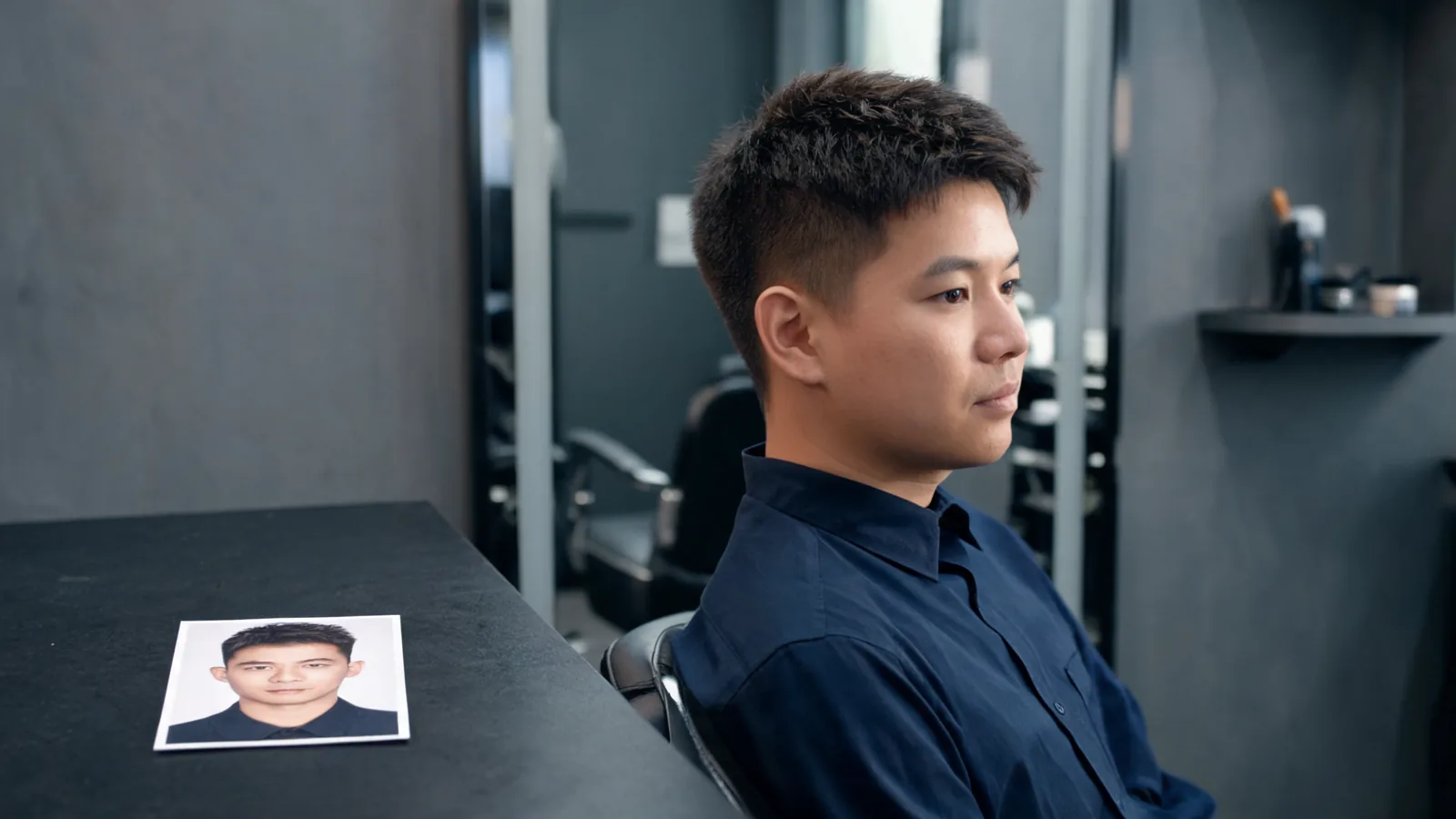
Check a free male haircut simulator's account, credit, and download limits. Learn whether the saved image is a useful barber reference before paying.
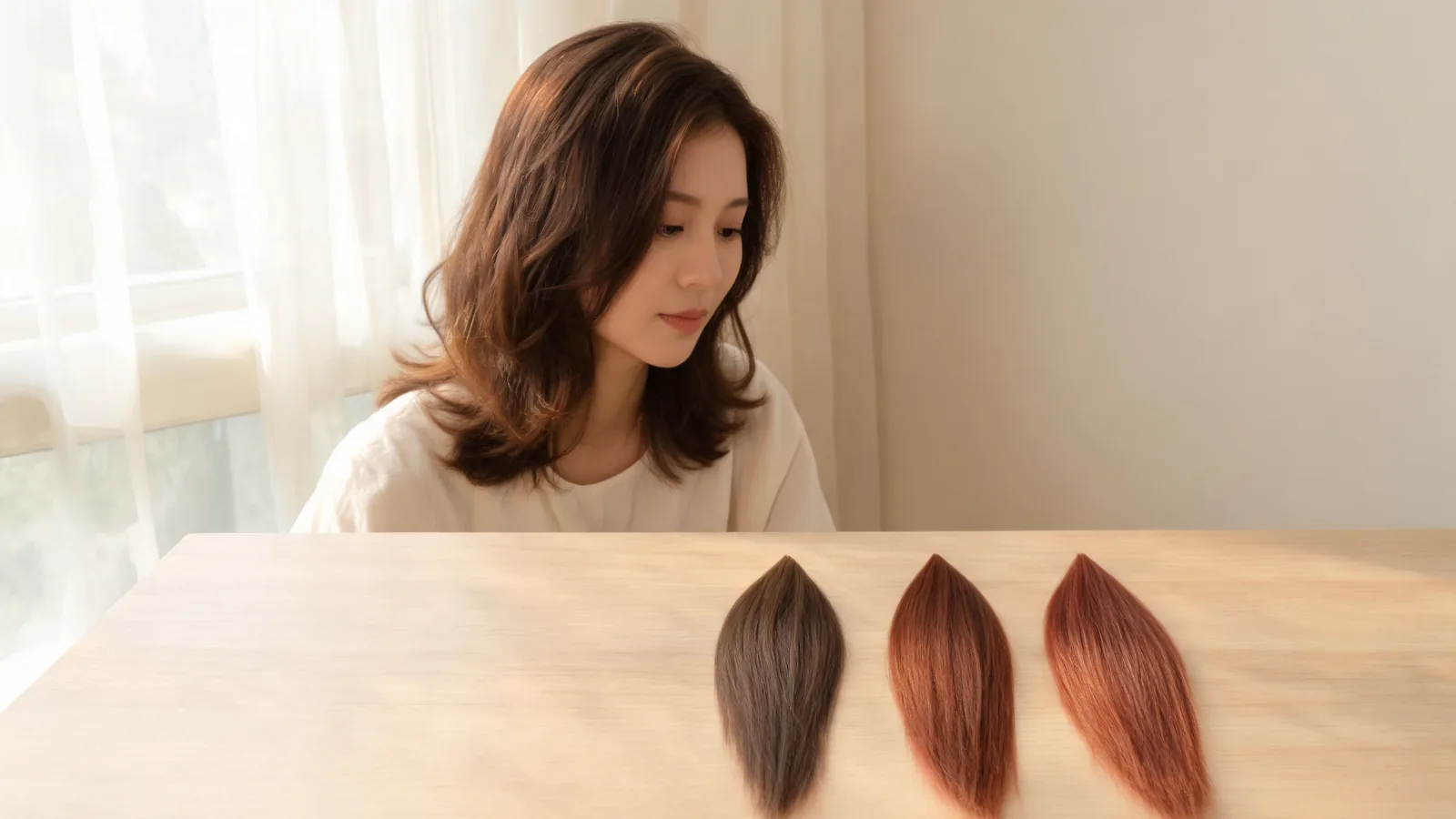
Use the Madison Reed virtual hair color changer to compare shades. Save the shade code and check the product range before buying hair color.
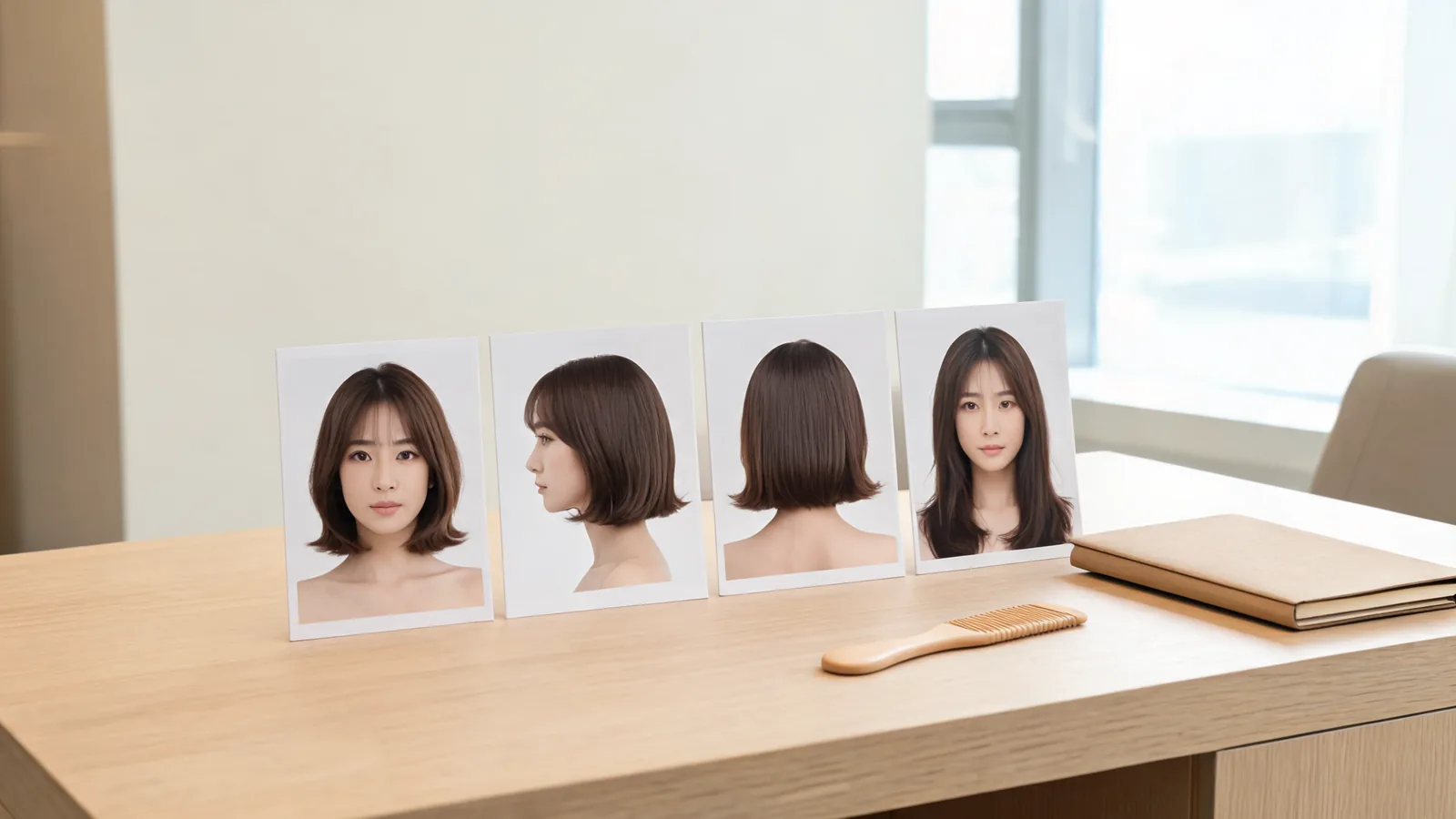
Choose a GPT Image 2 hairstyle preview by output: inspiration image, portrait edit, or hair report. Learn what each can and cannot tell you.

Restore an AI hairstyle preview after a reload or app switch. Check the same page, browser, and account before submitting another edit.
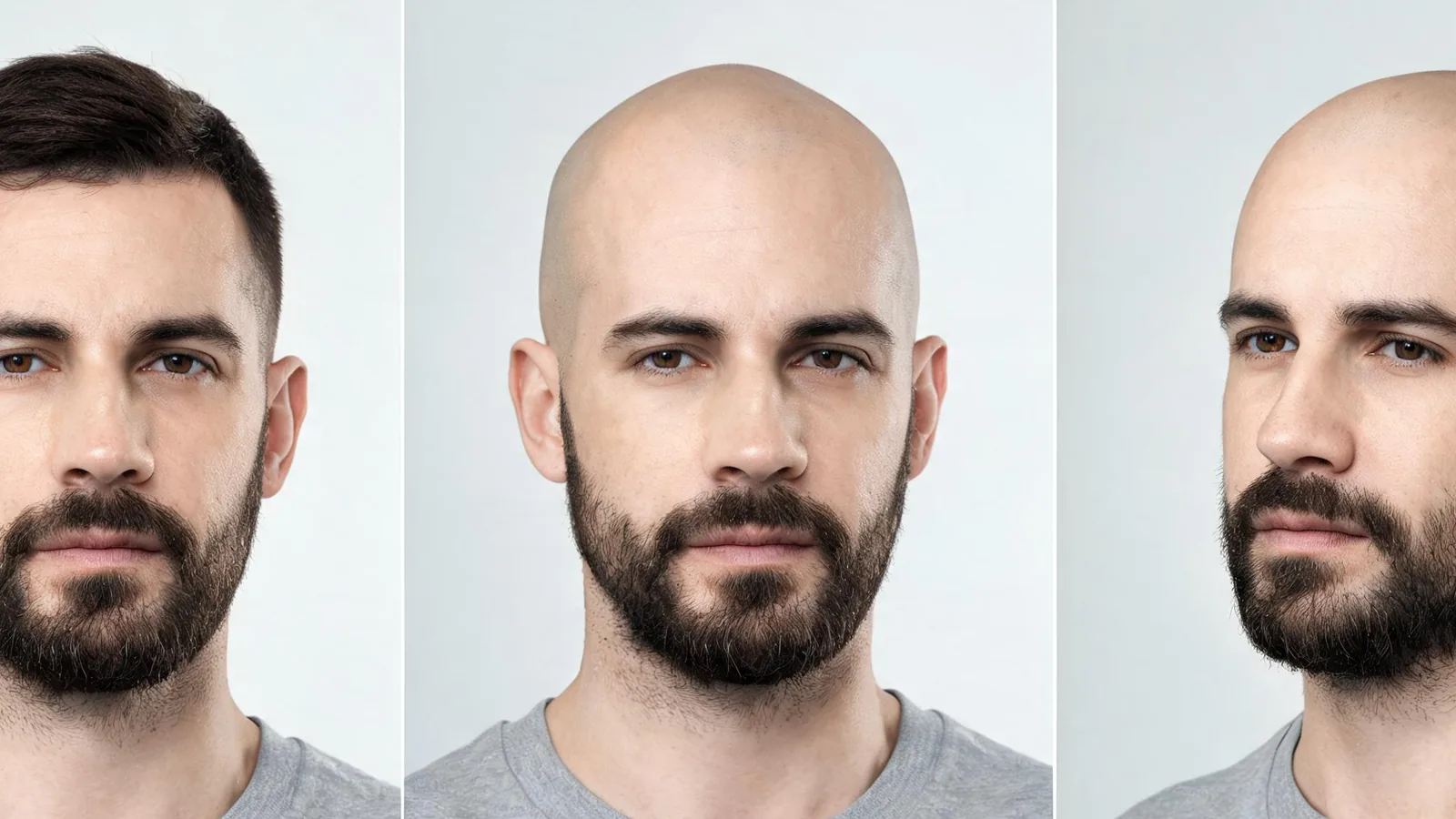
Choose an AI bald filter video workflow, test head turns and beard edges, and check whether the effect records live or edits an existing clip.
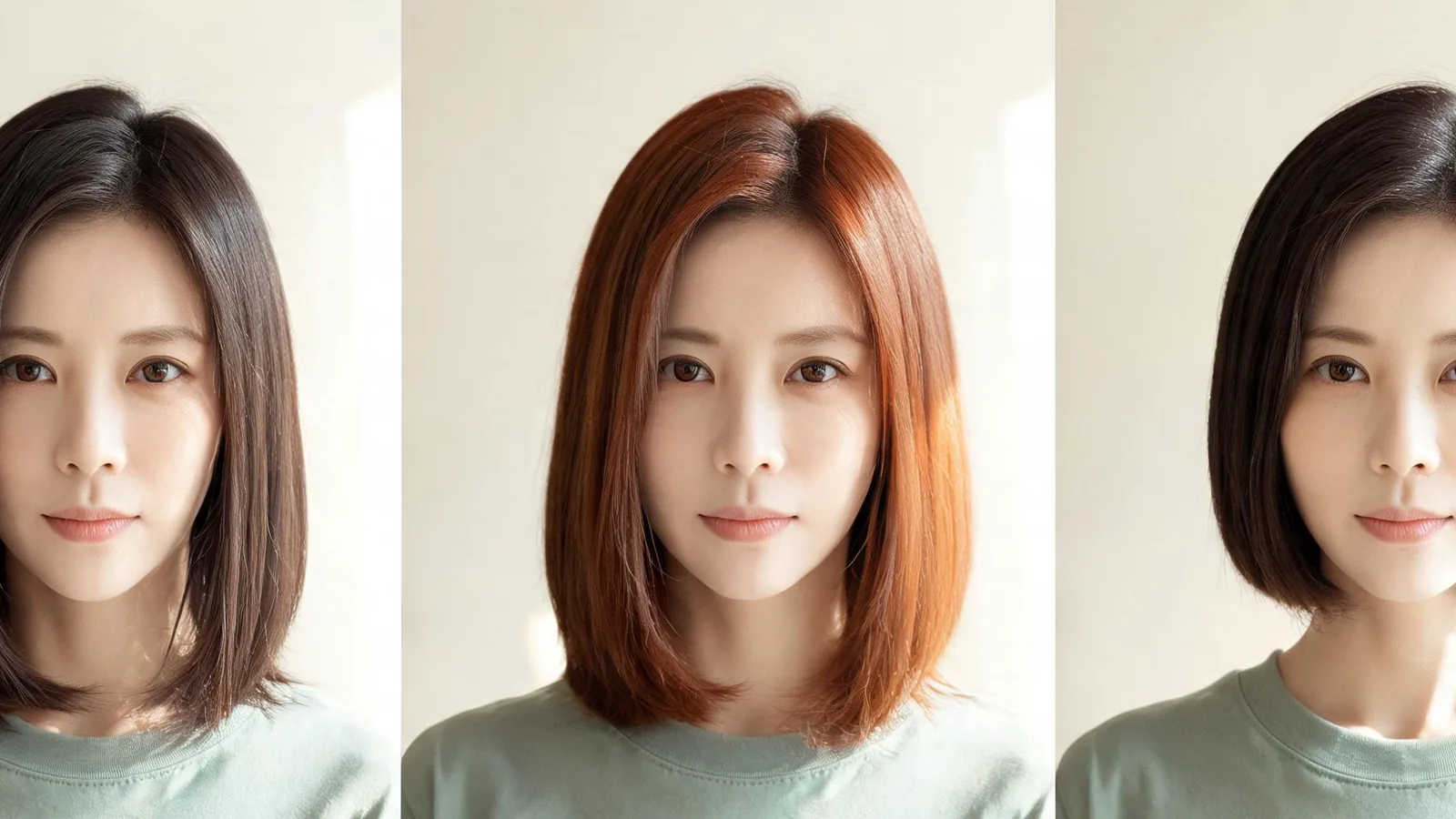
Compare YouCam Video hair color changes with haircut swaps, check the right app and controls, and test moving footage before saving.
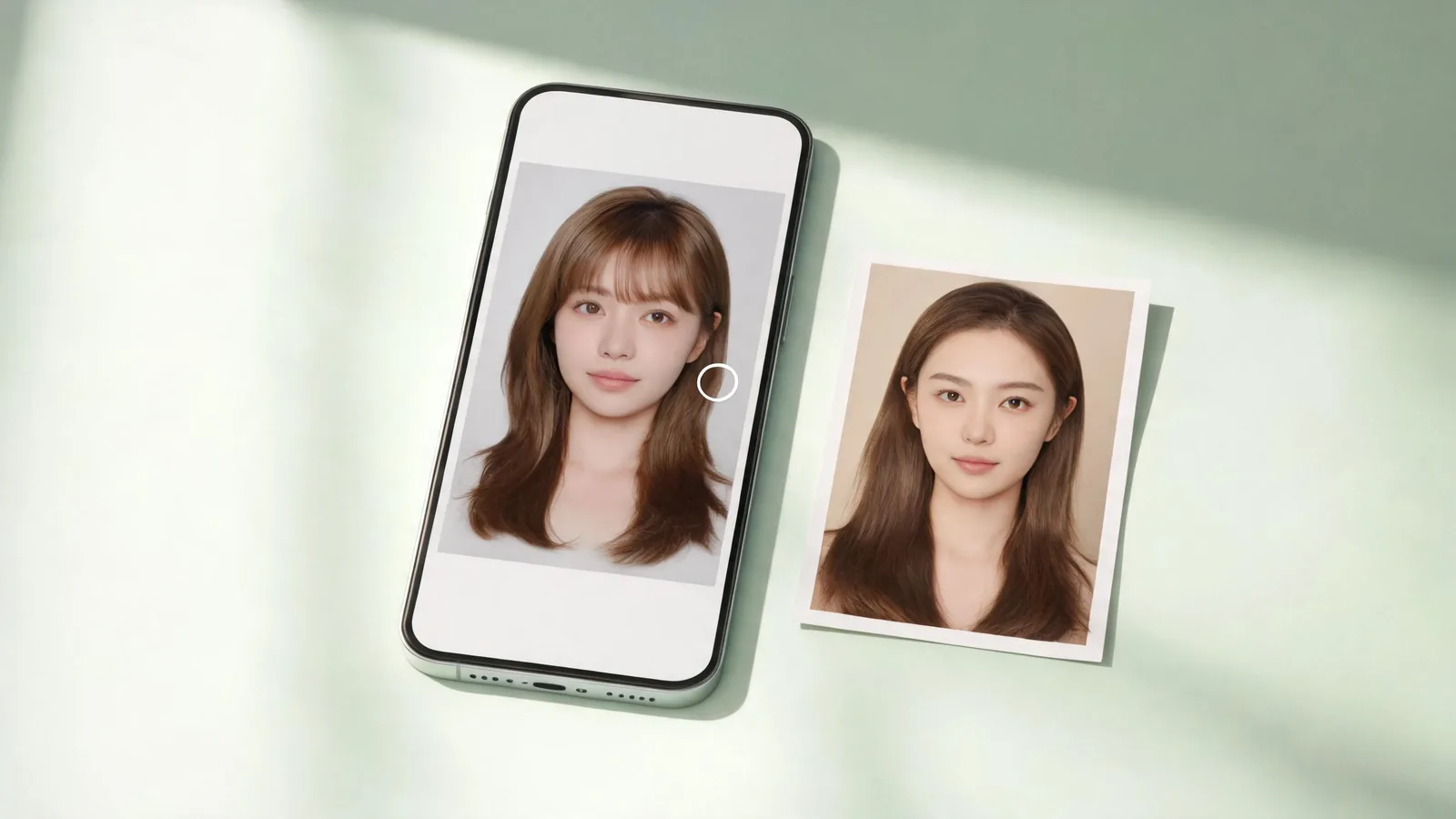
Try a bangs filter app with one selected portrait. Understand photo pickers, limit library access, fix import problems, and revoke permissions afterward.
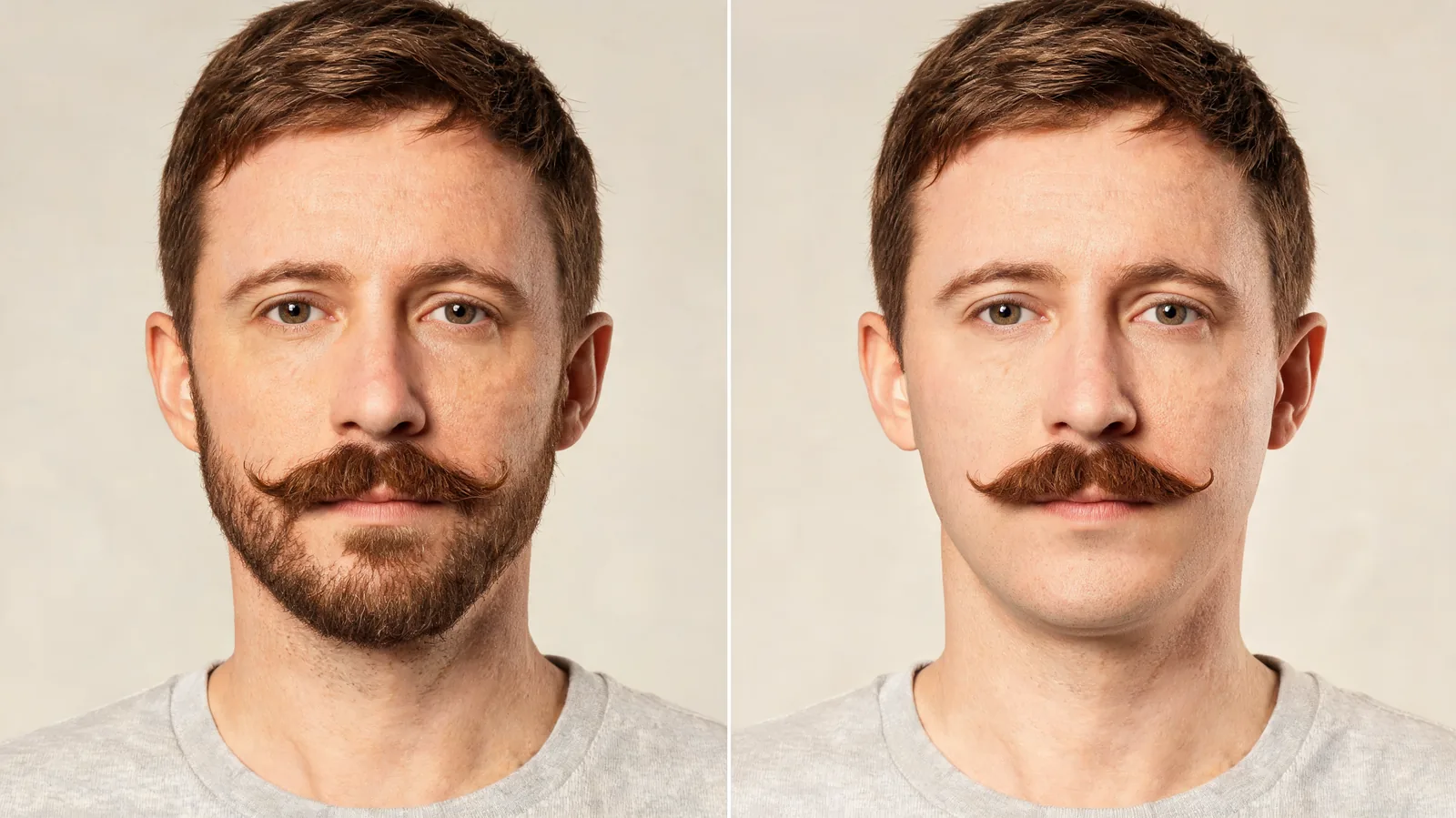
Use a beard remover filter to keep your existing mustache. Write a selective edit request, check the upper lip, and spot invented skin or jaw details.
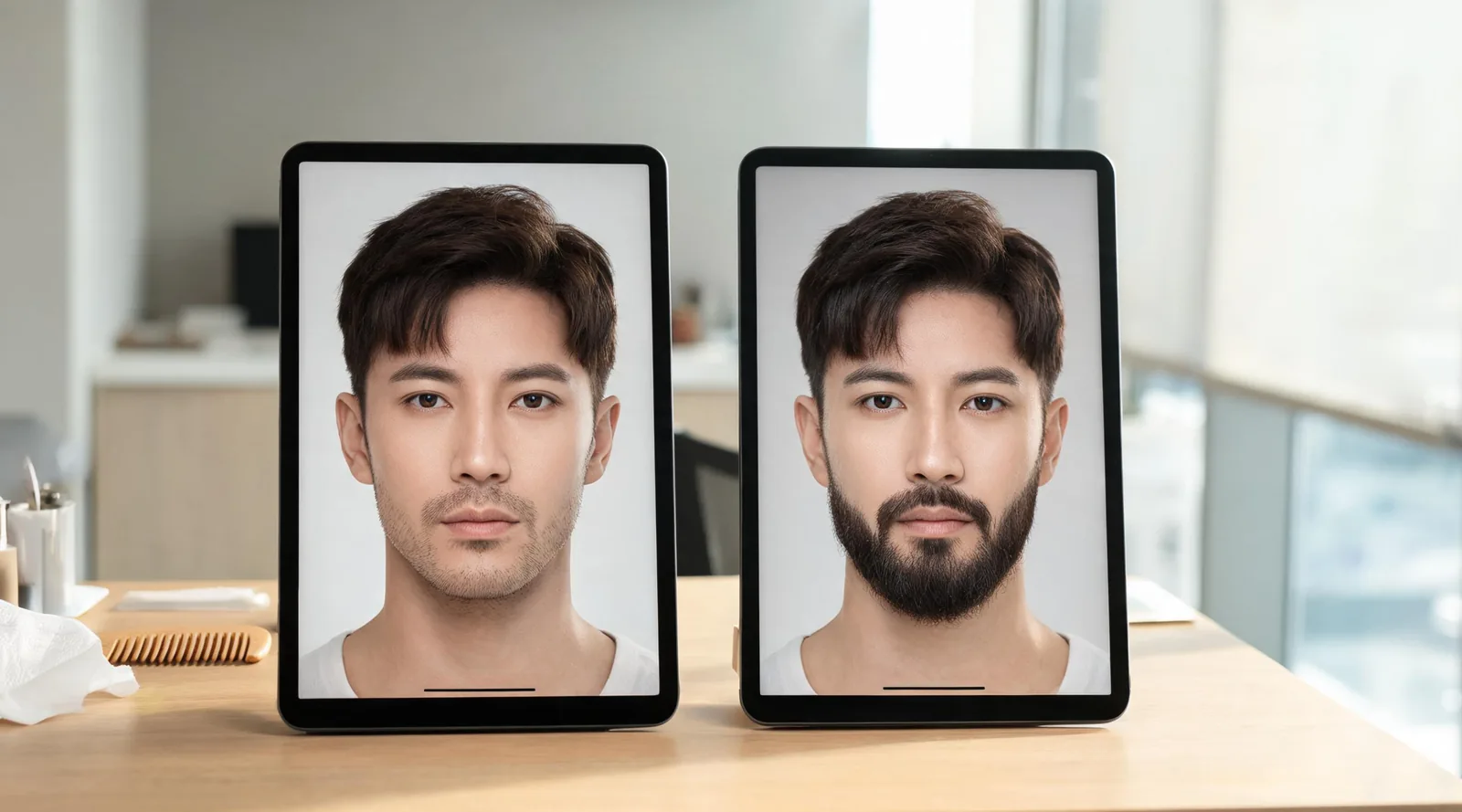
Evaluating beard filter Reddit recommendations? Check add vs remove tools, photo realism, export costs, and privacy before uploading a selfie.
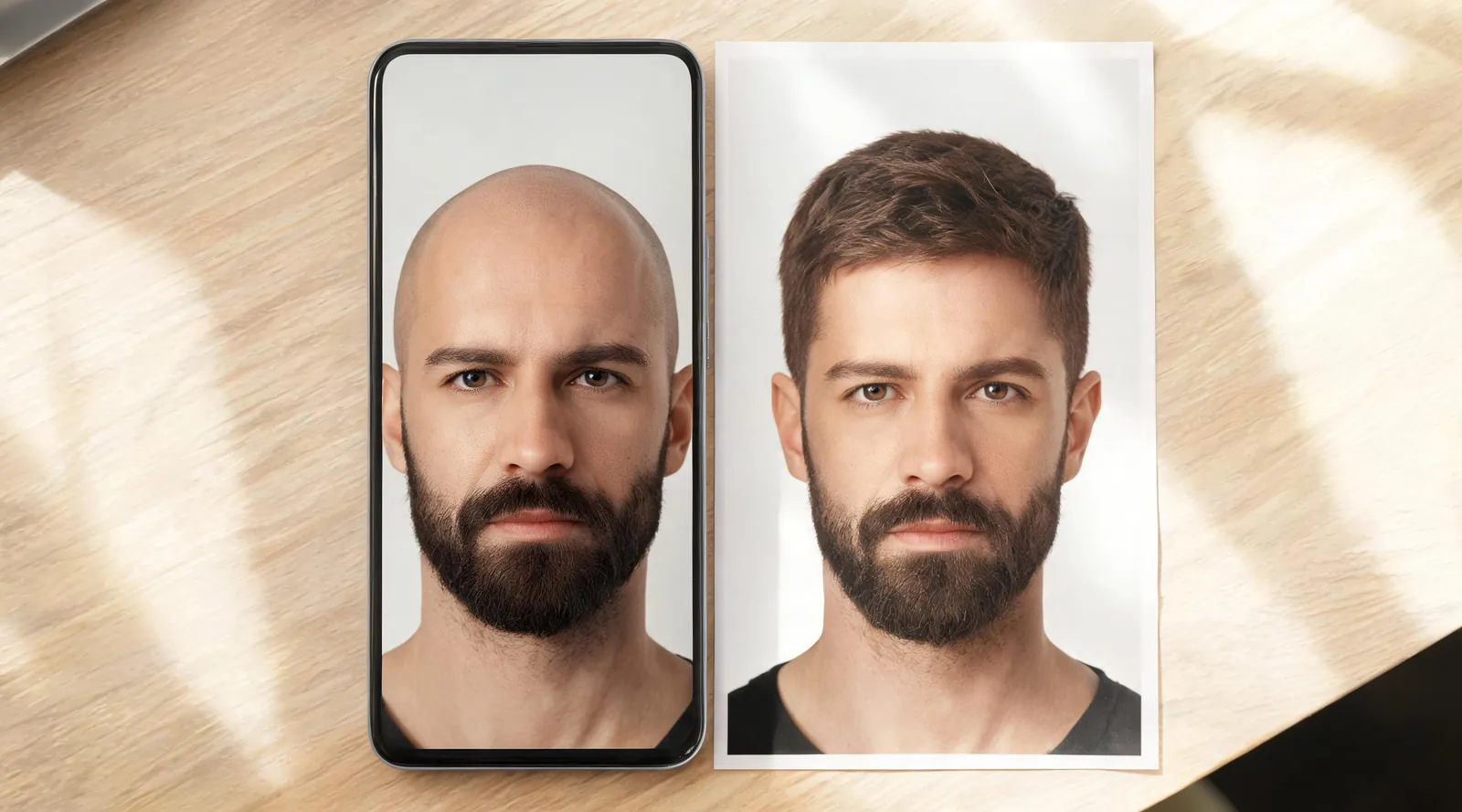
Use an iPhone bald filter in your browser: select one portrait, preserve your beard, check the result, and find the full download in Files.
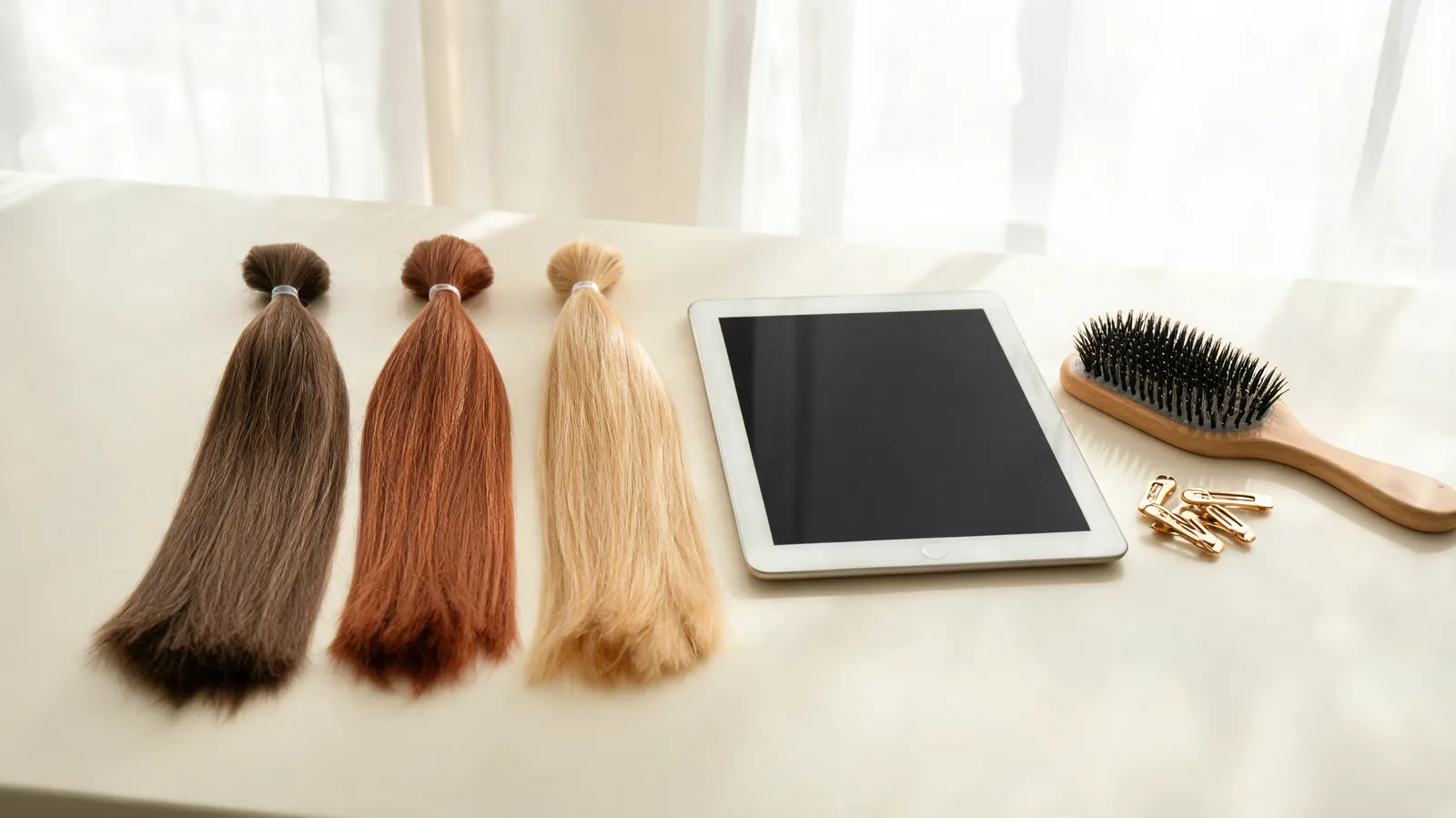
Use the Fotor hair color changer to compare shades on your existing cut. Check color spill, texture and unchanged skin before saving a preview.
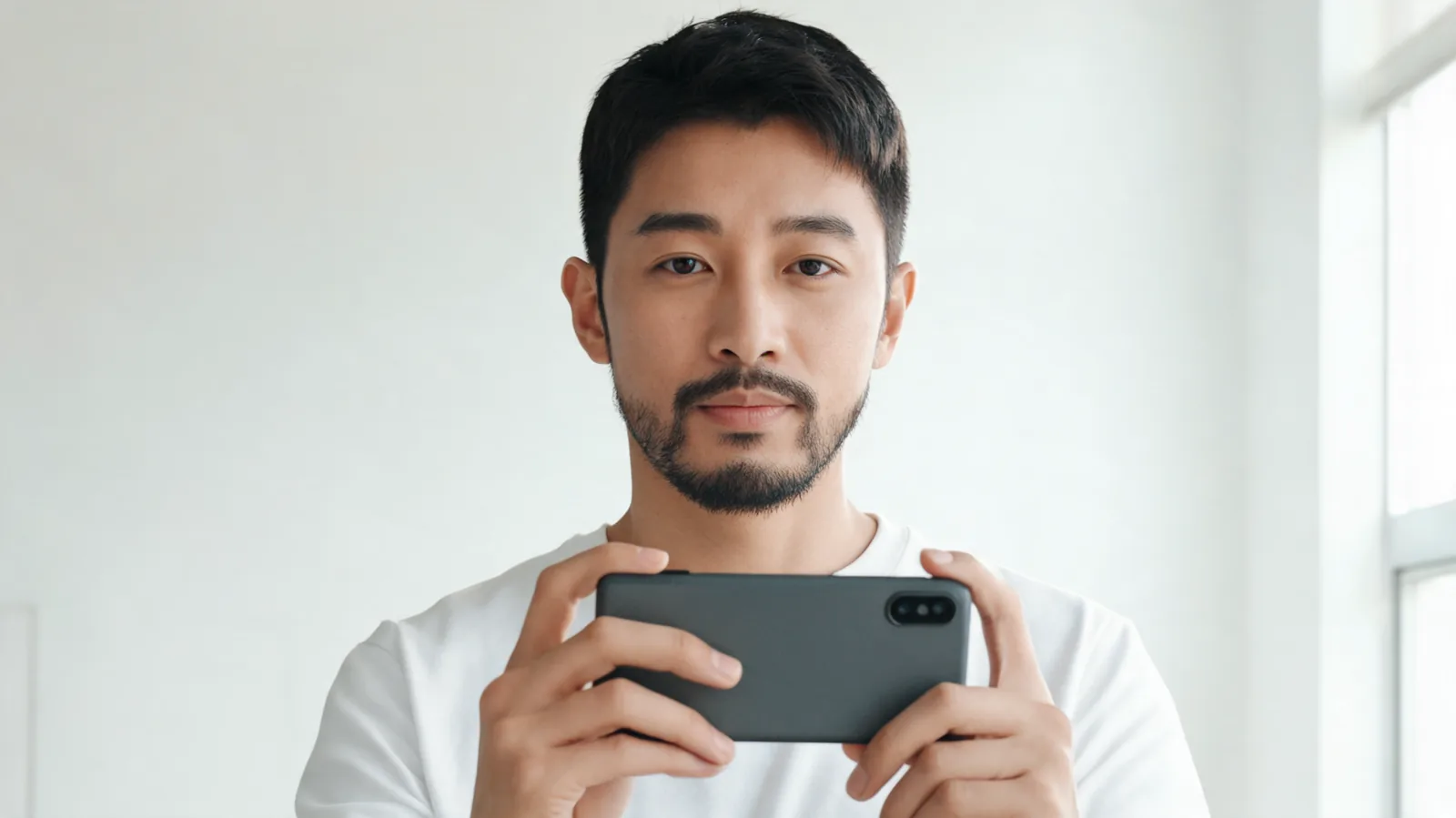
Find a Snapchat no beard filter through Lens Explorer, check jaw and upper-lip tracking, and troubleshoot missing or unstable Lenses before saving.

Considering bangs with a cowlick? Check how your front hair falls, compare longer fringe shapes and prepare specific questions for your stylist.
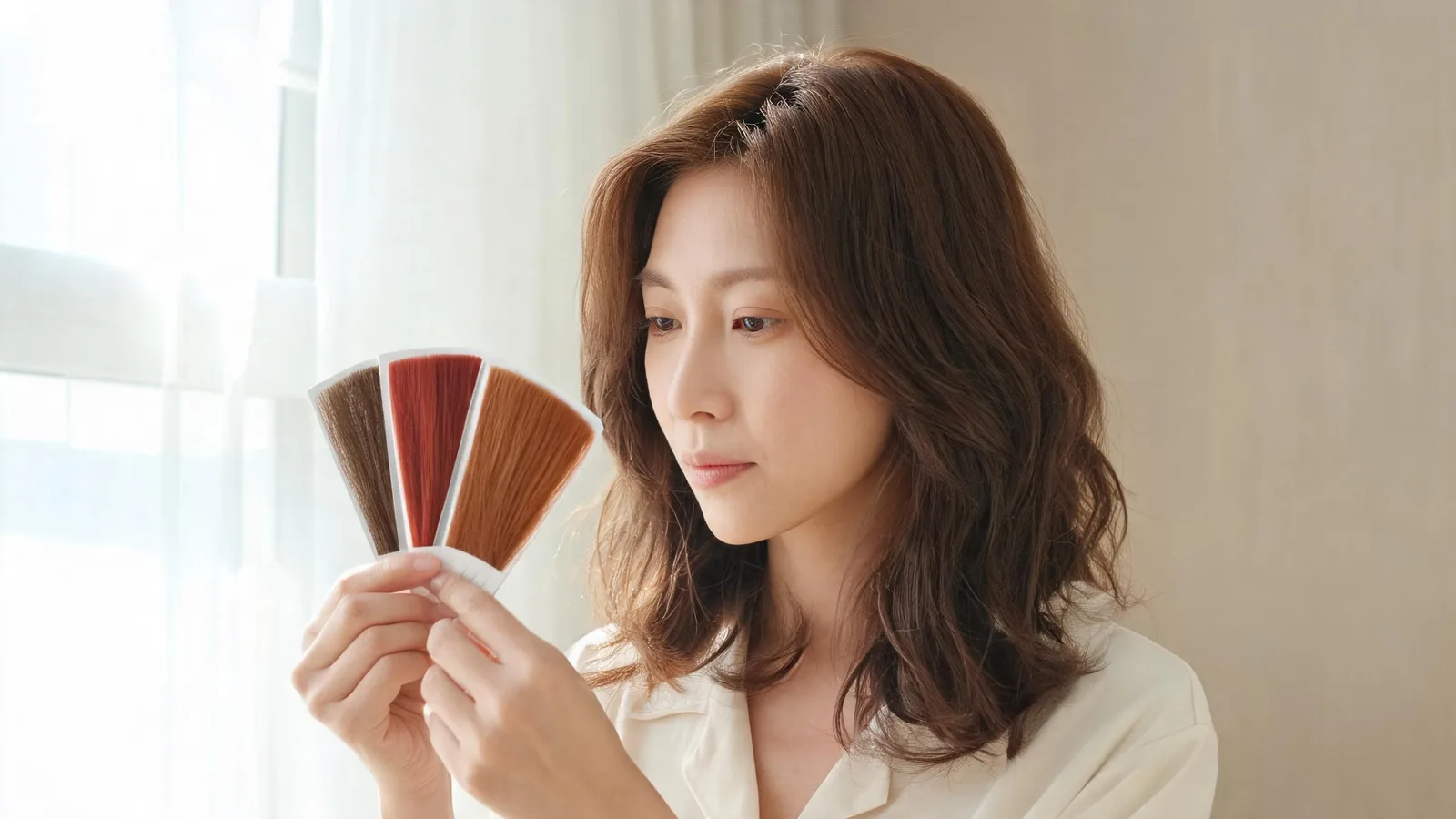
Use the Picsart hair color changer to compare shades. Check hair edges, skin tone and haircut changes before saving a preview for your stylist.

Write non-English AI hairstyle prompts with clear length, fringe and texture details. Learn what to preserve and how to check your haircut preview.

Preview wispy bangs with glasses using your everyday frames. Compare fringe length, brow visibility and rim overlap before discussing a cut with a stylist.

Looking for a bald filter free with no sign-up? Check generation and download limits before uploading, and learn when AIChangeHair requires an account.

Find a TikTok beard filter that adds or removes facial hair, check tracking before recording, and use a still-photo preview when an effect is unavailable.
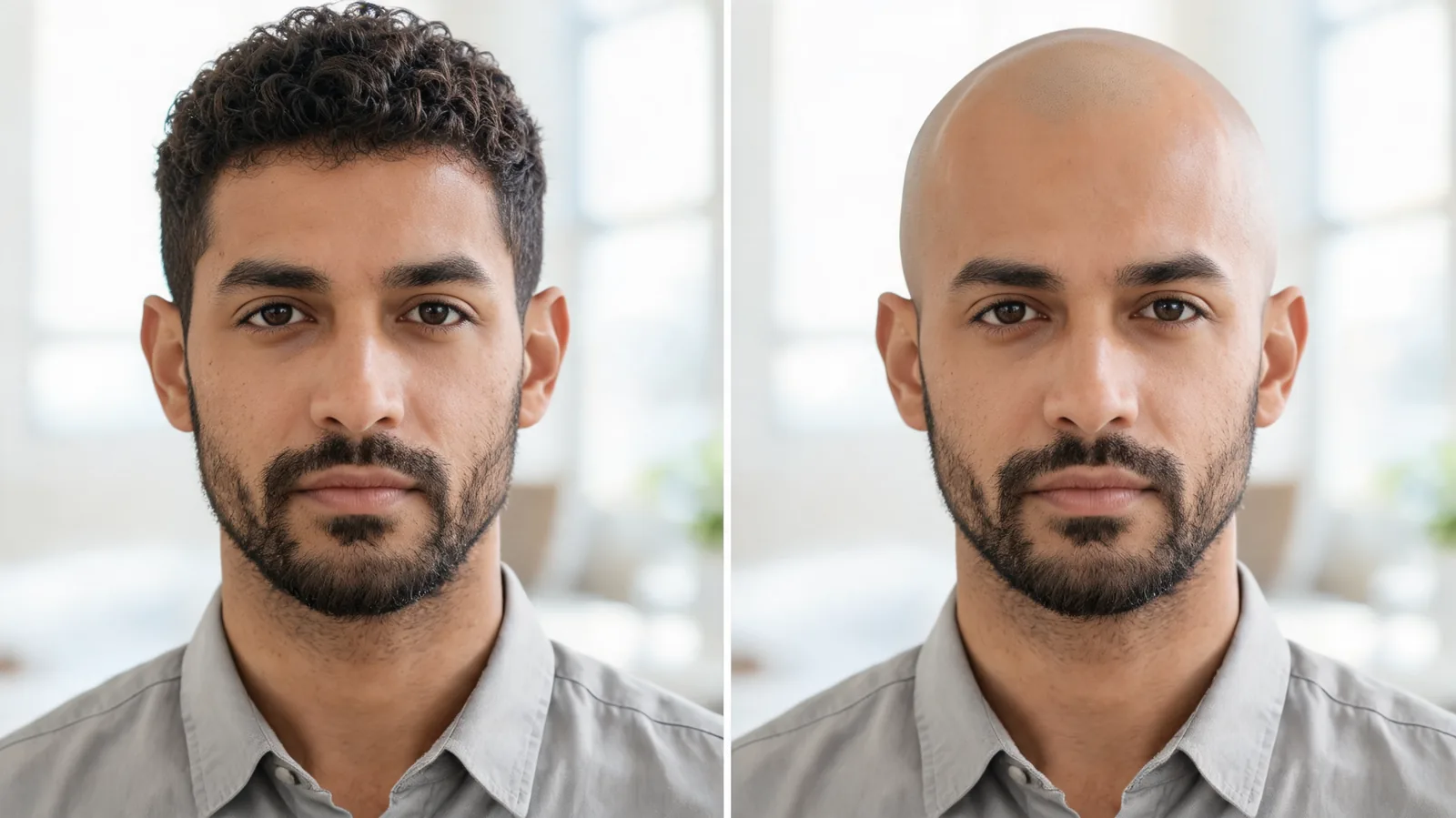
Looking for a bald filter on Instagram? Check whether an effect still opens, separate older tutorials from current options, and inspect a shaved-head preview.
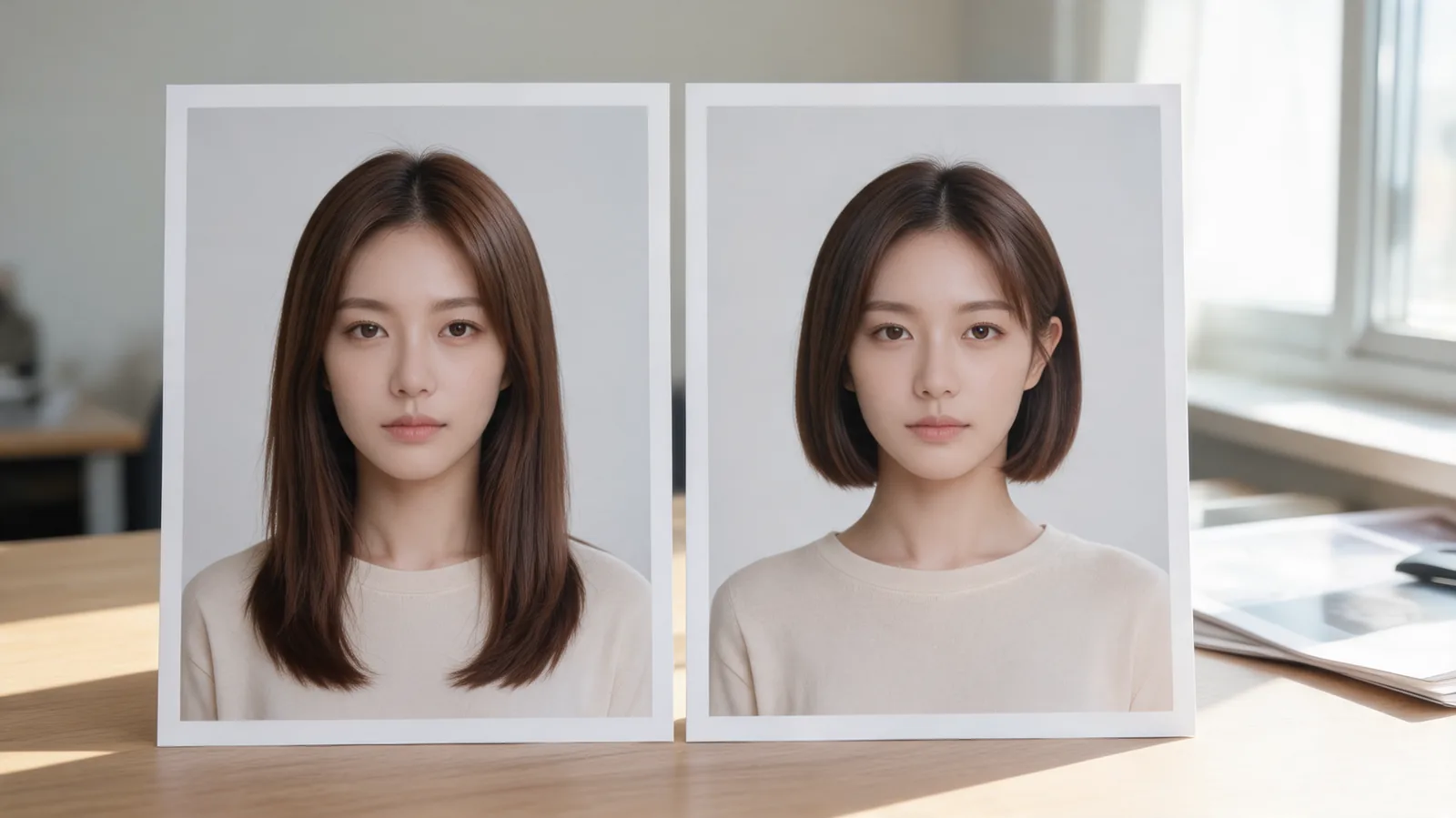
Use Krea AI hairstyle changer searches to find the right portrait-editing workflow, keep your original as a reference, and check the exported hair edit.

Evaluate the Fotor hairstyle changer with one portrait and one haircut request. Check your face, hairline, download quality, and credit terms before paying.
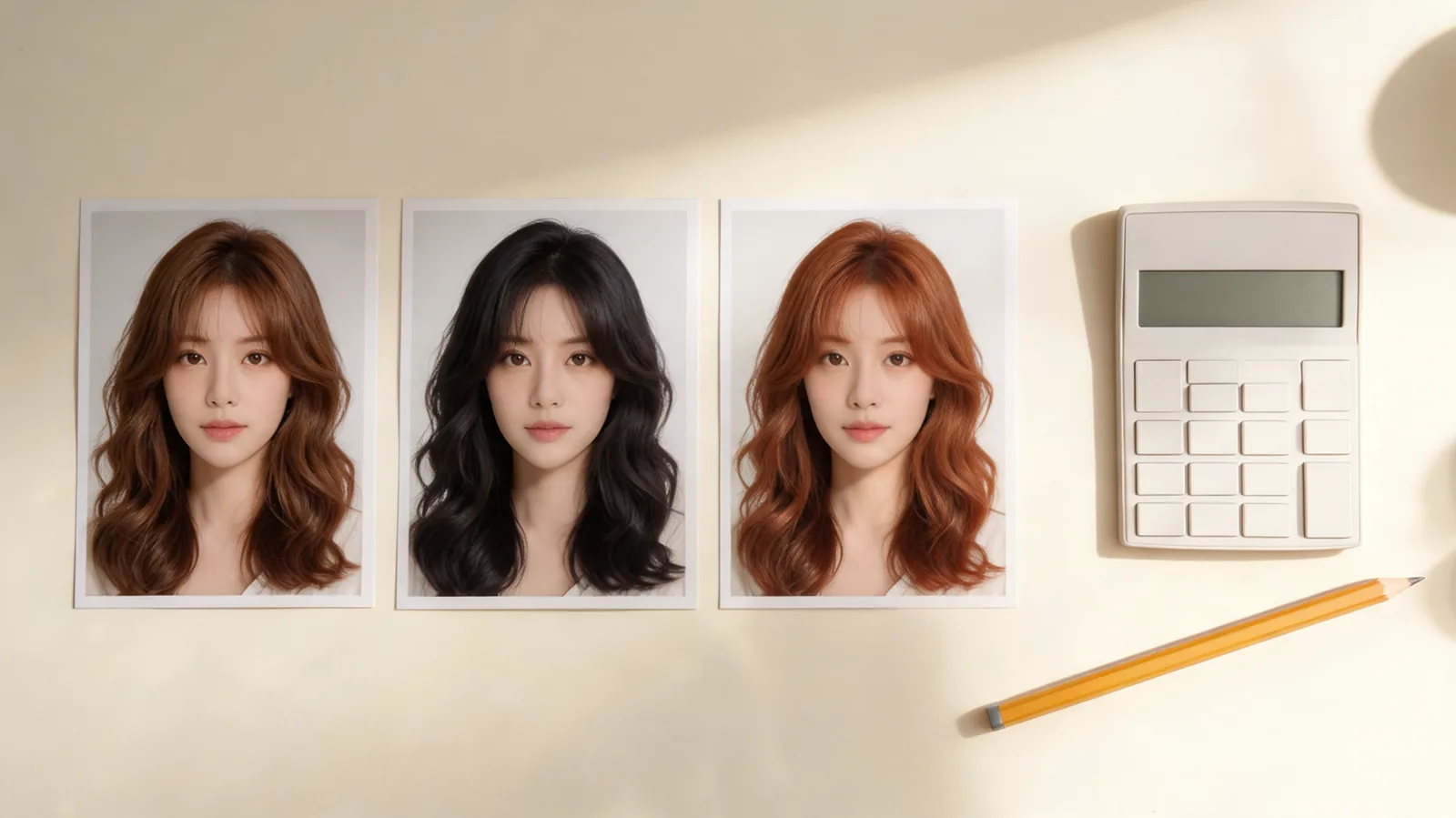
Plan a free virtual hair color changer test with three shades. Calculate credits, choose a resolution, and set a stopping point before buying more previews.
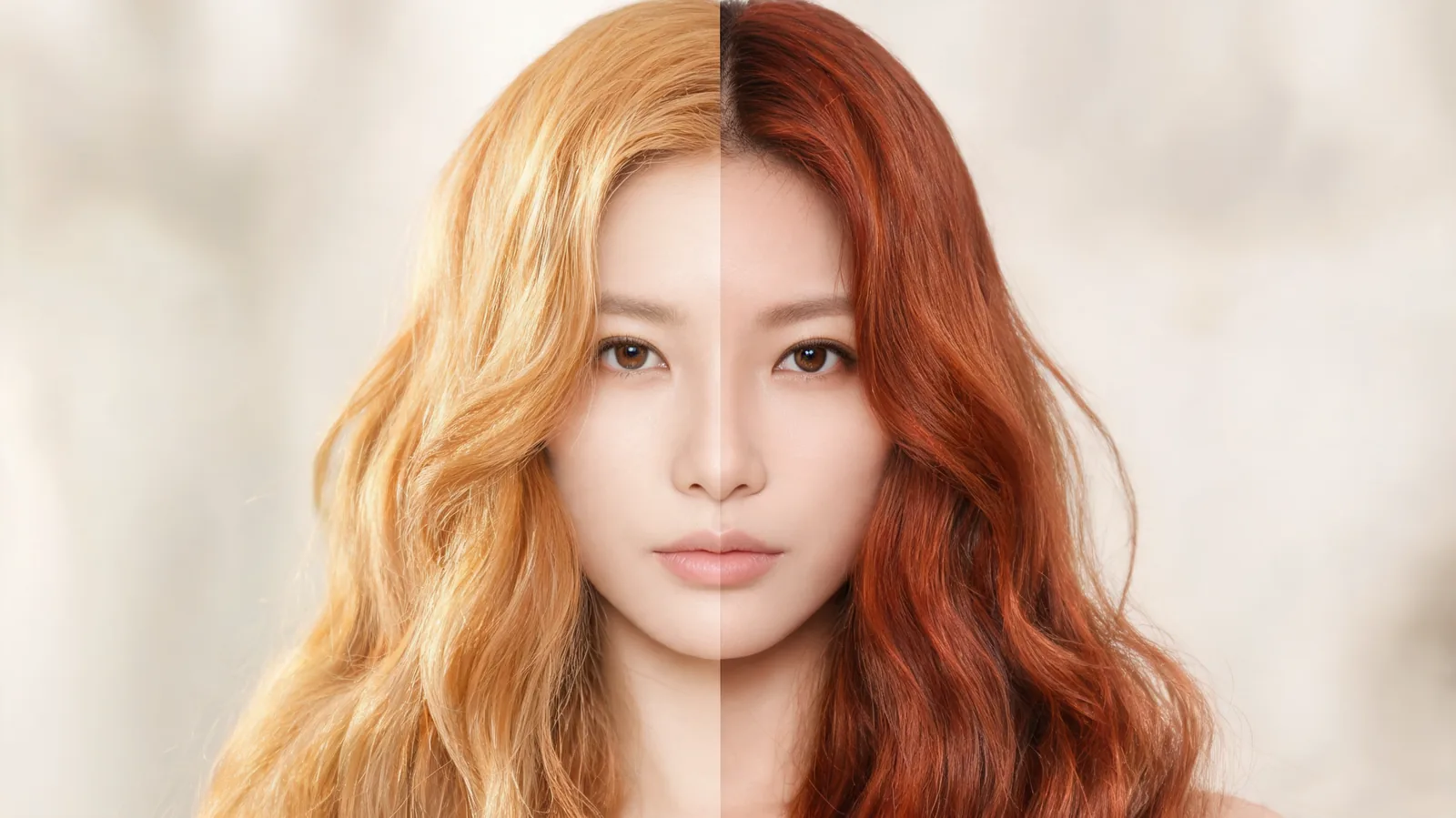
Copper vs ginger hair, explained: compare their warmth, depth, upkeep, and the details to test on your own photo before a color appointment.
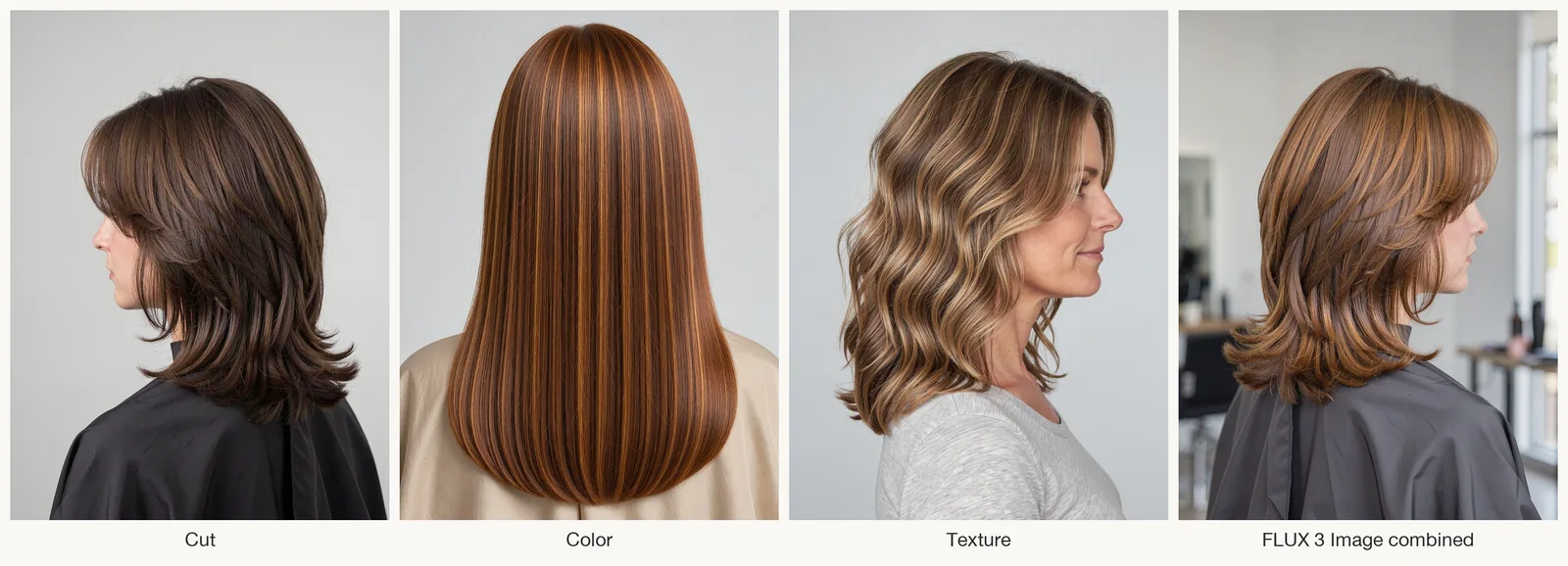
Make a hair mood board with labeled cut, color and texture photos. See an AI reference and hairstyle preview, plus what to ask your stylist.
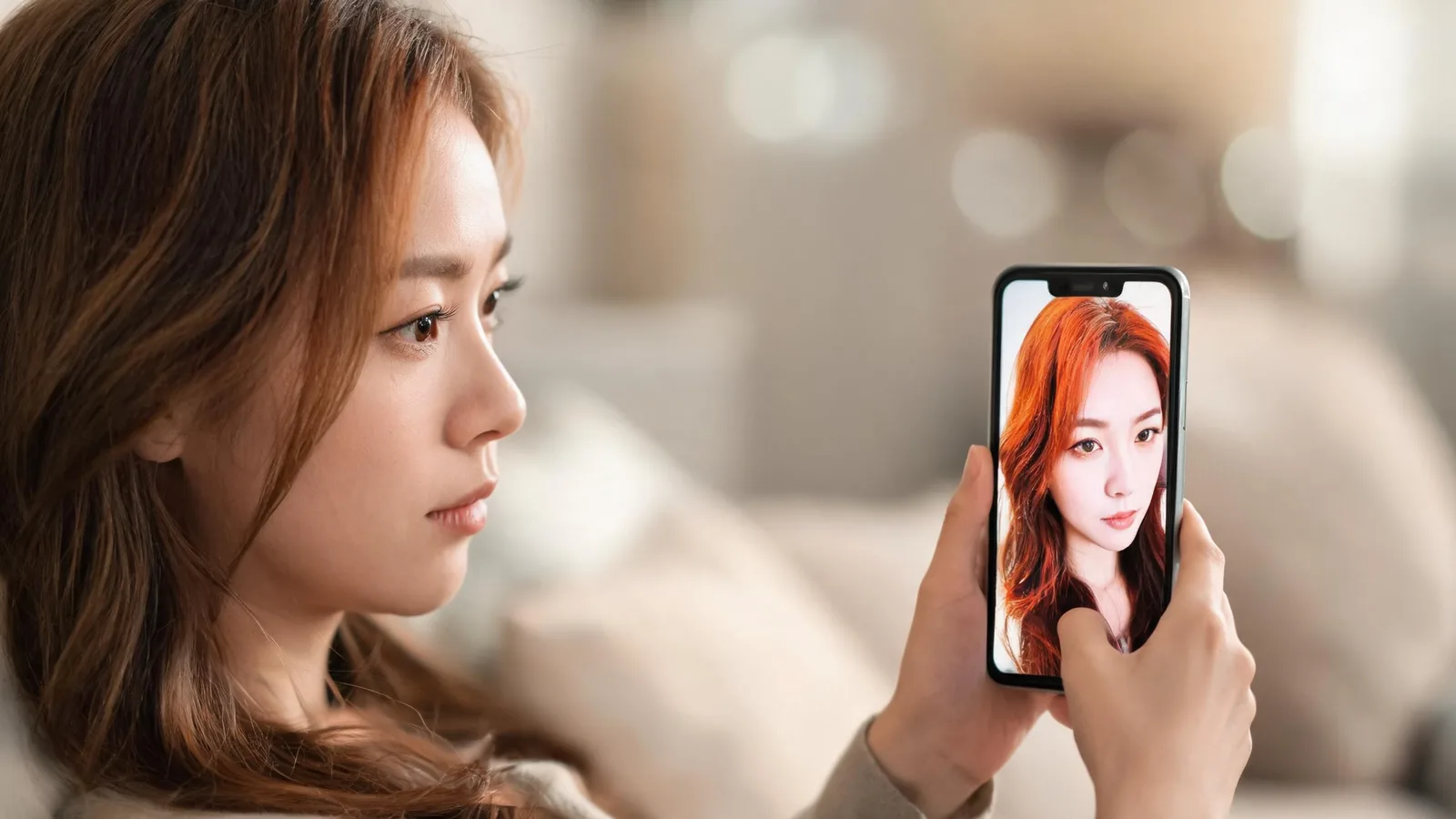
Use this Snapchat hair color filter privacy checklist before you save, send, or post a selfie: review the audience, image details, and sharing choice.
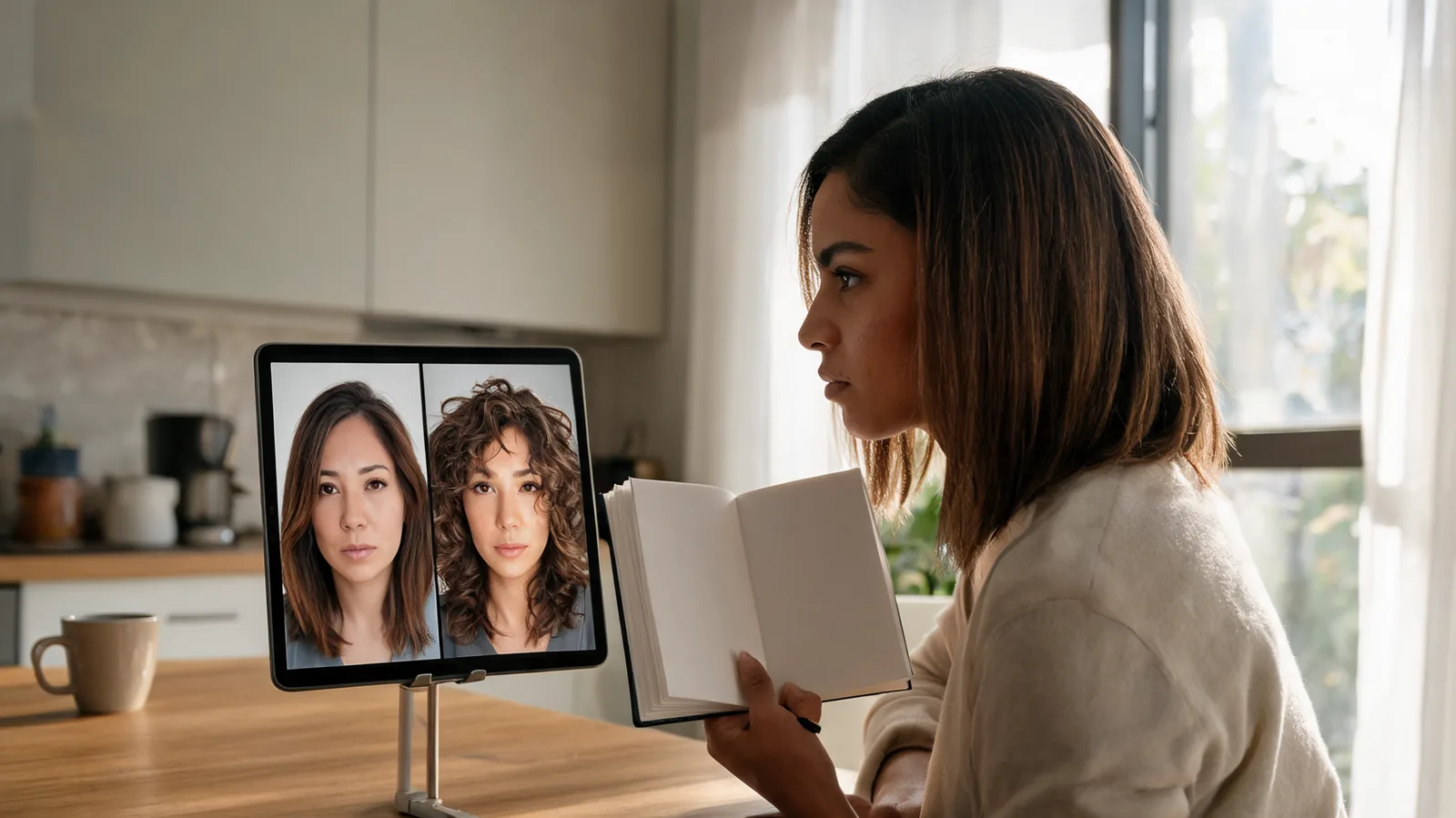
Use an AI app to suggest a hairstyle as a starting point, then test one recommendation with controlled variants before a haircut.
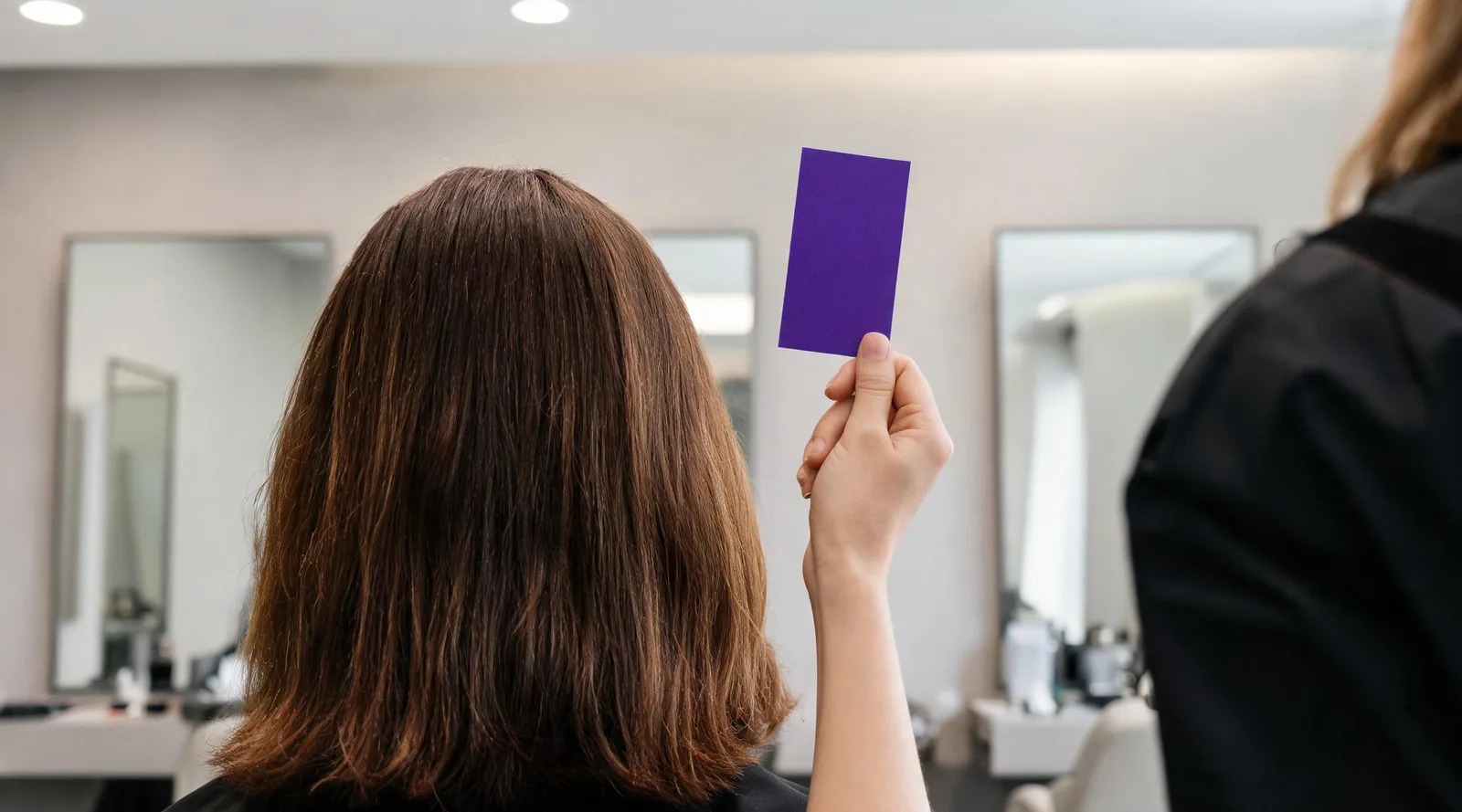
Before bleaching for purple hair, take a chosen reference, your color history, condition questions, and a realistic fading plan to a salon consultation.
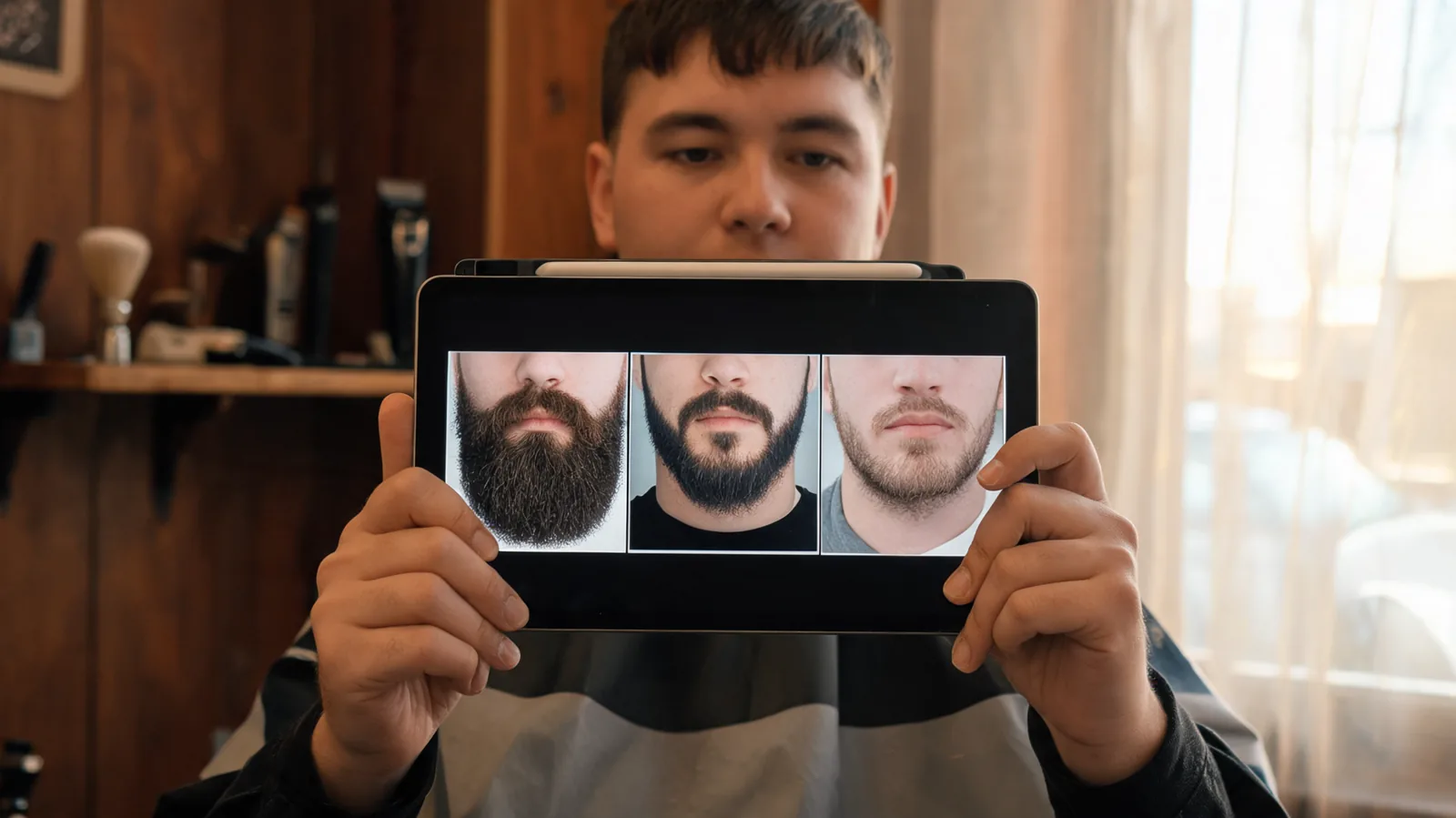
Use a beard filter to compare full, boxed, stubble, and goatee directions on one photo before you grow, trim, or book a barber visit.
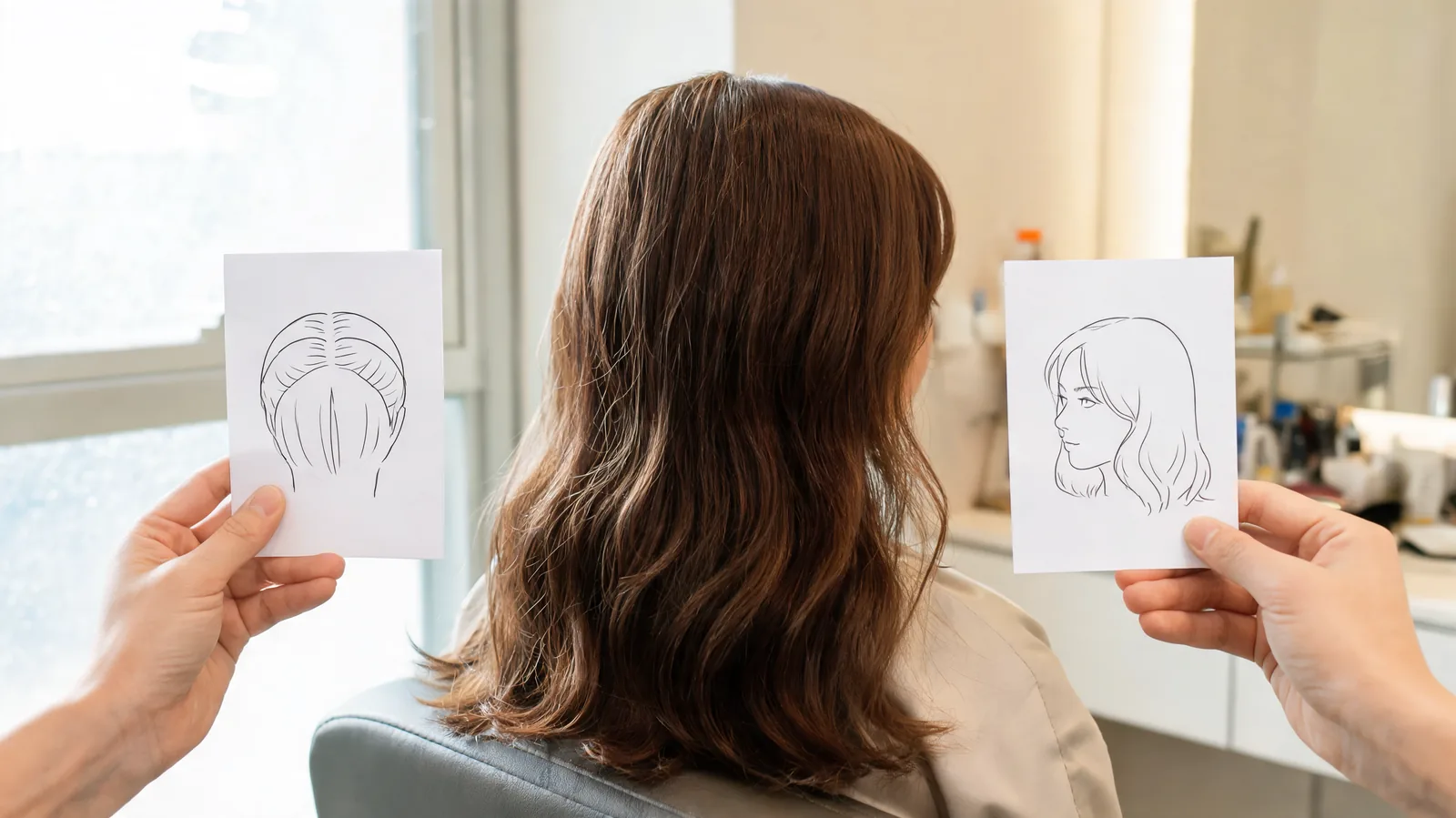
After choosing a wolf or butterfly cut, use this salon brief to specify layer length, perimeter, face frame, crown weight, finish, and daily limits.

Use this AI hair editor checklist to decide whether a hairstyle preview is clean enough to save, retry, or discard before using it as a reference.
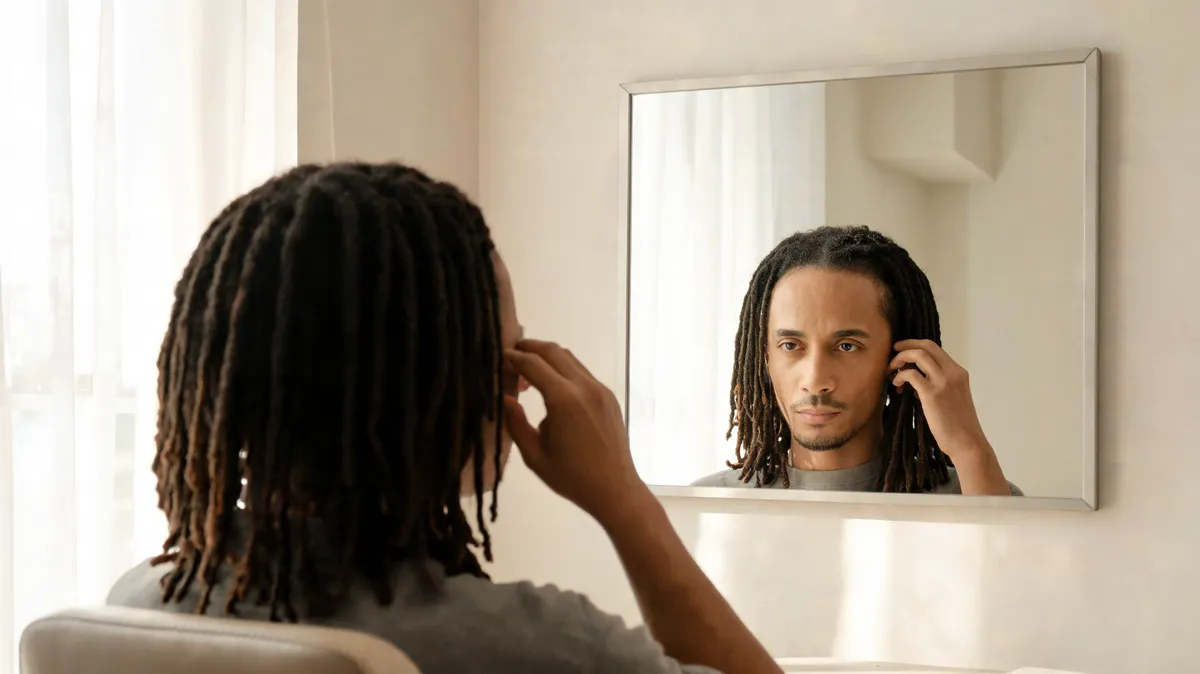
Wondering how you would look with dreads? Use one clear photo to compare loc length, thickness, and framing before a loctician consultation.
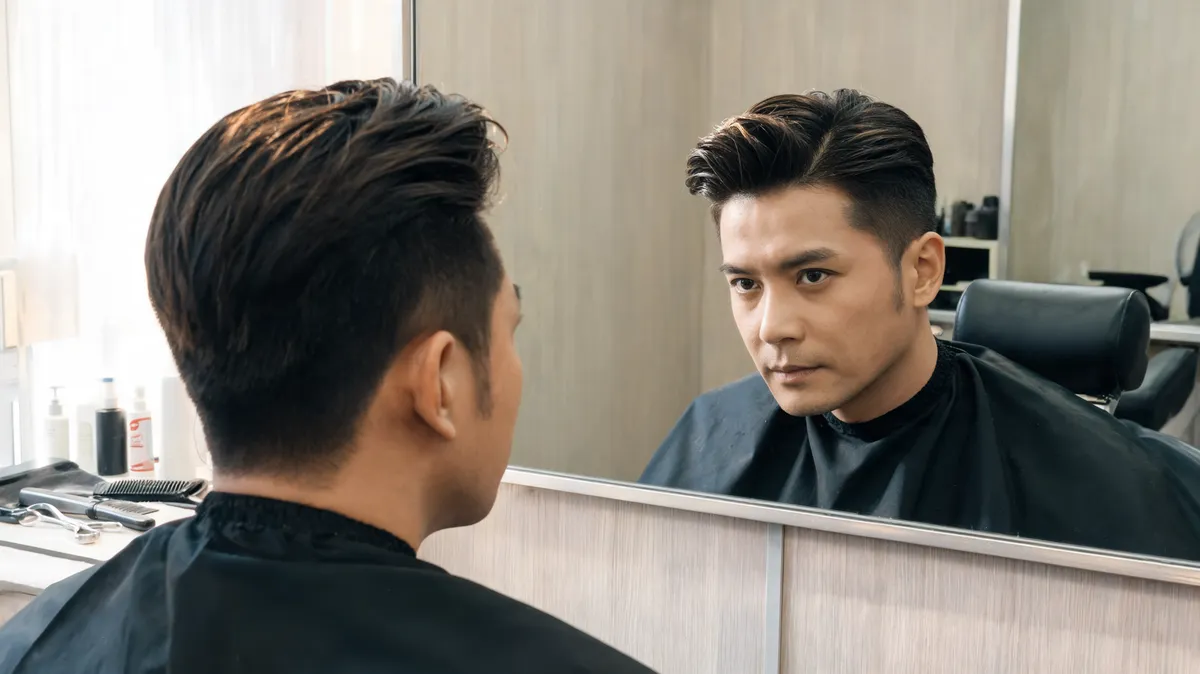
Compare a classic, textured, or faded custom pompadour on one photo, then turn the version you prefer into a clear barber brief.
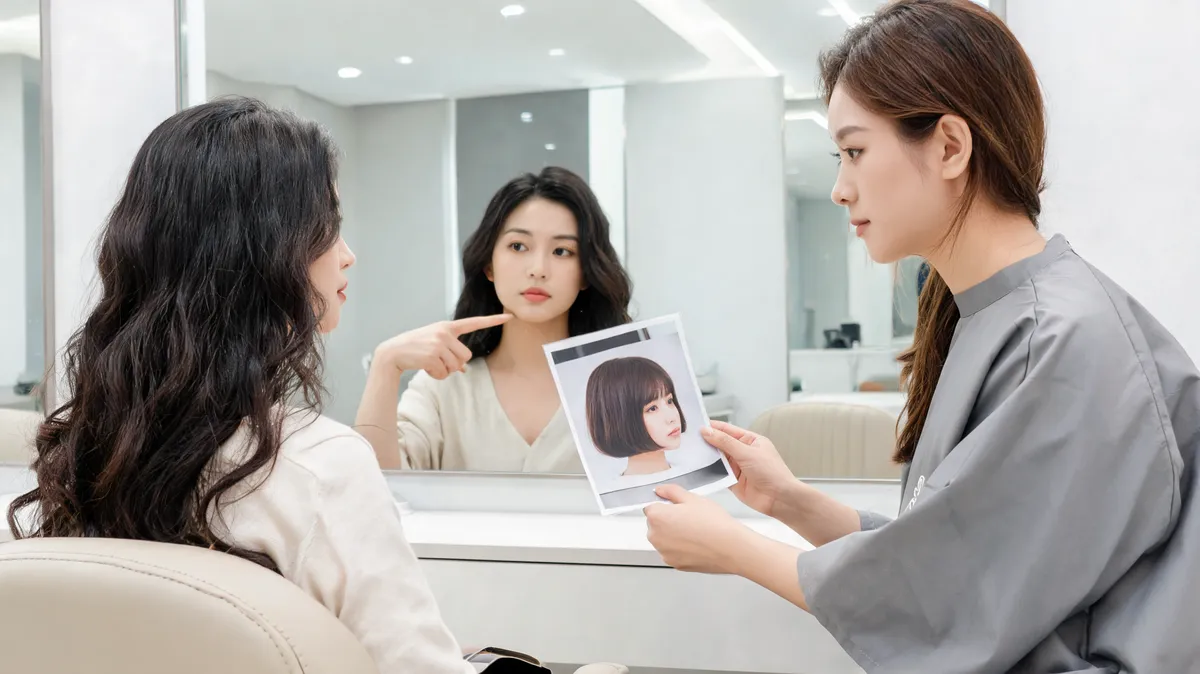
Turn a French or Italian bob preference into a clear salon brief covering length, fringe, perimeter, weight, finish, and everyday limits.
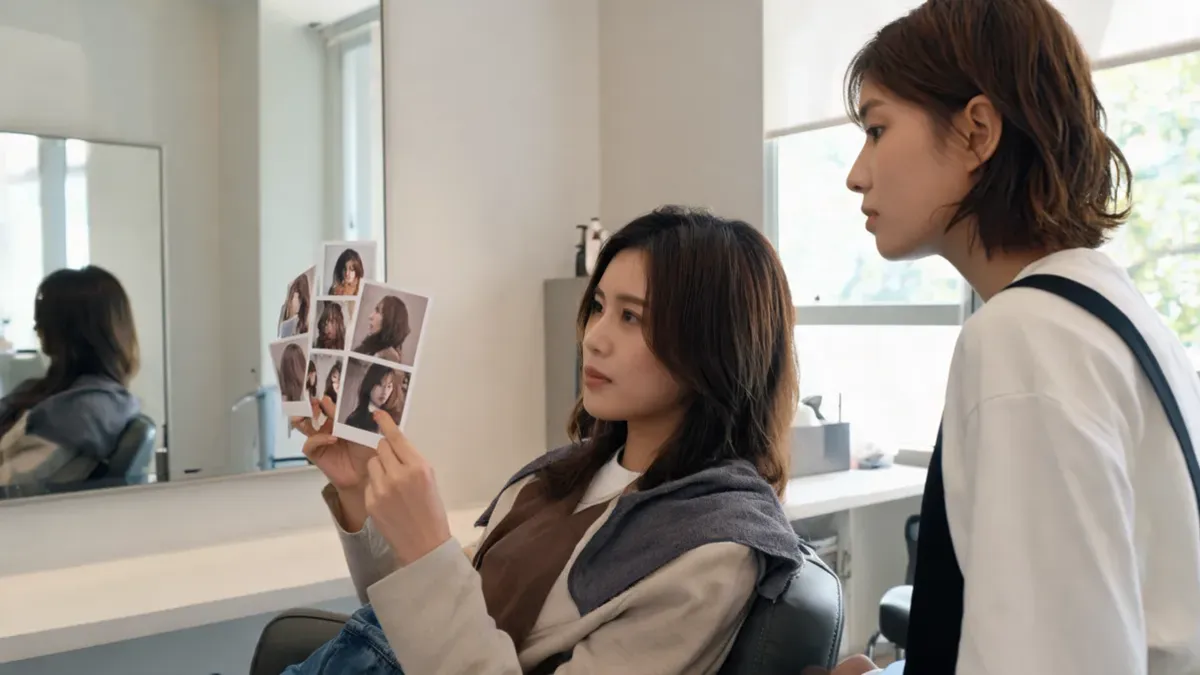
Use AI haircut suggestions to create a practical three-option shortlist before you preview styles on your own photo or speak with a stylist.
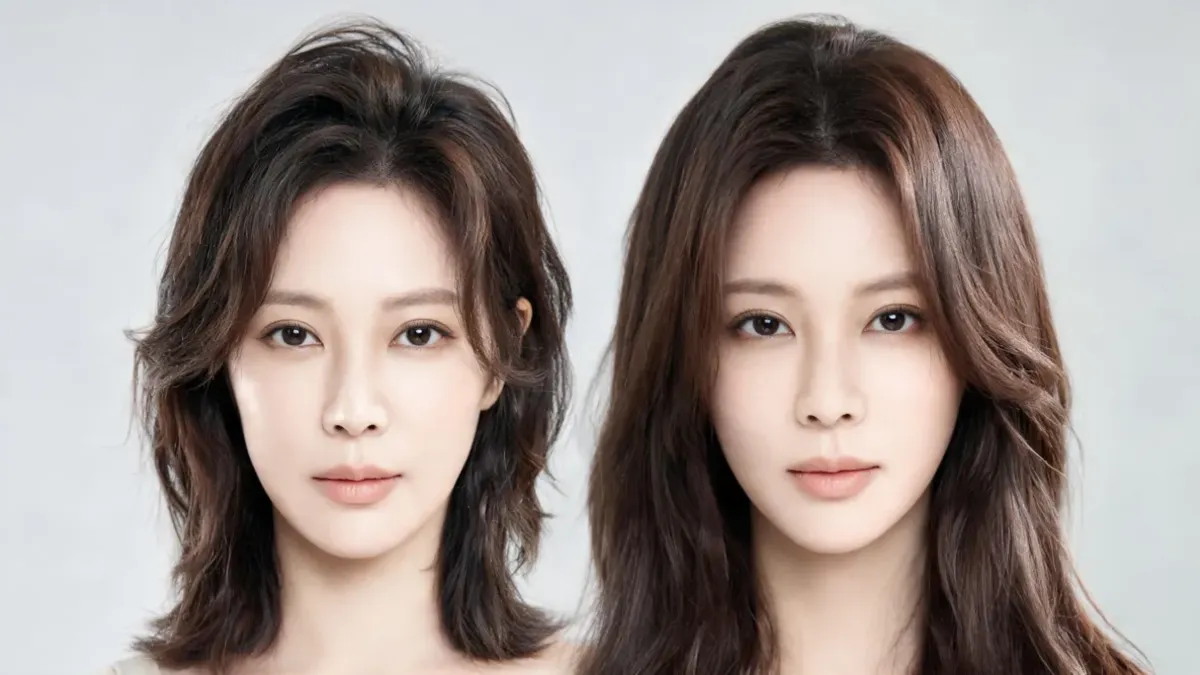
Use a long hair filter to compare straight length, waves, and layers on your own photo while keeping the rest of the image steady.
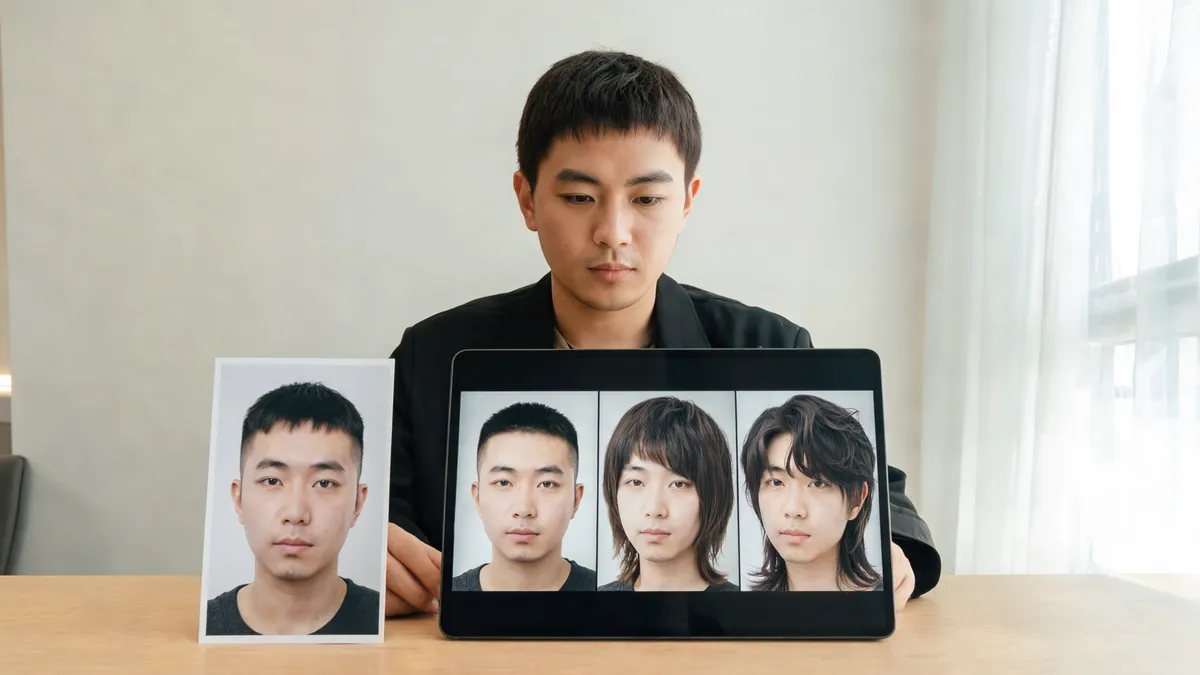
Use a haircut changer AI to turn a promising random preview into a controlled three-look test, then save a clear salon reference.
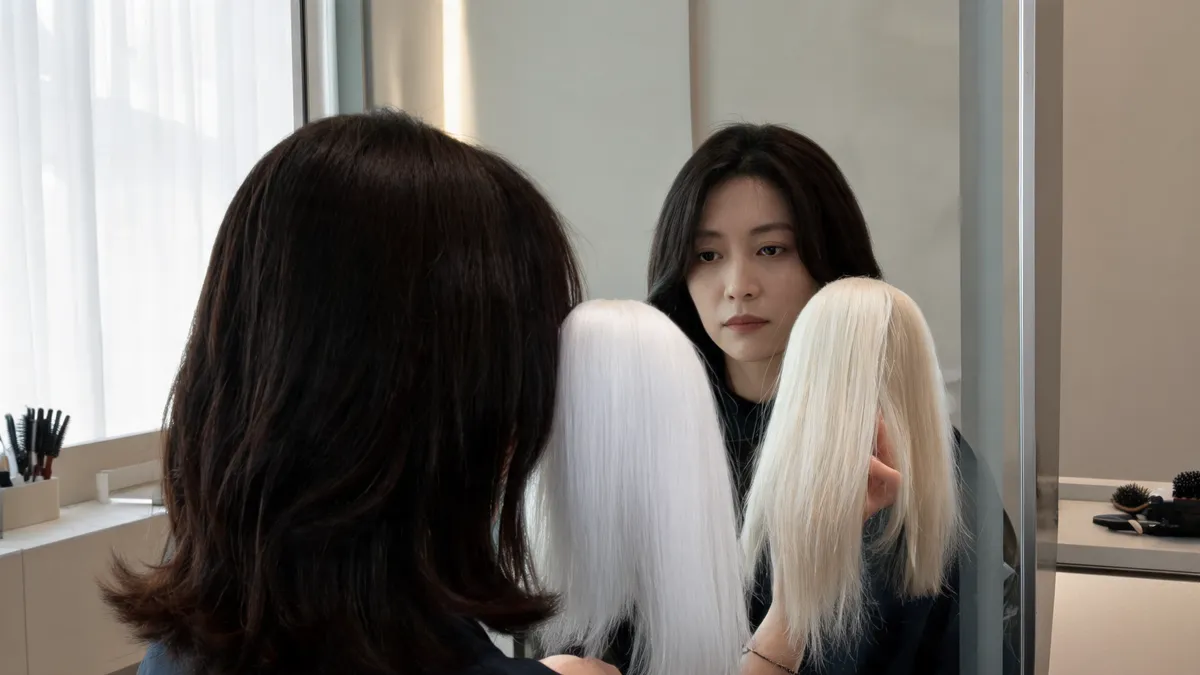
Use a white hair filter to compare snow, icy, silver-white, platinum, and pearl white on one photo before you discuss bleaching.
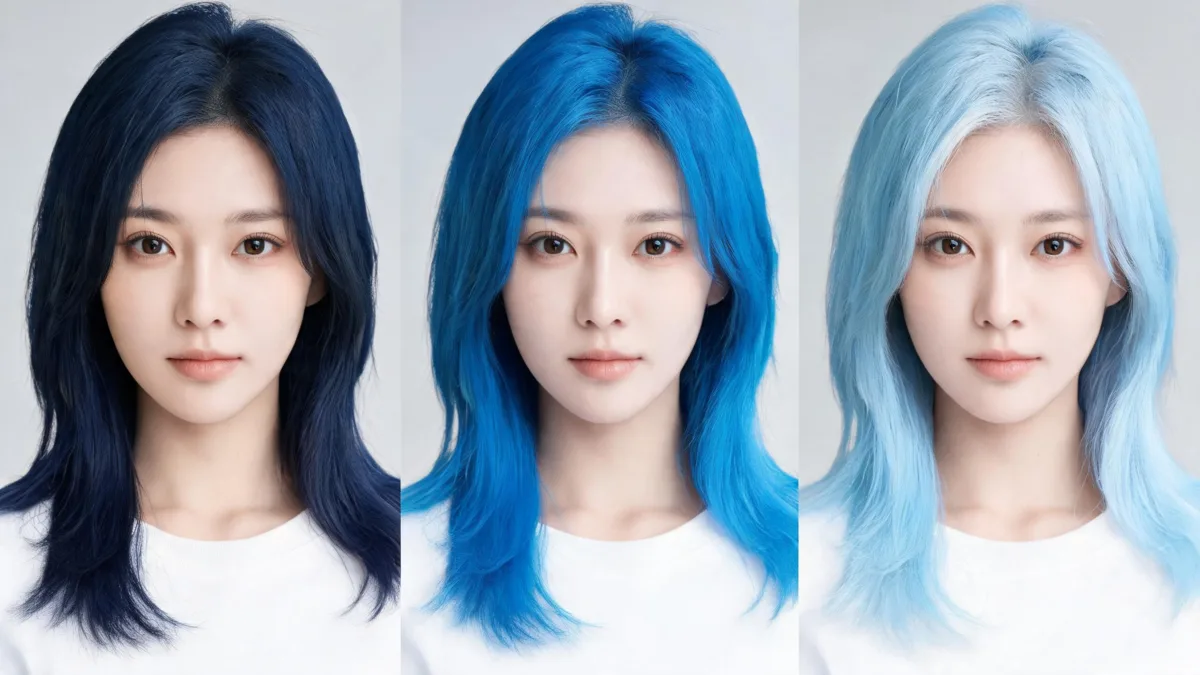
Use a blue hair filter to compare navy, electric, and pastel blue on the same photo before you dye, with a practical review checklist.
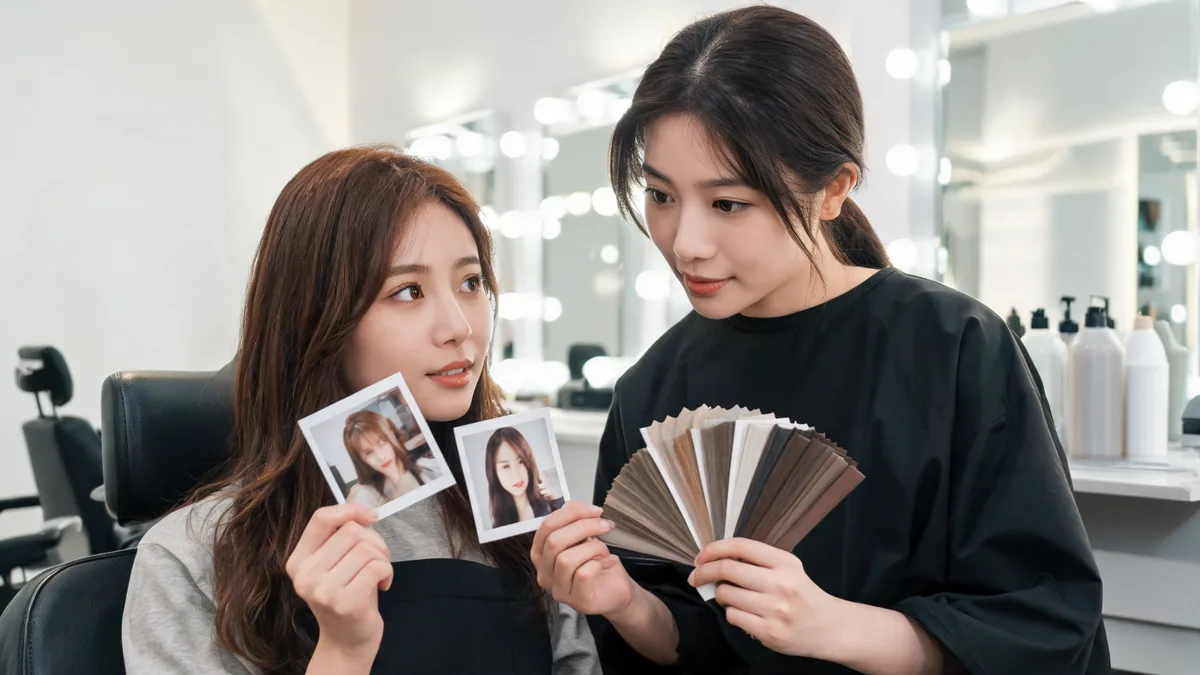
Use this hair-color-for-brown-eyes salon consultation checklist to bring two clear previews, an honest hair history, and practical questions.
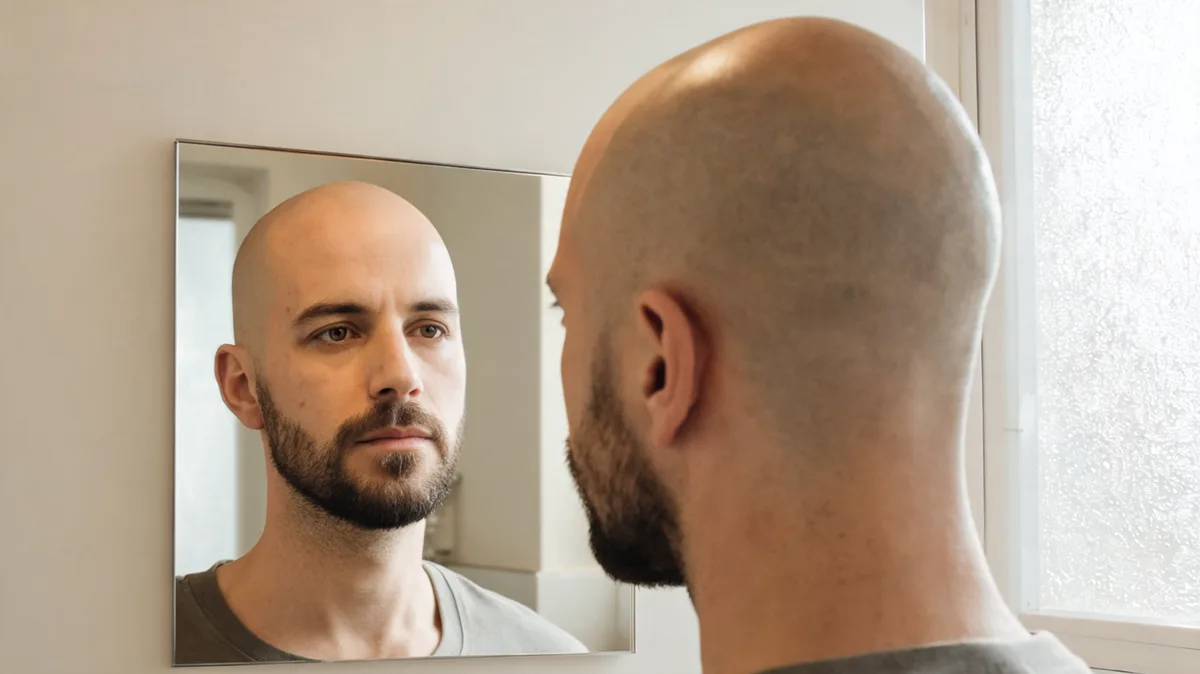
Use a bald filter online to compare a shaved head with your current beard and a clean-shaven face before you make either grooming change.
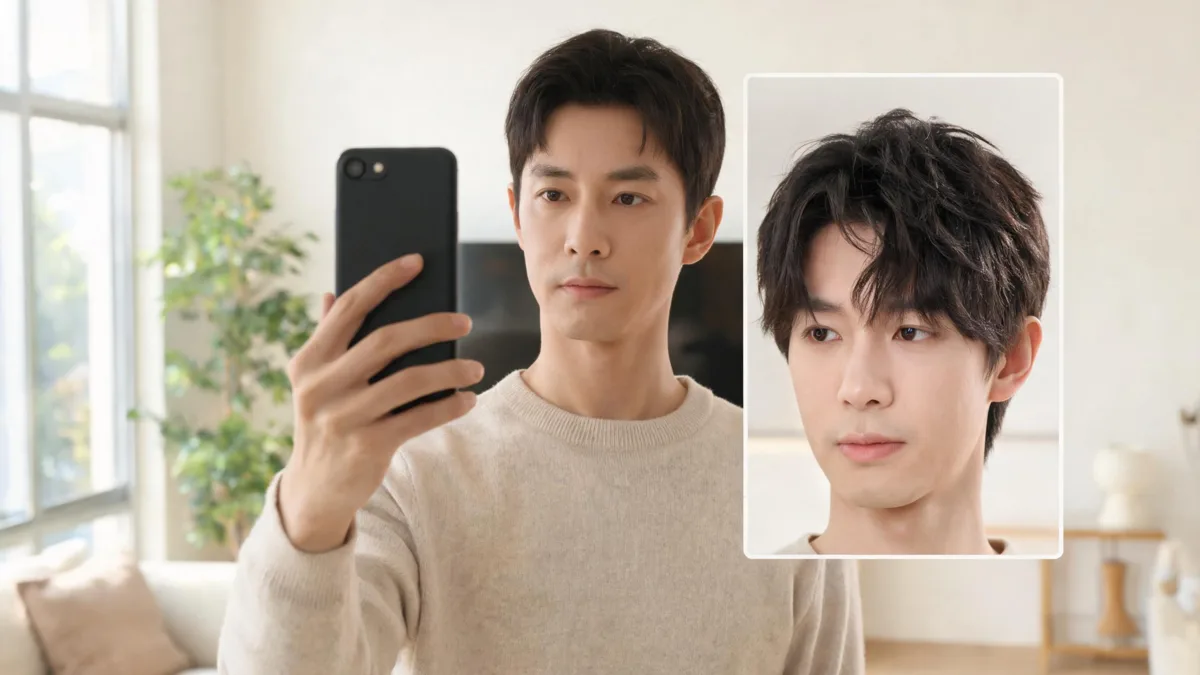
Use a Snapchat hairstyle Lens for a quick visual experiment, then make a controlled photo comparison before deciding on a real haircut.
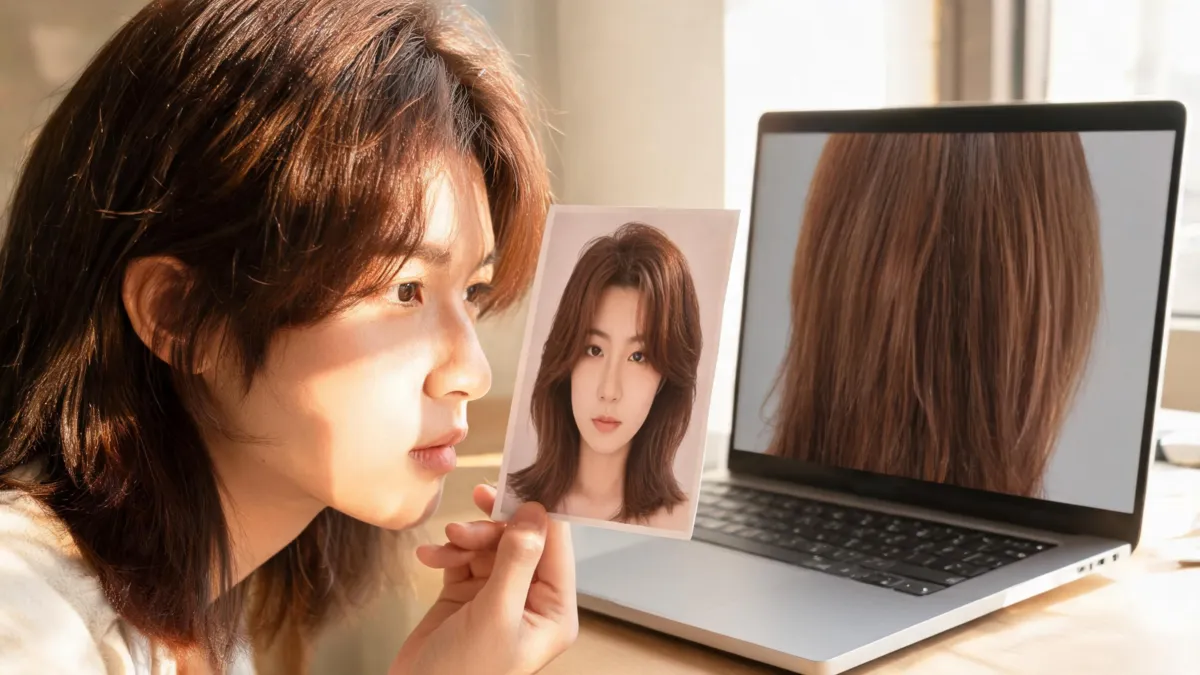
Use this ChatGPT hair color edit checklist to inspect identity, hairline, lighting, texture, and shade consistency before saving a preview.

Use AI hairstyle filters on TikTok for a quick idea, then make a controlled photo preview before you record, post, or book a haircut.
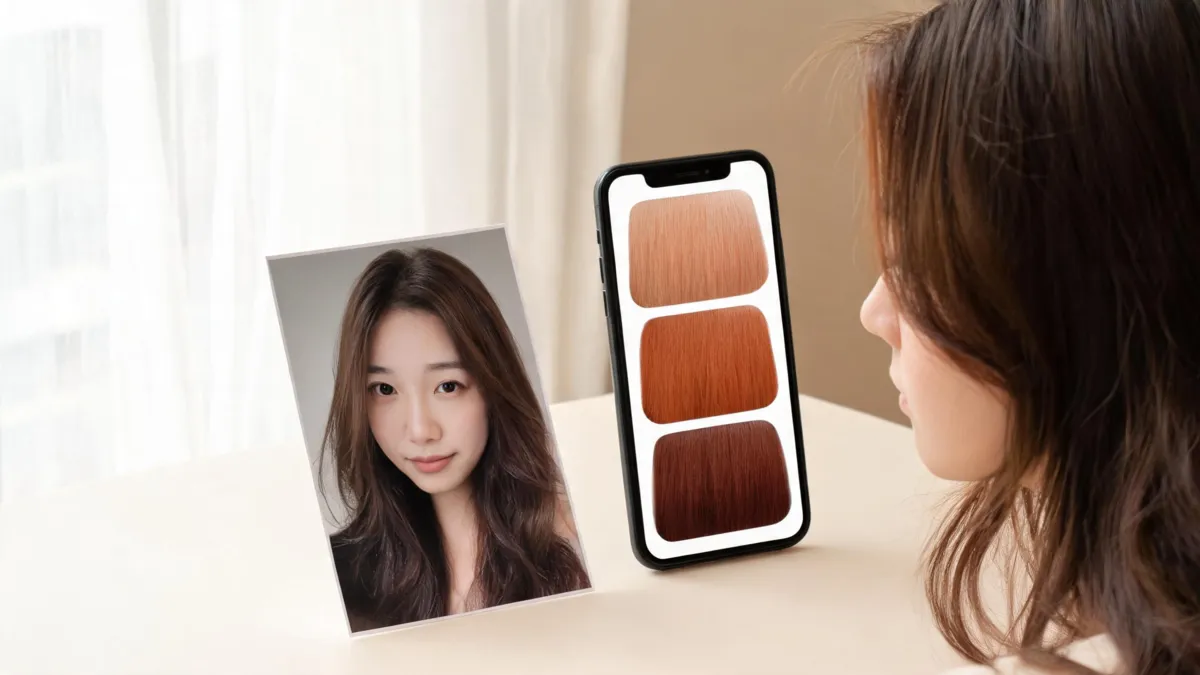
Use a ginger hair color filter to compare light, natural, and deep ginger on one clear photo before you commit to a salon color conversation.
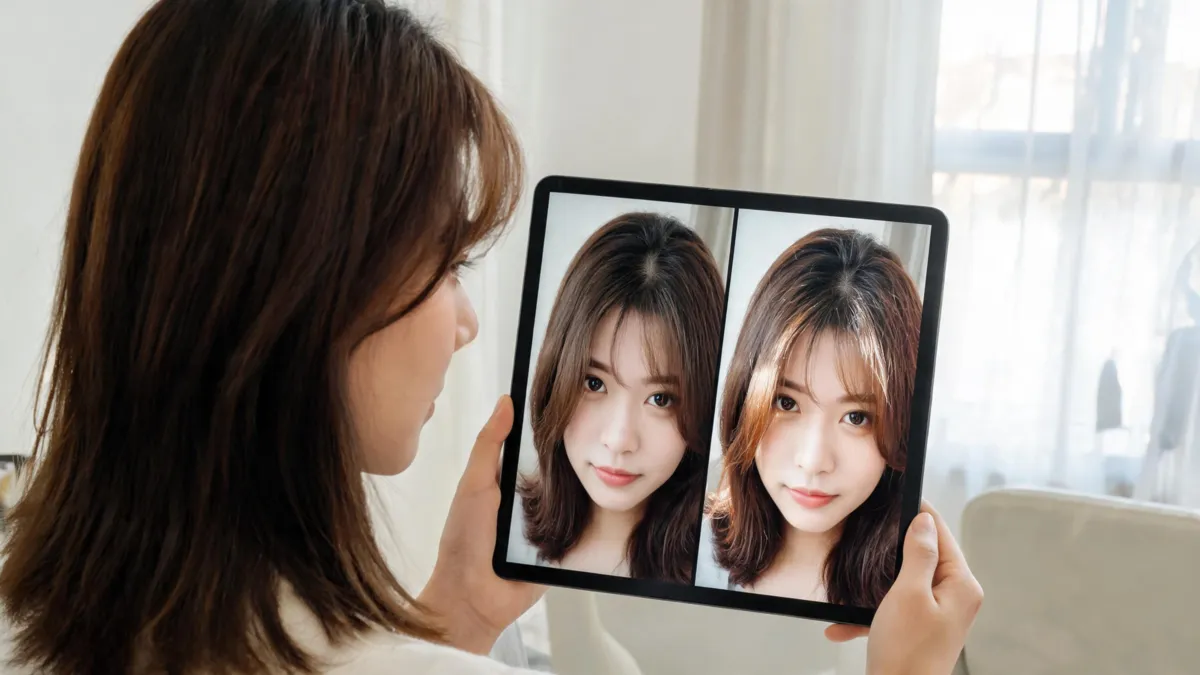
Use this highlights filter quality checklist to assess roots, placement, texture, and identity before you take a generated preview to a color appointment.
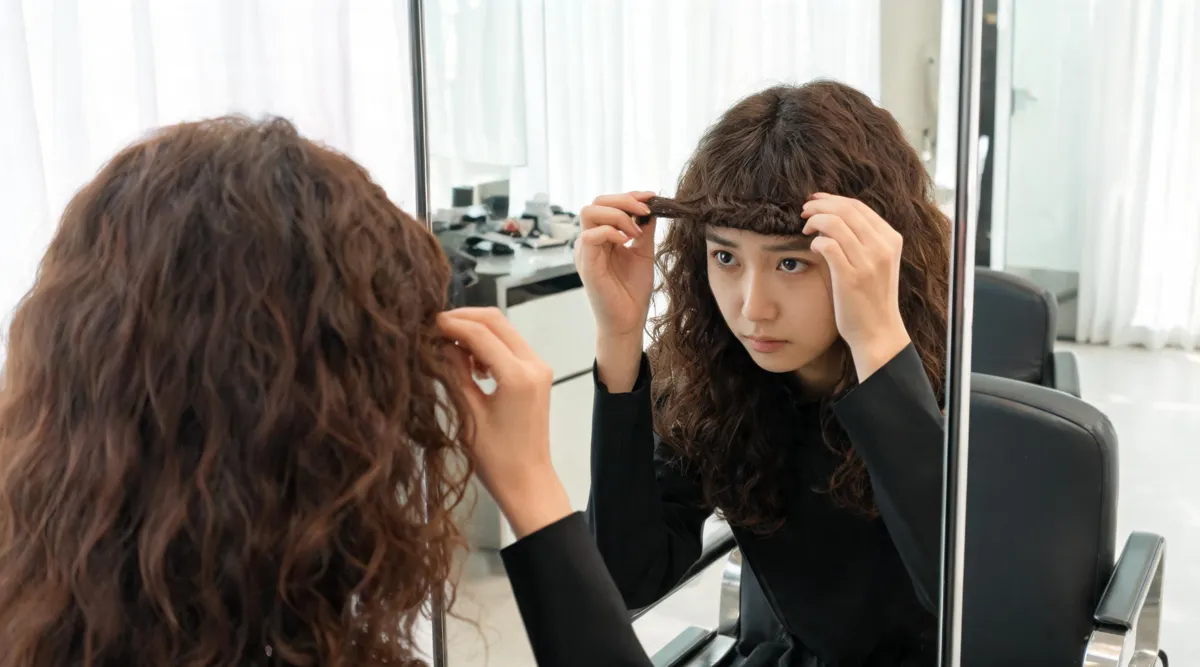
Use a curly bangs filter to compare soft, fuller, and curtain-like fringe on your own photo while keeping your natural texture and face in view.
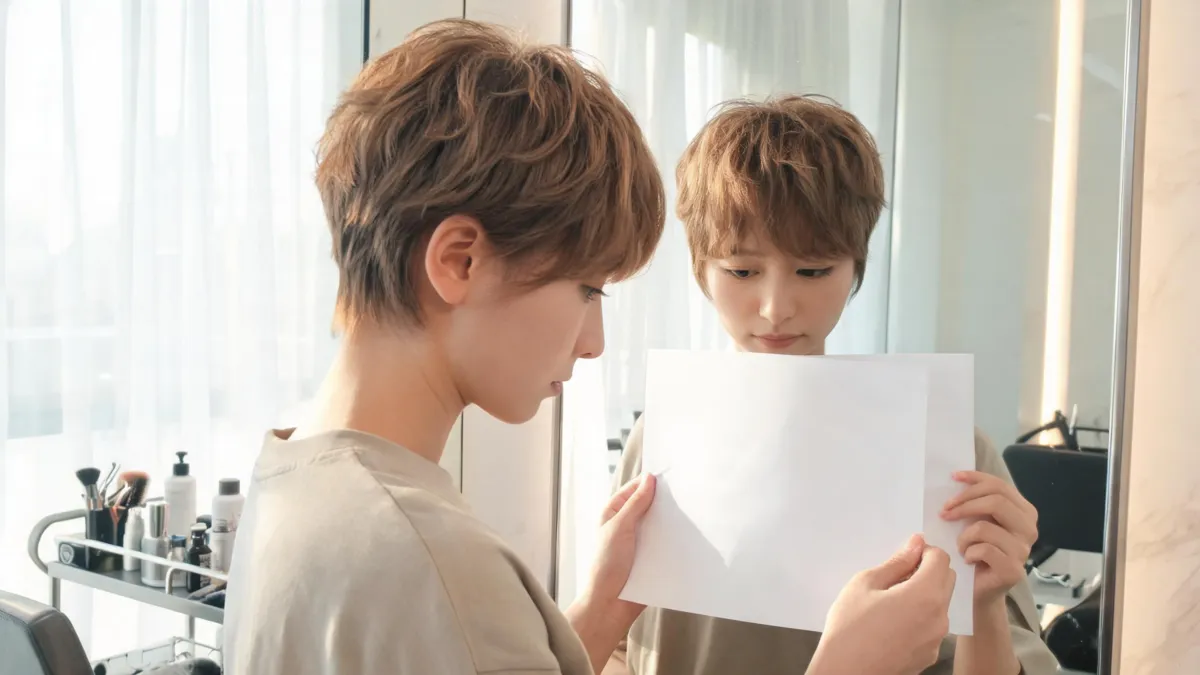
Use this pixie cut maintenance checklist to plan styling time, trim cadence, sleep and hat recovery, and salon questions before you commit to a pixie.
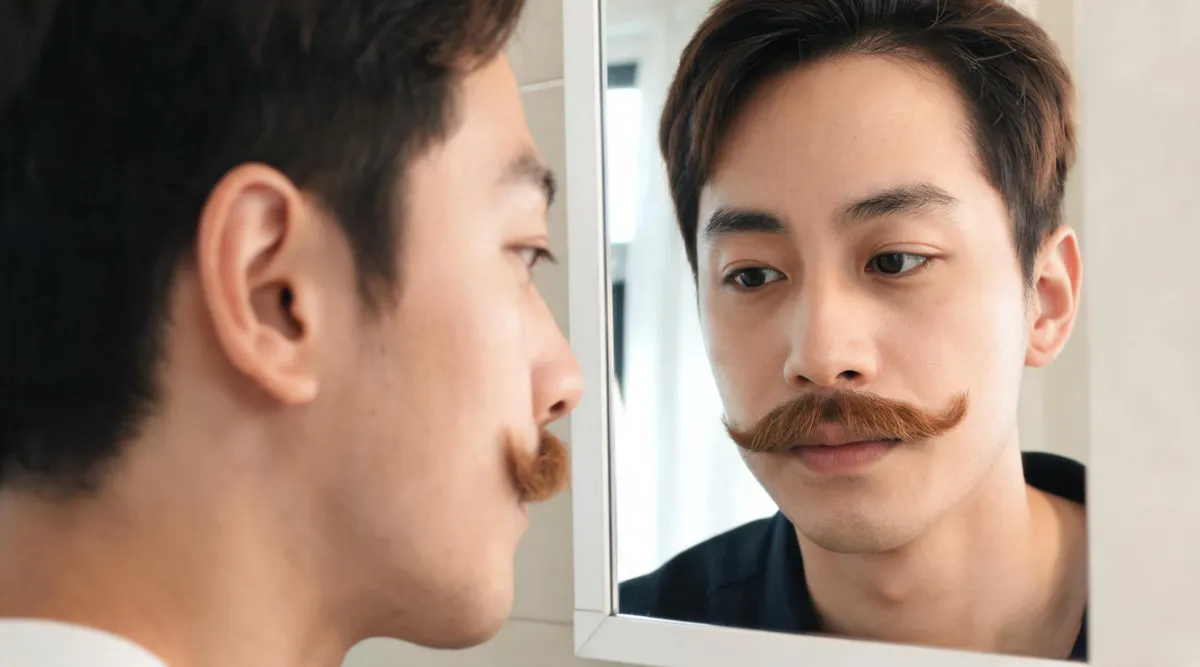
Use a mustache filter to compare a pencil, chevron, or handlebar look on the same photo before you trim, grow, or shave facial hair.
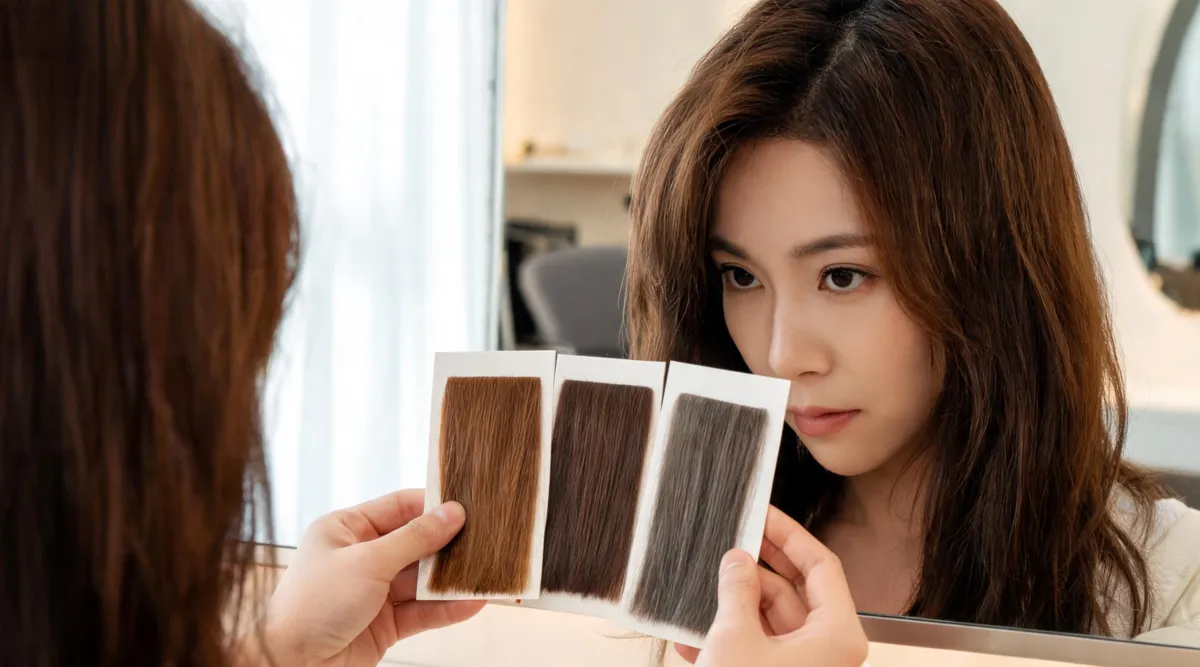
When vein, jewellery, and tanning tests disagree, compare nearby warm, neutral, and cool hair-colour directions on one unfiltered photo before a salon visit.
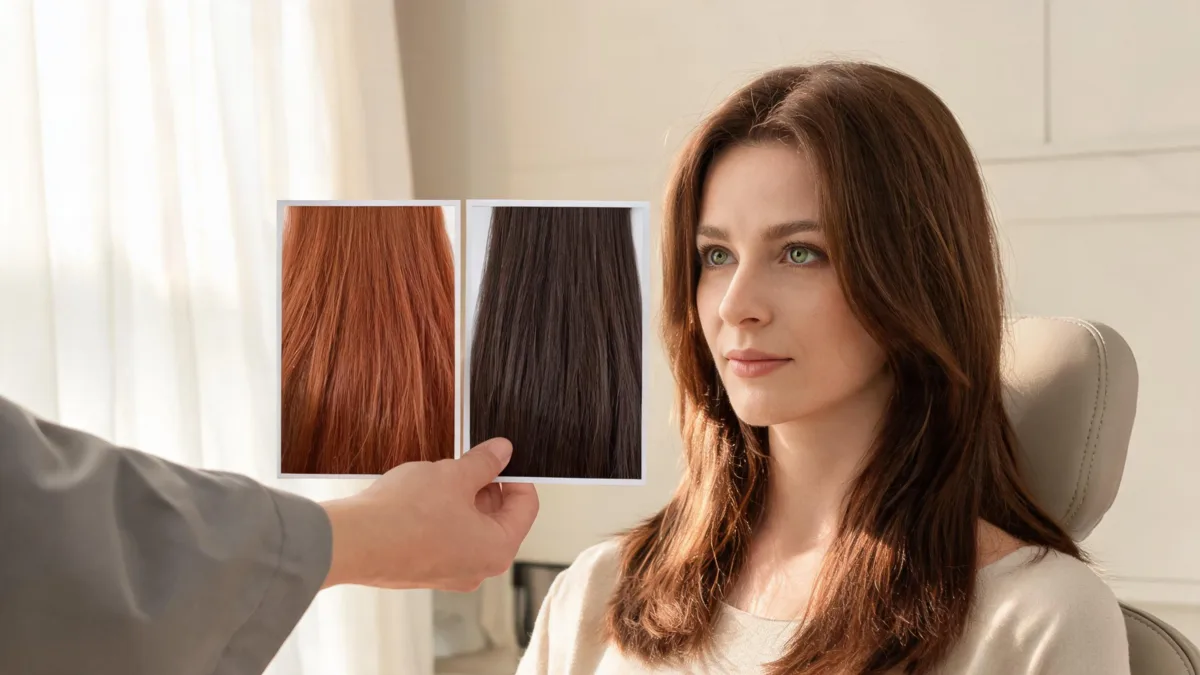
Prepare a hair color for green eyes consultation with two controlled previews, honest color history, realistic upkeep questions, and clear safety limits.
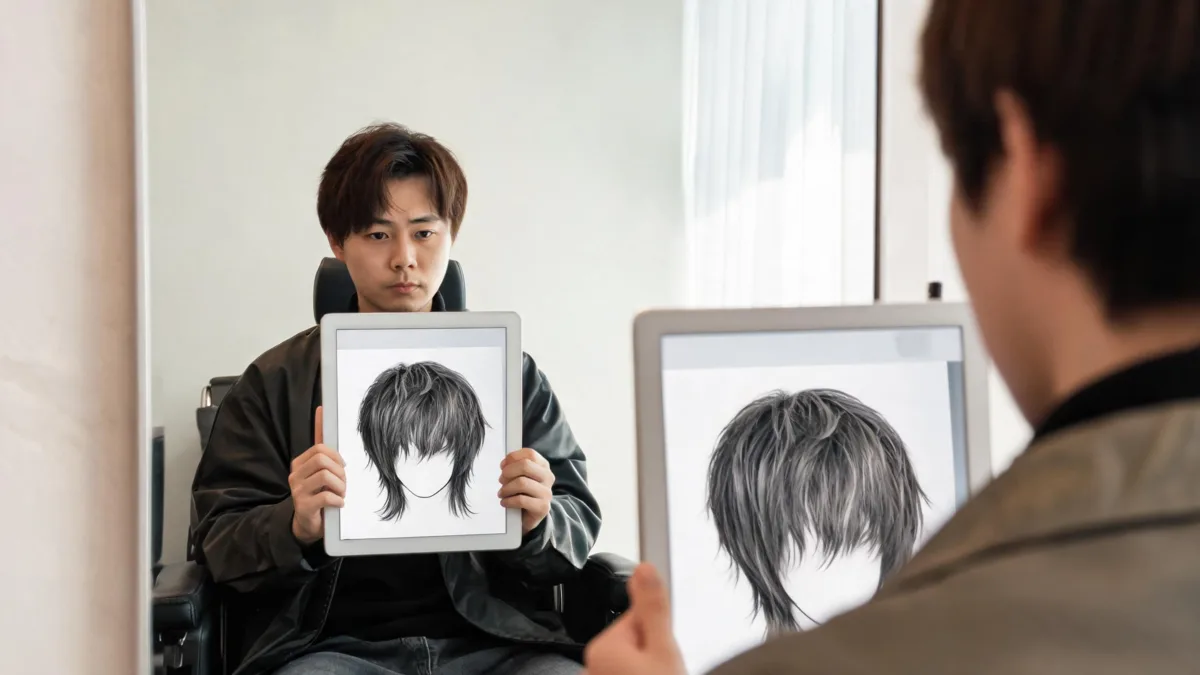
Use a wolf cut editor preview as a practical haircut checklist: review layer height, face framing, nape length, identity, and what to show your stylist.
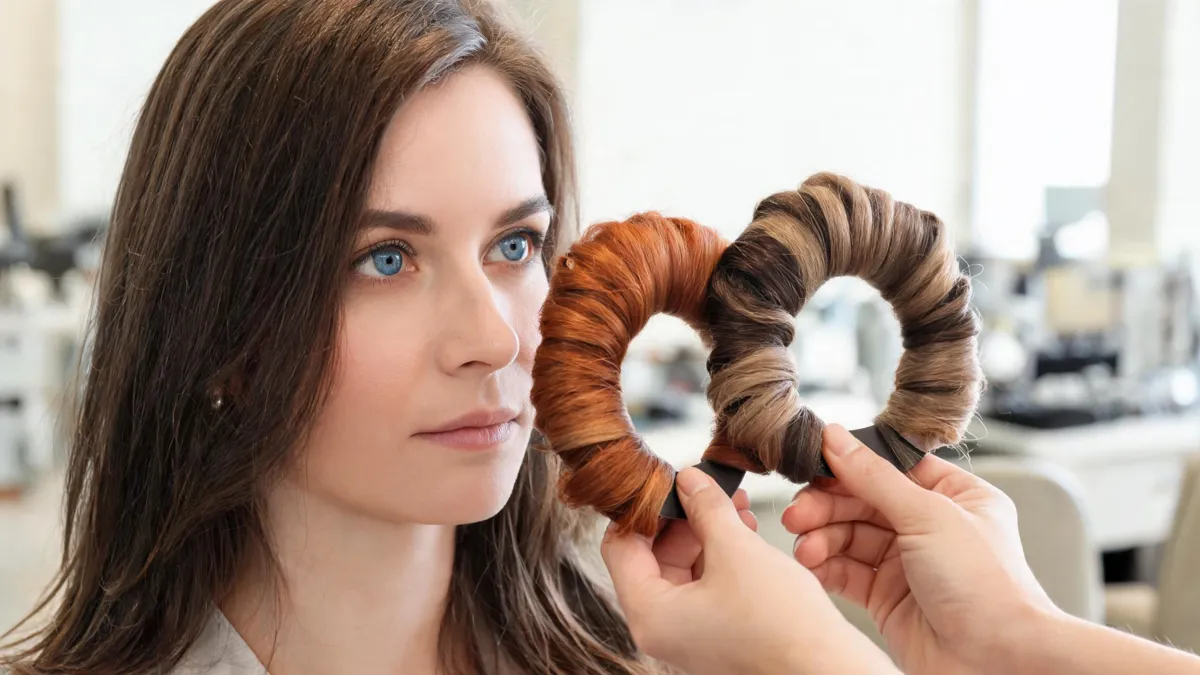
Prepare a hair color for blue eyes consultation with controlled previews, honest hair history, realistic upkeep questions, and two useful shade directions.
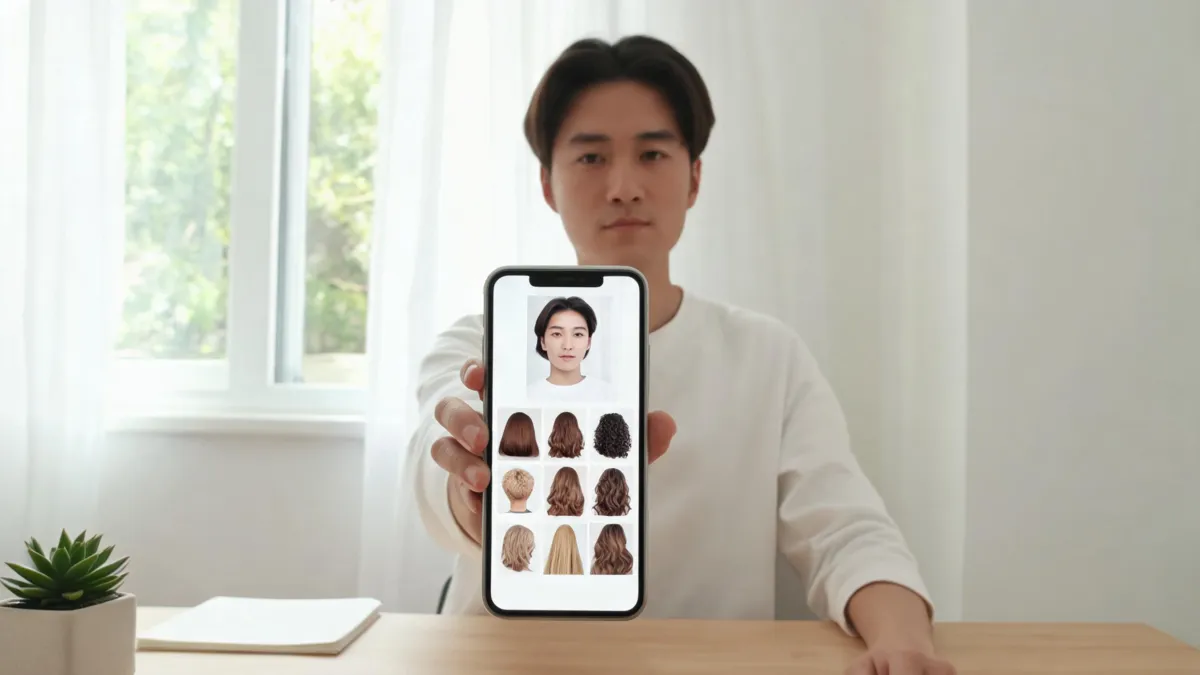
A careful Perfect AI Hairstyles app review: what its public start screen shows, what remains unverified, and how to test a hairstyle preview safely.
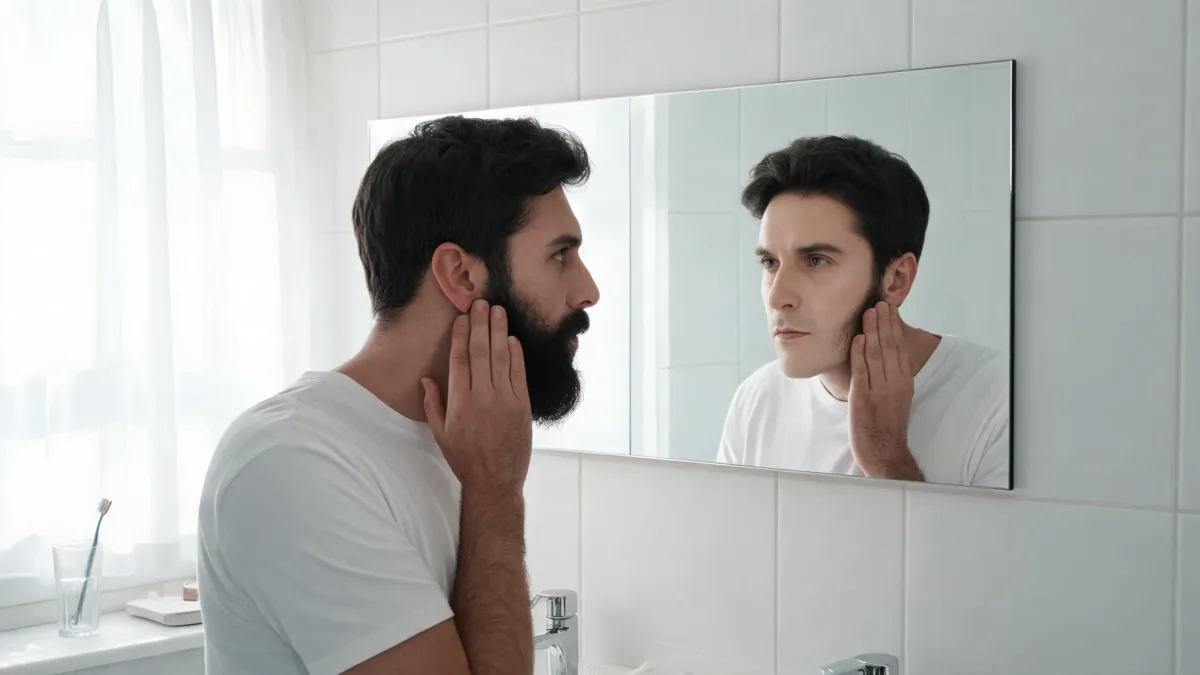
Use a clean shaven filter to preview yourself without a beard, compare a full shave with light stubble, and take a calmer decision before you shave.
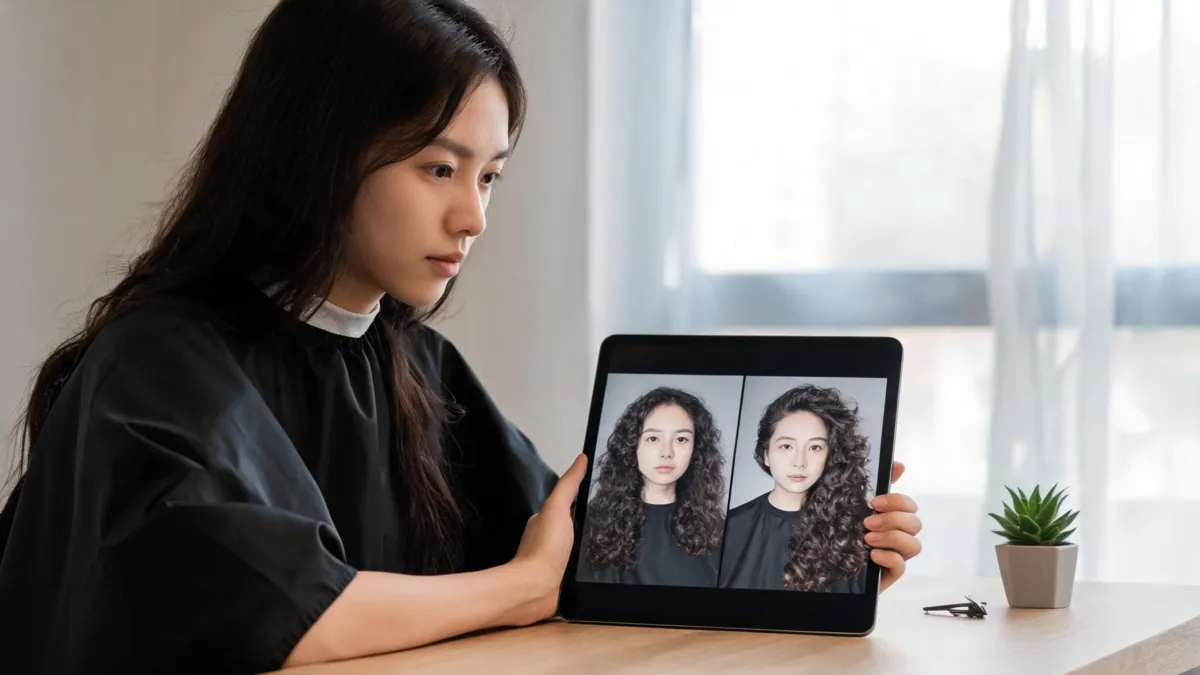
Use a GPT Image 2 hairstyle editor checklist to choose a reference photo, request one controlled hair change, and reject a preview that changes your identity.
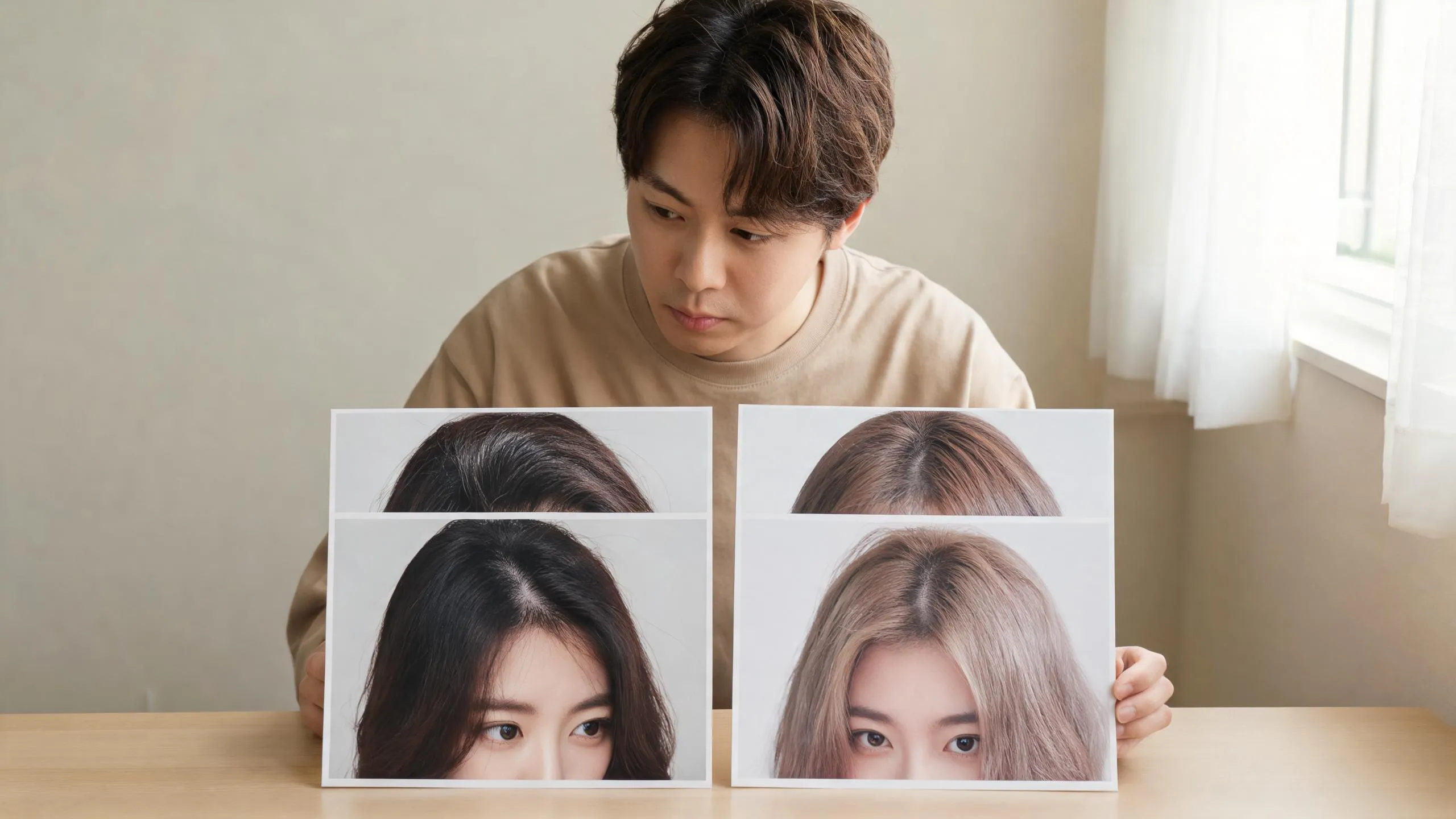
Use a bleached hair filter to save a lighter-hair visual target, then prepare the practical questions a photo preview cannot answer before bleaching.
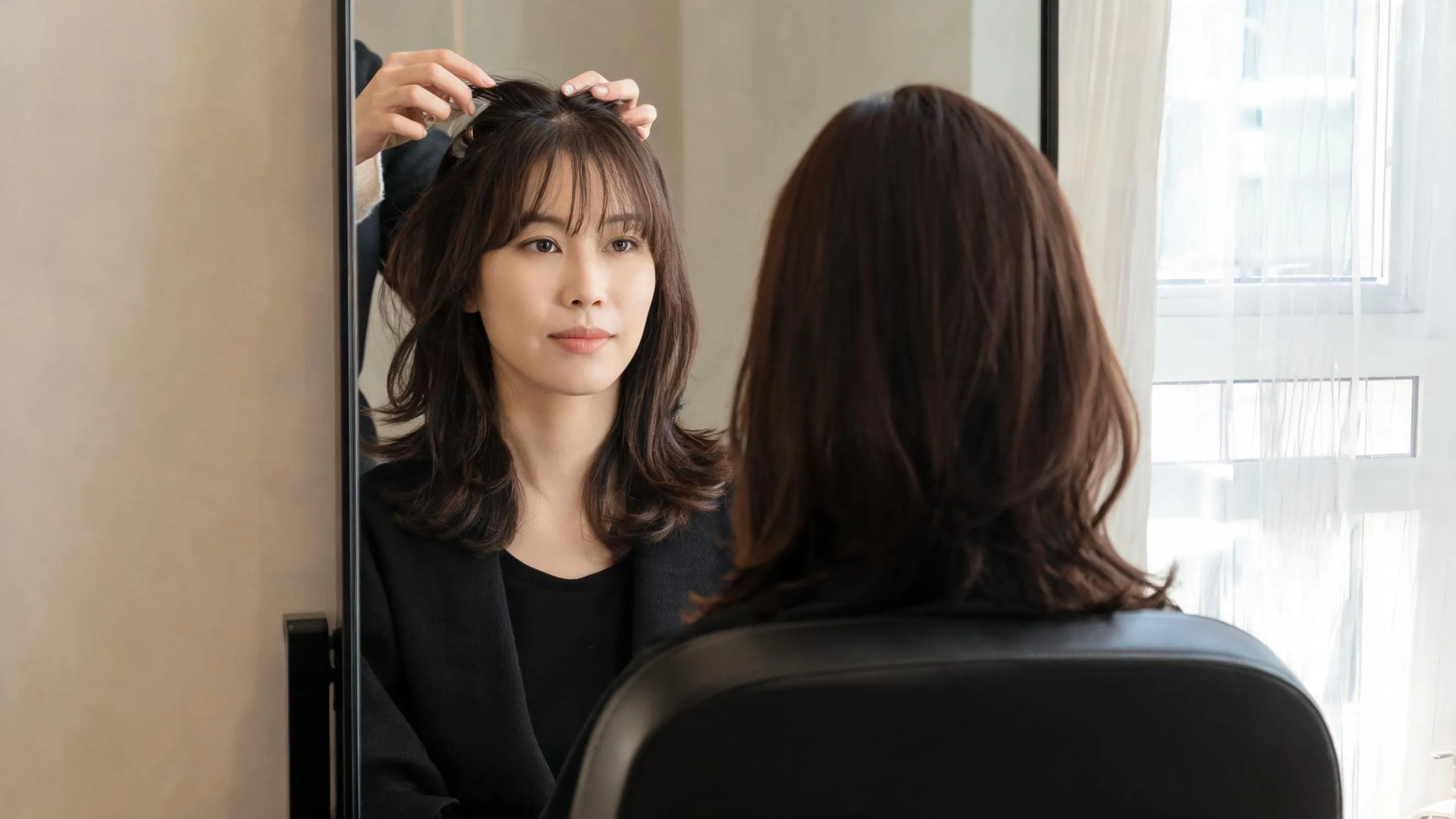
Looking for an Instagram bangs filter? Learn why old effect tutorials can be unreliable and how to compare fringe styles on your own photo before a cut.
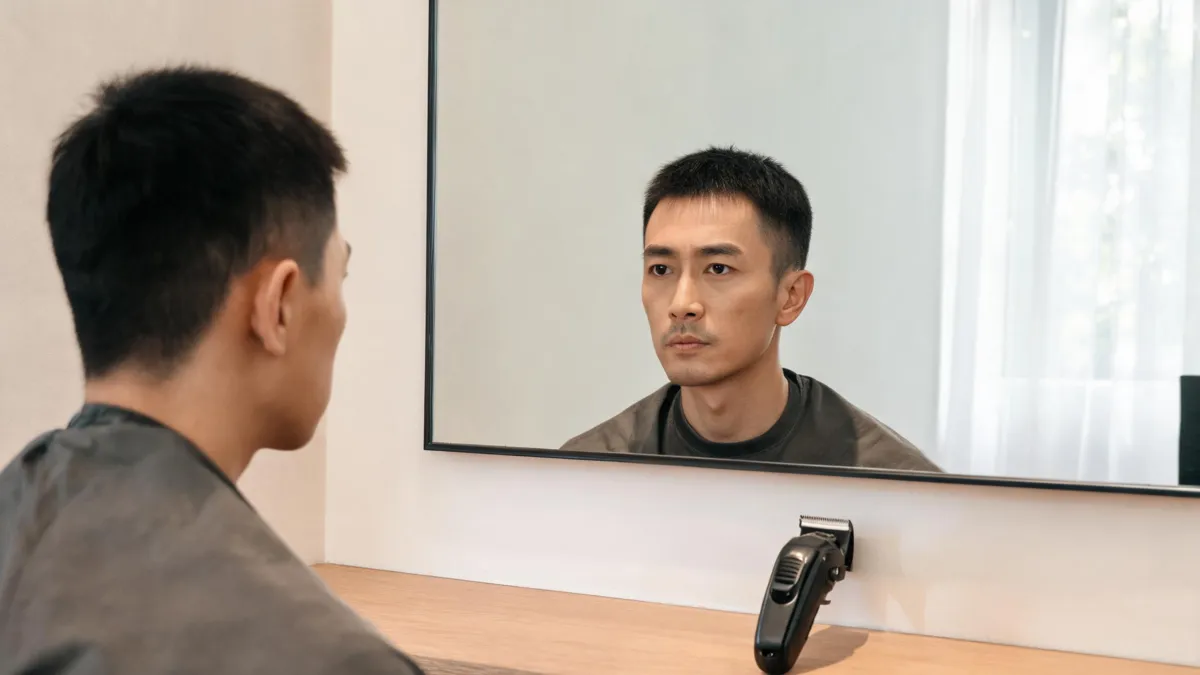
Decide whether to get a first buzz cut at home or with a barber by comparing visibility, guard length, fades, cleanup, recovery, and a low-risk plan.
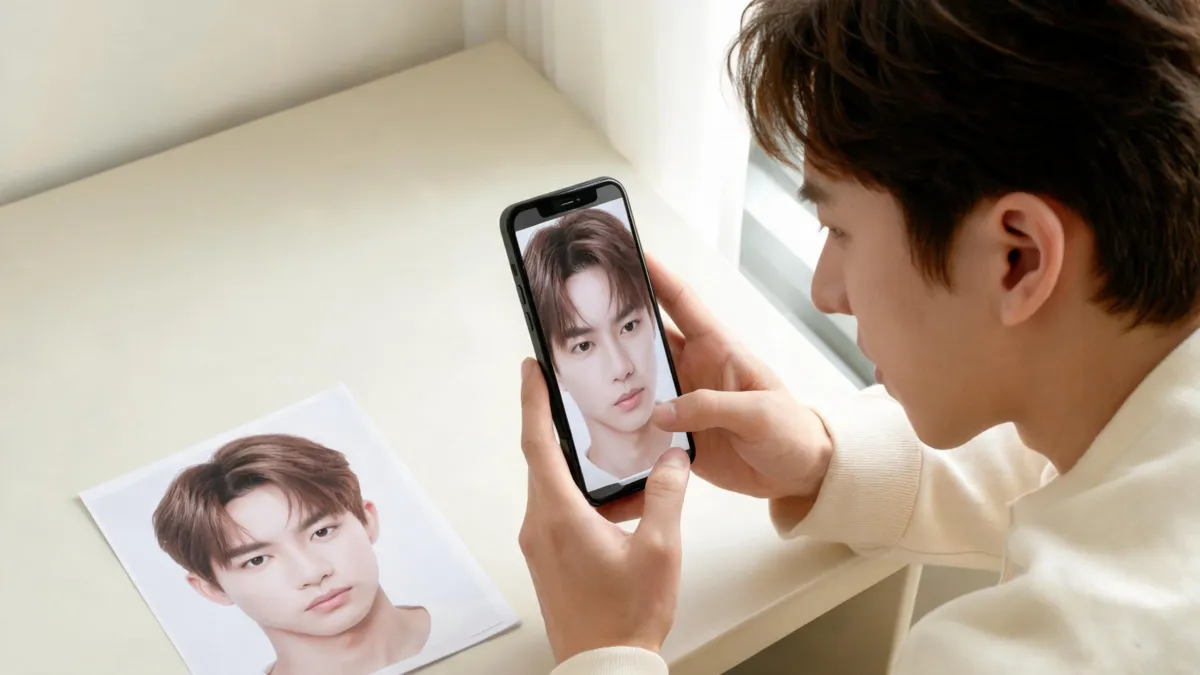
Evaluate the YouCam Makeup AI hairstyle app with a practical selfie test, its stated hair-preview options, and clear limits before a haircut or color change.
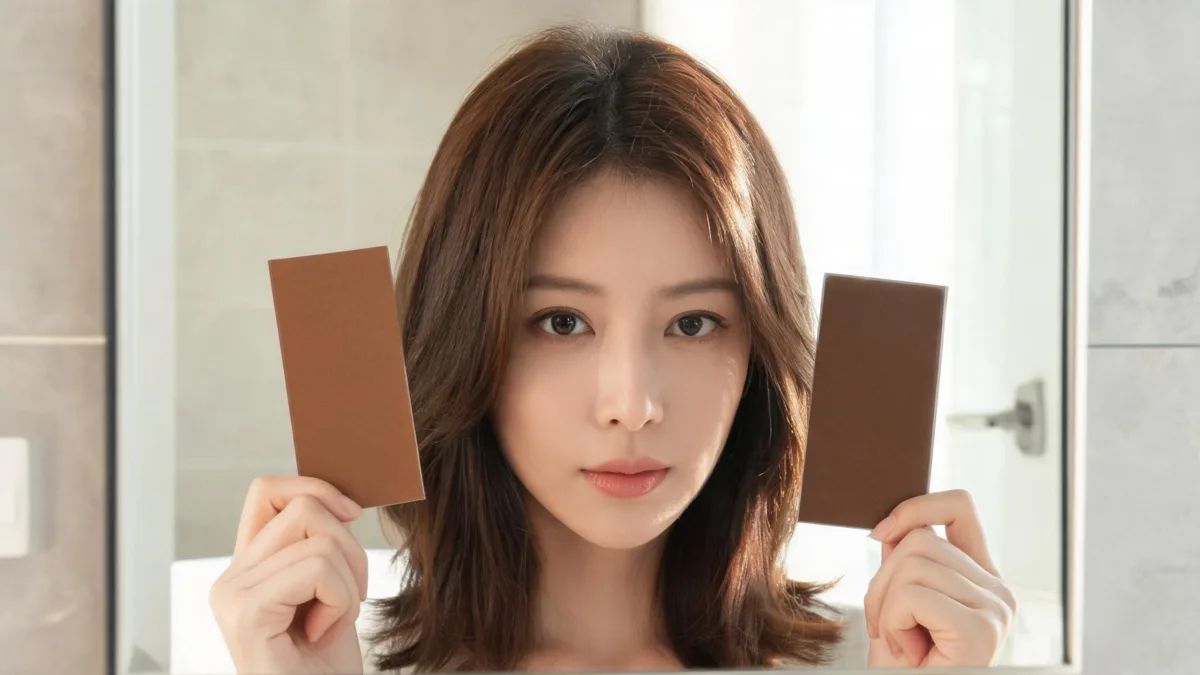
Use a Garnier hair color filter to compare a brand shade before buying, choose a useful selfie, and understand what a virtual preview cannot predict.
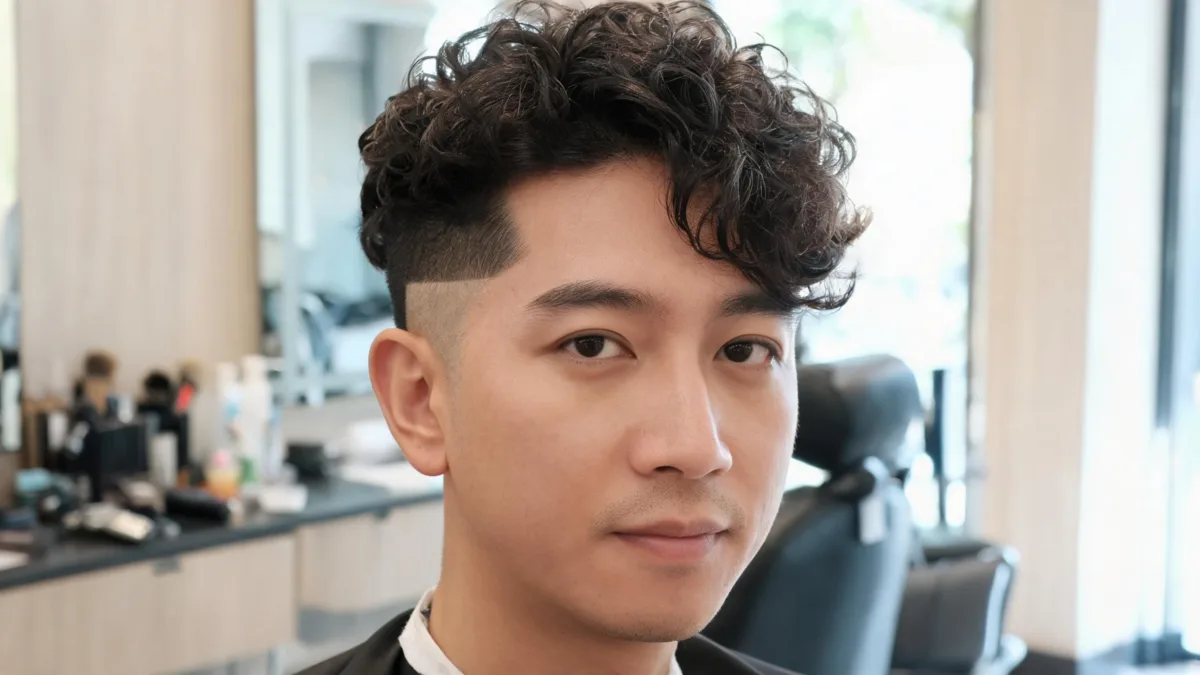
Use a men's curly hair filter to compare curl volume with a taper or fade, check the hairline and beard balance, and prepare for a barber cut.
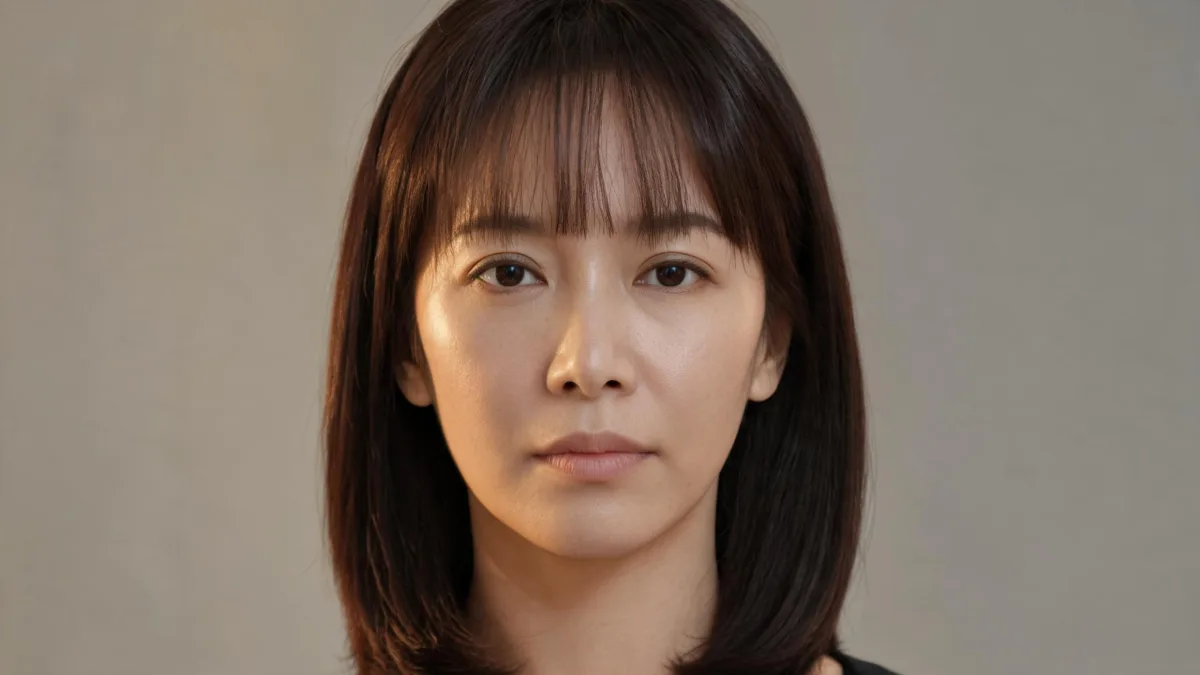
Use a micro bangs filter to compare short baby bangs on your own photo before a haircut, then turn the clearest result into a useful salon conversation.

Use a side bangs filter to test part direction, eye clearance, and side-swept framing on your own photo before you commit to a haircut.
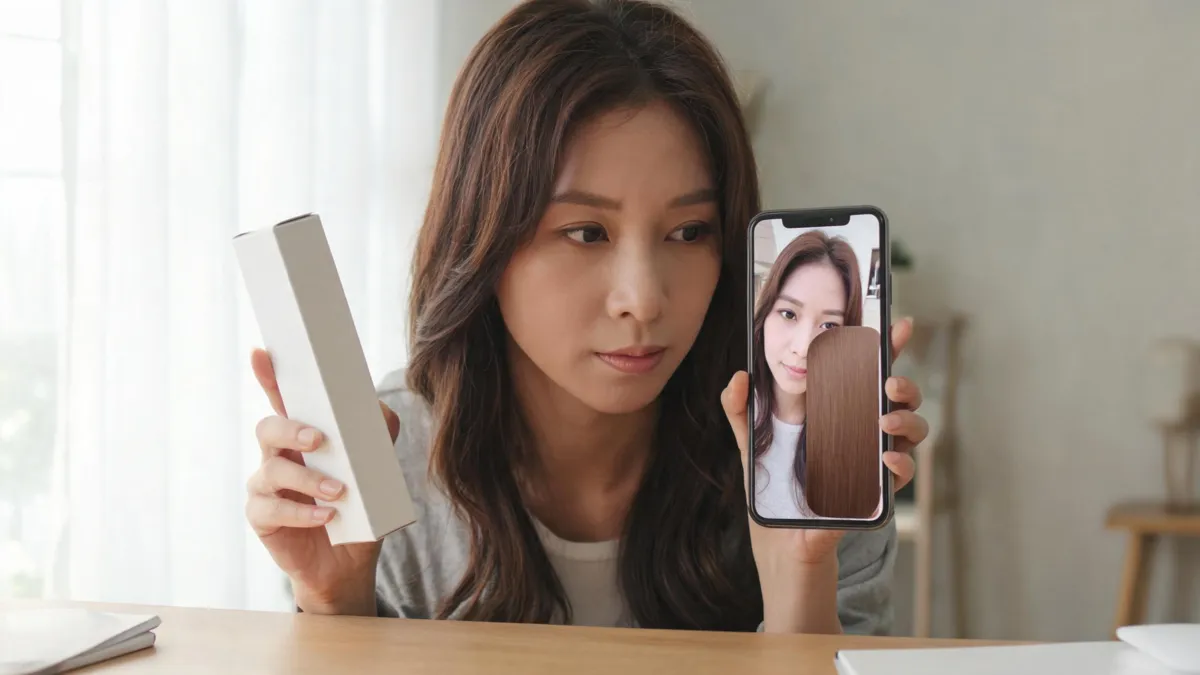
Learn what an L'Oréal hair color filter can show before dyeing, how to compare a brand shade on your own photo, and where a virtual try-on stops.
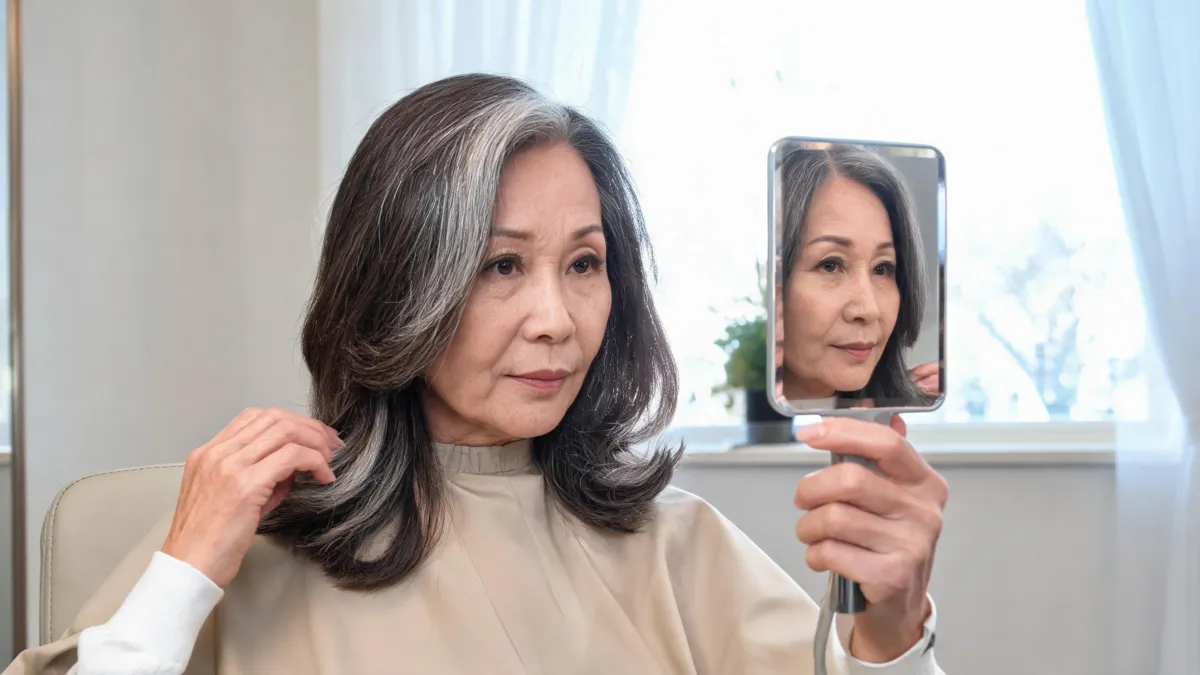
Try virtual hairstyles for women over 50 on your own photo, compare cuts without changing your face, and take a clear shortlist to your stylist.
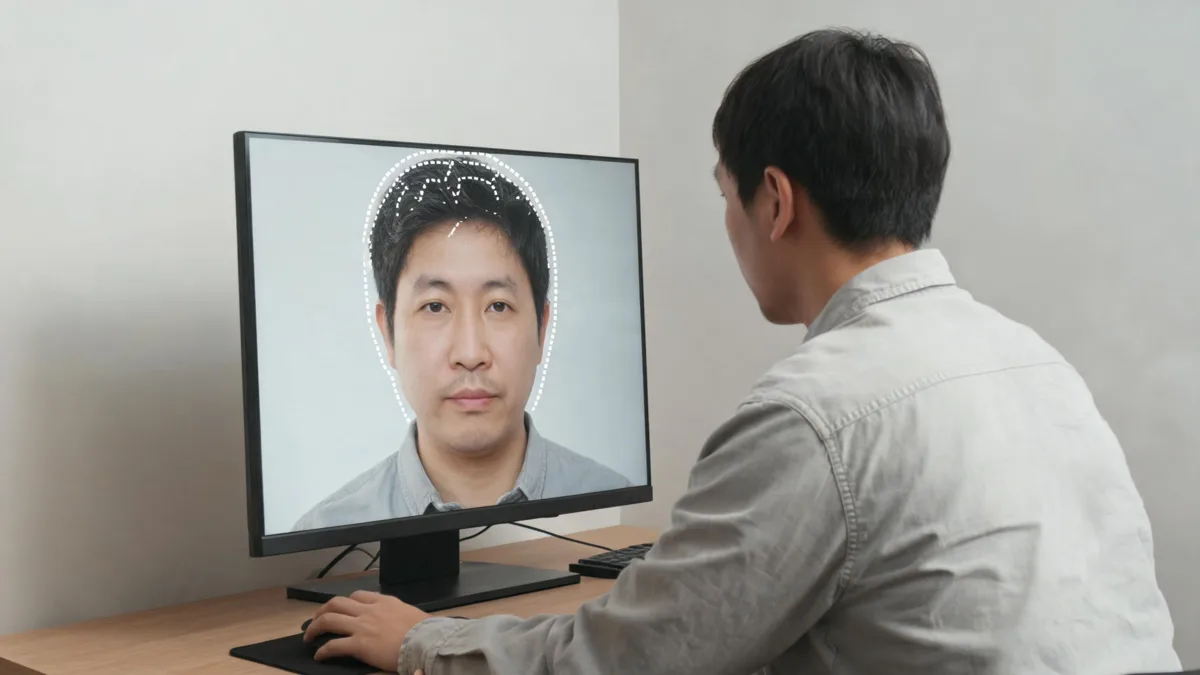
Learn how to change hair color in Photoshop without changing your face: isolate the hair, refine its edges, use adjustment layers, and keep lighting believable.
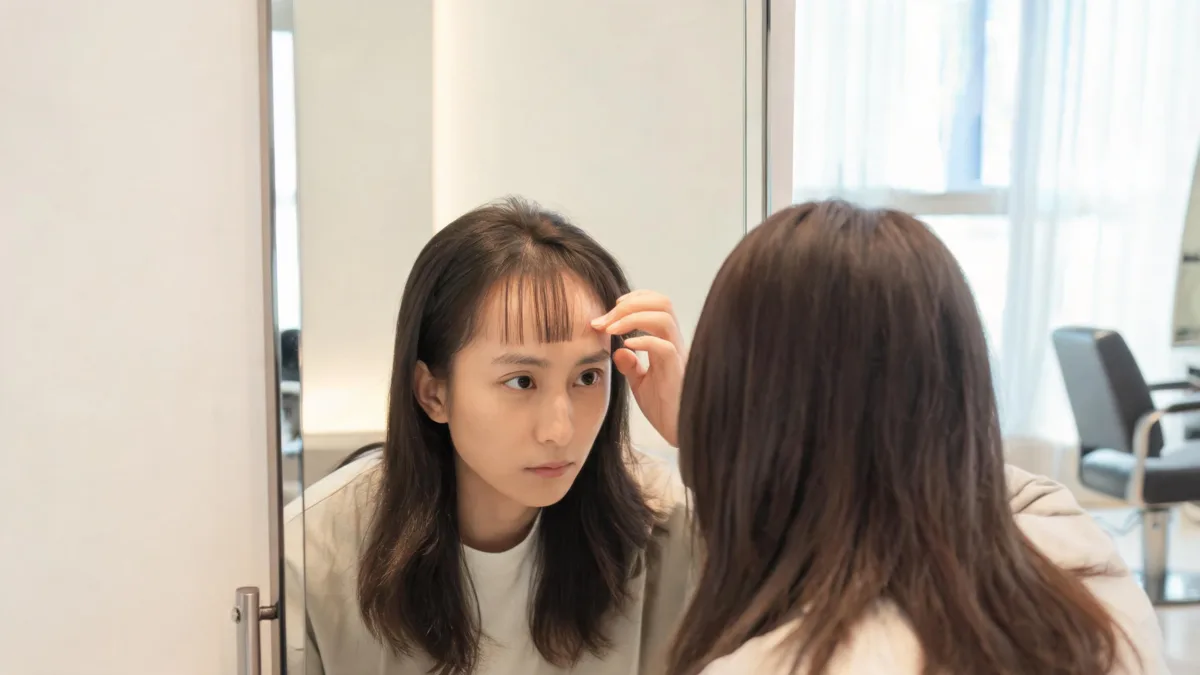
Wondering should I get bangs? Use a controlled photo preview and a practical checklist to compare fringe shape, upkeep, hairline, and grow-out before a cut.
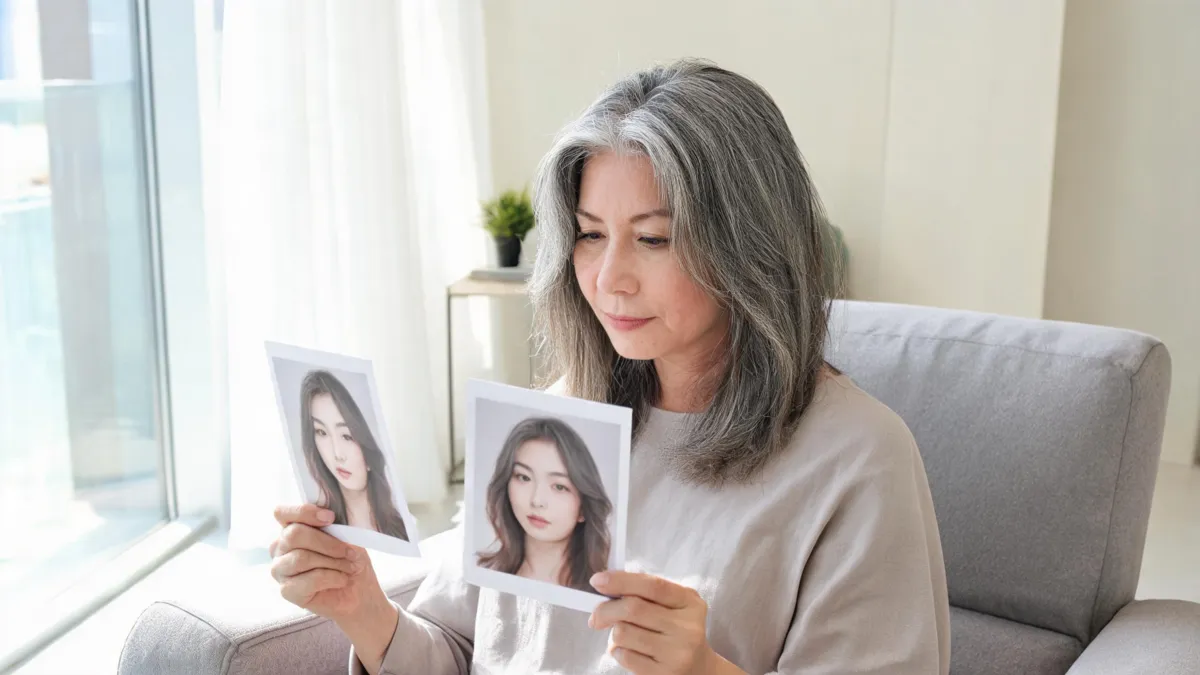
Use this grey hair photo editor checklist to review a generated gray-blend preview for identity, hairline, roots, lighting, and believable contrast.
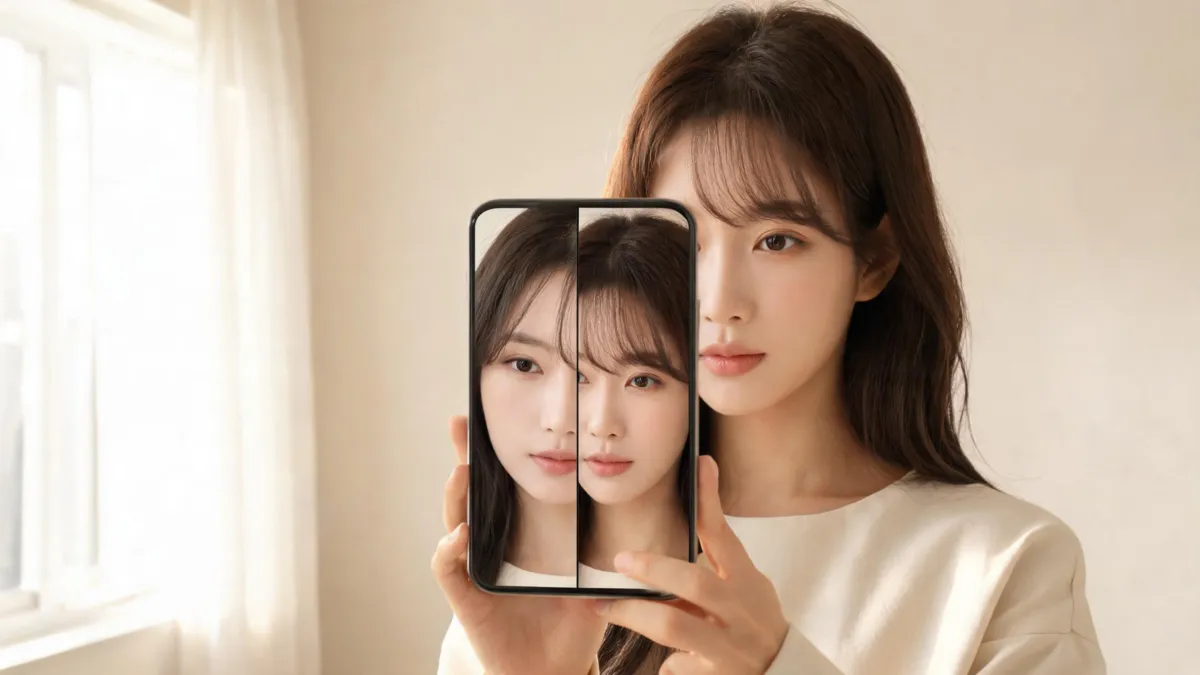
Use a Snapchat bangs filter for a quick first look, then compare a clear photo preview before deciding on fringe or a salon consultation.
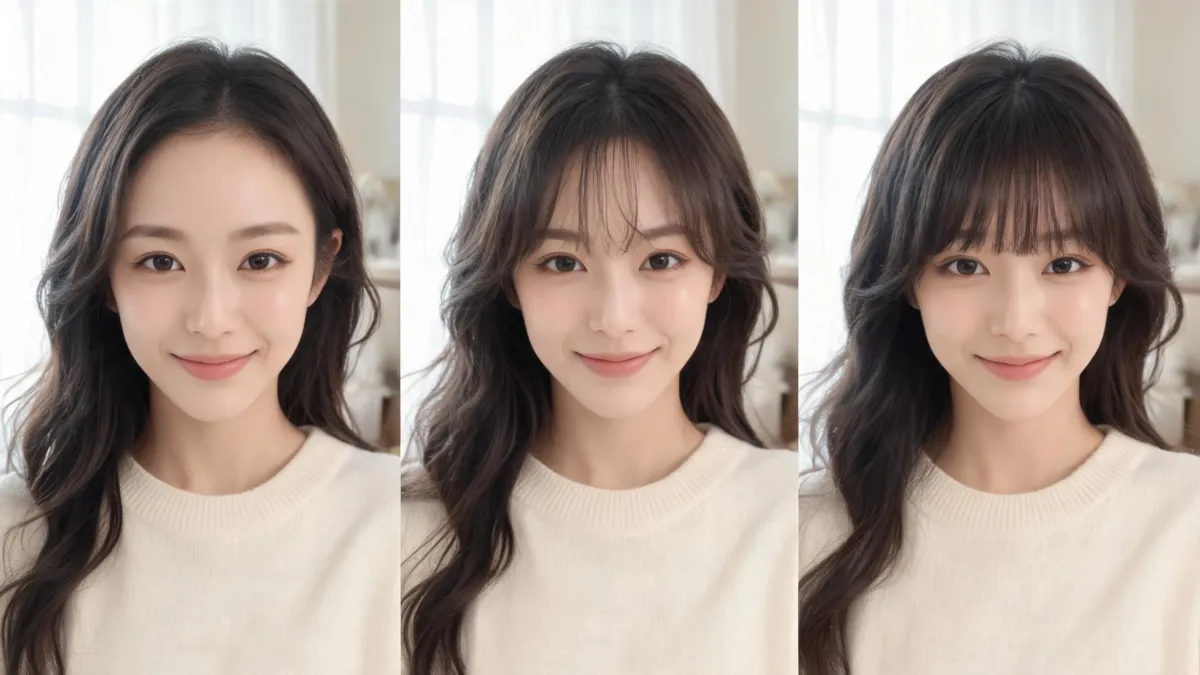
Use the AirBrush bangs filter for a first look, then compare fringe options on one clear photo before deciding on a haircut.
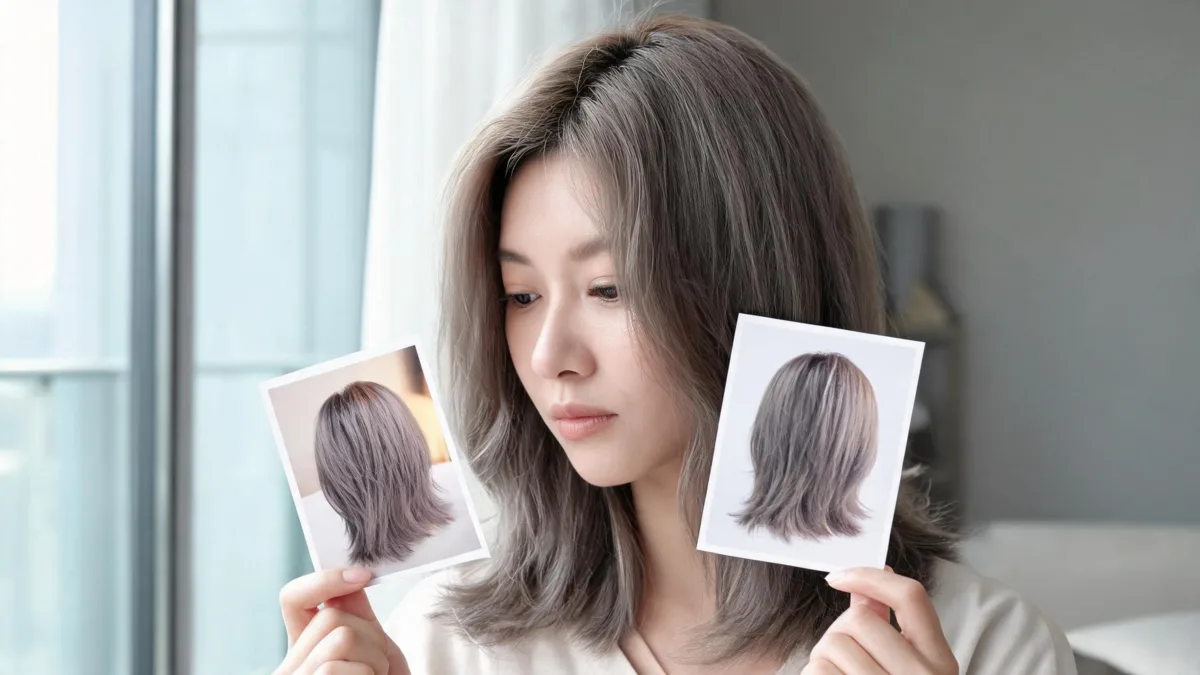
Test cool tone hair colors in daylight and ordinary indoor light before a salon appointment, using a controlled preview and a short review sheet.
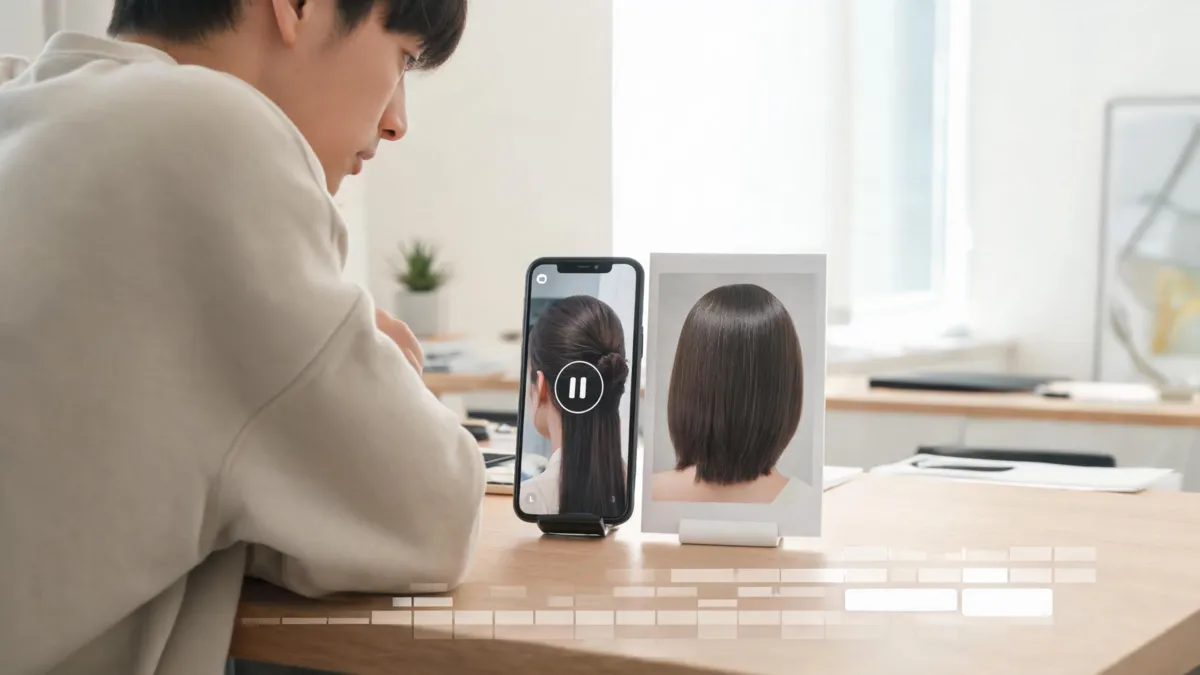
Before trying to change hair in a FaceApp video, verify the current in-app workflow, export limits, and whether a still-photo preview is enough.
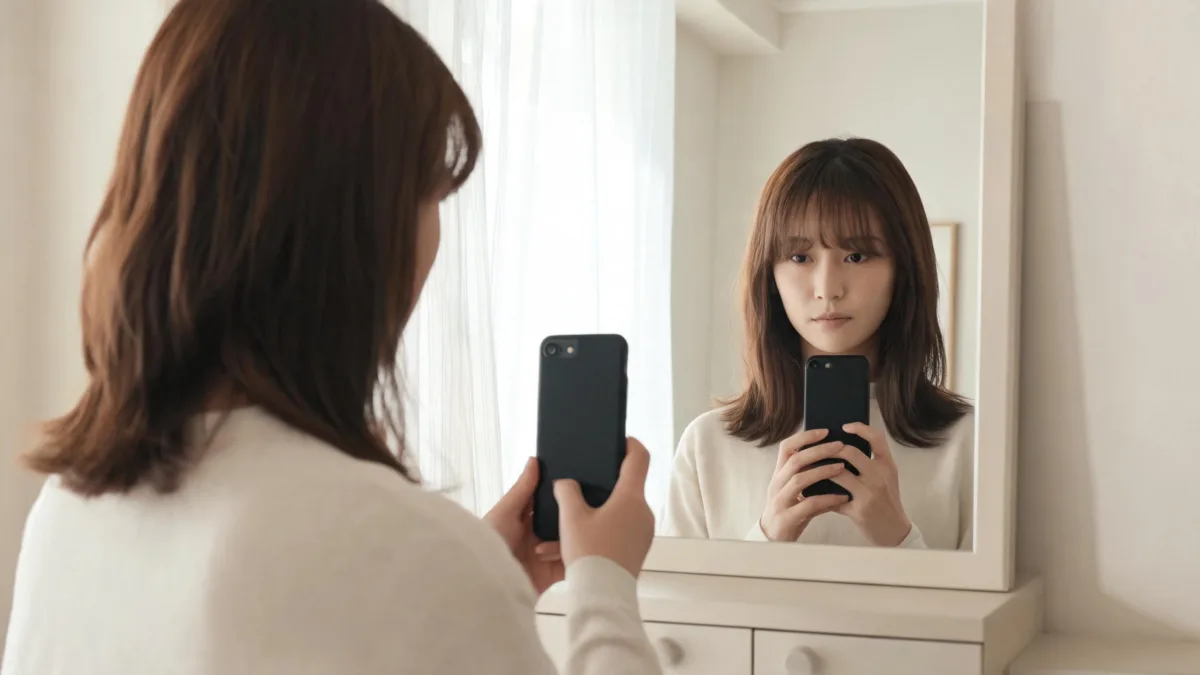
Use a TikTok bangs filter as a quick first look, then make a reliable fringe comparison on your own photo before you book a haircut.
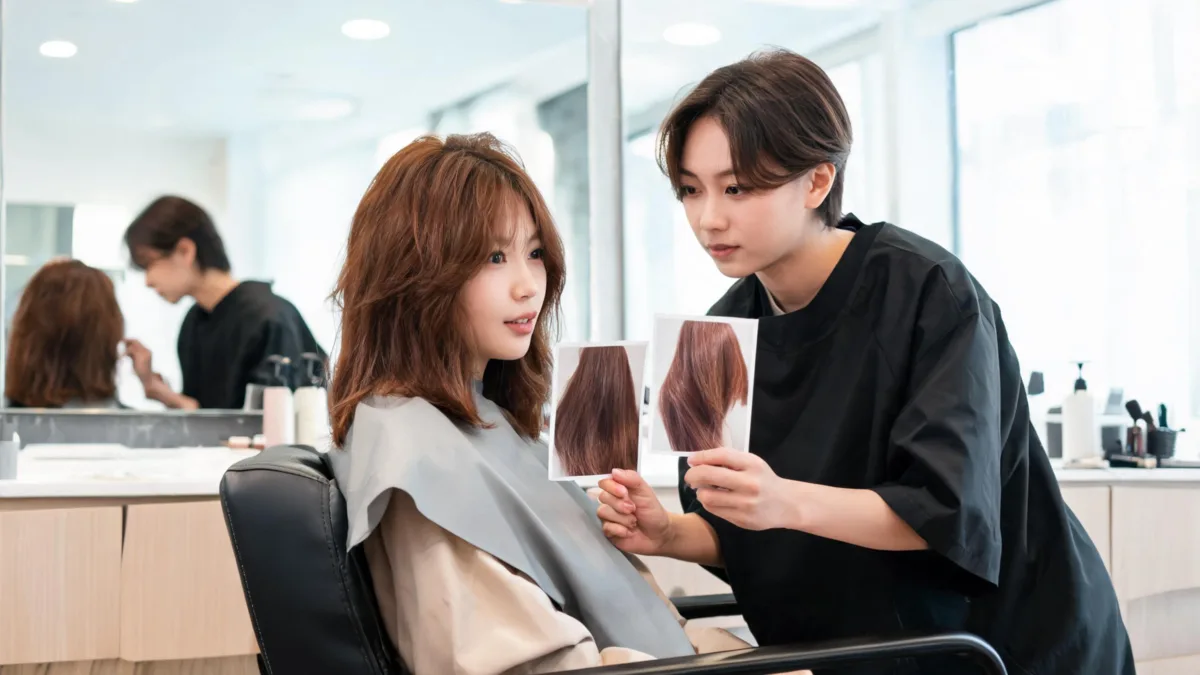
Use this warm-undertone hair-color consultation checklist to turn two clear preview images into better questions about tone, maintenance, and feasibility.
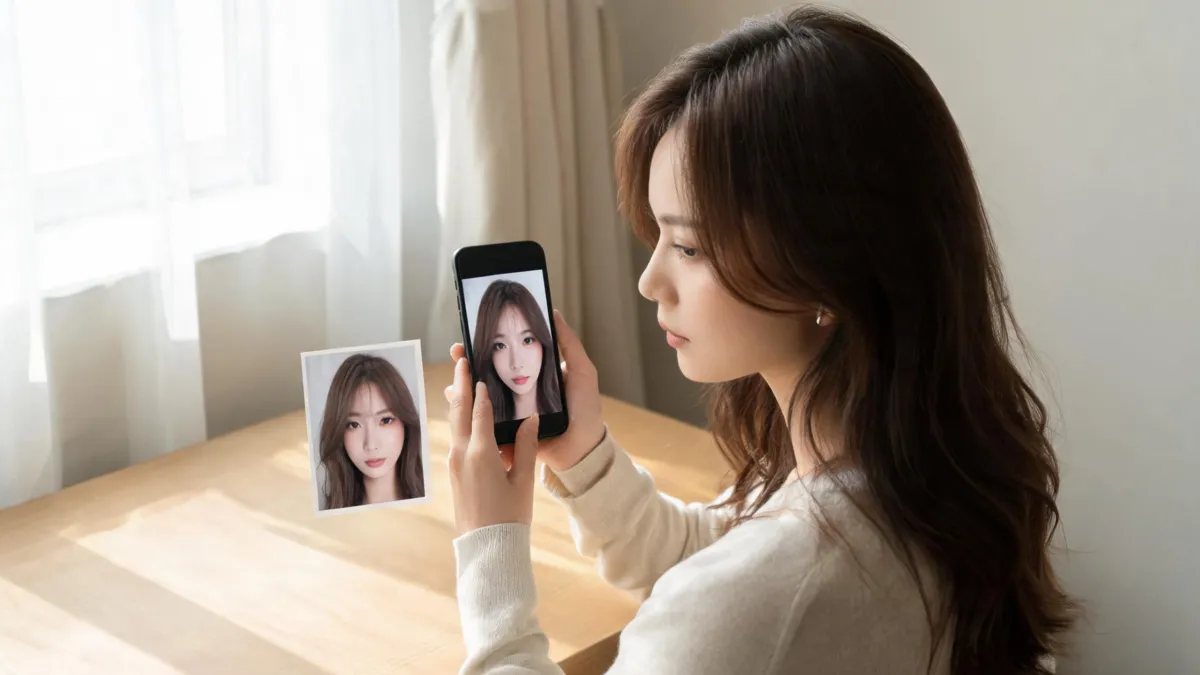
Looking for an Instagram hair color filter? Learn why older effect tutorials can be unreliable and how to make a controlled hair-color preview before you dye.

Use a wispy bangs filter to compare a light fringe on your own photo before a haircut. Follow a focused preview workflow and check before you save it.
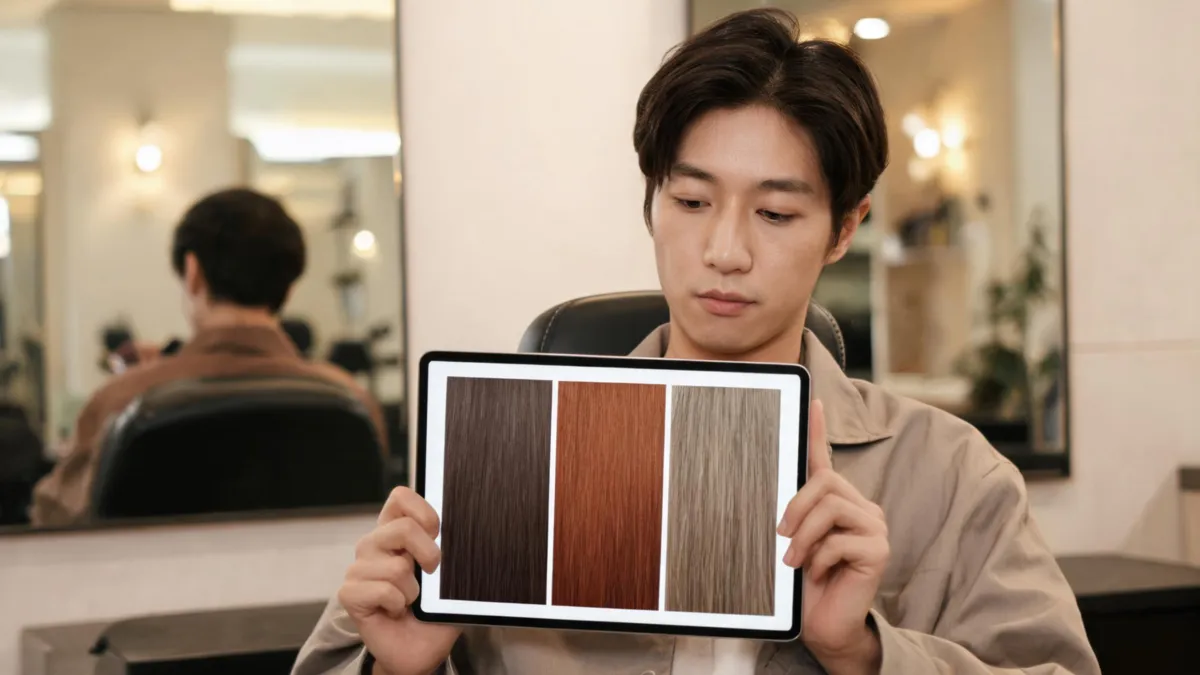
Use a hair color filter to compare shades on your own photo before dyeing. Follow a controlled preview workflow, then keep the real color decision grounded.
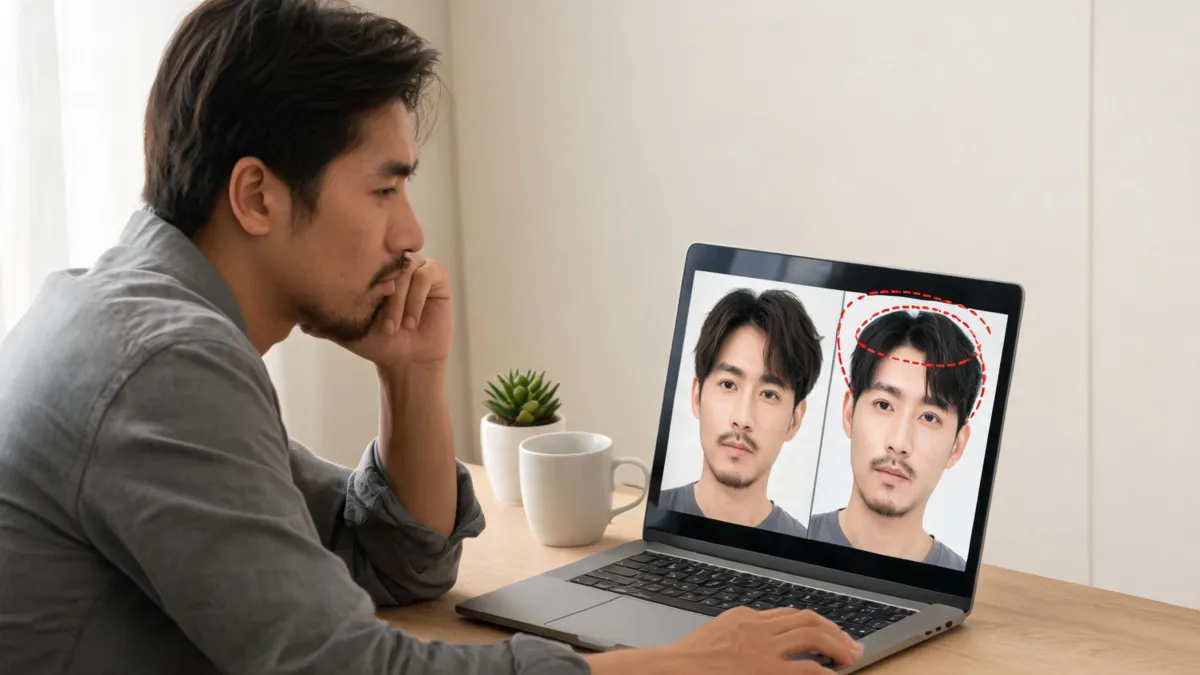
A hair filter should change the hair, not your identity. Use this troubleshooting workflow to spot face changes, improve the source photo, and retest cleanly.
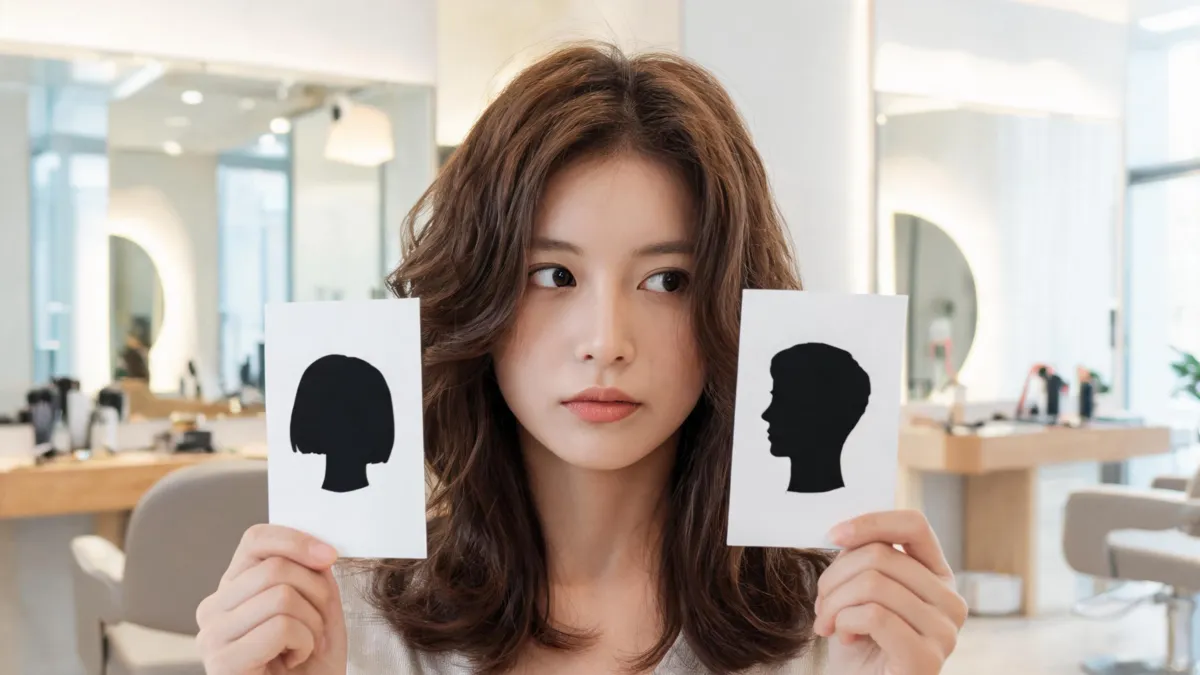
Use this short hair checklist before cutting your hair to plan styling, upkeep, grow-out, and a clearer salon conversation about the cut.
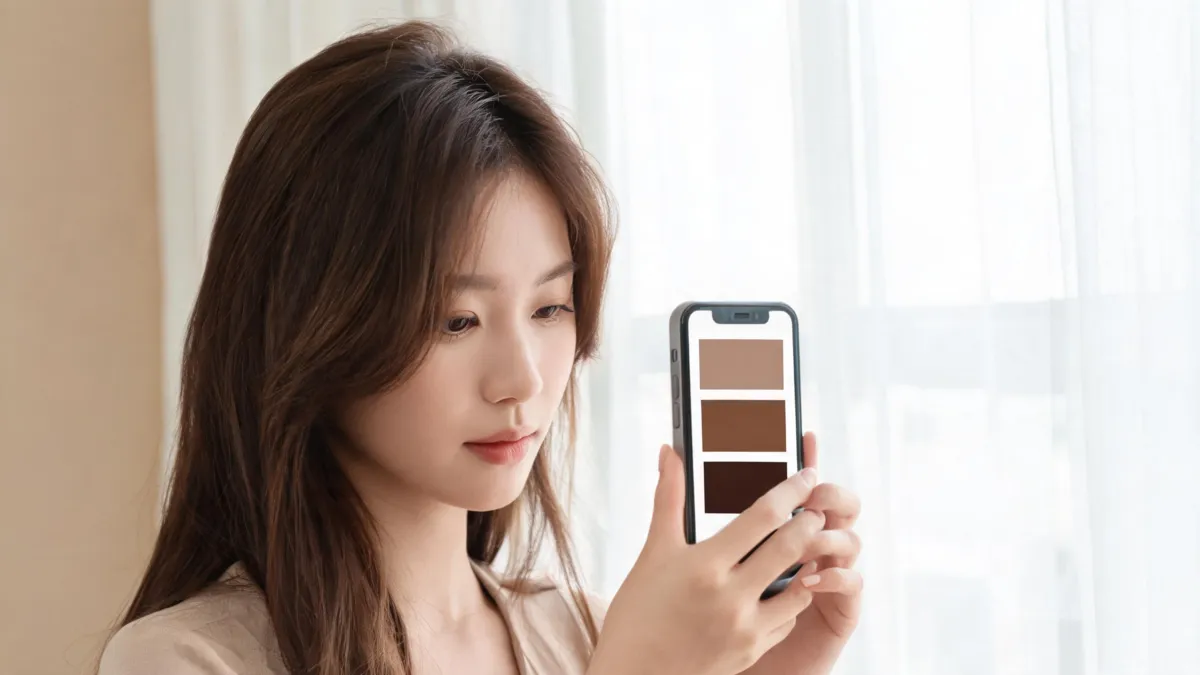
Use a TikTok hair color filter as a quick visual test, then compare a few shades on the same photo before a real dye decision.

Use a hair color filter to compare darker hair directions on your own photo, while keeping the limits of dye, lifting, and a real color consultation clear.
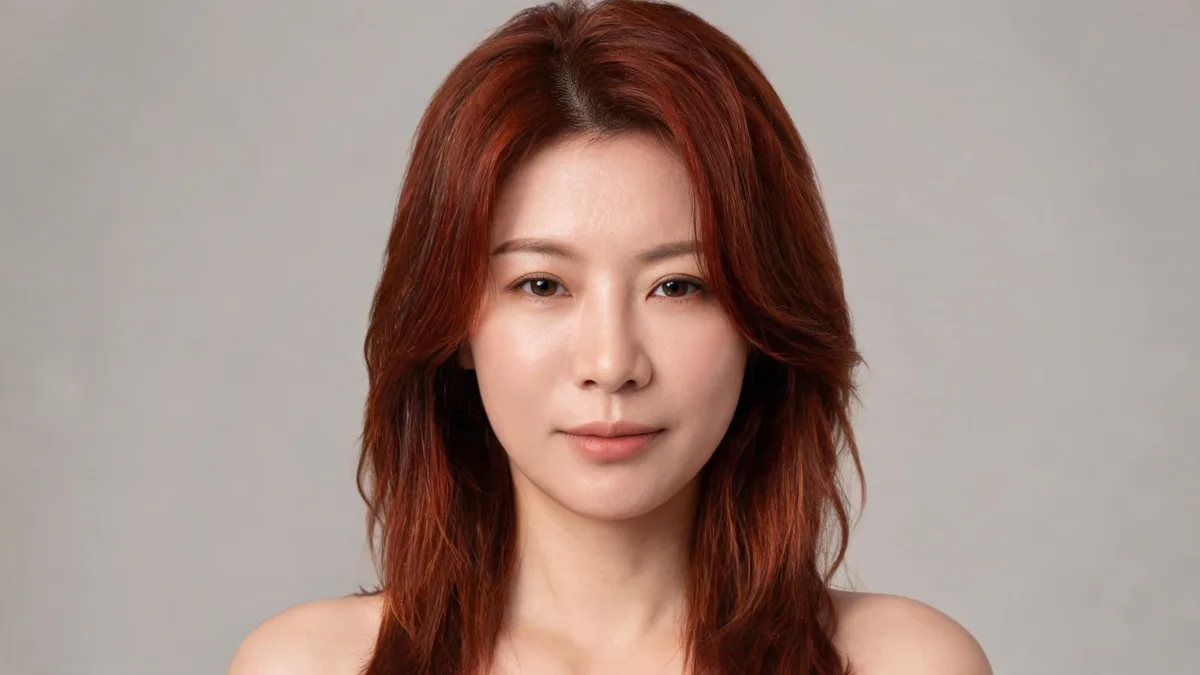
Red hair maintenance starts before your appointment. Use this practical checklist to judge fading, upkeep, and the red shade you can realistically maintain.
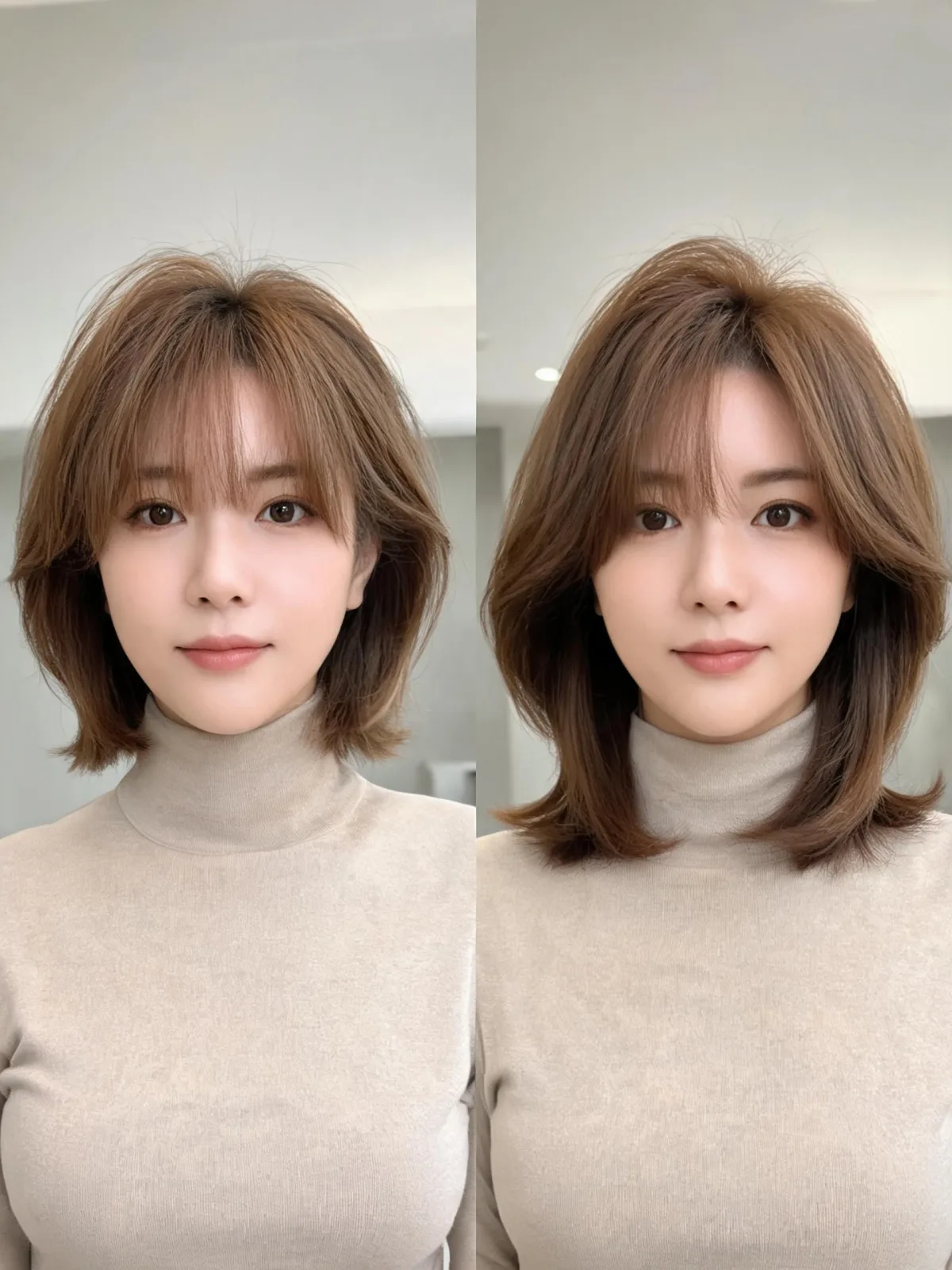
Compare French and Italian bobs by length, weight, fringe, texture, styling, and upkeep before choosing your next haircut.
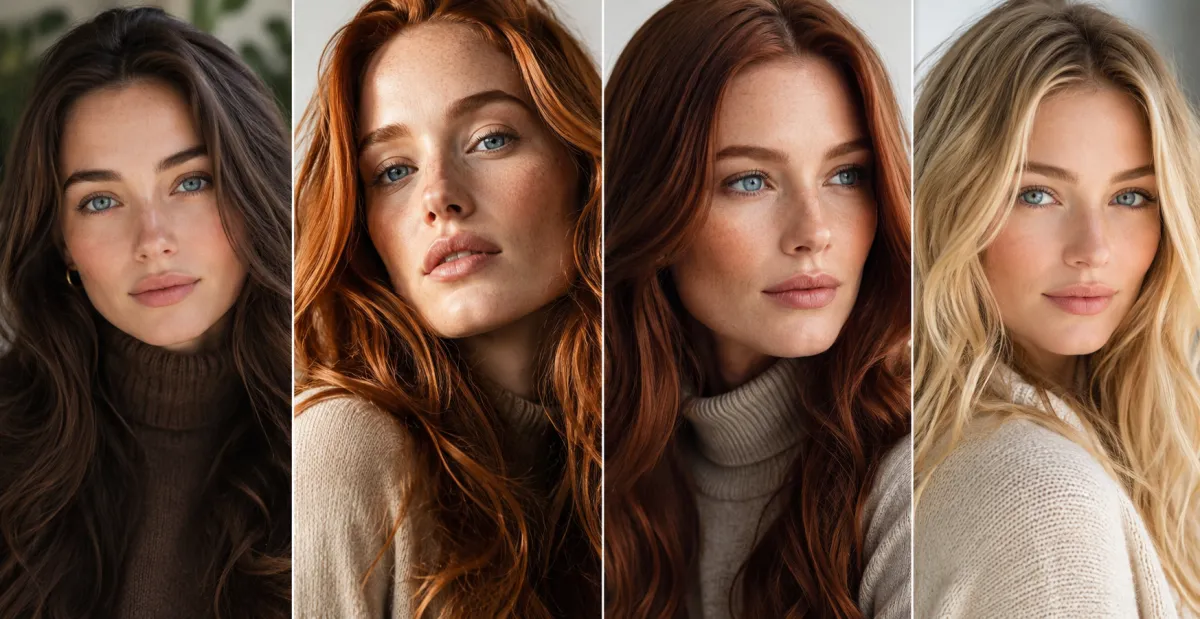
Compare brunette, copper, red, blonde, and dark hair colors for blue eyes, then narrow the choice by undertone, natural base, and upkeep.
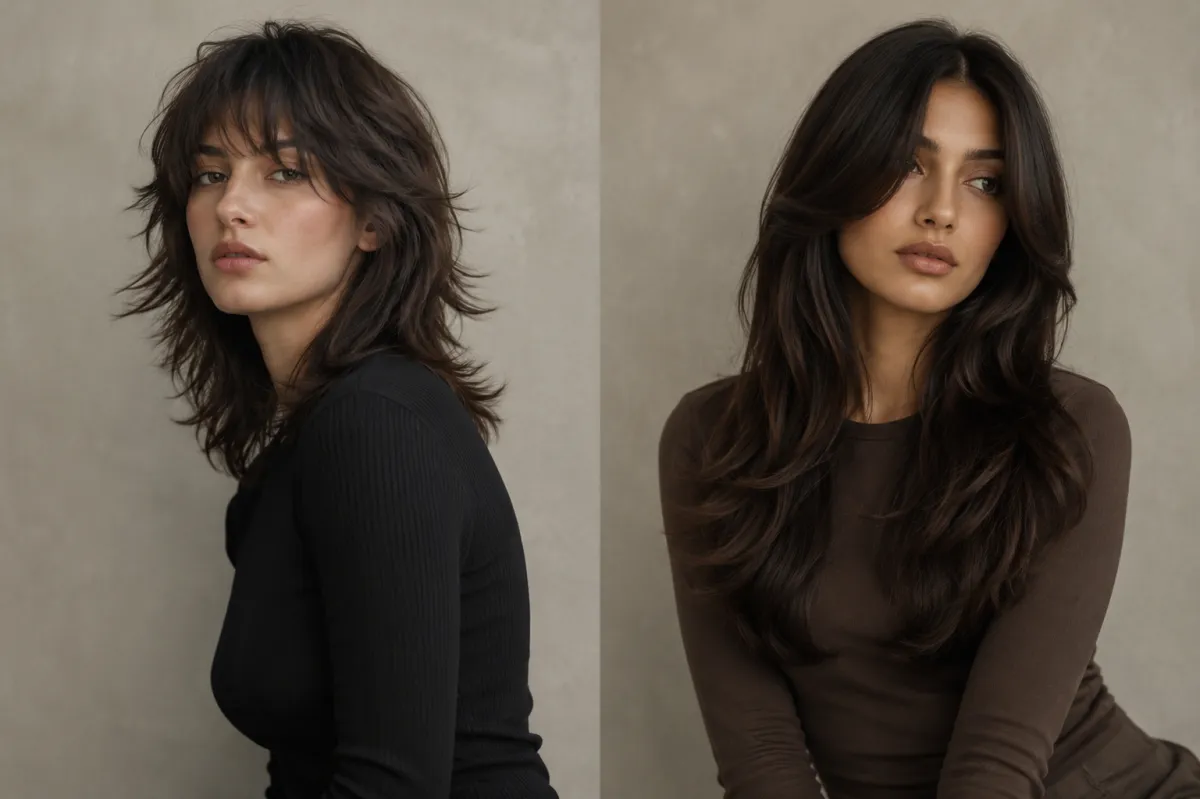
Compare a wolf cut vs butterfly cut by layers, volume, styling, grow-out, and face-framing, then preview both before your appointment.
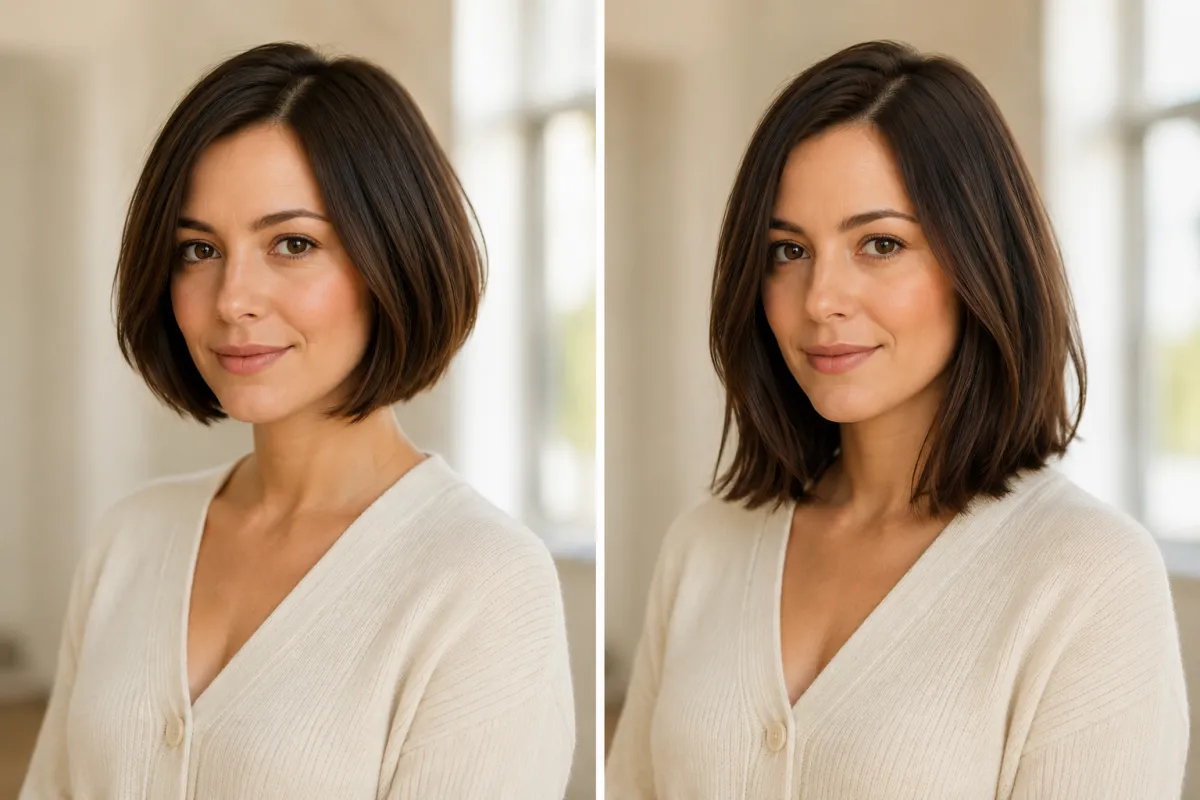
Compare a lob vs bob by length, shape, styling, grow-out, and salon upkeep. Preview both haircuts on your photo before choosing.
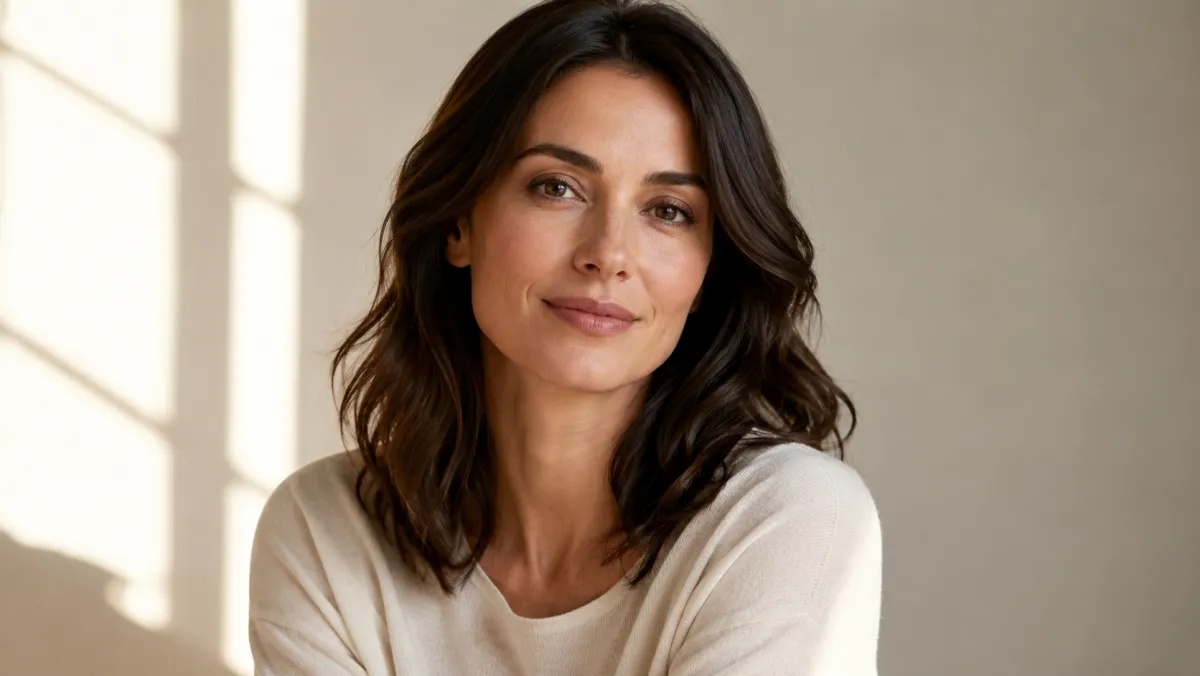
Explore hair color for brown eyes by comparing a few warm, cool, and deep directions on the same photo before a dye appointment.
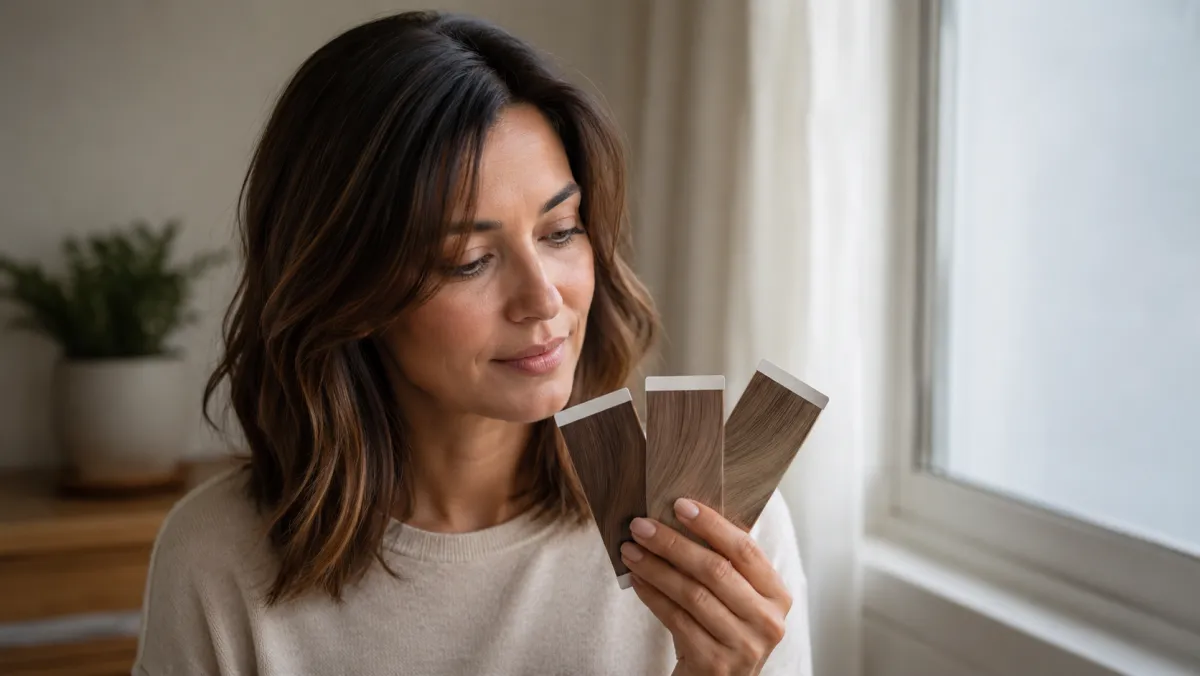
Compare YouCam hair color alternatives with the same selfie, one shade change at a time, and a clear checklist for useful dye-planning previews.
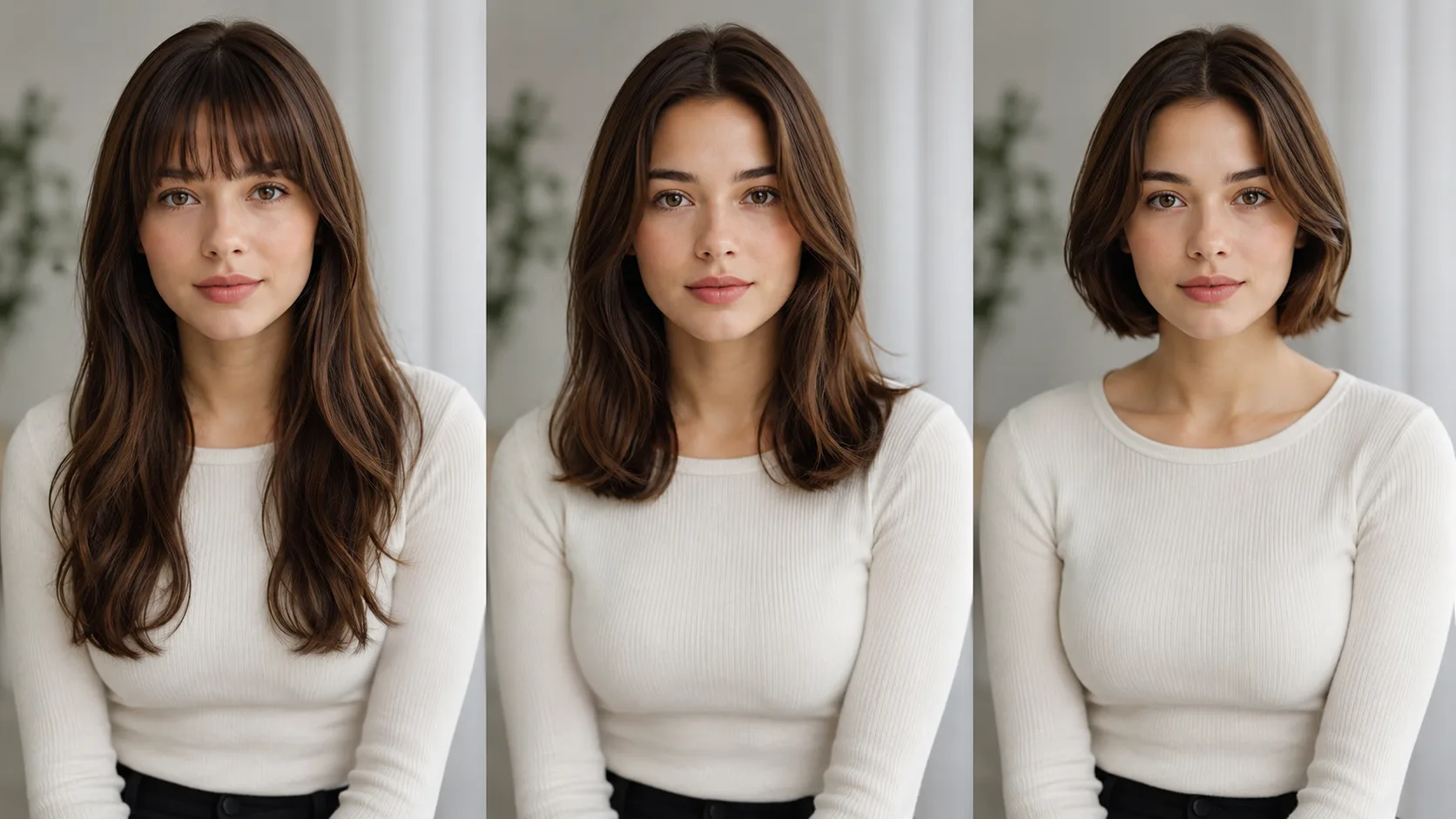
Use AI hairstyle prompt examples that change one hair detail at a time, so a haircut preview is easier to compare before a salon visit.
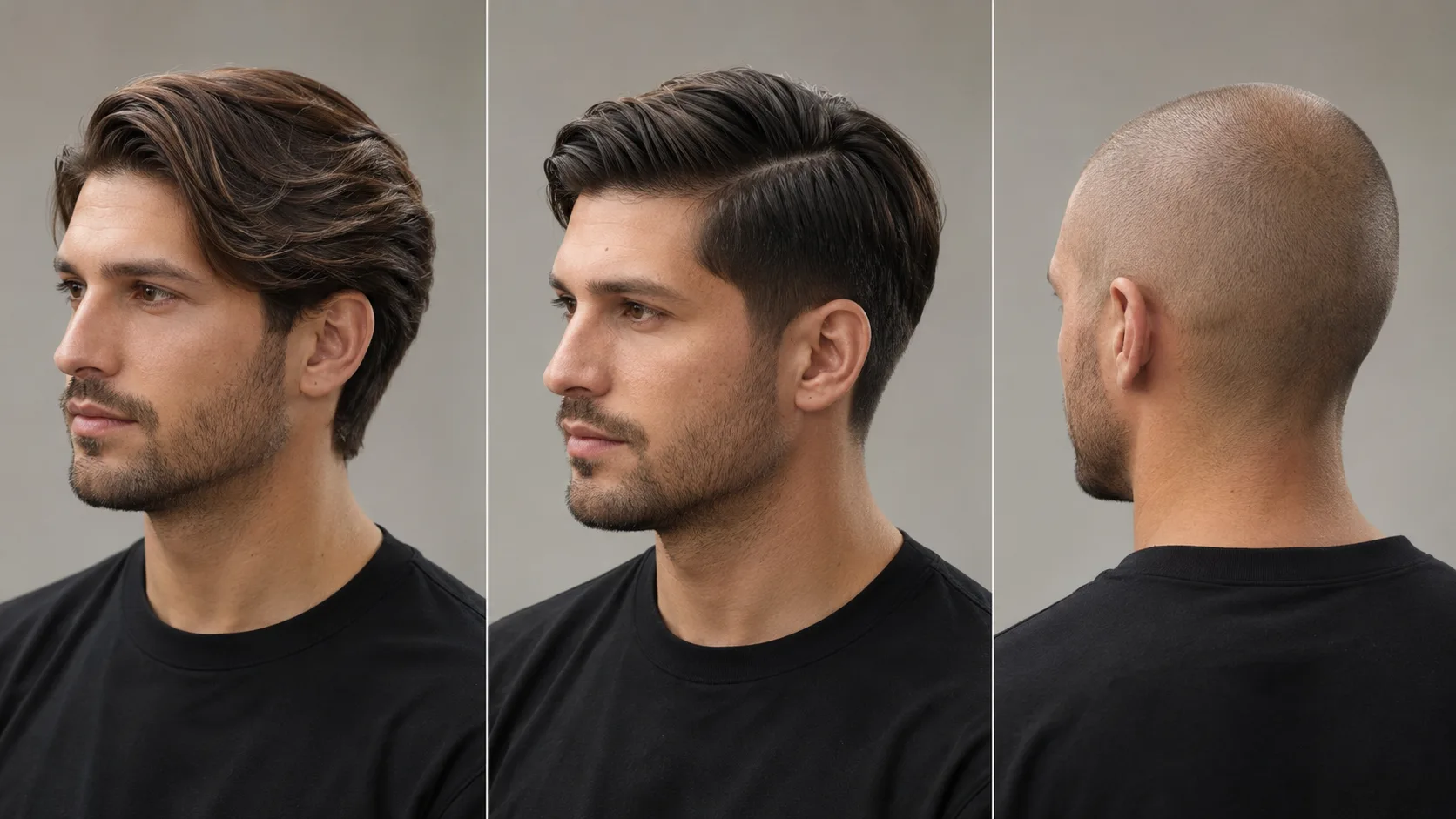
Choose a hair color changer, hairstyle changer, or bald filter by the question you need to answer before dyeing, cutting, or shaving.
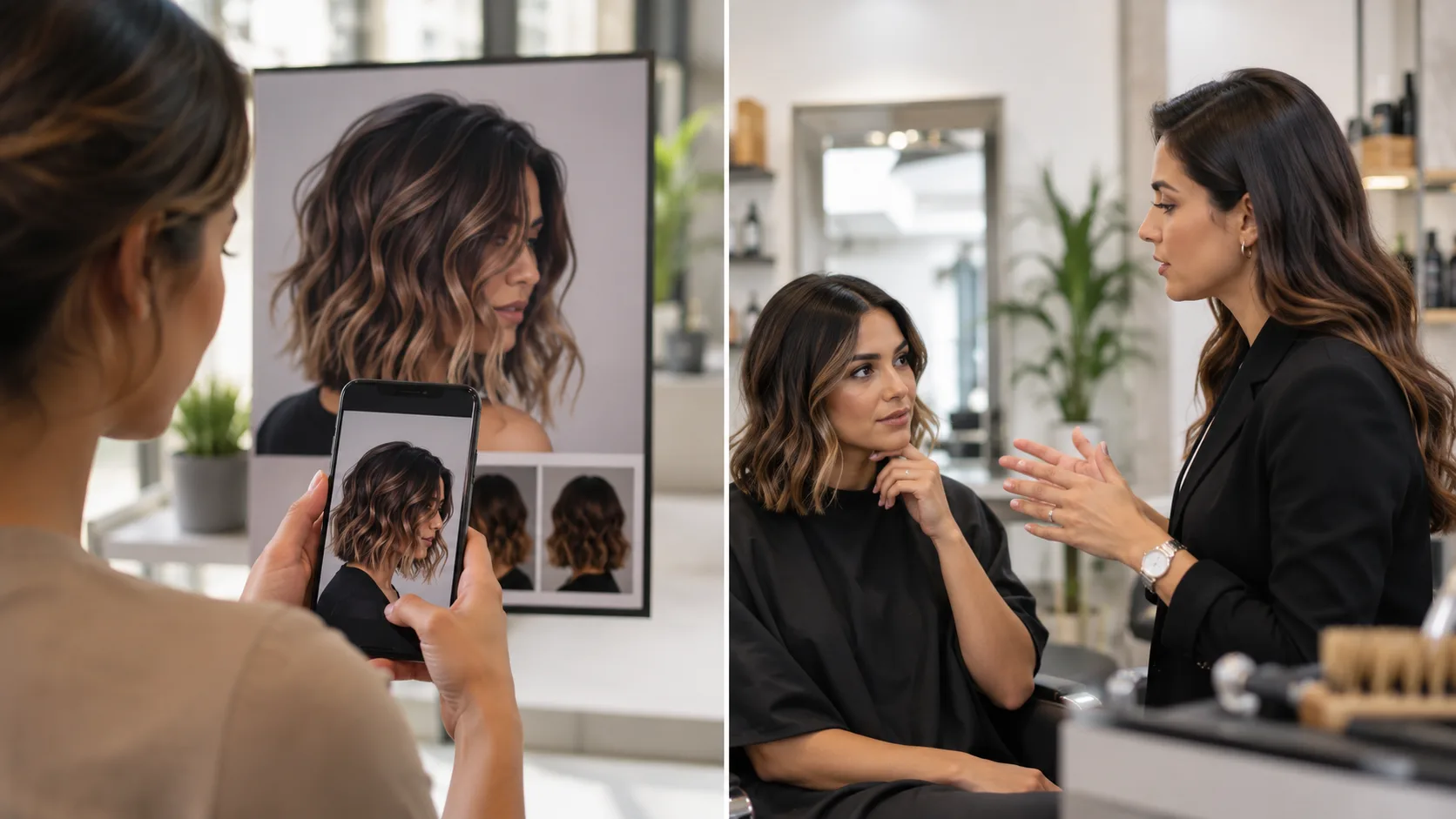
An AI hair preview can clarify a style direction, but it cannot predict cut, texture, color processing, maintenance, or a stylist's real-world result.
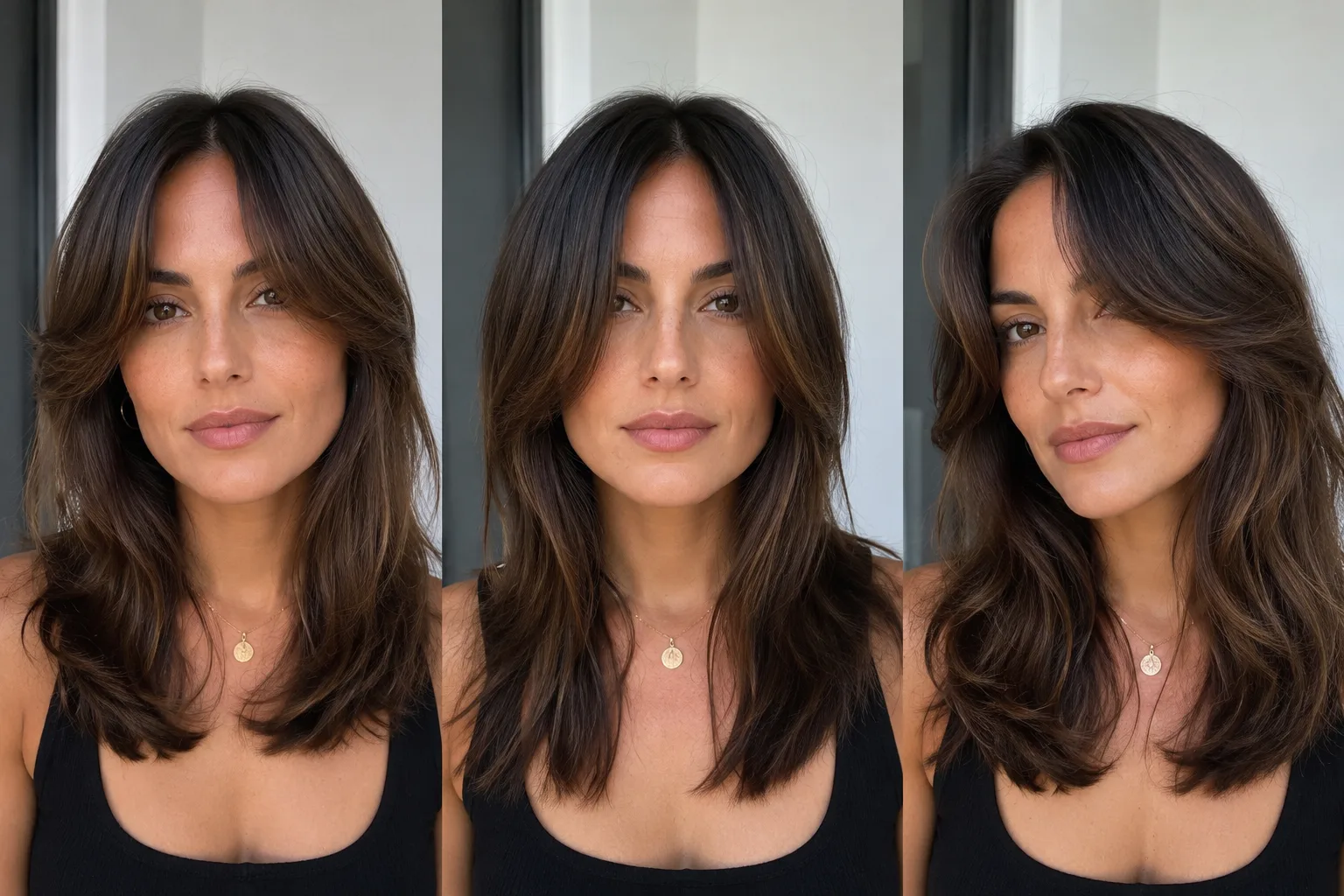
Use a curtain bangs filter to compare part, cheekbone length, and grow-out on one selfie before you cut, then take the best direction to a stylist.
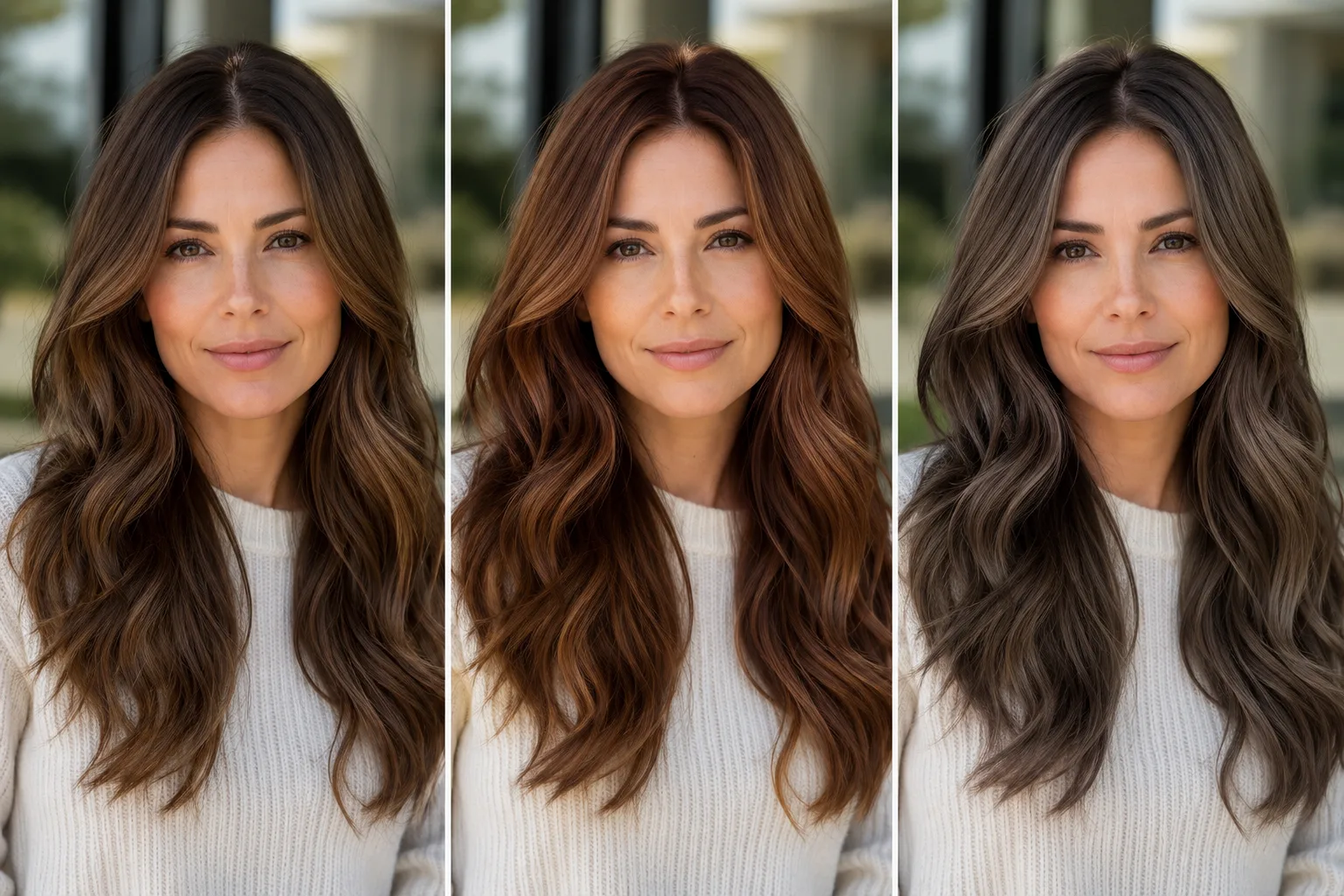
Use a hair dye simulator to compare nearby shades on the same selfie before a salon visit or box dye purchase, with limits that keep the preview useful.
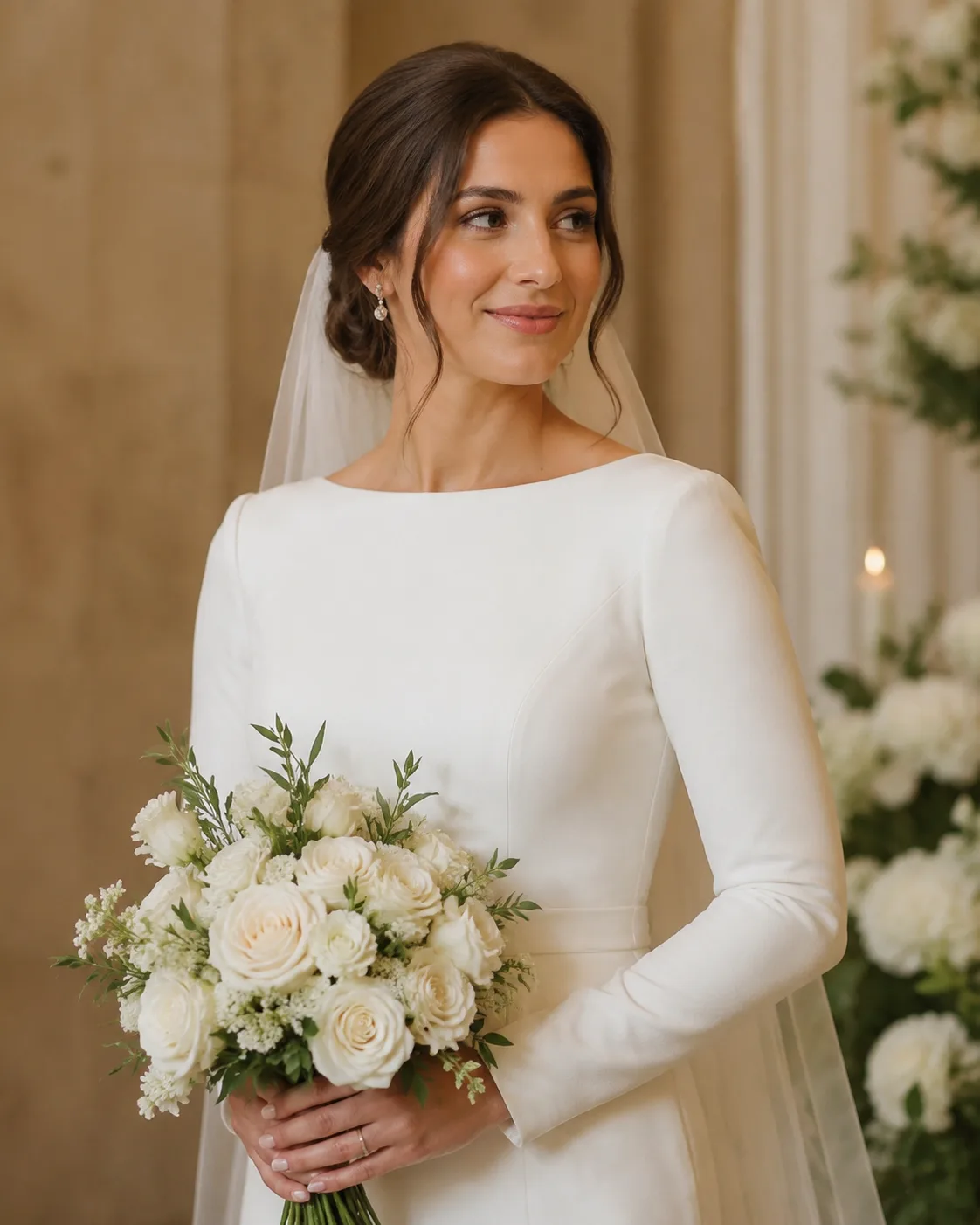
Use a wedding hairstyle try-on to narrow your updo, wave, and color ideas before a salon appointment, with practical limits to keep in mind.

Choose a hairstyle for dating profile photos with a simple, honest preview process for cut, color, framing, and photo consistency.
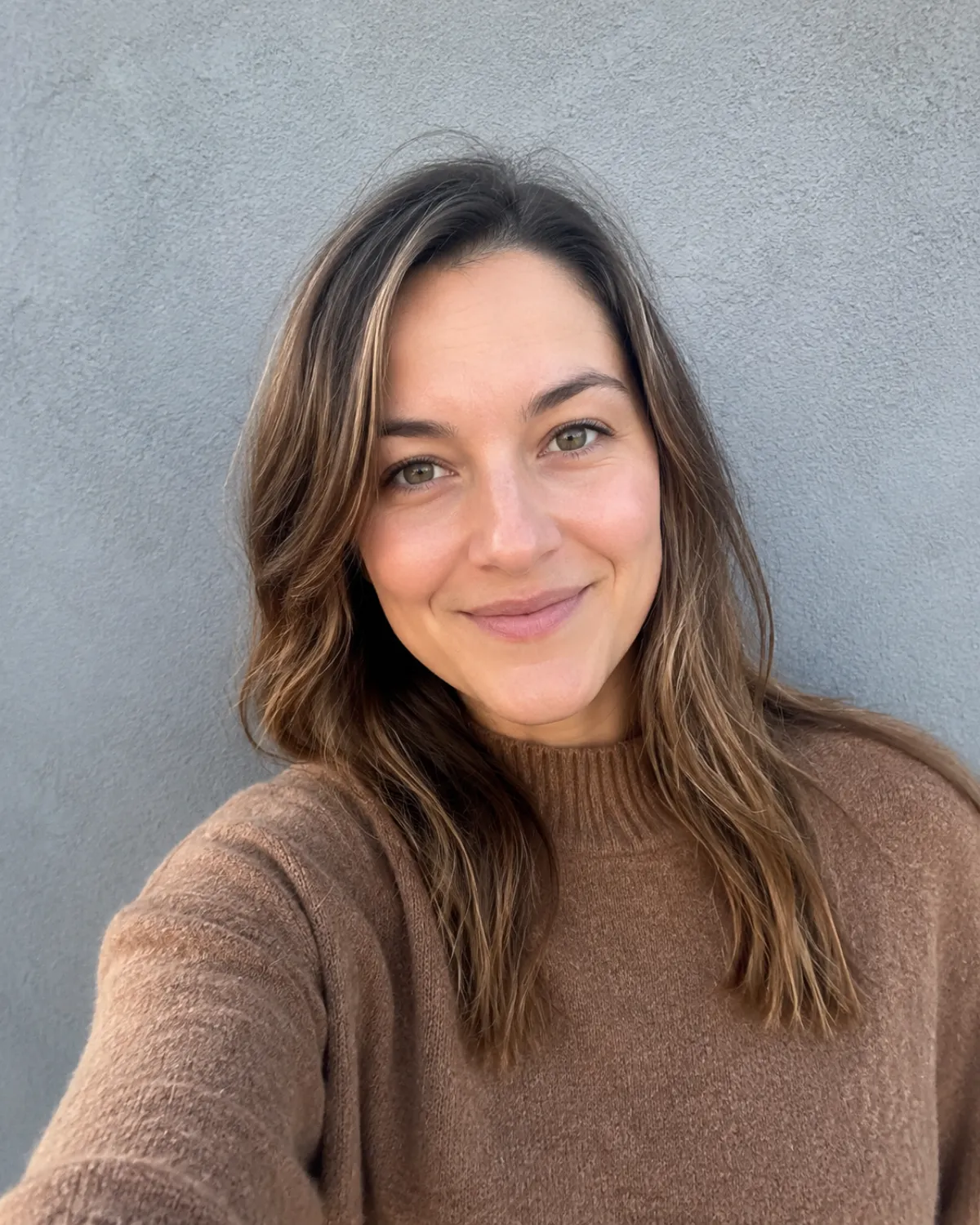
Take a better selfie for an AI hairstyle app with seven simple photo rules for hairline, lighting, framing, expression, and texture.
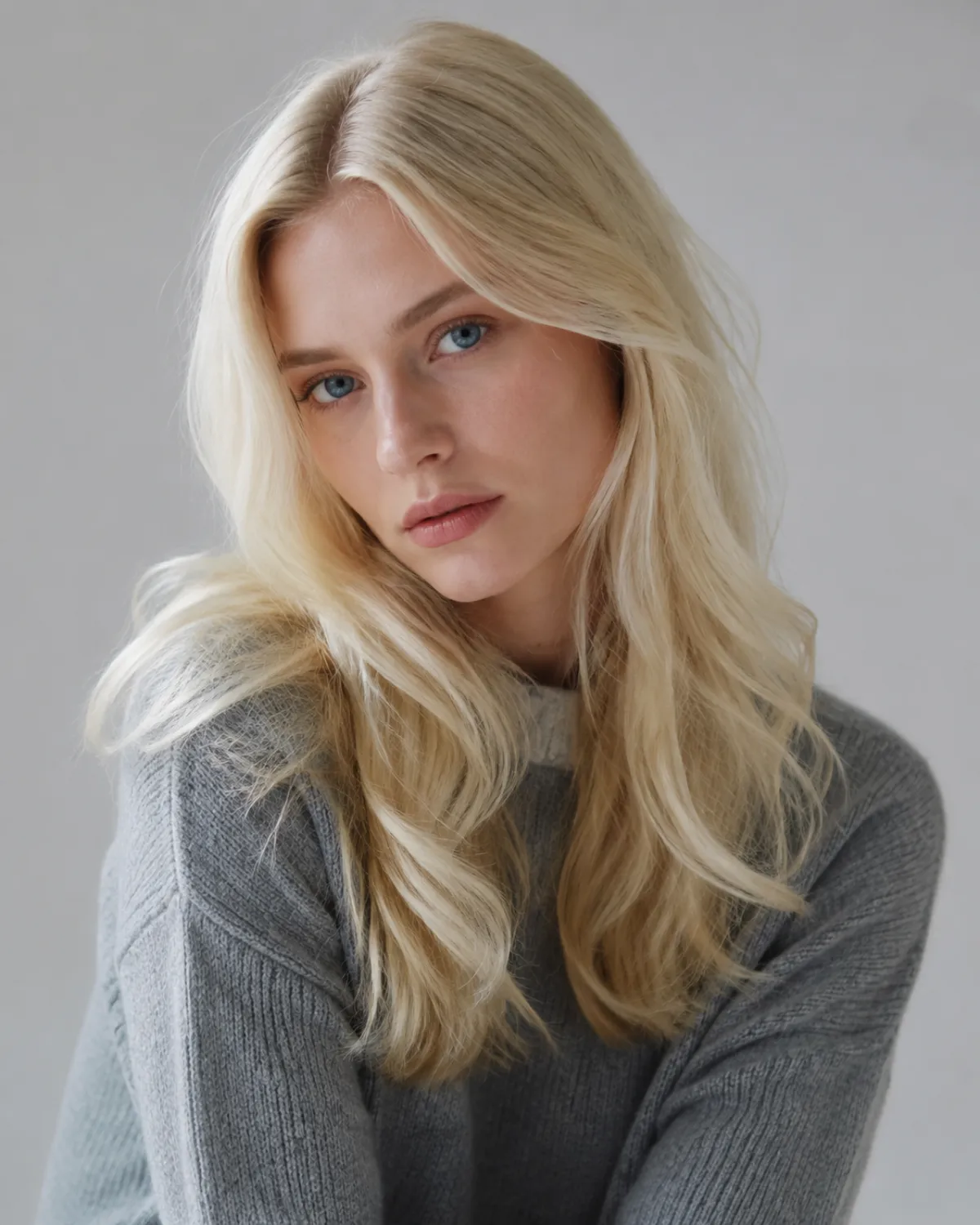
Use a platinum blonde filter to compare cool, creamy, and rooted light-blonde looks on your own photo before a salon consultation.
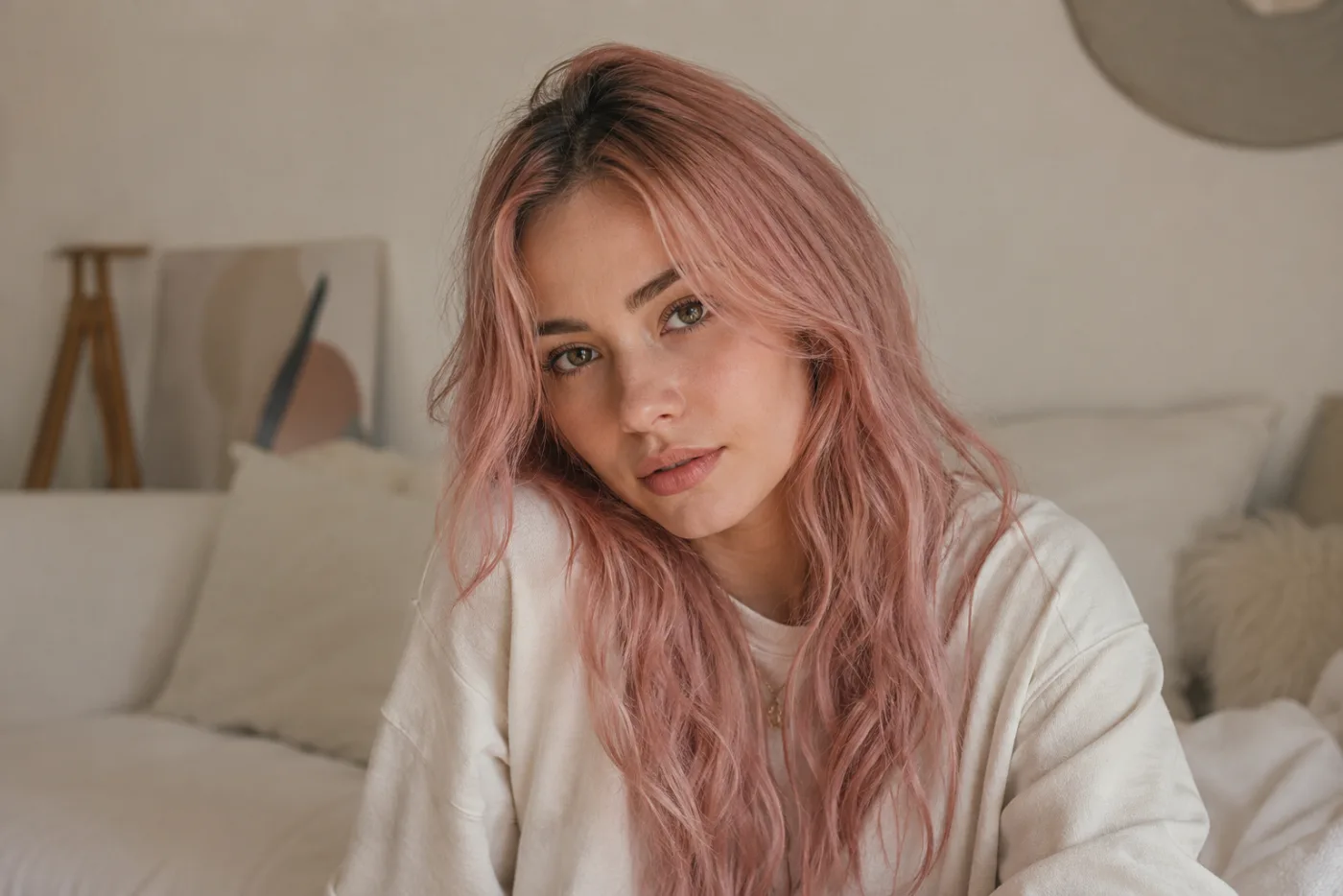
Use a pink hair filter to compare blush, rose, magenta, and berry directions on your own photo before dyeing. Learn what an AI hair color changer can and cannot tell you.

Choose a professional headshot hairstyle by testing face framing, flyaways, crop safety, and maintenance on your own portrait before photo day.
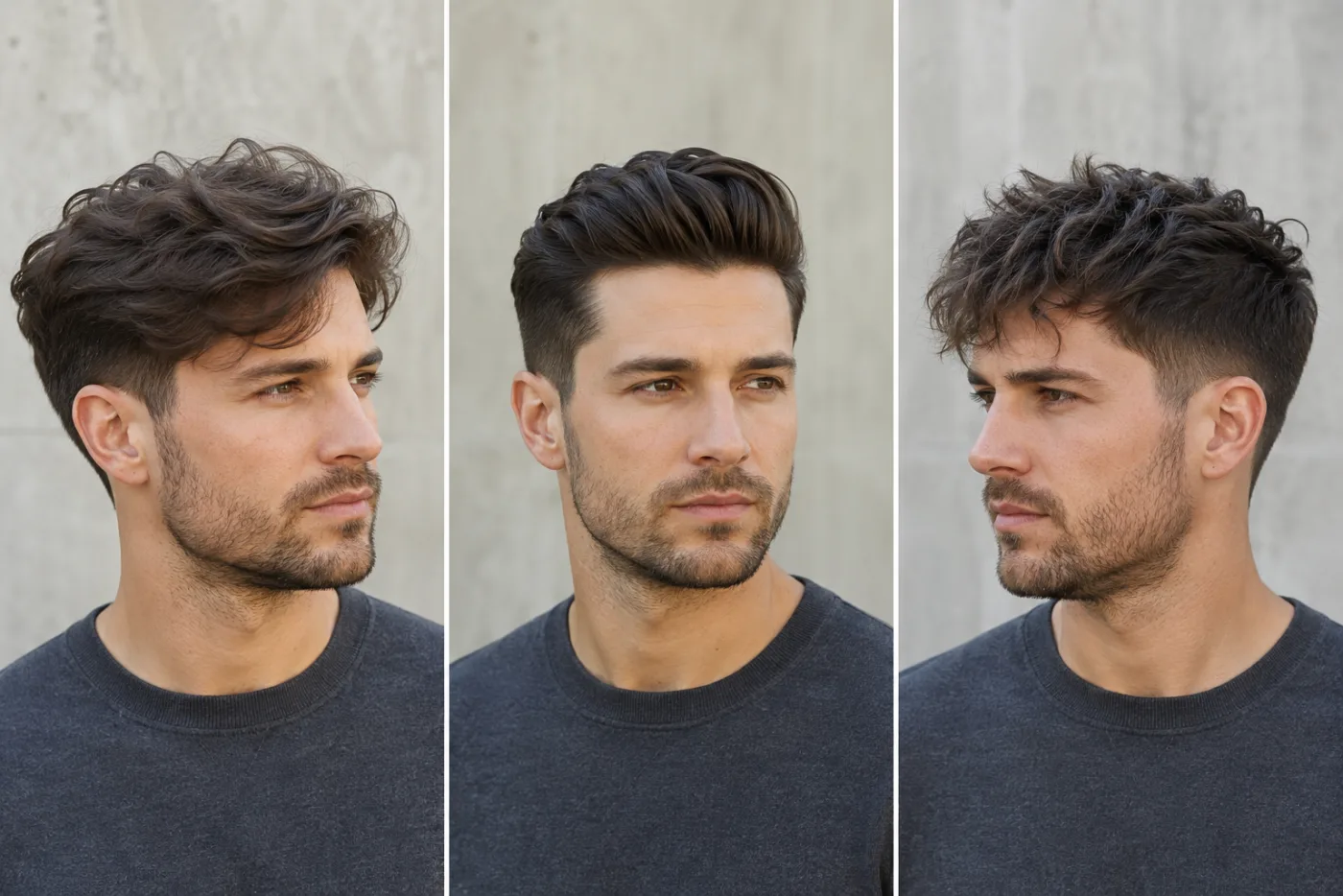
Can ChatGPT change a hairstyle in a photo? Learn when a general image editor helps, when a dedicated hairstyle try-on is clearer, and how to compare haircuts responsibly.
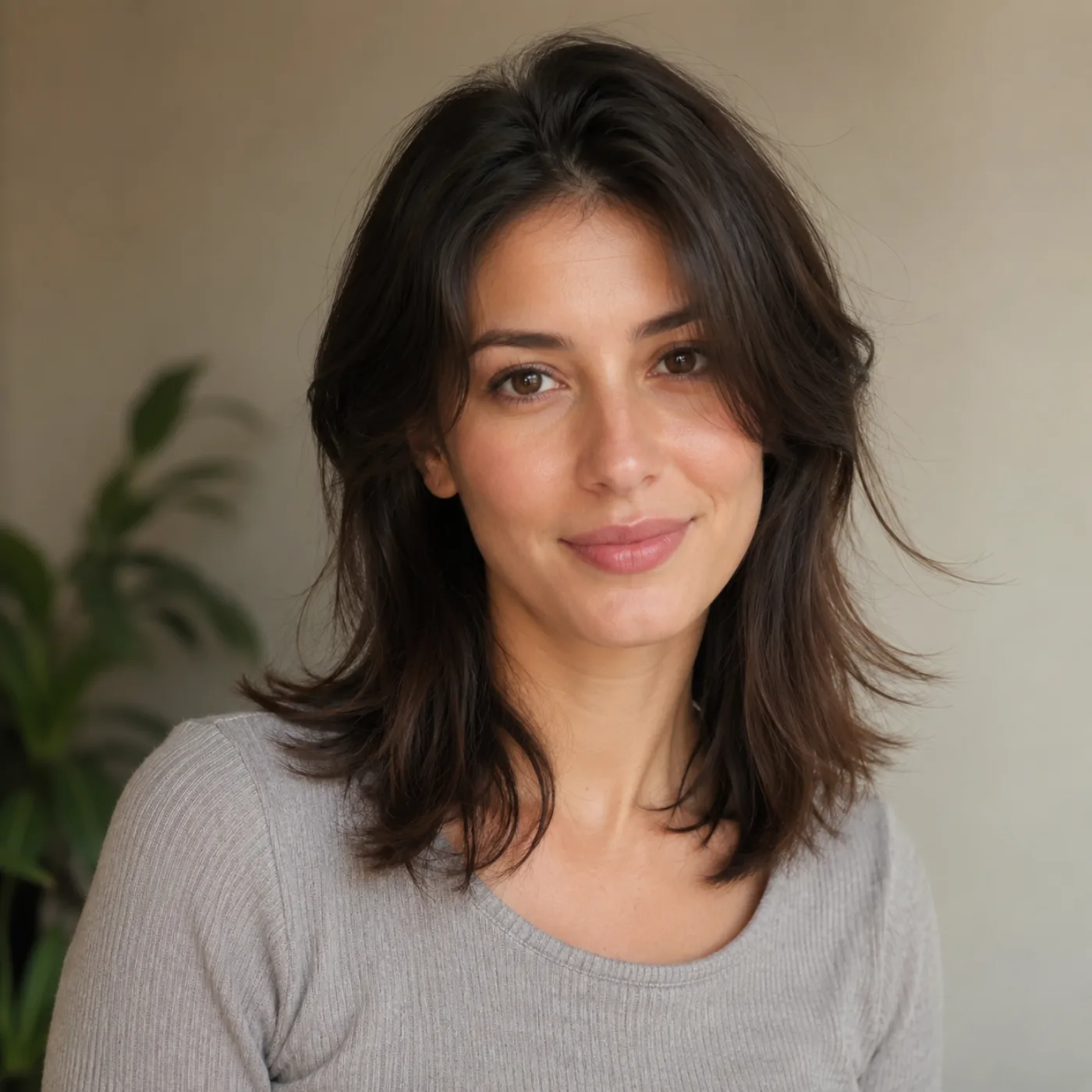
Make an AI hairstyle preview more useful with a better source photo, one-variable tests, and a practical realism checklist before you decide on a haircut.
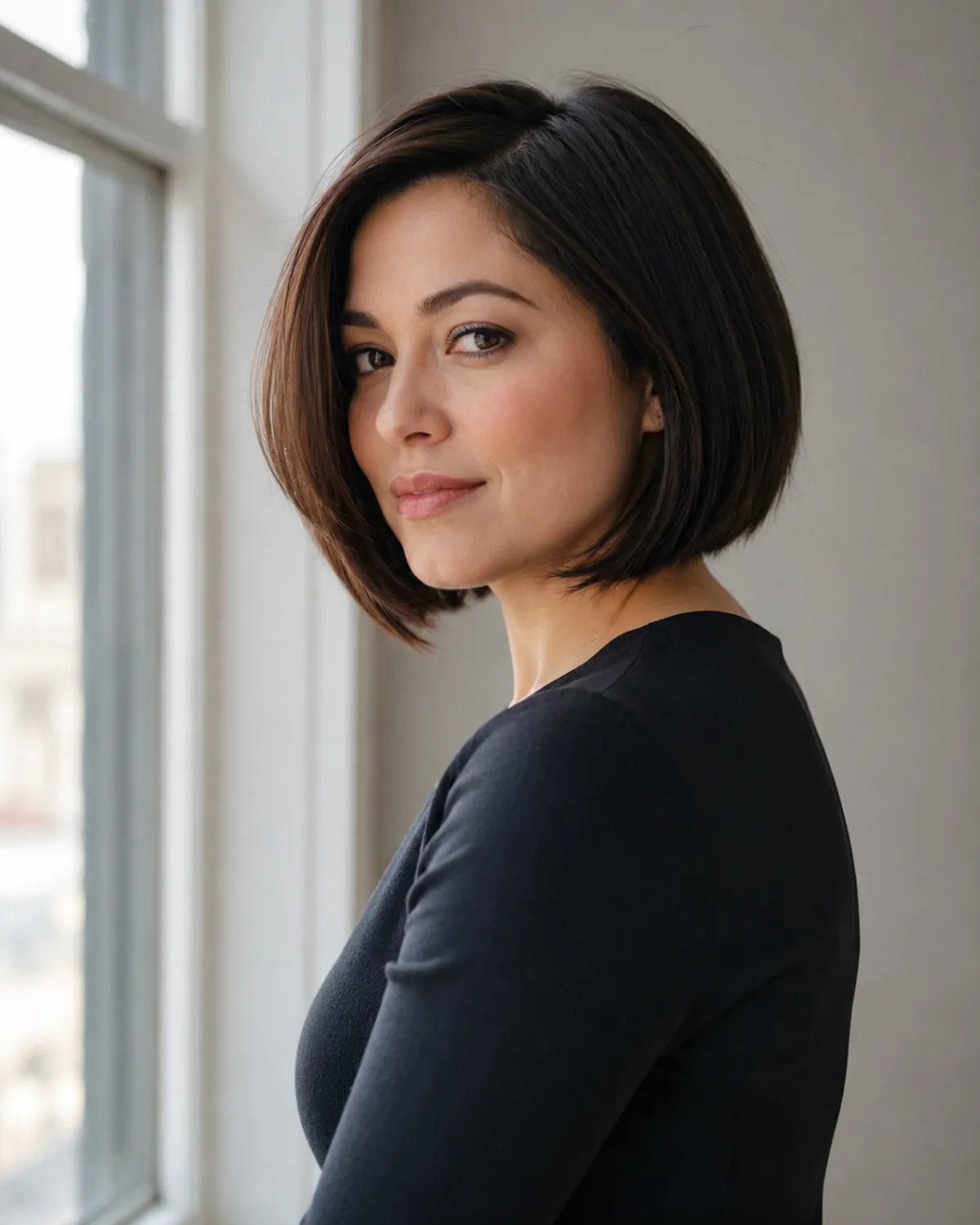
Use a bob haircut filter to compare chin-length, jaw-length, and long bob proportions before a cut. Turn the preview into a clearer salon brief.
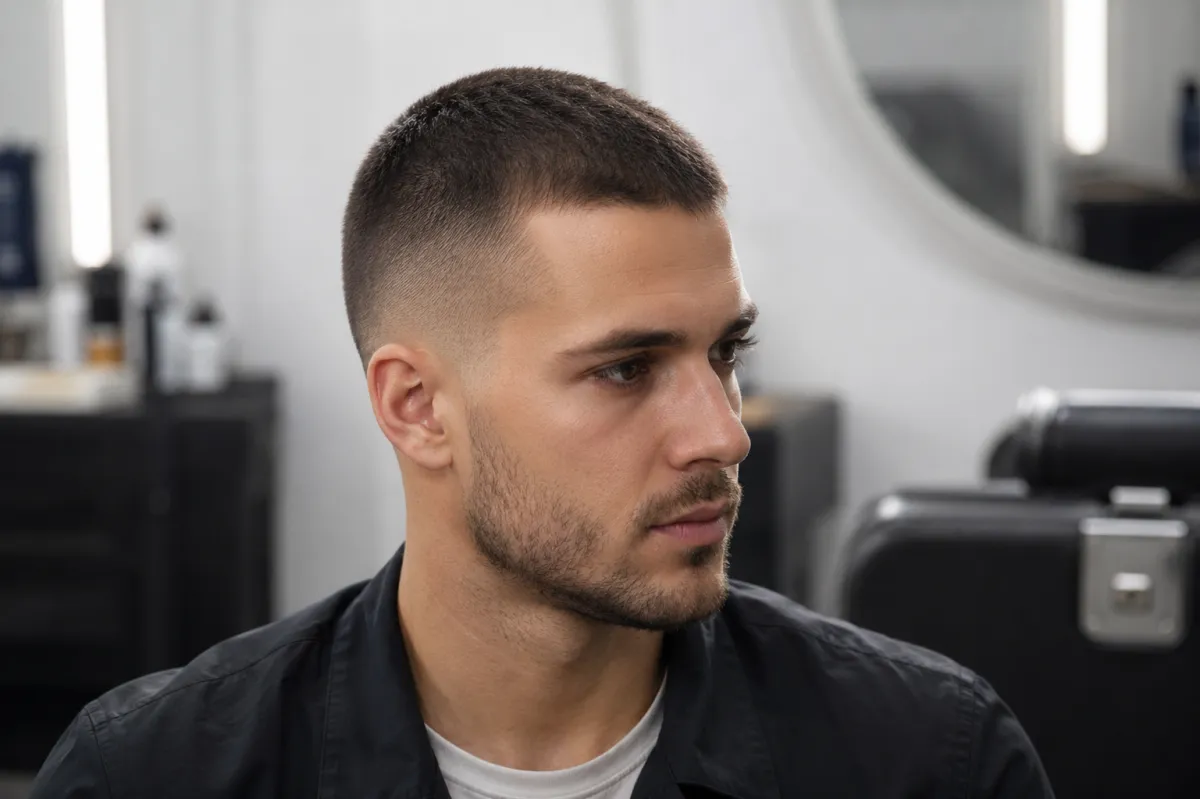
Use a buzz cut fade filter to compare fade height, top length, and overall shape on your photo before you visit a barber.
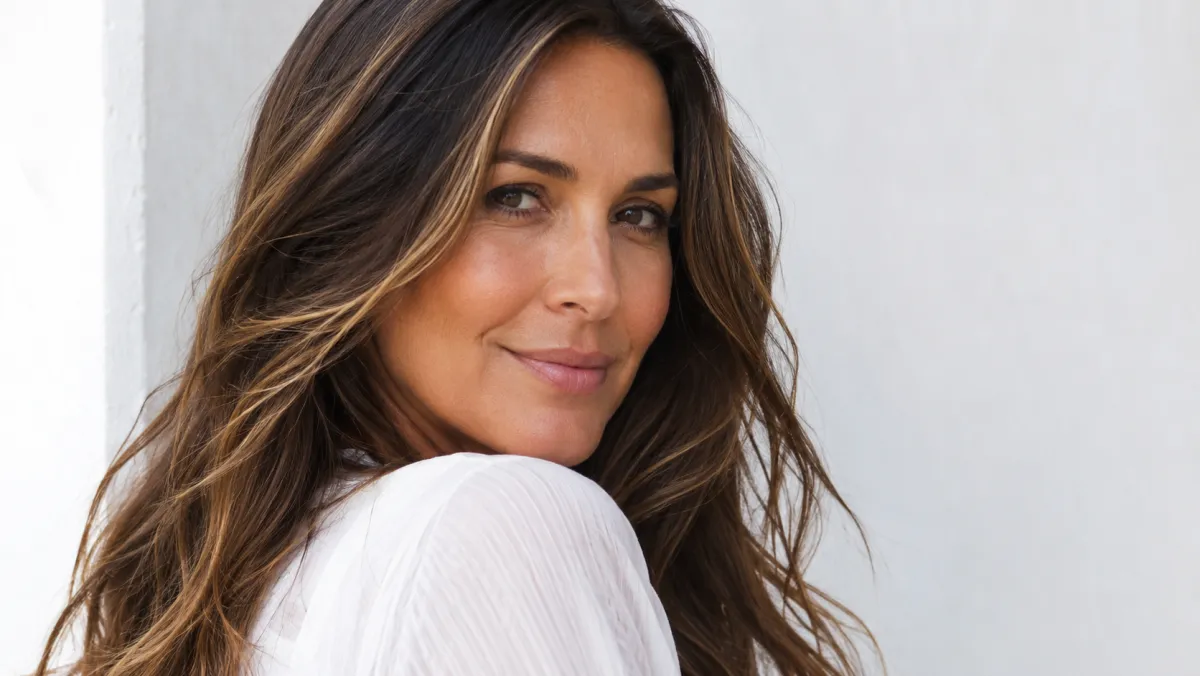
Use a highlights filter to compare placement and contrast before a salon visit, then bring a clear reference and realistic questions to your stylist.
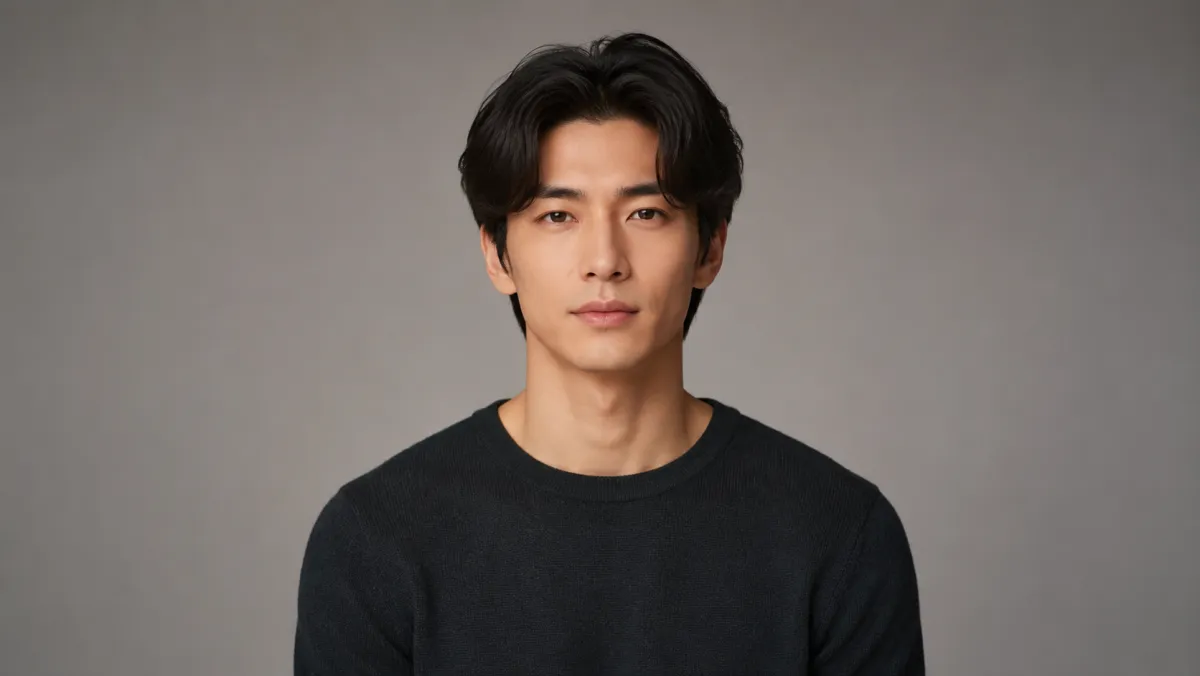
Use a middle part filter to compare a center part on your own photo. Check hairline, crown, texture, and face framing before you change your daily styling.
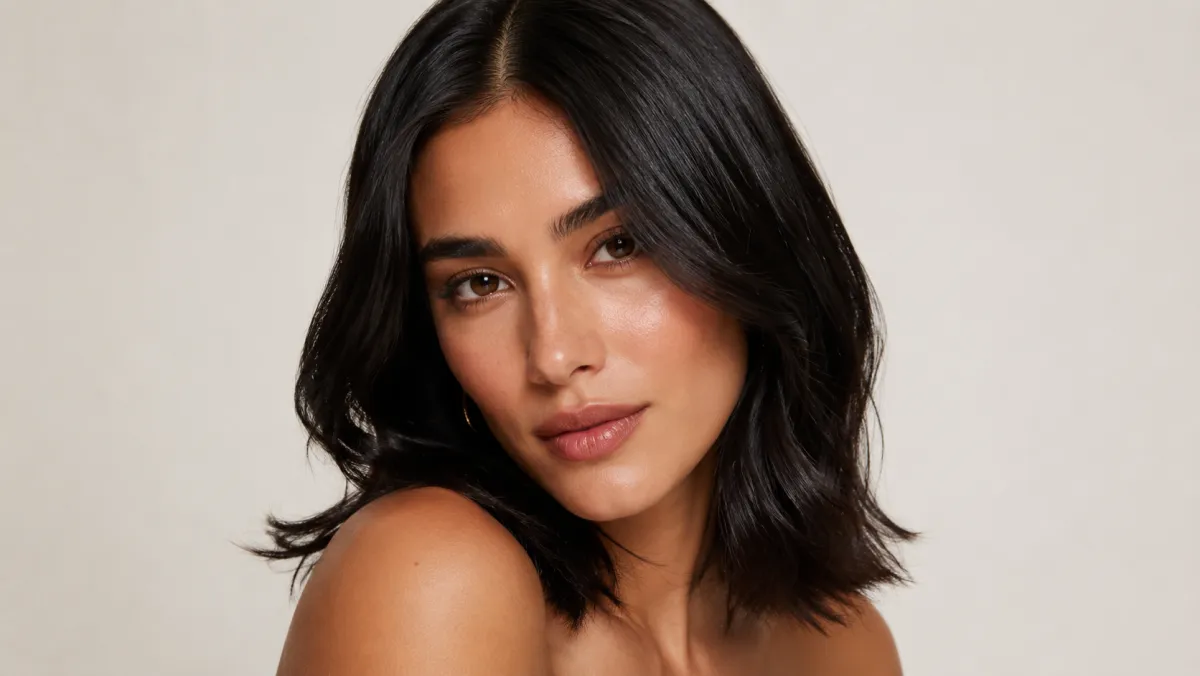
Use a black hair filter to compare soft black, blue-black, and natural dark shades on your own photo before you dye or book a salon visit.
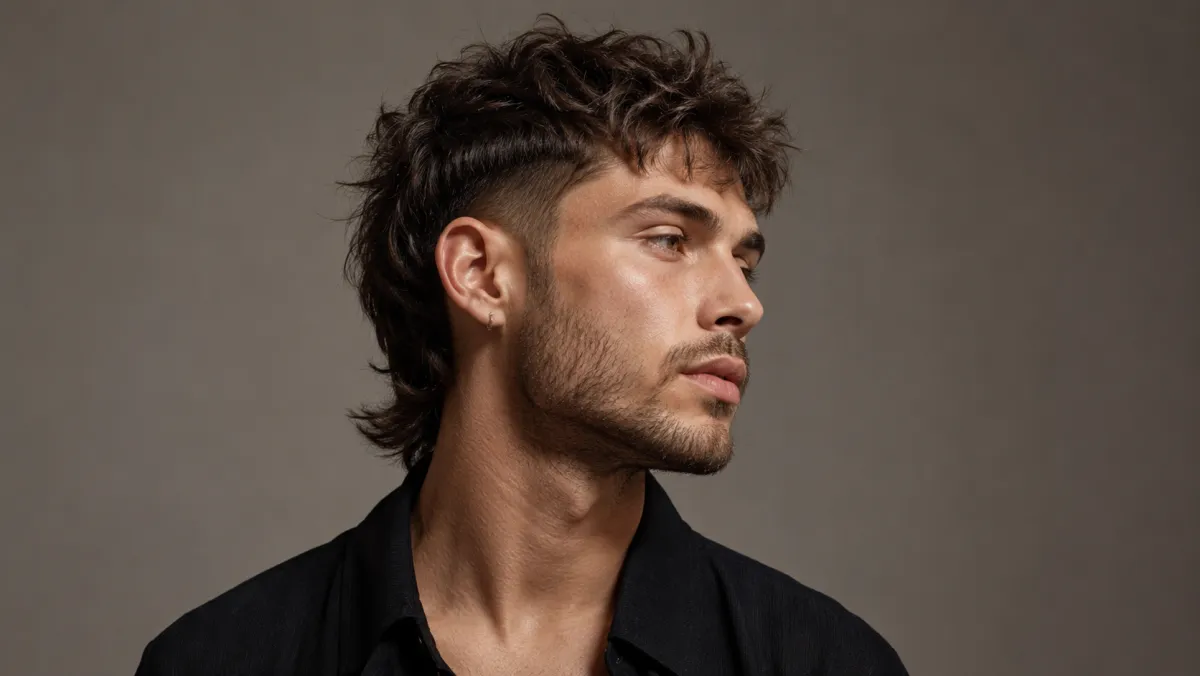
Use a mullet filter to preview the front, sides, crown, and nape shape of a modern mullet on your own photo before a haircut.
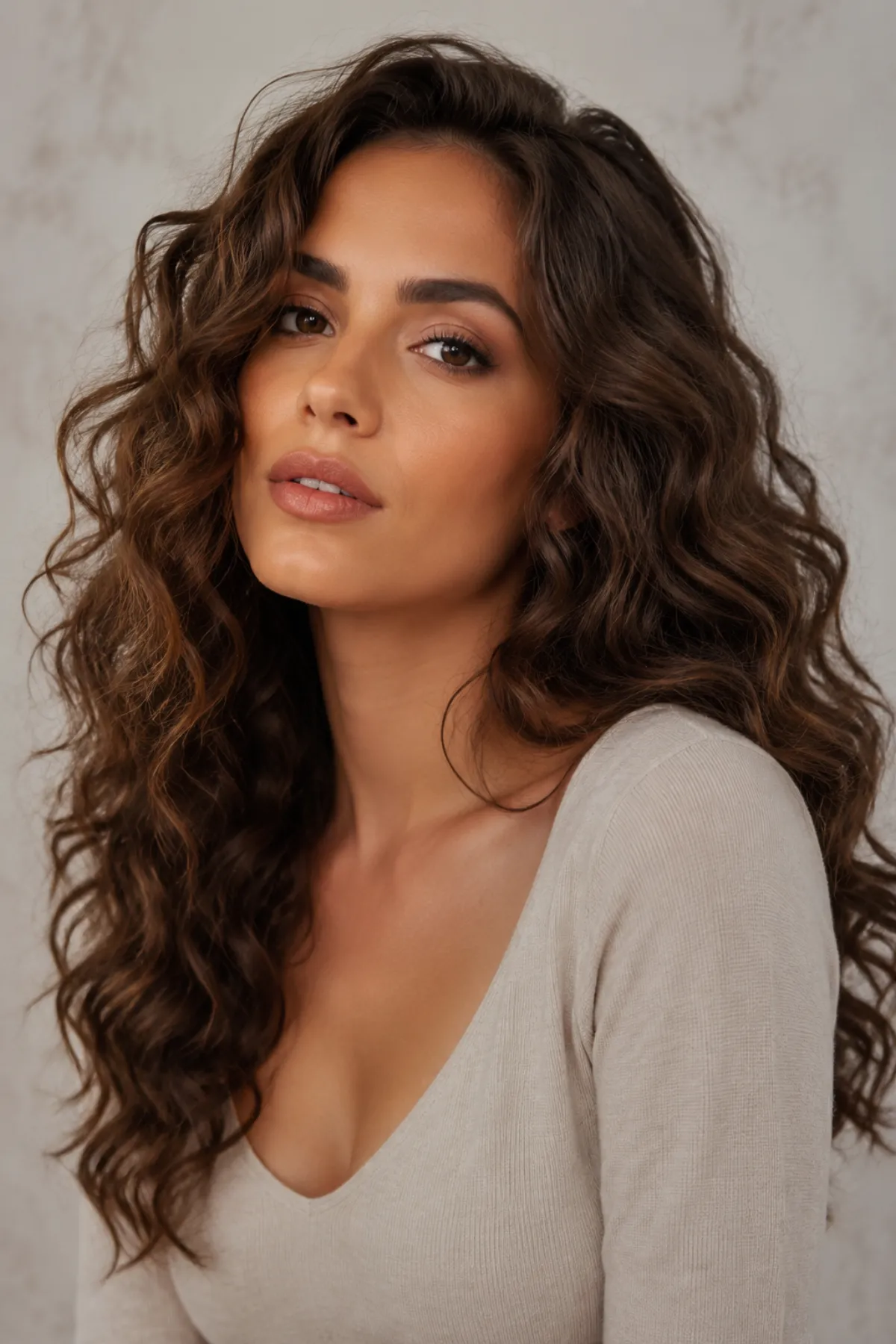
Use a curly hair filter to compare loose waves, defined curls, and volume on your own photo before styling or booking a salon visit.
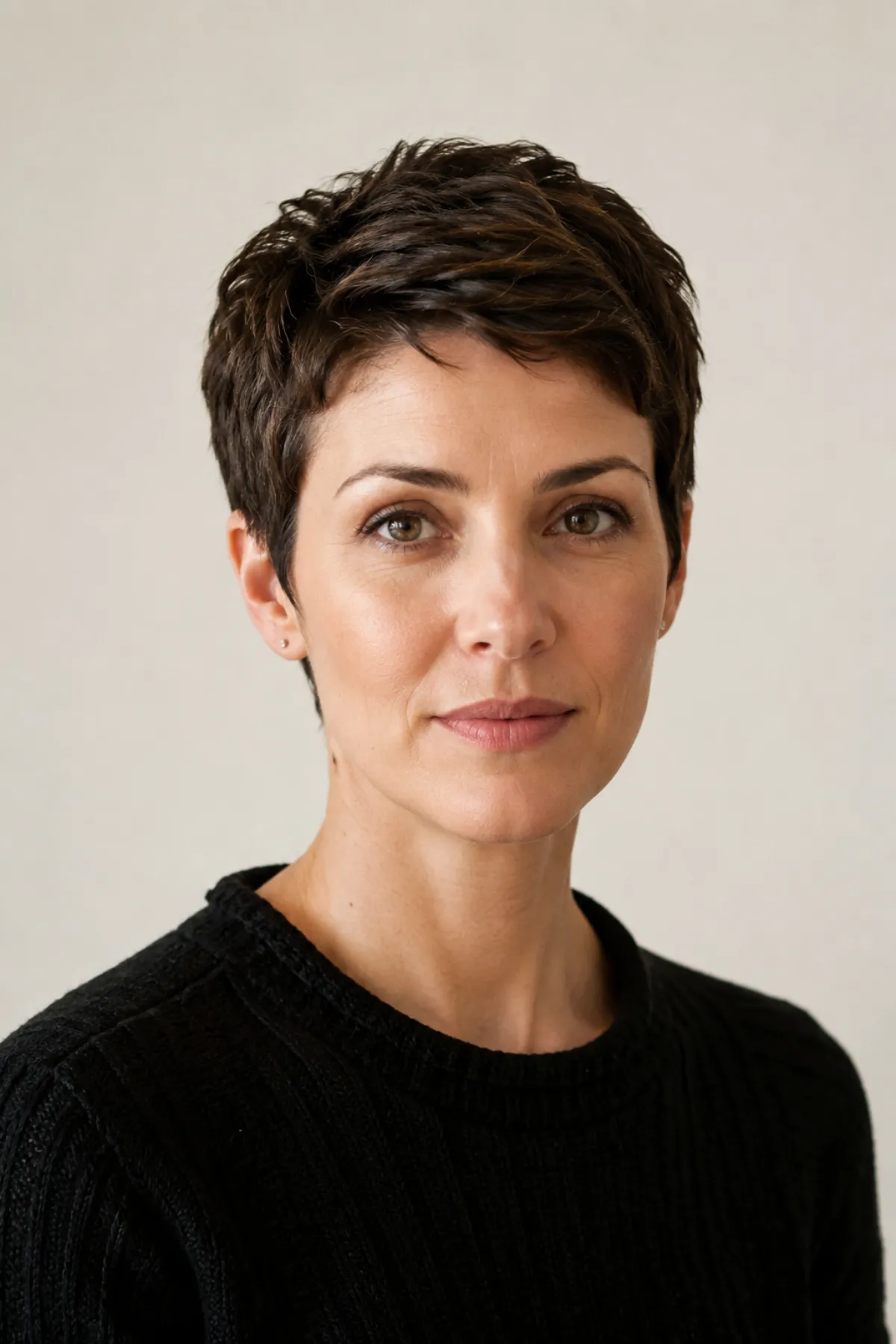
Use a pixie cut filter to compare soft, tapered, and longer pixie shapes on your own photo before a major short haircut.
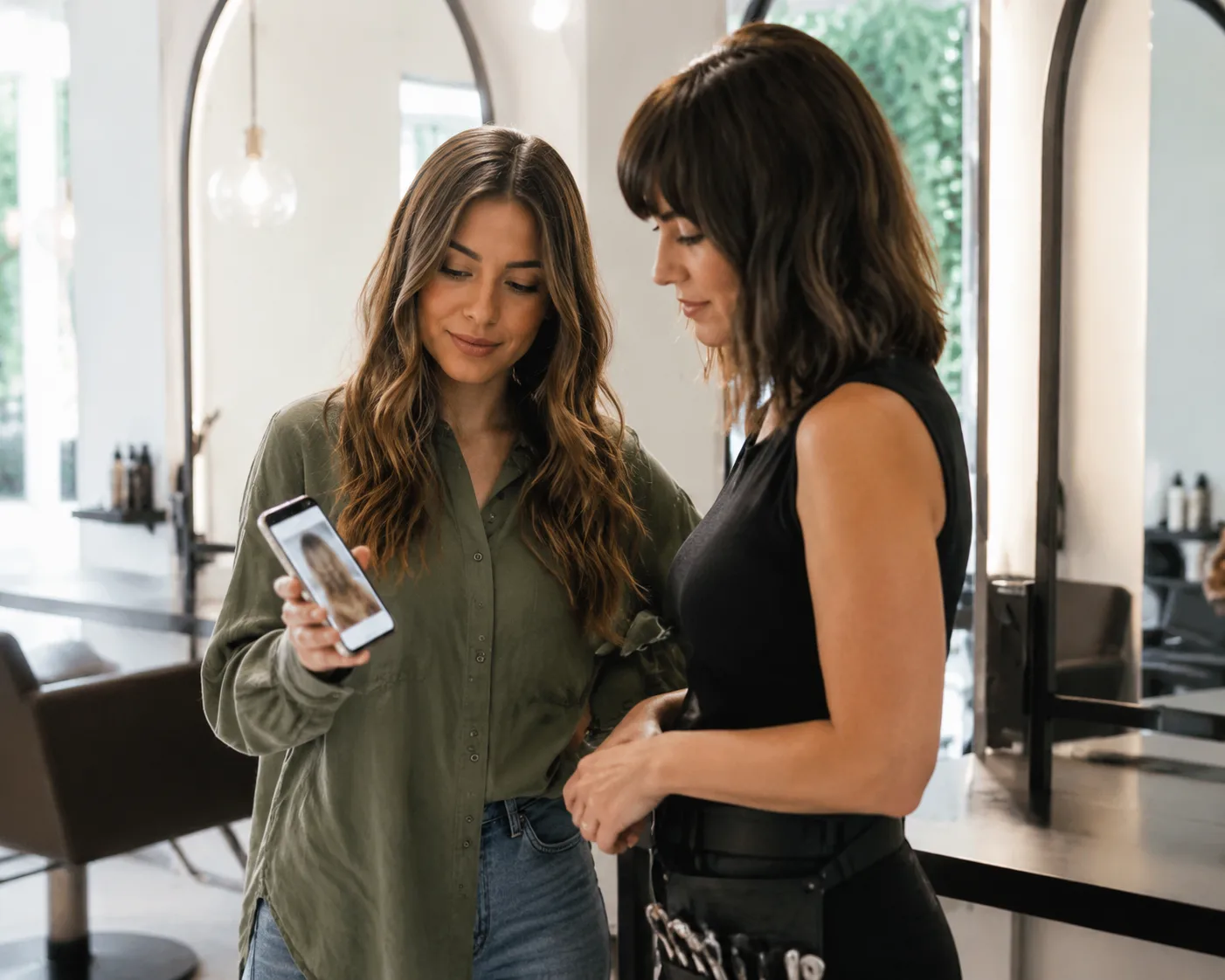
Bring an AI haircut preview to a salon consultation the useful way: compare a few directions, name what you like, and avoid treating the image as an exact promise.
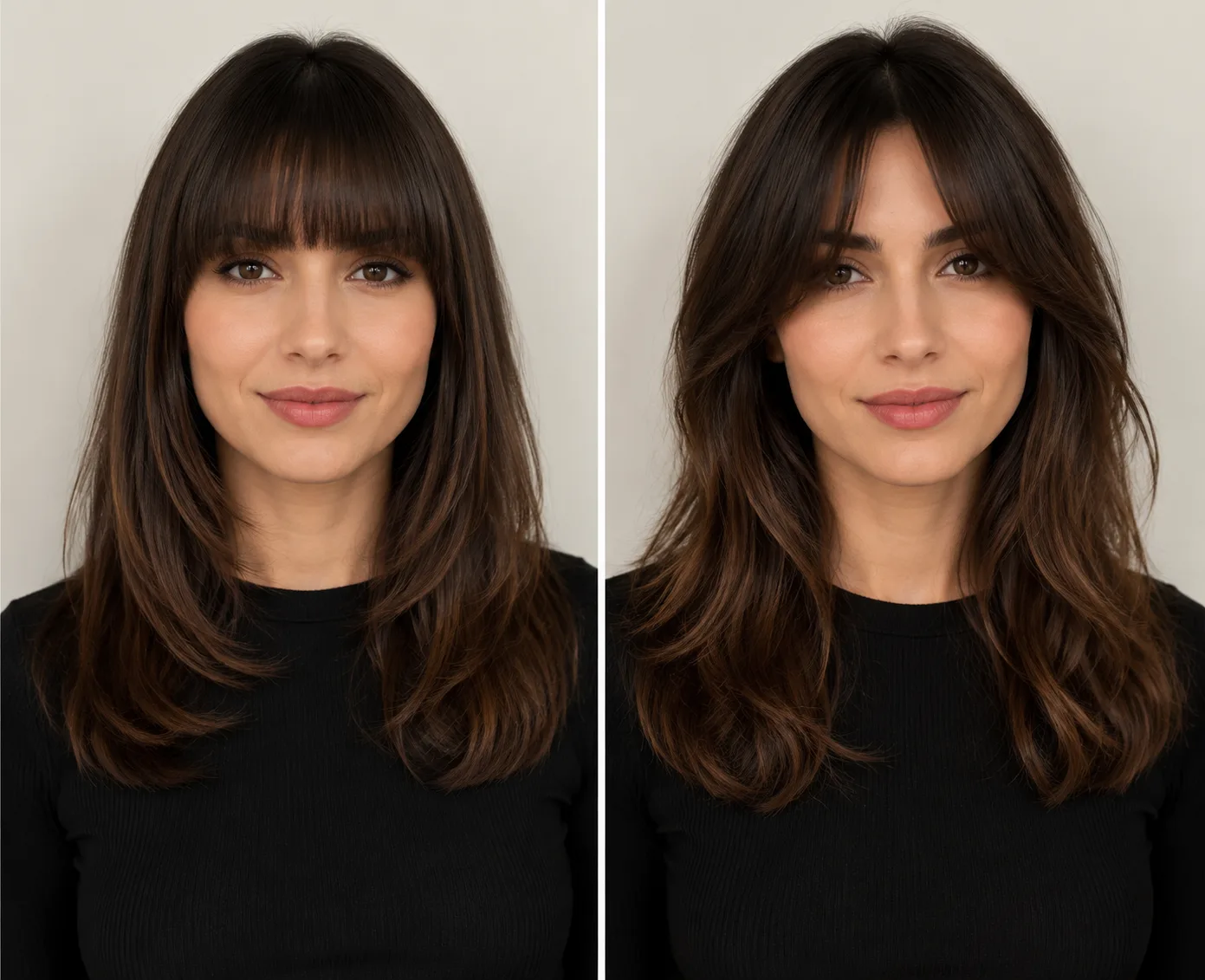
Compare blunt bangs and curtain bangs by face framing, texture, styling time, grow-out, and a simple preview-first decision before you cut.
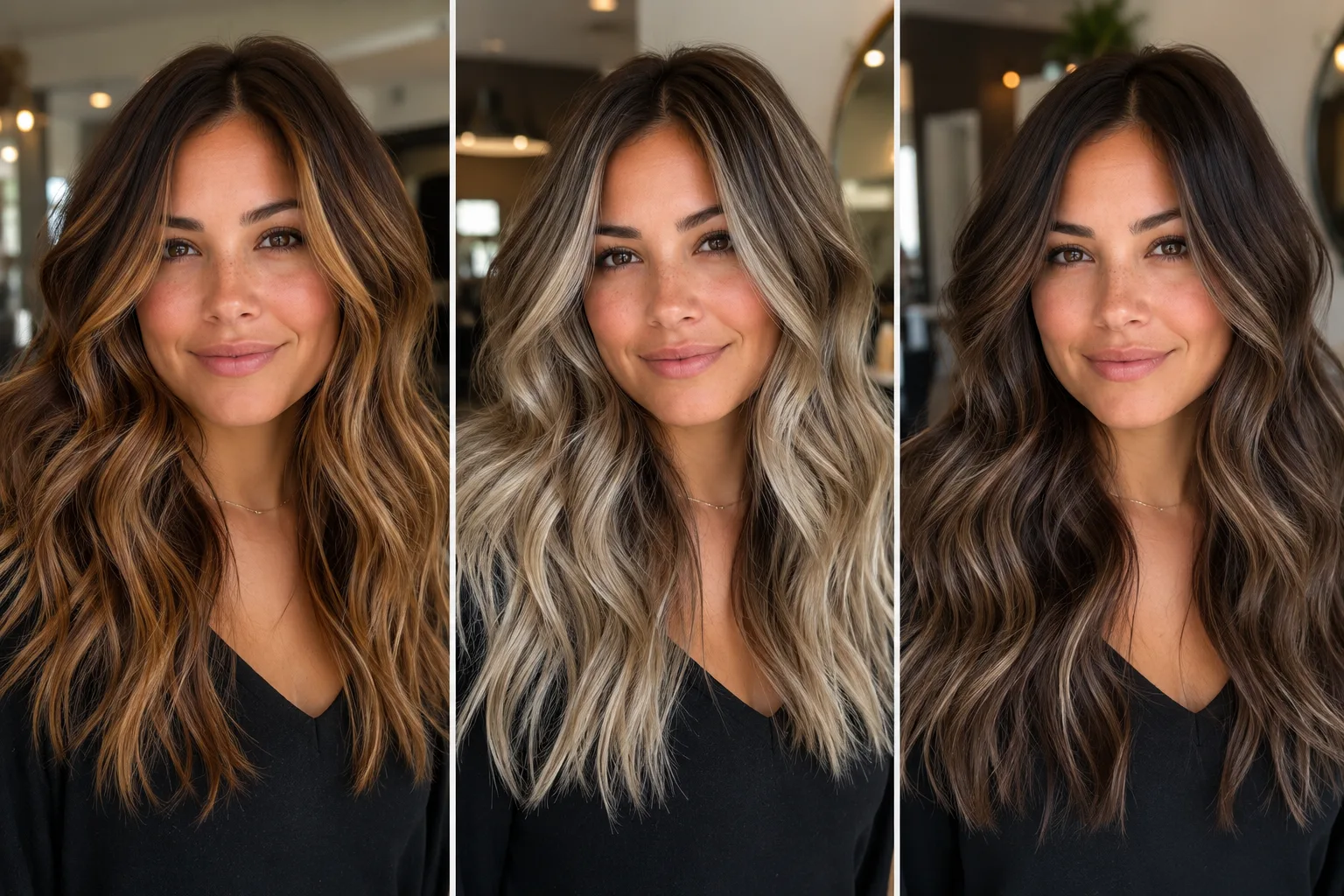
Use a balayage filter to preview caramel, ash blonde, brunette, and face-framing highlights on your own photo before booking salon color.
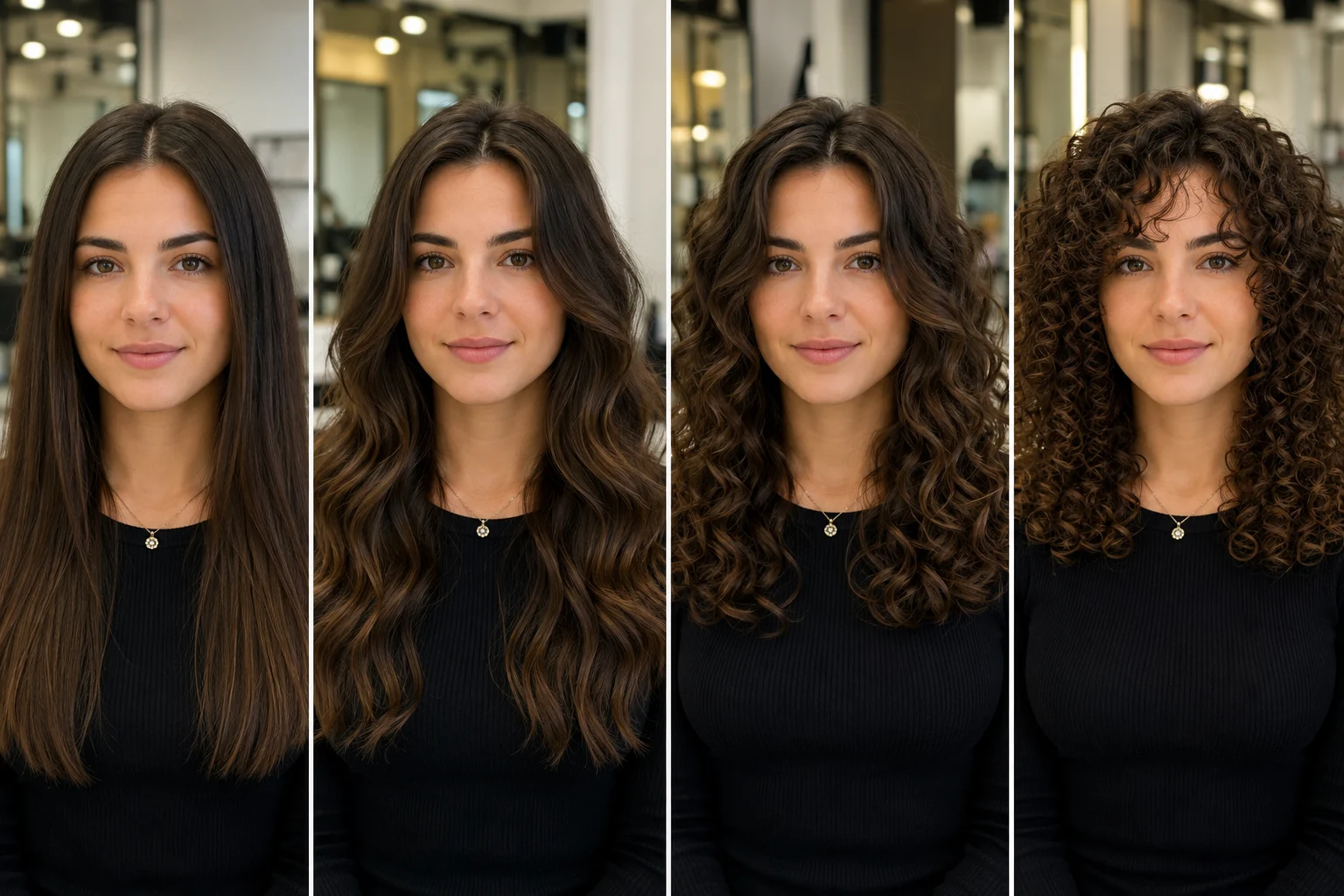
Use a perm filter to preview loose waves, body waves, spiral curls, and short textured perms before booking a salon appointment.
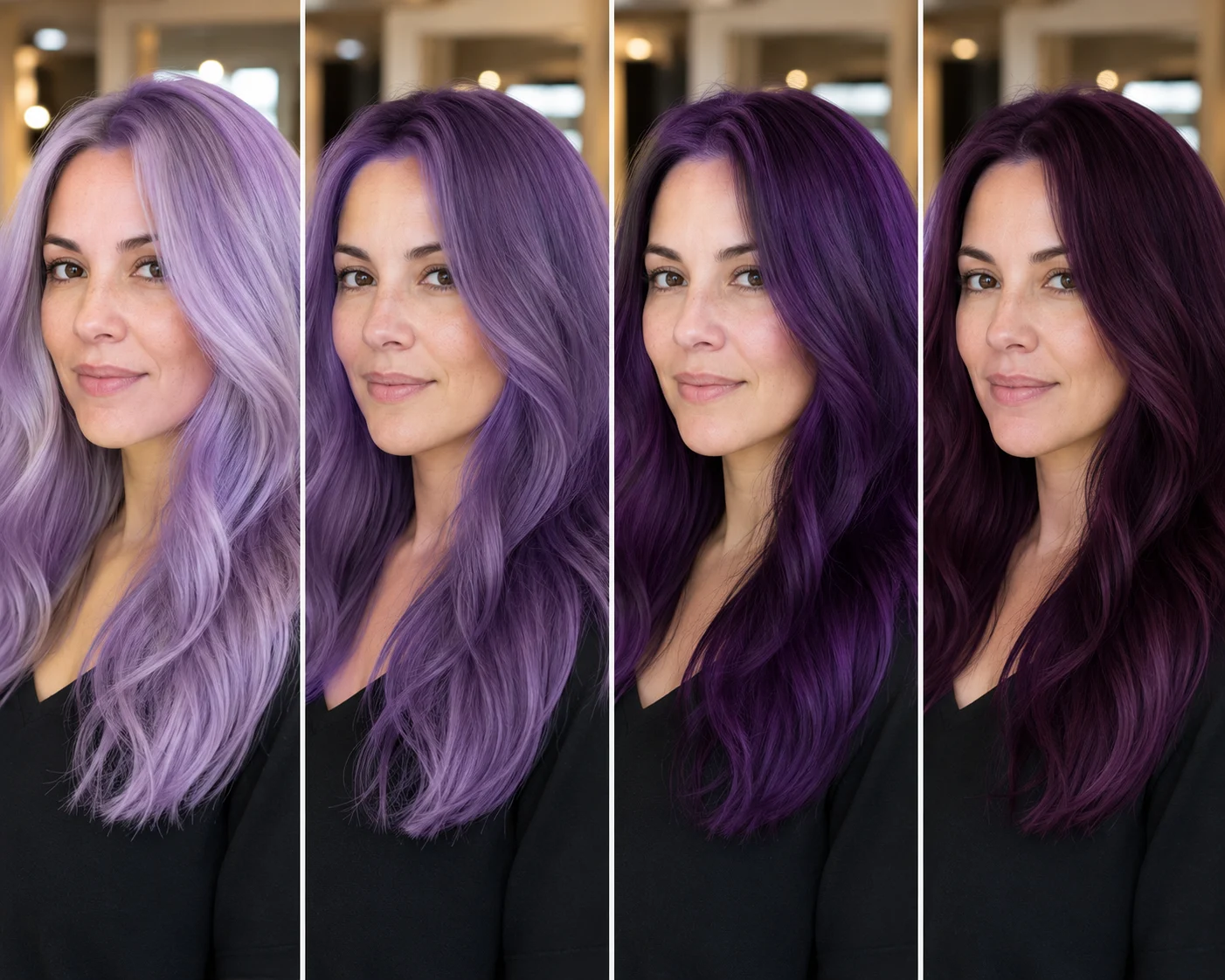
Use a purple hair filter to preview lavender, violet, amethyst, plum, and deep purple hair on your own photo before dyeing.
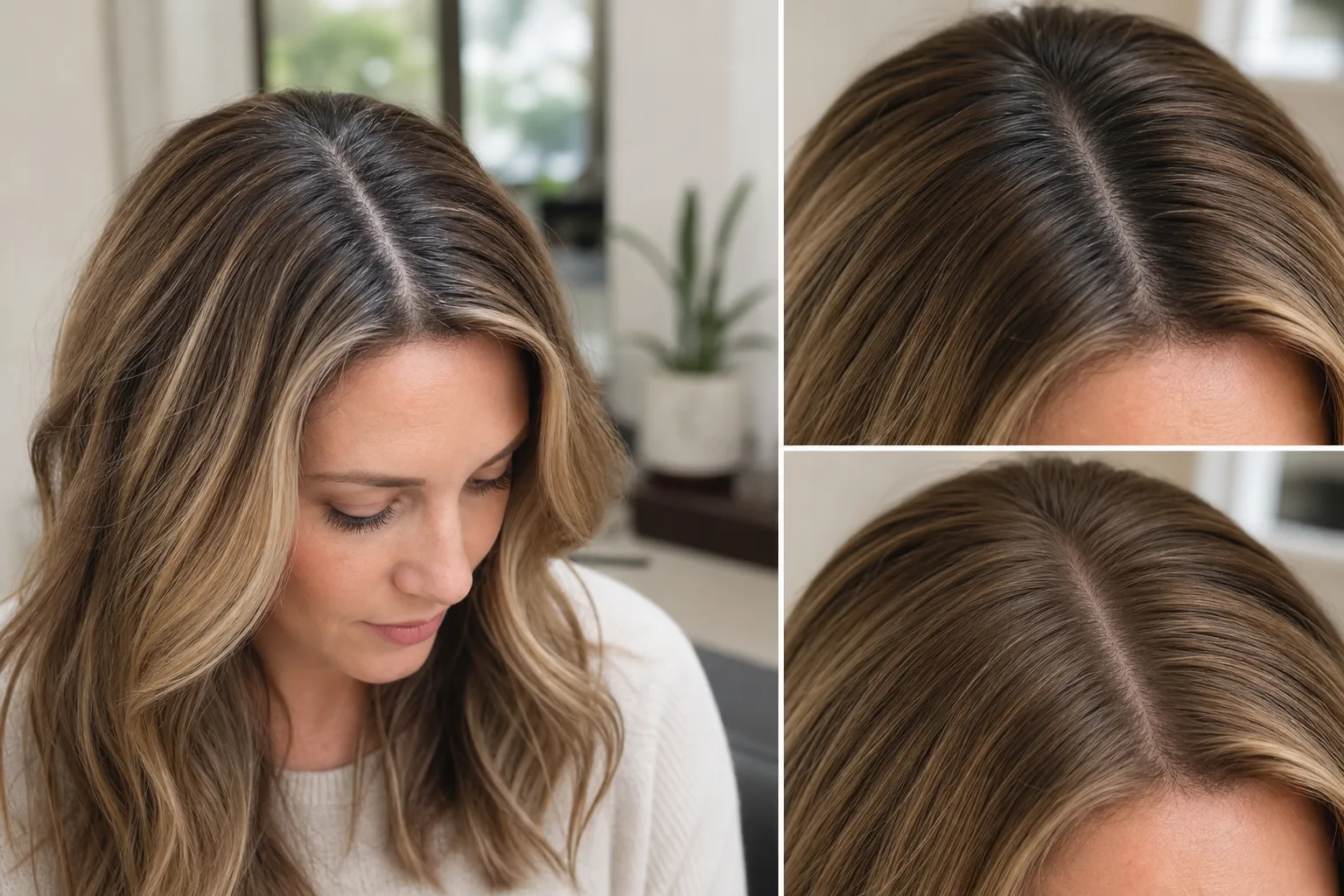
Preview root touch-up hair color on your own photo before you dye. Compare gray coverage, regrowth blending, and shade direction with an AI hair color changer.
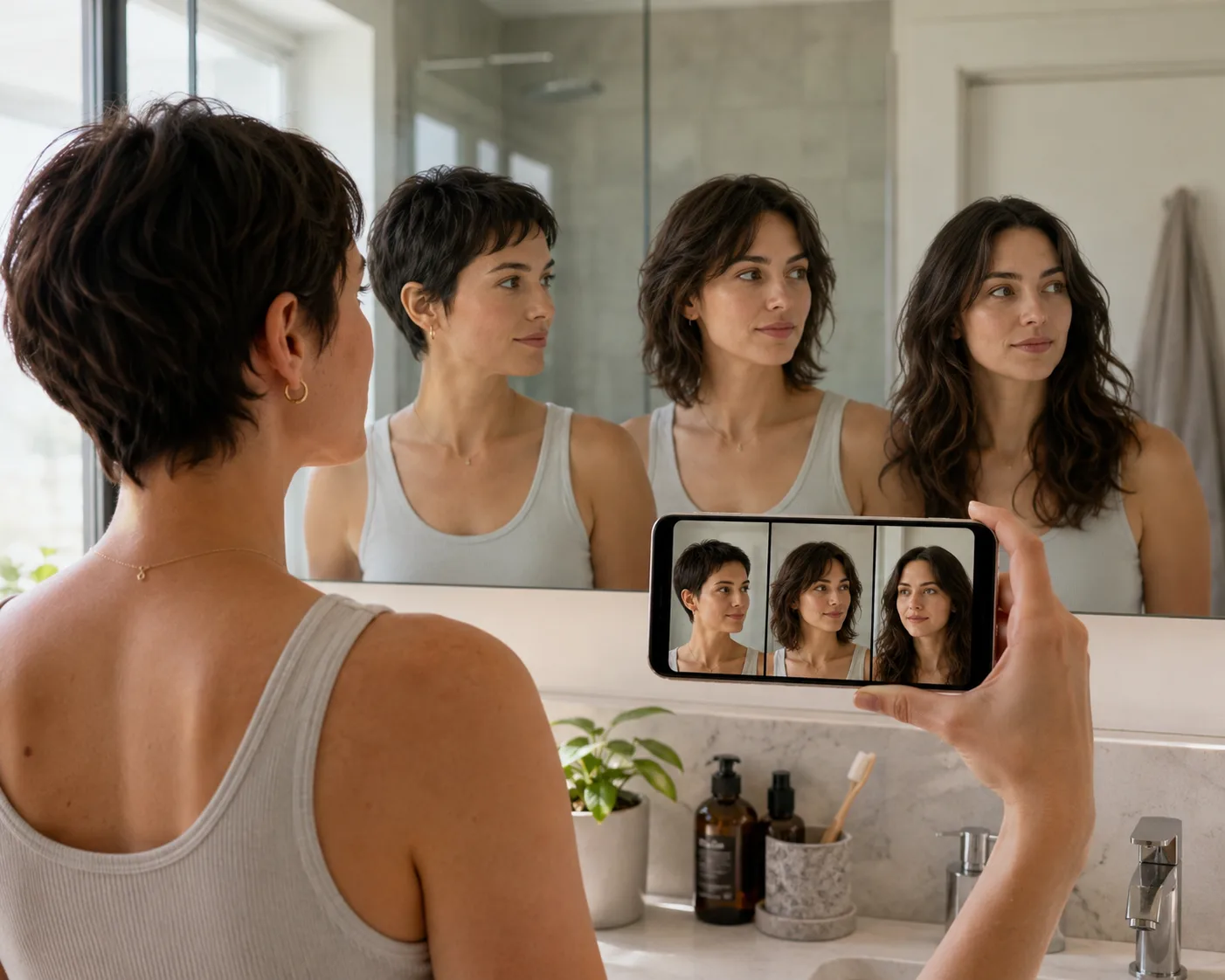
Preview hair grow-out stages with AI before a buzz cut, pixie, or bob. Learn what to test, what gets awkward, and when to trim.
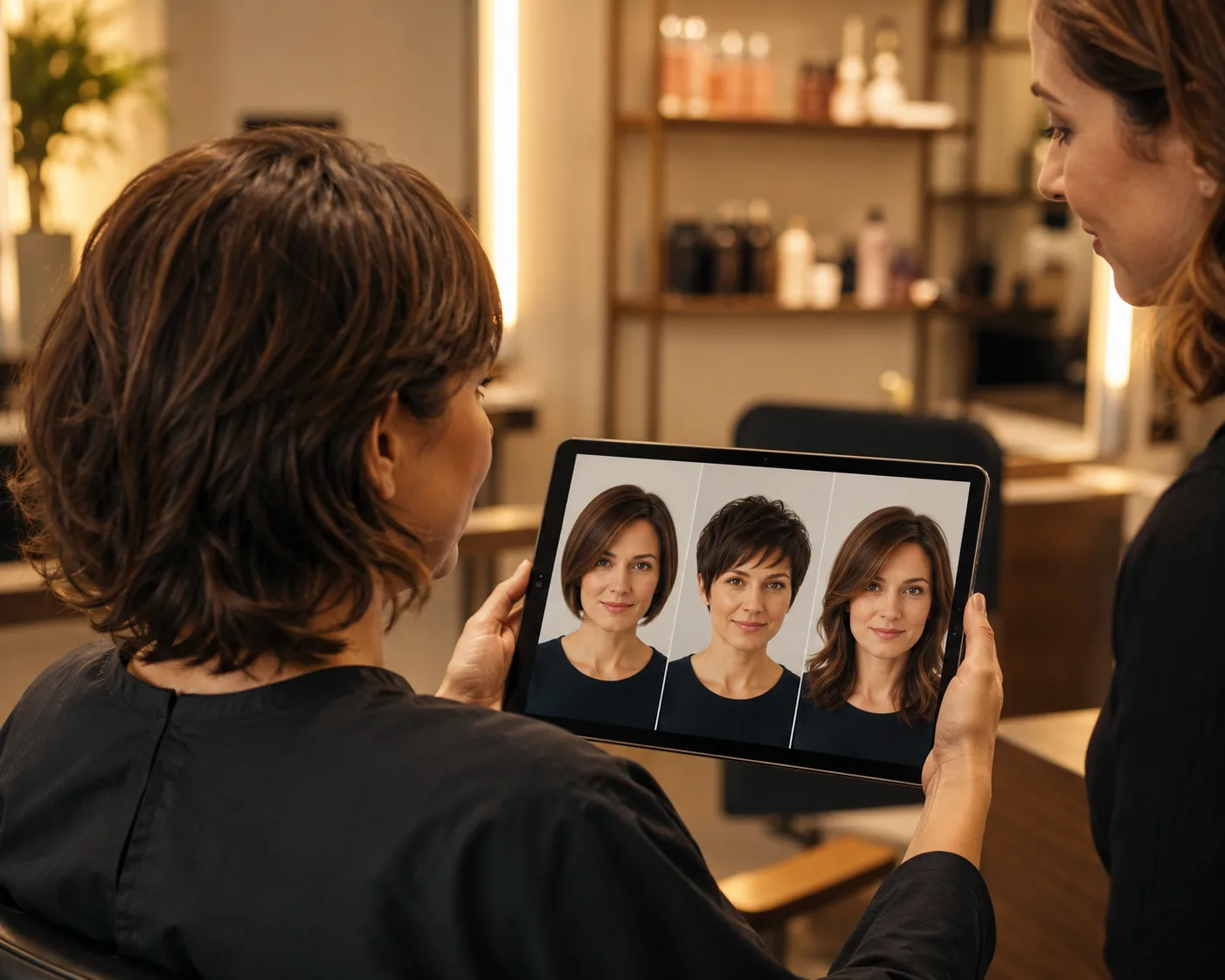
Use a virtual haircut simulator to preview short hair, bangs, buzz cuts, and layered styles on your own face before visiting the salon.
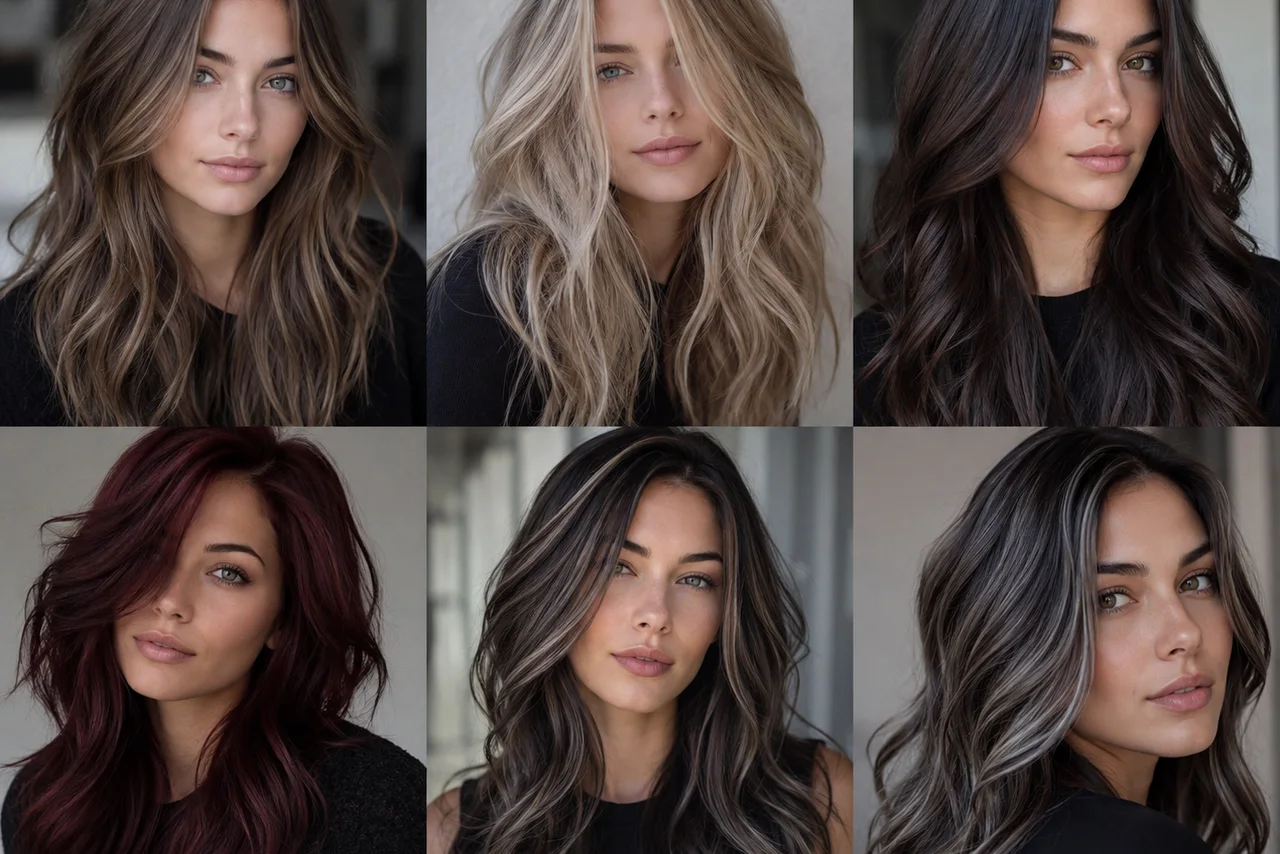
Choose hair color for cool undertones: ash brown, cool black, beige blonde, mushroom brown, burgundy, and espresso. Preview shades before dyeing.
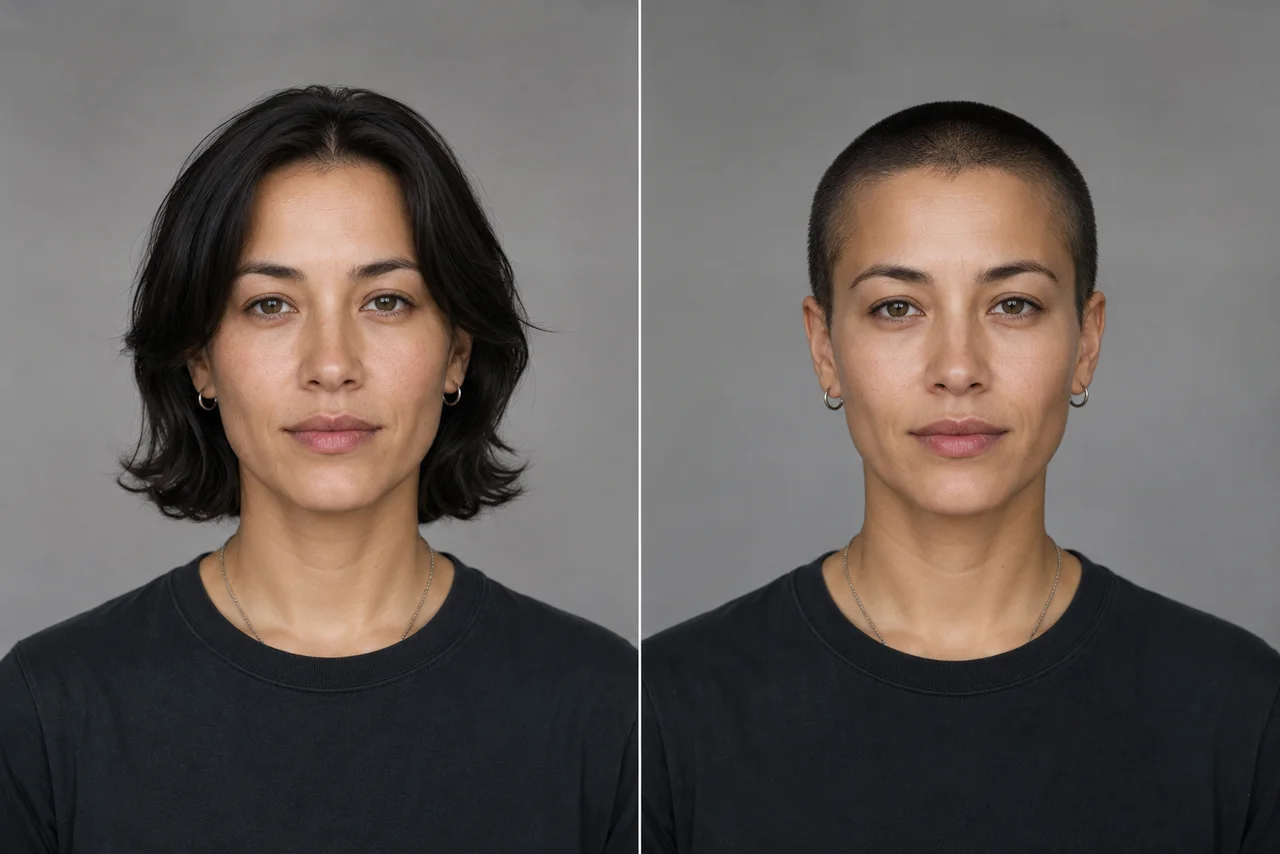
Should I get a buzz cut? Check face shape, hairline, length, beard balance, maintenance, and preview the look with an AI buzz cut filter first.
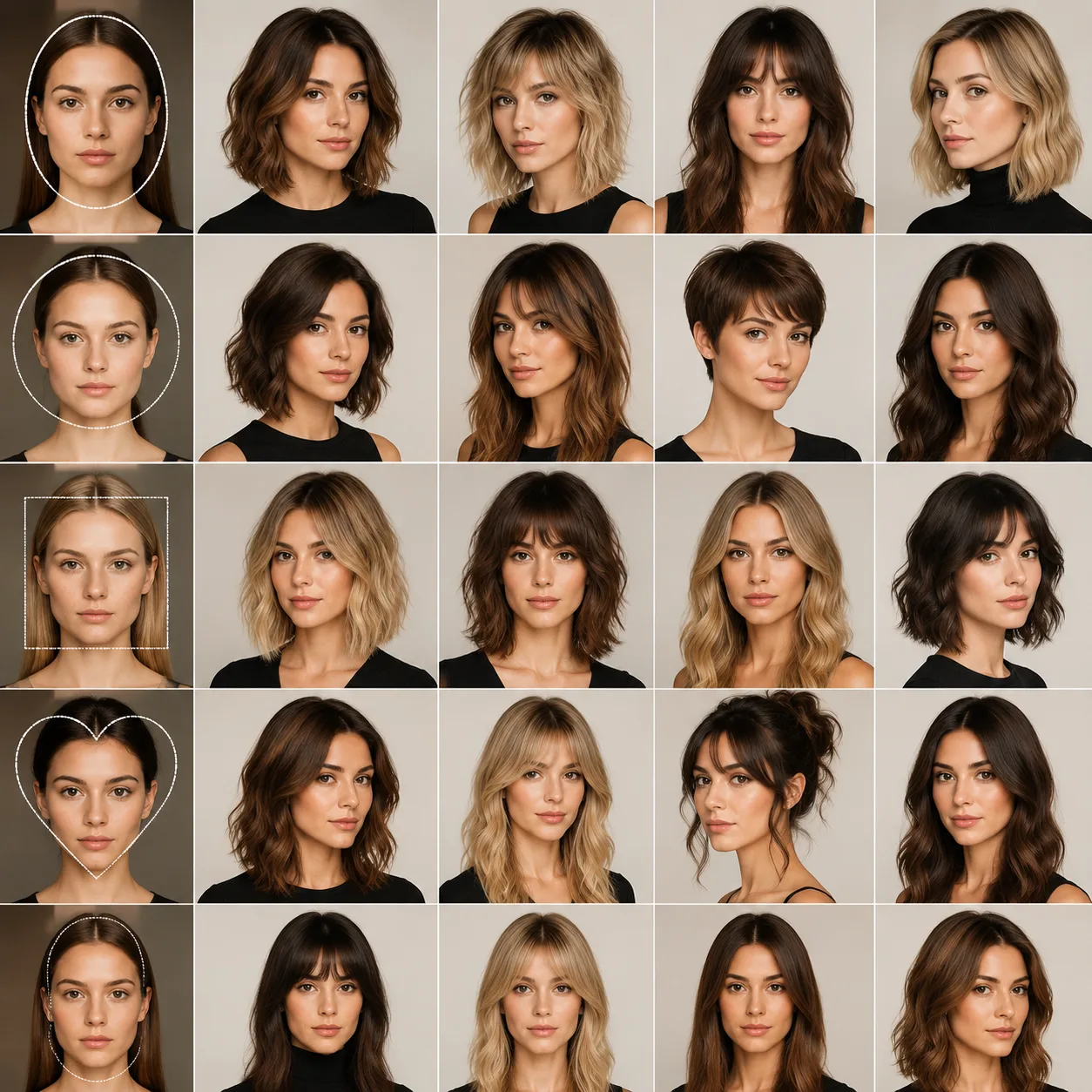
Find the best haircuts for face shape by comparing oval, round, square, heart, long, and diamond face shapes. Preview styles before your next cut.
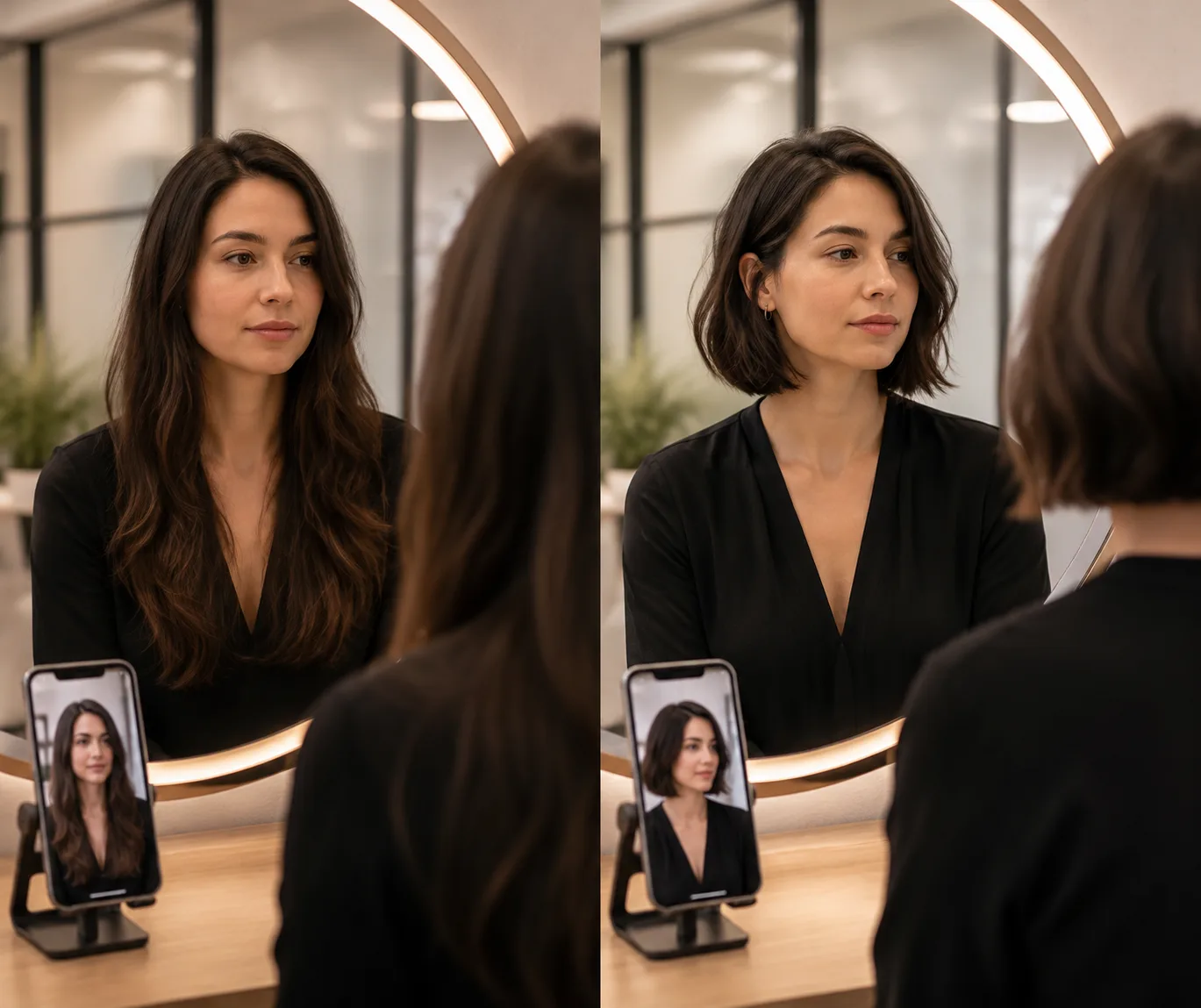
Going from long hair to short hair is easier to judge with a preview. Compare lob, bob, pixie, and buzz-cut options before your salon appointment.
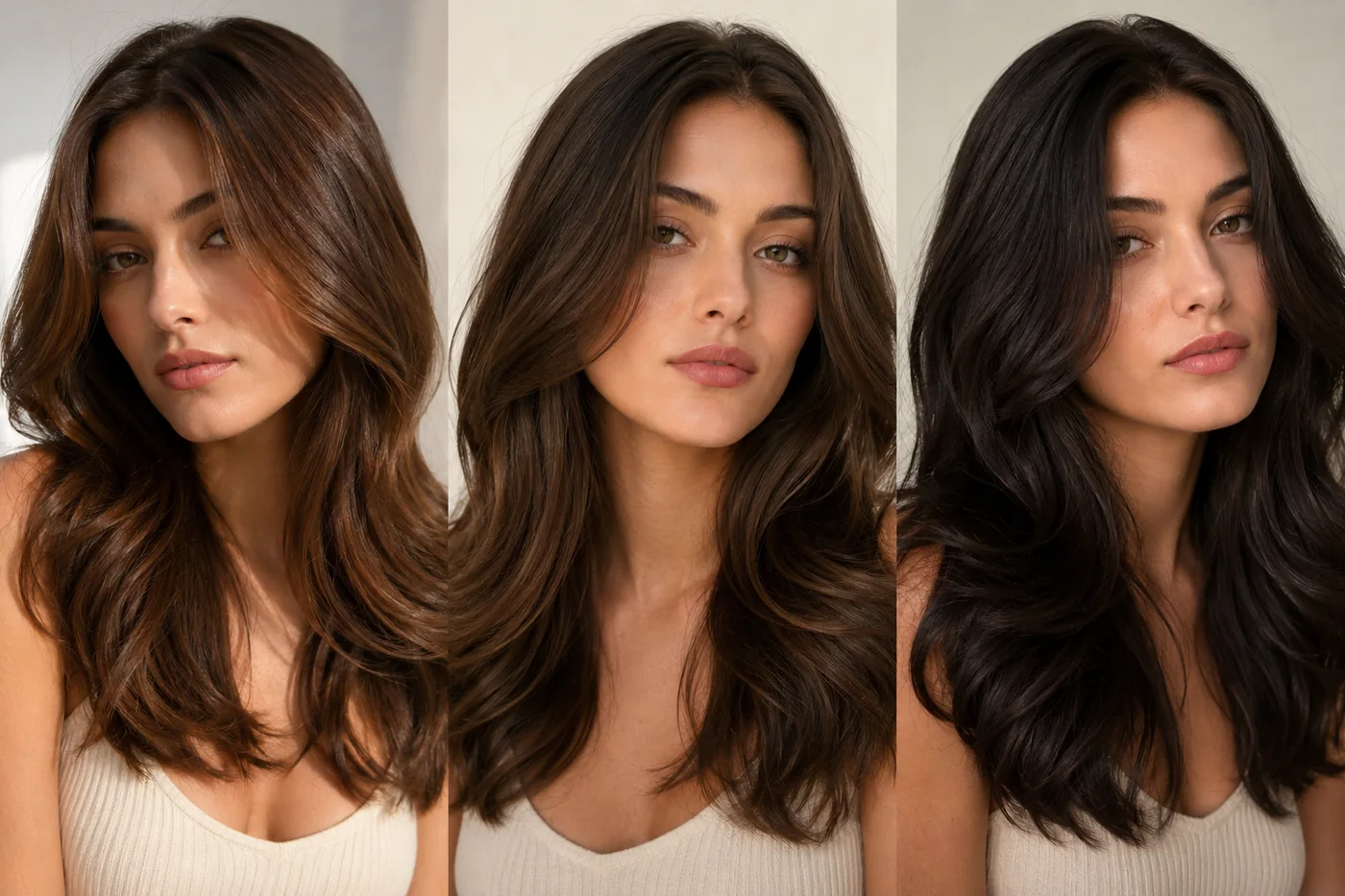
Use a brown hair filter to preview brunette shades before dyeing. Compare warm brown, cool brunette, espresso, chestnut, and chocolate hair on your own photo.
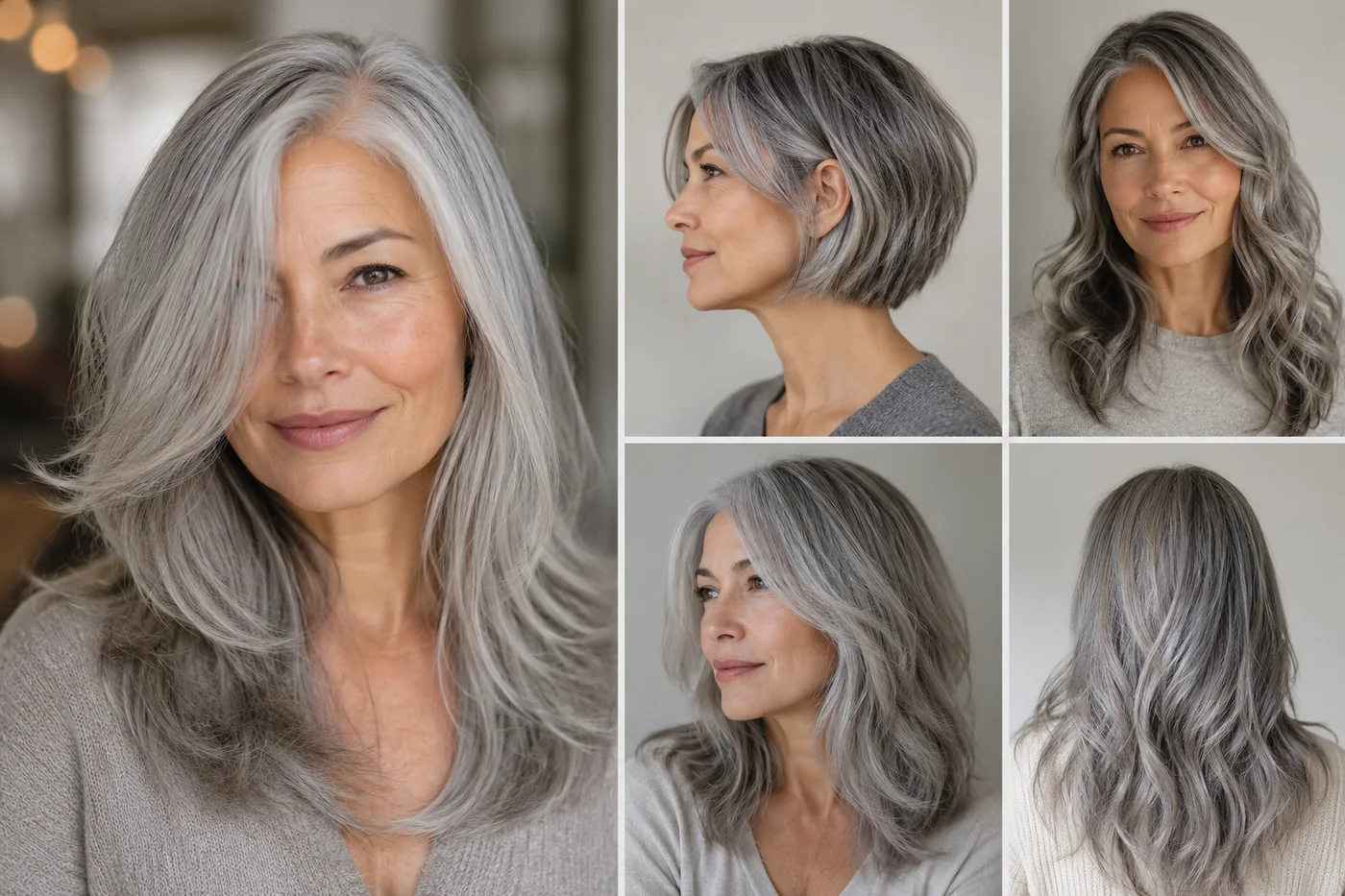
Use a gray hair filter to preview silver, soft gray, ash-gray, and gray blending ideas before dyeing. Learn what to check for skin tone, contrast, and lighting.
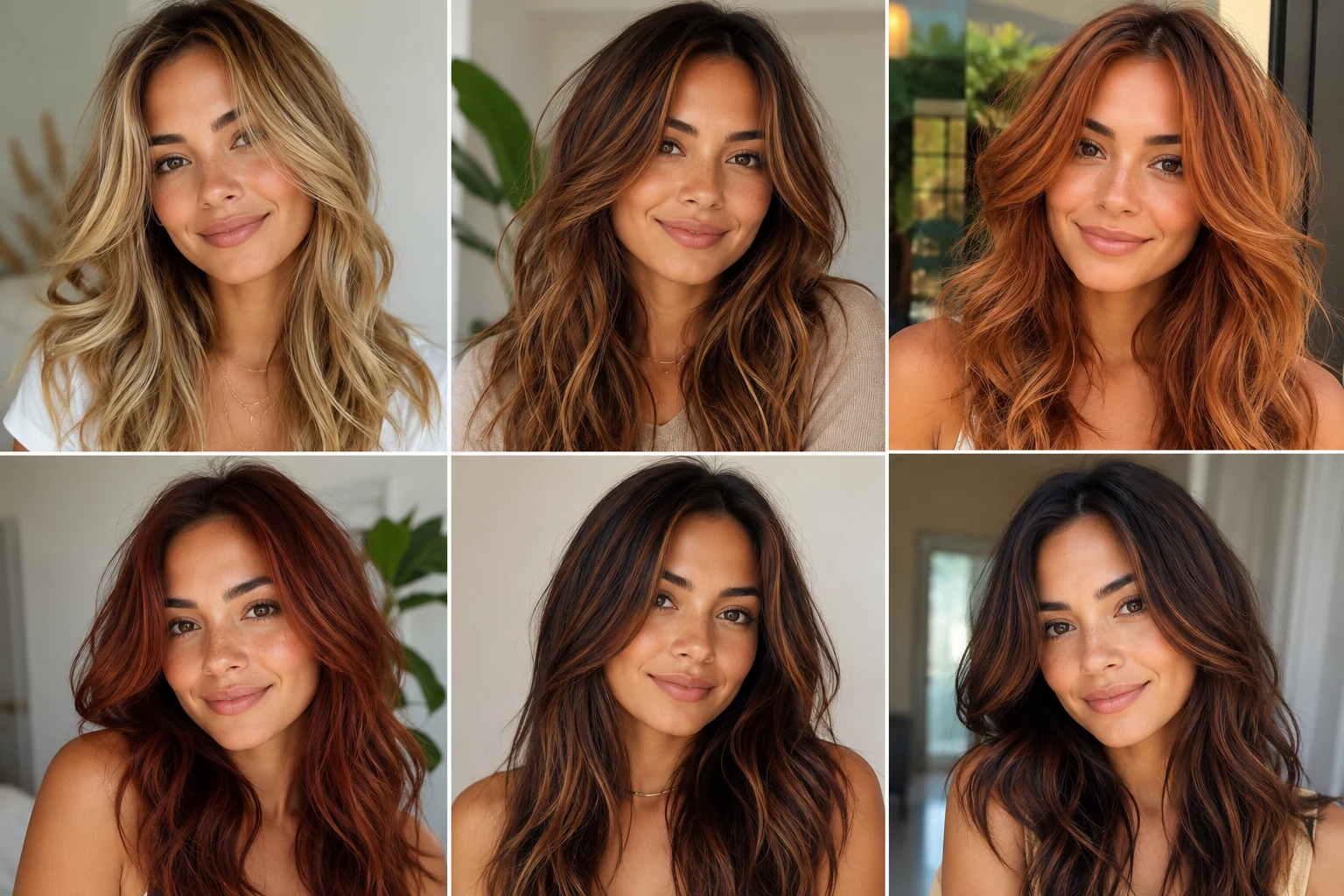
Warm undertones glow with honey blonde, caramel, golden brown, copper, auburn, and warm chocolate. Preview each shade with AI before dyeing.
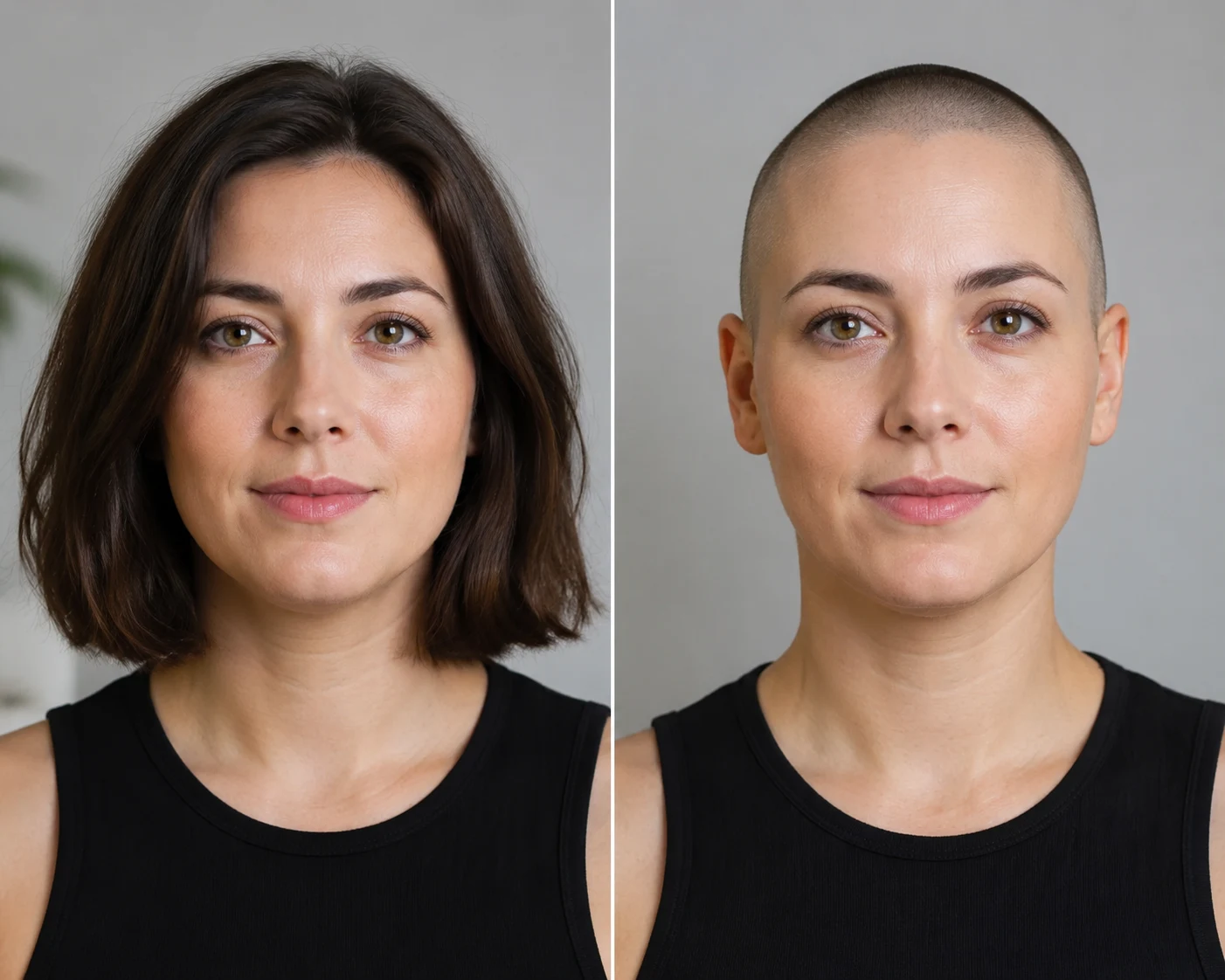
Should you shave your head? Check head shape, hairline, beard balance, maintenance, confidence, and grow-back time before you commit.
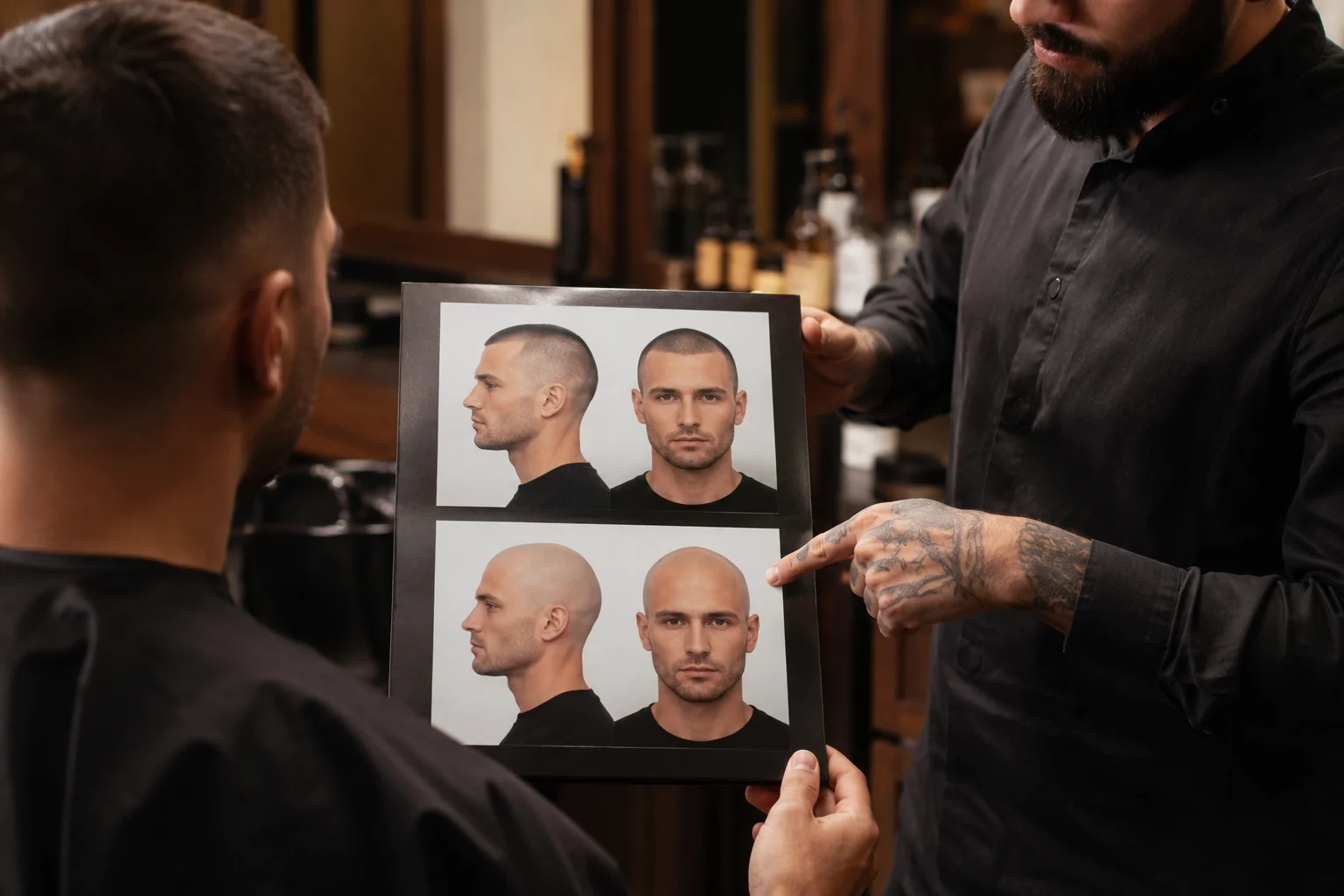
Bald vs buzz cut: compare face shape, hairline, maintenance, and confidence before you shave. Preview both looks with an AI bald filter first.
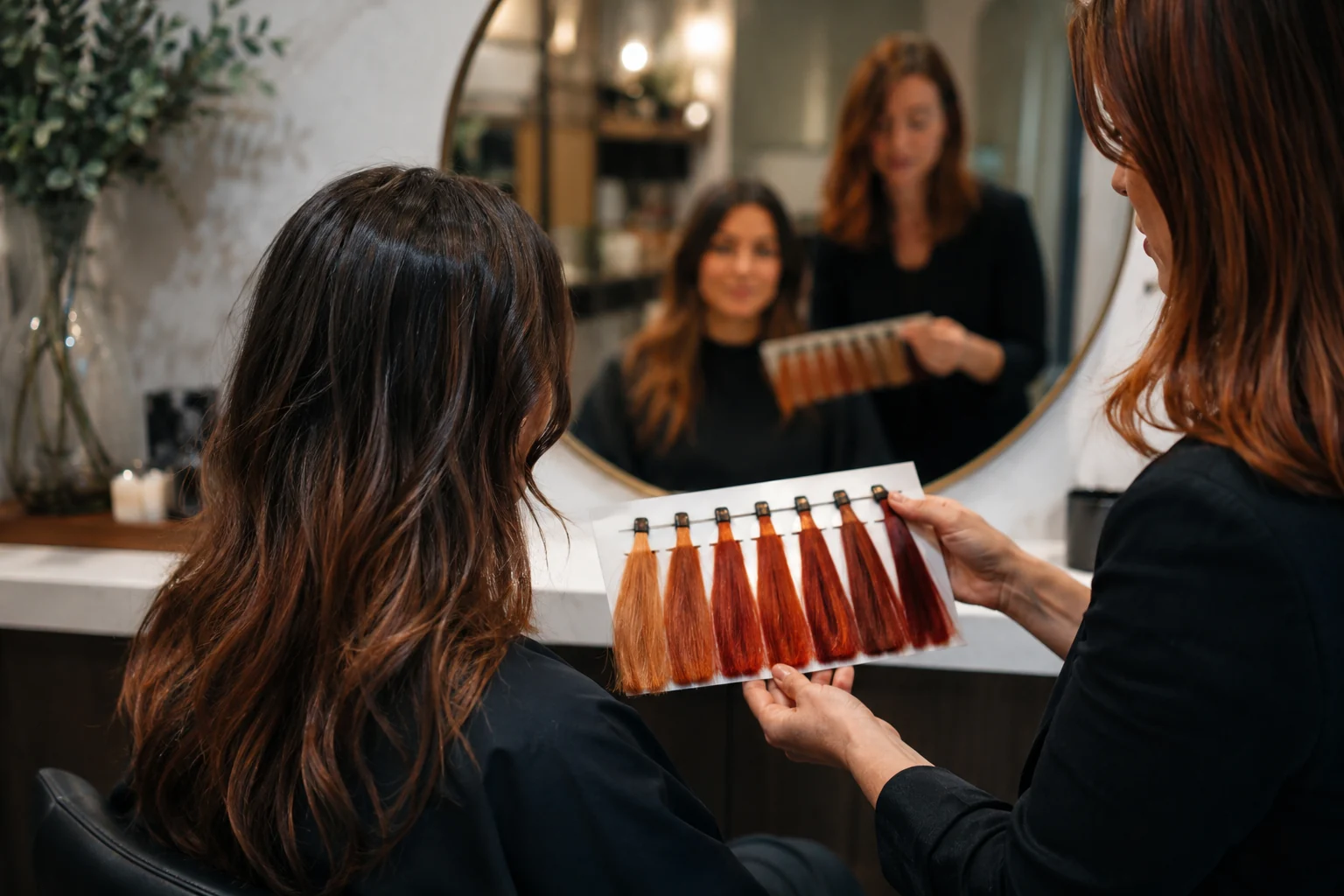
Copper vs red hair explained: how the shades differ, who they flatter, and how to preview warm hair colors on your own photo before dyeing.
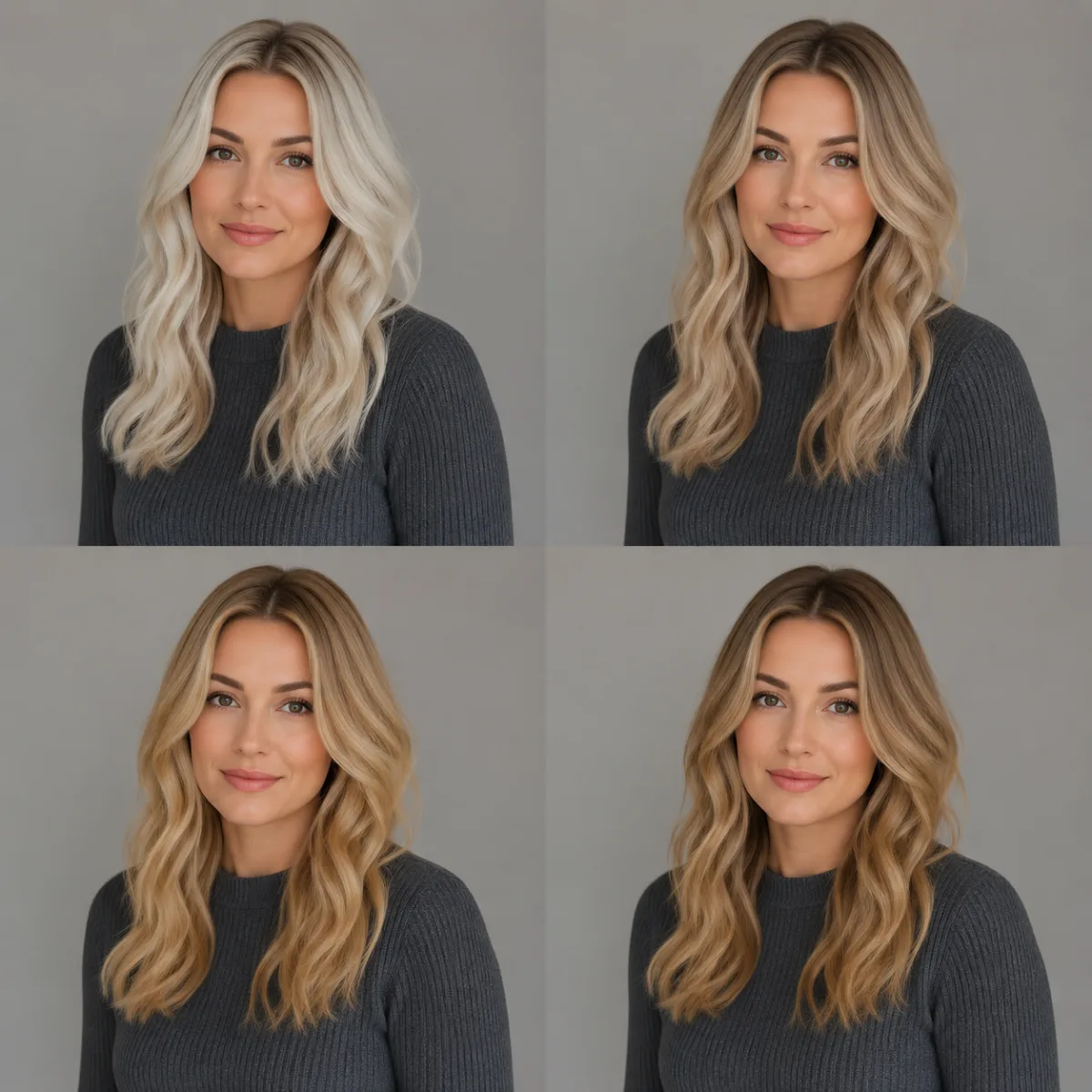
Use a blonde hair filter to preview platinum, ash, beige, honey, golden, and caramel blonde on your own photo before you book a salon appointment.
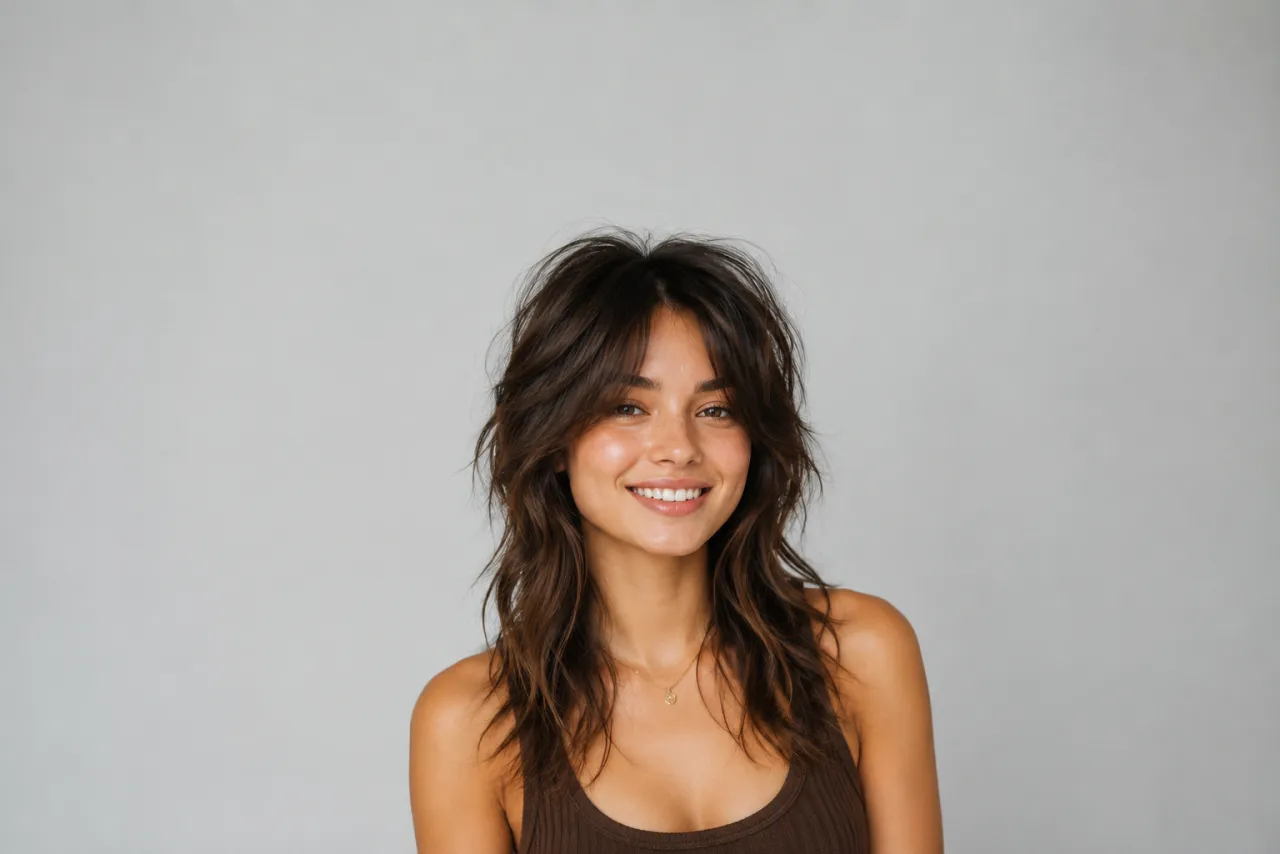
What a wolf cut is, the face shapes and hair types it flatters, wolf cut vs shag, and how to preview a wolf cut on your own photo before you cut.
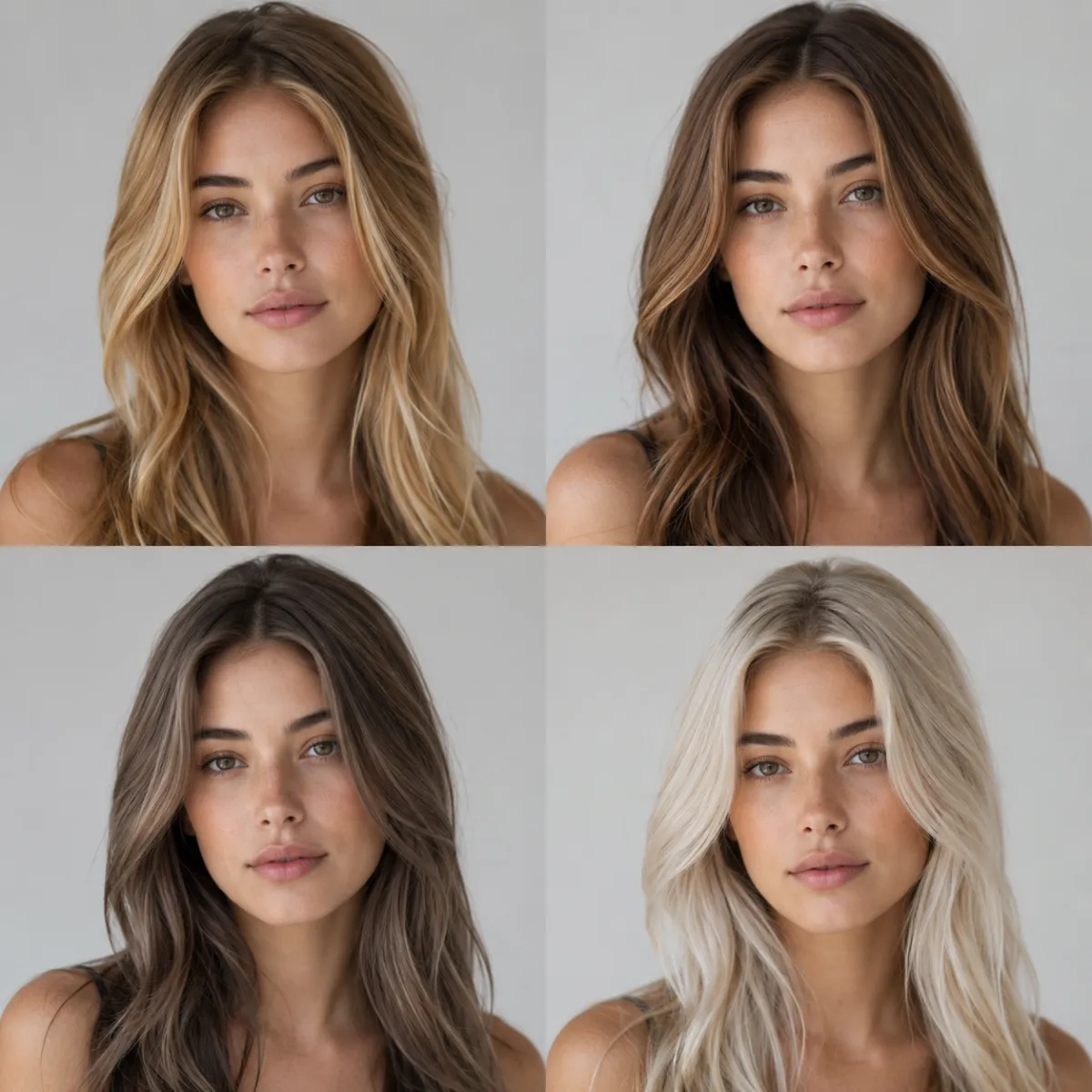
Match hair color to your skin's undertone, not its darkness. Quick warm/cool/neutral guide plus a free AI preview to test any shade on your own photo.
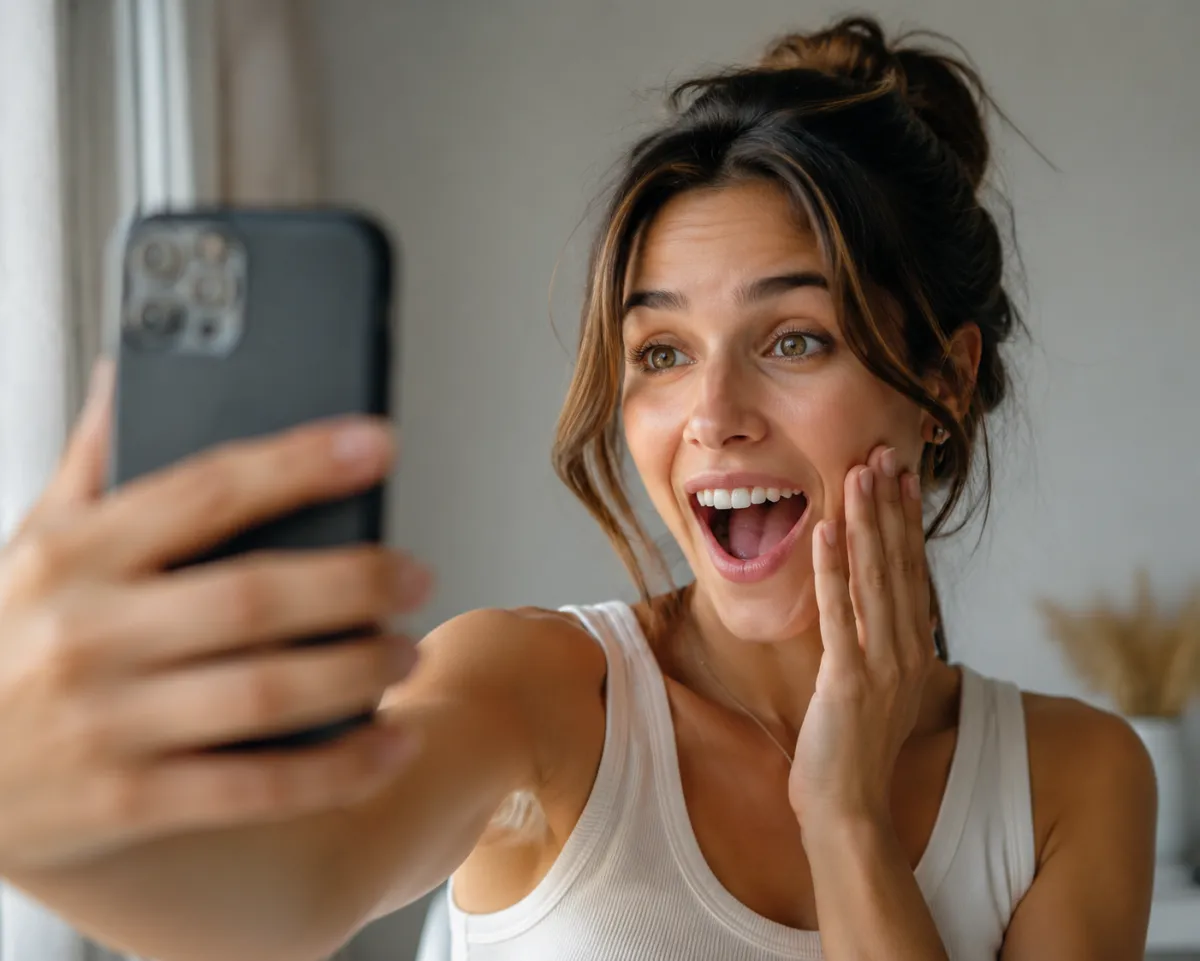
Try a free random hairstyle generator: upload a selfie, hit shuffle, and see a surprise cut, color, or texture on your real face in seconds.
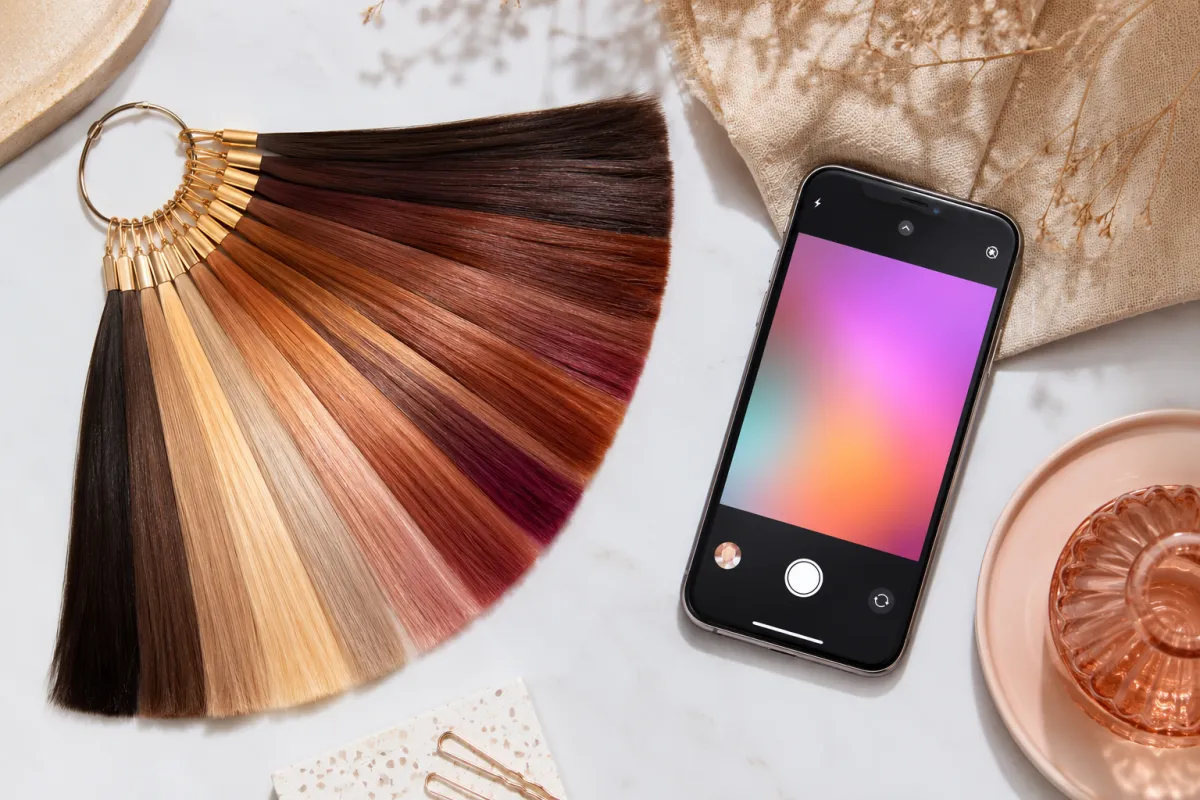
Change hair color in Snapchat with a Lens and recolor your Bitmoji, then get a photo-real hair color preview on your own selfie in seconds.
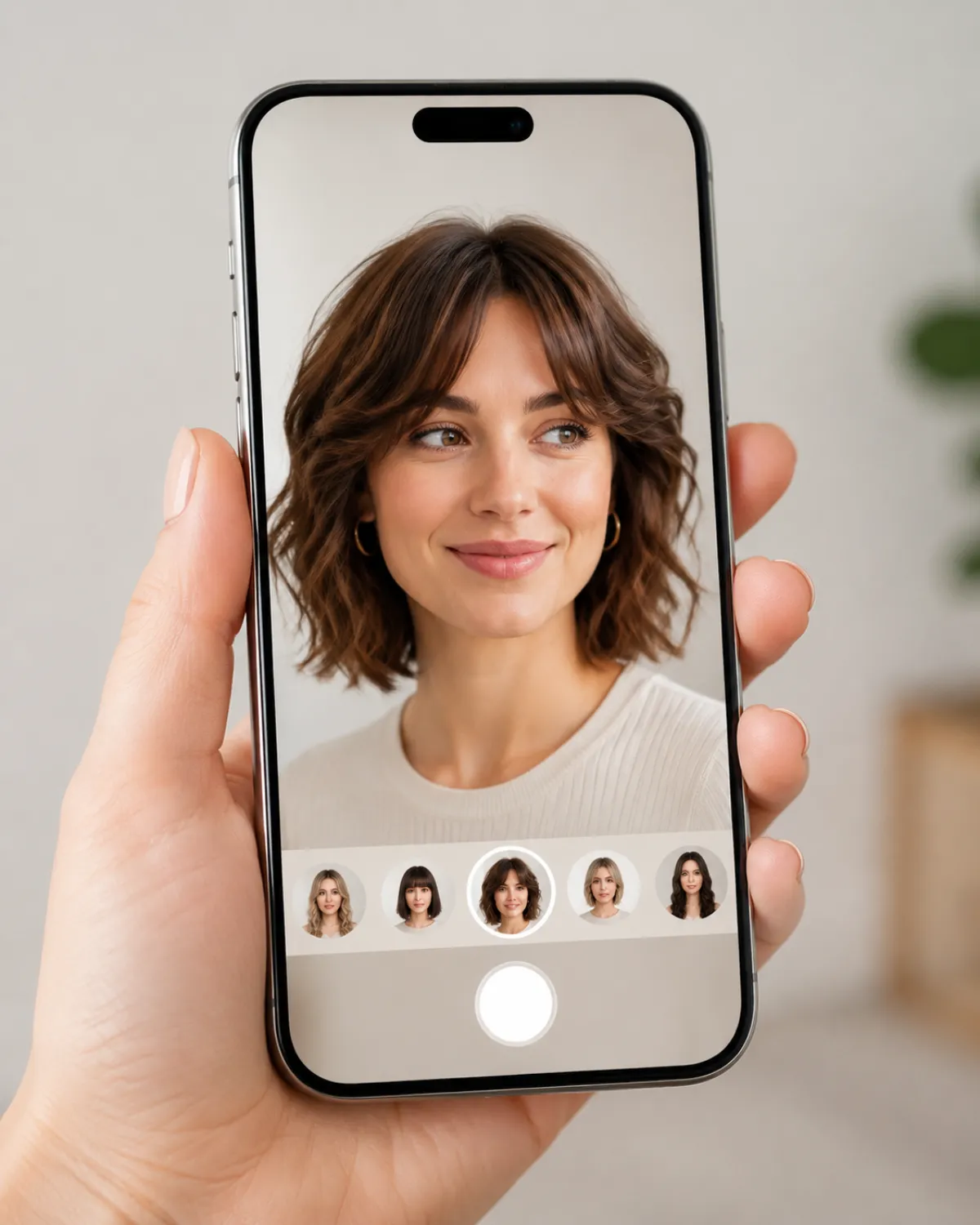
Looking for a FaceApp alternative for hair? Compare 5 free tools for realism, privacy, and styles — and see how to switch in about a minute.
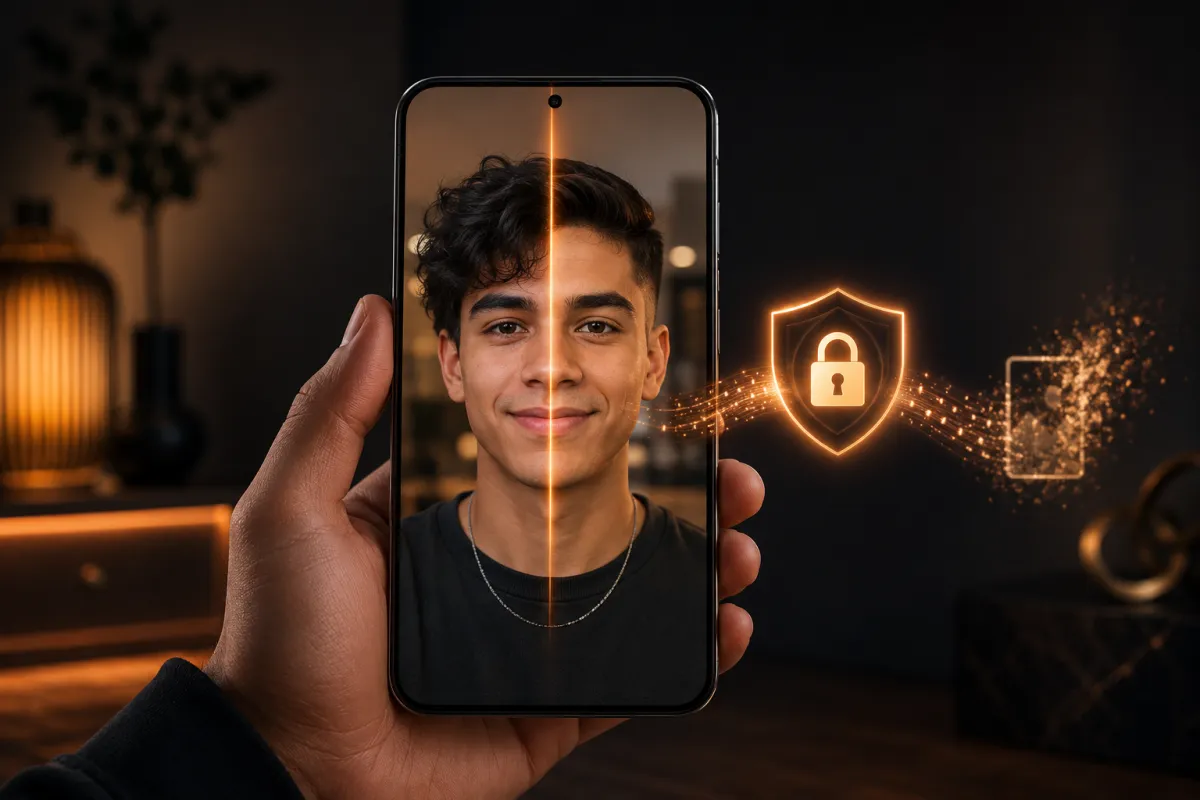
Is an AI hairstyle changer safe? A plain-English look at what happens to your uploaded face photo — how long it's stored, whether it trains models, how to delete it, and how to spot a sketchy app.
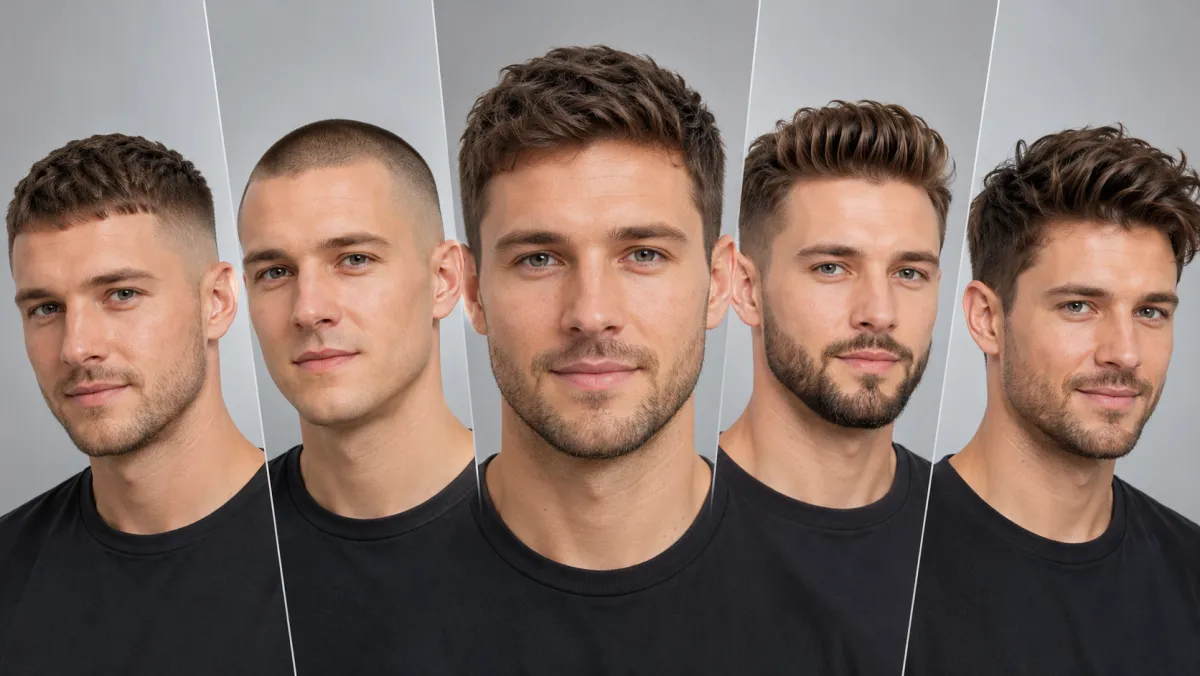
A men's hairstyle try-on lets you preview a new cut and beard on your own photo before the barber. Here's how to show your barber the exact look you want.
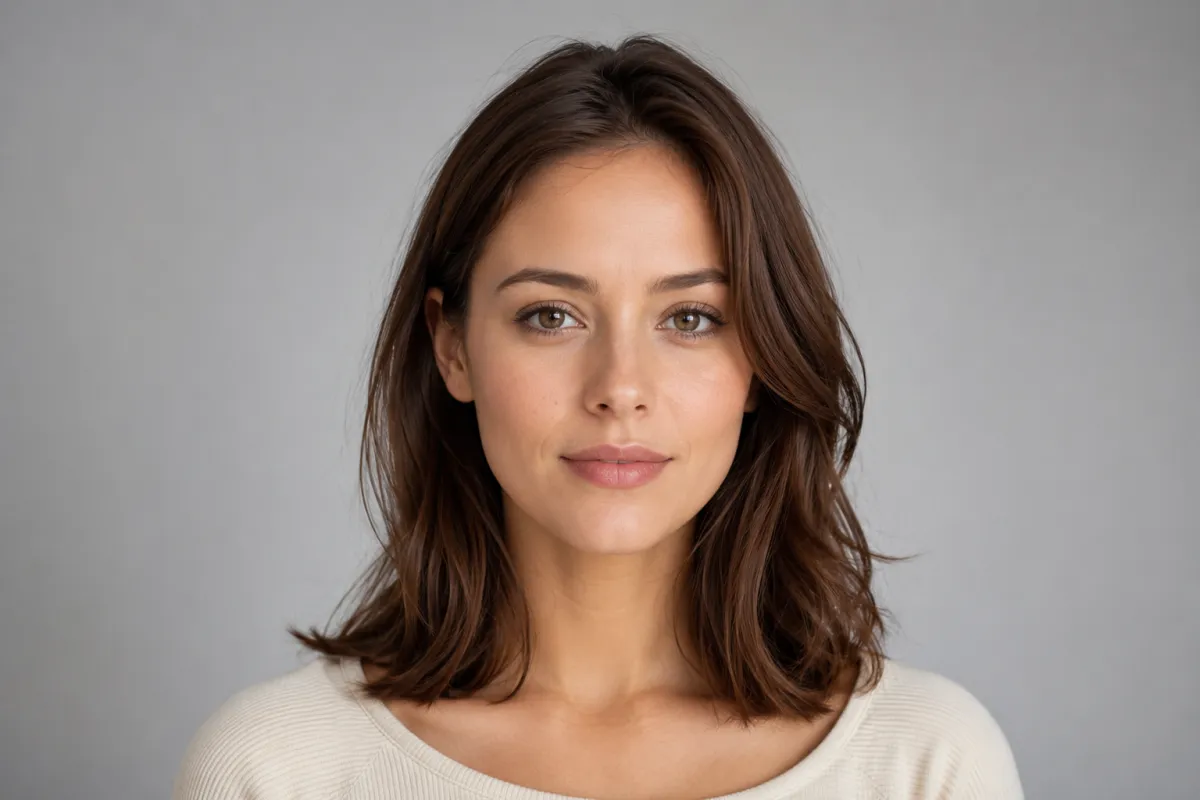
Wondering how would I look with bangs? Upload one selfie and preview real fringe styles on your own face — free, with a no-commitment AI bangs filter.
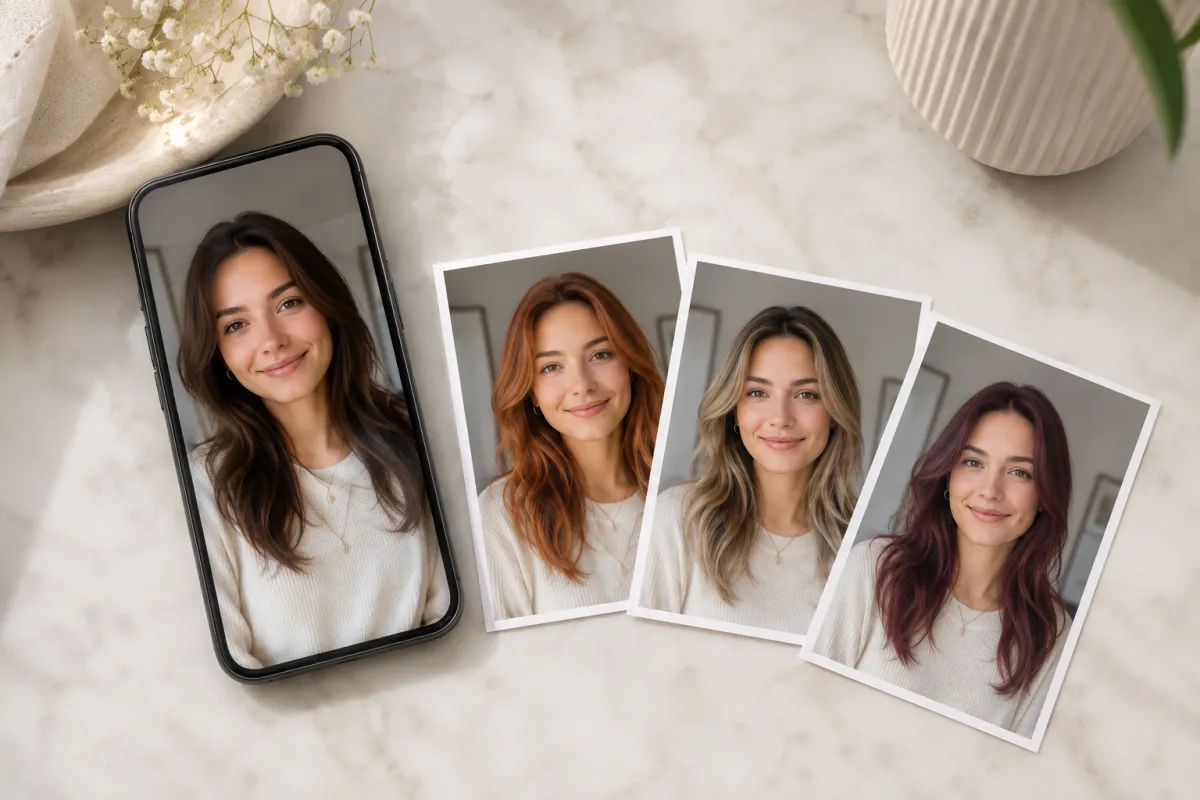
Can ChatGPT change hair color in a photo? Yes, with the GPT-4o image model, but it can drift your face. Here's what works in 2026 and a faster alternative.
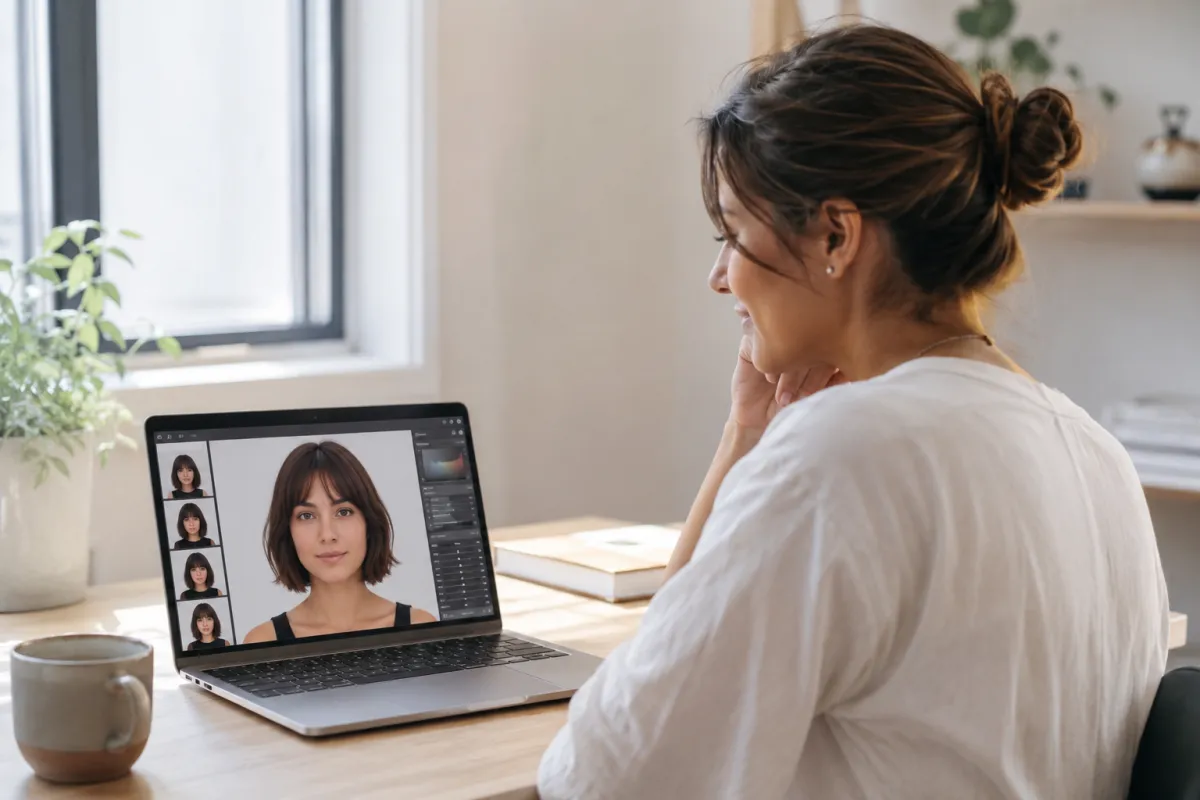
We tested Google's Nano Banana (Gemini image model) for changing hairstyles in a photo. Here's what it does well, where it drifts, and a faster way to preview a new haircut.
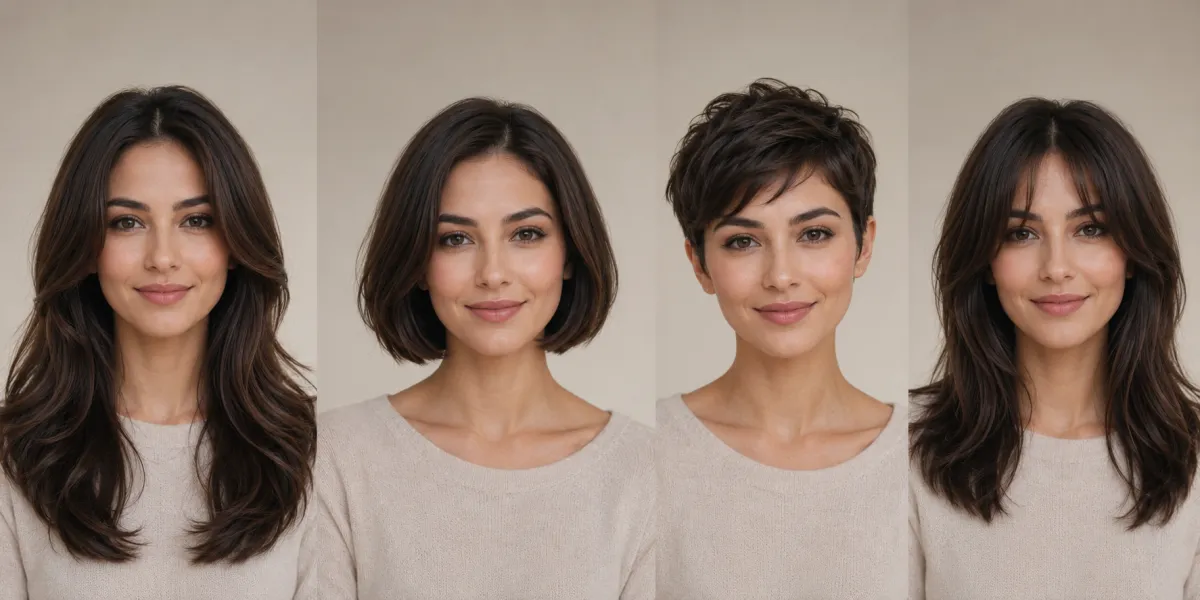
What hairstyle suits my face? Find your face shape, see flattering cuts for round, oval, square, heart, and long faces, then preview them on yourself.
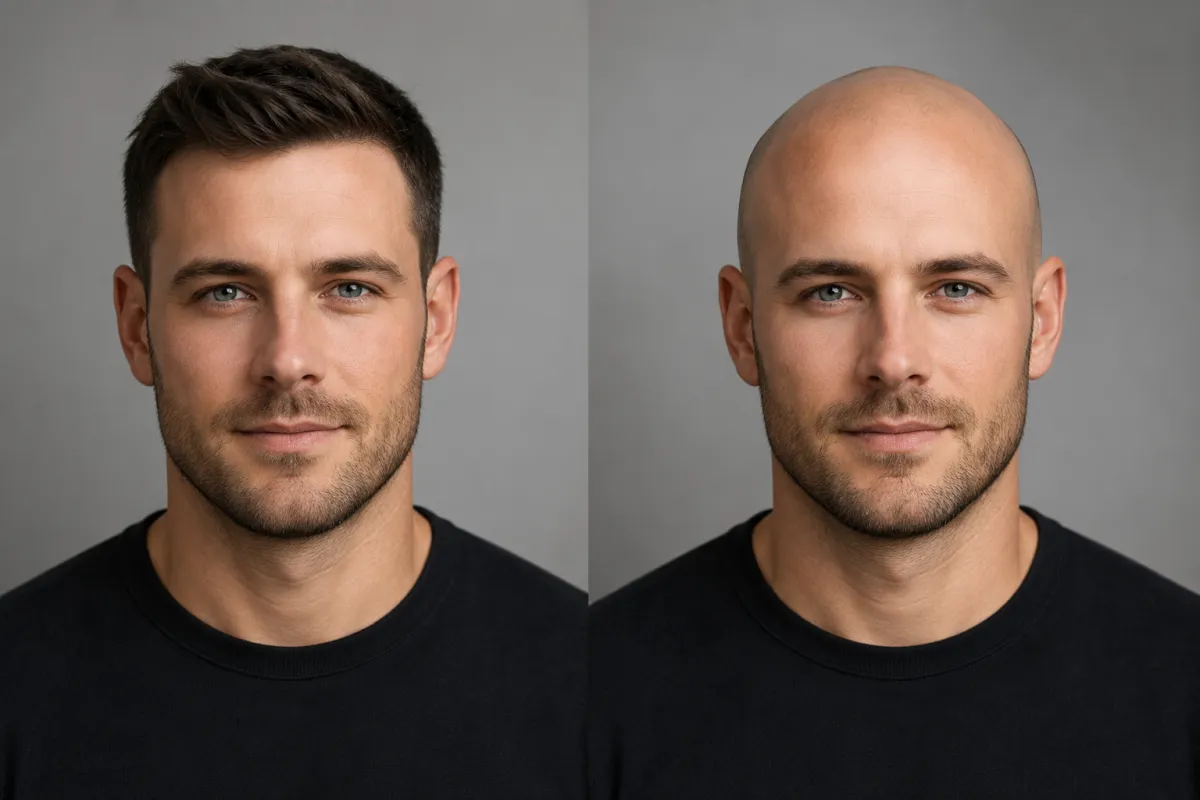
A free bald filter previews a clean-shaven look on your own selfie in seconds. Here's how it works, how realistic it is, and who uses it to see the look.
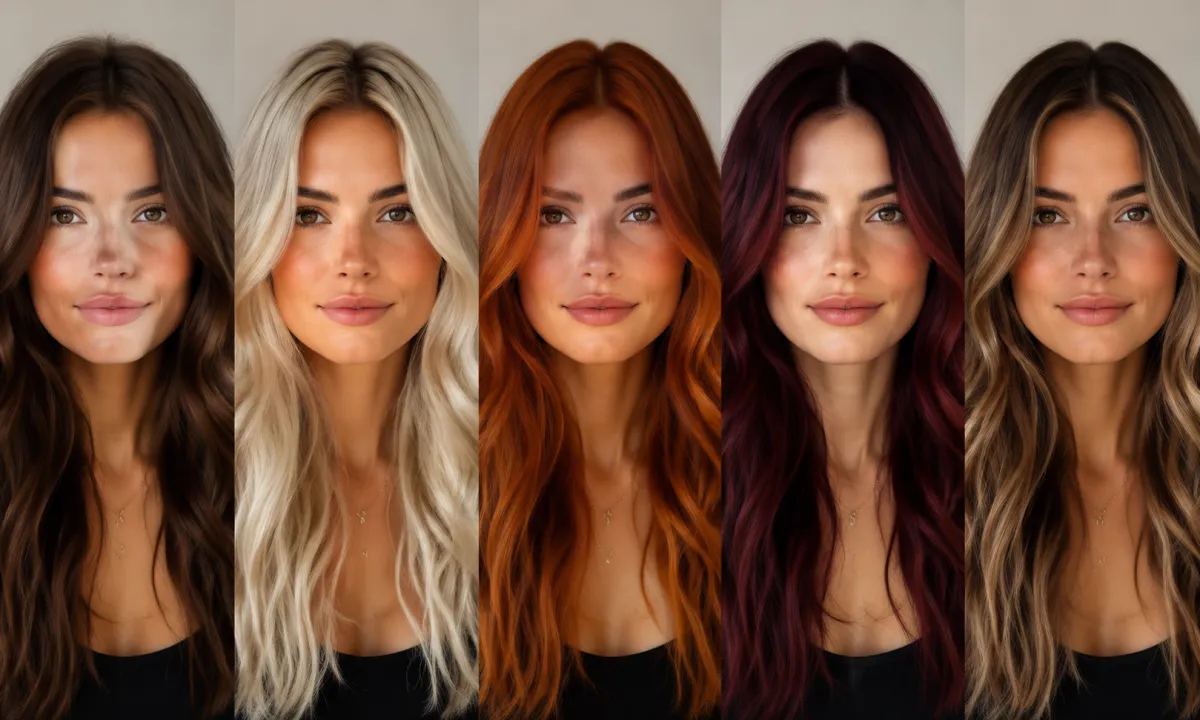
Use an AI hair color changer to try any hair color on your photo before you dye. Free preview in seconds, any shade, not locked to a dye brand.
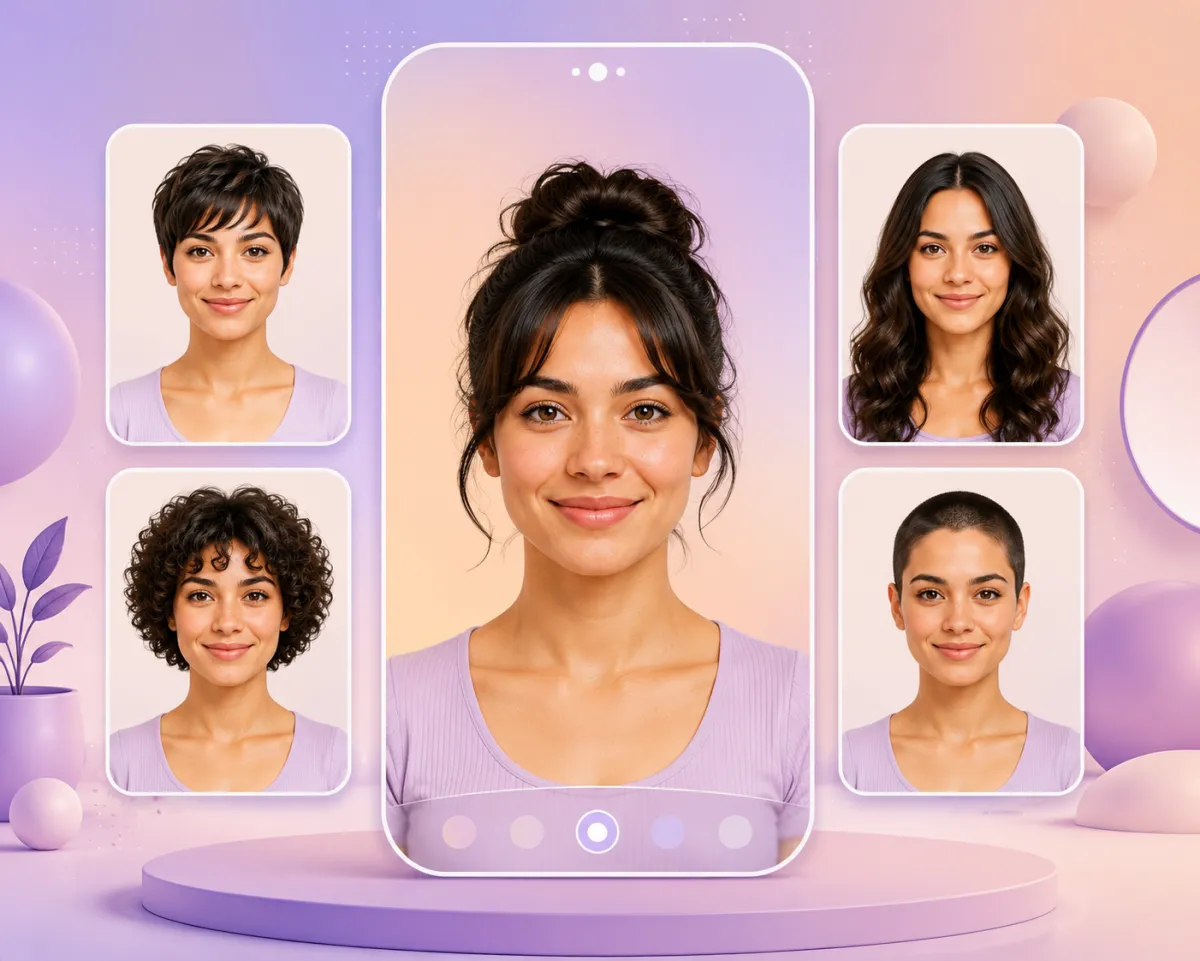
Upload one selfie and preview any haircut on your own face in seconds. Here's how AI hairstyle try-on works, the styles you can test free, and why it beats guessing in the salon chair.