


AI Hair Preview

Long Hair Filter

Upload one photo and preview long, flowing hair on your own face — no scissors put down, no months of waiting, no guessing.

Growing out your hair is a long bet. Before you commit to the awkward in-between stages, see the finished length on a real photo of yourself. Drop in one portrait, hit generate, and watch your hair extend past the shoulders while your face stays exactly you.

Free to try • Works for men and women • Keeps your real face, color, and lighting✨ A brand-new report every time — a different hairstyle and color on every single generation.Edit hair · Try styles · Generate hair report
Upload a clear portraitTap to upload
1Task
2Input method
3Quality
Why this tool

Long hair on you, not on a model

This long hair filter is a free way to see yourself with long, flowing hair before you spend months growing it out. Upload one portrait and the AI lengthens your hair while keeping your face, skin tone, and background unchanged — so you judge the look on you, not on a stranger from a hairstyle chart or stock catalog.

Long hair filter preview of a man with long wavy hair, face and skin tone preserved
Long wavy hair
Long hair filter preview of a woman with long soft waves, natural features kept intact
Soft long waves
Long hair filter preview of a man with long straight hair, lighting and background unchanged
Long straight hair
Real previews, real people

The same photo, the same person — just longer hair. Notice how each result holds onto the original face, complexion, and lighting while the length and movement do all the changing. That is the whole point: a believable look-ahead instead of a paste-on wig.

Length that looks grown, not glued

The AI extends your hair to flow past the shoulders with natural fall and movement, so the result reads like months of real growth rather than a flat overlay dropped on top of your head.

Your color and texture, carried forward

Curly stays curly, straight stays straight, and your exact shade comes along for the ride. The filter simply gives you more of the hair you already have instead of swapping in someone else's.

Your face stays untouched

Skin tone, jawline, lighting, and the background behind you all stay locked. Only the hair changes, which is why the preview still feels like a photo of you and not a different person entirely.

One photo is all it takes

No sign-up gauntlet and no studio shoot. A clear front-facing portrait from your camera roll is enough for the AI to work with and hand back a long-hair version in moments.

Long Wavy hairstyle preview
Long Wavy
Soft Waves hairstyle preview
Soft Waves
Long Straight hairstyle preview
Long Straight
Straight hairstyle preview
Straight
Start here

Pick a long-hair look from the gallery

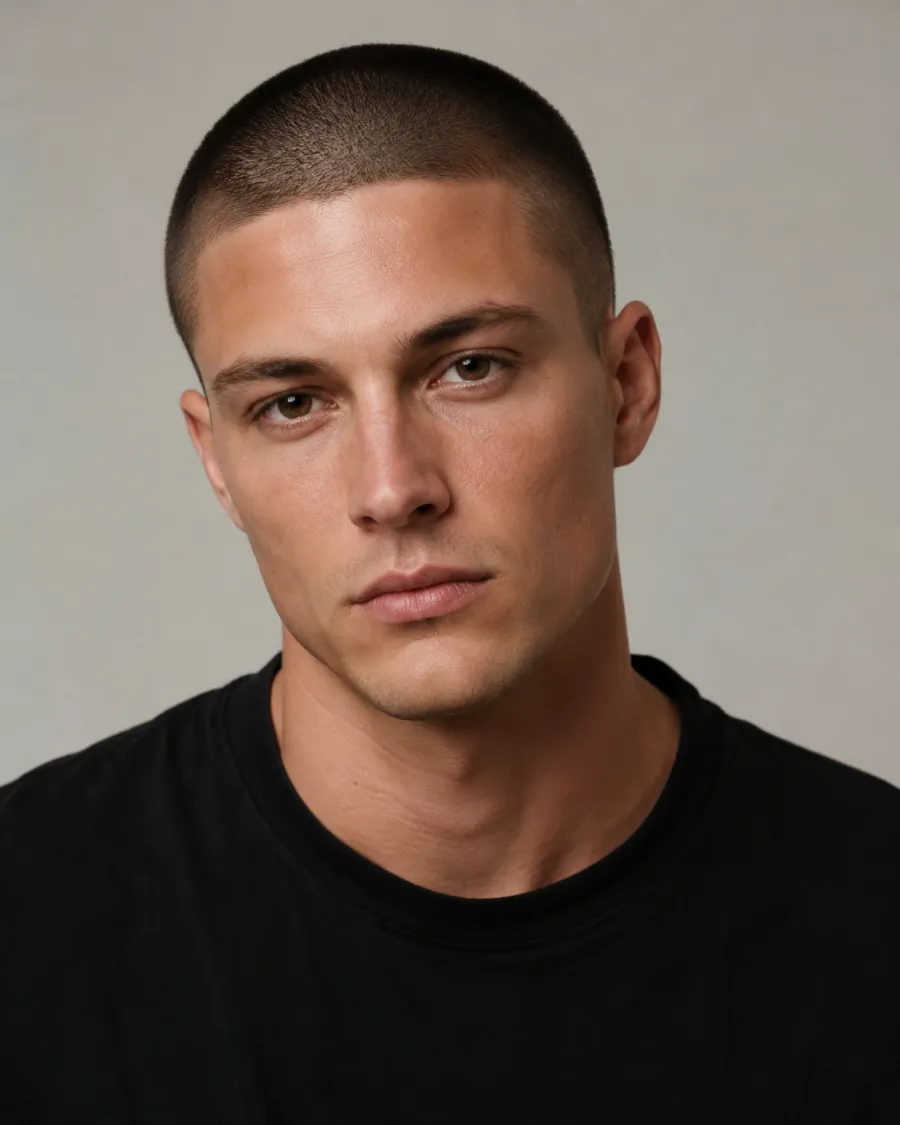
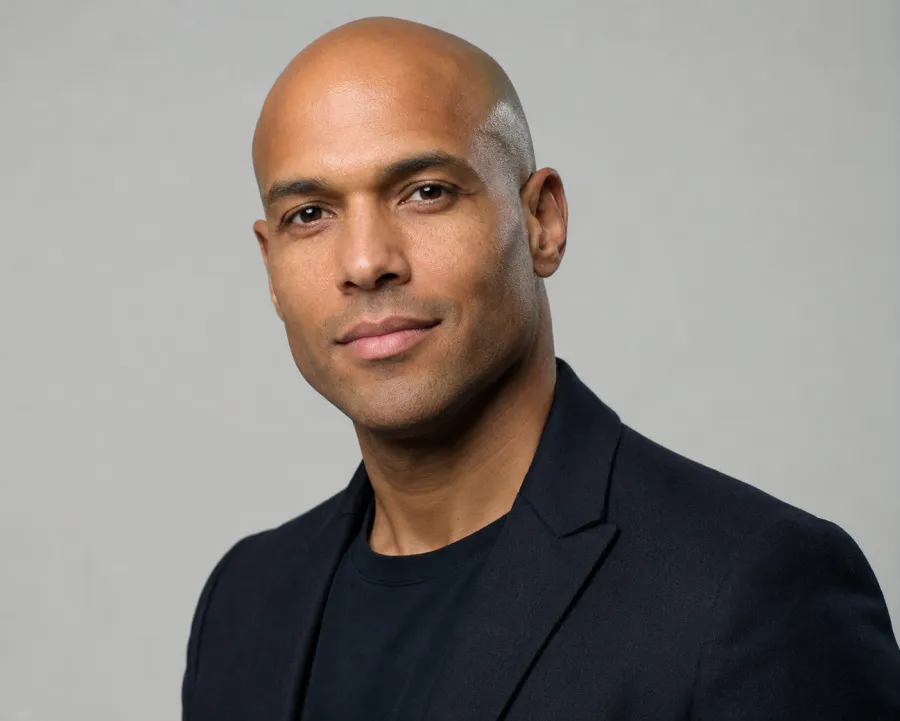
Not sure how long to go or which shape suits you? Browse the curated gallery of long-hair references — beachy waves, sleek length, soft layers, and more — and tap the one that catches your eye. Your chosen reference guides the edit while your own face, color, and texture stay in the driver's seat, so you can sample several lengths on yourself in minutes.
Custom promptDescribe your hair change
Make my hair a glossy copper bob with soft curtain bangs, natural volume, and a photo-real salon finish.
One input is enoughGenerate from description
Make it yours

Or describe the exact long hair you want

Have a specific look in mind? The describe box arrives pre-filled with a long-hair instruction, and you can rewrite it in plain words — think 'long hair with a middle part and loose curls' or 'straight hair to the waist with soft layers.' Add the details that matter to you, upload your photo, and the AI follows your description while keeping everything else about you the same.

How the Long Hair Filter works

01

Upload one portrait

Choose a clear, front-facing photo where your face and current hair are easy to see. A casual selfie works fine — no special lighting or studio setup needed.

02

Pick a preset or describe it

Tap a long-hair reference from the gallery, or edit the pre-filled describe box to spell out the exact length, shape, and movement you want to see.

03

Generate and compare

Hit generate and the AI gives your hair long, flowing length while keeping your face, color, and background intact. Save it or try another look in seconds.

Try AIChangeHair Now
Pricing

Start free. Upgrade when you need more.

Free daily credits to start. Go Monthly, or save 53% with the Yearly plan - high quality, custom prompt edits, 180 hairstyle presets, AI hair reports, and high-volume use.

Starter

$0/ forever

Try hair color, hairstyle, prompts, and reports with no commitment.

  • 20 free credits on signup + 10 every day you claim
  • = 1 1K edit per daily claim
  • 1K edits cost 10 credits · 2K cost 16 · 4K cost 24
  • Custom text prompts, color palette, 180 hairstyle presets, and AI hair reports

Monthly

$14.99/ month

For regular hair color, hairstyle, and profile-refresh workflows.

  • 800 credits every month
  • = 80 1K edits, 50 2K, 33 4K, or 50 AI hair reports
  • All three resolutions — 1K, 2K, and 4K — available
  • All color palettes, 180 hairstyle presets, custom prompts, and AI hair reports
  • Cancel anytime
Best value · 53% off first year

Yearly

$6.99/ month

$83.88 your first year · renews $179.88/yr

Best value — the lowest price per credit, billed once a year.

  • Everything in Monthly, for 53% less per month
  • 14,400 credits up front — 50% more than a year of monthly
  • = 1,440 1K edits a year (about 120 every month)
  • Just $6.99/mo, billed $83.88 your first year
  • All color palettes, 180 hairstyle presets, custom prompts, and reports

$83.88 for the first year (about $6.99/mo). Renews at $179.88/year — still 50% more credits than monthly. Cancel anytime.

One-time credit packs

Buy credits without a subscription

Top up whenever you need to. Credits are added instantly and never expire, with no recurring charge.

Starter pack

$9.90

300 credits

≈ 12–30 edits

Popular

Value pack

$19.90

650 credits

≈ 27–65 edits

Bulk pack

$39.90

1,400 credits

≈ 58–140 edits

Prices in USD. Cancel monthly and yearly plans anytime. Questions? Talk to us.

Long Hair Filter FAQs

1. Is the Long Hair Filter free to use?

Yes, you can try the long hair filter for free. Upload one photo and generate a long-hair preview without paying upfront, so you can see the result on your own face before deciding anything.

2. Will it keep my real face and natural hair color?

It will. The filter only lengthens your hair — your face, skin tone, lighting, background, and your existing color and texture are all preserved, so the preview still clearly looks like you with more hair.

3. How realistic do the long-hair results look?

The AI adds length with natural fall and movement rather than pasting a wig on top, so results look like genuinely grown-out hair. Using a sharp, well-lit portrait makes the preview even more believable.

4. Does it work on a phone selfie?

Yes. A regular front-facing selfie from your camera roll is enough. Just make sure your face and hairline are clearly visible and the image isn't too dark or blurry for the best long-hair result.

5. Can both men and women use the long hair filter?

Absolutely. The filter works for anyone curious about growing their hair out — men and women alike — and you can preview anything from past-the-shoulder length to long, flowing waves or straight styles.