AI Hair Color Try-On

Ombre Hair Filter

See Classic Ombre, Ash Ombre, and Caramel Ombre fade through your hair on your own face, not a model's.

Ombre is a gradient. It starts dark at the roots and lightens toward the ends, so the color melts from one shade into another instead of sitting flat. AIChangeHair recolors only the hair and leaves your face, skin tone, lighting, and background exactly as they are in your photo.

Run the same selfie twice, once with a warm caramel fade and once with a cool ash one, then put them side by side. You're comparing real options on your own face before you commit to anything.✨ A brand-new report every time — a different hairstyle and color on every single generation.Edit hair · Try styles · Generate hair report
Upload a clear portraitTap to upload
1Task
2Input method
60 styles
3Quality
What Ombre Actually Looks Like

A Gradient, Not a Block of Color

The whole point of ombre is the fade. Your roots stay close to your natural color and the ends get lighter, with a soft blended zone in the middle where the two shades meet. That gradient is also why ombre is forgiving as it grows out, since there's no harsh regrowth line to chase. A classic brown-to-blonde ombre reads natural and sun-kissed. A colored ombre, say dark roots melting into rose or silver, leans bold and editorial. Either way, the placement matters more than the swatch, so judge it on your own face, not a stock model.

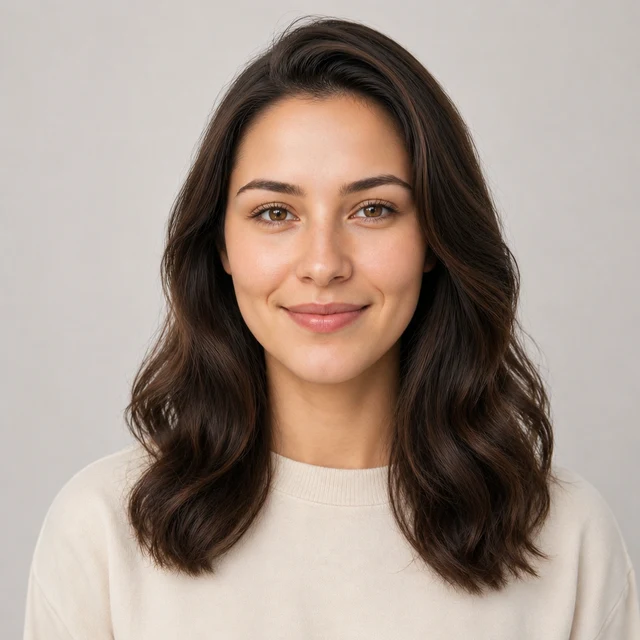
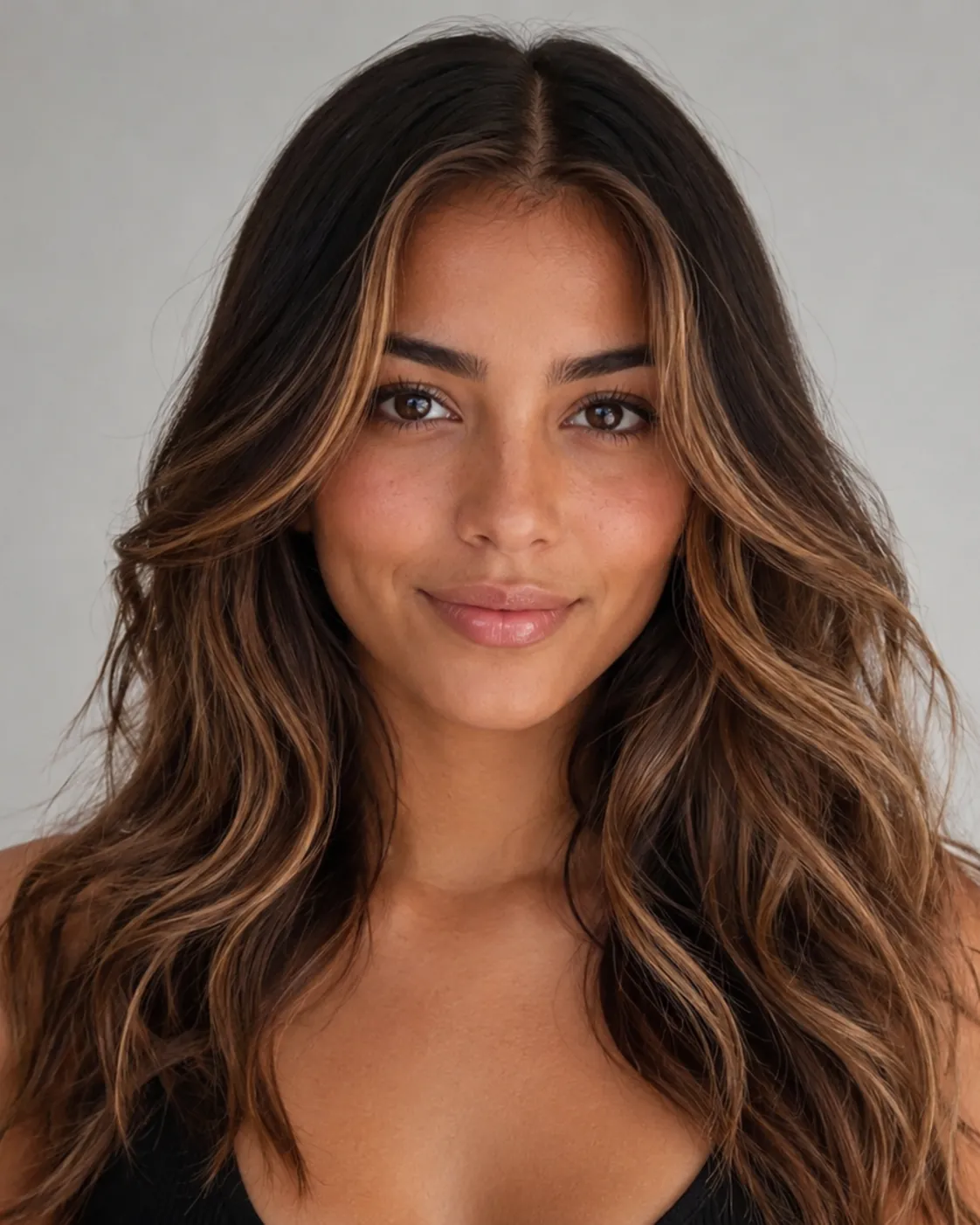
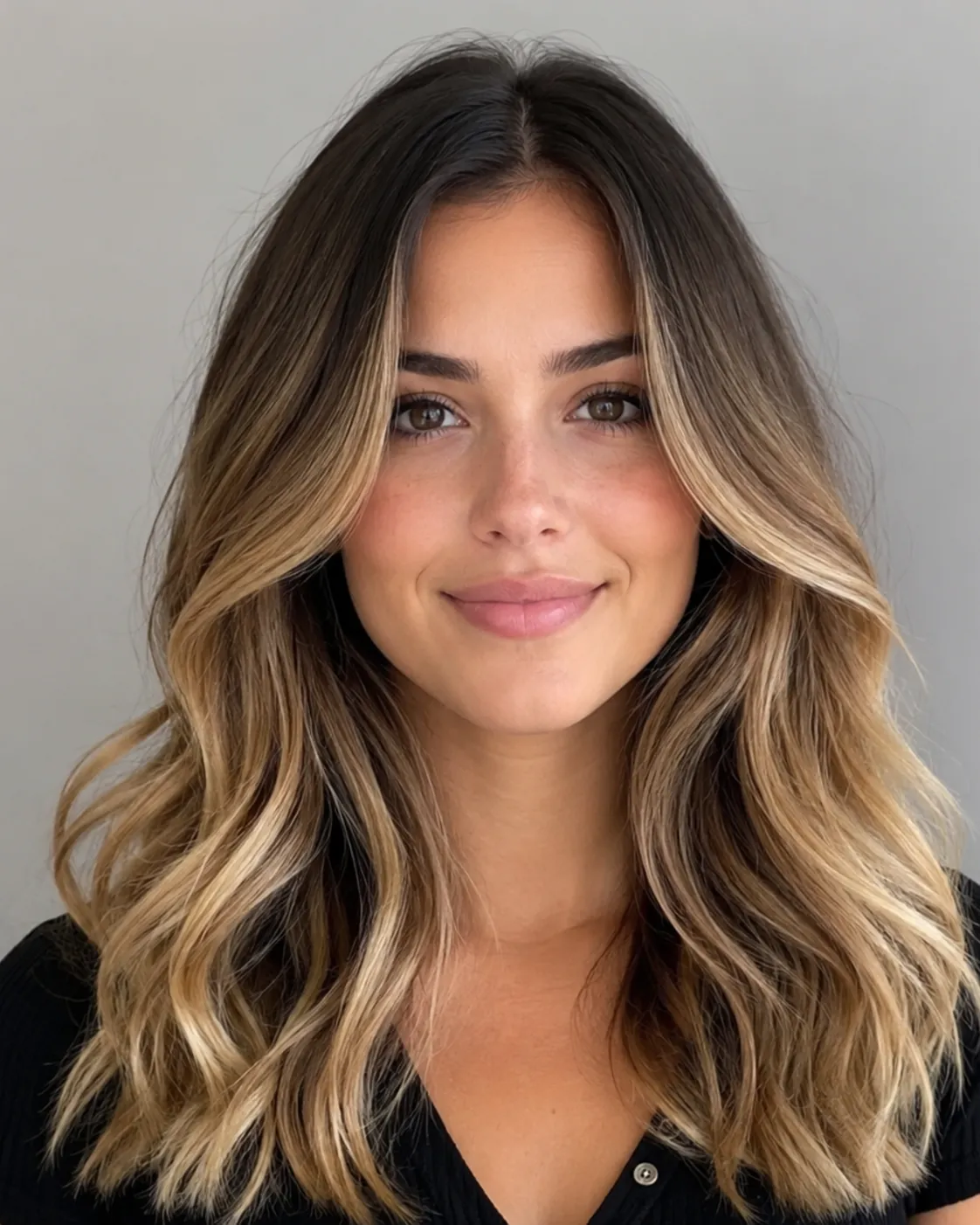
ombre hair filter preview with classic ombre brown-to-blonde gradient fade
Classic Ombre
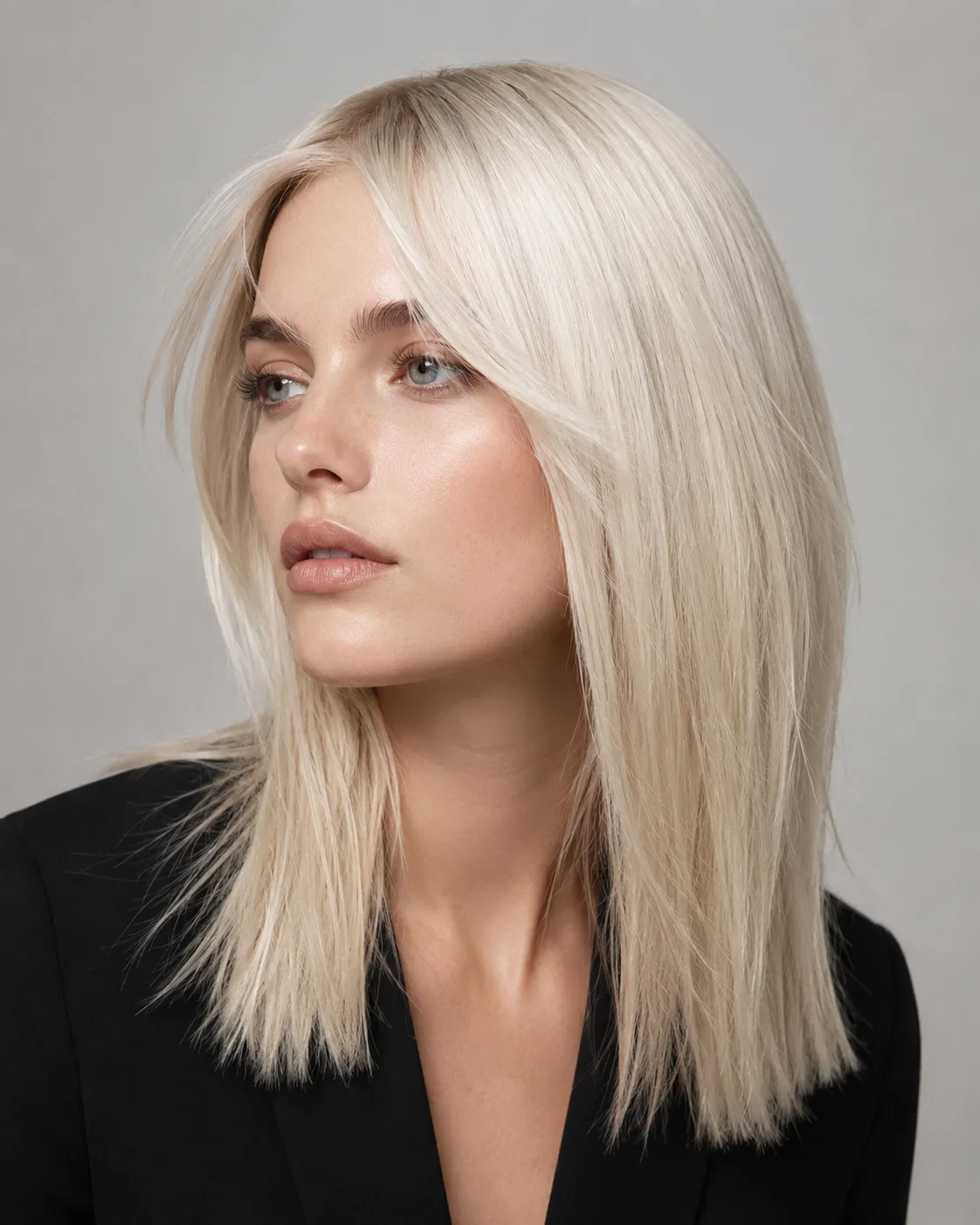
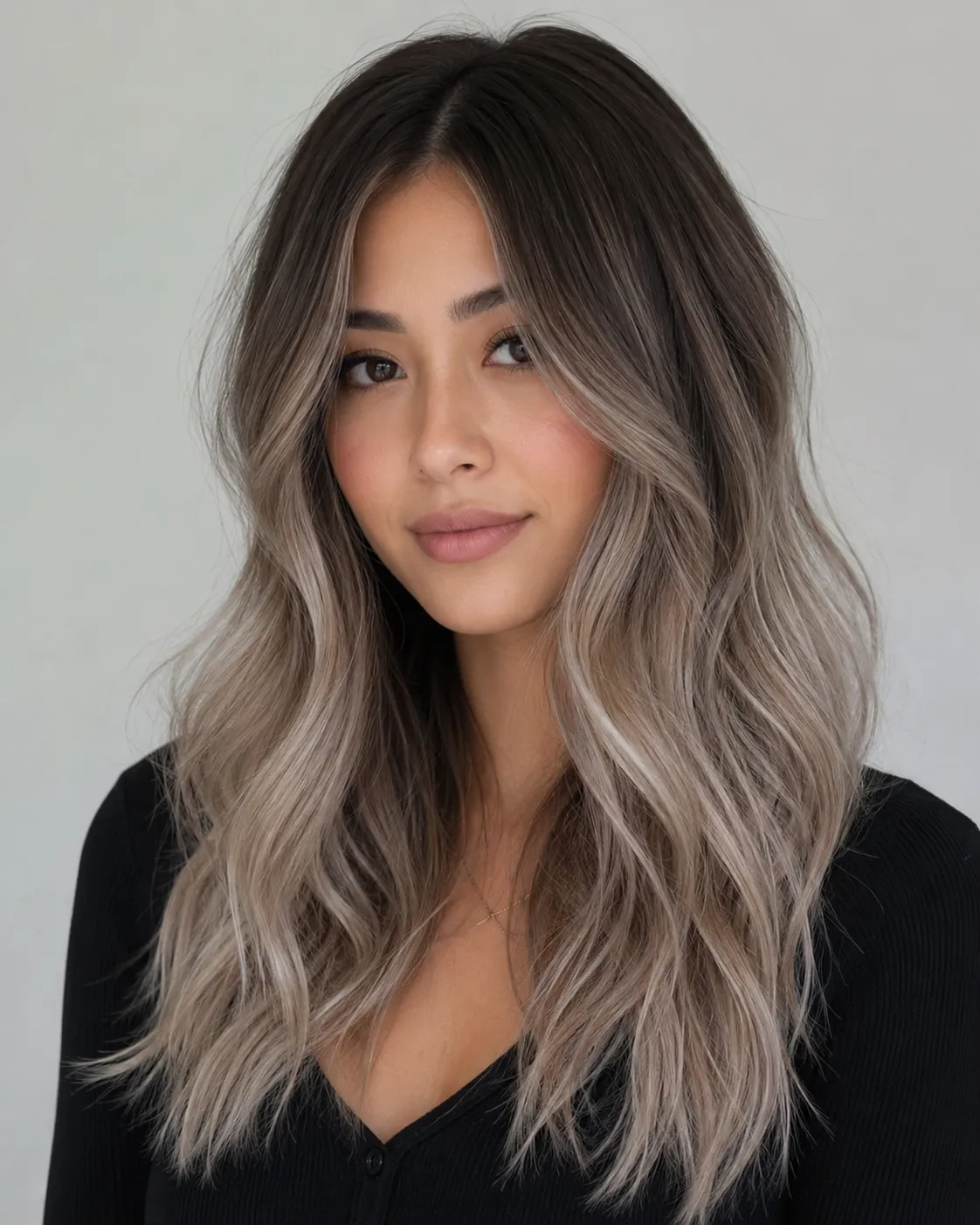
ombre hair filter preview with ash ombre cool smoky gray-blonde ends
Ash Ombre
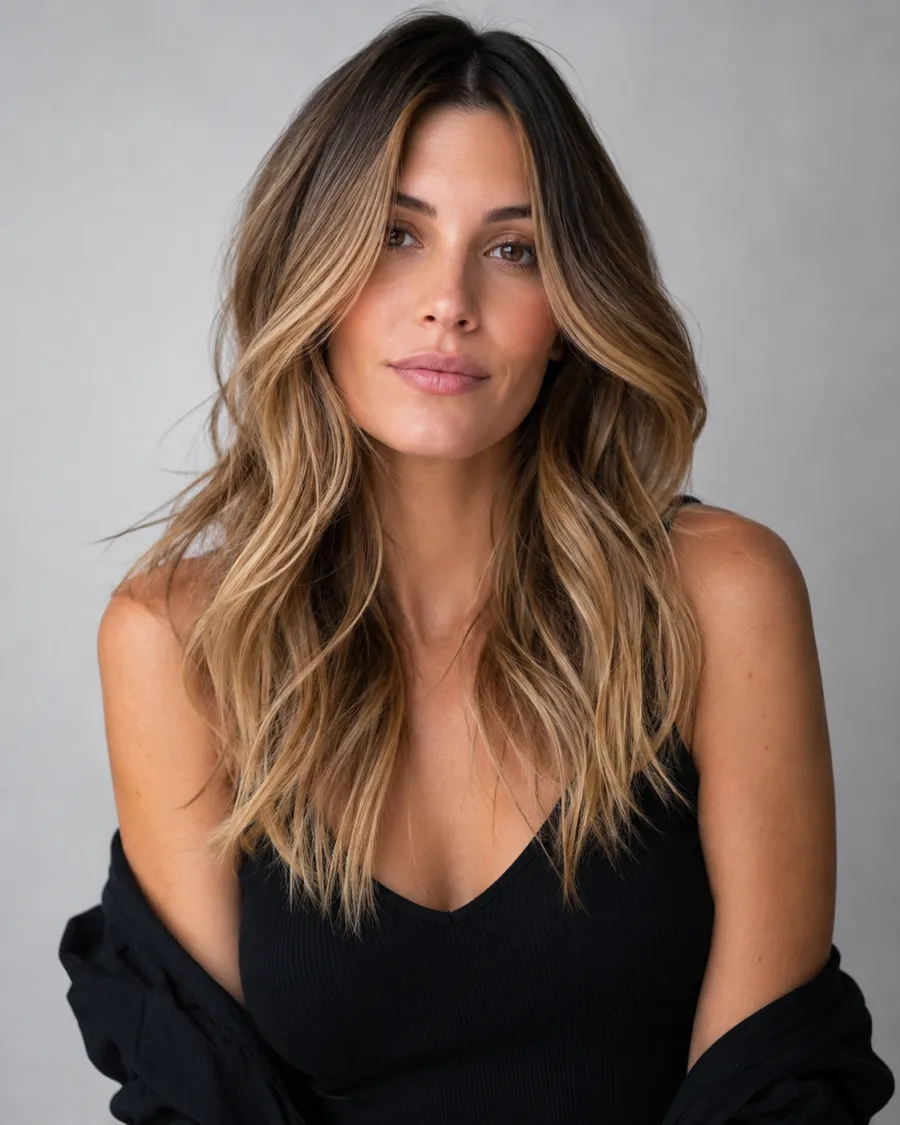
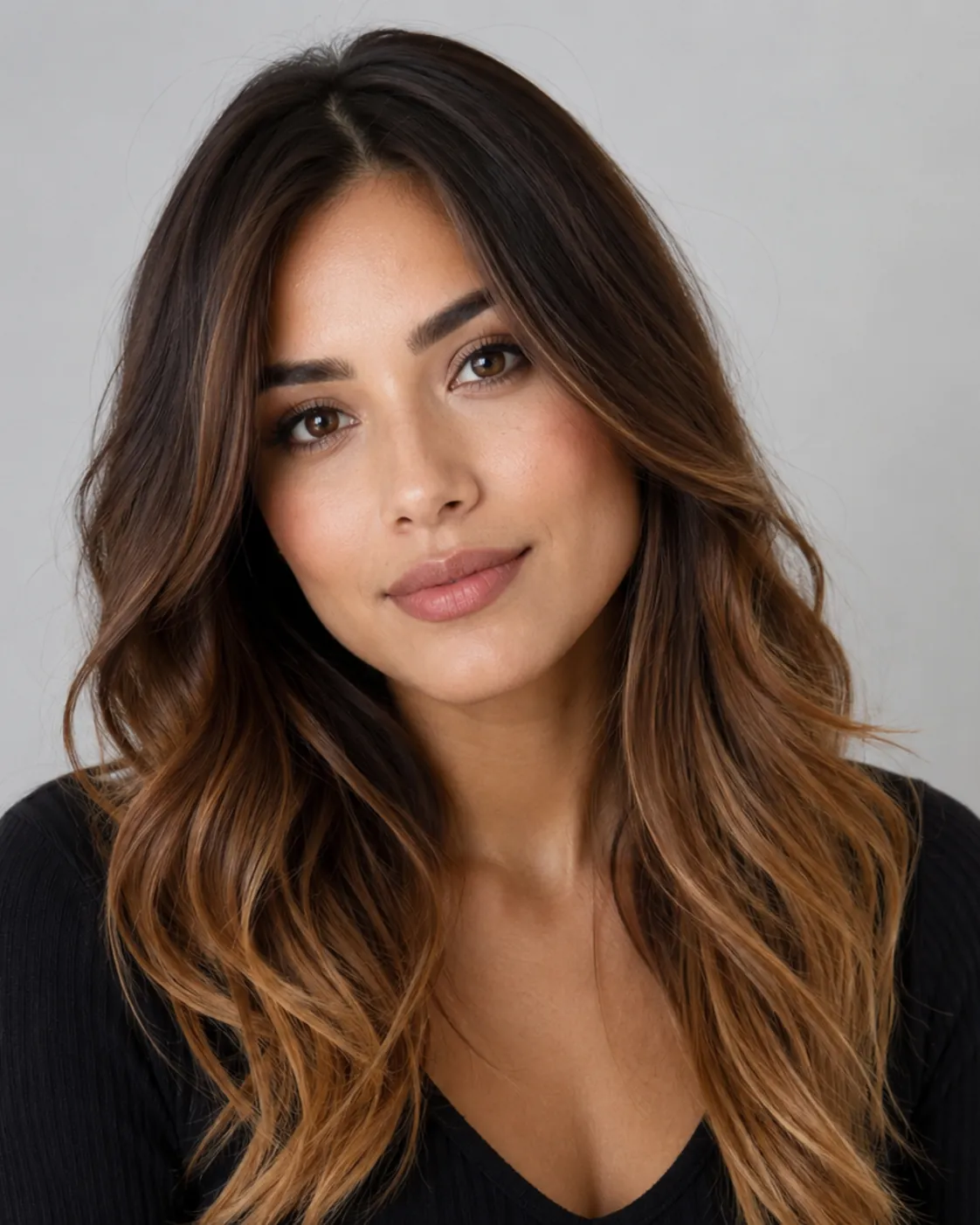
ombre hair filter preview with caramel ombre warm golden honey ends
Caramel Ombre
Three Ombre Fades to Compare

Each preview takes the same gradient idea and works it differently. Classic Ombre keeps the brown-to-blonde melt, Ash Ombre cools the ends toward smoky gray-blonde, and Caramel Ombre warms them up with golden honey tones.

Keeps the Root-to-Tip Fade

The filter places the gradient where ombre belongs, darker up top and lighter through the ends, instead of painting the whole head one shade. You get the actual melt, not a flat dye job.

Match the Fade to Your Base

Tell us your starting color and we'll pick a contrast that reads natural, like a soft brown-to-caramel for darker hair or a subtle ash drop for lighter hair. Go higher contrast for drama, lower for a lived-in look.

Warm or Cool Ends, Your Call

Caramel and honey pull warm. Ash and smoky pull cool. Swap between them on the same photo and see which one plays nicer with your skin before you decide.

Try a Custom Melt

Want dark roots into rose, or black into silver? Describe the two-tone fade you're picturing and the filter renders that gradient on your hair.

Custom promptDescribe your hair change
Make my hair a glossy copper bob with soft curtain bangs, natural volume, and a photo-real salon finish.
One input is enoughGenerate from description
Describe Your Shade

Spell Out the Exact Two-Tone Fade You Want

Stuck between options, or chasing something specific? Type it in plain words: "dark brown roots fading into ash blonde ends," or "black to deep burgundy." The more you name the two colors and how high the fade should start, the closer the result lands to what's in your head.
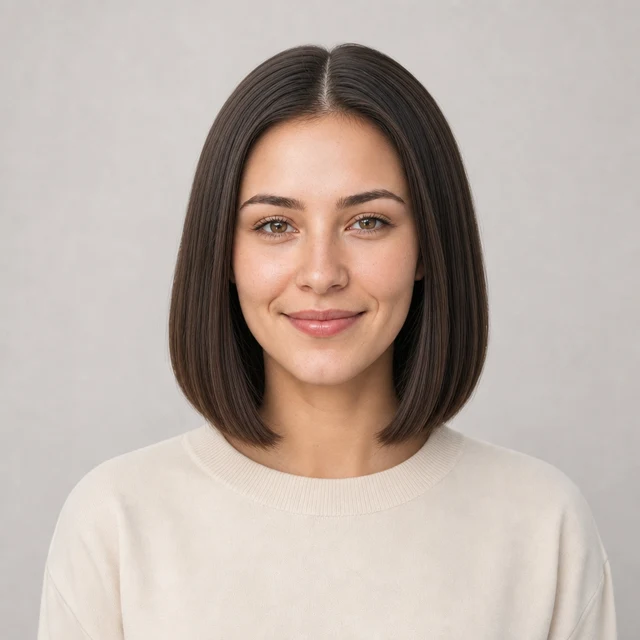

Bob hairstyle preview
Bob
Pixie Cut hairstyle preview
Pixie Cut
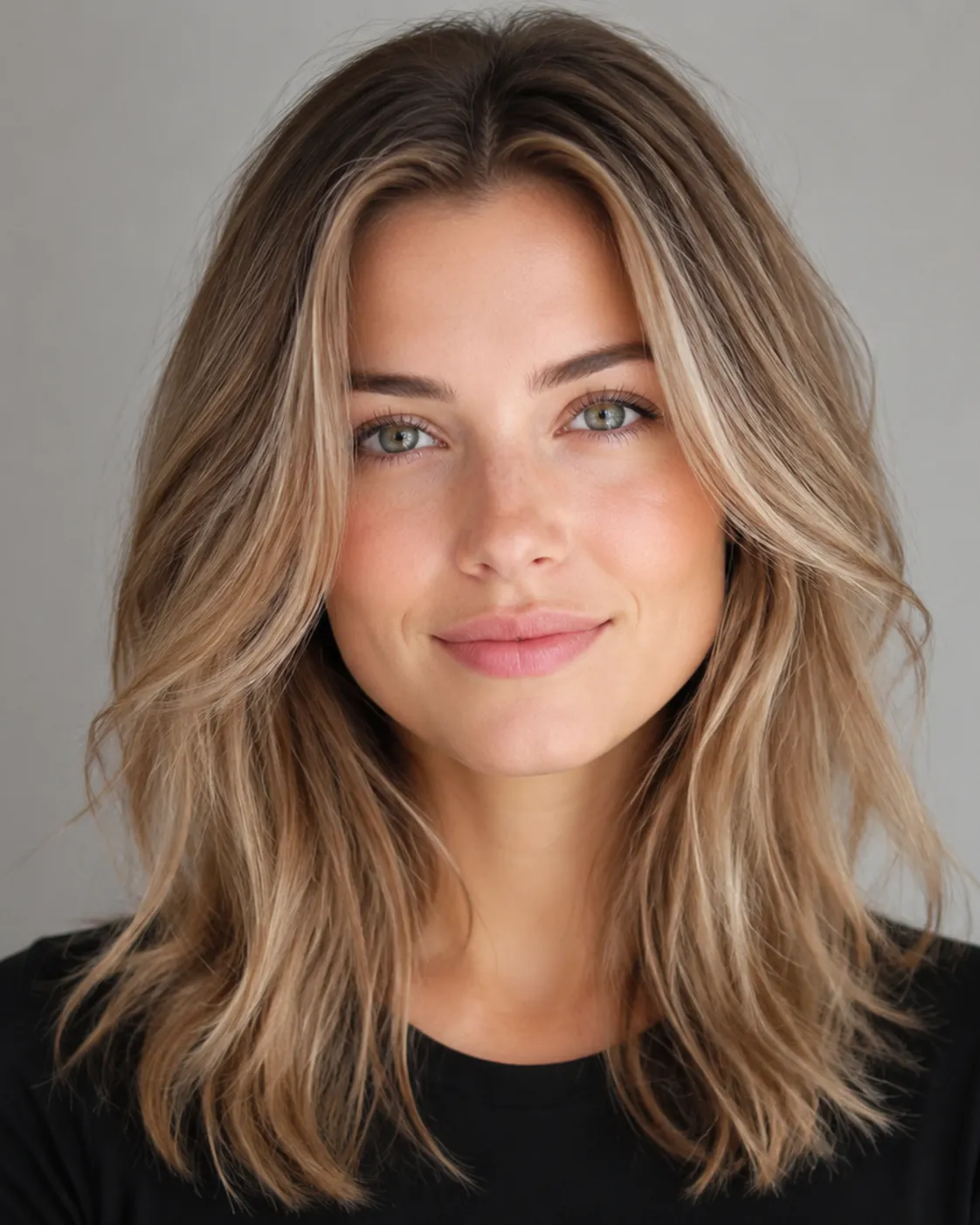
Soft Waves hairstyle preview
Soft Waves
Color Plus Cut

See Your Ombre on a Bob, Waves, or a Pixie

Ombre reads differently depending on length. Long waves show off the full gradient, a bob keeps the fade short and punchy, and even a grown-out pixie can carry a subtle drop at the tips. Pair the color with a cut so you can picture the whole look, not just the shade.

How to Try Ombre Hair on Your Photo

01

Upload a clear photo

Pick a shot where your hair is visible and the light is even, with no heavy shadows across your face. A plain background and hair you can see end to end gives the gradient room to land right.

02

Pick your shade

Choose Classic, Ash, or Caramel ombre, or type your own two-tone fade. You can set how warm or cool the ends should go and how high up the lightening starts.

03

Generate and compare

Give it about a minute and you'll have your ombre preview. Run a second shade and view them next to each other, so you're choosing between real versions of your own face.

Try AIChangeHair Now
Pricing

Start free. Upgrade when you need more.

Free daily credits to start. Go Monthly, or save 53% with the Yearly plan - high quality, custom prompt edits, 180 hairstyle presets, AI hair reports, and high-volume use.

Starter

$0/ forever

Try hair color, hairstyle, prompts, and reports with no commitment.

  • 20 free credits on signup + 10 every day you claim
  • = 1 1K edit per daily claim
  • 1K edits cost 10 credits · 2K cost 16 · 4K cost 24
  • Custom text prompts, color palette, 180 hairstyle presets, and AI hair reports

Monthly

$14.99/ month

For regular hair color, hairstyle, and profile-refresh workflows.

  • 800 credits every month
  • = 80 1K edits, 50 2K, 33 4K, or 50 AI hair reports
  • All three resolutions — 1K, 2K, and 4K — available
  • All color palettes, 180 hairstyle presets, custom prompts, and AI hair reports
  • Cancel anytime
Best value · 53% off first year

Yearly

$6.99/ month

$83.88 your first year · renews $179.88/yr

Best value — the lowest price per credit, billed once a year.

  • Everything in Monthly, for 53% less per month
  • 14,400 credits up front — 50% more than a year of monthly
  • = 1,440 1K edits a year (about 120 every month)
  • Just $6.99/mo, billed $83.88 your first year
  • All color palettes, 180 hairstyle presets, custom prompts, and reports

$83.88 for the first year (about $6.99/mo). Renews at $179.88/year — still 50% more credits than monthly. Cancel anytime.

One-time credit packs

Buy credits without a subscription

Top up whenever you need to. Credits are added instantly and never expire, with no recurring charge.

Starter pack

$9.90

300 credits

≈ 12–30 edits

Popular

Value pack

$19.90

650 credits

≈ 27–65 edits

Bulk pack

$39.90

1,400 credits

≈ 58–140 edits

Prices in USD. Cancel monthly and yearly plans anytime. Questions? Talk to us.

Ombre Hair Filter: Common Questions

1. What is ombre hair, exactly?

Ombre is a gradient color. The hair starts dark at the roots and gets lighter toward the ends, with a blended transition in between. It's different from a single all-over dye because the whole look is built on that root-to-tip fade. The contrast can be subtle and natural or sharp and bold, depending on the shades you pick.

2. Will I need to bleach my hair for ombre?

In real life, going dramatically lighter at the ends usually means lightener on those sections, especially if your base is dark and you want a big jump to blonde. A softer brown-to-caramel melt needs much less. The filter skips all of that and just shows you the result, so you can decide if the upkeep is worth it before any chemicals touch your hair.

3. Does ombre suit my skin tone?

It can, but the trick is matching the warmth of the ends to your skin. Warm caramel and honey fades tend to flatter golden and olive tones, while cool ash ombre often sits better on fair or pink-toned skin. The fastest way to know is to try a warm version and a cool version on your own photo and see which one looks right.

4. Ombre vs balayage, what's the difference?

Ombre is more of a horizontal fade, dark on top and light on the bottom, with a clear gradient. Balayage is a hand-painted highlighting technique scattered through the hair for a softer, more lived-in blend with less of a defined line. Ombre usually shows more obvious contrast between roots and ends, while balayage looks closer to natural sun lightening.

5. Should I go warm or cool with my ombre?

Warm ombre, like caramel and golden honey, gives a sunny, sun-kissed feel and tends to look softer. Cool ombre, like ash or smoky gray-blonde, reads more modern and edgy. There's no wrong answer. It comes down to your skin and the vibe you're after, which is exactly why comparing both shades on one photo helps.

6. Is the ombre filter free to use?

Yes, you can try ombre on your photo for free. Upload a picture, pick a shade or describe your own, and get a preview without paying or installing anything. It's the low-stakes step before you book a real appointment.