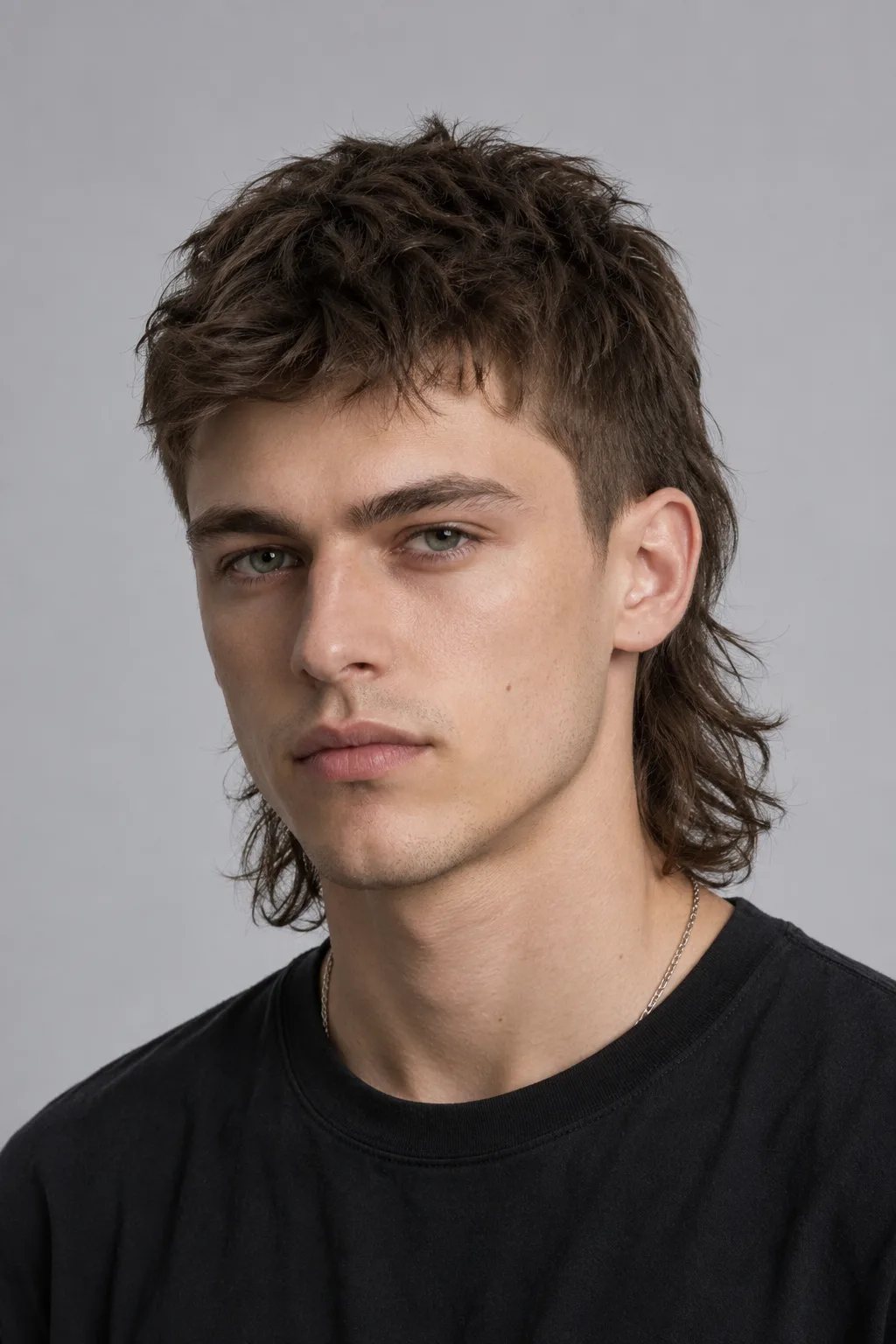


See the wolf cut before the chop

Wolf Cut Filter

Upload one photo and preview a wolf cut on your own hair, layers and texture included.

The wolf cut is a shaggy mullet-shag hybrid built on choppy layers: shorter pieces up top that fall into a longer, textured back. AIChangeHair restyles only your hair and leaves your face, skin tone, lighting, and background exactly as they are.

Run a few versions side by side and judge the layers on your own face before you sit in the salon chair.✨ A brand-new report every time — a different hairstyle and color on every single generation.Edit hair · Try styles · Generate hair report
Upload a clear portraitTap to upload
1Task
2Input method
60 styles
3Quality
AI wolf cut preview

Try a wolf cut on your own photo, layer by layer

The wolf cut earns its hype: heaps of texture, piecey layers, and volume that makes the whole shape look lived-in rather than styled. It sits between a 70s shag and a modern mullet, with short choppy layers up top crowning a longer, feathered back. How it lands depends on your hair and your face, and a stock photo can't tell you that. Upload one portrait and judge it on yourself, not on a salon model.

Wolf Cut Filter preview with wolf cut
Wolf Cut
Wolf Cut Filter preview with shaggy wolf
Shaggy Wolf
Wolf Cut Filter preview with layered wolf
Layered Wolf
One photo, the full range of the shag

Preview a soft wispy shag, a bolder mullet-shag with a shorter top, or a curtain-bang wolf cut, on straight or wavy hair, while your features and coloring stay put.

Pick the layers

Try a subtle shag, a heavily textured wolf cut, or a sharper mullet-leaning version to see how much choppiness suits you.

Match it to your hair

The cut reads differently on straight hair than on waves, so preview it on your own texture instead of guessing from a reference photo.

Tune length and bangs

Describe a shorter crop, a grown-out shag, or curtain bangs framing the face, and the editor reshapes the layers to match.

Keep your color

The preview restyles the cut while holding your current shade, so you can settle on the shape first and the color later.

Wolf cut hairstyle preview
Wolf cut
Shag hairstyle preview
Shag
Shag hairstyle preview
Shag
Wolf cut presets

Choose a shag, mullet-shag, or curtain-bang wolf cut

Start from a curated reference so the model nails the silhouette: a soft textured shag, a bolder mullet-shag with a short crown, a curtain-bang wolf cut, or a piecey shorter version. Pick the one closest to what you want and generate it on your own photo.
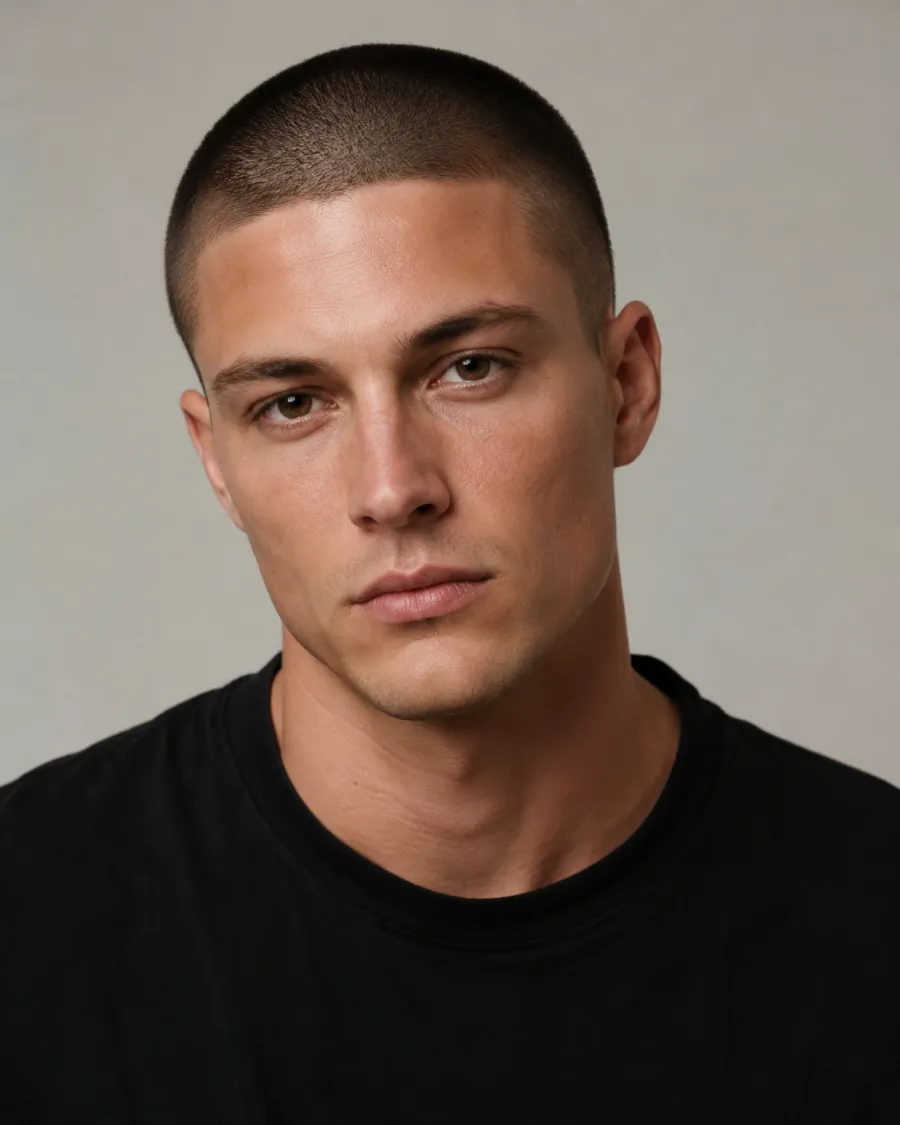
Custom promptDescribe your hair change
Make my hair a glossy copper bob with soft curtain bangs, natural volume, and a photo-real salon finish.
One input is enoughGenerate from description
Custom wolf cut prompt

Describe the exact wolf cut you want

Type a short request, like a wispy shag with curtain bangs, a bold mullet-shag with a short choppy top, or a grown-out wolf cut with soft layers. The editor keeps the change on the cut while preserving your face, clothing, lighting, and background.

How to Try a Wolf Cut on Your Photo

01

Upload Your Photo

Use a clear, front-facing or three-quarter portrait in even lighting, with your current hair and hairline visible. Skip hats and heavy shadows so the AI can shape the layers accurately.

02

Pick or Describe the Wolf Cut

Choose a shag, mullet-shag, or curtain-bang preset, or type a request like a wispy textured wolf cut or a bolder mullet-leaning version. Adjust the length and choppiness to taste.

03

Generate and Compare

Get the wolf cut preview in about a minute, compare it against your original photo, then download it or try another version from your gallery.

Try AIChangeHair Now
Pricing

Start free. Upgrade when you need more.

Free daily credits to start. Go Monthly, or save 53% with the Yearly plan - high quality, custom prompt edits, 180 hairstyle presets, AI hair reports, and high-volume use.

Starter

$0/ forever

Try hair color, hairstyle, prompts, and reports with no commitment.

  • 20 free credits on signup + 10 every day you claim
  • = 1 1K edit per daily claim
  • 1K edits cost 10 credits · 2K cost 16 · 4K cost 24
  • Custom text prompts, color palette, 180 hairstyle presets, and AI hair reports

Monthly

$14.99/ month

For regular hair color, hairstyle, and profile-refresh workflows.

  • 800 credits every month
  • = 80 1K edits, 50 2K, 33 4K, or 50 AI hair reports
  • All three resolutions — 1K, 2K, and 4K — available
  • All color palettes, 180 hairstyle presets, custom prompts, and AI hair reports
  • Cancel anytime
Best value · 53% off first year

Yearly

$6.99/ month

$83.88 your first year · renews $179.88/yr

Best value — the lowest price per credit, billed once a year.

  • Everything in Monthly, for 53% less per month
  • 14,400 credits up front — 50% more than a year of monthly
  • = 1,440 1K edits a year (about 120 every month)
  • Just $6.99/mo, billed $83.88 your first year
  • All color palettes, 180 hairstyle presets, custom prompts, and reports

$83.88 for the first year (about $6.99/mo). Renews at $179.88/year — still 50% more credits than monthly. Cancel anytime.

One-time credit packs

Buy credits without a subscription

Top up whenever you need to. Credits are added instantly and never expire, with no recurring charge.

Starter pack

$9.90

300 credits

≈ 12–30 edits

Popular

Value pack

$19.90

650 credits

≈ 27–65 edits

Bulk pack

$39.90

1,400 credits

≈ 58–140 edits

Prices in USD. Cancel monthly and yearly plans anytime. Questions? Talk to us.

Wolf Cut Filter: Common Questions

1. What exactly is a wolf cut?

It's a shaggy cross between a 70s shag and a modern mullet: short, choppy layers up top that fall into a longer, textured back. The whole point is volume and movement, so it reads piecey and lived-in rather than blunt or polished. This filter previews that layered shape on your own hair.

2. Will a wolf cut suit my face shape and hair type?

Honestly, it depends, which is exactly why seeing it on yourself beats guessing from a model. The cut leans on layers and texture, so it tends to flatter when the choppiness frames your features. Generate a softer shag and a bolder version from the same photo and compare which one sits better on your face.

3. Does a wolf cut work on straight hair, or do I need waves?

Both work, but they look different. On straight hair the layers read sharper and more disconnected. On wavy or curly hair the same cut turns softer, fuller, and more textured. Preview it on your own texture so you know which version you're actually signing up for.

4. How short is a wolf cut, and how much of a commitment is it?

It's a real commitment. The choppy layers are cut throughout, not just at the ends, so they take a while to grow out evenly. Length varies a lot, from a shorter crop to a grown-out shag past the shoulders. Previewing the length first is the easiest way to avoid surprises at the salon.

5. What's the difference between a wolf cut and a mullet or a shag?

A shag is all about soft, feathered layers and texture. A mullet is defined by short sides and a long back. The wolf cut blends the two: shaggy layers up top with mullet-style length in back. You can push it toward either end in the describe box and compare the results.

6. Can I keep my current hair color when I preview a wolf cut?

Yes. The filter restyles the shape and layers while holding your existing color, so you can judge the cut on its own first. If you want to test a new shade with the cut later, you can add a color once you've settled on the silhouette.