
Platinum Blonde Filter: Preview Light Blonde Hair Before a Salon Visit
Use a platinum blonde filter to compare cool, creamy, and rooted light-blonde looks on your own photo before a salon consultation.
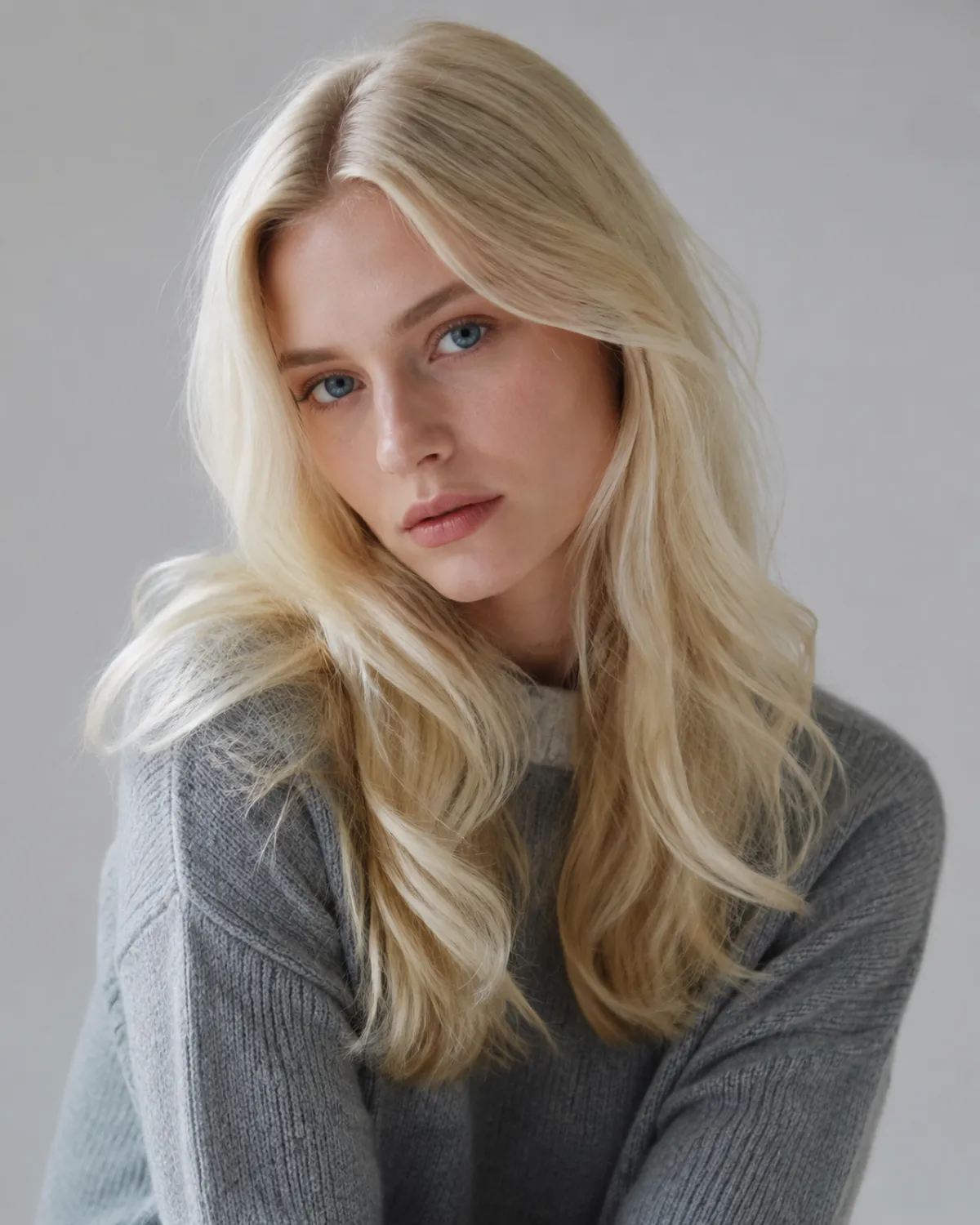
A platinum blonde filter is useful when it helps you compare a few believable light-blonde directions on your own face before you book a color appointment. Upload a clear selfie to an AI hair color changer, test cool platinum, softer cream blonde, and a rooted version, then use the results to explain the direction you want to a colorist.
Last updated: July 20, 2026 · about 7 min read
Platinum is not one shade. It can look icy, pearly, beige, bright white, or softly rooted depending on tone, lighting, and the starting hair color. A preview cannot tell you how many sessions your own hair will need. It can make the visual question much clearer: do you want an all-over pale blonde, a gentler platinum direction, or simply a brighter version of your current color?
Start with three useful blonde directions
Do not judge platinum from one edited photo. Generate a small comparison set and look for the version that still feels like you.
| Preview | What it helps you judge | Useful when |
|---|---|---|
| Cool platinum | How a clean, icy light blonde changes your contrast | You like silver-toned or crisp blonde references |
| Creamy platinum | Whether a warmer, softer pale blonde suits your skin tone | Icy blonde feels too stark in the first test |
| Rooted platinum | How visible depth near the scalp changes the result | You want a less abrupt grow-out look |
| Light beige blonde | Whether you prefer a lower-contrast direction | You are still deciding how pale to go |
For another light-blonde route, compare a blonde hair filter with a balayage filter. The question is not which label sounds best; it is which placement and tone you would realistically wear.
Use a photo that makes color easy to read
Take a front-facing photo in daylight or even indoor light. Keep the face, hairline, and most of the hair visible. Heavy beauty filters, colored LEDs, deep shadows, and a strong warm cast can make a color preview misleading.
Before you upload:
- Remove sunglasses and hats.
- Keep hair down if you want to assess the full length.
- Use a neutral expression and a clean background.
- Avoid photos where the hair is wet, backlit, or covered by a filter.
- Save the original so you can compare each version side by side.
If your main question is whether a color suits your face, the hair color changer is the direct route. If you are choosing the cut as well, start with an AI hairstyle changer and settle the overall silhouette first.
A prompt that keeps the comparison honest
Use one base photo and change only the color. That gives you a cleaner decision than generating several unrelated portraits.
Keep my face, hair length, texture, lighting, and background unchanged. Change only my hair color to a natural-looking [cool platinum blonde / creamy platinum blonde / rooted platinum blonde]. Preserve realistic shadows, roots, and individual strands.
Ask for simple variations, not impossible promises. A render that changes your face shape, removes texture, or turns every strand the same white is not useful salon reference material. Re-upload a clearer photo or simplify the prompt.
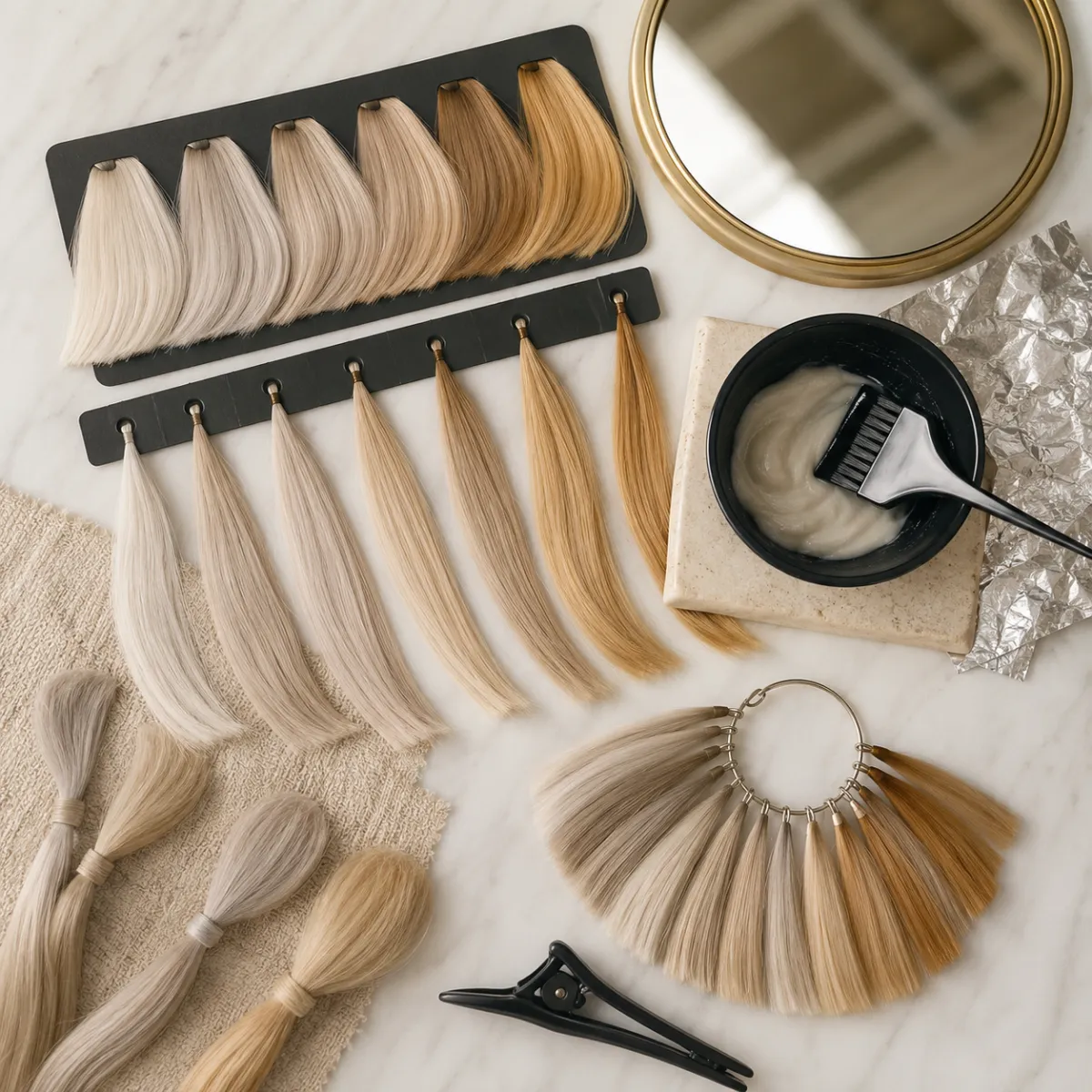
Use a small range of tones to decide what you want to discuss, rather than treating one generated image as a guaranteed result.
How to read a platinum blonde preview
Take a moment after the first surprise. Light hair changes the contrast around eyebrows, eyes, lips, and clothing. Use these questions:
- Do I like the lighter color next to my natural brow depth?
- Does an icy tone feel sharp in a good way, or does it drain the face?
- Would a soft root make the look feel more wearable?
- Do I prefer the color with my everyday makeup and usual wardrobe?
- Is the result attractive because of the color, or because the generator also changed my face?
If the answer is only clear in one carefully posed preview, make a second test in a more ordinary photo. A color you like in your normal lighting is a stronger salon reference than one that works only in a polished portrait.
Turn the preview into a better salon conversation
Bring two or three references, not twenty. Label them in plain language: “I prefer this cooler tone,” “I like the depth at the root here,” or “this one is too pale for me.” Then ask the colorist what is realistic for your current color, prior color history, condition, budget, and maintenance tolerance.
A preview does not answer:
- Whether lightening is safe for your hair right now.
- How many appointments or services may be needed.
- Whether old dye, bleach, or extensions change the plan.
- How quickly the tone will shift between appointments.
That boundary matters. Use a platinum blonde filter to clarify taste, not to make a technical promise about lift, timing, or final shade.
Keep the decision practical
Very light blonde often asks for more care than a darker color. Ask about conditioning, toning, heat use, root maintenance, and what a softer alternative would look like if the palest result is not sensible for your hair today. If you want an intentionally high-contrast result, preview black hair once as a useful opposite; seeing both ends of the range can reveal what level of contrast you actually like.
FAQ
Can a platinum blonde filter show my exact salon result?
No. It is a visual planning tool. It can show a plausible direction on your photo, but a colorist must assess your starting color, hair history, condition, and maintenance plan.
Should I try cool or warm platinum first?
Try both from the same photo. Cool platinum is a useful high-contrast test; creamy or rooted platinum often shows whether you prefer a softer version of very light blonde.
Why does platinum blonde look different in every preview?
Lighting, your base photo, hair texture, roots, and the generator's interpretation all affect the render. Compare multiple restrained versions, not one output in isolation.
Can I use the preview at a salon?
Yes. Bring it as a conversation starter and pair it with references that show the tone and root depth you prefer. Do not treat it as a guarantee of process, cost, or timing.
Preview the direction before the appointment
Choose a few light-blonde directions, not a single perfect image. Try the AI hair color changer, save the most useful comparisons, and let your colorist translate that visual preference into a plan for your real hair.