
How to Use an AI Haircut Preview at the Salon
Bring an AI haircut preview to a salon consultation the useful way: compare a few directions, name what you like, and avoid treating the image as an exact promise.

An AI haircut preview is most useful at the salon when it gives you better language for a conversation. It is not a technical blueprint for a haircut. Use a hairstyle try-on to compare a few directions, then show your stylist what you like about the shape, fringe, length, or part.
Last updated: July 10, 2026 - about 6 min read
The difference matters. A preview may make a short bob look great on your photo, but it cannot know your density, curl pattern, cowlicks, previous chemical treatments, or how much styling you are willing to do. Your stylist can. The best consultation uses both: a visual direction from you and technical judgment from them.
Quick answer
Bring two or three AI haircut previews, not twenty. For each one, identify the feature you like: shorter length, a softer fringe, a cleaner side profile, more volume, or face-framing layers. Then ask the stylist what version of that idea will work with your own texture and routine.
Do not say, "Make me look exactly like this." Say, "I like the shorter shape around the jaw and the softer fringe. Could that work with my hair?"
Make a useful set of previews
One photo can make you fall in love with a dramatic option. A small comparison set gives you something more reliable.
Try three controlled directions:
- A safe version close to your current length.
- The style you are genuinely curious about.
- A middle option that keeps one feature you like from each.
For example, someone considering bangs might compare no fringe, soft curtain bangs, and a longer blunt fringe. Someone considering a shorter cut might compare collarbone length, a bob, and a pixie-inspired shape. Keep the same face, lighting, color, and clothing in every test so the haircut remains the only changing variable.
Use the preview to explain your direction, not to override your stylist's assessment of your hair.
Name what you like in the image
Styling images become much more useful when you split the haircut into parts.
| What you see | How to say it at the salon |
|---|---|
| Shorter pieces around the face | "I like the face framing, not necessarily the exact overall length." |
| A light fringe | "I want a soft fringe that can blend back, not a heavy straight line." |
| More volume at the crown | "I like the shape on top. Is there a cut that gives me that without daily teasing?" |
| A clean jawline or neck | "I like where the cut ends around the jaw. What length works with my texture?" |
| A center part in the preview | "Would this hold with my natural part, or should we adapt it?" |
This helps the stylist translate your taste into a cut they can execute. It also prevents a common disappointment: copying the visible shape without discussing the structure underneath it.
Ask the questions a preview cannot answer
An AI haircut preview is good at showing possibility. A consultation is where you test feasibility.
Ask your stylist:
- Will my natural part support this shape?
- Where will this fringe or layer sit once it is dry?
- Does my texture need more length for the same effect?
- What will I need to do on a rushed weekday morning?
- Is there a lower-maintenance version of this cut?
- What should we leave longer on the first appointment?
If the answer changes the cut, that is not a failure. It means the preview did its job: it gave you a concrete direction to refine.
Use previews to decide, not to demand
There is a big difference between "I want this exact image" and "I want this feeling." The first can create a mismatch because the person in the preview may have different density, facial proportions, styling, extensions, or camera angle. The second gives your stylist room to build a version that belongs on you.
For a first major change, start with the reversible decision. Keep a little more length. Make the fringe longer. Add fewer layers. You can always go shorter later, but you cannot undo a cut in the chair.
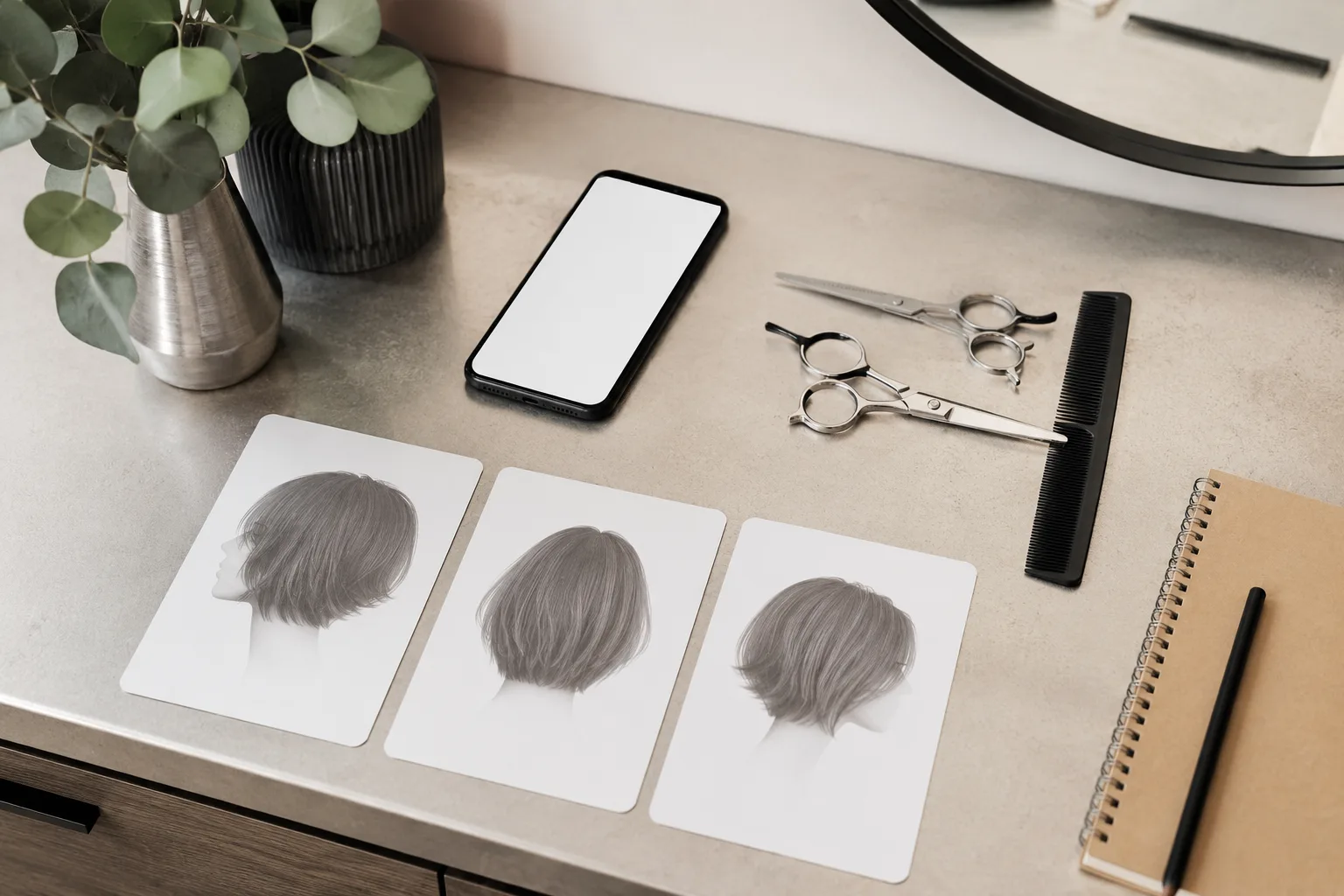
A small, labeled set of references is easier for a stylist to use than a stream of unrelated screenshots.
When to use a different preview
If color is the real question, use an AI hair color changer rather than mixing a color experiment into a haircut test. If you are deciding between fringe styles, compare blunt bangs and curtain bangs before you choose the rest of the cut.
Separating decisions makes every preview more honest. You can decide whether you want shorter hair first, then explore color, then take the final reference set to the salon.
Final checklist for your appointment
Before you leave for the salon, bring:
- Two or three previews of the same overall direction.
- One sentence on what you like in each image.
- A photo of your hair in its natural state if you usually style it first.
- A realistic note about how much time you will spend styling.
- Openness to your stylist adjusting the result for your texture and face.
The preview should make you more specific, not more rigid. A strong haircut consultation ends with a cut that works in your real life, not only in a generated image.
FAQ
Can I show my stylist an AI haircut preview?
Yes. It is a useful reference when you explain what you like about it. Treat it as visual direction, not an exact guarantee of the final cut.
How many hairstyle previews should I bring?
Two or three is enough. Too many unrelated images make it harder to find the common direction you actually want.
Can AI tell me whether a haircut will work with my hair texture?
Not reliably. It can show a visual possibility. Your stylist needs to judge density, cowlicks, curl pattern, hair history, and maintenance needs.