
Best Selfie for an AI Hairstyle App: 7 Photo Rules Before You Preview
Take a better selfie for an AI hairstyle app with seven simple photo rules for hairline, lighting, framing, expression, and texture.
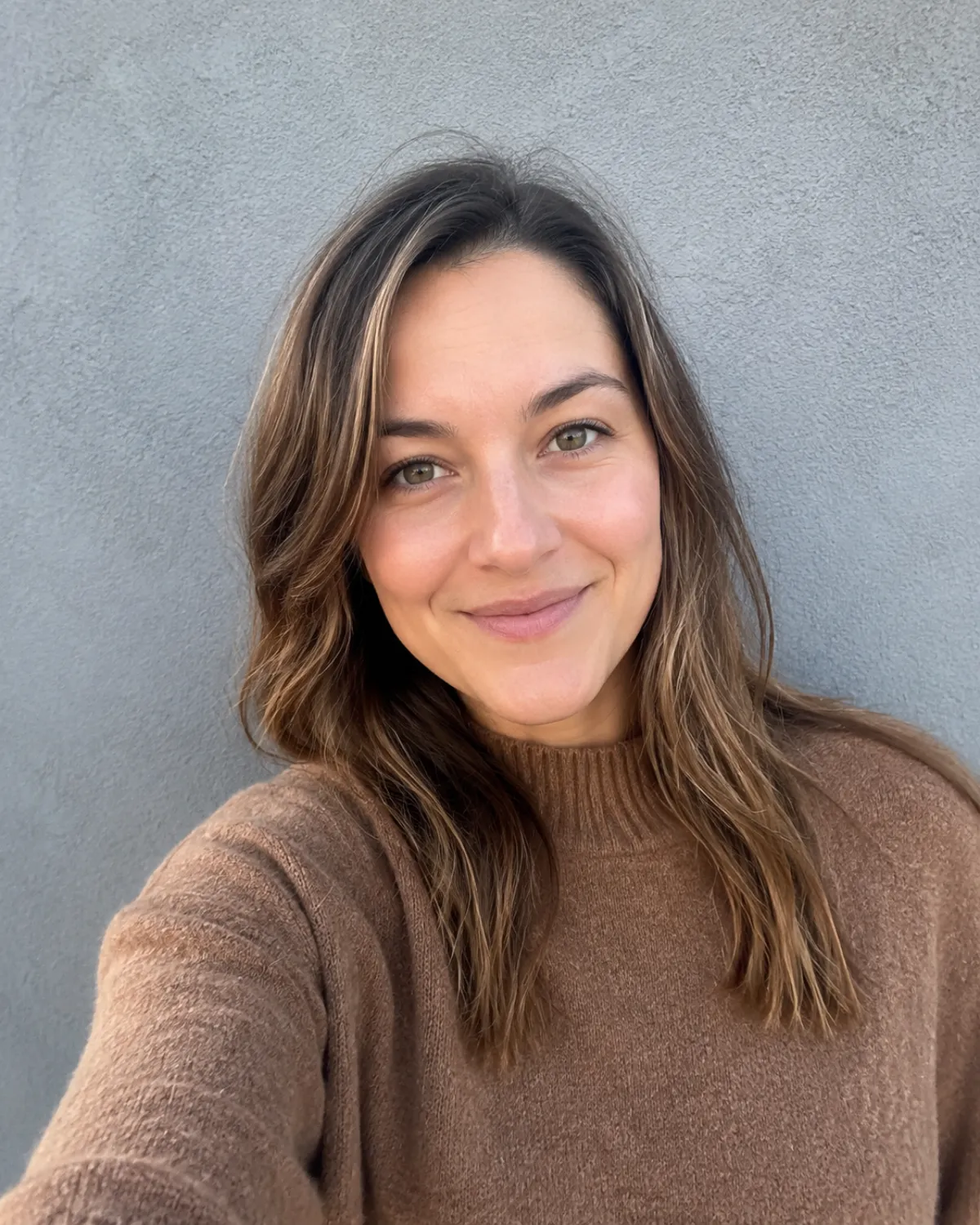
The best selfie for an AI hairstyle app is a clear, front-facing photo with your hairline, face shape, and current hair visible in even light. A plain photo usually gives a more useful hairstyle try on than a heavily filtered portrait, because the tool has less to guess about.
Last updated: July 20, 2026 · about 6 min read
You do not need a studio portrait. You need a photo that makes the hair decision legible. The goal is to preview a cut, color, or fringe on your own proportions—not to create a different person with a flattering filter. A good hairstyle try on begins with the real hairline and texture you are trying to assess.
The seven photo rules
| Rule | What to do | Why it matters |
|---|---|---|
| 1. Face the camera | Keep the head mostly level and front-facing | Makes the part, fringe, and face framing easier to judge |
| 2. Show the hairline | Move hair away from the forehead if it hides the line | A fringe or short cut needs a believable starting point |
| 3. Use even light | Stand near a window or in soft indoor light | Strong shadows can look like hair texture or color |
| 4. Keep the face visible | Remove hats, sunglasses, and large headphones | The tool needs the full facial outline |
| 5. Use your current texture | Let curls, waves, or straight hair show | A style should be judged against what you actually manage |
| 6. Choose a simple background | Use a wall or uncluttered room | Separates the hair edge from the background |
| 7. Skip beauty filters | Keep skin smoothing and face reshaping off | Prevents the preview from judging the wrong face geometry |
Frame the photo for the decision you want to make
For a short cut, include the full head, jawline, neck, and shoulders. For a color change, include as much of the current hair length as possible. For bangs, make sure the forehead and front hairline are clear.
The most dependable starting crop is from mid-chest upward. It leaves enough room to see proportion without making the face so small that the hairline disappears. If you only have a group photo or a holiday photo, take a new selfie. It is faster than trying to repair a poor input with a longer prompt.
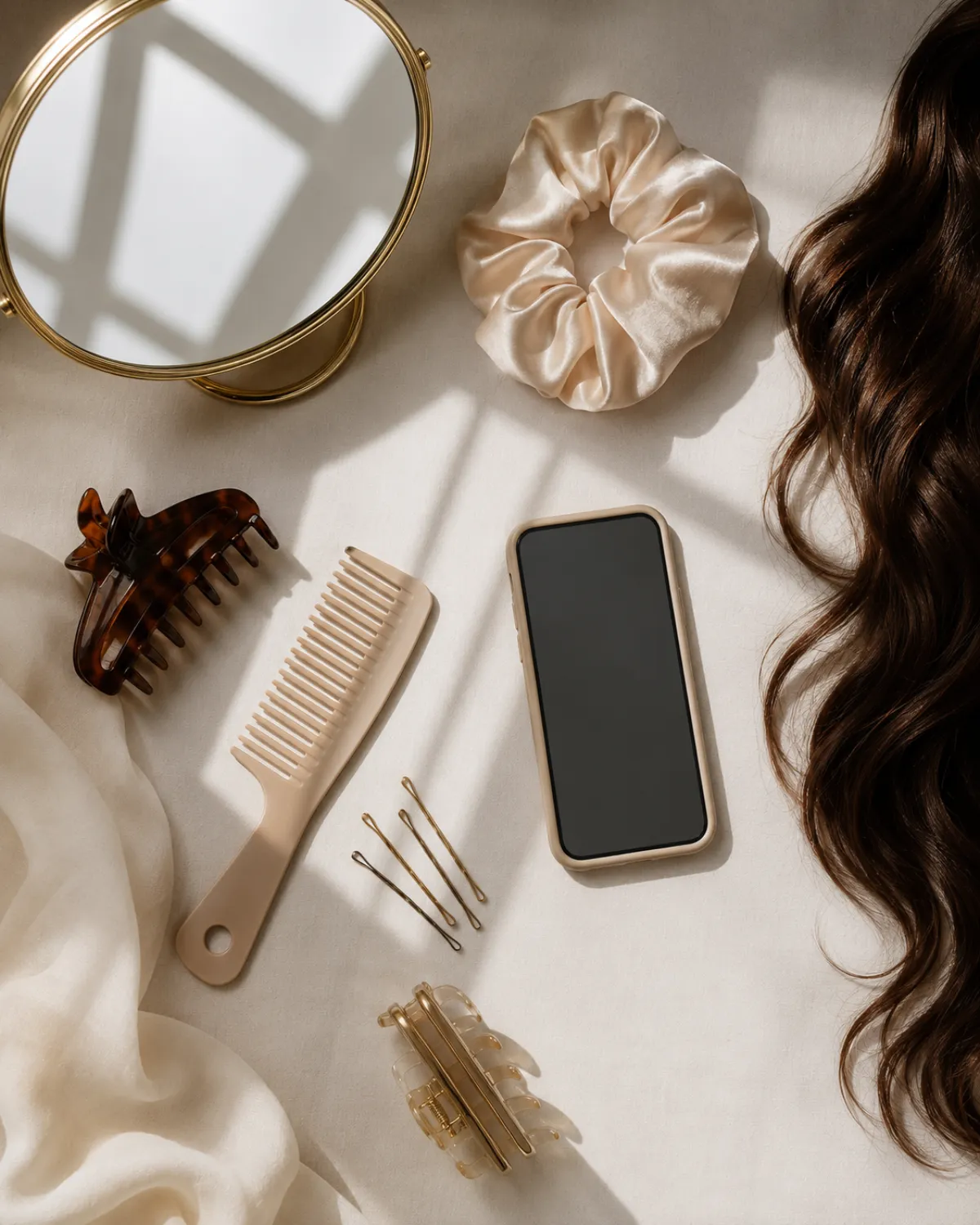
A good source image gives a hairstyle preview less room to invent details.
Keep the expression ordinary
Relax your face. A small natural smile is fine, but avoid a wide grin, head tilt, hand on the cheek, or dramatic pose. Those photos can look great, yet they make it harder to judge a bob line, cheekbone framing, or a short crop.
This is not about looking formal. It is about giving yourself a reference you can revisit without the pose becoming the focus. Take two photos if you want: one neutral front-facing image for the preview, and one slightly angled image to check how the hair might read from another side.
Match the photo to the hairstyle test
| If you want to preview… | Prioritize in your selfie |
|---|---|
| Bangs | Clear forehead and front hairline |
| A bob or lob | Jawline, neck, and shoulder line |
| A pixie or buzz cut | Ears, hairline, and head shape |
| Long layers | Full current length and natural texture |
| A color change | Even light and visible roots |
If you are comparing color, start with the AI hair color changer. If you are deciding on length, try a sequence—long layers, lob, bob, then a shorter option—inside the AI hairstyle app. That order produces a more useful hairstyle try on than leaping straight from long hair to an extreme cut.
What to avoid
Do not use a mirror selfie with the phone covering your face, a night-time car photo, a photo taken under colored lighting, or a screenshot with aggressive social filters. Also avoid uploading an image where a friend’s hair overlaps yours. The output may still look polished, but it will be harder to trust as a haircut reference.
If a result changes the eyes, jaw, or skin tone more than the hair, treat it as a bad render rather than feedback about the style. Retake the source photo in simpler light and use a direct request such as:
Keep my face, expression, lighting, and background unchanged. Change only my hair to a natural-looking [style]. Preserve my hairline and hair texture.
For a detailed short-cut test, pair this with how would I look with short hair. For color, compare the result with a blonde hair filter or another realistic shade direction.
A quick retake checklist
Before you upload, check the photo at full size:
- Can you see both sides of the hairline?
- Is the face in focus?
- Is the lighting neutral enough to read hair color?
- Is the neck and jawline visible for a short-cut test?
- Are your normal texture and part visible?
- Would you recognize this as how you look on an ordinary day?
If the answer is yes, it is probably a better source image than the most glamorous photo in your camera roll.
FAQ
Do I need a professional photo for an AI hairstyle app?
No. A clear phone selfie in even light is usually enough. The important part is that your face, hairline, and current hair are visible without heavy filters.
Should I tie my hair back for a hairstyle preview?
Only if long hair hides the hairline or face shape. Otherwise, keep your natural texture and part visible so the preview has a realistic starting point.
Can I use a side-profile selfie?
Use it as a second image, not the only one. A front-facing selfie is usually more useful for judging bangs, face framing, and overall balance.
Why did the hairstyle preview change my face?
The source may be too filtered, too dark, or too cropped, or the requested edit may be too complex. Retake a simpler front-facing photo and ask the tool to preserve the face, lighting, and background.
Start with the real version of you
Take one clear, ordinary selfie and use the AI hairstyle app to compare a few focused choices. A better source photo will not predict a salon result perfectly, but it will make the preview much more useful for deciding what to explore next.