
Curly Hair Filter: See Yourself With Curls Before Styling
Use a curly hair filter to compare loose waves, defined curls, and volume on your own photo before styling or booking a salon visit.
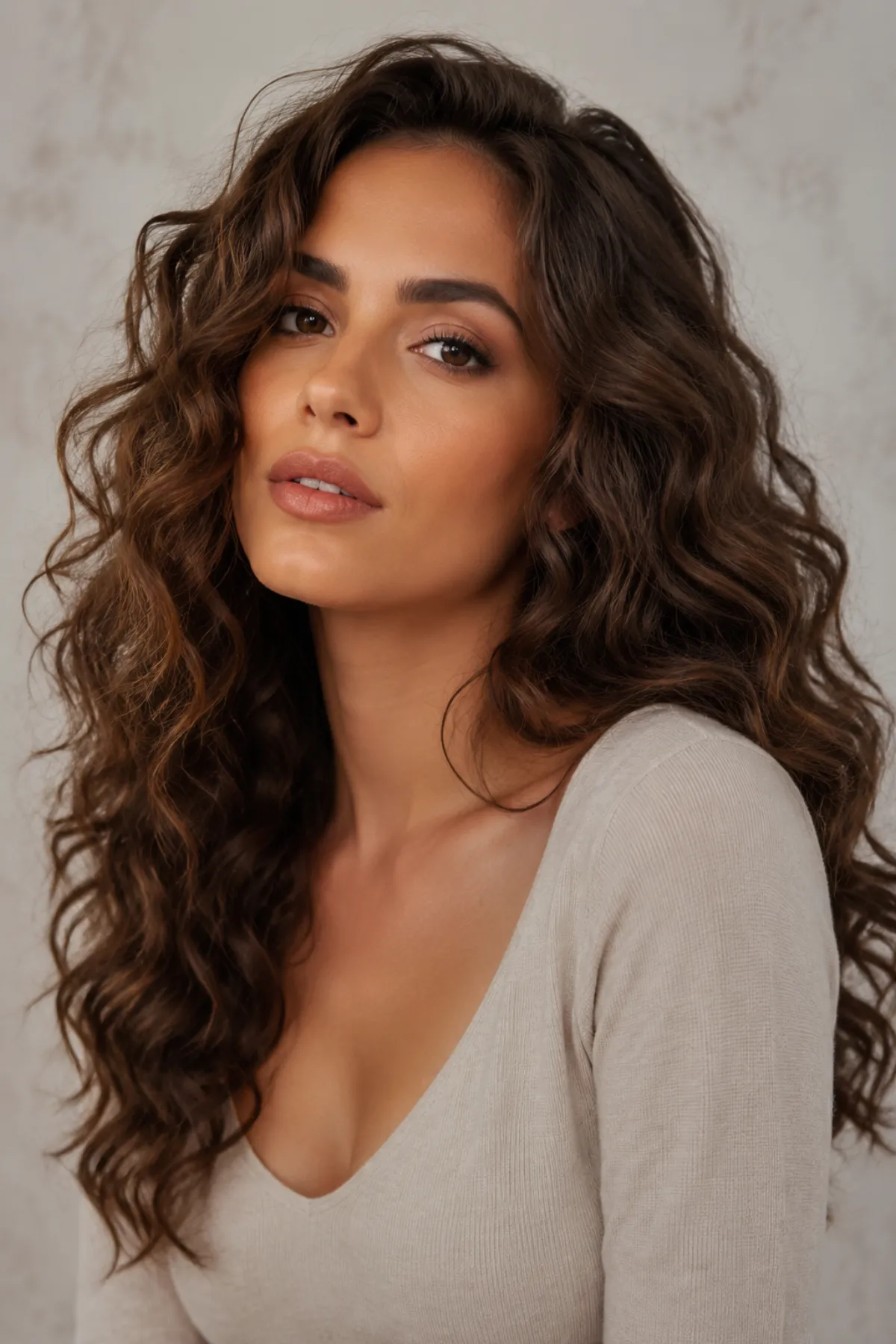
A curly hair filter is most useful when you use it to compare curl direction, volume, and face framing on the same photo, not when you expect it to predict a permanent result. A hairstyle try-on can show whether loose waves, soft ringlets, or more defined curls feel like you before you change your cut, styling routine, or salon plan.
Last updated: July 12, 2026 - about 6 min read
Quick answer
Use a curly hair filter to test three levels of texture: loose waves, medium curls, and a tighter curl pattern. Keep the length, color, face, and background the same for each version. Then compare which option gives you the amount of width and movement you actually want around your face.
The filter can help you choose a visual direction. It cannot tell you your exact curl pattern, how hair will shrink when dry, or how a chemical service will affect your hair.
Pick the curl question first
"Curly" is too broad to be a useful request. Decide what you are trying to learn before you test a look.
| What you want to know | First curl direction to preview | What the preview can show |
|---|---|---|
| Do I want more movement? | Loose waves | Softness and volume around the face |
| Will curls make my cut look shorter? | Medium defined curls | Visible length change and width |
| Do I like a stronger texture? | Tighter curl pattern | Overall silhouette and density impression |
| Will a fringe work with texture? | Curly front pieces with existing cut | Face framing, not daily styling behavior |
Start with the smallest change that answers your question. If loose waves are enough to show the look you want, there is no need to add extreme volume or a new color at the same time.
Use a clean photo and one variable
For a useful hairstyle try-on, use a photo that shows the hairline, both sides of the face, and as much of your current length as possible. Avoid hats, heavy beauty filters, hair blown across your face, or a crop that stops at the ears.
- Upload one clear photo to the curly hair preview workflow.
- Generate a loose version first, with the same color and length.
- Generate one more defined version and compare it beside the original.
A simple prompt idea is: "natural medium curls, same hair color and length, keep face, skin tone, lighting, and background unchanged." The phrase "same length" matters because curls can make hair appear shorter even when the edit has not changed the cut.
What to look for in each result
Do not judge a curly hair filter only by whether the curls look polished. Look for the relationship between the curls and your face.
- Does the widest part sit near your cheeks, jaw, or shoulders?
- Does the added texture make your face feel open or hidden?
- Does your current part still look natural?
- Does your visible length still feel right once the hair has more volume?
- Would you be happy with a toned-down version on an ordinary day?
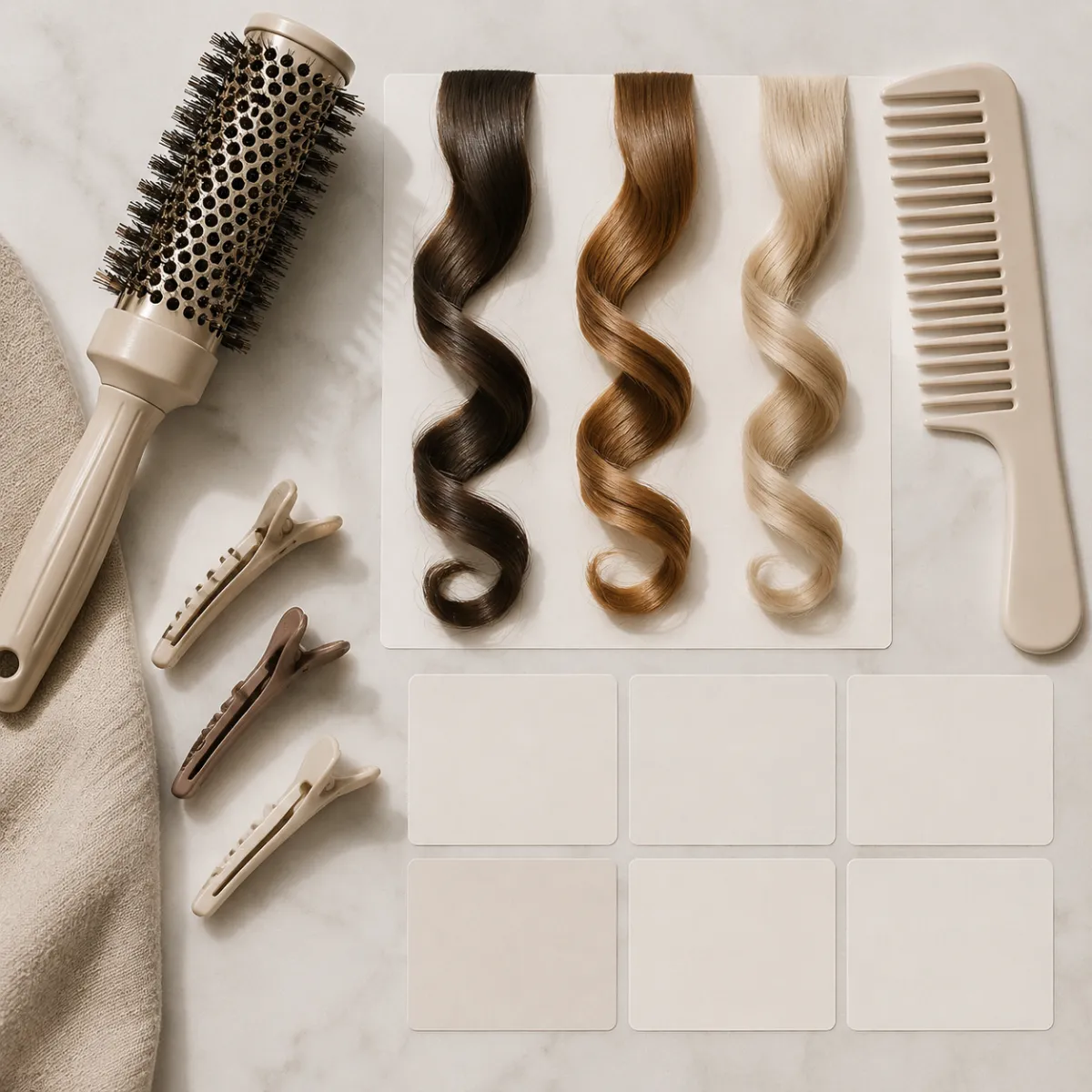
Use a filter to compare the shape of curls, then ask a stylist about the texture your own hair can realistically hold.
Filter preview versus a salon outcome
An image can show a flattering curl direction. It cannot predict porosity, density, previous color treatment, humidity response, or how much daily styling you will enjoy. If you are thinking about a perm or a big cut, bring the preview to a stylist as a conversation starter.
Ask practical questions:
- Which curl size works with my existing length?
- Will my natural part fight this shape?
- How much shorter will the hair appear when it is dry?
- What maintenance does this look need between wash days?
- Can we start with a softer version first?
For a longer-term curl decision, the perm filter guide covers the appointment conversation in more depth. This article is for the earlier step: deciding whether you like the curl silhouette at all.
Common mistakes
Changing the face and the hair together
If a tool changes makeup, face shape, or lighting together with the curls, you cannot tell whether you like the hairstyle. Repeat the test with a narrower request.
Testing only one very dramatic curl
One strong look can make curls seem like an all-or-nothing choice. Compare at least two levels of texture before deciding.
Treating the result as a chemical guarantee
The filter is not a diagnosis of your hair. A salon professional can assess damage, density, and treatment history in ways an image cannot.
Final checklist
- Compare loose and more defined curls on the same photo.
- Keep the hair color, length, and face unchanged in the request.
- Check where the widest part of the shape lands.
- Save one or two directions, not every generation.
- Use a stylist to confirm what is realistic for your texture.
FAQ
Can a curly hair filter show what I would look like with a perm?
It can show a possible curl silhouette on your face. It cannot predict the exact result of a perm, including shrinkage, maintenance, or how your hair reacts to treatment.
Which curl type should I test first?
Start with loose waves, then move to a medium curl if you want more visible texture. This makes it easier to identify the point where the volume starts to feel like too much.
Does curly hair make hair look shorter?
Often, yes. The visual length can look shorter because the hair has more bend and volume. That is one of the most useful things to compare in a preview.
Related guides
- Try hairstyles on your own photo
- Perm filter guide
- How to choose a haircut for your face shape
- How to preview a haircut before the salon
Choose the curl shape first. The salon decision becomes much easier once you know what you want to see in the mirror.