
Free Male Haircut Simulator: Check Before You Download
Check a free male haircut simulator's account, credit, and download limits. Learn whether the saved image is a useful barber reference before paying.
A free male haircut simulator is useful only if its trial delivers the reference you need: a clear preview you can save, reopen, and show your barber. Check generation and download limits before paying. The AI hairstyle changer offers men's haircut previews, but generation requires sign-in and sufficient credits; free access does not mean unlimited edits.
Last updated: October 13, 2026 · about 7 min read
The result may look fine inside an editor and still be awkward to use at an appointment. Perhaps the download is restricted, the saved file is too small to inspect, or a screenshot cuts off the top of the head. Checking the actual file is more useful than choosing a tool from the word “free” in its headline.
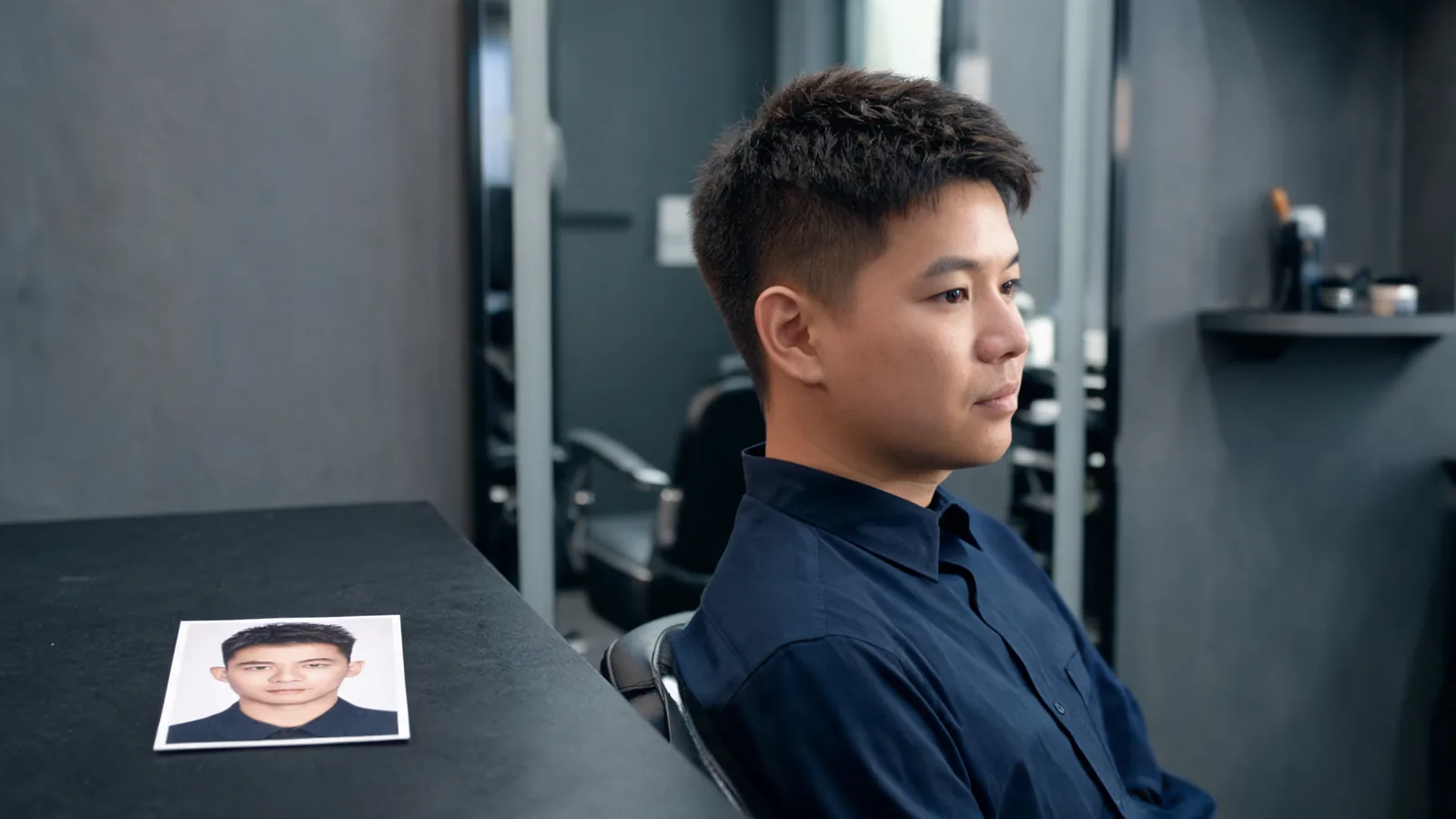
This guide is about that saved-reference decision, rather than ranking men's haircuts or picking a haircut-and-beard combination. It is published by AIChangeHair, which operates a hairstyle editor. The cover illustrates a barber-reference scene; it is not evidence of a trial result or an exact haircut outcome.
What does “free” actually include?
Separate access to the editor from permission to create and save an image. A page may let you upload a photo and select a style before asking for an account. A trial may include enough credits for a preview while treating a larger export as a separate purchase.
As of October 13, 2026, Fotor's official male haircut simulator page says the generator is not completely free and describes gifted credits for new users. That is a useful example of why the headline alone cannot settle the question. Check the terms in your own session; this guide does not establish your entitlement in another service.
Before uploading, ask what happens at each stage. If the answer is unclear, read the current pricing and help information first. You should know whether you are testing a saved image or only an on-screen preview.
| Stage | What “free” might refer to | What you need to confirm |
|---|---|---|
| Opening the editor | Browsing presets or choosing a file | Whether creating the result requires sign-in |
| Generating a haircut | Starter credits or a limited trial | The current cost and your available balance |
| Viewing the result | An on-screen preview | Whether saving it has another restriction |
| Downloading | A permitted export at a particular size | The format, resolution, and any watermark |
| Keeping the reference | A local file or account history | Whether you can reopen it outside the editor |
How do I check a trial in three steps?
- Read the access terms before generating. Confirm account requirements, the cost displayed for the edit, and any stated export limits. Do not enter a payment method just to discover what the free offer includes.
- Create one reference with a suitable photo. Keep the crown, hairline, and ears visible. Choose the haircut you actually want to discuss, rather than using the trial to browse unrelated looks.
- Download and reopen the file. Open it from your device's saved files, outside the editor. Inspect the hair at normal size and enlarged, then decide whether you would be comfortable using it at the appointment.
The test ends when you can open the reference you intend to bring. A visible Download button or a “download started” message does not confirm that the file arrived and contains the right image.
Which photo produces a reference I can inspect?
Choose a recent, evenly lit portrait with the whole head in frame. Leave space above the crown and around the sides. A tight crop can make a short haircut appear complete even when the image provides no useful information about its outline.
Avoid hats, deep shadows across the forehead, and a strong beauty filter. Your goal is to keep your starting hairline and face recognizable. If glasses hide part of the temple, you can take another photo with that area clearer, provided you are comfortable doing so.
Use an angle that shows the detail you need. A straight-on portrait may be enough to discuss the fringe and overall height. A slight turn can show more of one side. Neither gives reliable information about the back of your head; take a separate real photograph if the nape or back shape matters.
How can I tell whether the downloaded image is useful?
First open the file at the size you expect to use on your phone. You should be able to see the whole haircut without guessing what was outside the frame. Then zoom in enough to inspect the front hairline, the edge around the ears, and the texture on top.
Do not treat sharpness alone as realism. A crisp image can still invent a denser hairline, change your forehead, or merge the side hair into the background. Compare facial landmarks with the original. If your eyebrows, jaw, or head proportions shift noticeably, the haircut may look appealing partly because the face changed.
Use these checks to decide whether the file is ready:
- Framing: The crown and the side you want to discuss remain visible.
- Identity: The face still looks like you, without a distracting change in proportions.
- Hairline: The preview does not quietly replace your starting hairline with an implausible one.
- Detail: You can see the fringe direction, top shape, and visible side outline.
- Export: The saved file contains the intended result, with any watermark or crop understood.
- Context: The original photograph is available to explain what you are asking to change.
A watermark is not automatically a reason to pay. If it sits away from the haircut and your barber can read the reference, the image may serve its purpose. If it covers the fringe or temple, check whether the export offer solves that exact problem before buying it.
What happens in AIChangeHair's men's workflow?
The haircuts for men page offers a way to explore men's haircut directions, while the studio lets you work from your own photo. Generating an edit requires sign-in and sufficient credits. Check the cost shown for the selected output size and your account's current credit balance before submitting.
When an image is complete, the editor provides Download. Use it, then find and open the saved file on your device. If the browser opens the image instead, use the available save action and confirm the local copy. Do not assume a result exists in your photo library simply because you saw it in the browser.
For a close-cropped reference, the buzz cut filter gives you a focused starting point. If the visible side and longer top matter, try the undercut filter. Inspect either result with the same saved-file checks.
This guide does not promise a fixed number of free generations, unlimited access, or a particular account promotion. The current studio and pricing page are the places to check what your session offers.
What if Download opens a tab or I cannot find the file?
Check the browser's downloads list and the destination it normally uses. The reference may be in your files rather than your photo library. Open the file directly and check its contents instead of repeatedly starting another generation.
MDN's download documentation explains that browser behavior varies with settings and that a download can involve saving, opening, or prompting. That makes the local-file check worthwhile even when a website offers a download control.
If an image opens in a new tab, keep that tab while using your device's permitted save action. If you get an error, return to the completed result and read the message. A save problem does not by itself mean the haircut generation failed, and generating again may spend credits without fixing the export issue.
When is paying for an export worth considering?
Consider paying when you can name the missing benefit and the purchase explicitly includes it. Examples might be a larger file with readable hair texture or removal of a watermark that obscures the haircut. Check the current offer rather than assuming that any upgrade improves everything.
If the main problem is a changed face, missing crown, or unrealistic hairline, a bigger file preserves that problem at a larger size. Start by improving the input or reconsidering the preview. A payment cannot establish that the depicted haircut is achievable with your density, growth pattern, or current length.
What should I tell the barber alongside the image?
Say which parts you like: the fringe direction, the shape on top, or the way the visible side sits around the ear. Also say which parts are uncertain. A useful note might be: “I like this short top and tidy side, but please work with my actual hairline and tell me what is feasible.”
Do not infer an exact guard number, fade height at the back, or a cutting method from an edited front view. Show your current hair and ask the barber to translate the reference into a practical cut. For broader advice on selecting a haircut-and-beard combination, see the men's hairstyle try-on guide.
Frequently asked questions
Does a free haircut simulator include a free download?
Not necessarily. Free editor access, free generation credits, and free export are separate offers. Read the conditions in your current session and reopen the saved file before deciding whether the trial gives you a usable reference.
Can I use AIChangeHair without signing in?
You can browse the studio, but generating a hairstyle requires sign-in and sufficient credits. The editor shows the generation cost and provides a Download action for a completed image. Check the current account offer rather than assuming unlimited free use.
Is a screenshot enough to show my barber?
It can communicate a broad idea if the whole head and haircut are clear. A downloaded image is preferable when the screenshot includes controls, cuts off the crown, or makes the hairline hard to see. Neither tells a barber an exact clipper guard or reveals an unseen back view.
Should I pay if my first preview has a bad hairline?
First check the source photo and the changes to your face and hairline. Paying for a larger export does not establish that those features will become more accurate. Fix the input or reconsider the result before buying access just to save it.
Related guides
- Try the AI hairstyle changer →
- Haircuts for men
- Buzz cut filter
- Undercut filter
- Men's hairstyle try-on
- Virtual haircut simulator guide
Keep a reference you can actually use
Check the terms, create a focused preview, and inspect the file before paying. When you are ready to try your own haircut reference, open the AI hairstyle changer and review the current account and credit requirements.