
Virtual Haircut Simulator: Compare Styles Before You Cut
Use a virtual haircut simulator to preview short hair, bangs, buzz cuts, and layered styles on your own face before visiting the salon.
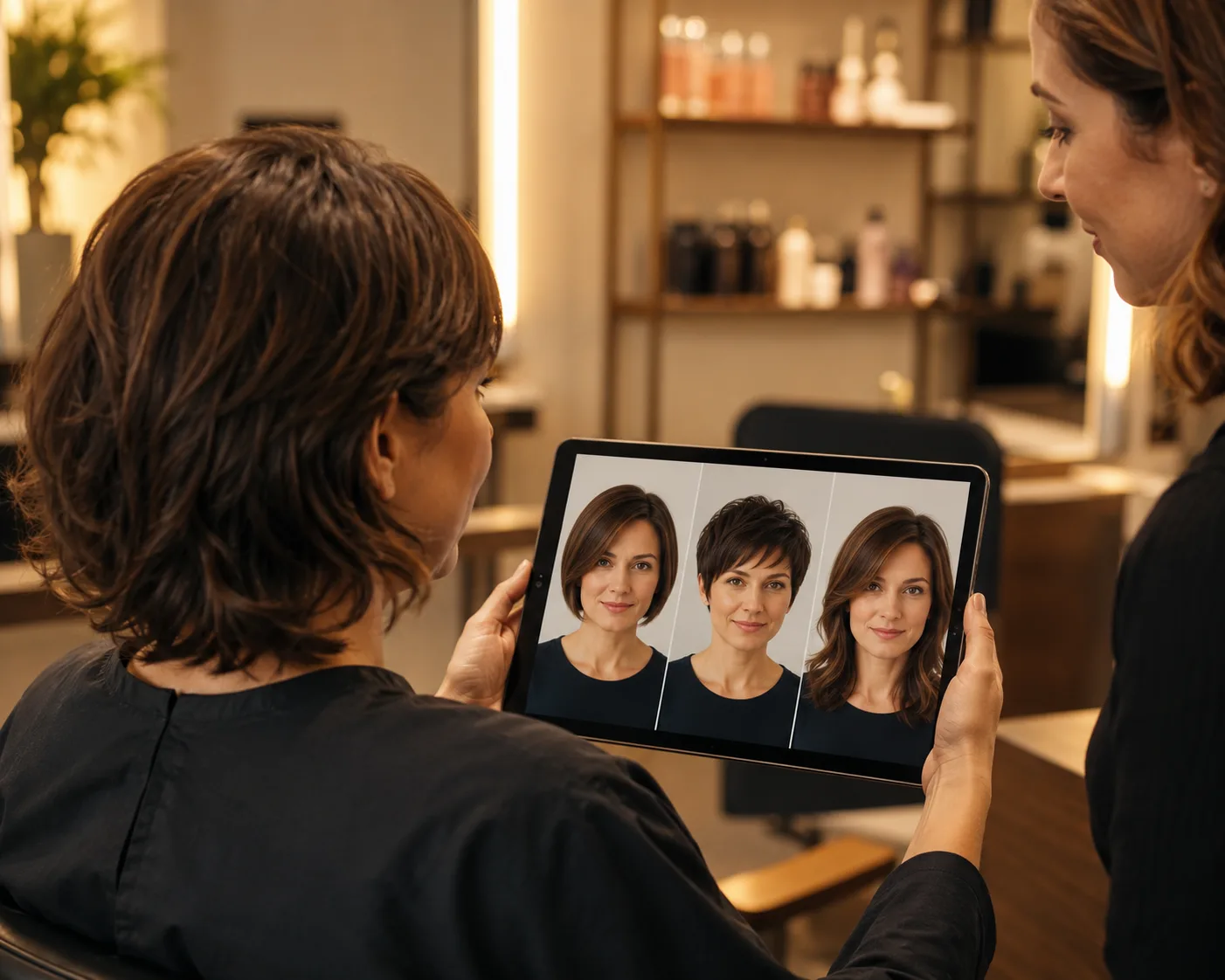
A virtual haircut simulator lets you upload one selfie and preview a haircut on your own face before you cut anything. Instead of guessing from a celebrity reference or a salon mood board, an AI hairstyle changer shows how short hair, bangs, layers, or a buzz cut could sit against your real face shape.
Last updated: July 6, 2026 - about 7 min read
The best use of a haircut simulator is not finding the one perfect style in one click. It is narrowing the risk. Try the extremes first, compare two or three realistic options, and bring the best preview to your stylist.
How a virtual haircut simulator works
A hairstyle try on tool reads the face outline, hairline, lighting, and head angle in your selfie. Then it re-renders the hair area while keeping the same face and background.
The basic flow is simple:
- Upload a front-facing selfie. Good light and a visible hairline matter more than a perfect camera.
- Choose a haircut. Try a bob, pixie, bangs, fade, layers, curls, or a buzz cut.
- Compare results. Save the styles that look natural, then test small variations.
This is different from a sticker filter. The useful result is not just "new hair on a face." It is a preview that respects your jawline, forehead, hair volume, and face shape.
The best photo for a haircut simulator
Your selfie controls the quality of the preview. Use a photo where the tool can see your face and hairline clearly.
Good input:
- Face the camera directly
- Use soft daylight or even indoor light
- Keep hair away from the eyes and jawline
- Avoid hats, heavy filters, sunglasses, and group photos
- Use a photo where your head is not tilted too far
Risky input:
- Dark bathroom mirror selfies
- Extreme side angles
- Hair covering most of the face
- Strong shadows across the forehead
- Cropped photos that cut off the top of the head
If the first preview looks strange, retake the selfie before switching tools. A cleaner photo usually fixes more than a longer prompt.
Styles worth testing first
Do not start with ten tiny variations. Start with styles that answer the biggest question.
| Question | Try first | Why |
|---|---|---|
| Would short hair suit me? | Pixie, bob, shoulder length | Shows how much length you can lose |
| Should I get bangs? | Curtain, blunt, side-swept bangs | Bangs change face framing fast |
| Could I pull off a buzz cut? | Buzz cut filter | Reveals head shape and hairline |
| What if I grow it out? | Lob, layers, long hair | Helps plan the transition |
| Do I need color too? | Same cut in two shades | Separates cut decision from color decision |
For a broader walkthrough, read our hairstyle try on guide.
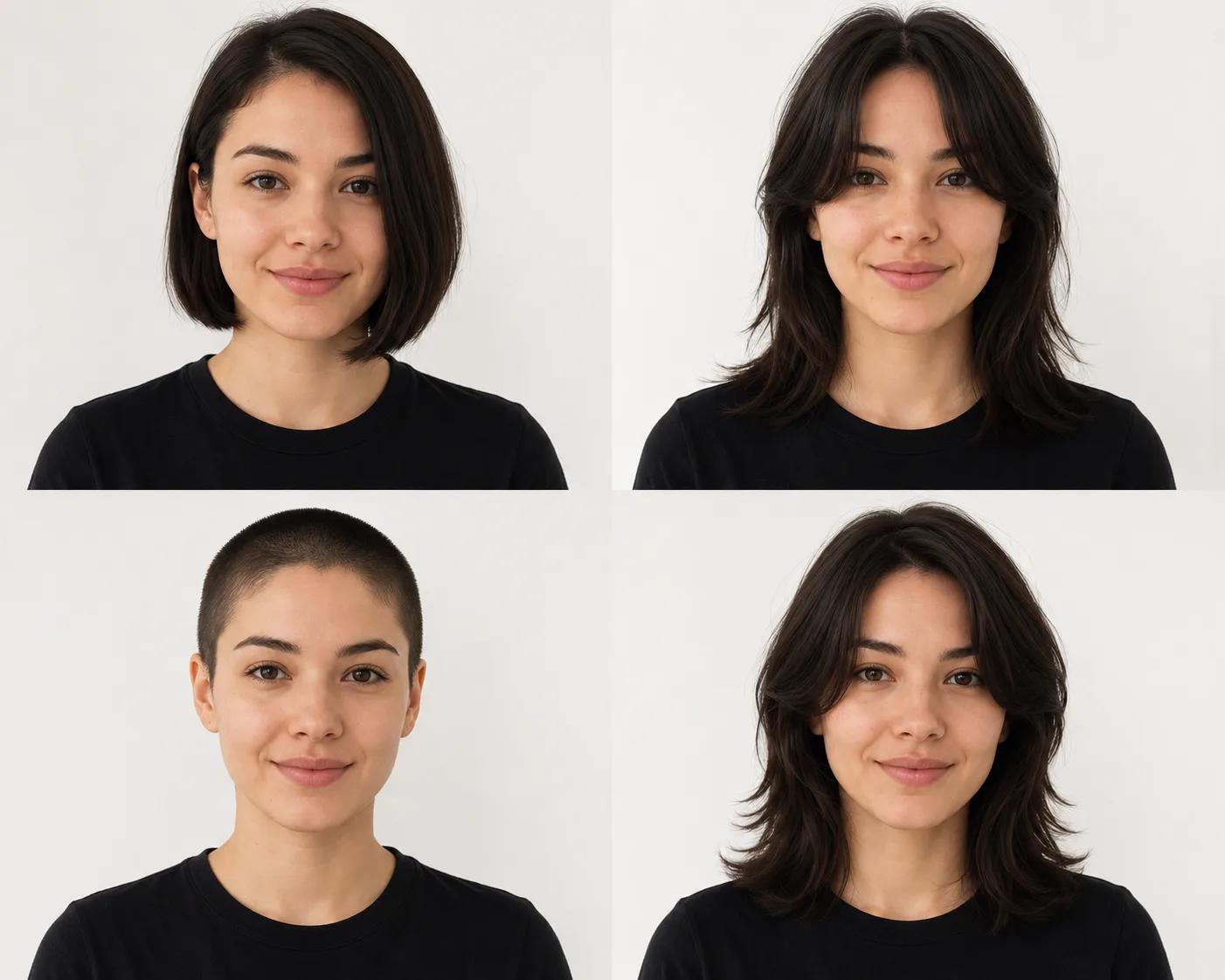
Compare strong options first. Small tweaks make more sense after you know the right length family.
Simulator vs salon consultation
A virtual haircut simulator does not replace a stylist. It makes the conversation clearer.
| Haircut simulator | Stylist consultation | |
|---|---|---|
| Shows the style on your face | Yes | Usually no, unless they use software |
| Knows hair density and growth pattern | Partly | Yes |
| Lets you test many styles quickly | Yes | Limited by appointment time |
| Gives cutting technique advice | No | Yes |
| Helps avoid regret | Yes | Yes, especially with a clear reference |
Use the simulator to shortlist looks. Use your stylist to decide what is possible with your hair texture, density, cowlicks, and maintenance routine.
How to compare results without overthinking
The first few previews can be fun enough that you forget to judge them. Use a simple scoring rule:
- Face fit: Does the cut balance your forehead, jaw, and cheekbones?
- Hairline fit: Does it work with your real hairline?
- Lifestyle fit: Would you style it most mornings?
- Grow-out fit: Will it still look okay after four to eight weeks?
- Confidence fit: Would you show the preview to a stylist without explaining it?
Keep the top three. Delete the rest. Too many previews make the decision harder, not better.
Common mistakes
Using a celebrity haircut as the only reference. Bring the celebrity photo if you like it, but also bring a preview on your own face.
Testing cut and color at the same time. If you change both, you will not know which part you like. Test the haircut first, then color.
Ignoring maintenance. A cut that looks good for one photo may need daily styling. Ask your stylist how it behaves after washing.
Overtrusting one result. Generate two or three versions of the same cut. If all of them work, that is a stronger signal.
Frequently asked questions
What is a virtual haircut simulator?
A virtual haircut simulator is an AI tool that previews new haircuts on your own photo. It changes the hair area while keeping your face, pose, and background recognizable.
Is there a free haircut simulator?
Yes. You can use an AI hairstyle changer in your browser to try hairstyles on a selfie before making a salon decision.
Can I see myself with a buzz cut?
Yes. Use the buzz cut filter with a clear front-facing selfie. It is one of the fastest ways to judge head shape, hairline, and whether a very short cut feels right.
Can a simulator tell me what hairstyle suits my face?
It can help you compare options visually, but it is not a final verdict. For a face-shape decision process, read what hairstyle suits my face.
Should I bring the AI preview to my stylist?
Yes. Bring one or two previews plus a normal photo of your current hair. Your stylist can translate the look into a cut that fits your texture and routine.
Related guides
- Try the AI hairstyle changer -> - upload a selfie and compare haircut previews.
- Hairstyle try on: see any haircut on your face
- What hairstyle suits my face?
- Buzz cut filter
- How would I look with bangs?
Preview first, cut second
A haircut is still a real-world decision. Use the AI hairstyle changer to test the look, then use a stylist to make it work with your actual hair.