
Highlights Filter: Preview Highlights Before Dyeing
Use a highlights filter to compare placement and contrast before a salon visit, then bring a clear reference and realistic questions to your stylist.
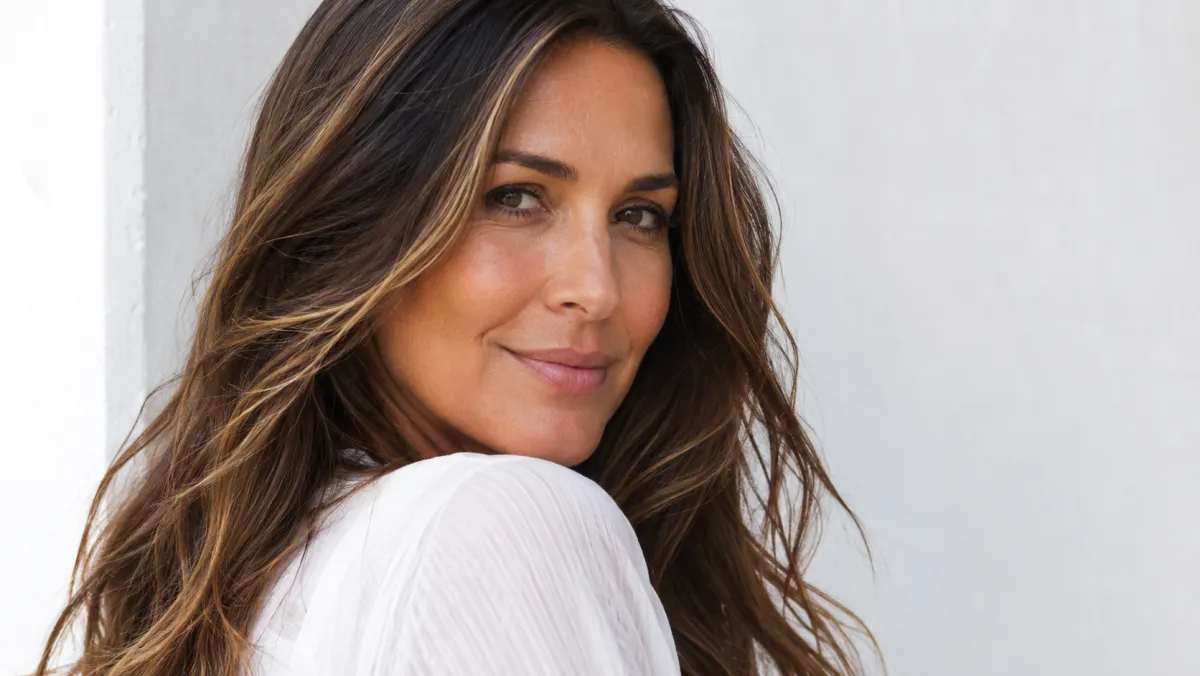
A highlights filter lets you test a direction before you book a color appointment: face-framing pieces, a soft blend, or a stronger contrast. Use an AI hair color changer to compare placement on your own photo, then take the best reference to a stylist. The preview is for communication and confidence, not a guarantee of the same result on every hair history or texture.
Last updated: July 14, 2026 - about 7 min read
What to decide before you use a highlights filter
The word "highlights" covers several very different looks. A filter is most useful when you narrow the choice before generating:
- Face-framing: brighter pieces around the front for visible contrast.
- Soft dimensional: a gentle shift that still reads close to your natural base.
- High contrast: a clear light-versus-dark effect with more maintenance.
- Warm or cool: honey, caramel, ash, beige, or neutral directions.
Start with one decision at a time. A useful prompt does not ask for a new cut, new makeup, new background, and new color all at once.
Keep my face, haircut, hair length, texture, lighting, and background the same. Add [soft / medium / high-contrast] [warm / cool / neutral] highlights with natural placement. Do not change my face shape or hair length.
Compare placement, not just shade
The same shade can look quiet or dramatic depending on where it begins. Open each version beside the original and inspect the front, mid-lengths, and ends.
| Choice | What the preview should show | Salon question to ask |
|---|---|---|
| Face frame | How close bright pieces sit to the face | How bold should the front be? |
| Root blend | Whether the color begins softly or abruptly | Can the root stay low-maintenance? |
| Mid-lengths | Whether the dimension shows in your natural texture | Will my texture show the blend differently? |
| Ends | Whether the lightness looks balanced | How much existing lightness can be kept? |
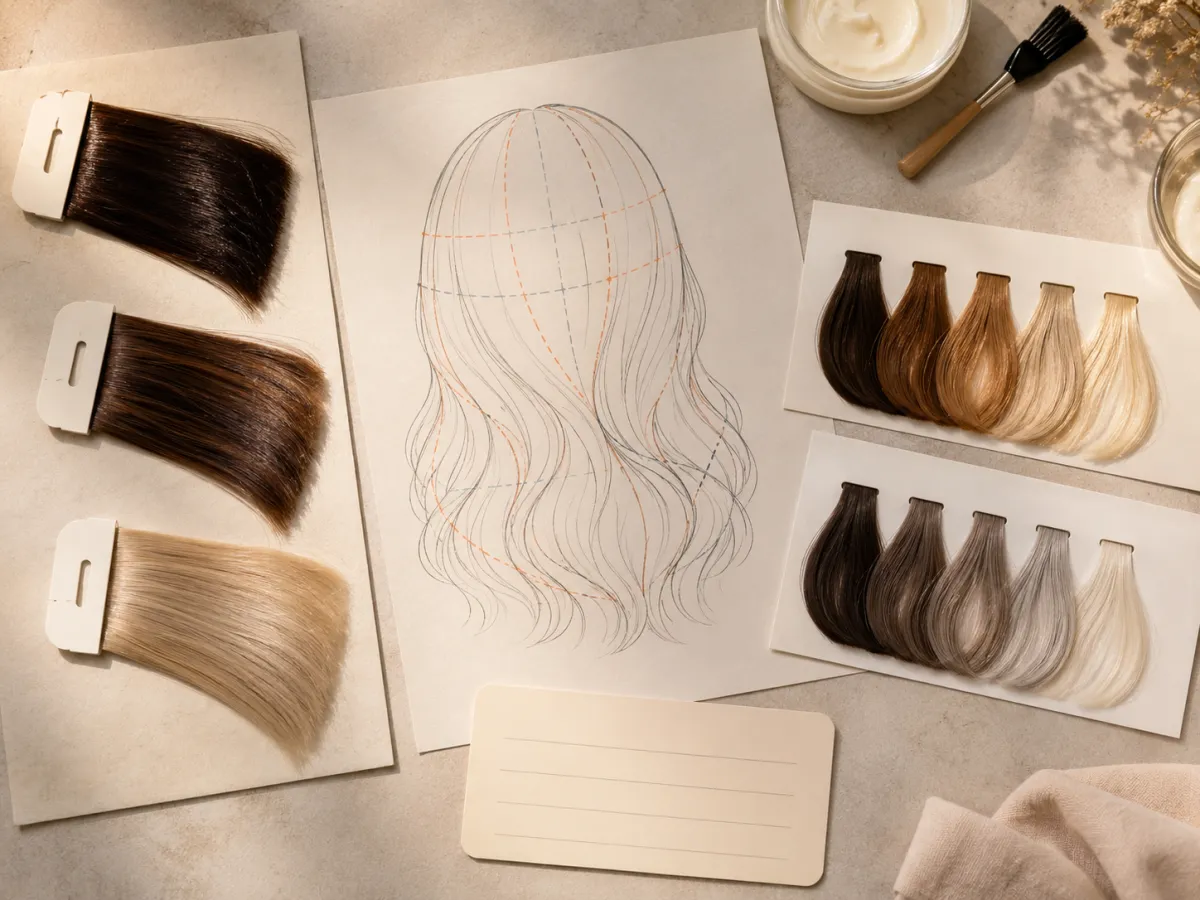
This planning visual separates shade from placement, which is the decision a one-word color request often misses.
Bring a filter result to a stylist the useful way
Do not hand over a single generated image and ask for an exact copy. Instead, show the original photo, the preferred preview, and two observations: where you want the brightness and how much contrast you want. Mention recent color, bleach, toners, and any hair damage. Those facts affect what is possible far more than a filter does.
A good sentence is: "I like the softer brightness around the face and the warmer dimension through the ends, but I do not want a high-maintenance root." That gives a stylist a direction without demanding an impossible pixel match.
Highlights versus balayage and full color
Highlights often create visible vertical ribbons or a more deliberate lift. Balayage usually has a softer painted transition. Full color changes the overall base rather than adding dimension. Your filter preview can help you decide which visual language you prefer, then the technical choice belongs with a professional.
For that comparison, read balayage vs ombre vs highlights. If you are deciding whether a warmer or cooler shade suits the original base, use the hair color for skin tone guide as a conversation starter, not a rule.
What a highlights preview cannot predict
A photo preview does not know your previous dye, bleach history, porosity, processing time, or how light reflects from your real texture. It cannot promise that a dark base will lift to the exact same tone in one appointment. Be especially cautious with very light blonde, very dark box dye, or recently damaged hair.
Its value is simpler: it lets you arrive with a clearer visual brief. That can save a lot of back-and-forth before the real consultation.
Frequently asked questions
Can I try highlights on a photo?
Yes. A highlights filter can show a rough preview of placement and contrast on your photo. Keep the original lighting and haircut fixed so the color comparison stays useful.
Are highlights filters accurate?
They are useful for visual direction, especially placement and contrast. They cannot predict the exact dye result, processing time, maintenance, or effect of your hair history.
What should I show my stylist?
Show your original photo, the preferred preview, and a short note about where you want brightness, how much contrast you want, and your color history. Treat the image as a reference, not a guarantee.
Preview the direction first
Try a few controlled versions with the AI hair color changer, then use the clearest one to start a better salon conversation.