
TikTok Hair Color Filter Before You Dye
Use a TikTok hair color filter as a quick visual test, then compare a few shades on the same photo before a real dye decision.

A TikTok hair color filter is useful for a fast, low-stakes color direction—not a dye prediction. Try one current effect in neutral light, then compare two or three nearby shades on the same clear photo with an AI hair color changer. If the filter changes your face, misses your hairline, or is unavailable, treat it as entertainment and use the stable photo comparison instead.
Last updated: August 31, 2026 · about 6 min read
Hair-color effects move quickly. A tutorial that names one effect may no longer match what you see in the app, and a result can look different across lighting, phones, and effects. TikTok’s own Effect House hair-color documentation shows why: an effect can vary color, opacity, coverage, bleaching, and intensity. Those controls can make a fun preview; they do not know your color history.
Use a TikTok hair color filter without over-trusting it
Start in TikTok’s Effects area and search for a current hair-color effect rather than following an old effect name. Then make the filter earn your attention.
- Shoot in neutral, even light. Face a window or use soft indoor light. Keep hats, sunglasses, and strong beauty filters out of the shot so the effect has a visible hairline to work with.
- Test one change at a time. Try a shade close to your current color, then one warmer or cooler alternative. A sudden jump from brunette to neon tells you less about a salon decision than three controlled comparisons.
- Inspect the edges before you save it. Check the part, hairline, ears, wispy pieces, and any areas where hair crosses your face. If the color sits on skin or ignores sections of hair, do not use that clip as a reference.
A filter can answer “Do I like this color direction near my face?” It cannot answer “What dye formula will give me this result?”
What a quick filter can—and cannot—help you decide
| Question | A TikTok filter can help you notice | It cannot reliably answer |
|---|---|---|
| Should I go lighter or darker? | Whether more or less contrast feels interesting in this lighting | Whether your hair can reach that lightness safely |
| Warm or cool? | Whether you prefer golden, copper, ash, or neutral-looking direction on screen | Your undertone, toner choice, or how the shade will fade |
| Is a bold color worth exploring? | Whether the idea feels like you before you spend on it | Maintenance, color transfer, or how previous services will react |
| Which salon reference should I bring? | Which two visual directions you want to discuss | A guarantee that a reference can be copied exactly |
If you want a comparison you can revisit without an effect disappearing, use one photo with the AI hair color changer. Keep the original, pose, background, and haircut fixed while you test only color. The hair color for skin tone guide is useful when you need a starting set of warm, cool, and neutral directions rather than one random effect.
Build a comparison instead of chasing a viral result
It is tempting to save the most dramatic clip and call it a decision. That approach mixes too many things at once: the effect’s color correction, the creator’s lighting, a moving camera, and sometimes a beauty filter. A better comparison starts with a small question: do you want to stay near your natural depth, move a little lighter, or move a little darker?
For each direction, ask one visual question. A close-to-natural shade shows whether you want more warmth or less. A lighter option shows whether you like a brighter frame around the face. A deeper option shows whether you prefer stronger contrast. If you want a bold color, first compare a muted version of that family with the vivid version. You are looking for a direction you would be happy to discuss after the novelty wears off.
Save the original beside the variations. If you cannot tell what changed except the hair color, the test is doing its job. If your eye keeps noticing a different face shape, skin texture, jawline, or background, reset the comparison. A believable preview changes one variable at a time.
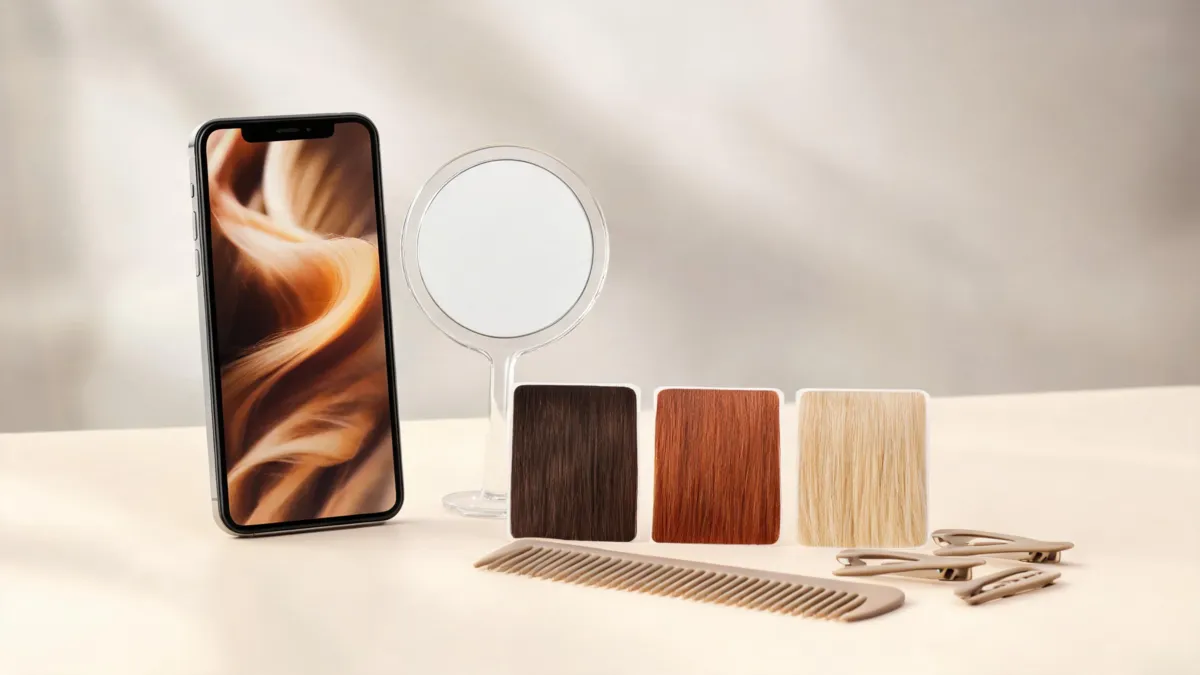
A controlled comparison is more useful than a single dramatic filter result: keep the photo stable and change only the color direction.
Make a comparison that is useful at a salon
The most helpful preview set is small. Save your original photo, one close-to-natural option, and two plausible directions. Look at them again away from the app, preferably on a larger screen and in ordinary room light. Make a short note about what you actually like: “softer around my face,” “less orange,” “deeper overall,” or “a little brighter at the ends.”
Bring that note and the original photo to a consultation. A colorist can connect the visual preference to facts a filter cannot see: your natural level, gray coverage, previous bleach or dye, hair condition, timing, and upkeep. If the question is whether a very dark option will feel too severe, compare it with the darker-hair preview guide before you decide.
Know when to skip the effect entirely
An AR effect is a poor planning tool when it cannot consistently find the hair it is meant to change. Skip it when your hairline is covered, the light has a strong color cast, the result spills onto your skin, or the effect leaves obvious uncolored gaps. The same goes for a clip that uses a dramatic camera filter: it may be fun to share, but it is not a clean reference for a salon service.
Use a still photo instead if you need to compare subtle brunette shifts, highlight placement, or a shade near the roots. Still images make it easier to pause on the part, temple, and ends—the places where a color idea can look different from a fast-moving social clip. You can also return to the same photo later and ask a much more useful question: “Do I still like this after a week?”
If no current TikTok effect fits the purpose, nothing is lost. The goal is not to find a particular filter; it is to leave with two honest visual references and a better vocabulary for the appointment.
Keep the safety decision separate from the preview
No camera effect can screen for an allergy or decide whether a product is appropriate for you. The U.S. Food and Drug Administration’s hair-dye guidance says to follow product directions and warnings, including a patch test before using hair dye. It also cautions against dyeing eyebrows or eyelashes.
That does not make every color change risky or complicated. It just puts the steps in the right order: first decide on a visual direction, then use the instructions for the exact product or a professional consultation to decide on the process.
Editorial disclosure: AIChangeHair is a visual-preview tool, not a salon, medical service, or hair-dye manufacturer. We have not assessed your hair, a formula, or an individual TikTok effect. Individual effects can change or be unavailable by account, device, or region.
Frequently asked questions
How do I find a hair color filter on TikTok?
Effect availability changes, so open TikTok’s Effects area and search for a current hair-color effect. Test it in neutral light and check that it follows your hairline. If a named effect is unavailable, use a photo-based hair color preview instead of relying on an old tutorial.
Can a TikTok hair color filter show my real dye result?
No. It can help you compare a visual direction, but it cannot predict bleach lift, dye chemistry, porosity, prior color, scalp sensitivity, or how a shade will fade. Follow the instructions for the actual dye and ask a qualified colorist about your starting hair.
What photo works best for a hair color preview?
Use a sharp, unfiltered photo in even daylight with your hairline and visible lengths in frame. Keep strong colored light, sunglasses, hats, and beauty filters out of the first comparison.
Related guides
- Try the free AI hairstyle changer →
- AI hair color changer
- Hair color for skin tone
- Darker hair preview guide
Compare the idea before the appointment
Try a current effect if you want the quick version, then use AIChangeHair to hold the photo steady and compare the color directions you would genuinely consider.