
AI Hair Preview Checklist to Bring to Your Stylist
Turn an AI hair preview into a more useful salon conversation with a short checklist for length, maintenance, color history, and realistic expectations.
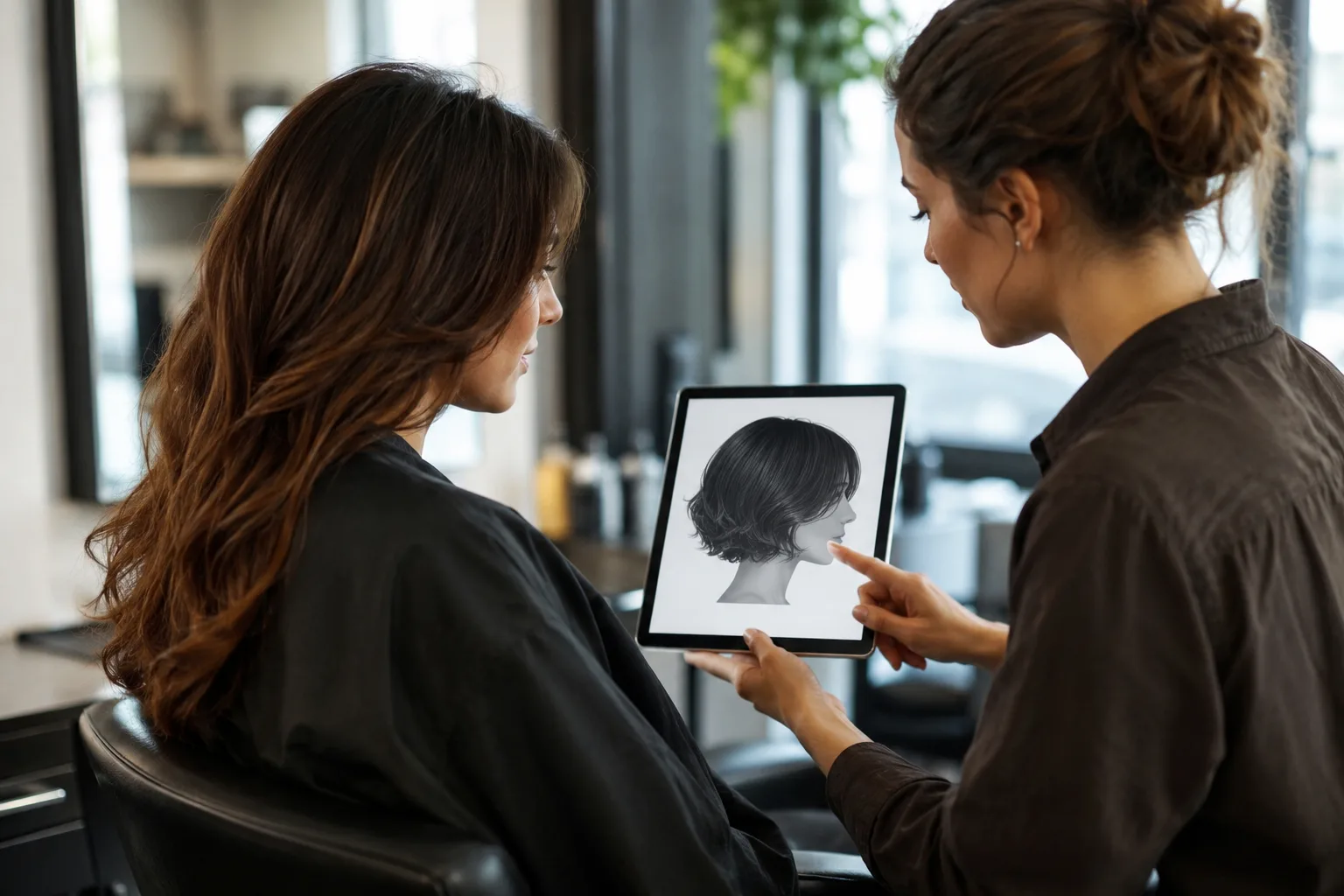
Bring an AI hair preview to a stylist as a starting point, along with notes about what you like, what you do not want, your current hair history, and how much styling you will actually do. A hairstyle try-on can make an idea easier to explain, but it cannot replace a real consultation about texture, length, or maintenance.
Last updated: July 22, 2026 · about 5 min read
The most useful salon reference is not a gallery of twenty conflicting screenshots. It is one or two hairstyle try-on previews plus enough practical information for the stylist to translate the look to your actual hair.
Make the preview useful before you save it
Use a clear photo and compare only one variable per version: length, fringe, part, curl, or color. Keep the version that answers a decision. If the image changes your face, hairline, or texture beyond recognition, it is not a good hairstyle try-on reference for a consultation.
| Put in your note | Why it matters |
|---|---|
| Two things you like | Gives the stylist a clear direction |
| One thing you do not want | Prevents a vague “make it like this” request |
| Current length and color history | Affects what is possible in one appointment |
| Daily styling time | Separates a photo-ready look from a practical one |
| Event date or maintenance deadline | Helps plan trims, color, and follow-up |
Use this three-step consultation checklist
- Create two or three controlled AI haircut previews from the same clean selfie.
- Circle the specific features you prefer: “soft fringe,” “length at collarbone,” or “darker root.” Do not say only “I want this exact image.”
- Ask the stylist which parts are achievable with your texture, density, color history, and normal routine. Their answer is more important than the software image.
A preview can show preference. It cannot tell you how quickly a fringe grows out, whether an updo will hold, or how a color process will behave on previously treated hair.
Use a preview to make the conversation more specific, not to demand an identical outcome.
Questions worth asking at the appointment
- Which part of this reference works with my natural texture?
- What would you adjust for my current length and density?
- What is the daily styling routine for this shape?
- If I want the color, what is the realistic path and maintenance schedule?
- What should I expect after the first wash?
These questions protect you from a common mismatch: a preview may show a polished result that required a different density, extension, heat styling, or lighting than your everyday hair. For a broader decision guide, see what hairstyle suits my face.
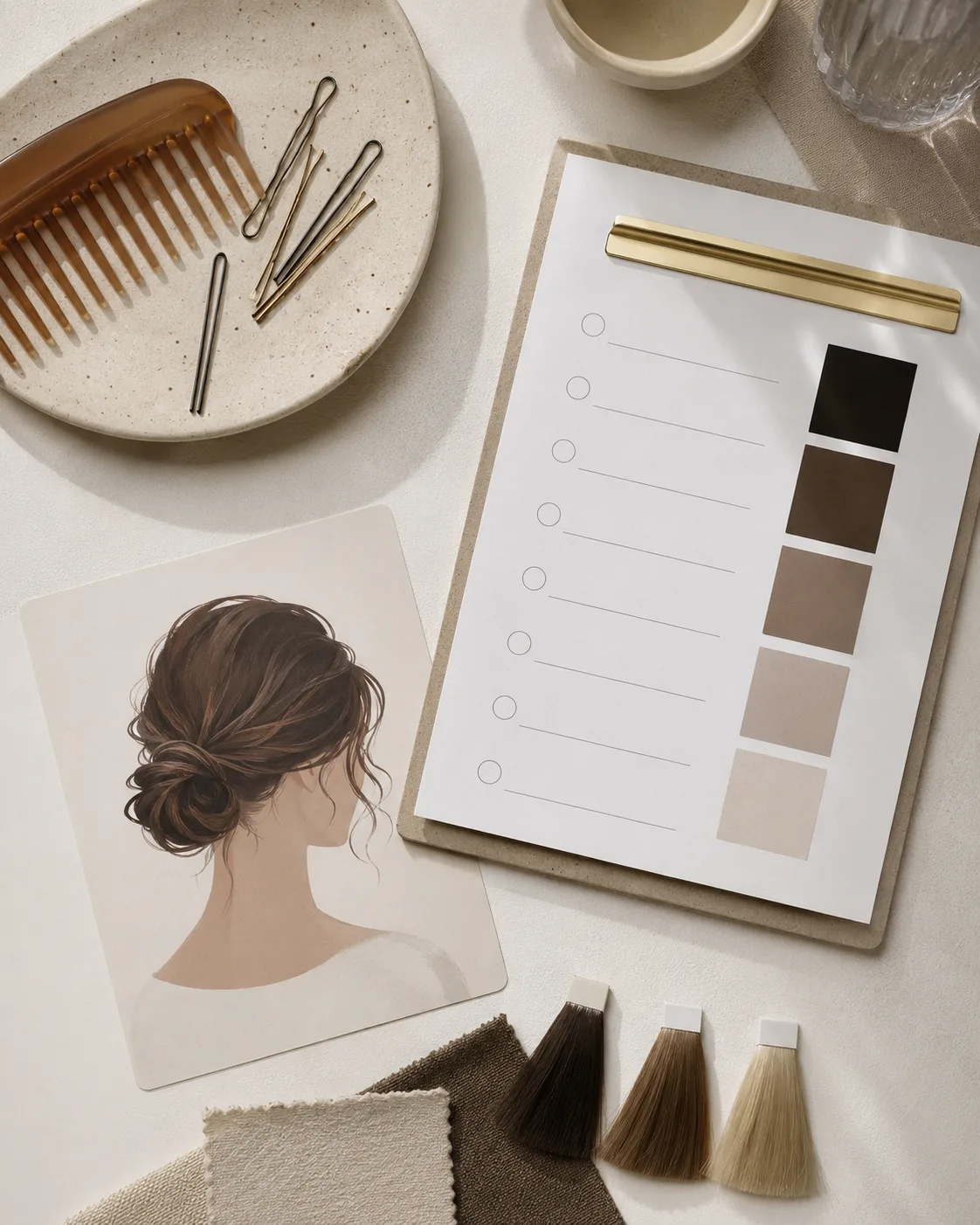
The planning image is deliberately different from the salon scene: it represents the information to bring, not the finished hairstyle.
Frequently asked questions
Should I show my stylist an AI hairstyle preview?
Yes, if you use it as a reference rather than a guarantee. Bring one or two examples and explain what you like about them, then let the stylist adapt the idea to your hair.
What should I tell a stylist besides the reference photo?
Tell them your color history, normal styling routine, time budget, length you want to keep, and any details you do not want changed. Those facts help more than extra screenshots.
Can an AI preview predict my exact haircut result?
No. It cannot assess your hair density, growth pattern, texture, previous chemical services, or salon technique. It is a communication aid only.
Related guides
- Try the free AI hairstyle changer →
- Hairstyle try-on guide
- AI haircut preview at the salon
- What hairstyle suits my face
Bring a direction, not a demand
Make your salon conversation easier with a few clear comparisons. Preview a hairstyle on your photo → before you book.