
AI Haircut Suggestions: Make a Shortlist Before You Preview
Use AI haircut suggestions to create a practical three-option shortlist before you preview styles on your own photo or speak with a stylist.
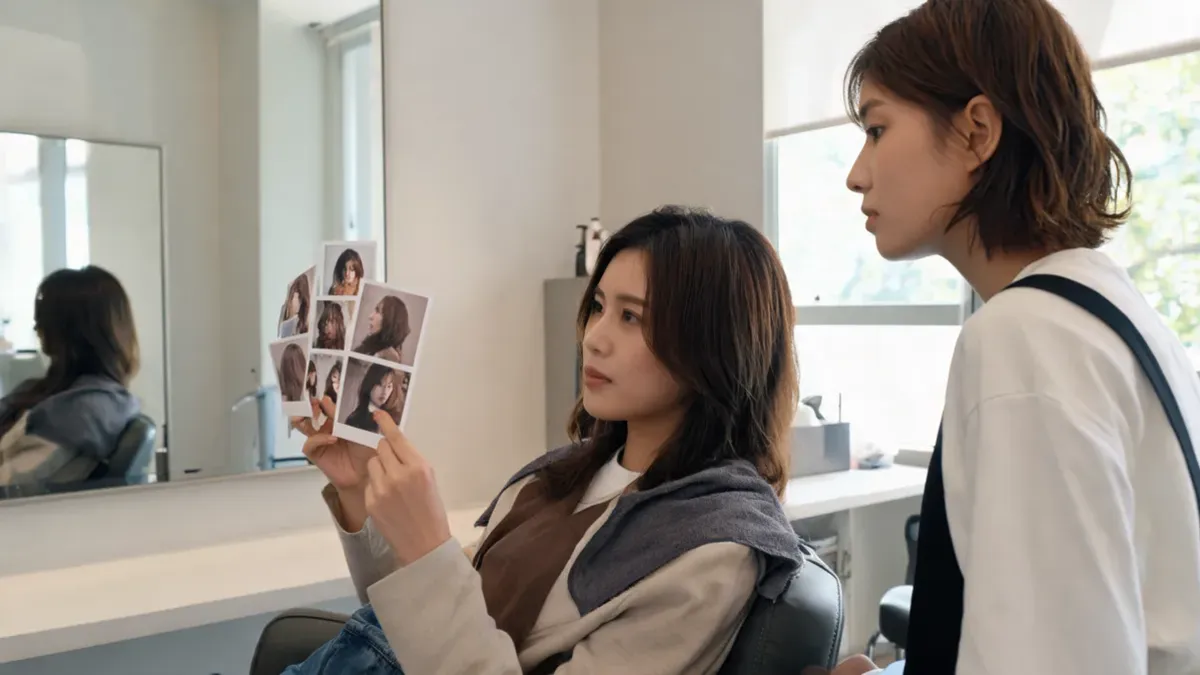
AI haircut suggestions are most useful when they create a small decision set, not a verdict about what you “should” look like. Start with one clear question, keep a familiar option plus one nearby and one bolder alternative, then preview those related cuts on the same photo. The AI hairstyle changer can make the visual comparison; your texture, growth pattern, routine, and a stylist still decide what is practical in real life.
Last updated: September 26, 2026 · about 7 min read
This is a different job from an AI preview. A suggestion stage helps you turn “I want something different” into a short list worth testing. The preview stage lets you inspect those few directions on your own face. Keeping the two stages separate prevents a common failure mode: generating many attractive but unrelated images and learning nothing about the choice in front of you.
Define the decision before you ask for suggestions
Begin with a question you could answer after seeing a few options. “What haircut suits me?” is too broad to compare fairly. A sharper question might be “How much shorter can I go while keeping face framing?” or “Would a softer fringe feel better than my usual open forehead?”
Give the AI the useful context in plain language: your current length, usual part, texture as you experience it, daily styling tolerance, and the constraint you care about. Do not treat it as a face-shape diagnosis or a substitute for a consultation. It cannot feel cowlicks, see density under a style, know your chemical history, or know whether you want to spend ten minutes styling every morning.
| Start with this | Turn it into this decision question |
|---|---|
| “I want a change but not a shock.” | Which collarbone or jaw-length option feels like a realistic first step? |
| “My fringe never sits right.” | Do I prefer an open part, soft curtain fringe, or more coverage? |
| “My hair feels heavy.” | Where would I like to remove visual weight while keeping my preferred length? |
| “I want less daily effort.” | Which of these shapes still looks coherent with my usual texture and part? |
Good suggestions create choices you can explain. If each result changes length, color, makeup, pose, and identity at once, the comparison is too noisy to guide a haircut.
Build a three-option shortlist
Use three roles rather than three random haircut names. The roles keep the comparison connected to your real starting point.
- Familiar reference: Keep something close to your current outline. This shows what you already like enough to protect.
- Nearby option: Change one meaningful variable: a little less length, softer face framing, a different part, or a gentler fringe. This is often the most useful salon conversation.
- Stretch option: Try a bolder but plausible direction. It is not a dare; it helps you learn whether the bigger change is genuinely appealing or simply novel.
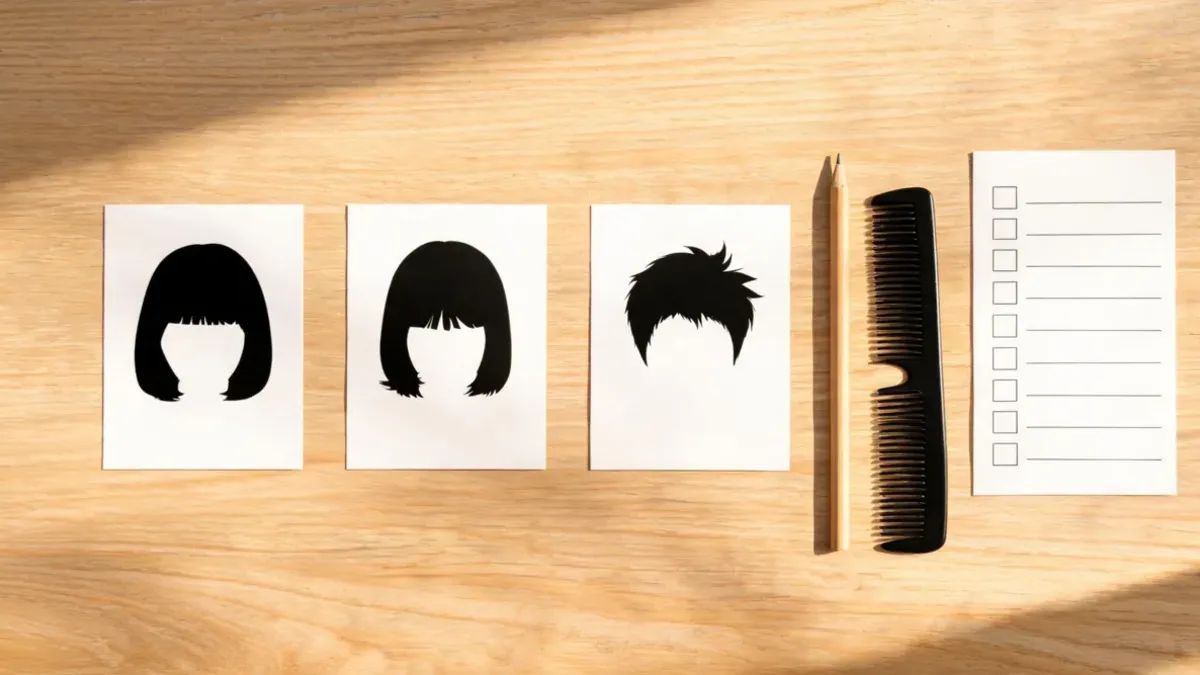
A familiar, nearby, and stretch option give a haircut decision enough contrast without turning it into an endless gallery.
The short hair filter is useful when length is the variable. If the decision is only about fringe, use the more focused bangs filter. A narrow tool makes it easier to see the one thing you are actually trying to decide.
Preview the shortlist without changing the question
Once you have the three directions, use one recent portrait in even light. Keep the same photo, crop, expression, hair color, and background for every candidate. Ask for one change at a time. For example, compare your current shoulder-length shape with a collarbone-length cut and a jaw-length bob; do not add highlights and curtain bangs to only one result.
| Review point | Ask yourself | What it gives a stylist |
|---|---|---|
| Length | Where does the shortest point land relative to my chin or shoulders? | A starting range instead of a vague “shorter” |
| Face framing | Do I want the sides more open or softer around the cheeks? | A preference about placement, not a copied image |
| Part and fringe | Is my usual part still working in this option? | A practical detail connected to your routine |
| Shape | Is the weight at the crown, sides, or ends? | Language for the silhouette you prefer |
| Upkeep | Does the preview assume smooth styling or a strict part every day? | A prompt to discuss what your hair can realistically do |
Reject polished output that changes your eyes, jawline, skin tone, hairline, camera angle, or background. It may be a nice picture, but it does not answer the haircut question. The source article, what an AI hair preview cannot tell you, explains why texture, processing, maintenance, and salon feasibility remain outside a single image.
Convert the winner into a salon-ready note
Bring the original and one or two previews, not a pile of screenshots. Add a sentence below each saved candidate describing the part you want to discuss:
- “I like the shorter perimeter here, but I want to keep soft pieces near my cheeks.”
- “This part feels more open; I need to know if it works with my usual texture.”
- “I like the lighter shape at the ends, but I do not want a style that needs daily heat.”
- “This is the boldest version I am open to; I would rather make a smaller change than lose all the front length.”
Those notes give a stylist something an image alone cannot: your priorities and limits. They also make it easy to accept a professional adjustment. A generated reference might show the direction you like while the real cut needs a different length, a less severe fringe, or a technique that suits your hair better.
For practical hair and scalp-care questions that go beyond a visual decision, the American Academy of Dermatology’s hair-care guidance is a better source than any image generator. Seek appropriate professional advice for persistent hair or scalp concerns.
Stop when the shortlist answers the question
More images do not automatically produce better advice. Stop after the familiar, nearby, and stretch options have taught you something specific. If the nearby option is clearly the one you can explain, you have a successful shortlist. If every result feels wrong, refine the question or take a more usable source photo instead of forcing a winner.
Editorial disclosure: AIChangeHair provides visual hairstyle previews. It does not diagnose face shape, hair or scalp conditions, predict how a cut will grow out, or guarantee a salon outcome. Use an AI suggestion to frame a preference, then decide with your routine and a qualified professional where appropriate.
Frequently asked questions
How many AI haircut suggestions should I keep?
Keep three related suggestions at most: one familiar reference, one nearby option, and one bolder but still plausible option. The point is to compare a single decision, not to collect every style that looks good in isolation.
What information should I give an AI for haircut suggestions?
Describe your current length, usual part, texture in plain terms, how much styling you are willing to do, and the change you are considering. Treat the output as ideas to evaluate, not a diagnosis of your face shape or a promise that a cut will behave the same way on your hair.
Should I preview haircut suggestions before going to a salon?
Yes, a preview can help you turn a vague idea into one or two visible preferences. Keep the original photo beside the preview and tell the stylist what you like about length, face framing, fringe, or shape; the stylist can assess the practical parts a generated image cannot see.
What if the AI suggestions all change my face?
Do not use those images as evidence for a haircut decision. Retake the source photo in even light with your hairline and usual part visible, then change only one haircut variable at a time. A dependable comparison should preserve the person, pose, light, and background.
Related guides
- Try the free AI hairstyle changer →
- Short hair filter
- Bangs filter
- What an AI hair preview cannot tell you
- How to make an AI hairstyle preview realistic
Make the next haircut conversation clearer
Use the AI hairstyle changer to test a small, connected shortlist, then take the one or two choices you can describe clearly into a real haircut conversation.