
Black Hair Filter: Preview Dark Hair Before Dyeing
Use a black hair filter to compare soft black, blue-black, and natural dark shades on your own photo before you dye or book a salon visit.
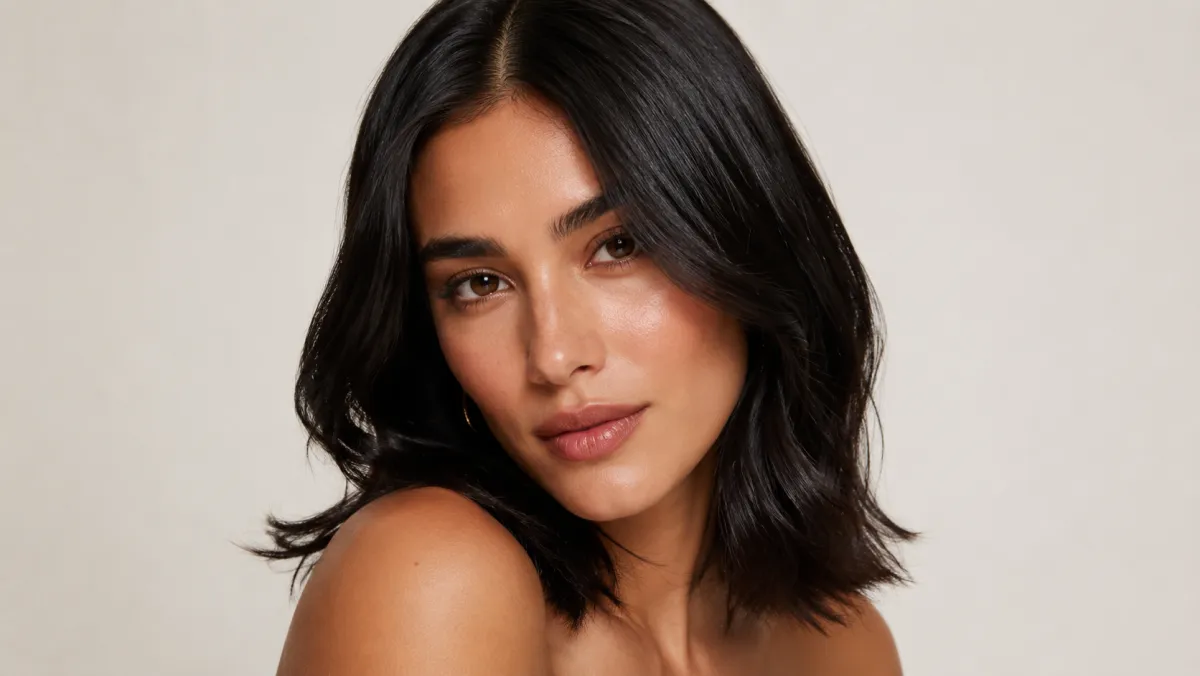
A black hair filter is useful for comparing the overall effect of darker hair on your own face before you dye it. A hairstyle try-on gives you a visual starting point for soft black, cool blue-black, or a near-black brown. It does not predict the exact shade a salon formula will create on your current hair.
Last updated: July 13, 2026 - about 6 min read
Quick answer
Test three dark directions on the same clear photo: a natural soft black, a cooler blue-black, and a deep brown that is almost black. Keep the haircut, part, lighting, and background unchanged. The comparison makes it easier to see whether you prefer sharper contrast, a softer transition near the face, or a little visible warmth.
The black hair filter is for choosing a direction. Your hair history, porosity, previous color, and maintenance plan still need a real consultation.
Dark hair is not one single shade
Two results can both look black and still read very differently around the face.
| Direction | What it tends to show in a preview | Real-world question to ask |
|---|---|---|
| Soft black | Strong depth with less blue or ink-like contrast | Will it fade warmer on my base? |
| Blue-black | Cooler, sharper effect in bright light | Is the upkeep realistic for me? |
| Near-black brown | Depth with a little softness | How close is it to my natural regrowth? |
Do not ask for a new color, a new cut, different makeup, and studio lighting in one edit. That makes the preview look dramatic, but it does not help you identify what the dark shade itself is doing.
Use a photo that shows your hairline
For a useful hairstyle try-on and hair color preview, choose a well-lit image where the hairline, part, and a good amount of length are visible. Avoid heavy beauty filters, hats, dark backlighting, and hair that covers most of the face.
- Upload one clear photo to the AI hair color changer.
- Try a soft black result first.
- Test one cooler and one softer alternative.
- Compare the roots, hairline, and visible lengths before saving a favorite.
Look at the image in daylight-like screen brightness as well as on a small phone preview. A shade that looks rich on a large display can feel much harsher in a casual selfie.
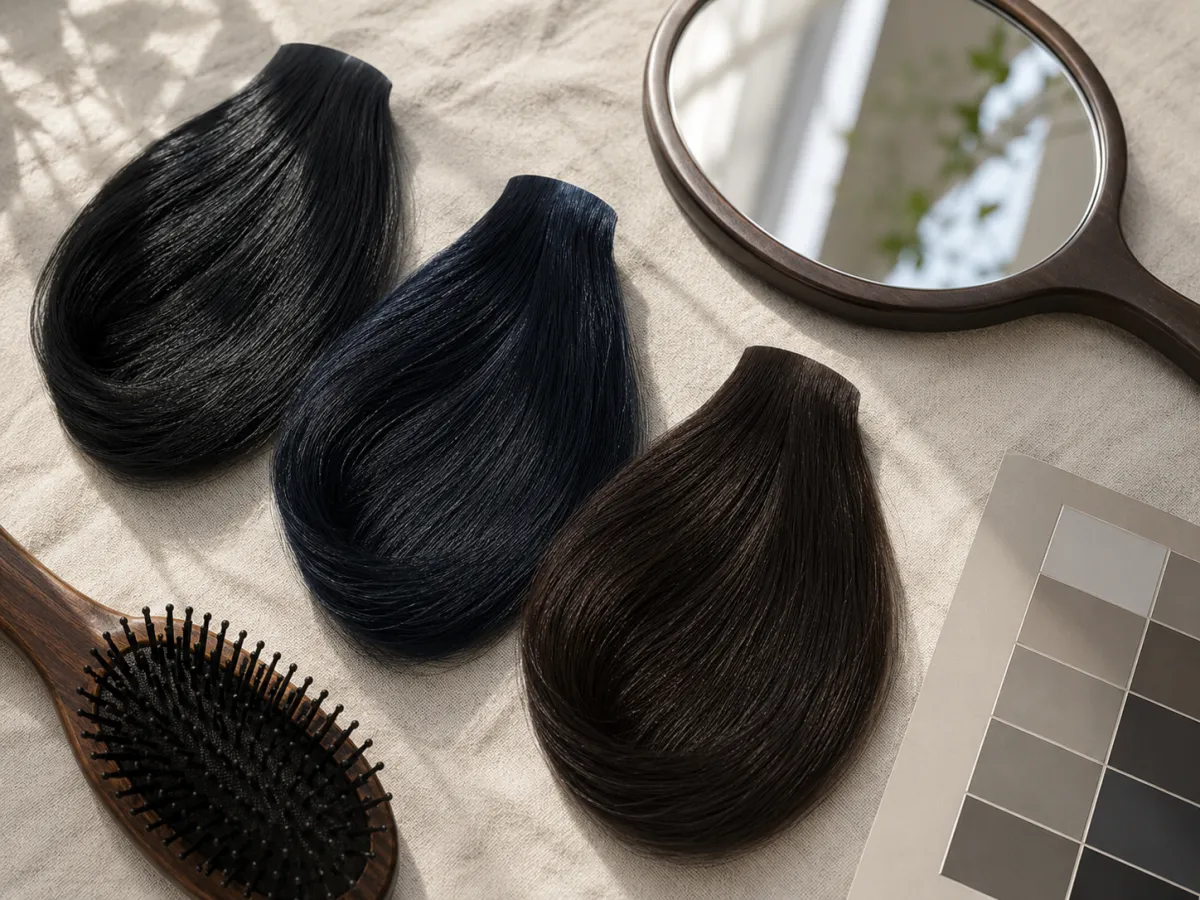
Compare the depth and temperature of dark hair before you decide what to ask for in real life.
Check contrast, not just darkness
The first question is not "does black look good?" It is "what changes when the hair becomes this dark?"
- Does the shade make your brows and eyes look clearer or more severe?
- Does the hairline still feel natural next to your skin tone?
- Do the ends look flat, or is there enough texture and light to see the cut?
- Would you prefer the softer version for everyday photos?
If you like the depth but not the starkness, try a deep brunette preview next. This kind of hairstyle try-on is best when you compare one shade variable at a time. For a broader comparison, see the brunette hair filter and the hair color changer guide.
What the filter cannot promise
It cannot tell you how a dye will lift, fade, cover gray, react with old color, or affect hair condition. It also cannot replace a patch test or a stylist's assessment. Bring one or two saved references to a professional and describe what you liked: the depth, the coolness, or the amount of visible dimension.
FAQ
Can a black hair filter show my exact salon result?
No. It shows a visual direction. A real result depends on your starting color, treatment history, formula, processing, and upkeep.
Should I try blue-black or soft black first?
Start with soft black. It gives you a baseline for the amount of contrast you like, then you can decide whether a cooler result feels too strong or just right.
Does black hair always make hair look thicker?
It can make the silhouette look denser in a photo, but it does not change actual density. Check that the edit still shows the texture and shape of your haircut.
Related guides
- Try a hair color on your photo
- Brunette hair color preview
- How to change hair color in a photo
- Root touch-up color preview
Use a black hair filter to make the shade conversation more specific, then let a real color plan decide the final result.