
Bob Haircut Filter: Compare Bob Lengths on Your Photo
Use a bob haircut filter to compare chin-length, jaw-length, and long bob proportions before a cut. Turn the preview into a clearer salon brief.

A bob haircut filter is valuable because a few centimeters change the whole result. A jaw-length bob, chin-length bob, and long bob can all look like "a bob" in a search result but behave very differently around your face, neckline, and daily routine. Try two lengths on a clear photo with the AI hairstyle changer, then use the preferred version as a starting point for a real consultation.
Last updated: July 15, 2026 - about 7 min read
Pick the bob decision you are actually making
Before you use a bob haircut filter, decide whether the real question is length, shape, or upkeep. Do not bundle all three into one vague request.
- Length: jaw, chin, collarbone, or somewhere between.
- Outline: blunt, softly rounded, angled, or textured.
- Part and volume: center part, side part, sleek, airy, or tucked.
If you are unsure, length is the best first comparison. It is the choice with the biggest effect on how a bob frames the face and sits with collars, scarves, and earrings.
Compare two lengths, not ten styles
Upload a straight-on photo in even light with your hairline and neck visible. Keep the original person, clothing, and background stable. Then run a short pair of tests: one chin-length version and one longer version that reaches near the collarbone.
Try a prompt like this:
Keep my face, skin tone, clothing, lighting, and background unchanged. Give me a realistic, fully clothed portrait with a smooth chin-length bob, natural volume, a clean outline, and the same hair color. Do not alter face shape. No text or logo.
For the second version, change only the length and keep the part and texture fixed. You will see whether the shorter line feels intentional or whether the longer bob gives you the balance you want.
| Bob option | What it changes visually | Practical question to ask |
|---|---|---|
| Jaw-length | Makes the jaw and cheeks more prominent | Will it tuck behind the ears comfortably? |
| Chin-length | Creates a classic, defined frame | How will the ends behave with my texture? |
| Long bob | Keeps more movement around the neck | Can it still look structured without daily heat styling? |
| Angled bob | Adds a stronger front-to-back line | How subtle should the angle be? |
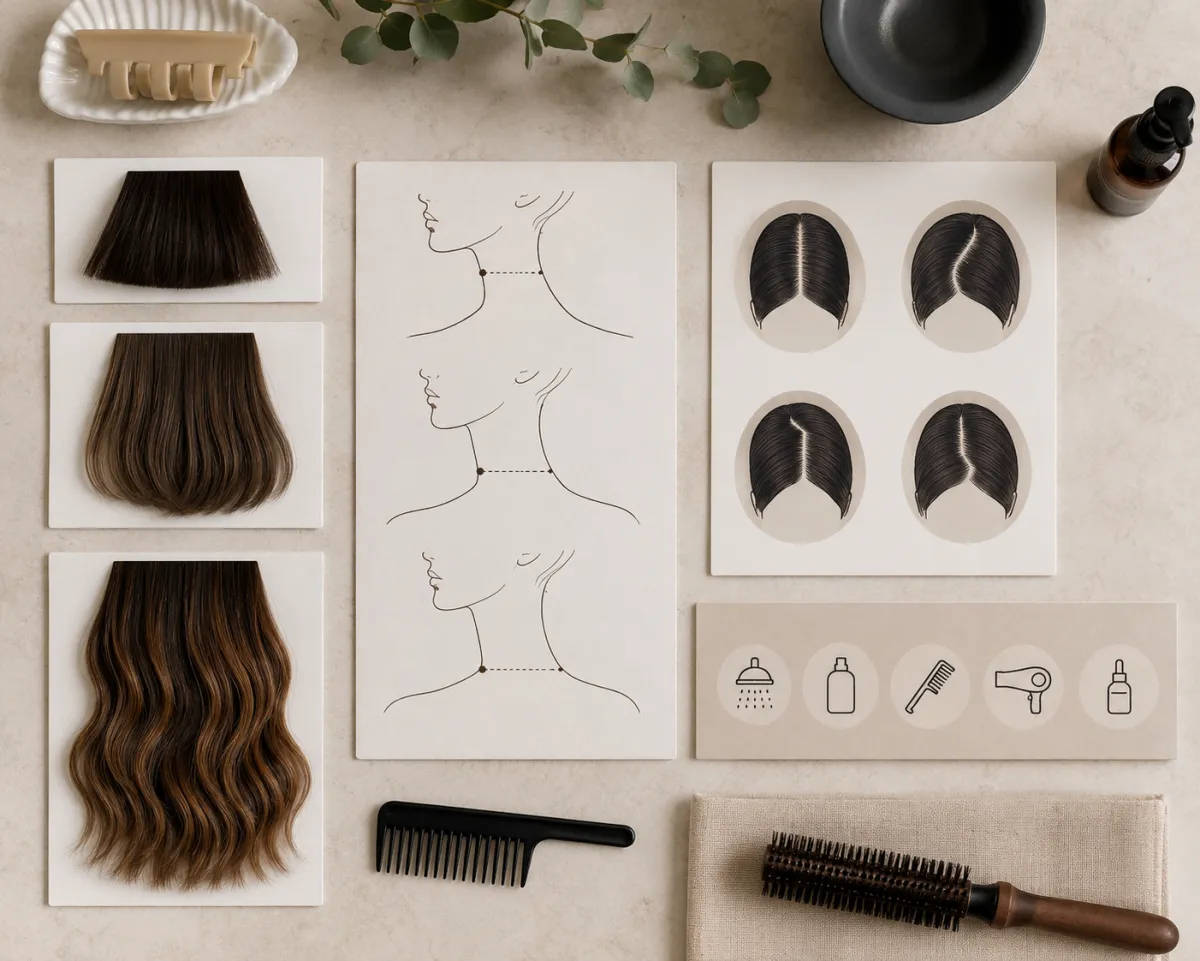
This comparison board turns a visual preference into concrete length, parting, and upkeep notes.
Judge the picture in the right order
First inspect the lowest edge. Does it end at a place you will be happy seeing around your neck every day? Next, inspect the width at the jaw and cheeks. Finally, look at the part. A center part can make a bob feel more symmetrical and graphic; a side part may feel softer or give more apparent volume. It is fine to like one image's length and another image's part. That is useful information for a stylist.
For more short-hair context, see long hair to short hair preview. If color is also part of the change, use the AI hair color changer as a separate comparison rather than asking one image to change cut and color together.
What the filter cannot promise
The preview cannot account for your real density, curl pattern, cowlicks, hairline, or the amount of styling time you have. A sleek bob can be low-maintenance on one person and a daily heat-styling commitment on another. Ask a stylist how the chosen length will sit with your natural texture and whether small layers or a different outline would make it easier to wear.
For more general try-on guidance, read hairstyle try on. Upload only photos you have permission to use.
Frequently asked questions
Can I try a bob haircut on my photo?
Yes. A bob haircut filter can help you compare length, outline, and parting on your own photo. It is best used as a visual reference for a salon consultation.
Which bob length should I preview first?
Compare a chin-length bob and a collarbone-length bob first. Those give you a meaningful difference without creating too many variables at once.
Is a bob haircut filter accurate?
It can show a useful visual direction, but it cannot predict exact texture, density, grow-out, or the work required to style the real cut. Confirm those details with a professional.
Bring a more specific bob reference to your consultation
Use the AI hairstyle changer to compare two lengths, save the one with the right outline, and ask your stylist how it translates to your hair texture.