
Curly Bangs Filter: Preview Fringe With Your Natural Texture
Use a curly bangs filter to compare soft, fuller, and curtain-like fringe on your own photo while keeping your natural texture and face in view.

A curly bangs filter is most useful when you use one clear selfie to compare a soft fringe, a fuller fringe, and a curtain-like option without changing your face, color, or background. Start with the bangs filter, keep your natural texture visible, and judge where the fringe lands when it springs up—not whether an edited image makes a promise a real cut cannot keep.
Last updated: September 17, 2026 · about 7 min read
What should a curly bangs filter help you decide?
The useful question is not “Will this make me look completely different?” It is: do I prefer a little face framing, more forehead coverage, or a fringe that works with my normal part? Curly bangs can look very different once they dry and take their natural shape, so a preview should narrow a direction rather than supply a cutting map.
Compare only nearby options on the same portrait:
| If you are deciding between | Preview this first | Look closely at |
|---|---|---|
| No bangs and a subtle change | A light, separated fringe | Whether a few curls soften the forehead without hiding it |
| A soft and a fuller fringe | The same curl pattern with more density at the center | Brow visibility, eye area, and whether the front feels crowded |
| Curtain-like and straight-across bangs | A center opening versus more even coverage | Your natural part, cheekbone framing, and how the sides connect |
| A short and a longer fringe | A version that lands above the brow and one that lands lower | Where the curls appear to spring up when dry |
Keep your current color and a plain background. If a result changes your hairline, skin, makeup, or face shape, it cannot answer the fringe question. Discard it and make a simpler request.
A preview can show a visual direction. It cannot measure your shrinkage, tell a stylist how much to cut, or guarantee that a fringe will behave the same in humidity, after sleep, or with a different styling routine.
How do you preview curly bangs without losing the texture?
- Take a recent photo in diffuse daylight with your forehead, hairline, and natural part visible. Let your curls sit close to how you normally wear them; avoid pulling them straight for the photo.
- In the AI hairstyle changer, make one restrained request: “soft curly bangs, keep my face, curl texture, hair color, lighting, and background unchanged.” Save that as the baseline.
- Make two controlled comparisons: one lighter, separated fringe and one slightly fuller fringe. Put all three beside the original before deciding what you actually like.
The dedicated curly hair filter is useful if you are still deciding on overall curl volume. For this decision, preserve the rest of the hairstyle as much as possible. Changing length, color, and fringe in one pass makes it hard to know what caused the reaction.
Use the right starting photo
An image that hides the temples or has a heavy side part can make a fringe look more convincing than it would in daily life. Choose a photo where both eyes, the brow area, and enough of the hairline are visible. If you usually wear glasses, make one comparison wearing them; the space between fringe and frames changes the impression.
Curly hair needs its own baseline. Do not use a sleek, straightened reference to decide how a curly fringe will sit. The goal is not an exact digital result. It is a clearer conversation about coverage, parting, and visible length on your own face.
What to inspect before you save a favorite
The center and the sides
Look at the middle first: is there enough openness around your eyes for the look you want? Then look at the sides. A convincing curly fringe usually has a believable connection to the rest of the shape instead of appearing as a hard, disconnected strip across the forehead.
Visible length, not the written length
Curled strands use visible length as they bend. A preview cannot calculate your exact dry result, but it can help you label your preference in plain language: “I want the front to look lighter,” “I want more brow coverage,” or “I want longer side pieces.” Those are better salon notes than asking for a number copied from an edited image.
Your normal routine
Ask whether the favorite image resembles how you actually wear your hair: air-dried, diffused, stretched, or refreshed on later days. The American Academy of Dermatology advises choosing products for your hair type and limiting excessive heat; that is a practical reason to pick a fringe direction that fits your routine rather than chasing a one-day finish. Their healthy-hair guidance is useful context if you are changing how often you style your hair.
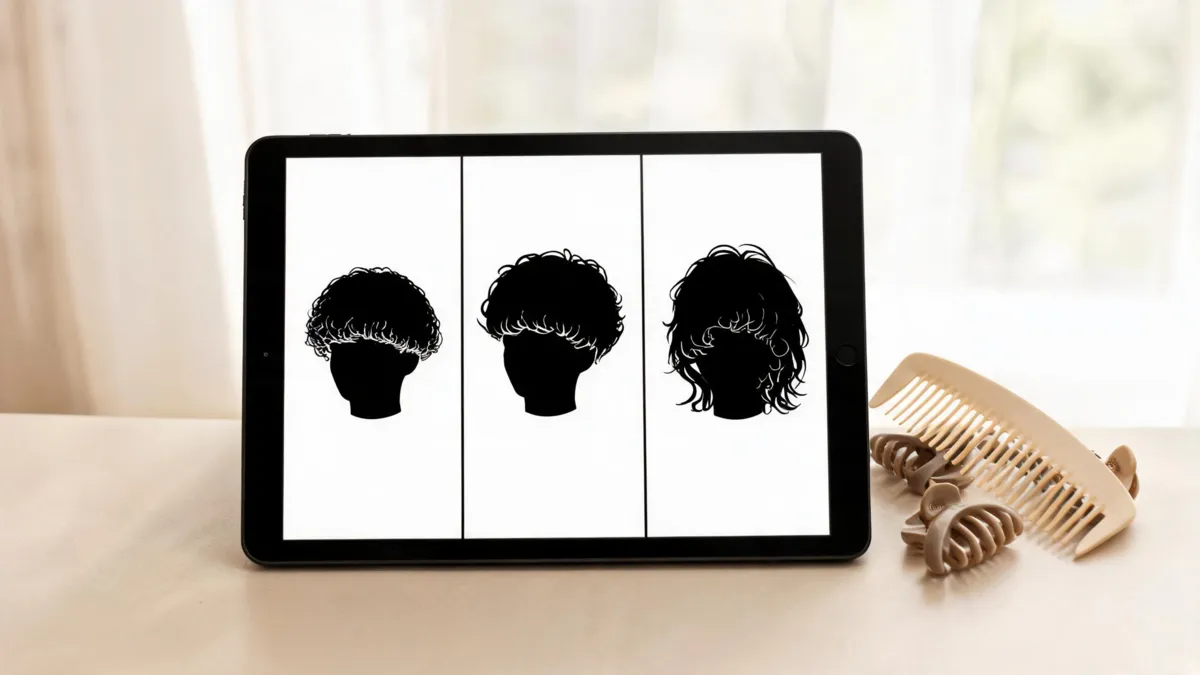
Compare close variations on one face; a useful preview changes the fringe, not the person.
Turn the preview into a salon conversation
Take the original photo, one or two saved previews, and a real reference with a curl pattern reasonably close to yours. Tell the stylist what you like about the image rather than treating it as a specification:
- “I like the small gap in the middle and softer sides.”
- “I want the front to feel lighter, but I do not want heavy coverage.”
- “I prefer this amount of visible brow after the curls spring up.”
- “I need something that still works with my usual wash-and-style routine.”
Then ask what your curl pattern, density, growth direction, and face-framing layers make realistic. If you are nervous about the commitment, a stylist can suggest a longer or more separated first version. The wispy bangs filter guide is a helpful next read when you specifically want a lighter, lower-coverage fringe.
Limits worth keeping in view
No filter can see how your hair behaves when it is wet, dry, stretched, or exposed to weather. It also cannot tell whether a new fringe will suit your upkeep preference, whether your front has a strong cowlick, or how quickly you will want a trim. A useful result is one that leaves those decisions open for a professional who can see and touch your hair.
Avoid making a major cut because a single generated image looks dramatic. If the result changes your identity, blurs the hairline, invents a new texture, or hides the transition into the sides, it is not reliable evidence. Keep the original, compare a small set, and choose the direction that feels like you.
Frequently asked questions
Can a curly bangs filter show exactly how my curls will sit?
No. It can help you compare the overall fringe direction on your own face, but it cannot predict your exact curl pattern, shrinkage, cowlicks, density, or the result after a stylist cuts and styles your hair.
What photo works best for trying curly bangs?
Use a recent, front-facing photo in even light. Keep your forehead, natural part, and hairline visible, and avoid hats, beauty filters, or hair that covers most of your face.
Should I preview curly curtain bangs or a full fringe first?
Start with the lower-commitment version closest to your current part, often a soft curtain-like fringe. Then compare a slightly fuller version on the same photo so you can see what additional coverage changes.
Can I take a curly bangs preview to a salon?
Yes, as a conversation starter. Bring the original photo, one or two preview results, and a real reference with a texture similar to yours. A stylist can adapt the idea to your curl pattern and routine.
Related guides
- Try the free AI hairstyle changer →
- Bangs filter
- Curly hair filter
- Should I get bangs?
- Wispy bangs filter: preview a softer fringe
Preview the fringe in small steps, name what you like, and let a stylist turn that preference into a cut that respects your natural texture.