
Should I Get Bangs? A Preview-First Decision Checklist
Wondering should I get bangs? Use a controlled photo preview and a practical checklist to compare fringe shape, upkeep, hairline, and grow-out before a cut.
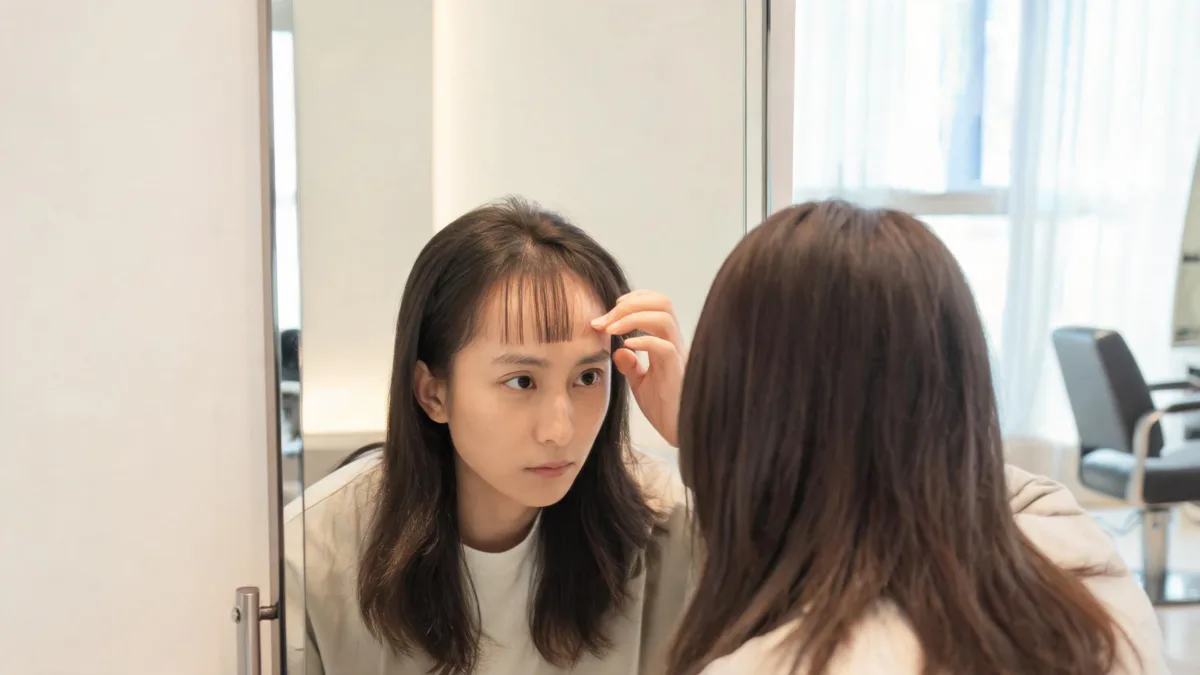
If you are asking “should I get bangs?”, make the decision with a small, honest comparison instead of one dramatic makeover. Use the AI hairstyle changer on a clear photo, preview two nearby fringe shapes, and judge the result against your original. Then weigh the real parts a preview cannot answer: your natural part, hairline, texture, styling routine, and willingness to grow a fringe out.
Last updated: September 6, 2026 · about 6 min read
Start with the decision you actually need to make
“Bangs” can mean a light curtain shape, a blunt line, a side-swept fringe, or a few soft pieces. A useful preview answers one practical question at a time: do you prefer more forehead coverage, a center opening, or a softer edge around the eyes? It should not change your face, makeup, color, lighting, or background just to make the result look more convincing.
The bangs filter is designed for that controlled test. Keep one source photo and compare two close options before trying anything bolder. If you already know you want a light fringe, the wispy bangs filter is a more focused next step.
| If you are wondering… | Preview this first | Keep in mind |
|---|---|---|
| “Would a fringe feel too heavy?” | A soft, separated fringe with some forehead visible | Density in a render is not a cutting plan |
| “Would I prefer a center part?” | Curtain bangs with your current length and color unchanged | Your natural part and growth direction still matter |
| “Do I want a bigger change?” | A fuller fringe at a similar length | Styling time and grow-out are part of the decision |
| “Will the shape work with glasses?” | The same fringe with your usual glasses visible | A photo cannot test comfort or daily movement |
The most useful result is the one that still looks like you. If a preview changes your features, complexion, or head shape before it changes the fringe, reject it and start again.
Make a two-preview test in three steps
- Choose an ordinary, clear source photo. Use even daylight or neutral indoor light. Keep your forehead, natural hairline, current part, and the front of your hair in frame. Skip beauty filters, hats, and photos where hair hides most of your face.
- Test one soft option first. Ask for a light curtain or wispy fringe that follows your existing part. Keep your face, haircut, color, expression, clothing, lighting, and background unchanged. The prompt should describe the fringe—not invent a new person.
- Change one detail for the second version. Make the fringe slightly longer, fuller, or more open at the center. Put both beside the original at normal phone size. Save the image only if you can say precisely what you like about it.
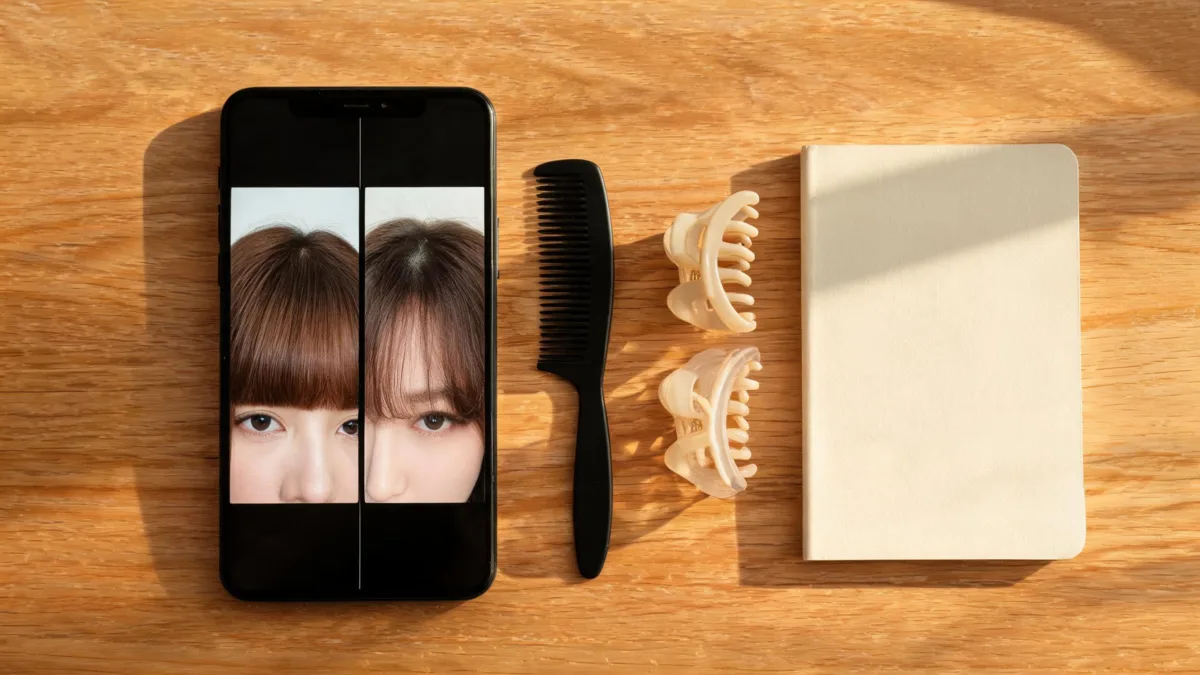
A small comparison is more useful than a gallery of unrelated makeover images.
Use this checklist before you book a cut
A flattering render is only the visual half of the decision. Run through this short list after you find a version you like:
- Hairline: Does the fringe begin inside your real hairline, with believable temples and side pieces? A pasted-on edge is not useful evidence.
- Part: Does it work with the part you normally wear? A center part can look different when your hair naturally falls to one side.
- Texture: Would you be comfortable styling the front section if it air-dries, curls, coils, or gets flat differently from the preview?
- Routine: Think about regular mornings, not only a good hair day. Can you make room for quick styling and occasional trims?
- Grow-out: Ask whether a longer, softer shape would blend into your current layers if you decide against a permanent fringe.
- Reason: Can you name the feature you prefer—more openness, softer face framing, or less brow coverage—without saying only that the image “looks better”?
The American Academy of Dermatology’s hair-styling guidance notes that excessive heat can damage hair. That does not rule out bangs; it is a useful reminder to include your real styling habits in the decision rather than treating a preview as a maintenance-free result.
Compare fringe directions, not face-shape rules
Face-shape charts can suggest ideas, but they cannot decide a haircut for you. Your density, texture, hairline, glasses, part, and personal preference may matter more than a label. Use the preview to notice how each option changes the outline around your eyes and forehead, then turn that observation into a stylist question.
| Compare | What to look for | Ask a stylist |
|---|---|---|
| No bangs vs. light curtain bangs | Whether soft pieces add the framing you want | Will this sit with my natural part? |
| Curtain bangs vs. wispy bangs | Center openness and visible forehead | Which needs less daily direction on my texture? |
| Wispy bangs vs. a fuller fringe | Whether more coverage still feels like you | How will each shape grow out with my layers? |
For a larger style change, run a separate test with the virtual haircut simulator. Do not combine a new color, short length, dramatic makeup, and bangs in one request; you will not know which change is creating the reaction.
When it makes sense to wait before cutting
There is no prize for deciding from a single preview. Wait a few days if you only like the fringe in one unusually polished image, if the result requires a different part from the one you normally wear, or if you cannot picture the upkeep on a rushed morning. Take a second photo in ordinary light and run the same two options again. A direction that still feels right across both images is a stronger salon reference than a trend image that only works in perfect light.
Waiting is also useful when the question is really about a bigger change in confidence or routine. A preview can make the visual choice less abstract, but it cannot decide how often you want trims or whether you enjoy styling hair around your face. Those are personal trade-offs, not shortcomings the right fringe is supposed to fix.
Turn the preview into a better salon conversation
Bring your original image and up to two previews. Tell the stylist the visible preference, such as “I like the open center and longer sides,” or “I want less forehead coverage than this.” Then share the practical facts the image cannot know: how you usually part your hair, whether you air-dry it, how much heat styling you are comfortable with, and how you feel about trims and grow-out.
Avoid asking for a generated image to be copied exactly. A stylist can assess growth direction, density, texture, and the version of the shape that is realistic for you. The AI haircut preview at a salon guide explains how to make that conversation clearer without treating the render as a promise.
Editorial disclosure: AIChangeHair provides visual hairstyle previews. It does not diagnose hair or scalp conditions, determine the best haircut for you, or guarantee a salon result. Use only photos you have permission to upload, keep the original beside each preview, and let a qualified stylist make the final cutting recommendation.
Frequently asked questions
How can I tell if I should get bangs?
Use a clear photo to compare two nearby fringe options with your original hair, then consider your natural part, hairline, texture, styling time, and willingness to grow them out. A preview can clarify what you like visually, but a stylist should assess how the cut will behave on your hair.
What bangs should I try first if I am unsure?
Start with a softer, longer option such as curtain or wispy bangs, then compare it with a slightly fuller version on the same photo. Nearby comparisons reveal more than several unrelated makeovers.
Can a bangs filter predict how a real haircut will look?
No. It can show a visual direction, not an exact cut. A filter cannot predict cowlicks, shrinkage, density, daily styling, humidity, or how a fringe will grow out.
What photo is best for deciding whether to get bangs?
Use an unfiltered, front-facing photo in even daylight with your forehead, hairline, current part, and front sections of hair visible. Avoid hats, heavy shadows, sunglasses, and beauty filters.
Related guides
- Try the free AI hairstyle changer →
- Bangs filter: compare fringe shapes on your photo
- Wispy bangs filter: preview a softer fringe
- Virtual haircut simulator: test one decision at a time
- AI haircut preview at a salon: use a reference honestly
Preview the fringe, then choose the routine
Use the AI hairstyle changer to compare two nearby bang directions on the same honest photo. Keep the one that gives you a specific question for a stylist, not a promise about the finished haircut.