
Custom Pompadour: Compare Classic, Textured, and Fade Styles Before You Cut
Compare a classic, textured, or faded custom pompadour on one photo, then turn the version you prefer into a clear barber brief.
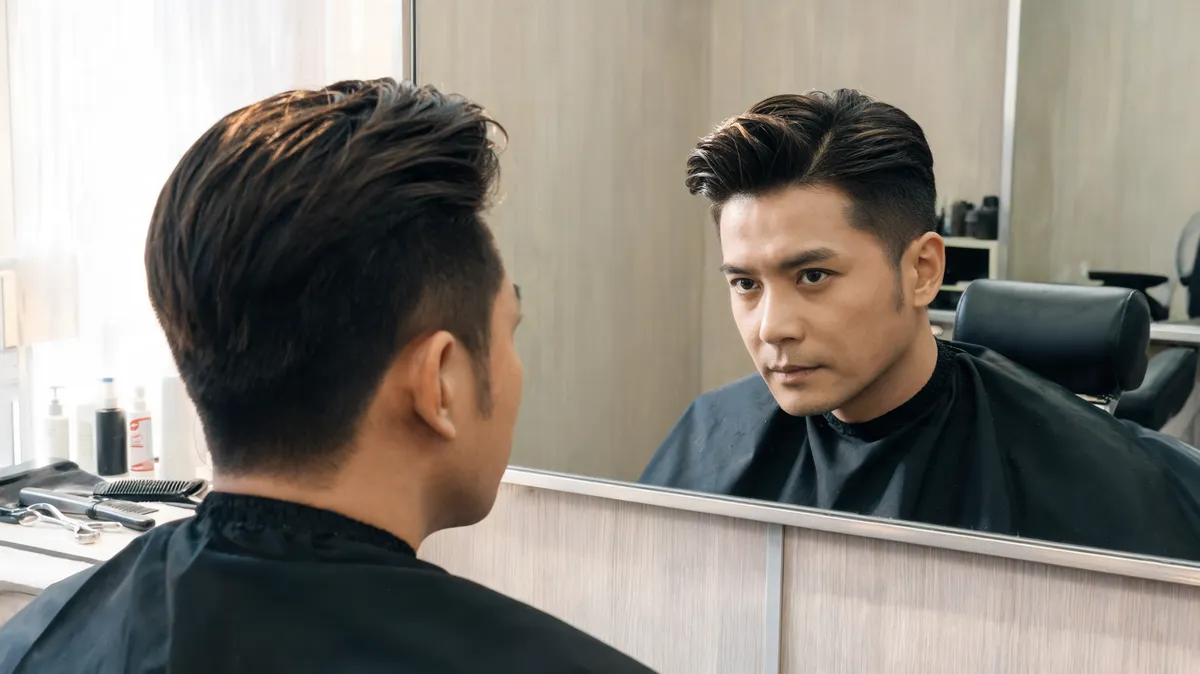
A custom pompadour is easiest to choose when you separate three decisions: the finish on top, the amount of height, and the transition at the sides. A smooth classic pompadour, a loose textured version, and a faded version can all use the same swept-up idea but look very different in daily life. Start by comparing those variables on one photo with the Pompadour Filter, then take the result you can describe clearly to a barber.
Last updated: September 27, 2026 · about 8 min read
“Custom” should not mean a paragraph of trend words. It means choosing the visible details that matter to you and being honest about your routine. This guide is a comparison and communication exercise, not a promise that a generated image can predict your texture, hairline, or styling result.
Which custom pompadour direction should you compare first?
The shared structure is lift at the front and hair directed up and back. The important differences are surface finish and side contrast. The live filter offers classic, modern, textured, and faded starting directions plus a custom-prompt option; use those as reference points, not fixed haircut formulas.
| Direction | What changes visually | A useful barber conversation starter | Routine reality check |
|---|---|---|---|
| Classic pompadour | A smoother, more deliberate sweep with a polished surface | “I like the clean sweep, but I want the height to stay moderate.” | Decide whether you enjoy styling a controlled finish most mornings. |
| Textured pompadour | The top is separated into softer pieces instead of one glossy wave | “Keep lift at the front, but make the surface less neat and less rigid.” | Look at your natural wave and how it behaves after drying. |
| Pompadour with a low fade | The short sides start lower, so the contrast is gentler | “Keep more transition around the sides; I do not want the top to feel disconnected.” | A softer blend may be easier to grow out on your schedule. |
| Pompadour with a higher fade | More scalp and short side area are visible, making the top read taller | “I want stronger contrast, but not more top height than this reference.” | Ask where the fade begins and how quickly that line will grow out. |
The Modern Salon classic pompadour fade walkthrough is useful evidence that a fade and the top shape are separate technical choices. It is a cutting demonstration, though, not a substitute for a consultation about your own growth patterns or upkeep.
Choose the question before the look: “Do I want a smoother surface?” and “How much side contrast can I live with?” produce a more useful comparison than asking for a “better” pompadour.
Make a controlled custom pompadour comparison in three steps
- Use one neutral portrait. Pick a recent photo with your hairline, usual part, and both sides of your head reasonably visible. Keep the lighting and crop the same for every version.
- Change one variable at a time. First compare classic and textured surfaces at a similar height. Then keep the top direction and compare a lower versus higher side transition. The AI hairstyle changer works best when the person, pose, color, and background stay fixed.
- Write one sentence for each result. For example: “I like the softer top, but the high contrast is too sharp,” or “I like the clean shape, but I want less height at the front.” That sentence is the beginning of a practical barber brief.
Do not keep a result that changes your face, hair color, expression, or camera angle. A good-looking generated portrait that no longer resembles the source cannot answer whether the haircut direction suits your preferences.
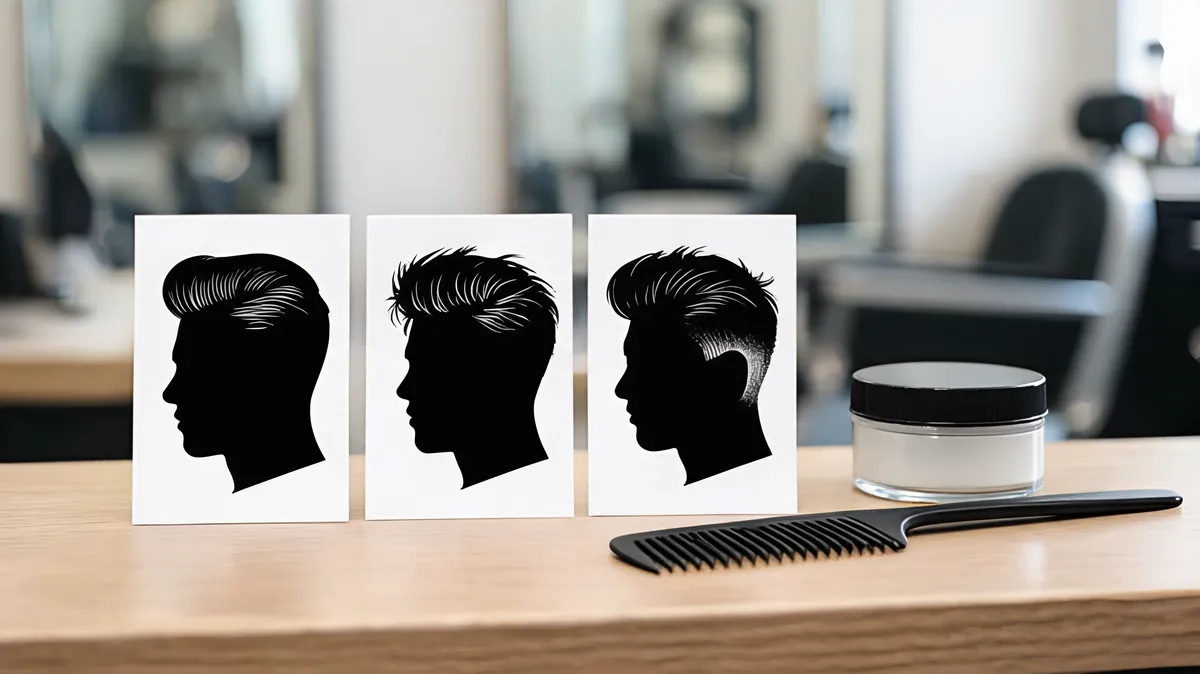
Compare a small family of related pompadours on the same source photo; a larger random gallery usually makes the decision harder.
Turn the preview into a barber brief
Bring your original photo and one or two saved comparisons. A barber can adapt a visual preference to density, cowlicks, recession, curl pattern, and the way your hair dries—details a preview does not know. What helps most is naming your priorities in an order they can work with.
| Brief detail | Say what you mean | Avoid relying on |
|---|---|---|
| Top finish | Smooth and polished, or separated and textured | “Make it modern” |
| Front height | Low, moderate, or noticeably high relative to this reference | “Give it volume” |
| Direction | Swept back, slightly to one side, or less structured | “Like the photo” with no explanation |
| Side transition | Low, mid, or higher fade/taper; soft or stronger contrast | A clipper number without checking the blend placement |
| Daily effort | The amount of heat, product, and restyling you will really do | Assuming the salon finish is your everyday result |
The classic-versus-textured distinction is not a quality ranking. Regal Gentleman’s classic pompadour-with-fade walkthrough illustrates how a controlled top shape and a side transition can be discussed separately. Your hair and preferred routine decide which direction is useful.
A short custom-pompadour checklist
- Keep your natural hair color and usual part in the first preview.
- Compare classic and textured top finishes before changing the sides.
- Check the side profile, not only a front-facing result.
- Save the original beside the one or two versions you can explain.
- Tell the barber your non-negotiable: less height, more texture, a softer side blend, or a cleaner finish.
- Ask what must change for your density, growth direction, and maintenance tolerance.
If your deciding factor is only the side contrast, compare a buzz cut filter separately. It is a different haircut, but it can help you communicate how exposed or blended you want the sides to appear without changing every variable at once.
Editorial disclosure: AIChangeHair provides visual hairstyle previews. It does not assess scalp or hair health, measure density, predict product hold, or guarantee a barber result. Use a preview to clarify a visible preference, then let a qualified barber assess what is practical on your hair.
Frequently asked questions
What should I ask for in a custom pompadour?
Name the finish you want, the amount of height you will realistically style, and how exposed you want the sides to be. A photo plus plain preferences such as smooth or textured, lower or higher lift, and taper or fade gives a barber more to work with than the word pompadour alone.
Is a textured pompadour less formal than a classic pompadour?
Usually, yes. A classic pompadour reads smoother and more deliberate, while a textured version breaks up the surface and can look more relaxed. The final impression also depends on the height, side length, parting, and how you style your own hair.
Should I choose a high fade or a low fade with a pompadour?
Choose by the contrast you want to see around the temples and above the ears. A higher fade exposes more of the sides and makes the top look more pronounced; a lower fade leaves more hair around the head for a softer transition. Ask your barber where the blend will begin rather than relying on the label alone.
Can an AI pompadour preview tell me whether my hair will hold the style?
No. A preview can help you compare visible shape and contrast on your face, but it cannot measure density, growth direction, hairline behavior, product hold, or a barber's technique. Use it to bring a clearer preference to a real consultation.
Related guides
- Try the free AI hairstyle changer →
- Pompadour Filter
- Buzz cut filter
- How to make an AI hairstyle preview realistic
- AI hair preview limitations
Compare the shape before you book
Use the Pompadour Filter to test a small, controlled set of directions, then bring the version you can explain in plain language to your next barber appointment.