
Free Virtual Hair Color Changer: Budget a Three-Shade Test
Plan a free virtual hair color changer test with three shades. Calculate credits, choose a resolution, and set a stopping point before buying more previews.
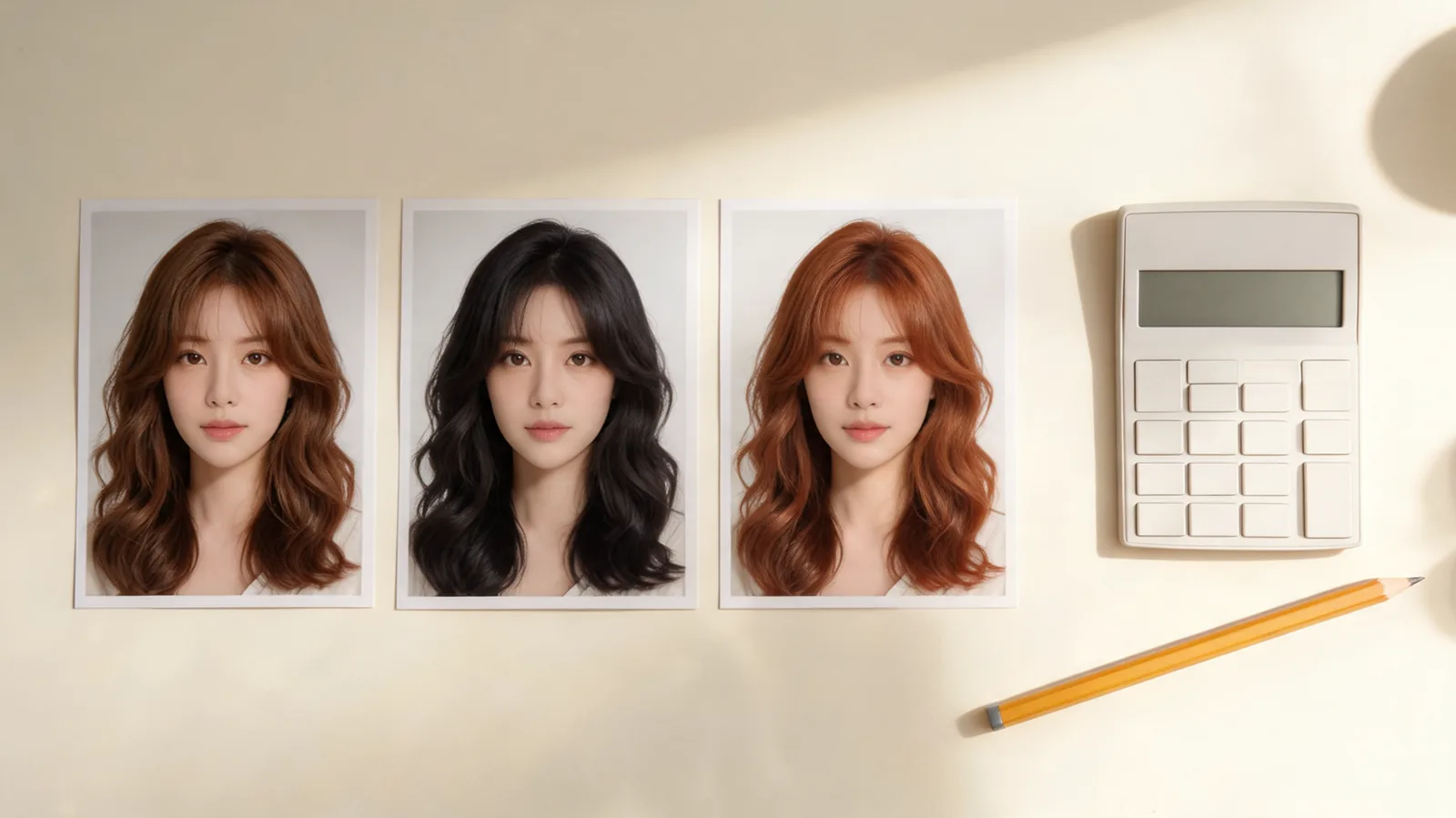
A free virtual hair color changer may cover a small trial rather than unlimited previews. Budget three shades before you start: in AIChangeHair, three 1K edits cost 30 credits. Check your available balance, use one original portrait, and stop when you have a useful shortlist. The AI hairstyle changer also offers color controls for that workflow.
Last updated: October 3, 2026 · about 8 min read
This guide is published by AIChangeHair and uses its public pricing as a worked example. Rates and allowances were checked on October 3, 2026. Use the current editor and account balance if they differ from the figures below. The images are illustrative color-planning examples, not measured product results.
What does “free” mean before you upload?
A free tool can let you open the editor, give you a few generations, provide a daily allowance, or offer a trial that later renews. Those arrangements lead to different budgets. Ask two separate questions: can you create the preview, and can you save the version you need?
Start by checking whether signup is required, whether payment details are requested, and whether a recurring charge is involved. A daily credit claim is not the same as a subscription trial. If a checkout screen appears, read it before proceeding; opening an editor does not require you to accept an offer.
Also separate a color edit from other features. A hair report or a haircut variation may use the same credit balance while serving a different purpose. For a three-shade test, keep the task to color edits. You can decide later whether another feature adds information you need.
Other tools may use a different access model. For example, BeautyPlus's hair color page advertises free photo-based try-on. That public description alone does not establish the conditions of every export or account offer. Check the live controls in whichever tool you choose rather than importing another product's credit rules.
Calculate the three-preview budget first
The AIChangeHair pricing page lists 10 signup credits and 10 more for each daily claim. The editor offers 1K edits at 10 credits, 2K at 16, and 4K at 24. A separate hair report costs 16 credits. You do not need a report to run this color comparison.
Multiply the displayed edit cost by the number of shades. Keep any optional retry separate so it does not quietly consume your third planned preview.
| Output choice | One edit | Three shade edits | Three edits plus one optional retry |
|---|---|---|---|
| 1K | 10 credits | 30 credits | 40 credits |
| 2K | 16 credits | 48 credits | 64 credits |
| 4K | 24 credits | 72 credits | 96 credits |
These totals assume three separate successful color edits at the listed rates. They do not include a report, an extra haircut experiment, or a later high-resolution version. If you mix resolutions, add each edit separately: two 1K previews plus one 2K preview cost 36 credits.
Use the balance displayed in your account, not the advertised allowance, as your starting number. An existing account may already have spent credits. A new account may need to complete signup or claim the daily allowance before those credits are available. Do not count a future claim as if it were already spendable.
A three-shade plan is three edits. Changing the haircut, regenerating every shade, and requesting a report creates a different budget, even if all the actions happen in the same editor.
Can you finish the test without buying credits?
With an unused 10-credit signup allowance, you need another 20 credits to fund three 1K edits. Two successful daily claims of 10 credits each bring the total to 30. Whether the first claim is available immediately depends on the account's current eligibility and claim state; check the screen rather than assuming a calendar schedule.
You can use one preview when the first 10 credits are available, then keep the same original and request format for later previews. Alternatively, wait until the full 30-credit balance is ready. Waiting makes it easier to compare all three in one sitting, but you do not need to purchase credits simply to avoid a pause.
If your account has 20 credits, you can fund two 1K edits. Either stop at a two-shade shortlist or collect the remaining allowance later. A budget is useful because it lets you choose a smaller test deliberately. It is not a reason to buy a pack before you know whether the first result preserves your hair and face well enough.
For three 2K or 4K edits, use the totals in the table and subtract your actual balance. You may choose to wait, reduce the output resolution, or review a purchase. Keep the credit shortfall separate from the cash price: a pack can contain more credits than you need for this single decision.
Run a three-shade test in three steps
- Prepare one original portrait. Use even daylight, visible hair edges, and no strong beauty or color filter. Keep the same photo and crop throughout; do not use the first recolored result as the next input.
- Choose three color directions and one resolution. Write the choices down before opening the AI hair color changer. Keep length, texture, and hairstyle unchanged so the comparison stays about color.
- Save and compare at the same display size. Inspect the face and hair outline first, then compare the color. Record one preference or concern for each result and stop once the shortlist is clear.
A request can be simple: “Change only my hair color to chestnut brown. Keep my haircut, texture, face, clothing, background, and lighting unchanged.” Use the same wording for each version, replacing only the color. A prompt helps define the target but does not guarantee perfect preservation.
If brown is one of your candidates, the brown hair color changer offers a focused entry point. For a warmer candidate, use the copper hair color changer. Pick shades far enough apart to answer a decision; three nearly identical descriptions can spend the same credits without clarifying your preference.
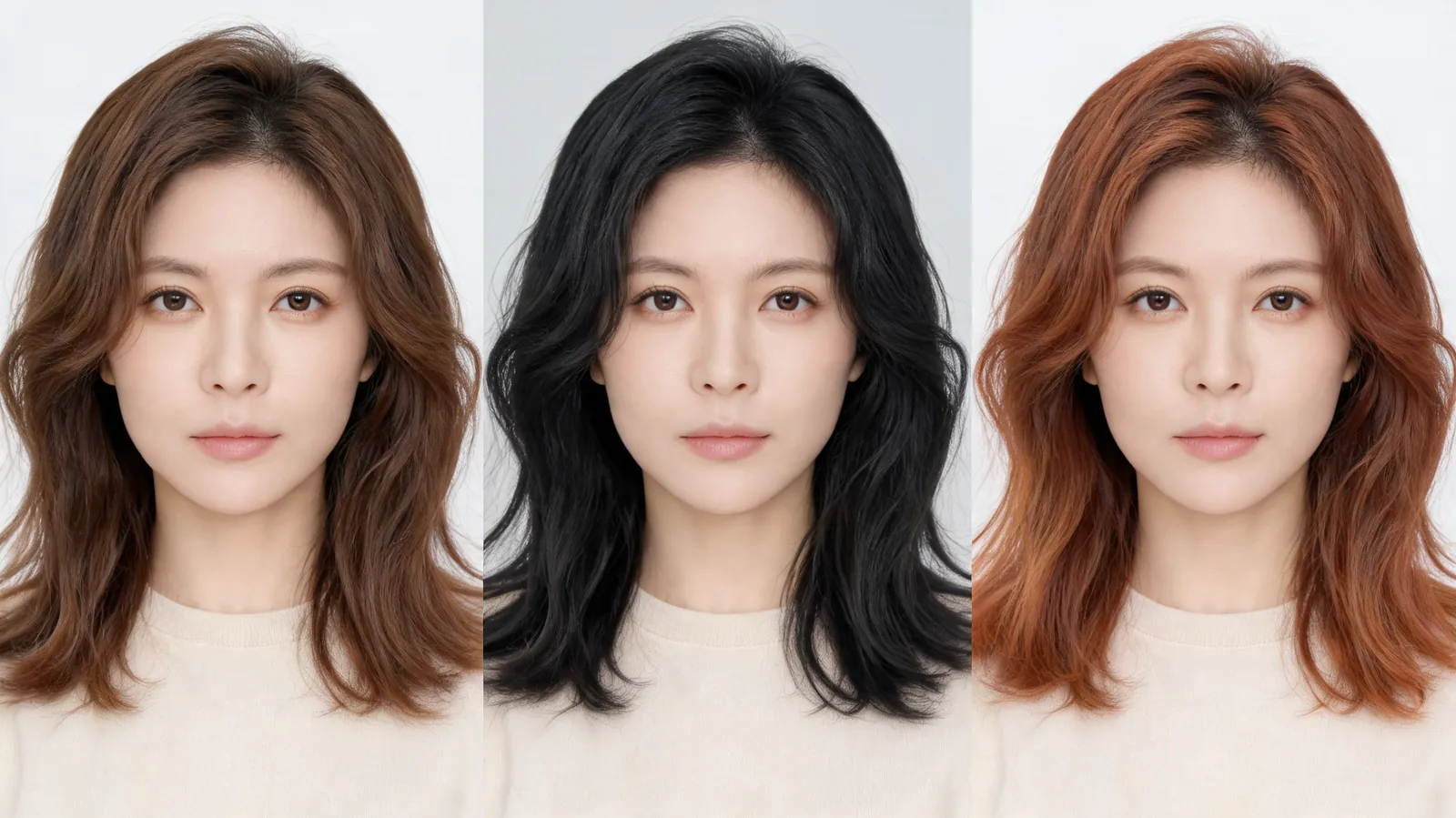
Three illustrative color directions on a consistent portrait. They show the comparison format, not actual tool outputs or dye results.
Which resolution is worth using?
Start at 1K when the question is broad: darker or warmer, restrained or vivid, closer to your current shade or a larger change. Compare results at the size you normally use on your phone or screen. If you can see the relevant difference there, a larger output may add little to that first decision.
Consider a higher-resolution version only after choosing a finalist and identifying why you need more detail. You might want a larger reference to show a stylist or to inspect a hair boundary more closely. Count that version as another edit in your plan rather than assuming the first preview can be upgraded without cost.
Higher resolution is a file-detail choice, not a promise of color accuracy. Lighting, the starting portrait, and the generated changes still matter. If one result alters your complexion or hairstyle, sharper pixels do not repair the comparison. Return to the original and correct the specific issue only if doing so will answer a missing question.
Set a stopping rule before checkout
Use three valid previews as the default limit, with one optional retry only for an identifiable error. A valid preview keeps your face recognizable and the hairstyle consistent enough to compare color. If the first result fails that basic check, improve the input before funding the rest of the test.
Stop when you can say what you prefer and why: “The warmer direction is more interesting, but I want a less intense version.” That sentence is a useful outcome even if you have not chosen a final shade. Generating every nearby variation can create more indecision instead of more confidence.
Before buying, check whether the offer is a recurring subscription or a one-time pack, how many credits it provides, and how unused credits are treated. AIChangeHair describes its one-time top-ups as having no recurring charge and credits that do not expire. Read the specific offer you select; do not apply a top-up's terms to a subscription by assumption.
The preview cannot establish the salon process needed to reach a color or predict the result on your current hair. Keep the original and one or two favorites for a professional conversation. If your decision is specifically about going darker, the darker-hair preview guide explains what a visual comparison can and cannot show.
Frequently asked questions
Is a free virtual hair color changer unlimited?
Not necessarily. Free access may mean a limited signup balance, a daily claim, a trial, or a restricted export. Check the current allowance and the cost of your chosen operation before planning several previews.
How many credits do three AIChangeHair color previews cost?
At the rates listed on October 3, 2026, three edits cost 30 credits at 1K, 48 at 2K, or 72 at 4K. A separate hair report costs 16 credits and is not included in those totals.
Can I finish three previews using only free credits?
It depends on your available balance and resolution. With AIChangeHair's listed 10-credit signup allowance and 10-credit daily claims, an unused new account needs two daily claims to reach 30 credits for three 1K edits. Check what your account has actually received before generating.
Should I use 4K for my first hair color test?
Use 1K when comparing broad color directions on a phone or ordinary screen. Consider a higher resolution only if you need to inspect a finalist more closely or make a larger reference. More pixels do not make a color prediction more reliable.
Related guides
- Try the AI hairstyle changer →
- AI hair color changer
- Brown hair color changer
- Copper hair color changer
- What a darker-hair preview can show
Start with a planned color comparison
Check your balance, choose three shades, and open AIChangeHair when you have a budget that fits the decision.