
Hair Color Changer vs Hairstyle Changer vs Bald Filter
Choose a hair color changer, hairstyle changer, or bald filter by the question you need to answer before dyeing, cutting, or shaving.
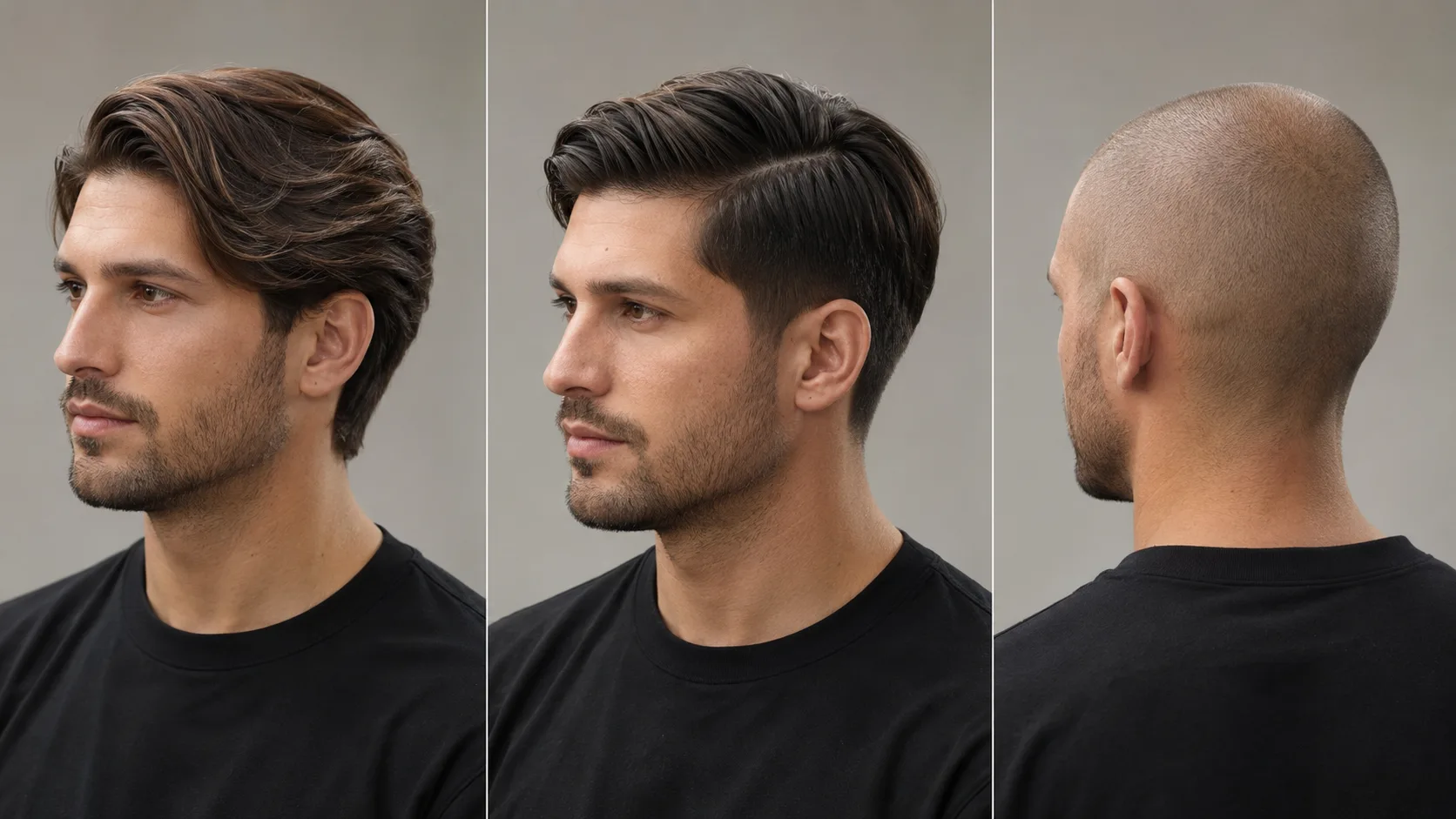
Use a hair color changer when the shape should stay the same, a hairstyle changer when you are deciding on cut or texture, and a bald filter when the question is about removing hair rather than styling it. The wrong preview can still look convincing, but it will not answer the decision you actually have to make.
Last updated: July 27, 2026 · about 5 min read
A haircut simulator works best when you start with one clear question. “Should I go darker?” is different from “Should I cut bangs?” and both are different from “Would I be comfortable with a shaved head?”
Match the tool to the decision
| Your question | Start with | Keep stable |
|---|---|---|
| Which shade suits me? | Hair color changer | Cut, length, face, and lighting |
| Would a bob, fringe, or different part work? | Hairstyle try-on | Face, background, and broad color direction |
| Should I shave or go very short? | Bald filter | Face angle, lighting, and expression |
Use a haircut simulator after you choose that lane. It makes the comparison clearer when the source photo, lighting, and the one requested change stay stable.
Hair color changer: test direction, not chemistry
A color preview is useful for comparing warm versus cool tones, light versus dark, or a subtle root change. Keep the cut fixed while you compare. The image cannot tell you how bleach, previous color, porosity, or lighting will affect an actual appointment, so treat it as a visual starting point.
Try the hair dye simulator when you want to narrow shades before speaking to a colorist. Keep your original photo in view; a large face or background change makes a color comparison less meaningful.
Hairstyle changer: test shape and placement
Use a hairstyle changer when the length, fringe, part, or texture is the question. Ask for one change per version. A blunt bob, curtain bangs, and a new color in the same render give you too many variables to judge.
A haircut simulator comparison is strongest when you save two or three controlled versions, rather than treating a single surprising render as a recommendation.
Bald filter: test a different silhouette
A bald filter is not simply a very short hairstyle changer. The question is about how your face reads when hair is removed or greatly reduced. Compare the bald result with a buzz cut preview if you are deciding between a clean shave and a short cut.
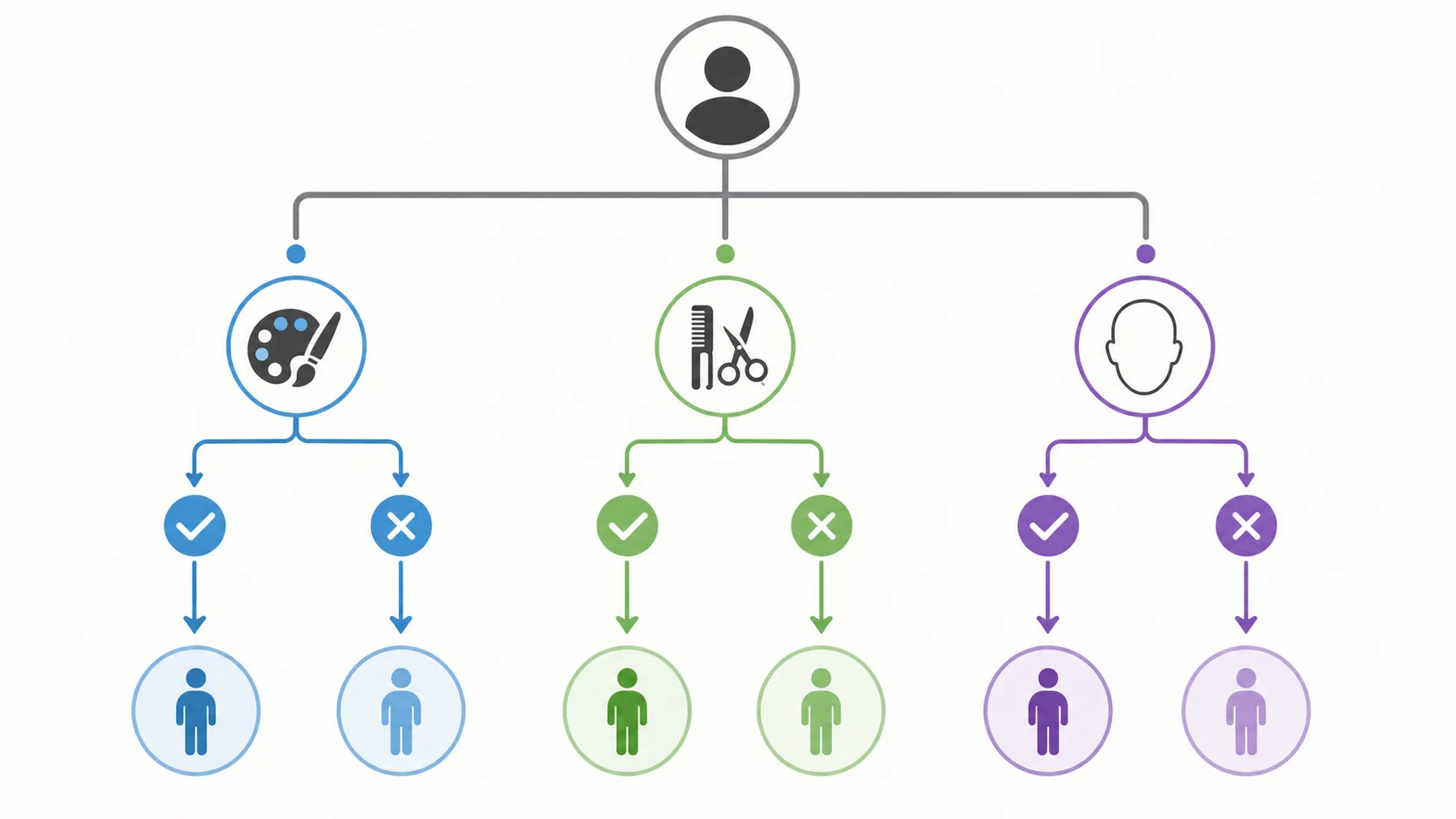
Ask one question first, then choose the preview that can answer it.
Keep expectations realistic
Every preview is a way to communicate a preference. It cannot guarantee cut precision, dye results, maintenance time, or how your natural texture will behave. For an appointment, bring one or two controlled examples and ask a stylist which parts are realistic for your current hair.
If you need help with that discussion, use the AI hair preview checklist. A clearer question produces a more useful preview—and a better real-world decision.
The haircut simulator should help you explain that question to a stylist; it cannot settle the practical answer by itself.