
Hair Color for Brown Eyes: How to Preview Contrast Before You Dye
Explore hair color for brown eyes by comparing a few warm, cool, and deep directions on the same photo before a dye appointment.
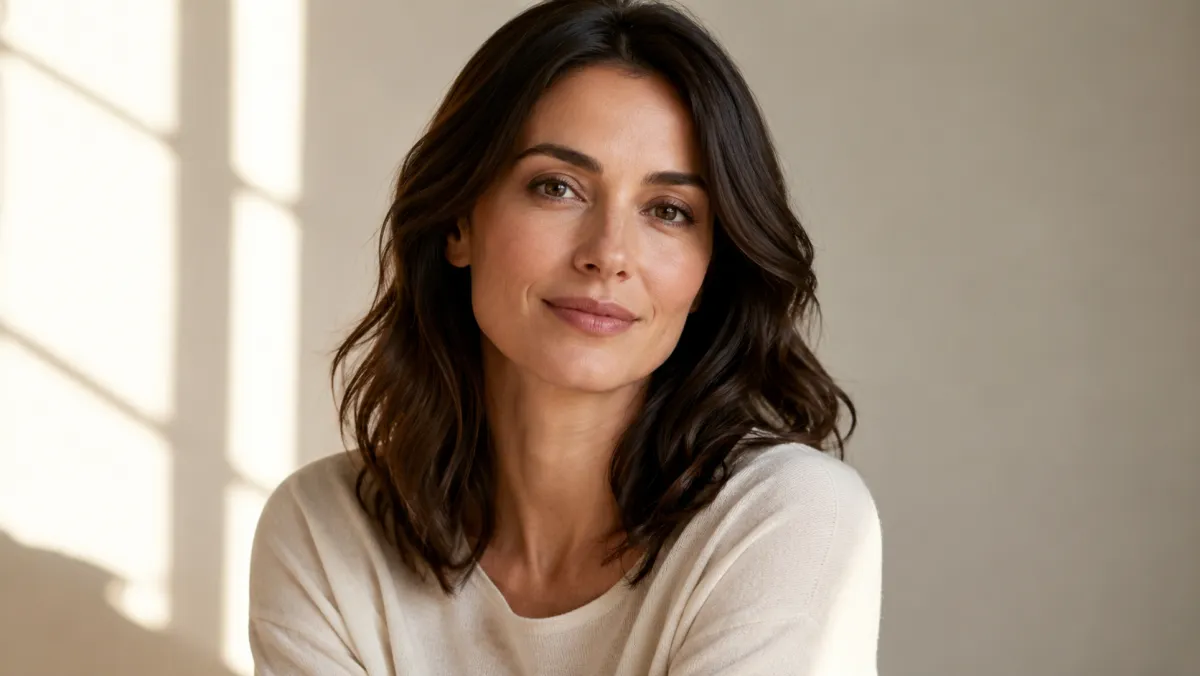
The right hair color for brown eyes is not one universal shade. A useful first test is to compare one warm, one cool, and one deeper direction on the same selfie, then consider your skin undertone, natural base, maintenance tolerance, and current hair history. An AI hair color changer can make the comparison clearer; it cannot predict an exact salon outcome.
Last updated: July 30, 2026 · about 6 min read
Use eye color as one visual clue
Brown eyes can look different in daylight, indoor lighting, and photos with a warm white balance. Rather than chasing a claim that one color will “make them pop,” use a preview to notice contrast: does a cooler shade make the overall photo feel calmer, or does a warm dimension bring out tones you like?
| Direction to preview | What it can help you notice | Real-world question to ask next |
|---|---|---|
| Cool medium brown | Lower warmth and a more muted contrast | Will it suit your skin undertone and existing base? |
| Warm caramel or chestnut | Lighter pieces around the face | How much upkeep or lightening would it require? |
| Deep red-brown | A stronger warm contrast | Does it work with your current color history and workplace needs? |
The table is not a prescription. It is a short list of directions to compare before you invest in a full color service.
Preview three directions without confusing the result
- Use a clear selfie in neutral light. Keep glasses, filters, and strong colored lighting out of the first test. They can change how both eyes and hair appear.
- Hold everything but color steady. Ask to preserve your face, haircut, hairline, pose, and background. Test each shade separately rather than asking for a collage of unrelated styles.
- Write down what changes. Notice whether you prefer more contrast, a softer blend, or a lighter frame around the face. Then compare that preference with your skin tone and maintenance limits.
The preview answers “which direction do I want to discuss?” It does not answer “what exact developer, formula, or processing time will work on my hair.”
For a skin-tone-first comparison, read hair color for skin tone. The warm undertone guide and cool undertone guide give more useful next questions than a single eye-color rule.
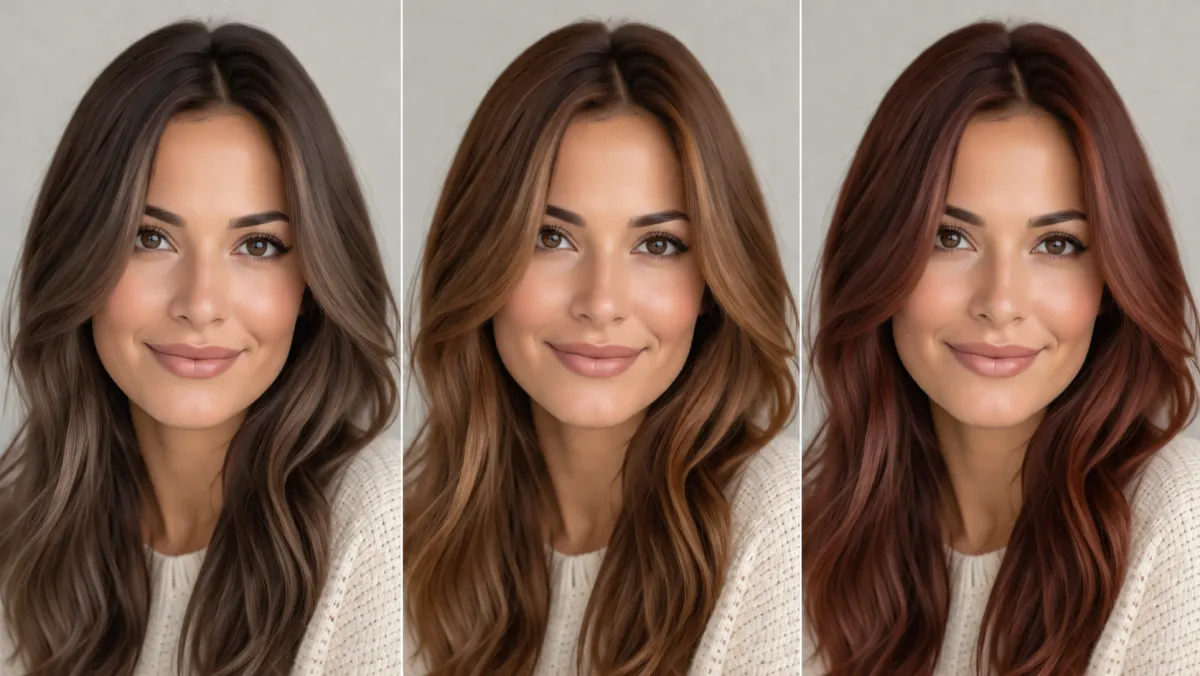
Compare a small set of color directions on the same photo before choosing what to discuss with a stylist.
Check the limits before booking a change
Your natural base and previous color often matter more than the result in an inspiration photo. A bright caramel direction may need lightening; a deep red-brown can fade differently depending on the formula and hair condition. Ask a stylist how much movement is realistic from your starting point and whether a patch test is appropriate.
Use the AI hairstyle changer to explore a style separately if you are also considering a cut. Changing length, fringe, color, and lighting all at once makes a visual result hard to interpret.
Keep the comparison kind and realistic
Do not use a preview to judge whether a feature needs “fixing.” The goal is simply to make a color decision less abstract. If every result looks too extreme, reset with a smaller change—a softer highlight direction, a deeper version of your natural base, or no color change at all.
Frequently asked questions
What hair colors usually work with brown eyes?
Many directions can work. Cool browns, warm chestnuts, caramel dimension, and deeper red-browns create different kinds of contrast. Compare a few on your own photo, then account for your skin undertone, natural base, and maintenance needs.
Can an AI preview tell me if a color will damage my hair?
No. It cannot assess your hair condition, prior chemical services, or scalp sensitivity. Ask a qualified stylist about the process required for your current hair.
Related guides
- Try the free AI hairstyle changer →
- AI hair color changer
- Hair color for skin tone
- Best hair colors for cool undertones
Compare a small set of directions
Keep the source photo stable, test only a few color directions, and use AIChangeHair to make your salon conversation more specific.