
How to Preview Hair Grow-Out Stages Before a Big Cut
Preview hair grow-out stages with AI before a buzz cut, pixie, or bob. Learn what to test, what gets awkward, and when to trim.
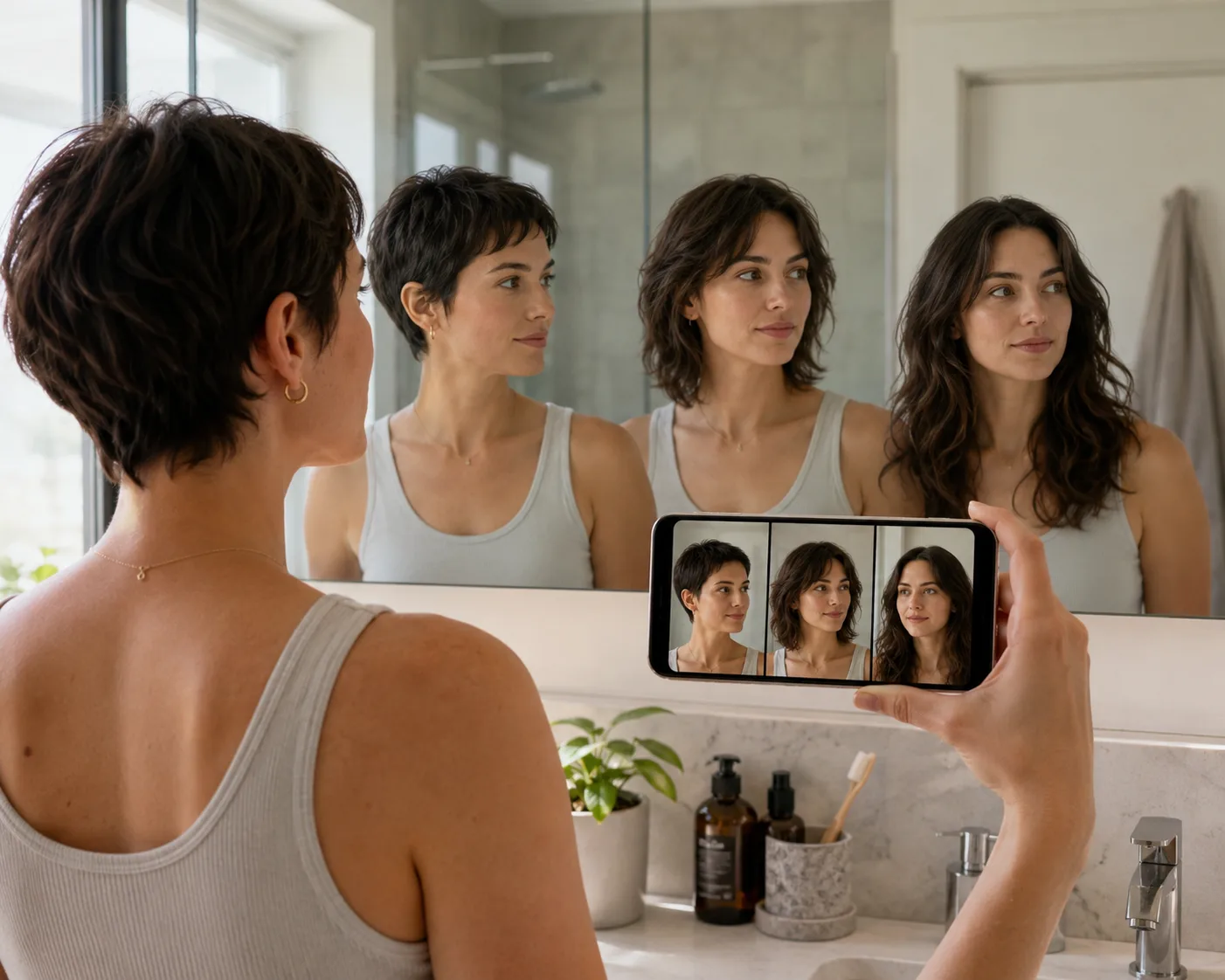
Hair grow-out stages are easier to handle when you can see the middle months before you cut. Upload one clear selfie to an AI hairstyle changer, use hairstyle try on previews for the short cut, then generate two or three grow-out lengths so you know what the transition may look like.
Last updated: July 6, 2026 - about 7 min read
People usually research hair grow out stages after a dramatic cut goes wrong, but the better time is before the cut. A buzz cut, pixie, micro bob, or shaved side can look great on day one and still surprise you six weeks later.
Why preview grow-out stages?
The first haircut is only one frame. Grow-out is the movie.
That is why this works best as a hairstyle try on workflow, not just a single "what if I cut it short?" preview. You are checking the transition before you commit.
Previewing helps you answer:
- Will the short version actually suit my face?
- What does the awkward middle stage look like?
- Do I need bangs, layers, or trims while it grows?
- Can I live with the maintenance for three to six months?
- Should I choose a softer starting cut instead?
An AI preview will not predict exact hair speed or texture. It gives you a visual plan, which is often enough to avoid a cut you only like for one week.
The four grow-out stages to simulate
Most short cuts move through four visual stages.
| Stage | What changes | What to check |
|---|---|---|
| Fresh cut | Shape is intentional and sharp | Does the short version suit your face? |
| Early grow-out | Edges soften and hairline shows | Does it still look deliberate? |
| Awkward middle | Sides, bangs, or crown may stick out | Will trims or styling hide it? |
| Styled longer shape | Hair reaches bob, lob, or layered length | Is this the destination you want? |
If you are considering a very short change, test it with the buzz cut filter or bald filter first. Then generate the grow-out stages from the same selfie.
How to preview hair grow-out stages with AI
Use one photo and a simple sequence.
- Start with your current hair. Upload a front-facing selfie in even light.
- Generate the big cut. Try the short version first: buzz cut, pixie, chin bob, or bangs.
- Generate the early grow-out. Ask for slightly longer sides, softer edges, or a few weeks of growth.
- Generate the middle stage. This is the honest test. Look for bulk around the ears, fringe, or crown.
- Generate the destination. Try a bob, lob, layered crop, or longer style.
Use the same selfie for every stage. Changing the photo makes comparisons unreliable.
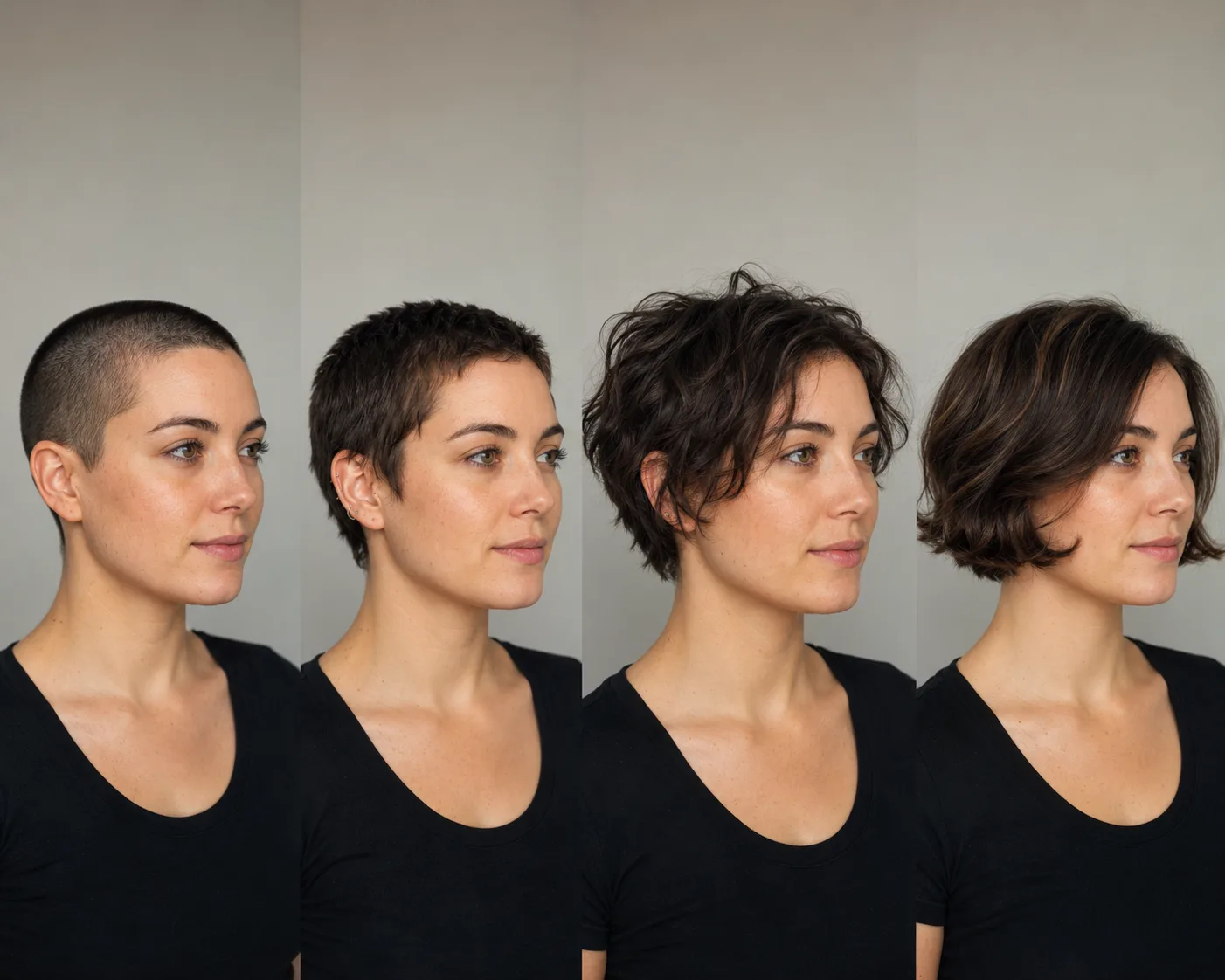
The middle stage is the one most people forget to plan.
What gets awkward while hair grows out?
The awkward part depends on the cut.
Buzz cut to pixie: the hairline and crown can look fuzzy before there is enough length to shape. Plan small cleanup trims.
Pixie to bob: the back and sides often grow faster visually than the top. You may need shaping around the ears and nape.
Bangs to no bangs: the eye-length stage is the hardest. Try curtain styling, side parts, or small clips until the fringe reaches cheekbone length.
Shaved side to full hair: the short side may need blending trims while the longer side stays put.
Bob to long layers: the transition is easier, but the ends can look heavy. Face-framing layers may help.
If bangs are part of the change, compare the grow-out with our bangs preview guide.
Bring a grow-out plan to the salon
A stylist can do more with three references than one.
Bring:
- Your current hair photo
- The short cut preview
- The awkward middle-stage preview
- The final length you want
Ask three practical questions:
- What will need trimming first?
- How often should I come back while it grows?
- What styling product or tool will make the middle stage easier?
This turns the conversation from "I hope it grows out well" into an actual plan.
When to choose a softer first cut
Sometimes the preview tells you to slow down. That is useful.
Choose a softer first cut when:
- You like the final long shape but not the very short stage.
- The middle stage looks hard to style for your routine.
- Your hair texture adds volume exactly where you do not want it.
- You need a professional look every day and cannot risk a rough transition.
Try a bob before a pixie, curtain bangs before blunt bangs, or a longer crop before a buzz cut. You can always cut shorter later.
Frequently asked questions
What are hair grow-out stages?
Hair grow-out stages are the visible phases between a fresh haircut and your target length. Short cuts often move from a clean shape to a softer stage, then an awkward middle length, then a styleable longer cut.
Can AI show hair grow-out stages?
Yes. AI can preview approximate grow-out stages on your selfie, especially for major length changes. It cannot predict exact growth speed, but it helps you plan the look of each stage.
How fast does hair grow?
Hair growth varies, but many people see roughly half an inch per month. Texture, health, genetics, and breakage all affect what that growth looks like.
How do I grow out a buzz cut?
Preview the buzz cut first, then simulate early fuzz, pixie length, and the awkward middle stage. Plan cleanup trims around the neck, ears, and edges so the grow-out looks intentional.
Should I cut bangs if I am worried about growing them out?
Preview both the bangs and the grow-out stage before cutting. If the eye-length stage looks annoying, try curtain bangs or longer face-framing pieces first.
Related guides
- Try the AI hairstyle changer -> - preview the cut and the grow-out before you book.
- How would I look with short hair?
- Buzz cut filter
- Bald vs buzz cut
- How would I look with bangs?
Plan the middle, not just the reveal
The best haircut preview includes the stage you are least excited about. Test the fresh cut, the awkward middle, and the final length with the AI hairstyle changer, then make the salon decision with fewer surprises.