
Men's Curly Hair Filter: Preview Curls Before a Barber Cut
Use a men's curly hair filter to compare curl volume with a taper or fade, check the hairline and beard balance, and prepare for a barber cut.
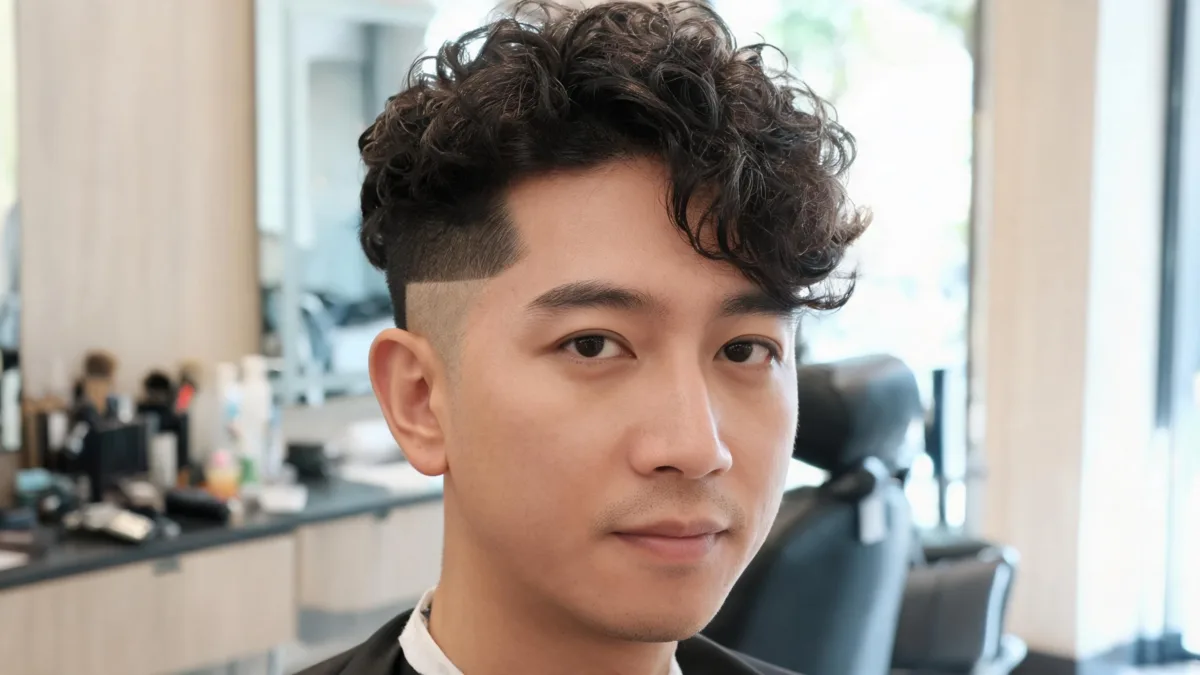
A men’s curly hair filter can help you decide whether you want more curl volume on top, shorter sides, or a softer taper before a barber cut. Use a clear front-facing photo in the curly hair filter, compare one curl silhouette at a time, and take the original plus one or two favorites to the appointment. The preview is for choosing a direction; your barber still needs to assess your real curl pattern, density, hairline, and how much length will spring up.
Last updated: September 9, 2026 · about 7 min read
What should a men's curly hair filter help you decide?
This is not the same question as a general “would curls suit me?” test. Before a barber cut, the useful question is usually structural: how will curl volume on top work with the sides, temples, forehead, and—if you wear one—your beard?
Start by choosing one of these decisions:
| Your decision | Preview to make first | What to inspect |
|---|---|---|
| Keep curls but clean up the sides | Curly top with a low taper | Temple transition and overall width |
| Make the top look less heavy | Softer, lower-volume curls | Forehead, crown height, and side profile |
| Try a fade with curls | Curly top with a restrained mid fade | Contrast between the top and the sides |
| Grow into a curlier look | A longer, looser curl silhouette | Visible length and whether the shape feels like you |
Avoid changing color, beard shape, skin, and hair all in the same preview. If the tool alters the face or makes the hairline disappear, it cannot answer the haircut question. Re-run it with a clean photo and a simpler request.
How to preview curls before a barber appointment
- Take a recent photo in even daylight with your hairline, temples, and both sides visible. Remove hats and heavy filters.
- Generate a natural curly version with your current length and color unchanged. Then make one comparison with a taper or fade direction—not five dramatically different cuts.
- Put the original and the two filtered versions side by side. Decide what you want to preserve: front length, curl height, temple softness, or beard balance.
For an easy starting point, describe the change rather than a trend name: “natural medium curls on top, keep my face and current color, tidy low taper at the temples, realistic volume.” The AI hairstyle changer can be useful for a broader cut comparison, while the dedicated curly filter keeps the decision focused on texture.
A filter can show whether a silhouette appeals to you. It cannot calculate how your individual curls will shrink, how a clipper blend will grow out, or what length a barber should remove.
Check the four areas that change the decision
1. Curl volume versus side length
Curly top and tight sides create contrast. That may be the point, or it may make the top feel too tall for your taste. Preview a low taper first if you want a gradual, less abrupt change. Preview a stronger fade only after you know you like the extra contrast.
2. Hairline and temples
Look for a believable transition at the temples. A generated image can clean that area too aggressively, so do not treat the edge-up in a filter as a barber instruction. Use it to decide whether you prefer a softer temple area or a more defined outline, then ask what suits your growth pattern.
3. Front length and visible shrinkage
Curly hair can look shorter as the shape becomes more defined. That is not a failure of the preview; it is one of the decisions it can make easier. If you like a curly fringe in an image, tell the barber how much front length you want to see when the hair is dry and naturally styled.
4. Beard balance
If you wear facial hair, compare its apparent width with the new curl silhouette. A tall, full top and very wide beard can make the face look visually crowded, while tighter sides may create more separation. This is an aesthetic check, not a rule—keep the version that feels like your own style.
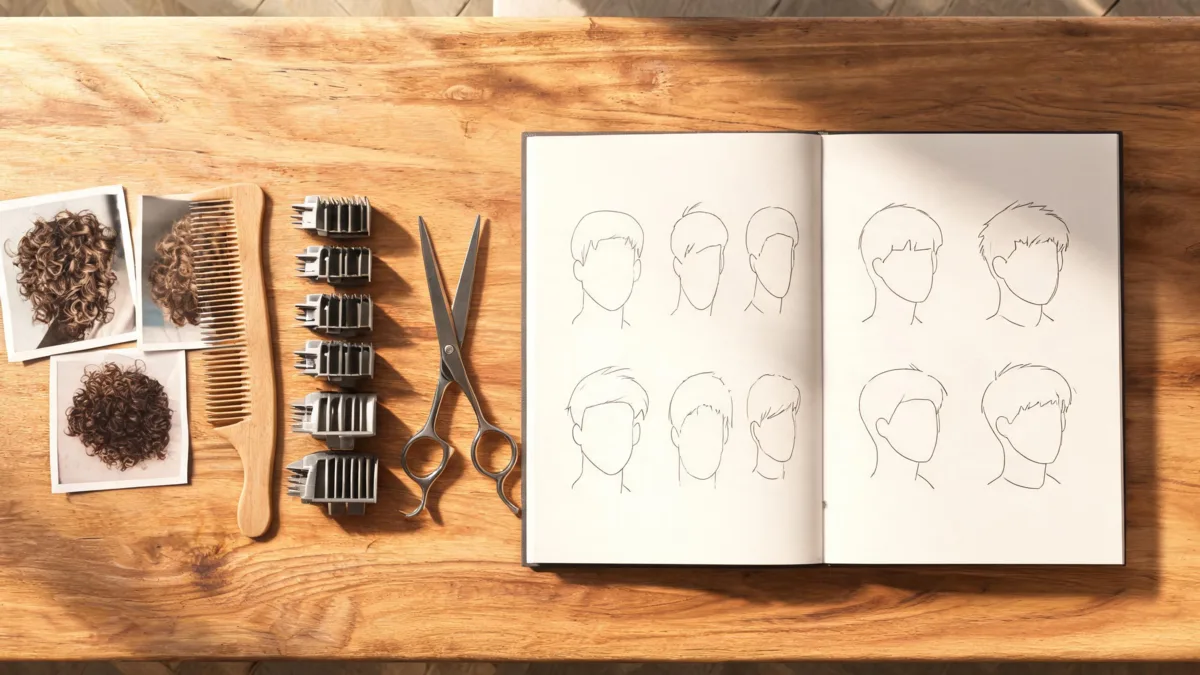
Bring a small set of visual references to the appointment, then let the barber adapt the plan to your real curl pattern and density.
Turn a filtered image into a useful barber conversation
Bring three items: the original photo, your preferred filtered result, and one real reference with a curl pattern reasonably close to yours. A reference on much looser or tighter curls can still communicate a mood, but it is not a reliable length target.
Say what you want to keep before you say what you want removed. For example: “I want to keep enough front length for a natural curly fringe, reduce bulk at the sides, and avoid a sharp disconnect.” That gives the barber usable priorities without pretending the AI image is a technical blueprint.
Ask practical questions:
- How will this amount of top length look when my hair is dry?
- Would a low taper or a mid fade be easier to grow out with my curl pattern?
- Where should the widest part of the shape sit on my head?
- Can we leave more length on the first cut and adjust after I see it styled?
The general curly hair filter guide covers curl-silhouette choices. This companion is specifically for the barber-cut decision: matching curl volume to your sides, temples, front, and facial hair.
Limits worth keeping in view
An image preview cannot diagnose hair texture or predict a permanent curl service. It also cannot tell whether a dramatic fade is easy to maintain for your routine. Bring the visual direction, but choose the final cut with someone who can see your hair dry, touch the density, and ask how you style it now.
For a first major change, take the conservative route: leave more top length, make the side change less extreme, and live with the result before going shorter. A good preview helps you avoid a surprise; it should not push you into a cut you cannot reverse.
Frequently asked questions
Can a men's curly hair filter show how a taper will look?
It can help you compare the visual balance of curls on top with shorter sides and your own hairline. It cannot tell a barber exactly which guard length, blending method, or curl-by-curl shape will work on your hair.
What should I compare in a curly hair preview before a barber cut?
Keep your face, lighting, and current color unchanged, then compare the curl volume, side length, temple area, visible forehead, and beard balance. Test one variable at a time.
Will curls make my hair look shorter after a cut?
They can. Curls use visible length as they bend and spring up, so a preview can help you discuss the silhouette you want. Your barber can assess your actual curl pattern and shrinkage before cutting.
Should I show a filter result to my barber?
Yes, as a conversation starter. Bring the original photo, one or two filtered versions, and a reference with a similar curl pattern. Explain what you want to keep, especially at the front and sides.
Related guides
- Try the free AI hairstyle changer →
- Curly hair filter
- Men's hairstyle try-on guide
- Curly hair filter: see yourself with curls
- How to preview a haircut before the salon
Preview the shape, decide what you want to keep, and let your barber turn that visual preference into a cut that works with your actual hair.