
YouCam Hair Color Alternatives: How to Compare Preview Workflows
Compare YouCam hair color alternatives with the same selfie, one shade change at a time, and a clear checklist for useful dye-planning previews.
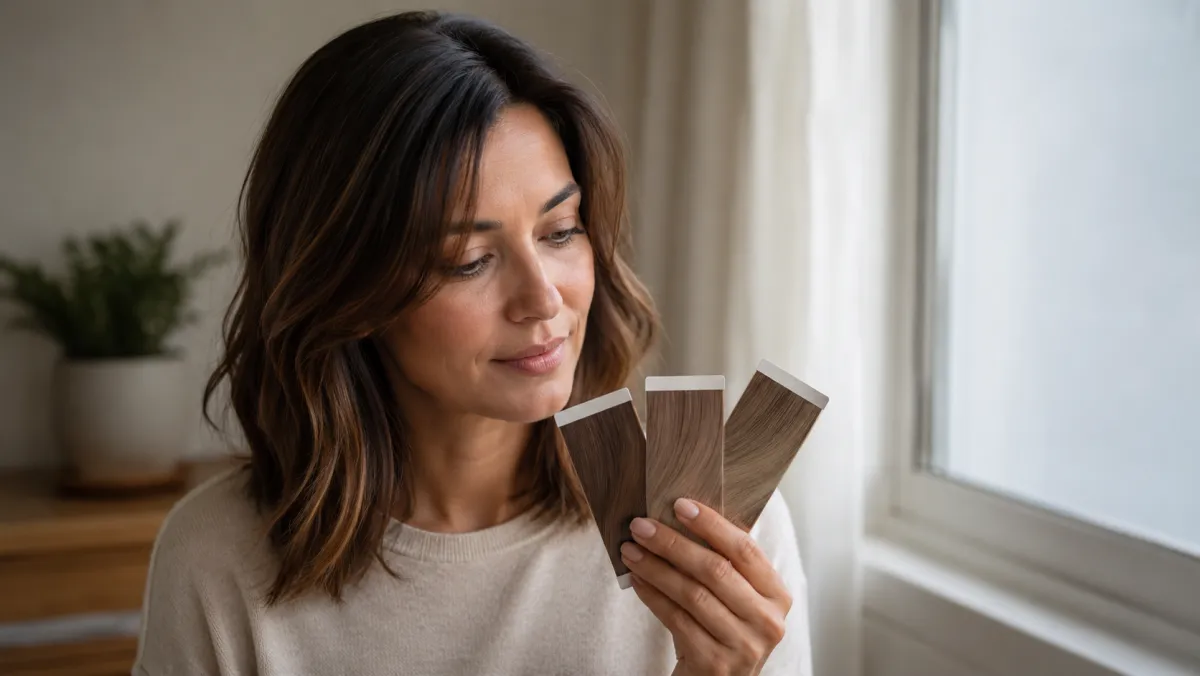
The best way to compare YouCam hair color alternatives is to give each preview the same calm, unfiltered selfie and the same shade brief. An AI hair color changer is useful when it helps you compare direction—warmer, cooler, lighter, or darker—before a salon conversation. It cannot promise a chemical result, a price, or an identical feature set across apps.
Last updated: July 30, 2026 · about 6 min read
Compare the workflow, not a promotional screenshot
Hair-color apps change over time, and a polished sample image rarely tells you how a tool handles your own lighting, hairline, curls, or previous color. A fair comparison gives each option the same source image and asks it to solve the same small question.
| Test | Keep it consistent | What to look for |
|---|---|---|
| Source photo | One front-facing adult selfie in daylight | Face, hairline, and background stay stable |
| Shade brief | One ordinary description, such as cool medium brown | The requested direction is visible without changing the face |
| Result review | Full frame and close crop | Edges, roots, curls, and lighting do not become distracting |
| Next step | A saved note for a stylist | A direction to discuss, not an exact dye formula |
Do not make a decision from an unfamiliar model photo. Your own plain selfie makes small differences easier to see and makes a failed preview easier to reject.
A three-step test that stays useful
- Choose a stable selfie. Avoid beauty filters, sunglasses, harsh backlight, and hair that covers one side of the face. Keep the original for every comparison.
- Ask for one change. Try “soft copper brown” or “cool dark blonde,” then preserve length, cut, face, pose, and background. Do not test a new haircut and a new shade in the same round.
- Save a short note, not just an image. Write what you like: “the warmth works, but I want it less bright at the roots.” That is more useful at a salon than saying “make me look like this.”
A color preview is a conversation starter. Your stylist still needs your current color history, texture, scalp sensitivity, and the condition of your hair.
For a basic source-photo workflow, start with how to change hair color in a photo. If the preview starts to change your face or overall portrait, read what AI hair previews cannot tell you before treating it as a decision tool.
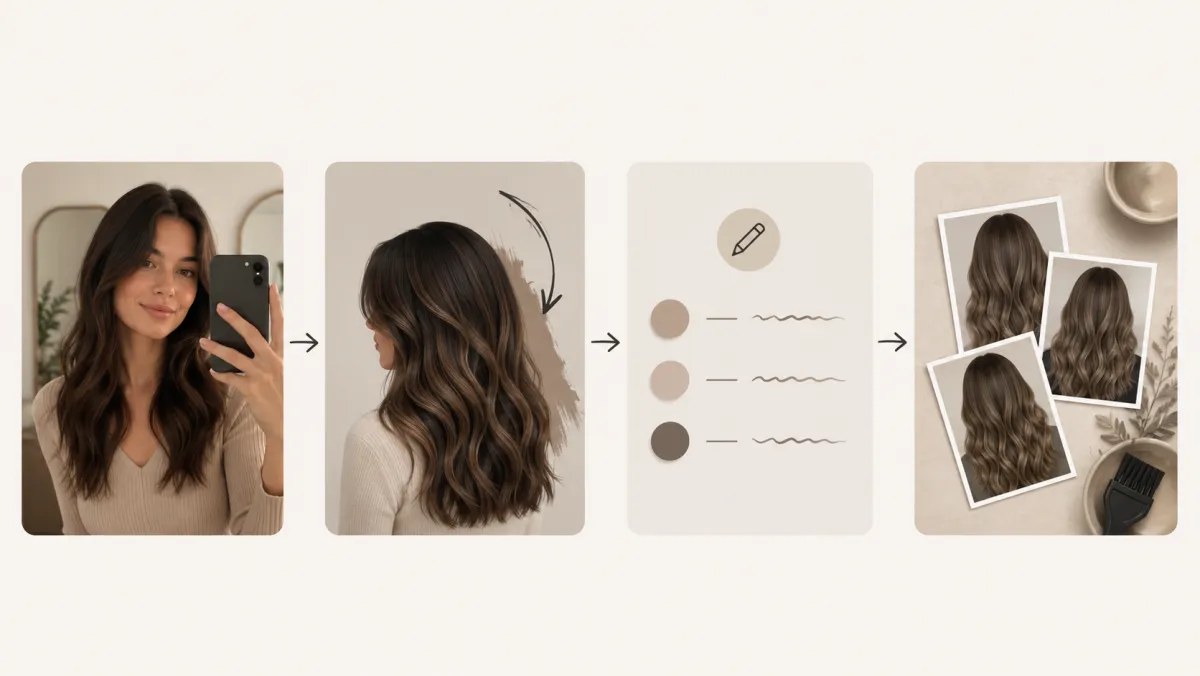
A fair comparison changes the shade request, not the person in the photo.
Questions worth asking before you keep a result
Check whether the color is visible at the roots and through the lengths; whether curls or flyaways still look like hair; and whether the background lighting has changed enough to make the shade look warmer or cooler than it is. If a tool changes all three, it has not given you a clean comparison.
You can also test the same direction with the AI hairstyle changer only when you want to isolate a cut from the color decision. Keeping those tests separate helps you avoid mistaking a different silhouette for a better shade.
Be careful with product and privacy claims
This is not a pricing or feature-ranking guide. Check the current terms, privacy information, export rules, and subscription details on any service you consider. Use only a selfie you are comfortable uploading, and do not upload another person's photo without clear permission.
Frequently asked questions
Is a hair color app preview accurate enough to dye my hair at home?
It can help you choose a direction, but not a formula. Lighting, previous color, porosity, and hair condition all affect a real dye result. Treat the preview as reference material and seek professional advice for a major change.
Why does my face change when I only ask to test a color?
The source may be too dark, filtered, cropped, or complex for a clean edit. Use a clearer selfie and request that the face, pose, background, and haircut stay unchanged. If they do not, discard the image.
Related guides
- Try the free AI hairstyle changer →
- AI hair color changer
- Change hair color in a photo
- AI hair preview limitations
Make the comparison useful
Use one source selfie, compare one variable at a time, and bring a short preference note—not a generated promise—to your next hair-color conversation with AIChangeHair.