
Beard Filter: Compare Full, Boxed, and Stubble Styles Before You Grow One
Use a beard filter to compare full, boxed, stubble, and goatee directions on one photo before you grow, trim, or book a barber visit.
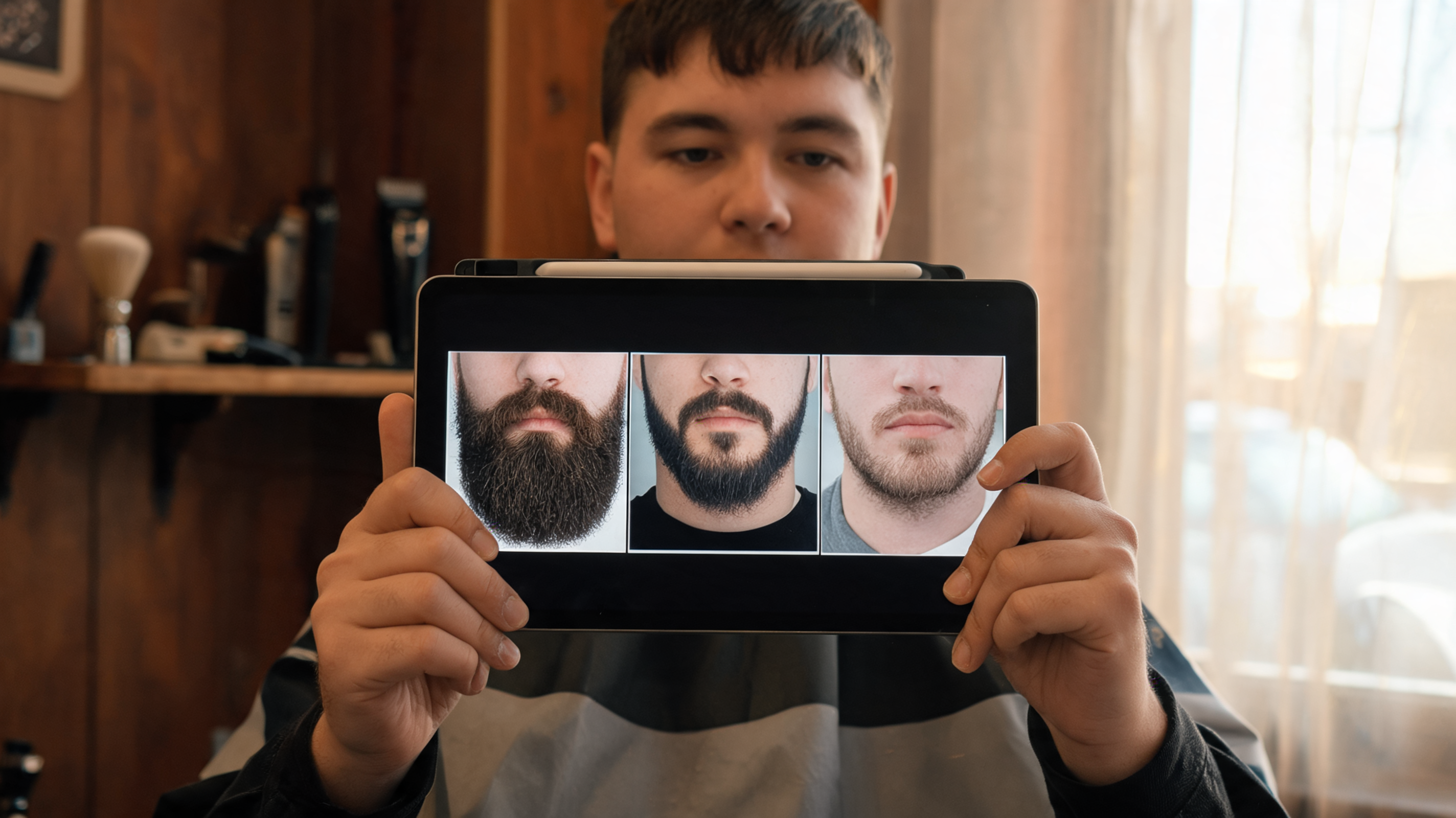
A beard filter is most useful when it helps you compare one realistic facial-hair decision on your own face: light stubble, a tidy boxed beard, or fuller coverage. Start with a clear portrait, keep the photo fixed, and test only the styles you would genuinely consider maintaining. The AIChangeHair Beard Filter lets you describe a beard direction in plain language, then compare the result with your original before you spend weeks growing it or change a trim.
Last updated: September 29, 2026 · about 9 min read
A beard can change the visual weight around the mouth, chin, jaw, and cheeks, which is why a gallery of other people’s beards is a weak substitute for a controlled preview. The aim is not to find a perfect artificial portrait. It is to make one grooming preference visible enough to describe to yourself or a barber.
Keep the scope modest: a preview can help you choose a direction, but it cannot tell you whether your own growth will fill every area or whether a particular edge will be comfortable to maintain.
Start with a photo that makes the test fair
Use a recent photo in which the upper lip, chin, jawline, and both cheeks are visible. A straight-on selfie in even daylight or soft indoor light is usually easiest to review. The source photo does not need to be glamourous; a natural expression and ordinary lighting make it easier to spot whether the edit changed more than facial hair.
The live Beard Filter is built for a single-photo facial-hair edit. Its preset direction starts with a natural full beard and moustache, and you can rewrite the instruction for stubble, a boxed outline, a goatee, or another narrow variation. Keep face, pose, hair, skin tone, lighting, and background out of the request. They are your comparison controls.
| Starting-photo check | Why it matters | Take another photo when… |
|---|---|---|
| Jaw and chin are visible | You can judge where added hair changes the outline | A hand, collar, mask, or crop hides the lower face |
| Both cheeks are in similar light | You can compare edge placement on each side | Hard side light turns one cheek into a shadow |
| Upper lip is visible | The moustache connection is readable | Hair, a hand, or a closed crop hides the mouth area |
| The portrait is recent and natural | You recognize the person being edited | A beauty filter has already changed skin or face shape |
| The same photo is reused | Beard shape remains the only changed variable | Each style starts from a different pose or camera |
If the result changes your face, expression, lighting, or camera angle, it does not answer the beard question. Treat it as a failed comparison and rerun it from the original.
Compare full, boxed, and stubble styles by the decision they answer
Style names are useful only when they help you focus. A full beard asks whether more connected coverage feels right. A boxed beard asks whether a defined cheek and jaw outline fits your grooming tolerance. Stubble asks whether a lighter shadow gives enough definition without the visual weight of a beard. None of these names predicts how your own hair will grow.
| Direction to preview | What to look at | A useful decision question |
|---|---|---|
| Light stubble | How a light shadow changes the jaw while skin remains visible | Do I prefer this lower-commitment amount of facial hair? |
| Short boxed beard | The intentional cheek, jaw, and lower-edge boundaries | Would I keep these edges tidy often enough to enjoy this shape? |
| Full beard | Overall coverage from sideburn area through chin and moustache | Does the fuller silhouette feel like me at normal phone size? |
| Goatee | Weight concentrated around the mouth and chin | Do I prefer a chin-focused look without cheek coverage? |
The planned first comparison is a practical baseline: full, boxed, and stubble. A goatee is useful only if you are deciding between cheek coverage and a chin-focused outline; the dedicated goatee filter is a simpler follow-up. Do not ask a single generation to change your hair, facial hair, clothes, background, and camera angle. You will not know which change created your reaction.
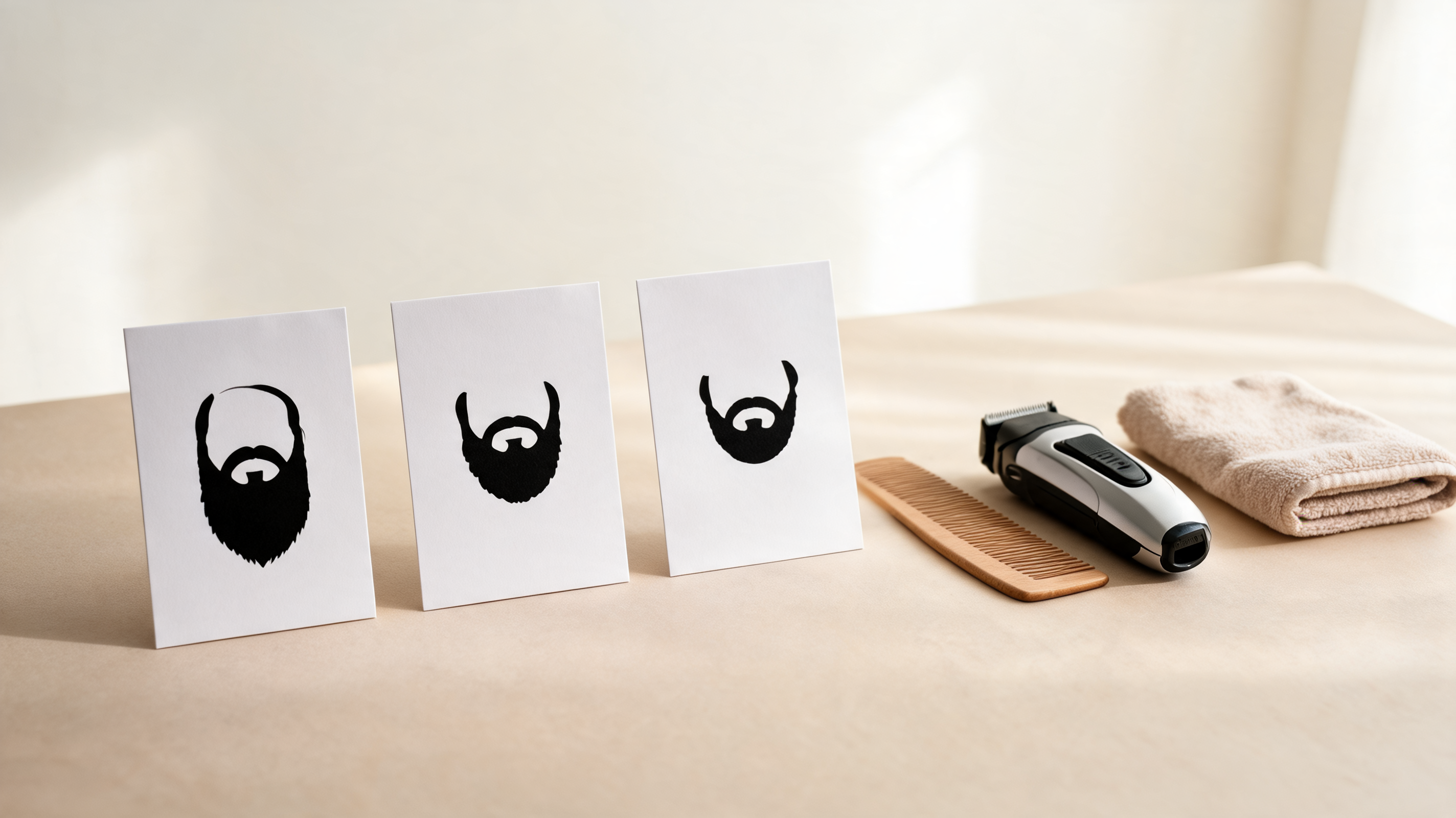
A small, controlled comparison can make a grooming preference easier to name. It cannot forecast density or replace an in-person trim assessment.
Make a useful three-look test
Use the original portrait as your control. Then make no more than three focused versions. The sequence below gives each result a job.
- Save the original first. Keep it beside every output. The original prevents a more flattering pose or edited complexion from disguising itself as a beard preference.
- Generate a believable full-beard baseline. Start with a request such as: “Add a natural, well-groomed full beard and moustache; keep my face, identity, skin tone, lighting, and background unchanged.” The Beard Filter’s starting instruction uses that same narrow scope.
- Generate a boxed alternative. Ask for a short boxed beard with a tidy, believable outline. Do not make the beard darker, change your haircut, or give the photo a new backdrop at the same time.
- Generate a light-stubble alternative. Ask for even light stubble, again preserving the portrait. This tells you whether the benefit you liked was simply more contrast around the jaw.
- Review at full size and ordinary phone size. Full size reveals broken edges, hair crossing the lips, or duplicated facial hair. Phone size reveals the overall balance you will actually notice in a mirror or casual photo.
- Write one sentence for the preferred look. “I like a lighter jaw shadow but not a strong cheek line” is a usable result. “This image is better” is not.
Reject outputs that do not preserve the comparison
Generated previews often look most convincing when they also alter things you did not ask to change. That makes them poor grooming evidence. The check is not whether an image is impressive; it is whether it remains a fair before-and-after.
| Review point | Keep the preview when… | Reject it when… |
|---|---|---|
| Identity | Your eyes, nose, expression, and face shape still read as yours | The jaw narrows, skin smooths heavily, or the face resembles someone else |
| Beard placement | Hair follows the visible cheek, jaw, chin, and lip areas naturally | Hair floats off skin, crosses the lips, or forms repeated patches |
| Scope | Facial hair is the clear change | Haircut, clothes, room, or camera angle also shift |
| Symmetry | Both sides look plausibly balanced | One cheek line drifts or one side loses density without an obvious reason |
| Decision value | You can describe a preference or a limit | You only prefer the image’s new lighting or expression |
The preview cannot inspect real beard density, patchiness, growth direction, or skin sensitivity. If any one of those factors drives your decision, reserve judgment for a barber or your own low-risk grow-out. The image is a conversation aid, not a diagnosis or an exact promise.
Turn the preferred preview into a barber-ready note
Bring the original photo, one preferred preview, and a short sentence about shape. Do not ask a barber to reproduce every generated hair edge. Instead, identify the visual decision and let them adapt it to your actual growth.
| What you notice | A clearer barber note |
|---|---|
| The full beard feels too heavy | “I like some jaw definition, but I want less cheek and chin coverage.” |
| The boxed version looks right but too sharp | “Keep the shape tidy, but use a softer, more natural cheek line.” |
| Stubble feels best | “I prefer a light, even shadow rather than a dense beard.” |
| The chin looks good but the cheeks do not | “Keep more weight around the chin and reduce the side coverage.” |
For a shave or trim, keep skin comfort separate from the photo decision. The American Academy of Dermatology’s facial-shaving guidance covers general shaving practices. Persistent irritation, painful bumps, or a skin condition deserves professional medical advice rather than an image-based experiment.
If work requires a close-fitting respirator, grooming has a separate safety consequence: facial hair that crosses the sealing surface can interfere with the seal, as OSHA’s respiratory-protection standard explains. A beard preview is never a basis for deciding whether protective equipment fits.
Editorial disclosure: AIChangeHair makes visual photo previews. It does not measure beard growth, assess your skin, determine respirator compatibility, or guarantee that a real barber result will match an image. Use a successful preview to state a preference, then make a conservative real-world decision.
Frequently asked questions
What photo works best for a beard filter?
Use a recent, clear, front-facing portrait with your jaw, cheeks, upper lip, and chin visible in even light. Keep that same image for every beard style so facial hair is the only variable you are comparing.
What is the difference between a full beard, boxed beard, and stubble preview?
A full beard tests overall coverage and weight around the cheeks, jaw, chin, and moustache. A boxed beard tests a more deliberately shaped outline, while stubble tests a lighter shadow with more skin visible. The useful choice is the one you would realistically maintain.
Can a beard filter predict my real beard growth?
No. A preview can show a plausible shape on your face, but it cannot measure your density, patch pattern, growth direction, color variation, or how a barber will adapt the edges. Use it as a visual reference, not a growth forecast.
What should I show a barber after using a beard filter?
Bring the original portrait, one preferred preview, and a sentence naming the boundary you like or want to avoid. For example: keep the cheeks natural, make the jaw line softer, or leave the chin fuller. A barber can then account for real growth and skin.
Related guides
- Try the Beard Filter →
- Preview a goatee on your photo
- Preview yourself without a beard
- Mustache filter: compare styles before you trim
- Best selfie for an AI hairstyle app
Make the decision small enough to keep
Use the Beard Filter to compare a full, boxed, or stubble direction on the same portrait. Save the one that gives you clear language for a trim or grow-out, and discard any image that changed more than facial hair.