
Blue Hair Filter: Compare Navy, Electric, and Pastel Blue Before Dyeing
Use a blue hair filter to compare navy, electric, and pastel blue on the same photo before you dye, with a practical review checklist.
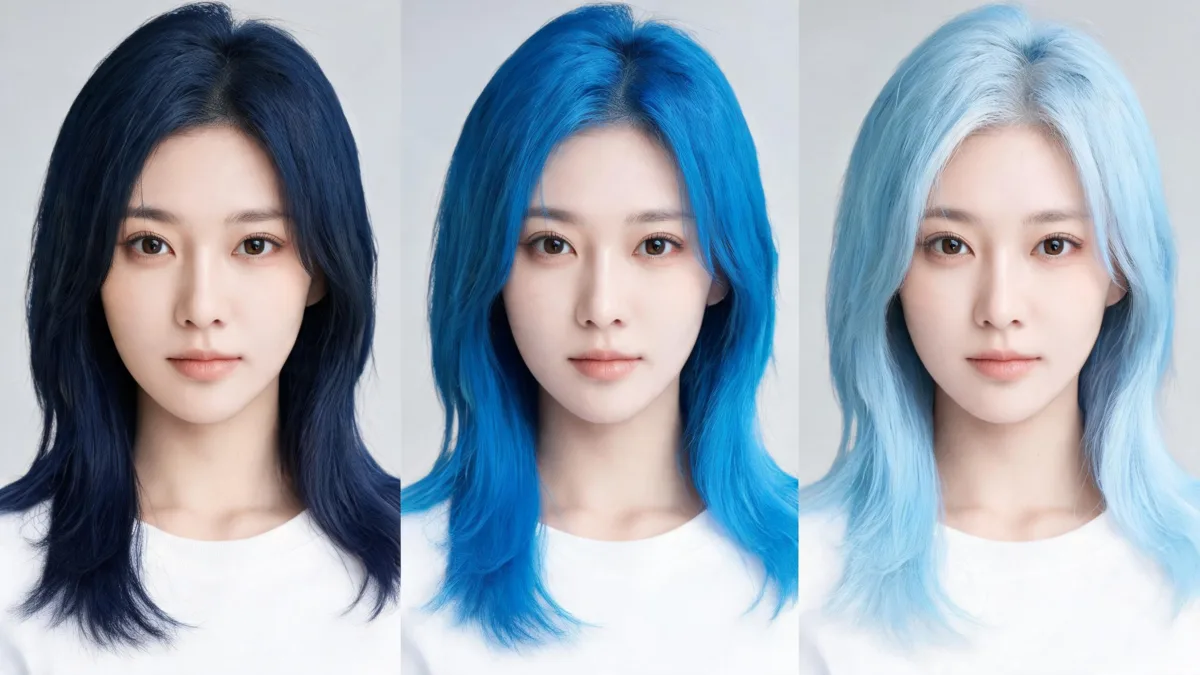
A blue hair filter is most useful when you compare a deep navy, a vivid electric blue, and a soft pastel blue on the same clear photo before spending money on dye. Start with the version that is closest to your current depth, keep your cut and lighting fixed, and save only the results that answer a real question. The Blue Hair Filter can make that visual comparison; it cannot predict bleach, formula, fading, or a salon result.
Last updated: September 24, 2026 · about 7 min read
Blue is not one look. Navy can read polished or nearly black indoors, electric blue is an unmistakable statement, and pastel blue changes the overall contrast much more dramatically. The practical goal is not to find a universal “best” blue. It is to arrive at a short, honest conversation about the direction you would actually consider.
Compare the three blue directions fairly
Use one recent photo in even, neutral light. Keep the same crop, expression, background, and haircut for every version. That makes the color—not a changed face or lighting—the thing you are judging.
| Direction | What to notice in a preview | Question to carry forward |
|---|---|---|
| Navy or sapphire | Whether a cool, deep blue still feels like your usual level of contrast | Do I want a subtle blue cast or a clearly blue result? |
| Electric blue | How you feel about a saturated, high-contrast color around the face | Is this boldness something I want to maintain beyond a photo? |
| Pastel baby blue | Whether a very light, airy blue changes the whole balance of the image | Am I prepared to ask what a lightened look would involve? |
The live blue hair color changer is built for this kind of controlled comparison: it offers sapphire, navy, electric, pastel baby blue, and teal-blue directions. A preview is easier to evaluate when you do not ask it to change length, bangs, makeup, and color at once.
Keep the original beside every result. If the face, hairline, lighting, or background changes more than the hair color, discard that version rather than treating it as a recommendation.
How to use a blue hair filter in three steps
- Choose a neutral baseline. Take a sharp, front-facing portrait in window light or another even light source. Show the hairline and enough length to see where the color would sit. Skip sunglasses, hats, strong colored LEDs, and beauty filters.
- Make three controlled previews. Try navy, electric, and pastel blue separately. Do not combine blue with a new cut in the first pass. If teal is the real alternative you have in mind, add it only after the first three make the tradeoff clear.
- Write a one-line reaction to each. “I like the depth of navy,” “electric feels too loud around my face,” or “pastel is the change I want to ask about” is more useful than a folder of unlabelled renders.
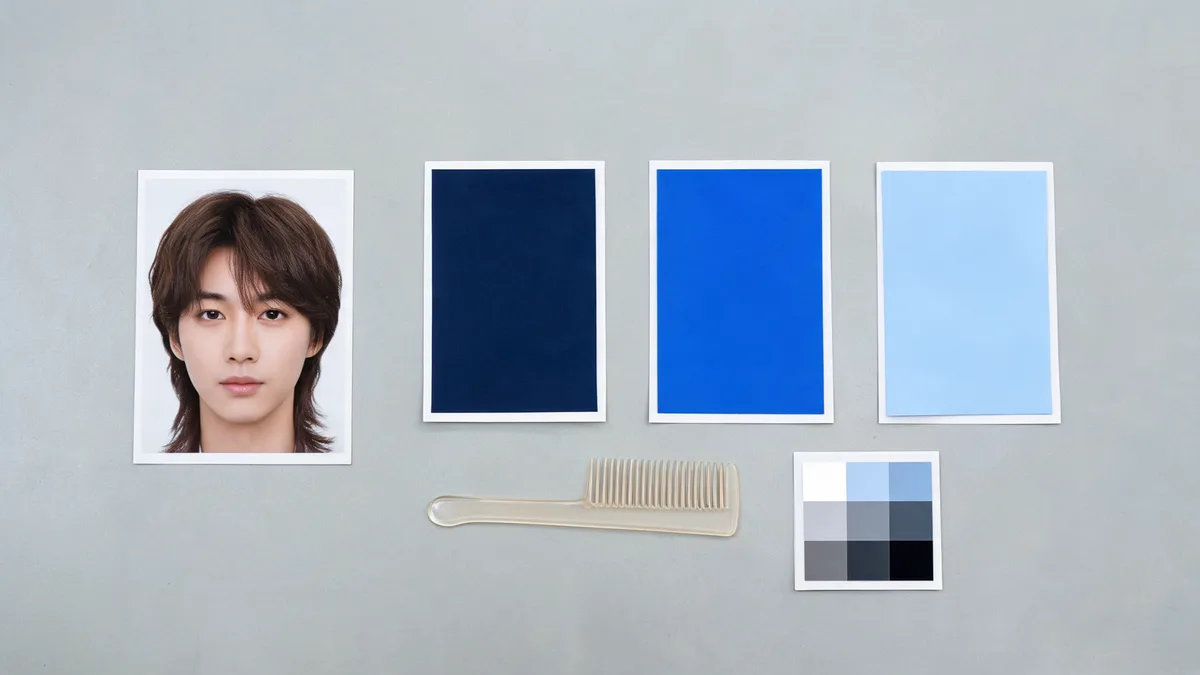
A small, controlled set of blue directions is easier to compare than a gallery of unrelated edits.
Read the result as a decision aid, not a dye plan
The preview can help with taste: depth, saturation, and how a blue direction feels against your usual features and clothing. It cannot see previous color, porosity, scalp sensitivity, or the chemistry needed to move from your current hair to a chosen shade.
That boundary matters most when a screenshot makes a dramatic change look effortless. A visual try-on is not proof that the same route is feasible, safe, or low-maintenance. If you are considering an at-home product, the U.S. Food and Drug Administration says to follow the product directions and perform its recommended patch test each time; its hair-dye safety guidance also warns against mixing different dye products. For a significant change, ask a colorist what part of the image is realistic from your current base.
| A preview can help you decide | A preview cannot decide |
|---|---|
| Whether you prefer navy, electric, or pastel blue visually | Whether your current hair can reach that shade in one service |
| Whether a blue direction feels too dark, bright, or light for you | The formula, developer, processing time, or hair-health risk |
| Which one or two references are worth bringing to an appointment | How the color will fade, grow out, or behave under every light |
Make the salon conversation more specific
Bring your original photo and no more than two blue previews. Say what you like about each one in visible terms: “the softer depth,” “the brighter blue near my face,” or “the lighter overall feeling.” Then mention any earlier lightening, color, or chemical service and your honest maintenance limit.
If the question is really about whether blue is right for your skin-tone contrast, use the AI hair color changer for nearby cool and deep alternatives rather than treating one blue render as a verdict. If the cut is still undecided, settle the silhouette separately with the AI hairstyle changer. One variable per comparison gives you a better reference and a clearer appointment.
Limits and editorial disclosure
AIChangeHair is a visual-preview tool. It does not assess hair condition, diagnose a scalp concern, provide a chemical formula, or guarantee a real-world match. Use only photos you have permission to upload, keep the original image, and let a qualified professional and product instructions guide any color service.
Frequently asked questions
Which blue should I try first in a blue hair filter?
Start with a deeper navy and a brighter electric blue, then add pastel blue only if you are genuinely considering a much lighter look. Keeping the same photo and haircut makes the comparison easier to read.
Can a blue hair filter tell me whether I need bleach?
No. A preview can show a color direction, but it cannot assess your current pigment, earlier color services, hair condition, or the process a salon would need. Ask a qualified colorist about what is realistic for your hair.
Why does blue look different in each preview?
Depth and saturation change the visual effect. Navy can read almost black in low light, electric blue is deliberately high contrast, and pastel blue is much lighter. Compare them beside the original image before choosing a direction.
What photo works best for a blue hair preview?
Use a recent, sharp, front-facing photo in even daylight with the hairline and ends visible. Avoid beauty filters, colored lighting, hats, and heavy shadows so the blue is easier to judge.
Related guides
- Try the free AI hairstyle changer →
- Blue hair filter
- AI hair color changer
- Hair color filter: test shades before dyeing
- How to make an AI hairstyle preview realistic
Keep the question small enough to answer
Use the Blue Hair Filter to compare a few plausible directions on your own photo, then take the original and the clearest two results into a real color conversation.