
Hair Color Filter: Test a Shade Before You Dye
Use a hair color filter to compare shades on your own photo before dyeing. Follow a controlled preview workflow, then keep the real color decision grounded.
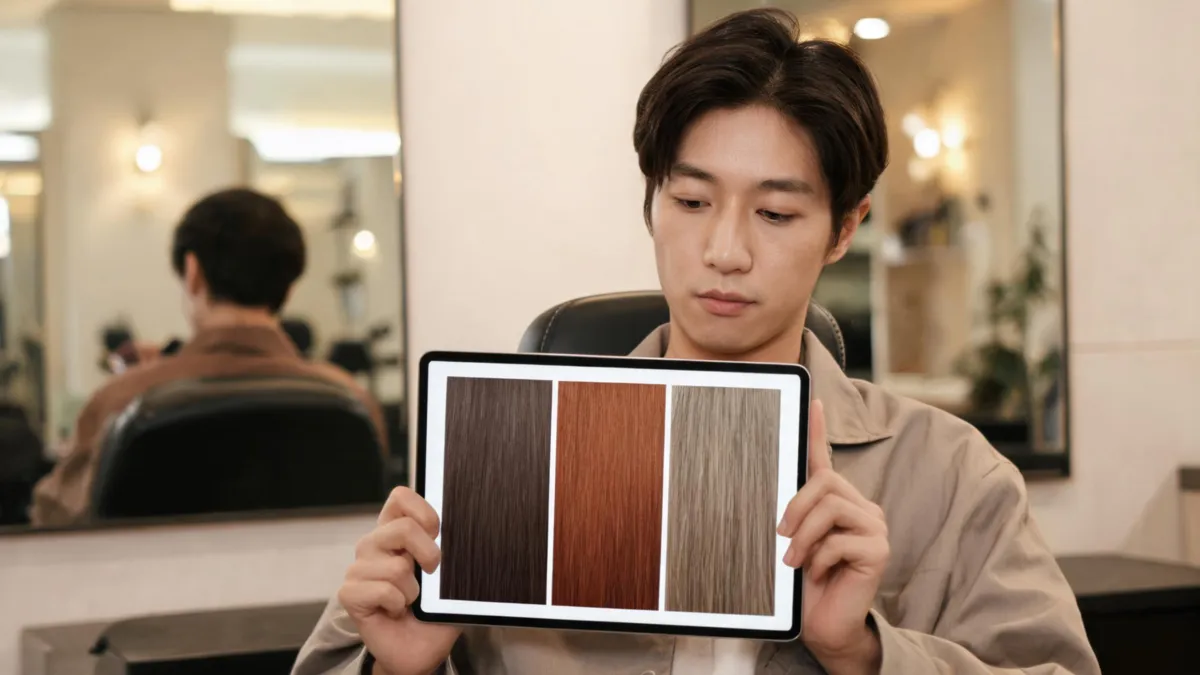
A hair color filter is most useful when it helps you compare a small set of believable shade directions on the same photo before you dye. Start with a clear selfie, keep your cut and lighting unchanged, and test one color variable at a time with an AI hair color changer. The result is a visual reference for a salon or product decision—not a promise of an exact chemical outcome.
Last updated: September 1, 2026 · about 7 min read
What a hair color filter can actually help you decide
A good preview answers a visual question: “Do I prefer a softer, warmer, or deeper frame around my face?” It does not answer a technical one, such as whether a particular formula will lift evenly or cover gray. Keeping those questions separate makes the preview far more useful.
Use the filter to compare direction before you spend money or make a permanent change. The American Academy of Dermatology’s coloring guidance likewise distinguishes a color choice from the real process: hair condition and the amount of lightening matter once you move beyond a close shade.
| Preview question | What the filter can show | What it cannot settle |
|---|---|---|
| Warmer or cooler? | How the broad color direction reads beside your skin and brows in this photo | The exact tone after dye, toner, or fading |
| Lighter or darker? | Whether more or less contrast feels right | Whether your hair can safely reach that lightness |
| Natural or bold? | Whether you want to explore the family further | Upkeep, color transfer, or a product formula |
| Whole color or placement? | Whether you prefer a subtle face frame, lowlight, or all-over direction | The service plan for your hair history |
Treat a preview as a way to reject bad directions early. It is not a substitute for product instructions, a strand test, a patch test, or a stylist’s assessment.
Set up a comparison you can trust
The strongest hair-color comparison looks deliberately a little boring: one ordinary photo, a few related shades, and no dramatic extra changes. That makes it easy to tell what you actually prefer.
- Choose one stable source photo. Face a window or use soft neutral indoor light. Keep your hairline, roots, and a useful amount of length visible. Remove beauty filters, hats, and sunglasses. For a retake checklist, use our guide to the best selfie for an AI hairstyle app.
- Start close to your current depth. If you are a medium brunette, try a neutral brunette, a slightly warmer brown, and a slightly cooler brown before jumping to platinum or black. A nearby option tells you whether temperature—not sheer drama—is the thing you want to change.
- Change only color. Keep the same face, hair length, texture, part, clothing, pose, and background. If the result changes your jawline or hairstyle too, discard it and try a cleaner source photo.
- Save a written observation. “I like the softer warmth near my face” is more useful at an appointment than “make it exactly like this image.” Bring the original photo too.
If you are torn between a haircut and a color, run those as separate comparisons. A change in length can alter face framing so much that it hides whether the color itself works. Our hair color changer vs. hairstyle changer guide explains which decision to isolate first.
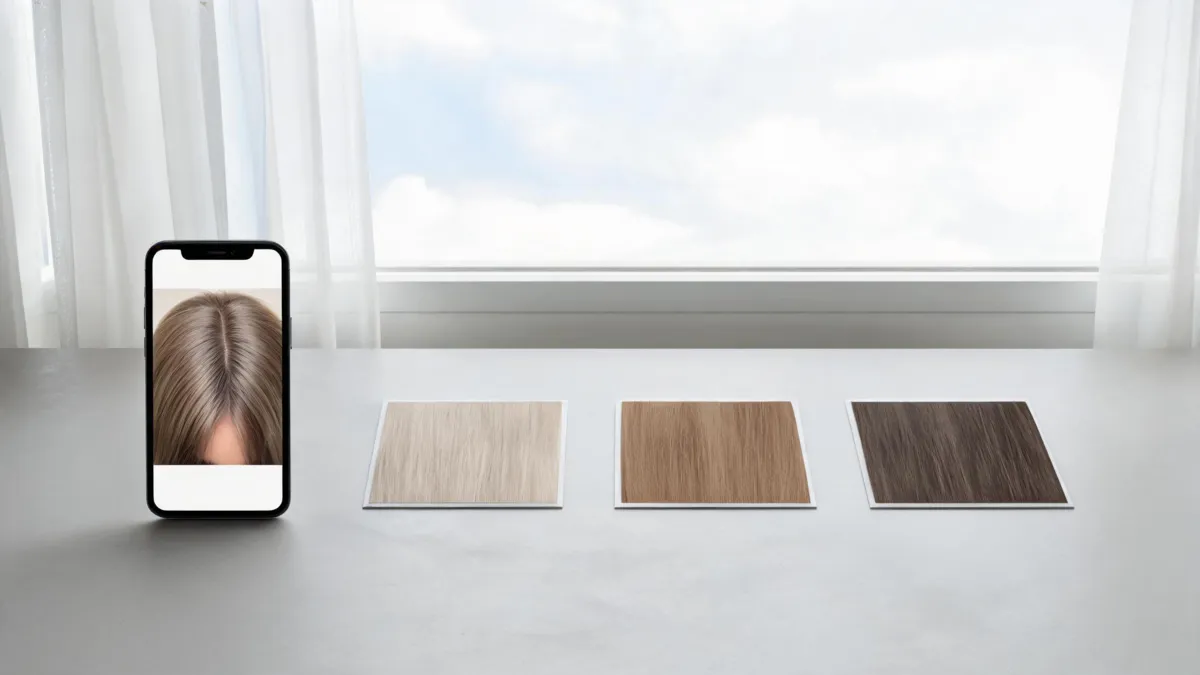
A useful comparison keeps the original photo and every non-color detail stable.
Pick three shade directions, not ten random looks
Three related options give you a baseline, a real candidate, and a contrast check. Ten unrelated transformations usually turn into entertainment rather than a decision.
| Your starting point | First preview | Second preview | Contrast check |
|---|---|---|---|
| Medium or dark brunette | Neutral brown near your current depth | Soft copper brown or chestnut | Cooler espresso or deep brunette |
| Dark blonde or light brown | Beige or neutral dark blonde | Honey or caramel direction | Ashier, deeper blonde |
| Light blonde | Creamy or neutral blonde | Warmer honey or strawberry direction | Rooted or slightly deeper blonde |
| Red or copper | Close-to-current copper | Softer auburn or cinnamon | Deeper red-brown |
These are starting directions, not rules about who “should” wear a shade. Your personal preference and maintenance tolerance matter more than a rigid face-shape or eye-color formula. If you want help naming the difference between red families, compare the copper vs. red hair guide before you write a salon note.
For a bolder idea, make the first version restrained. Test muted violet before saturated purple, or a soft warm brown before vivid copper. If the softer version already feels unlike you, the most intense version rarely gives you clearer information.
Review the result for color—not for a different person
Open the original and the preview side by side. Look first at the roots, part, temple area, and visible lengths. Then ask whether the image stayed comparable.
- Is the hairline still plausible, including baby hairs and wispy pieces?
- Did the tool preserve your face, expression, skin tone, and lighting?
- Can you name the color difference in ordinary words: warmer, softer, brighter, deeper, or less contrast?
- Does the shade still make sense once you ignore the novelty of the edit?
If the preview also changes the face or scene, it has stopped being a clean color test. Retake the source photo in simpler light and request a smaller change. The AI hair preview limitations guide covers why a generated visual should never be treated as a salon guarantee.
Watch: how a strand test fits after the visual preview
This short eSalon tutorial is about an at-home strand test, not an AI filter. It is relevant after you have narrowed the visual direction: use the exact product’s instructions and a strand test to understand that product on your actual hair.
It is included for its narrow strand-test explanation, not as a product endorsement.
Move from screen reference to a real color decision
Once you have two or three favorites, make the next decision from real information. A filter cannot see old box color, bleaching, porosity, sensitivity, or how often you want to maintain the result. At a salon, show the original and your two selected previews, then explain the visible detail you liked.
For at-home color, follow the directions for the exact product. The U.S. Food and Drug Administration’s hair-dye safety guidance advises following the label, doing a patch test before each use, and not mixing different hair-dye products. Stop and seek appropriate medical advice if you have a reaction. This article is a visual-planning guide, not medical or chemical advice.
Editorial disclosure: AIChangeHair provides visual hairstyle and color previews. It does not assess hair condition, recommend formulas, or predict the result of a dye service. Results are best used as a conversation aid with the instructions for the exact product or a qualified stylist.
Frequently asked questions
Can a hair color filter show my exact dye result?
No. A filter can help you compare a color direction on your own photo, but it cannot predict how your starting color, previous services, product formula, processing, or maintenance will affect a real result.
How many shades should I try in a hair color filter?
Start with three related options: one close to your current color, one plausible change, and one useful contrast option. Keep the photo, cut, lighting, and expression the same so color is the only variable.
What photo works best for a hair color preview?
Use a sharp, unfiltered photo in even daylight or soft neutral indoor light. Include the hairline, roots, visible lengths, and face, and avoid hats, sunglasses, heavy backlight, and colored lighting.
Related guides
- Try the free AI hairstyle changer →
- AI hair color changer
- Hair color for skin tone
- How to change hair color in a photo
- AI hair preview limitations
Make the preview earn its place
Use one honest photo, compare a few related shades, and bring the original plus your best two previews to the next real decision. Start a controlled comparison with the AI hair color changer.