
ChatGPT Hair Color Edit: A Quality Checklist Before You Save
Use this ChatGPT hair color edit checklist to inspect identity, hairline, lighting, texture, and shade consistency before saving a preview.
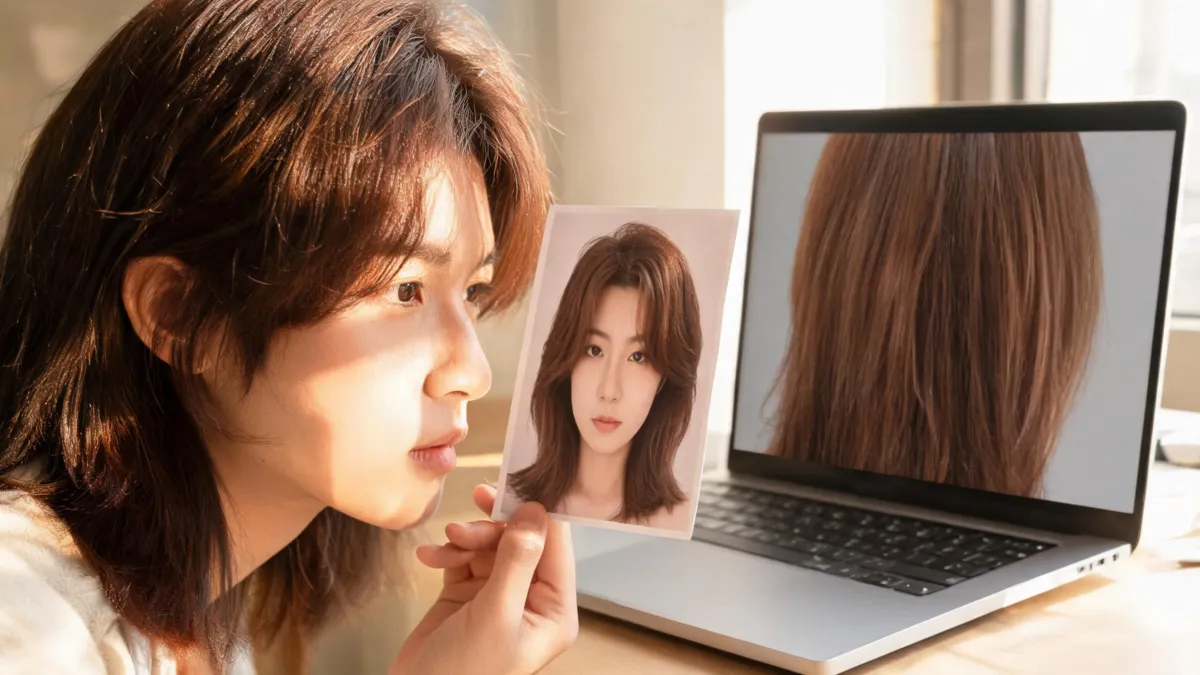
A ChatGPT hair color edit is worth saving only when the color changes while your face, hairline, texture, lighting, and background still look like the original. After you edit an upload in ChatGPT, place the result beside the source image and use this checklist before you share it or take it to a salon. If the edit changes your identity, paints color onto skin, flattens the hair, or makes the light inconsistent, rerun it—or use an AI hair color changer for a more controlled visual comparison.
Last updated: September 22, 2026 · about 7 min read
This is the check after the edit, not another prompt guide
The earlier guide to changing hair color in ChatGPT answers the capability and workflow question: can you upload a photo and ask for a new shade? This companion begins one step later. You already have an output; now you need to decide whether it is a clean enough reference to keep.
OpenAI’s current Images in ChatGPT documentation confirms that users can upload an existing image and describe an edit. It also notes that edits can extend beyond a selected area. That is exactly why a flattering image is not automatically a trustworthy hair-color preview.
| What you are deciding | The useful question | What this checklist does not decide |
|---|---|---|
| Whether to save the image | Did only the intended hair-color direction change? | Whether the shade is objectively “best” |
| Whether to share it | Would a viewer understand that it is an AI preview? | Whether a social post will perform well |
| Whether to show a stylist | Can you point to one visual preference? | Formula, lift, processing, or price |
| Whether to dye your hair | Is this a visual direction worth discussing? | Safety, allergy risk, hair condition, or chemical outcome |
If the edited version looks better because the face or room changed, not because the hair color changed, it has failed the comparison.
The five-point ChatGPT hair color quality checklist
1. Start with the original as the control
Keep the unedited portrait open beside the result. It should be a recent image in even light, with the part, hairline, and visible lengths in frame. Do not compare an edited image against your memory of the original; small shifts in facial proportions, skin texture, or background color are easy to miss that way.
2. Check identity before you judge the shade
Look at the eyes, brows, jawline, lips, skin texture, and the outline of the face at normal phone size. A hair-color edit does not need a laboratory-perfect match, but it should remain clearly the same person. If a result quietly adds makeup, changes the face shape, removes texture, or creates a new background, do not use the improved appearance as evidence for the color choice.
3. Inspect the hairline, ears, and loose edges
Then zoom in once. Check the forehead, temples, part, ears, and flyaways. Color should follow visible hair without tinting skin or turning the edge into a hard cutout. This is the same principle behind a manual edit: the Photoshop hair-color guide explains why a careful hair-only mask matters when you want the face to stay unchanged.
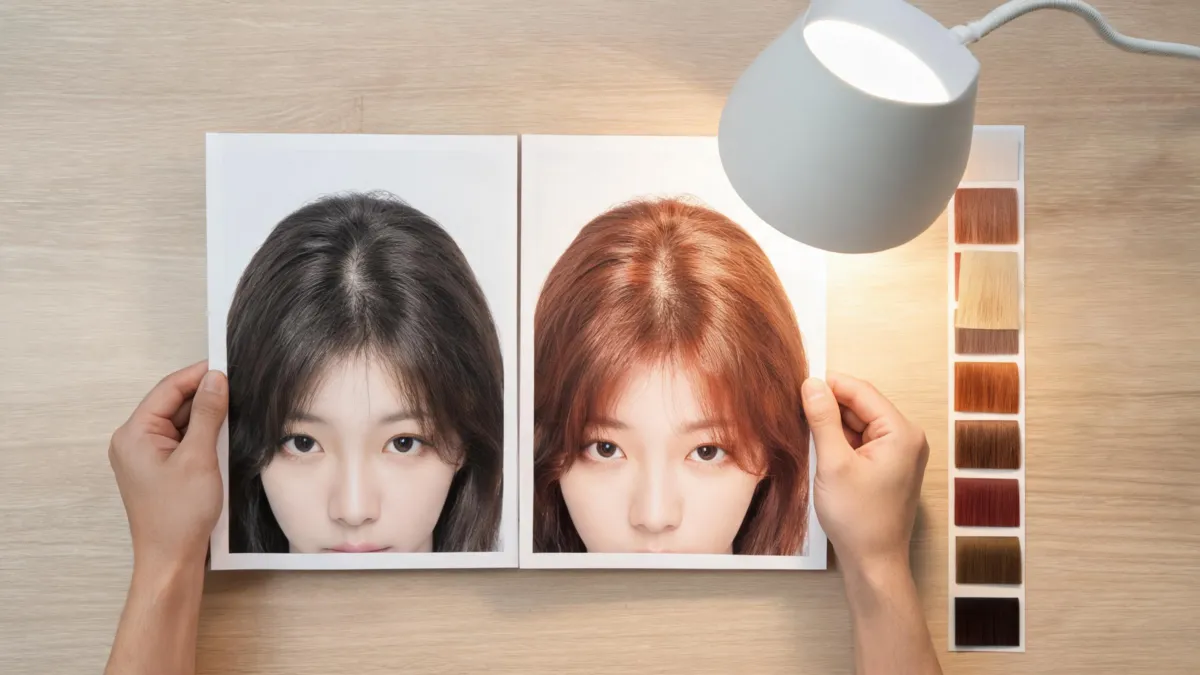
A useful preview makes the color change easy to inspect; it does not need to make the whole portrait look newly retouched.
4. Look for shade consistency and surviving texture
Hair is not a flat paint sample. Highlights, shadows, roots, waves, curls, and flyaways should still provide some variation. The target shade may be warmer, cooler, lighter, or deeper, but the image needs a believable reason for the change from root to length. A solid helmet of color, erased part, or a bright stripe that ignores the rest of the hair is a reason to rerun.
| Check | Save the edit when… | Rerun the edit when… |
|---|---|---|
| Identity | Face, brows, skin, and proportions remain recognizable | Facial features, makeup, or skin texture change |
| Hairline | The shade follows the visible hairline and part | Color lands on forehead, ears, or background |
| Texture | Existing light and strand variation remain visible | Hair becomes a smooth block or all one brightness |
| Shade | Root, mid-length, and ends form one understandable direction | Unexplained bands or patches appear |
| Lighting | The room and skin have the same overall light as the original | A new sunset, studio glow, or white balance makes the color look better |
5. Save a one-sentence salon reference, not a gallery
Keep the untouched original, one favorite result, and at most one close alternative. Under each, write the visual preference you want to discuss: “I like this soft copper warmth but not the brighter root,” or “I want this depth while keeping the natural dimension.” The hair color for skin tone guide can help you name broad warm, cool, and neutral directions without pretending that a screen can diagnose an undertone.
For a more controlled set, create nearby comparisons with the AI hair color changer: for example, warm chestnut, neutral brown, and soft ash brown at a similar depth. Changing one variable at a time makes the choice clearer.
Watch a verified ChatGPT hair-color tutorial
The video below directly covers changing hair color in a photo with ChatGPT. DataForSEO verified it for the exact query “chatgpt change hair color,” confirmed that it is embeddable, and reported 343 views on September 21, 2026. It demonstrates a how-to workflow; this article’s checklist is for evaluating the image after that workflow produces an output.
Do not turn a screen preview into a dye promise
An AI image can help you articulate a direction. It cannot evaluate your natural base, prior bleach or dye, porosity, scalp condition, formula, processing, or how the color will fade. If you color hair at home, follow the dye’s instructions. The U.S. Food and Drug Administration’s hair-dye safety guidance advises doing a patch test before each use and following the package directions.
Bring the original and the best one or two previews to a salon discussion. A qualified colorist can translate “less gold around my face” or “more depth at the roots” into a plan that accounts for your real hair and upkeep.
Editorial disclosure: AIChangeHair provides visual previews, not a dye formula, medical advice, or a guarantee of a color-service result. Use only images you have permission to upload or edit.
Frequently asked questions
How do I know whether a ChatGPT hair color edit is usable?
Compare it directly with the original. A usable edit keeps the same face, hairline, haircut, skin tone, lighting, and background while making the color change easy to describe. Rerun it if you notice identity drift, color on skin, a flat hair texture, or a shade that changes across the head without a clear reason.
Can ChatGPT change hair color in an uploaded photo?
Yes. OpenAI’s current Images help documentation says you can upload an existing image and describe the edit you want. The result is still an image-generation output, so inspect it before treating it as a reference.
Can I take a ChatGPT hair color edit to a salon?
You can bring the original image and one or two controlled previews to explain a color direction. A generated image cannot determine your starting level, prior color, porosity, formula, processing, scalp sensitivity, or exact final result.
Does an AI hair color edit replace a patch test?
No. A digital preview is not a safety test. Follow the product instructions for the actual dye; the U.S. Food and Drug Administration advises a patch test before each use of hair dye.
Related guides
- Try the free AI hairstyle changer →
- AI hair color changer: compare a shade on your photo
- Can ChatGPT change hair color in a photo?
- Change hair color in Photoshop without changing your face
- What hair color suits my skin tone?
Save the evidence, not just the prettiest edit
Open the AI hair color changer, keep your original beside one controlled result, and save the version that makes your color preference easiest to explain.