
Instagram Bangs Filter: Preview Fringe Before You Cut
Looking for an Instagram bangs filter? Learn why old effect tutorials can be unreliable and how to compare fringe styles on your own photo before a cut.
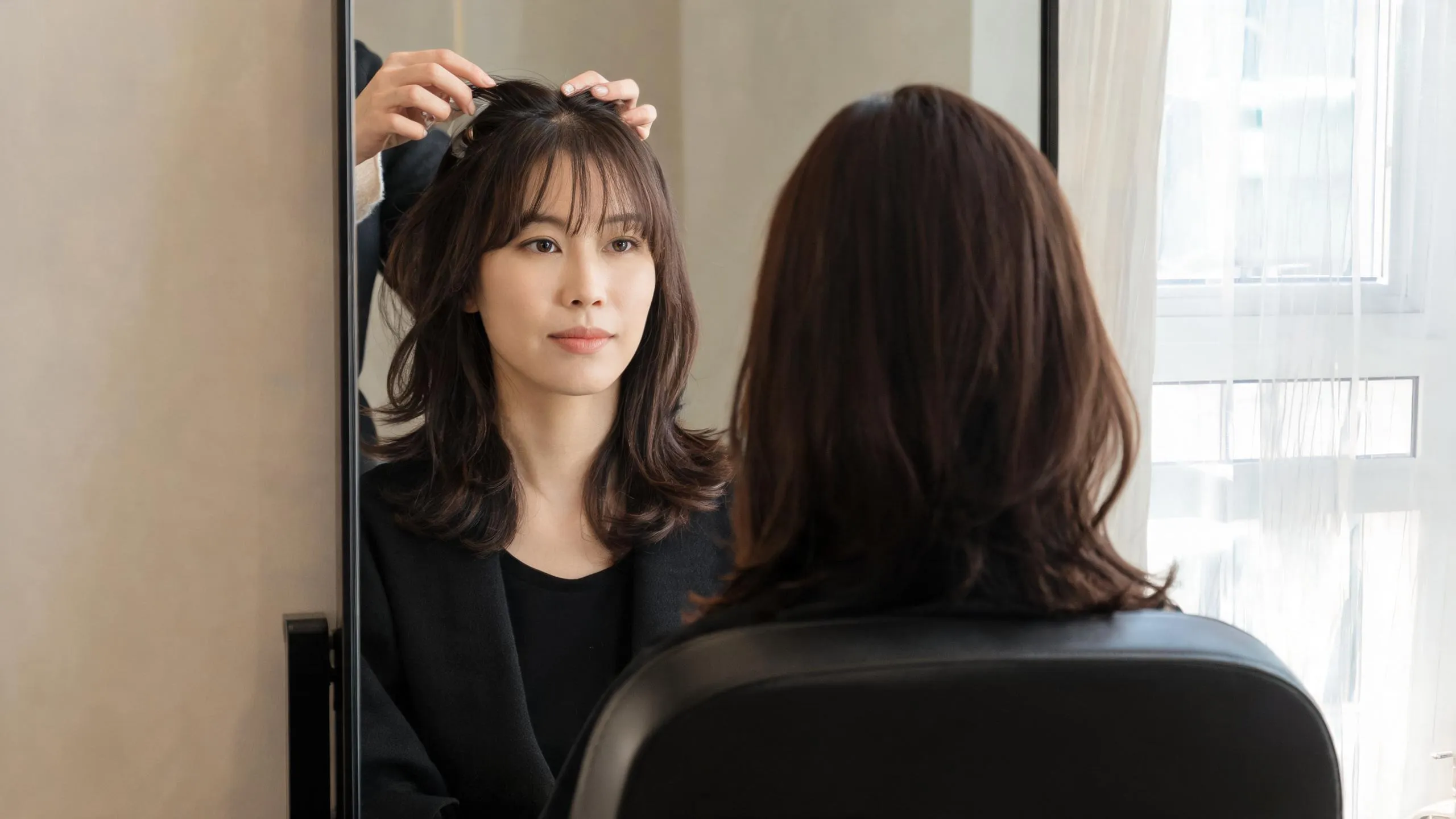
An Instagram bangs filter can be a fun starting point, but it is no longer a reliable way to preview a cut: many old tutorials point to third-party effects that are gone. For a steadier comparison, upload one clear photo to a bangs filter, test a few nearby fringe shapes, and save the result as a haircut brief—not a promise of how your hair will fall after the cut.
Last updated: September 11, 2026 · about 7 min read
Why old Instagram bangs-filter tutorials can mislead
Search results still surface videos and posts that name a specific Instagram effect. The problem is availability. Meta's Meta Spark update says third-party effects stopped being available on its platforms on January 14, 2025. A first-party effect may appear for some people, but an old effect name or link is not a dependable haircut-planning workflow.
That does not mean you have to abandon the question behind the search: “What would I look like with bangs?” It means separating a playful social effect from a controlled comparison. Keep the face, lighting, part, and hair length constant; change only the fringe. That makes it easier to notice whether you prefer a soft split, a fuller line, or no fringe at all.
| If you need to decide | An old social-effect tutorial gives you | A photo comparison gives you |
|---|---|---|
| Whether a named effect still works | A link that may be unavailable | No answer about Instagram availability |
| Whether you like bangs | A quick, often heavily processed impression | A stable before-and-after reference on your own photo |
| What to tell a stylist | A screenshot with unclear settings | A specific fringe length, width, part, and blend to discuss |
A convincing preview should leave your face, lighting, and overall haircut recognizable. If it changes all three, it is inspiration rather than a useful fringe test.
Make a better bangs preview in three steps
- Choose an honest base photo. Face the camera at eye level in even daylight. Show your forehead, hairline, brows, and usual part. Take off hats and avoid beauty filters, which can make the forehead and face proportions hard to read.
- Compare nearby options, not a random grid. Start with a curtain bangs filter, a soft brow-skimming fringe, and a slightly longer version. Keeping the choices close gives you a real decision instead of a collection of unrelated makeover pictures.
- Write down what changed. Under each image, note the visible reason: “I like the opening at the center,” “this hides too much of my brows,” or “the sides feel too wide.” Those notes are more useful than asking a stylist to recreate an unlabeled filter.
The comparison is not a verdict on what you “should” do. It is a way to arrive at a consultation or home decision with clearer language.
Compare the fringe details that actually change the look
The word bangs covers very different cuts. Look past the novelty of seeing hair on your forehead and inspect the details below.
| Detail to compare | What to look for in the preview | A useful follow-up question |
|---|---|---|
| Part | A center opening, side sweep, or straight drop | Do I still like this with my natural part? |
| Width | Where the fringe begins near the temples | Does it feel balanced with the rest of my hair? |
| Length | Above the brow, at the brow, or longer | Will I be comfortable with this much forehead coverage? |
| Blend | How the fringe connects to the sides | Do I want a soft transition or a clear line? |
| Texture | Whether the image has realistic separation | Does the preview keep the texture I normally wear? |
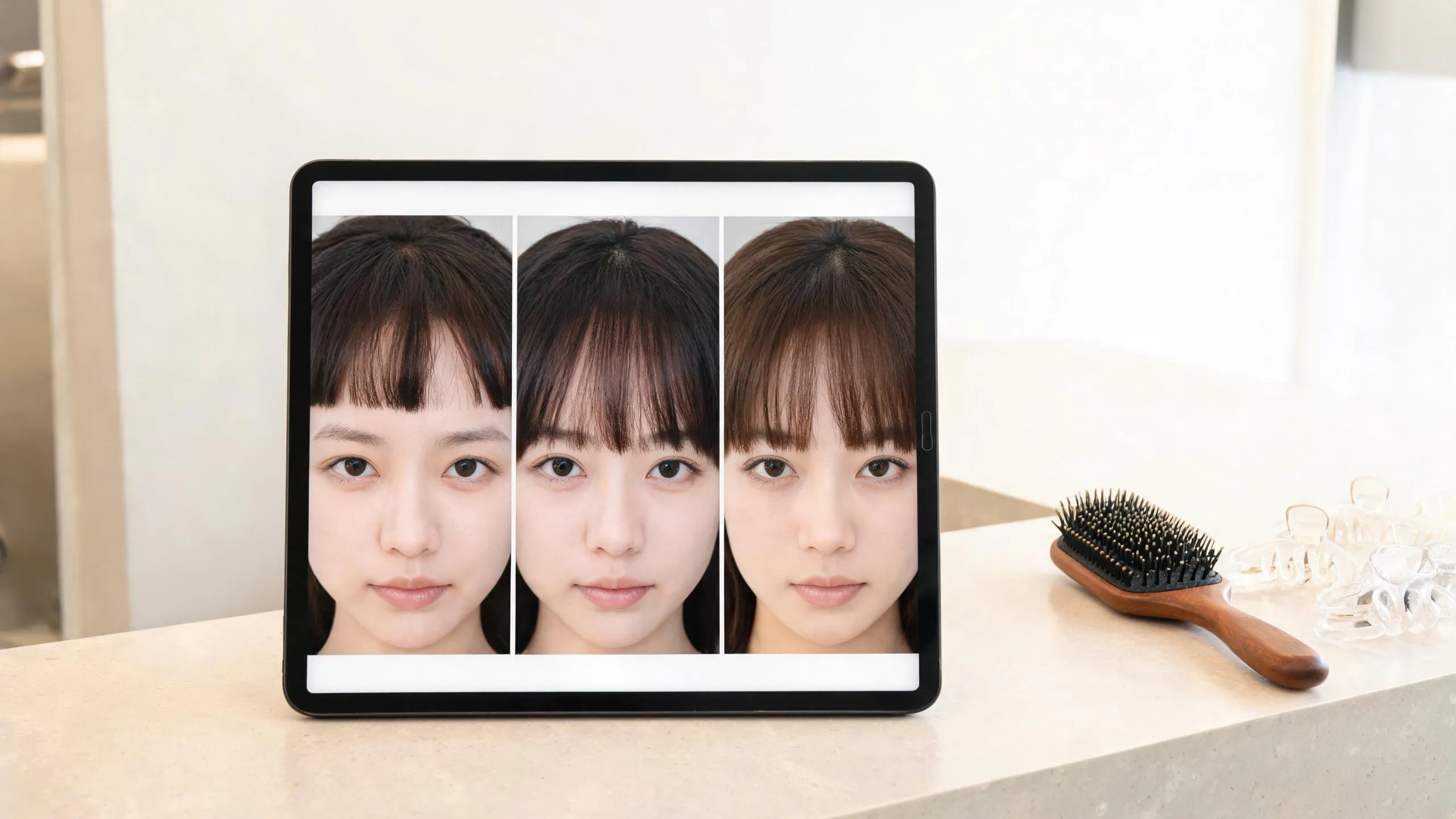
Use one base photo and small changes in fringe length to make the choice easier to read.
If the preview only works in a flawless, front-facing image, test it again with a more ordinary photo. Turn your face slightly, use your usual part, and include the clothes or glasses you wear most often. A result that still feels right in a familiar photo is better reference material than a dramatic effect that changes your whole appearance.
Know what the preview cannot answer
A visual test can help you talk about a shape. It cannot tell you how a fringe will respond to your growth pattern, texture, styling routine, humidity, or the way you like to wear your hair day to day. It also cannot determine how often you will want a trim or whether a particular cut is the best choice for you.
Use the image as a conversation starter. Tell a stylist whether you regularly air-dry, wear glasses, tuck hair behind your ears, or prefer a center versus side part. If you are cutting at home, do not treat an edited image as a cutting map; pause before making a permanent change and follow a method you understand.
For a broader reality check, read what an AI hair preview cannot tell you. It explains why a stable visual comparison is valuable while still leaving room for real hair behavior.
Turn a saved result into a clear haircut brief
Bring the original photo and no more than three close previews. The goal is not to ask for a duplicate face; it is to point to the pieces you like.
- “I prefer the opening in the middle, but I want the sides to stay long.”
- “I like the brow-level length in this image, not a blunt line.”
- “This is the amount of forehead coverage that feels comfortable.”
- “I want to know how this works with my natural texture and part.”
That is enough to start a grounded conversation. A stylist can translate the visible preference into a cut that accounts for the parts a photo cannot know. If you are still deciding between fringe families, compare blunt bangs and curtain bangs before booking.
Editorial disclosure: AIChangeHair provides visual hairstyle previews. It does not assess hair or scalp health, predict a finished cut, or replace professional advice. Use a generated image to clarify a preference, then make the final decision with your own routine and a qualified stylist where appropriate.
Frequently asked questions
Is there still a bangs filter on Instagram?
A particular bangs effect may not be available. Meta ended third-party Meta Spark effects on January 14, 2025, so older tutorials and saved effect links are not a dependable way to plan a haircut.
Can a bangs filter show whether bangs will suit me?
It can help you compare the placement, width, and length of a fringe on one photo. It cannot predict how your own hair will sit, grow, or behave in humidity, or replace a stylist's assessment.
What photo works best for a bangs preview?
Use a recent, unfiltered front-facing photo in even daylight. Keep your hairline, forehead, brows, and natural part visible, and avoid hats, heavy shadows, beauty mode, and a camera angle from far above or below.
What should I ask for if I like a bangs preview?
Save the original and two or three close previews, then describe the visible details you like: the center or side part, the width, the length, and how softly the fringe blends into the sides. Ask a stylist how that idea fits your texture and upkeep routine.
Related guides
- Try the free AI hairstyle changer →
- Bangs filter
- Curtain bangs filter
- How would I look with bangs?
- Should I get bangs?
Test the fringe, then decide
Try the AI hairstyle changer with one clear photo, keep only the closest fringe comparisons, and use what you notice to make the next step feel less like a gamble.