
Is an AI Hairstyle Changer Safe? Your Face Photos, Explained
Is an AI hairstyle changer safe? A plain-English look at what happens to your uploaded face photo — how long it's stored, whether it trains models, how to delete it, and how to spot a sketchy app.
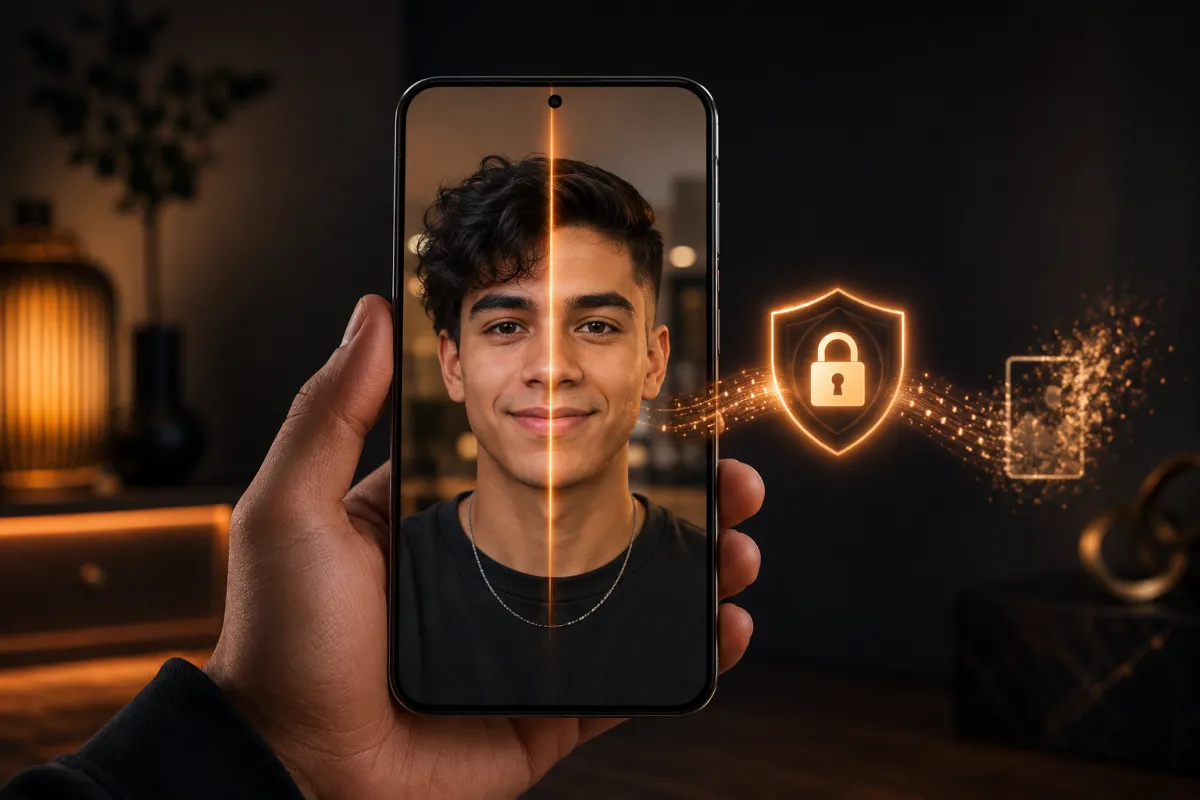
A reputable AI hairstyle changer is safe to use: your selfie travels over an encrypted connection to an AI model, a new-haircut preview comes back, and a trustworthy tool deletes the original soon after and never trains on it. The real risk is not the AI itself but a vague app policy — so always check retention, training, and deletion. Our AI hairstyle changer is built around all three, and below we explain exactly what to look for anywhere you upload a face photo.
Face photos are more sensitive than a picture of a shirt or a room. Your face is biometric — it identifies you. So a little caution before you upload to any app is healthy, not paranoid. This guide walks through what actually happens to your selfie, where the genuine risks are, and how to tell a trustworthy tool from a sketchy one.
Last updated: June 21, 2026 · ~7 min read
What actually happens to your photo
When you upload a selfie to an AI hairstyle changer, the flow is short and mechanical. Here's the honest version, step by step:
- Your photo is uploaded over an encrypted connection (HTTPS). It travels to the service's storage, not to a public folder anyone can browse.
- It's sent to an AI image model to generate the haircut preview. The model reads your face shape and hairline, applies the new style, and returns a result image. Your face is the input; the styled preview is the output.
- The original is deleted, and only your result stays. On our tool, source uploads are eligible for automatic deletion within 24 hours, while the preview you generated stays in your gallery until you remove it or close your account.
The line that matters most: a trustworthy tool does not use your uploads to train its models. "We don't train on your photos" should be stated plainly in the privacy policy. If it isn't, assume they might.
That's the whole pipeline. There's no human flipping through your selfies, and a hairstyle preview doesn't require keeping your original photo around for weeks.
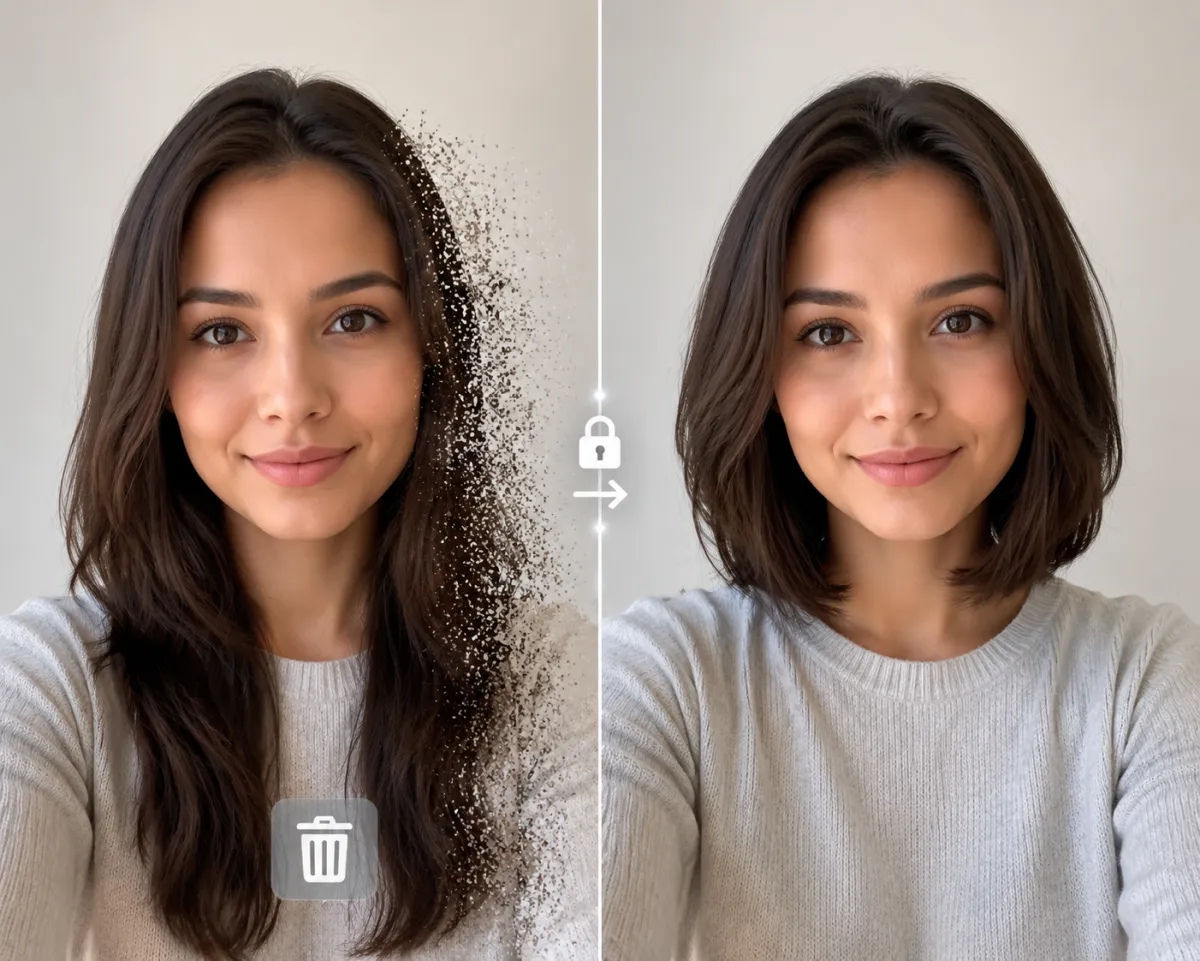
The same face, two looks — upload in, preview out. A safe tool deletes the original after generating the result.
AI hairstyle privacy: the four questions to ask any app
Before you trust any hair app with your face, get plain answers to these four. A good privacy policy answers all of them in a paragraph or two; a vague one is itself a warning sign.
| Question | What a safe answer looks like | Red flag |
|---|---|---|
| How long is my photo stored? | Deleted automatically after a short window (e.g. 24 hours) | "Indefinitely," or no mention at all |
| Is my photo used to train AI? | A clear "no, we don't train on your uploads" | Silence, or buried "we may use content to improve our services" |
| Can I delete my data? | Yes — an email or in-app button removes account + uploads | No deletion path; account can't be closed |
| Who else sees it? | Named processors (hosting, the AI provider) and "we don't sell data" | "We may share with partners / advertisers" |
If you only remember one thing: training and selling are the two practices that turn "a quick haircut preview" into "my face is now part of someone's dataset." Both should be explicitly ruled out.
Tip: open the tool's privacy policy and use Ctrl/Cmd+F for the words train, retention, delete, and sell. Thirty seconds of searching tells you more than any marketing page. You can read ours here.
Is an AI hairstyle changer safe? The FaceApp case study
The most-cited cautionary tale is FaceApp, the viral face-editing app behind the 2016 aging filter and the 2019 "old age" challenge. It's worth understanding objectively, because it's why people ask whether hairstyle apps are safe at all.
Here's what was reported at the time, stated factually:
- In 2019, FaceApp went viral again and drew widespread scrutiny because the developer, Wireless Lab, is based in Russia, which raised questions about where photos were processed and stored.
- Security researchers and journalists reported that uploaded photos were sent to cloud servers for processing rather than edited only on the phone, and that the app's terms granted a broad license to use uploaded content.
- FaceApp publicly responded that most photos were deleted from its servers within 48 hours, that it did not transfer user data to Russia, and that it processed photos in the cloud (on AWS/Google Cloud) for performance.
- The episode prompted a U.S. Senate letter (from Sen. Chuck Schumer) asking the FTC to review the app's data practices.
The takeaways aren't "all hair apps are dangerous." They're more specific and more useful:
| Lesson from the FaceApp coverage | What to do about it |
|---|---|
| Broad terms-of-use licenses are easy to miss | Skim the license; avoid apps that claim a "perpetual, irrevocable" license to your photos |
| Cloud processing isn't inherently bad — unclear retention is | Prefer tools that state a short, specific deletion window |
| Jurisdiction and ownership matter to some users | Check who runs the app if that's a concern for you |
| Going viral ≠ being vetted | Popularity isn't a privacy guarantee; read the policy regardless |
The point of the case study is calibration, not fear. A face-editing tool can be perfectly safe — the FaceApp story is a checklist of what to confirm, not a reason to never upload a selfie.
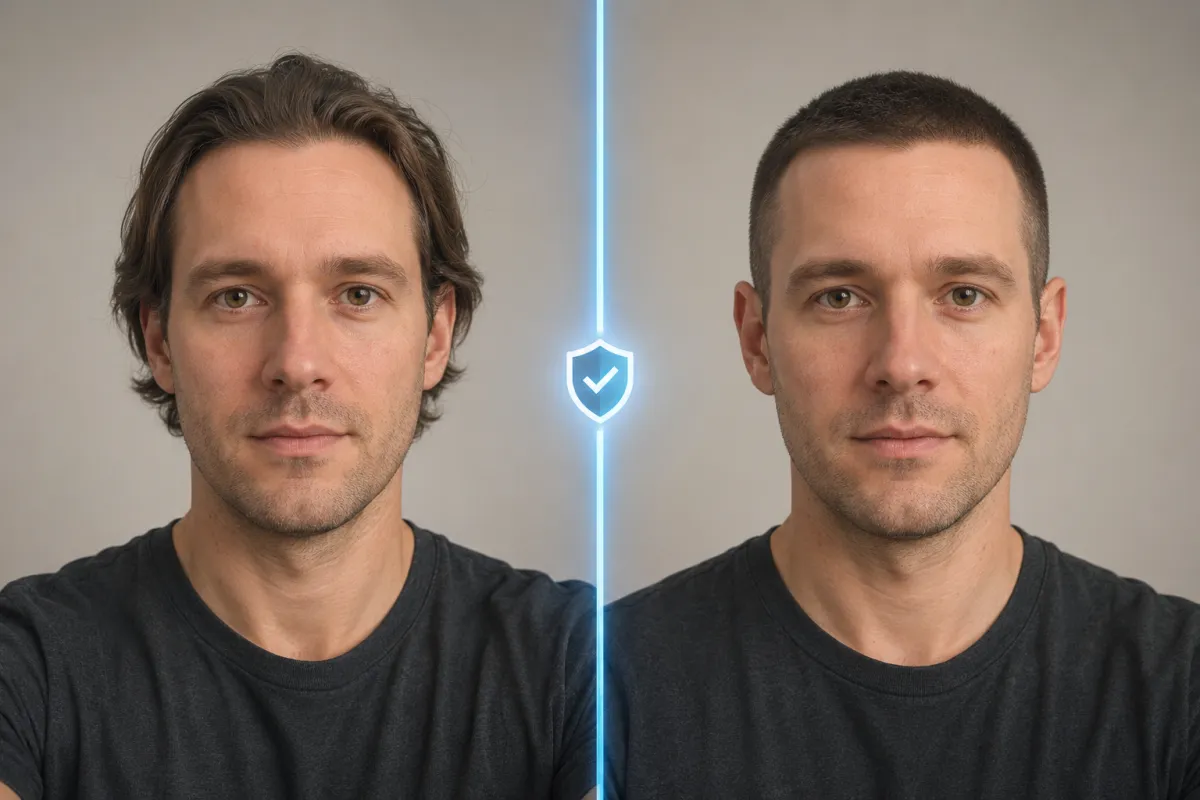
A safe preview keeps your real face and only changes the hair — the result is recognizably you, and the original upload doesn't need to live on a server.
How to spot a sketchy hair app in 60 seconds
You don't need to be a security expert. A few fast checks weed out most of the bad actors:
- No privacy policy, or one that's a copy-paste boilerplate with no mention of photo deletion or training. The single biggest red flag.
- Demands permissions it doesn't need — your full camera roll, contacts, or location for a haircut preview. A hairstyle tool needs one photo, not your address book.
- Aggressive social pressure to share your face publicly or auto-post results to "see them."
- No way to delete your account or data. If you can get in but never get out, that's a problem.
- Vague ownership — no company name, no contact email, no terms. Trustworthy tools tell you who they are.
Reasonable habits, not paranoia: upload a normal selfie (you're previewing a haircut, not sharing ID documents), use a real tool's gallery rather than re-uploading to ten random sites, and delete results you don't need. That's enough for everyday use.
How we handle your photos
Because "is it safe to upload my photo to AI?" deserves a concrete answer, here's exactly how our AI hairstyle changer works — the same facts you'll find in our privacy policy:
- We don't train on your uploads. Your photo is used to generate your preview, full stop — not to improve a model.
- Originals are deleted automatically. Source uploads are eligible for deletion within 24 hours via a storage lifecycle rule. Your generated previews stay in your gallery until you delete them or close your account.
- We don't sell your data. Photos are shared only with the processors needed to run the service (hosting/storage and the AI image provider) — never with advertisers.
- You can delete everything. Email support and we'll remove your account and associated data.
- Encrypted in transit and at rest. Traffic is HTTPS; storage is encrypted by the providers.
That's the standard worth holding any hairstyle tool to — including this one.
Frequently asked questions
Is it safe to upload my photo to AI?
For a reputable tool, yes. The risk isn't AI itself — it's the app's policy. A safe AI hairstyle changer encrypts your upload, uses it only to generate your preview, doesn't train on it, doesn't sell it, and deletes the original soon after. Confirm those points in the privacy policy before you upload anywhere.
Are hairstyle apps safe to use?
Most well-known ones are, but "safe" depends on retention and training practices, not on how viral the app is. Look for a clear statement that your photo is deleted on a short timeline and not used to train models. Apps with no privacy policy, or one that's silent on these points, are the ones to avoid.
How long is my photo stored?
On a well-run tool, only as long as it takes to generate your result. On our service, source uploads are eligible for automatic deletion within 24 hours, while the previews you generated remain in your gallery until you remove them. Always check the "retention" section of any tool's policy.
Does an AI hairstyle changer use my photo to train its AI?
It shouldn't, and a trustworthy one will say so explicitly. We don't use your uploads or generated images to train any model — yours or anyone else's. If a tool's policy is silent on training, treat that as a no-answer and be cautious.
What happened with the FaceApp privacy controversy?
FaceApp drew scrutiny in 2019 because its developer is Russia-based and uploaded photos were processed on cloud servers under broad terms of use, prompting a U.S. Senate request for an FTC review. FaceApp said it deleted most photos within 48 hours and didn't transfer data to Russia. The lasting lesson is to read the policy — popularity isn't a privacy guarantee.
How do I delete my photos and account?
On any reputable tool there should be a clear path — an in-app button or a support email. On ours, email support and we'll delete your account and all associated data. If an app gives you no way out, that itself is a red flag worth heeding.
How can I tell if a hair app is sketchy?
Check four things fast: it has a real privacy policy that mentions deletion and training, it only asks for one photo (not your whole camera roll or contacts), it lets you delete your data, and it names the company behind it. Missing any of those is reason to pick a different tool.
Is it safer to use an app that edits on my device only?
On-device editing avoids the upload entirely, but photo-real AI haircut previews generally need a cloud model to run well. The practical safe choice is a cloud tool with a clear short-retention, no-training policy — you get realistic results without your photo living on a server long-term.
Related guides
Once you're comfortable on the privacy side, here's where to explore:
- Try the free AI hairstyle changer → — upload one selfie and preview any style on the home page.
- Hairstyle Try-On: see any haircut on your face
- Best AI hairstyle changer apps in 2026 (we tested 10)
- What hairstyle suits my face?
- Our Privacy Policy and the Buzz Cut Filter
Upload with confidence
You don't have to choose between trying a new look and protecting your privacy. Preview a hairstyle free → on a tool that deletes your original, never trains on your face, and lets you delete everything — then bring your favorite look to the salon.