
L'Oréal Hair Color Filter: What a Brand Try-On Can and Can't Show
Learn what an L'Oréal hair color filter can show before dyeing, how to compare a brand shade on your own photo, and where a virtual try-on stops.
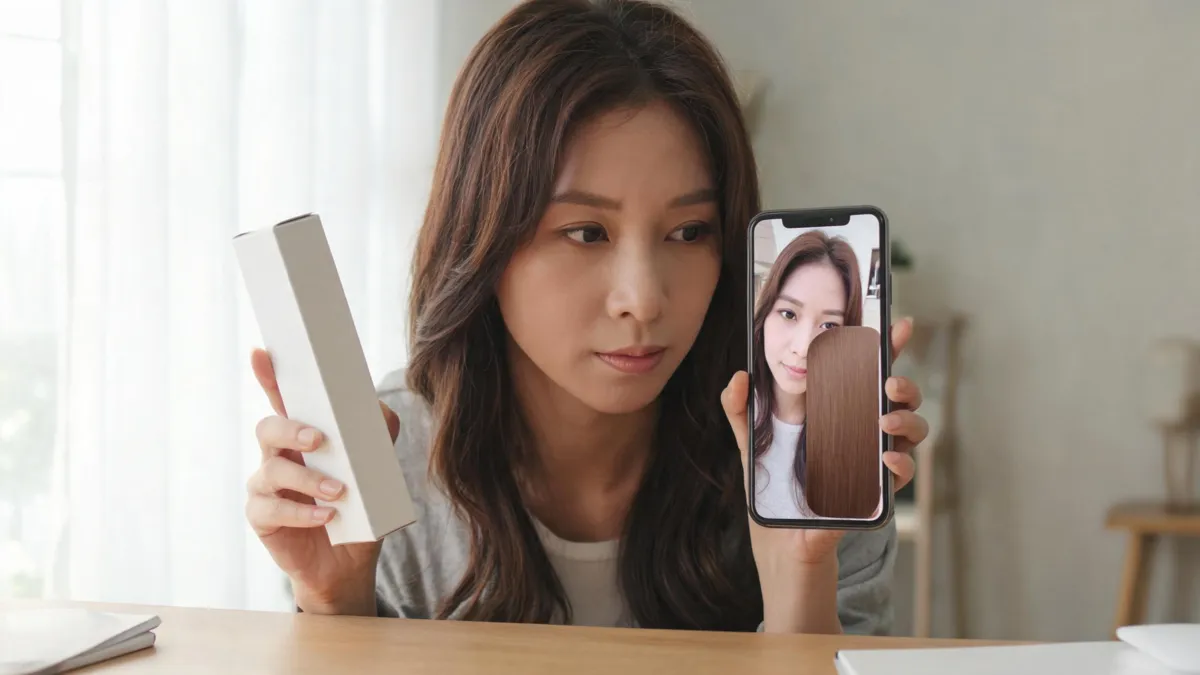
An L'Oréal hair color filter can help you see a brand shade direction on your face before you buy, but it cannot tell you exactly how dye will lift, cover grey, fade, or react with previous color. Use the brand try-on to narrow a product-range choice, then compare nearby directions on the AI hair color changer and follow the product instructions or a colorist’s advice.
Last updated: September 7, 2026 · about 7 min read
This is not a generic “try three colors” guide. It is for the moment when you have found a particular L'Oréal range or shade family and want to understand what a brand-owned virtual try-on is useful for—and what it cannot decide for you.
First, check which L'Oréal try-on is available to you
L'Oréal’s hair-color experiences vary by country, brand, and product catalog. The official U.S. Hair Color Genius page describes a virtual try-on for different L'Oréal Paris hair colors, while L'Oréal Professionnel describes an augmented-reality hair color simulator connected with its My Hair [iD] experience. Those are useful starting points, but a search result, an old tutorial, or another country’s page is not proof that the same shades are available where you shop.
Before you spend time comparing colors, open the current official product or try-on page for your market. Confirm the range, shade name, and instructions. The L'Oréal Paris Hair Color Genius overview and L'Oréal Professionnel Virtual Try-On are useful examples of the distinction between a consumer product range and a professional color consultation.
| Question | A brand try-on can help with | It cannot settle |
|---|---|---|
| Which shade family appeals? | Warm, neutral, cool, darker, lighter, or redder direction | Whether the boxed shade will match the screen |
| Which product range to inspect? | Connecting a visual preference to a listed shade | Whether it is right for your existing color history |
| Whether the change feels dramatic | Seeing approximate contrast on your face | Damage risk, lift, or grey coverage |
| What to ask next | Saving a shade name or code for research | A salon formula or processing plan |
Treat the image as a color conversation starter. Keep the official shade name and your original photo next to it; do not treat a rendered pixel color as a purchase guarantee.
Make a controlled own-photo comparison
Use a clear selfie in ordinary daylight or evenly lit indoor light. Keep your face, background, and current haircut unchanged. If a brand’s try-on uses a live camera, take a screenshot only if its terms permit it; otherwise record the shade name and recreate the direction on your own image without implying the two tools are the same product.
- Save your original photo before opening any color preview.
- Test your current-looking shade, one nearby shade, and one deliberate contrast. Change only color—not length, makeup, or lighting.
- View the results small and large. Keep the one that answers your real question, then note the brand shade label separately.
For the own-photo step, an AI hair color changer is useful for comparing color direction while retaining the same baseline. If roots are the main concern, start with a root touch-up hair color preview. For highlights and placement, use a highlights filter rather than treating a whole-head color preview as a balayage plan.
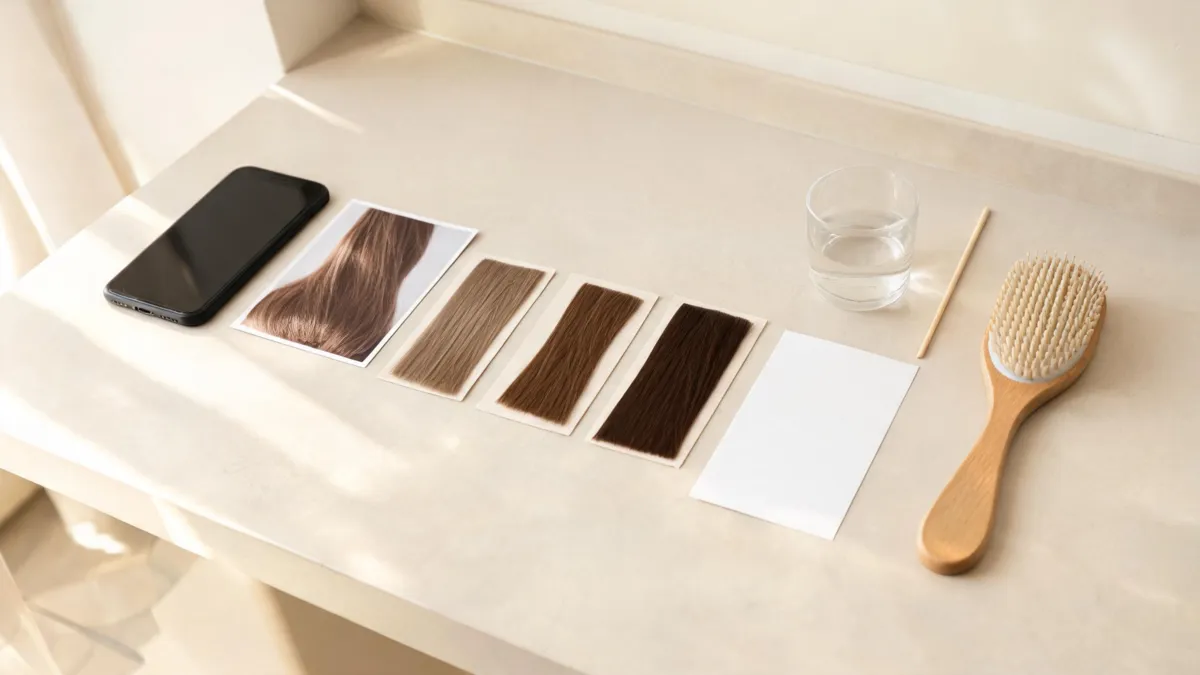
Keep the original photo and a small set of nearby shade directions together. The label and instructions belong to the product page, not the simulated image.
Separate a visual preference from a dye decision
The strongest use of a filter is narrowing language: “I prefer this neutral medium brown to the warmer one,” or “I like a slightly brighter result around the face.” It is weak evidence for claims such as “this will cover my grey” or “this will lift my dark color to this exact blonde.”
| Keep from the preview | Verify before dyeing |
|---|---|
| General warmth or coolness | The exact product range and shade code |
| Whether you prefer more or less contrast | Instructions, development time, and needed supplies |
| A reference image for a colorist | Existing dye, bleach, toner, or chemical-treatment history |
| A small finalist list | Patch/strand-test directions and contraindications |
If you are choosing between copper and red, the copper vs. red hair guide can help define what you are seeing. If the color question is tied to complexion, compare hair color for skin tone before committing to a product label. Neither article can prescribe a formula, and neither should replace the manufacturer’s instructions.
Safety and realism come after the filter
A screen cannot test allergy, scalp sensitivity, or how a chemical color will behave on your hair. The American Academy of Dermatology advises testing store-bought color before use and following the manufacturer’s instructions; it also notes that lightening far beyond your natural shade can require stronger peroxide and increase damage risk. Read its hair-coloring tips.
The NHS also explains that permanent and some semi-permanent dyes can cause reactions and advises following package directions, including a strand test at least 48 hours ahead where directed. See its hair-dye reaction guidance. If you have had a prior reaction, redness, swelling, burning, or itching, do not use a virtual preview as reassurance—follow the product guidance and seek appropriate medical advice.
For big changes, corrective color, a history of bleach, or a scalp concern, take the original image, a few controlled previews, and your honest hair history to a qualified colorist. That conversation is more valuable than chasing a perfect filter result.
A transparent note on brands and tools
AIChangeHair is not affiliated with or endorsed by L'Oréal. “L'Oréal hair color filter” is used here to describe a search intent around brand-based virtual shade exploration. Brand tools, shade availability, and local product instructions can change; check the current official page in your region before purchase.
Frequently asked questions
Does L'Oréal have a hair color virtual try-on?
L'Oréal offers virtual hair-color try-on experiences in some markets and product ranges. Availability, shade catalogs, and whether a live camera or uploaded photo is offered can change, so check the current official page for your location.
Can a hair color filter predict my exact dye result?
No. A virtual try-on can help compare a shade direction on your face, but it cannot measure prior color, porosity, grey coverage, lift, timing, or the final result under every light.
How should I use a brand hair color filter before buying dye?
Save the original photo, test a few nearby shades, note the exact shade name or code, and read the product instructions. If you are changing more than a few shades, correcting color, or have a complicated color history, consult a professional.
Do I still need a patch or strand test after using a filter?
Yes. A digital preview does not test skin sensitivity or how your hair takes color. Follow the product instructions; public-health guidance also advises testing store-bought color before use.
Related guides
- Try the AI hair color changer →
- Hair dye simulator: compare your shades
- Hair color for skin tone
- Root touch-up hair color preview
- Highlights filter
Use the filter to ask a better question
Try a small set of color directions with the AI hair color changer, save the original, and let current brand instructions plus your real hair history determine the final dye decision.