
Perfect AI Hairstyles App Review: What to Check Before You Upload a Selfie
A careful Perfect AI Hairstyles app review: what its public start screen shows, what remains unverified, and how to test a hairstyle preview safely.
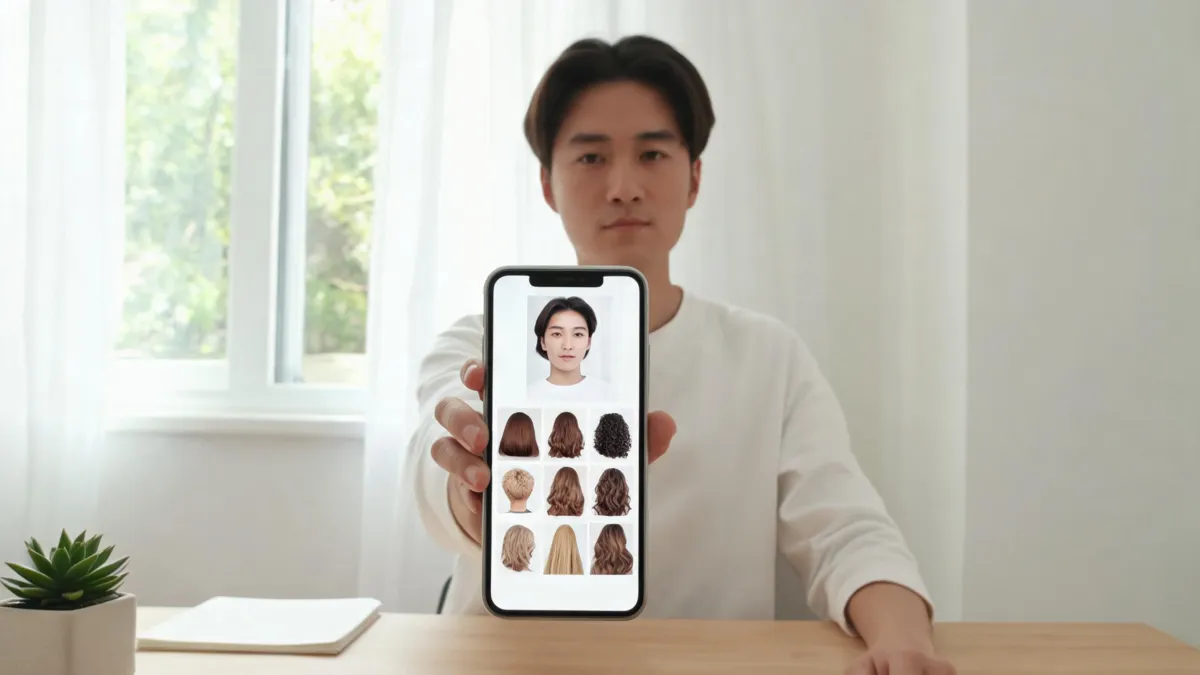
Perfect AI Hairstyles is worth treating as a quick visual experiment, not a verdict on your next cut. When we checked its public start page on September 14, 2026, it asked visitors to select Female or Male and linked to Reface terms and privacy materials. We did not upload a selfie, create an account, buy a plan, or test output quality, so this review focuses on what you can verify before sharing a photo.
Last updated: September 14, 2026 · ~7 min read
The result that matters is not whether a generated cut looks dramatic in isolation. It is whether it preserves enough of your real face, hairline, lighting, and background to help you describe a sensible idea to a stylist. A browser-based AI hairstyle changer can serve the same controlled-comparison purpose: change one hair variable, then judge the result against the original.
What we could verify on the public page
The Perfect AI Hairstyles start page currently presents a gender selection before the next step. Its visible legal links point to Reface’s terms and privacy notice. Those are useful facts to check before you submit an image, but they are not proof of a particular output quality, subscription price, retention period, or mobile-store availability.
That distinction matters. A good review should separate an observation from a conclusion. We did not complete the upload flow, so we cannot fairly score realism, speed, support, payment terms, or how the service handles a particular photo. Check the current legal pages and on-screen terms yourself before proceeding; they can change after this article is published.
| Question before upload | What to look for | Why it changes the decision |
|---|---|---|
| Who operates the flow? | The page name, legal links, and contact details | It tells you where to look for terms and privacy information. |
| What does the first screen request? | Gender choice, account, photo permission, or payment | It shows the commitment before you give the service an image. |
| What can the preview actually change? | One haircut or color at a time versus a complete makeover | A narrow test is easier to judge honestly. |
| What is missing from the page? | Clear pricing, deletion path, or support route | Missing information is a reason to pause, not to guess. |
| Can you compare with the original? | A download, side-by-side view, or saved source photo | You need a control image to spot unwanted face edits. |
A hairstyle preview should be easy to reject. If the result changes your facial features, skin, pose, or background more than the hair, it has stopped answering the question you came to ask.
A three-step test before you trust a result
- Start with one ordinary selfie. Choose a recent, front-facing image in indirect daylight. Keep the hairline, ears, and shoulders visible. Skip sunglasses, strong shadows, hats, smoothing filters, and a busy background. Save the unedited original somewhere you control.
- Ask one question per render. For example: “Would a collarbone-length blunt cut feel too heavy?” or “Do I prefer curtain bangs to a center part?” Do not combine a new cut, new color, makeup, lighting, and face retouching in one request. If you want to test fringe, use a bangs filter; if you want color, hold the cut fixed in the AI hair color changer.
- Compare before you save. Switch between the original and the result at the same size. Look first at the temples, part, ears, jawline, eyebrows, and flyaways. Then view the image at normal phone size. A result can look polished while still inventing a different face or moving the hairline.
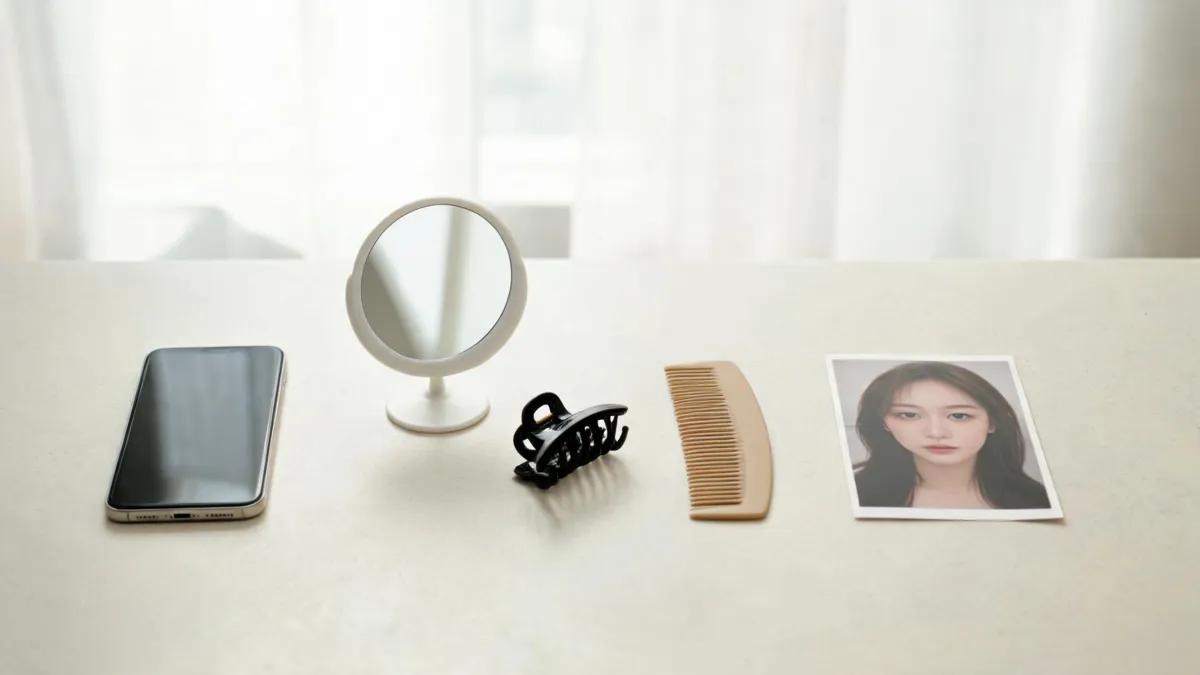
A controlled source photo makes it easier to tell whether a tool changed hair or changed the whole portrait.
The four checks that matter more than a style gallery
1. Does the face stay recognizably yours?
The preview should preserve head shape, eye spacing, skin texture, and the broad expression of the source image. A little visual smoothing can make a generated image feel flattering, but it makes a haircut decision less useful. Regenerate or abandon a result that alters the face enough to make the hair look better by comparison.
2. Does the hairline begin in the right place?
Look closely where hair meets forehead, temples, ears, and neck. Hair should grow out of the source hair mass, not form a helmet, cover skin, or erase the part. This is especially important with a pixie, buzz cut, bob, or heavy fringe. A short-hair preview checklist can help you turn a plausible-looking image into a more practical decision.
3. Is the hairstyle feasible for your routine?
An app cannot inspect your density, curl pattern, cowlicks, previous color, or daily styling time. Write down what you actually like about the preview—perhaps “length at the jaw” or “soft pieces around the cheekbones”—rather than asking a stylist to reproduce one generated image. The AI hair preview stylist checklist gives a compact way to prepare that conversation.
4. Are you comfortable with the photo terms?
Before uploading, read the service’s current privacy and terms pages, including any account deletion, content-use, subscription, and cancellation information that applies to you. Do not rely on this article for that legal decision, and do not upload someone else’s photo without their permission. A hairstyle test needs a clear, consenting source image.
A fair way to compare this kind of tool
If you are deciding between several hairstyle services, repeat the same small test set in each one. Use the same unfiltered source photo; ask for the same two or three looks; and record only what you can see. A useful note might be: “The jaw-length version kept my ears and original part, but the fringe moved my brows.” Avoid assigning a number to “realism” unless you have a repeatable method and the original results to show.
| Keep testing when… | Stop and use another reference when… |
|---|---|
| The face, hairline, and lighting remain consistent | The tool changes age cues, facial proportions, or skin to sell the new hair |
| You are comparing a small, named change | Every image combines unrelated edits |
| You can articulate what you like about a result | You only like it because it looks like a different person |
| You have read the current terms relevant to your upload | You cannot find information you need before sharing a portrait |
The honest end point may be “none of these previews is dependable enough.” That is still useful: bring your original photo and a few real-world references to a professional, or choose a lower-commitment style change.
Frequently asked questions
Is Perfect AI Hairstyles an app or a website?
The public start page we reviewed is a website. It asks the visitor to choose Female or Male and links its terms and privacy notice to Reface. That does not by itself establish which mobile apps, plans, or features may be available in your region.
What selfie should I use for a hairstyle app?
Use a recent, sharp, front-facing selfie in even daylight. Keep your hairline, ears, and shoulders in frame, remove sunglasses, and turn off beauty filters. Save the original so you can compare it with the output.
Can a hairstyle preview tell me whether a haircut will work?
No. It can help you compare a visual direction on your own photo. It cannot assess density, cowlicks, curl pattern, shrinkage, styling technique, or how a cut will grow out, so treat it as a conversation aid rather than a promise.
Related guides
- Try the free AI hairstyle changer →
- Use a bangs filter for one controlled fringe test
- How to make an AI hairstyle preview look realistic
- Bring a useful AI hair preview to your stylist
Test a direction, then make the real decision
Keep one source photo, change one hair variable at a time, and save only the previews that still look recognizably like you. When you are ready to compare your own ideas, try an AI hairstyle changer as a visual reference—not a promise.