
Random Hairstyle Generator: Get a Surprise New Look in One Tap (Free)
Try a free random hairstyle generator: upload a selfie, hit shuffle, and see a surprise cut, color, or texture on your real face in seconds.
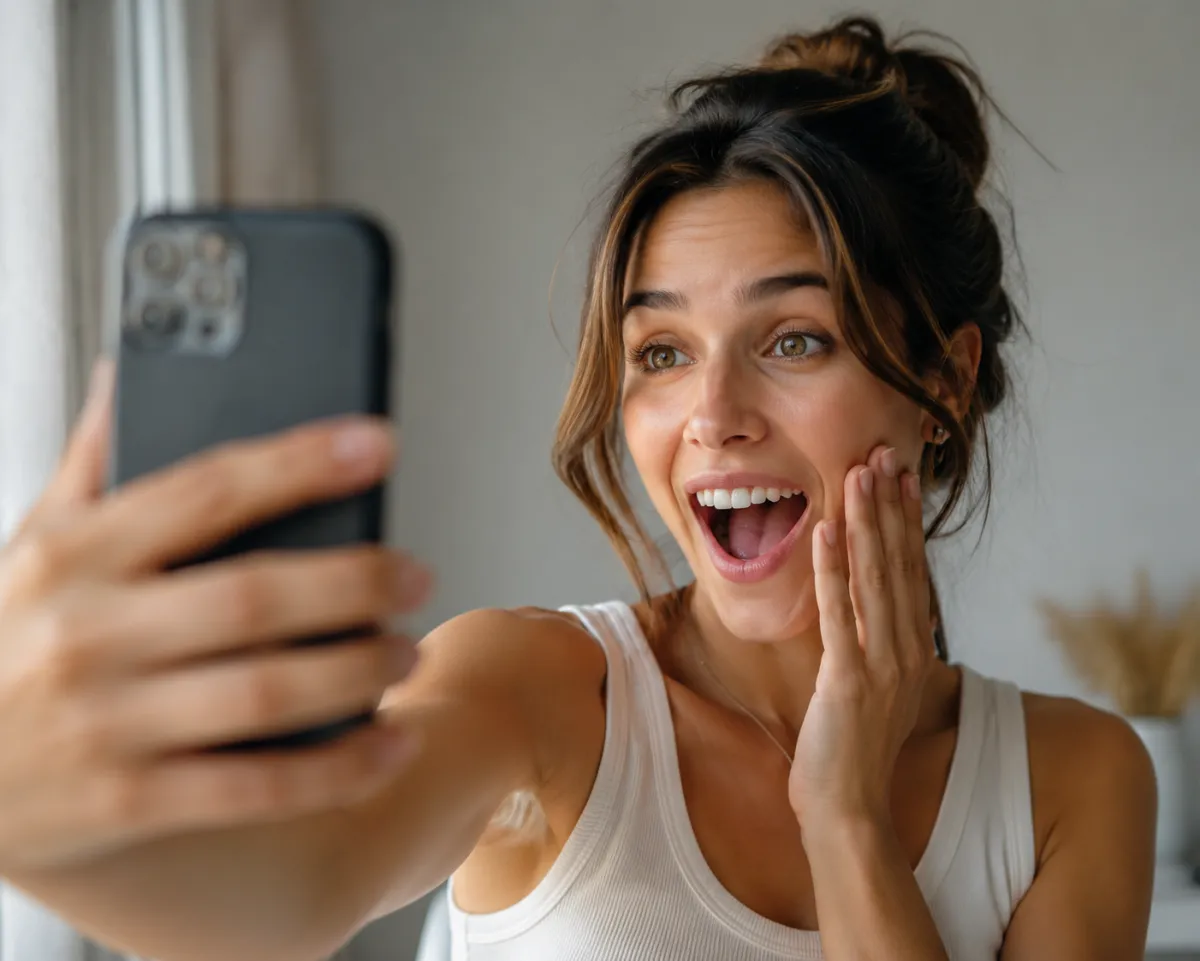
A random hairstyle generator drops an unexpected color or cut onto your own photo, so you react to a fresh look instead of overthinking it. The free way to try it is the AI hairstyle changer: upload a selfie, tap "Random palette" for a surprise hair color, or grab a wildcard preset cut you'd never pick — and it lands on your real face in seconds.
Last updated: June 23, 2026 · ~6 min read
What is a random hairstyle generator?
The idea is simple: skip the "browse 200 photos and second-guess every one" step and let a little randomness make the call. You upload a photo of yourself, and the AI edits your face — it doesn't invent a stranger. So you're not imagining how icy blonde or a shaggy mullet would look. You're staring right at it.
In the AIChangeHair editor that randomness lives in two places. There's a real one-tap Random palette button that instantly assigns you a surprise hair color — a random hue or shade you'd never have searched for. For a surprise cut, you open the Presets gallery and tap a style card you'd normally scroll right past, or you type a wildcard into the Describe box ("give me a bold pixie," "1980s perm"). Either way, the point is the same: break your default.
Left to our own taste, most of us pick a slight variation of the haircut we already have. Hitting Random palette or grabbing a preset you'd never choose ignores that comfort zone — and that's where the surprises live.
When does a surprise look actually help?
This kind of nudge earns its keep in a few specific moments:
- Decision paralysis before an appointment. Every option feels equally fine, so you keep your usual cut by accident. A random color or an out-of-character preset forces a reaction — a clear yes or no the second it appears.
- Pure boredom. Same hair, same mirror, same Tuesday. Spinning the palette and trying a few wild presets is a free dopamine hit.
- Finding your blind spots. The colors and cuts you'd never pick are exactly the ones worth previewing. Random palette is built for precisely that.
- Group fun. Pass the phone around, let everyone hit Random palette once, and screenshot the disasters. A party trick that costs nothing.
Shopping for something specific instead of a surprise? A guided hairstyle try-on lets you pick the cut yourself. But for "just give me anything," lean on the random color and the wildcard presets.
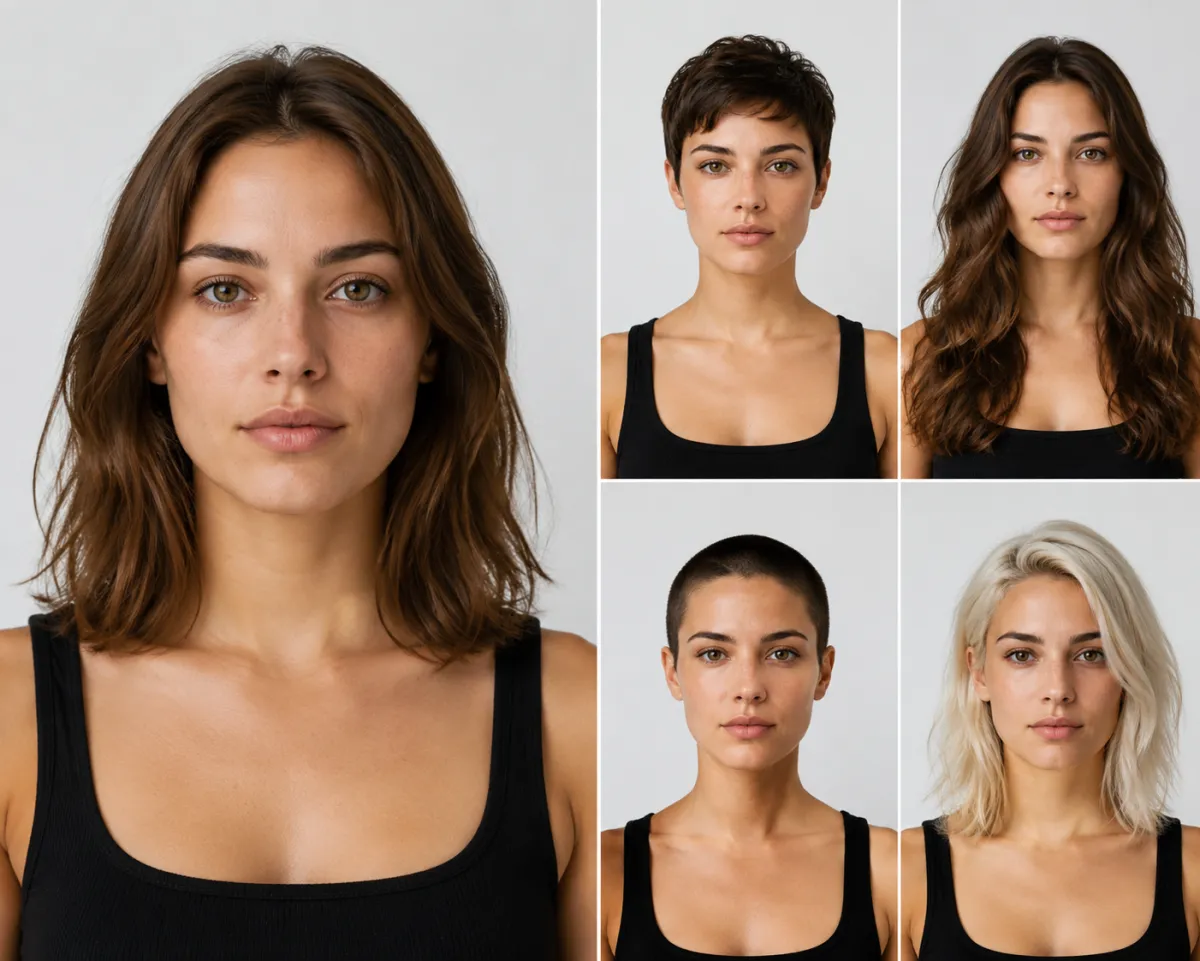 One photo, four spins — a pixie preset, long waves, a buzz cut, and a Random palette color the same person would never have picked alone.
How to get a random look in 3 steps
No account, no app download, no editing skill. Here's the whole flow:
- Upload a clear front-facing photo. Good light, hair pulled back from your face, no heavy shadows. This is the one step that decides whether your results look believable or off.
- Roll the dice. Tap Random palette for an instant surprise hair color, or open Presets and pick a cut you'd never normally choose. Want full control of the wording? Type a wildcard into the Describe box instead, like "messy curtain bangs" or "icy silver buzz."
- Generate, then keep the keepers. Run it, screenshot any look you love (or love to hate), and go again — re-roll the palette or swap to a different preset. Plenty of people try a dozen combos before they stop.
That's it. No commitment, no scissors, no dye sitting on your scalp for forty minutes.
What kinds of surprises can it throw at you?
The fun is in how far you push it. Random palette handles color; the Presets gallery and the Describe box cover cut, texture, and era. Mix them and two attempts can look like completely different people:
| Surprise type | How you trigger it | Examples |
|---|---|---|
| Color | One-tap Random palette | Platinum, copper, jet black, pastel pink |
| Length | A wildcard preset card | Buzz cut, pixie, bob, waist-length |
| Texture | Preset or Describe box | Tight curls, beachy waves, sleek straight, crimped |
| Era | Describe box wildcard | Finger waves, '70s shag, '80s perm, Y2K spikes |
The era looks are the ones people screenshot most. Type "1920s finger waves" or "towering '80s perm" into the Describe box and the result practically demands a group chat.
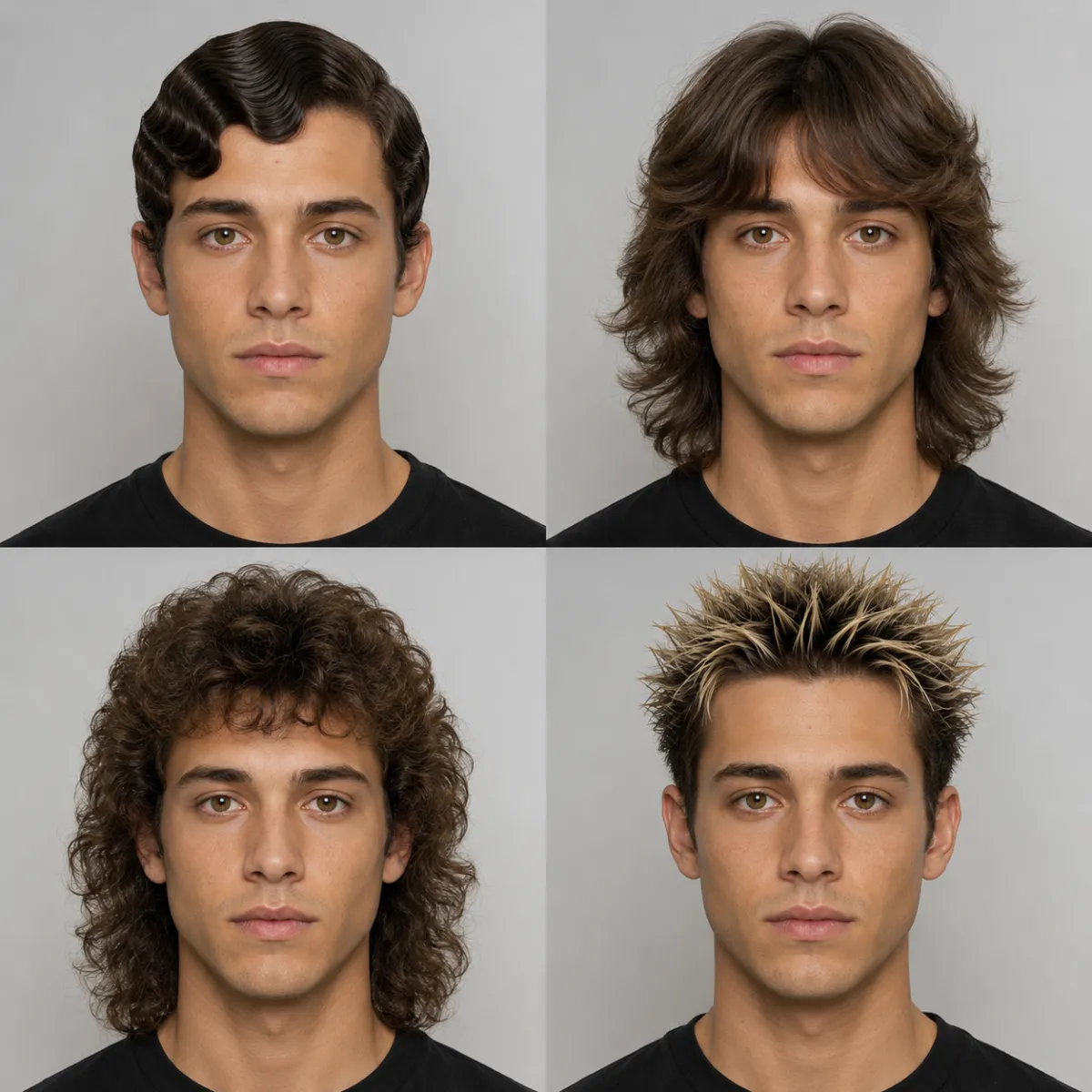 Era roulette: the same face cycled through decades of hair, from elegant finger waves to gloriously chaotic Y2K spikes — each one typed into the Describe box.
Tips for screenshotting and sharing the funniest ones
A surprise look is only half the fun. The reveal is the other half, and a few small habits make the share land harder:
- Keep the original next to it. A before/after side-by-side is far more shareable than the new look alone.
- Catch the worst ones, not just the best. The catastrophic combos get more replies than the flattering ones. Save them on purpose.
- Run a "guess which is real" poll. Drop a few spins plus your real photo in a story and let people vote — the believable ones fool friends.
- Stack a theme. Five Random-palette colors, five era presets, or five lengths in one post makes an instant carousel.
If a random color or preset accidentally lands on a style you actually want, don't stop there. Check whether it suits your face shape with our guide on what hairstyle suits my face before you book the chair.
Random surprises vs. browsing a style menu
Both have a place. Here's when to reach for which:
| Random surprises | Browsing presets deliberately | |
|---|---|---|
| Best for | Boredom, surprises, group fun | A specific look you already want |
| Speed | One tap for color, one preset for a cut | Scroll, compare, decide |
| Discovery | High — Random palette and wildcard picks find your blind spots | Low — you pick what you already know |
| Decision-making | Reaction-based | Deliberate |
For a deeper breakdown of which tools handle this best, see our roundup of the best AI hairstyle changer options.
Frequently asked questions
Is a random hairstyle generator free to use?
Yes. The AI hairstyle changer is free to upload a photo, tap Random palette, and try preset cuts — no account, app download, or payment needed. Generate as many looks as you like and screenshot any result you want to keep.
Is there really a one-tap "shuffle" button?
There's a real one-tap Random palette button that instantly gives you a surprise hair color. There's no single button that randomizes a whole new haircut, though — for a surprise cut you tap a preset you'd never normally choose, or type a wildcard into the Describe box, then generate.
Does it use my own photo or a generic model?
It uses your own photo. You upload a clear front-facing selfie, and the tool edits each random color or style directly onto your real face — so you see how the cut, color, or texture would actually look on you, not on a stranger.
What if the random result looks weird or unrealistic?
Usually it's the input photo. Use even lighting, face the camera straight on, and pull hair back from your face. A clean, well-lit selfie produces far more believable results than a dim or angled one — just re-upload and try again.
Can I use a random result to plan a real haircut?
You can, but check it against your face shape first. A random color or out-of-character preset is great for discovering looks you'd never pick. Before you book the chair, run the style through our face-shape guide to make sure it flatters your features in real life.
Spin up a surprise look right now
Stop overthinking your hair and let a little randomness decide. Upload a selfie, hit Random palette, and grab a wildcard preset free with the AI hairstyle changer — the worst that happens is a great screenshot.
Related guides
- Try the free AI hairstyle changer →
- What hairstyle suits my face — turn a random favorite into a face-shape-flattering choice
- Hairstyle try-on — pick a specific cut yourself instead of leaving it to chance
- Best AI hairstyle changer — compare the top free tools for swapping your look