
TikTok Bangs Filter: Preview Before You Cut
Use a TikTok bangs filter as a quick first look, then make a reliable fringe comparison on your own photo before you book a haircut.
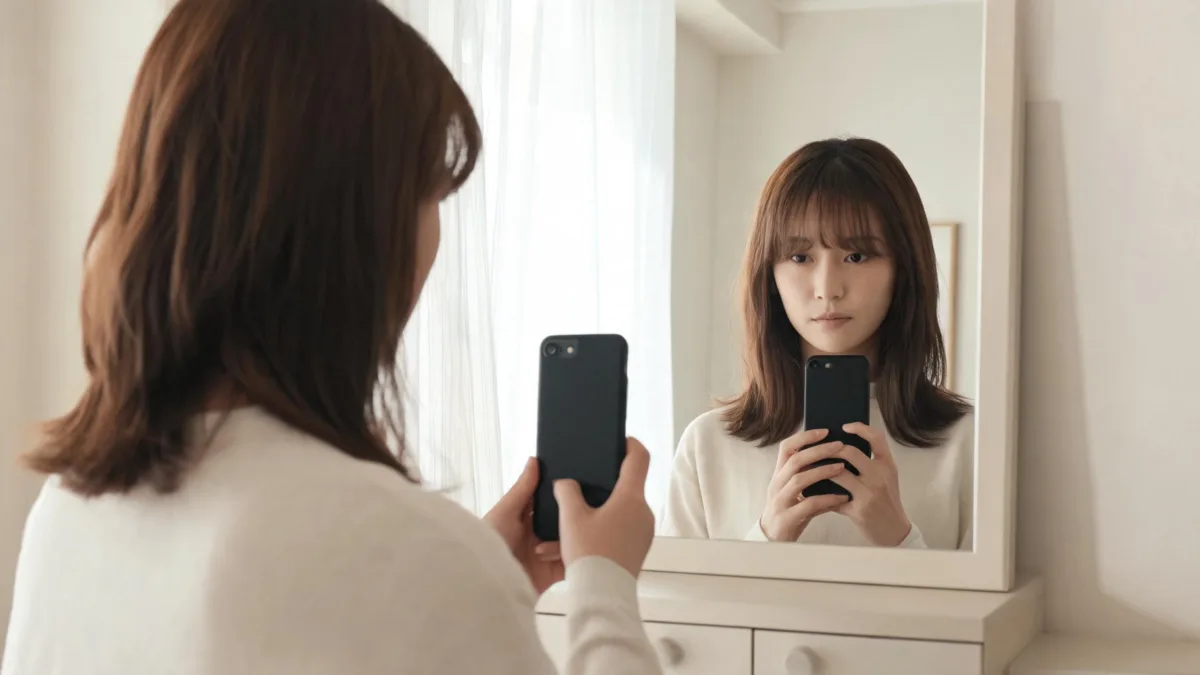
A TikTok bangs filter is useful for a quick “could I picture myself with fringe?” test, but it is not a haircut forecast. Find a currently available effect if you want a playful first look, then run a controlled comparison with the AI hairstyle changer: one clear photo, one bang shape at a time, and the original kept beside every result. That gives you something specific to discuss before you cut.
Last updated: September 3, 2026 · about 6 min read
Use the TikTok bangs filter as a first look, not a verdict
TikTok effects are discovered through the app and can change over time, so a search result or old video is not a promise that a particular effect will still appear for you. If you find a current bangs effect, use it to notice a broad reaction: do you like more coverage at the forehead, or do you prefer your face open? Then stop before the effect becomes the decision-maker.
A social effect often changes more than hair. It may smooth skin, shift lighting, crop the face, or apply a fixed fringe color that does not match your own hair. That can make an image fun without making it a fair comparison.
| Use it for | Do not use it for |
|---|---|
| A quick idea of whether you enjoy face framing | Choosing an exact cutting length |
| Comparing “no fringe” with a broad fringe direction | Predicting cowlicks, shrinkage, or grow-out |
| Saving a question for a stylist | Replacing a consultation or hair-texture assessment |
If the filter changes your face, light, or background as much as it changes the fringe, it has not answered the haircut question.
Make a better fringe comparison in three steps
- Take one honest source photo. Face a window or stand in even light. Keep your hairline, forehead, part, and front sections visible. Skip beauty filters, hats, sunglasses, deep shadows, and loose hair across your face. The best selfie for an AI hairstyle app explains why source quality matters more than a long prompt.
- Test a narrow change. Start with “soft, separated bangs that blend into my current haircut.” Keep hair color, expression, clothing, pose, and background unchanged. If you are deciding between a light and fuller fringe, make those two versions—not a new color and new haircut at the same time.
- Compare against the original. View the original, a light fringe, and a slightly fuller version side by side. Write down what you actually prefer: more forehead visible, a longer center opening, or softer pieces at the temples. Those words travel better to a salon than “make it like the filter.”
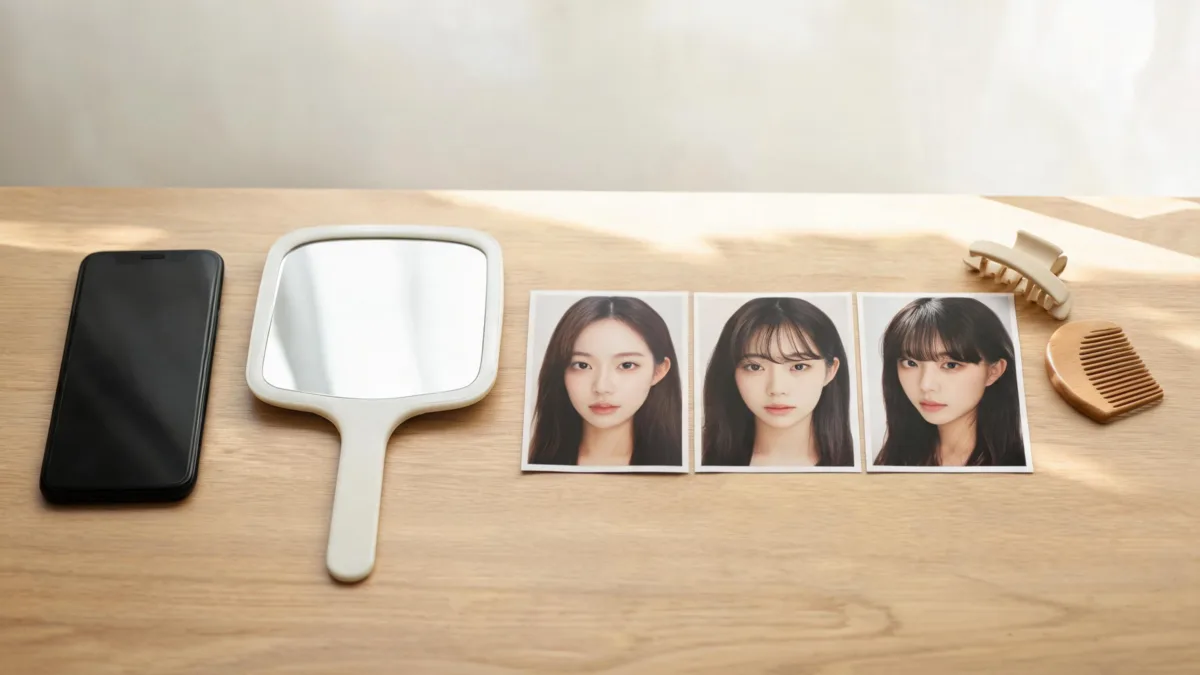
Keep the original photo in the comparison so you can see what changed and what did not.
Choose the bang question before you open the camera
There is no single “bangs” look. A useful preview starts with the decision you are actually trying to make.
| Your question | First preview | What to look for |
|---|---|---|
| Would any fringe feel right? | A light, longer wispy fringe | Whether the face framing feels comfortable rather than distracting |
| Should I try curtain bangs? | A center opening with longer side pieces | How the shape works with your natural part |
| Do I want more coverage? | A fuller brow-level fringe, keeping the rest unchanged | Density at the hairline and how much upkeep you want |
| Is a short fringe too much? | A slightly shorter version after testing a longer one | Whether the image still looks believable at the roots |
For a broad effect test, the bangs filter gives you a direct starting point. If your real choice is the soft, separated version, use the wispy bangs filter guide to compare density without accidentally turning the test into a blunt-bangs preview.
Reject a result that changes the wrong thing
Do not save every polished render. A result is weak evidence if it changes your eyes, jaw, skin texture, lighting, or background, or if the fringe begins above an implausible hairline. It is also weak evidence when it hides your normal part or turns a textured fringe into a glossy solid band.
Try again with a smaller request:
Keep my face, expression, hair color, natural part, lighting, clothing, and background unchanged. Add soft, separated bangs that begin naturally at my hairline and blend into my existing front layers. Do not alter facial features.
If you wear a fringe most days, your real routine matters as much as the image. The American Academy of Dermatology advises using heat tools on dry hair at low or medium heat and avoiding excessive heat; see its hair-styling guidance for practical limits. A preview cannot tell you whether the morning styling is worth it for you.
Bring a filter result to a haircut consultation
Take the original photo plus only one or two stable comparisons. Tell the stylist what you like in visible terms: “I prefer the softer coverage,” “I want the sides to blend into my layers,” or “I do not want the fringe to cover my brows.” Then ask how that direction works with your hairline, density, texture, part, glasses, and usual styling time.
Editorial disclosure: AIChangeHair provides visual hairstyle previews. It does not evaluate hair or scalp health, predict how a stylist will cut your texture, or guarantee that a generated image will match an in-person haircut. Use a preview to clarify a preference, not to prescribe a result.
Frequently asked questions
How do I find a bangs filter on TikTok?
Search TikTok for a current bangs effect or a recent video using one, then open the effect page if it is available. Effect listings can change, so do not plan a haircut around one old tutorial or one particular result.
Can a TikTok bangs filter tell me whether bangs will suit me?
It can give a quick visual idea of face framing. It cannot predict your cowlicks, density, texture, shrinkage, daily styling time, or the exact way a stylist will cut and blend the fringe.
Why do filter bangs look pasted on?
The source photo may hide the hairline, use strong beauty filtering, have uneven light, or have hair crossing the forehead. Use a clear, front-facing photo and keep every variable except the fringe stable.
What should I show my stylist after testing a bangs filter?
Bring the original photo and one or two stable comparisons. Explain what you like about the length, density, part, or face-framing, then ask how those preferences work with your natural hairline and routine.
Related guides
- Try the free AI hairstyle changer →
- Bangs filter
- Wispy bangs filter
- Curtain bangs filter
- How to make an AI hairstyle preview look more realistic
Test the idea, then test the details
Use a TikTok effect for a quick reaction if a current one is available. For the decision, use the AI hairstyle changer with one clean photo and compare only the fringe details that matter to you.