
Curtain Bangs Filter: Part and Length
Use a curtain bangs filter to compare part, cheekbone length, and grow-out on one selfie before you cut, then take the best direction to a stylist.
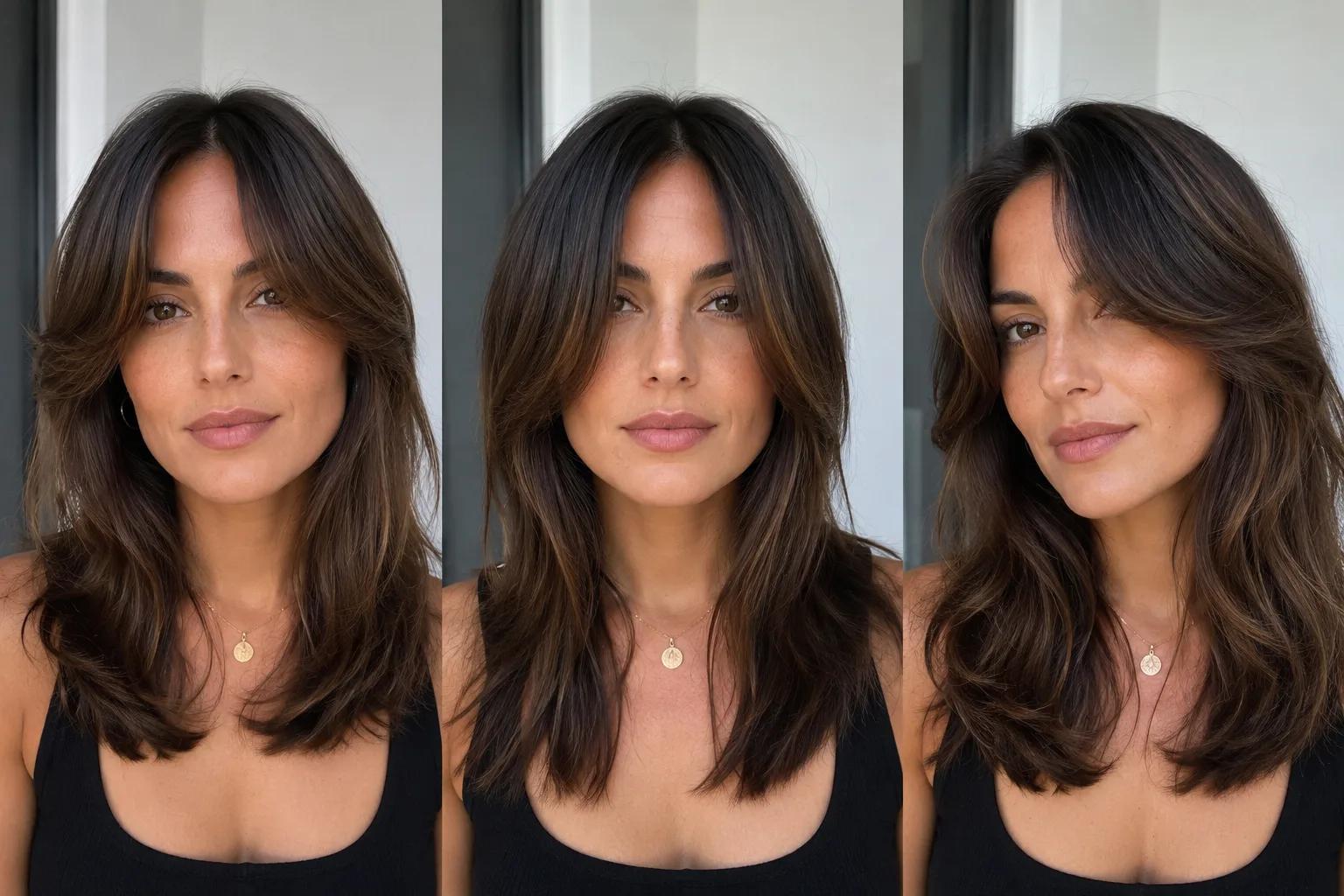
A curtain bangs filter can help you test three decisions before you cut: where the part sits, where the shortest pieces land, and whether you will like the grow-out. Use the AI hairstyle changer on one clear selfie, then compare controlled versions instead of trusting a single flattering result.
Last updated: July 23, 2026 · about 6 min read
Curtain bangs are flexible, but they are not one universal shape. A soft center split that reaches the cheekbones reads differently from a heavier fringe that ends at the jaw. The filter is valuable because it lets you react to those choices without committing to scissors.
Make three versions of the same idea
Keep your face, hair color, background, and overall length stable. Change only the fringe direction and length.
| Version | What it answers | Practical question for later |
|---|---|---|
| Soft middle part, cheekbone length | Does face framing feel open? | Will my natural part sit there? |
| Longer, jaw-length curtain bangs | Do I prefer a lower-commitment frame? | How quickly will it blend into layers? |
| Slight side part with light fringe | Does a softer split suit my routine? | Can I style it without heat every day? |
If you are still deciding whether you want bangs at all, start with how would I look with bangs?. If the real choice is between heavy and split fringe, compare blunt bangs vs curtain bangs before you generate.
Choose a photo that shows the hairline
Use a front-facing image in even light. Your forehead, eyebrows, hairline, and both sides of the face should be visible. Avoid sunglasses, a heavy existing fringe, strong beauty filters, or a photo where your hair is pinned tightly back; each can give the filter less useful information about the frame you are trying to change.
A clear request is enough:
Keep my face, hair color, length, texture, lighting, and background unchanged. Add soft curtain bangs with a center part, longer pieces around the cheekbones, and a natural blend into the existing hair. Do not change face shape.
The comparison is a style-planning illustration. It cannot predict exactly how your own hair will dry, curl, or separate during the day.
Check the part, shortest point, and maintenance signal
Do not choose only by the most dramatic thumbnail. Look at the placement around the eyes and cheeks, then ask whether the style fits your normal routine.
- Part: a center part can make the face feel balanced, but it may fight a strong natural cowlick.
- Shortest point: cheekbone-length pieces create a visible change; jaw-length pieces are easier to blend and grow out.
- Volume: a filter can make hair look fuller than it is. Notice whether the shape still works if the fringe lies flatter.
- Maintenance: imagine the style on a rushed morning, not only in the preview's ideal lighting.
For an appointment-ready comparison across more than one cut, use the virtual haircut simulator. If you want the preview to be more believable before you save it, the realistic hairstyle preview guide has a focused quality check.
Plan the grow-out before the cut
Curtain bangs are often chosen because they can blend into layers. That still takes time and trimming. Save one preview where the fringe is slightly longer than your favorite. If you like both, you have a lower-risk option to discuss with your stylist. The hair grow-out stages preview guide can help you think beyond the first week.
Bring the original photo plus two versions to the appointment. Describe what you like—“soft split near the cheekbones” or “long enough to tuck behind my ears”—rather than expecting a generated image to specify a cutting technique.
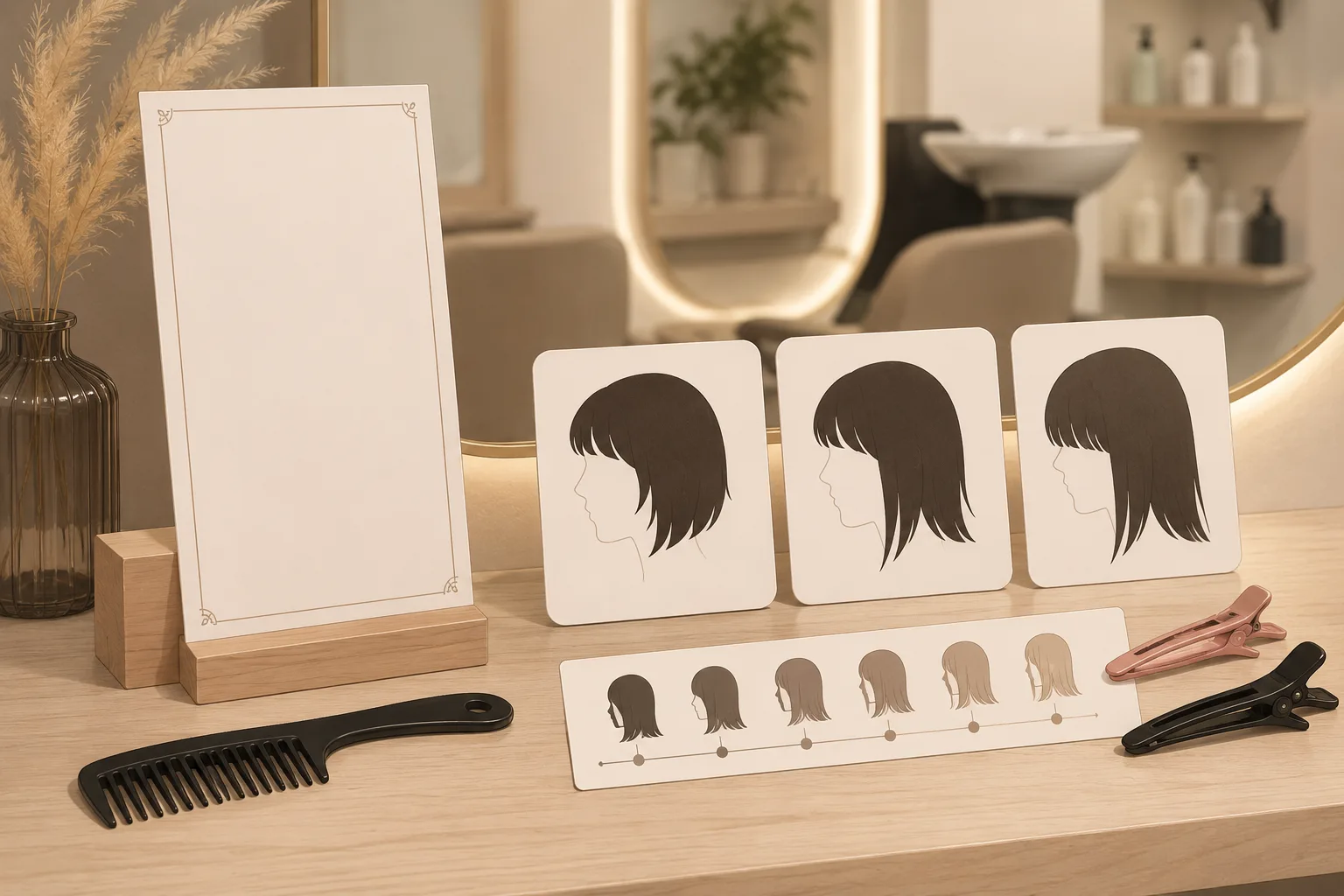
The second visual carries the decision process: part, length, and grow-out are separate checks, not one generic bang request.
Frequently asked questions
Does a curtain bangs filter show exactly how I will look?
No. It can show a useful face-framing direction, but it cannot predict your hair density, cowlicks, shrinkage, styling routine, or how the fringe will grow out.
What is the best photo for a curtain bangs filter?
Use a sharp front-facing selfie in even light, with your hairline, forehead, eyebrows, and both sides of the face visible. Keep the image free of strong filters and sunglasses.
Should I preview long or short curtain bangs first?
Start with a cheekbone-length version and a longer jaw-length version on the same photo. The longer version is often a useful lower-commitment comparison because it can blend into layers more easily.
Related guides
- Try the AI hairstyle changer →
- How would I look with bangs?
- Blunt bangs vs curtain bangs
- Virtual haircut simulator
- Hair grow-out stages preview
Make the cut easier to explain
Use the AI hairstyle changer to save two controlled curtain-bang directions, then use the original photo and your preferred details to have a realistic salon conversation.