
Wedding Hairstyle Try-On: Preview Updos, Waves, and Color Before the Appointment
Use a wedding hairstyle try-on to narrow your updo, wave, and color ideas before a salon appointment, with practical limits to keep in mind.
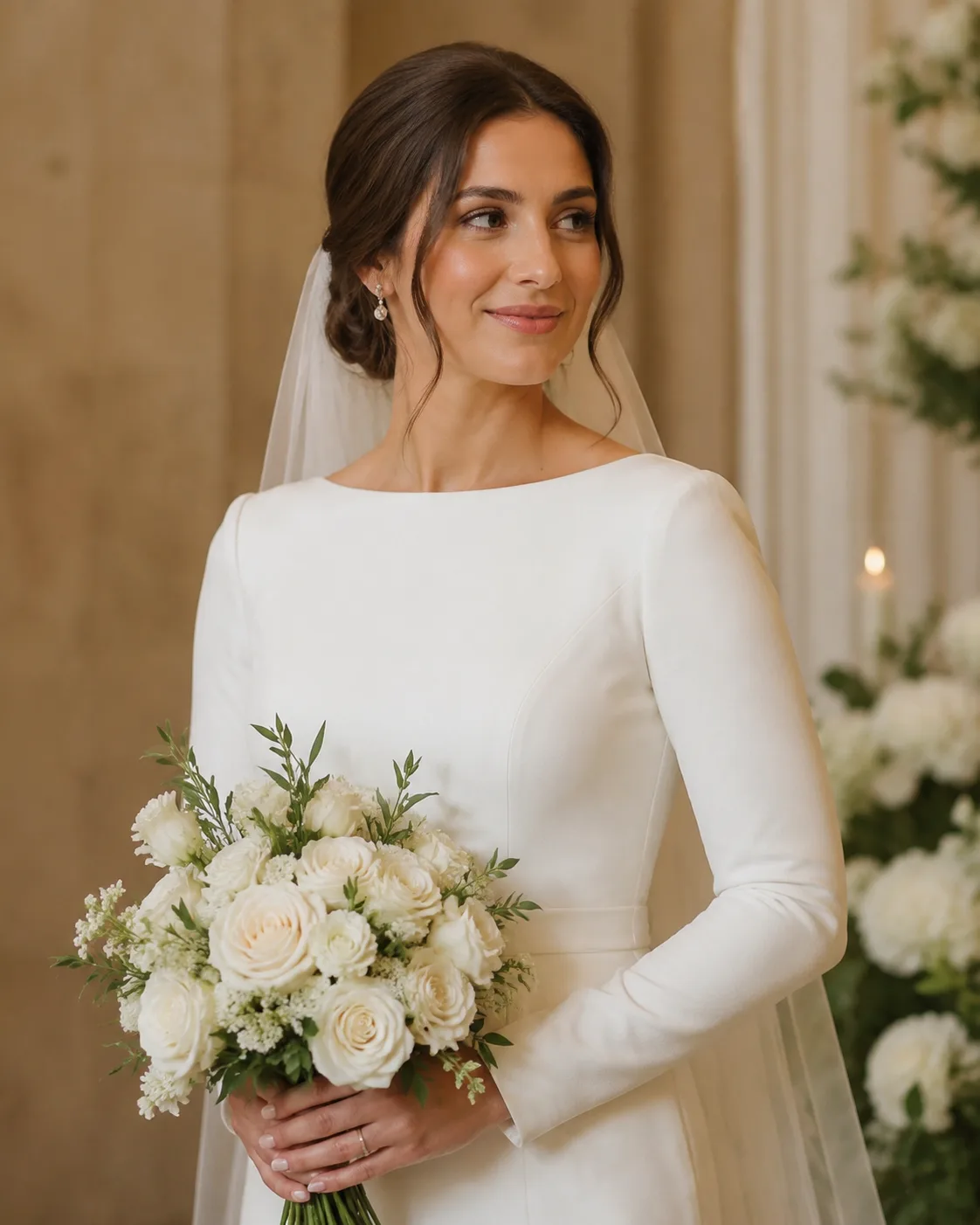
A wedding hairstyle try-on is most useful when it helps you reduce a long inspiration list to two or three styles you can discuss clearly with a stylist. Use a clear selfie, compare one variable at a time, and treat the AI hairstyle changer preview as a planning aid—not a promise about what your hair will do on the day.
Last updated: July 22, 2026 · about 6 min read
Wedding hair has more constraints than a casual haircut: neckline, veil or accessories, ceremony weather, dance-floor durability, and how the style reads from both close-up and a distance. A preview gives you a useful first filter before you spend appointment time trying to describe a reference photo.
Compare one wedding-hair decision at a time
Start by deciding what the preview is meant to answer. Do not ask one image to test color, length, curls, an updo, makeup, and a new dress all at once.
| Question | Preview first | Ask the stylist later |
|---|---|---|
| Should hair be up or down? | Neckline, face framing, overall silhouette | Pins, comfort, hold, and weather |
| Should I use waves or a smooth finish? | How movement changes your face | Your natural texture and time needed |
| Does a color change help? | Warmth, contrast, and photo balance | Hair history, condition, and salon formula |
| Will accessories work? | Approximate placement and proportion | Secure placement and real material weight |
A simple three-preview workflow
- Use a well-lit, front-facing selfie with your hair visible around the face. The best selfie for a hairstyle app guide is useful if you only have cropped or low-light photos.
- Make three controlled previews: a low updo, soft waves, and a half-up option. Keep the same color and photo for the first round.
- Save the two that answer your actual question, then add one accessory or color variation only if it changes the decision.
The best preview is not the most dramatic one. It is the one that gives a stylist an accurate starting point for your face, hair length, and event plan.
A wedding-hair preview is an inspiration and communication tool, not a guarantee of salon results.
Bring more than a screenshot to the appointment
An AI image is clearer when it comes with the context a stylist needs. Bring the preview plus this short note:
- The two details you want to keep, such as face-framing pieces or a low bun.
- Your current length, texture, and any color history that affects the plan.
- Whether you expect humidity, a veil, heavy earrings, or a long event.
- How much daily styling and touch-up time you are comfortable with.
If a preview makes your hair look much fuller, longer, or smoother than it is, say that explicitly. A good appointment uses the image to begin an honest conversation, not to set an impossible target. For a broader salon conversation workflow, see how to use an AI haircut preview at the salon.
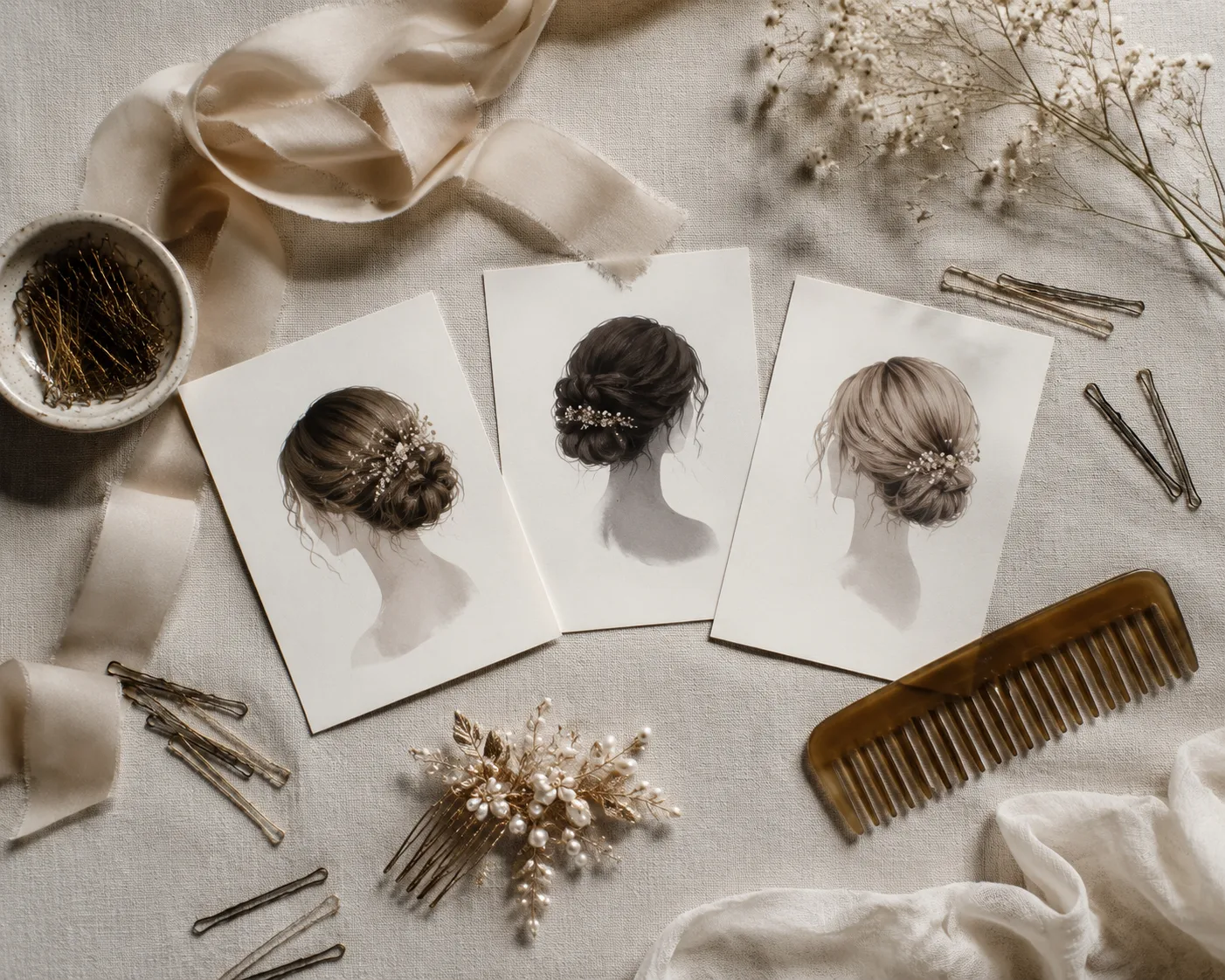
The second image carries the planning task: choose a few references and the practical details that affect the final style.
Frequently asked questions
Can I try wedding hairstyles on my own photo?
Yes. A hairstyle preview can help you compare updos, waves, and face-framing options on a clear selfie. Use it to narrow choices, then confirm what is realistic for your hair with a stylist.
What is the best photo for a wedding hairstyle preview?
Use a sharp, front-facing photo in even light, with your hairline, ears, and shoulders visible. Avoid sunglasses, strong filters, and hair that hides most of the face.
Can a hairstyle preview show exactly how wedding hair will look?
No. It cannot guarantee hold, volume, accessory placement, color chemistry, or how a style behaves in weather. It is best used as a communication reference.
Related guides
- Try the free AI hairstyle changer →
- How to try a hairstyle on your face
- Best selfie for a hairstyle app
- Use an AI haircut preview at the salon
Choose a direction before the trial
Use a preview to arrive with useful questions, not one fixed expectation. Try a hairstyle on your photo → and keep the two options that fit your wedding plan.