
GPT Image 2 Hairstyle Editor: A Reference-Photo Checklist
Use a GPT Image 2 hairstyle editor checklist to choose a reference photo, request one controlled hair change, and reject a preview that changes your identity.
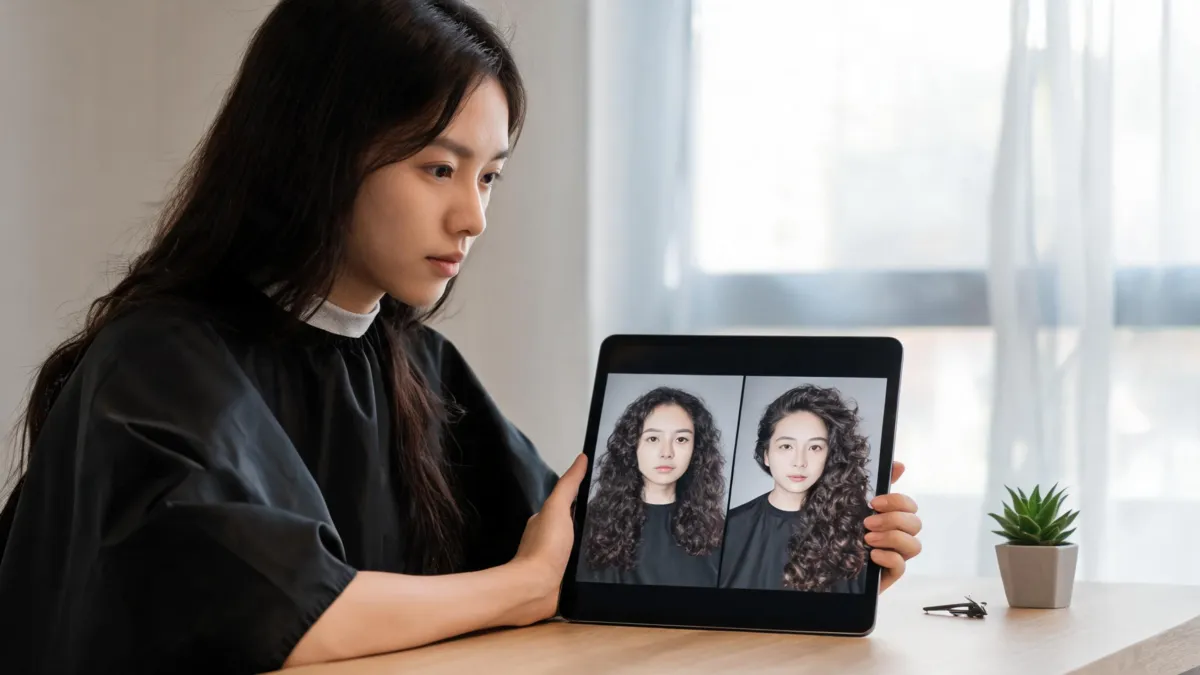
A GPT Image 2 hairstyle editor is most useful as a controlled reference-photo check: upload one clear portrait, request one hair change, and keep your face, pose, light, and background fixed. If the output changes more than the hair, reject it. A dedicated AI hairstyle changer can help you compare a small set of haircut directions on the same photo before you turn any one preview into a salon reference.
Last updated: September 12, 2026 · about 7 min read
People searching for a GPT Image 2 hairstyle editor usually do not need a broad capability debate. They need a way to decide whether a specific photo is a good base, whether an edit stayed controlled, and whether the result is worth saving. This checklist answers that narrower review workflow.
Model names, availability, and product interfaces change. OpenAI’s current Images 2.5 announcement describes better reference-photo fidelity and more focused edits, but no image editor can promise a real haircut outcome. Hair density, curl pattern, cowlicks, past chemical services, and styling time remain real-world variables.
Choose a reference photo before you write a prompt
The source photo determines how much the editor has to invent. Use a recent, unfiltered portrait in even light. Keep the hairline, both sides of the face, and enough of the existing length visible to make the requested change readable.
| Use this source photo | Why it is easier to review | Skip it when |
|---|---|---|
| Straight-on or slight-angle portrait | Face framing and fringe remain visible | The head is sharply turned away |
| Daylight or soft indoor light | Color and texture are less distorted | A bright backlight hides hair edges |
| Normal part and styling | Shows a believable starting point | A hat, hand, or dramatic filter hides the hairline |
| Current photo of you | Makes the comparison relevant to your actual decision | It is someone else’s portrait or an old, heavily edited image |
The best selfie for a hairstyle app guide goes deeper on framing and light. For this task, the simple test is: could another person see your current length, part, hairline, and face without guessing? If not, take a new photo before trying to edit it.
A reference photo is not a style command. It is the fixed baseline. The style request should be the only major variable that changes.
Write one hair-only editing request
Start with a modest request, such as a collarbone-length lob, soft curtain bangs, or a cleaner middle part. Then state what must remain unchanged. The exact wording can vary by editor, but the structure matters more than fancy prompt language.
- Name one hairstyle. Include the length, fringe, part, or texture you are testing.
- Lock the non-hair details. Ask to keep face, expression, skin tone, clothing, lighting, background, and camera angle unchanged.
- Generate one variation. Do not also request makeup, a new outfit, a different room, and a new hair color.
- Compare it against the original. If you cannot tell whether you prefer the hair rather than a different portrait, the test failed.
- Make one follow-up only. Change a single relevant detail, such as fringe length, while keeping the baseline image.
A practical prompt shape is: “Change only my hair to [specific style]. Keep my face, expression, skin tone, hairline, clothing, lighting, background, and camera angle unchanged. Make the result natural and realistic.” That is a request for a comparison, not a promise of a salon result.
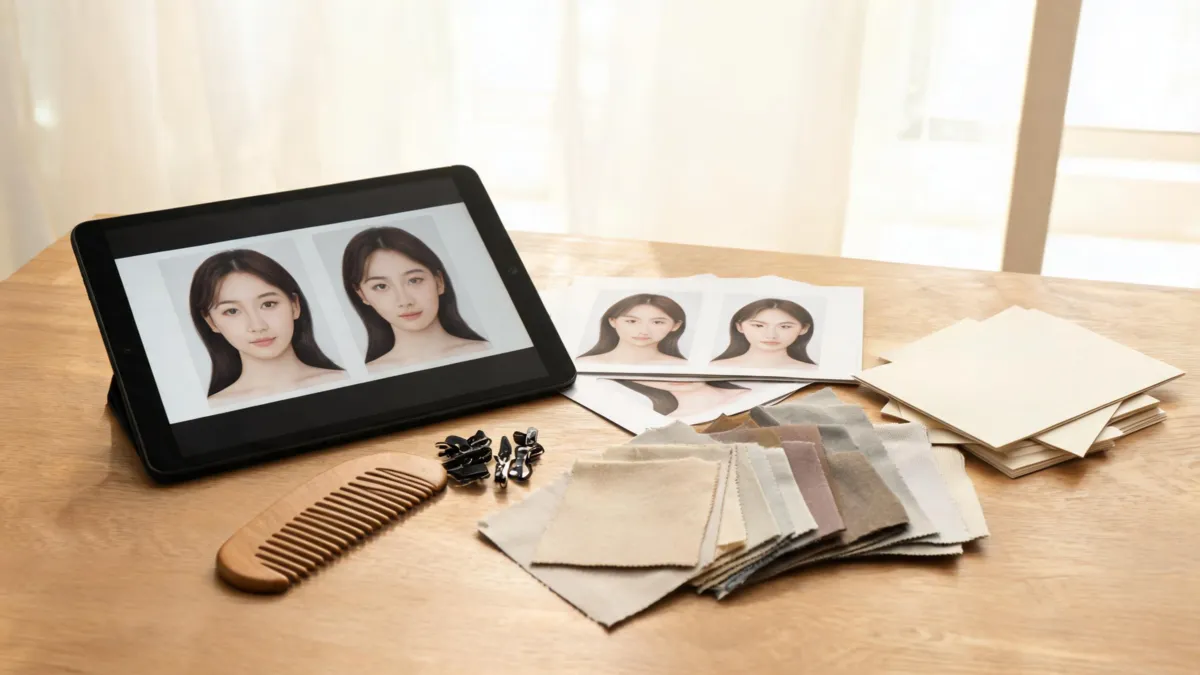
A useful review preserves one baseline, then checks whether one requested hair change stayed isolated.
Review the result before you save it
An attractive image can be a poor hairstyle reference. Check it at full size and again at ordinary phone size. Your aim is to catch drift—an output that quietly changes the person or the scene along with the hair.
| Check | Keep the result when | Discard it when |
|---|---|---|
| Identity | Your eyes, face shape, and expression remain recognizable | It appears to be a better-looking but different person |
| Hairline and edges | The new style joins the hairline and ears plausibly | Fringe, ears, or hair edges melt, float, or clip |
| Photo consistency | Lighting, pose, clothing, and background match the original | A changed room or camera angle makes the comparison unfair |
| Requested change | The result shows the one style detail you asked for | It adds a color makeover, makeup, or unrelated cut |
| Salon usefulness | You can name the length or shape you like | You only like the general glamour of the generated portrait |
If the editor changes your face, do not keep correcting the same damaged image with broader prompts. Go back to the original, use a clearer photo if needed, and reduce the request to one visible hair variable. Why a hair filter can change your face explains common warning signs and safer retry choices.
Turn a preview into a useful salon reference
Save the original and no more than two approved variations. Under each one, write a note about the specific feature you want to discuss: “I like the softer shape at the cheekbones,” “keep the length, not the heavy fringe,” or “I prefer the part but not the volume.”
Then bring your normal routine into the conversation. Tell the stylist how you usually dry and style your hair, whether you use heat, how often you want trims, and what your hair does around the crown. An image editor cannot see your growth pattern or predict how your own texture will behave after a cut. The AI hair preview stylist checklist can help turn those notes into a concise appointment brief.
Use only your own photo or a photo you have permission to edit. Keep the preview labeled in your own files as a generated reference, not as a real after photo. That small bit of context protects both the usefulness of the comparison and anyone who sees it later.
Frequently asked questions
Can GPT Image 2 edit my hairstyle from a reference photo?
An image editor can make a hairstyle variation from an uploaded portrait when that capability is available. Start with one clear photo and one hair-only instruction, then reject any output that changes your face, pose, light, or background instead of answering the hairstyle question.
What should I include in a hairstyle editing prompt?
Name the requested hairstyle and the details that must stay fixed: your face, expression, skin tone, pose, clothing, background, lighting, and camera angle. Test one change at a time so you can tell what you actually prefer.
Why does an AI hairstyle preview change my face?
A generative editor can reinterpret nearby details instead of making a perfect local edit, especially with low-quality photos, obscured hairlines, or broad makeover requests. Use a clearer source photo, narrow the request, and reject any result that changes more than the hairstyle.
Can I take an AI hairstyle preview to a salon?
Yes, as a communication aid. Bring the original photo and one or two controlled previews, explain the part you like, and ask a stylist how that direction translates to your texture, density, growth pattern, and routine.
Related guides
- Try the free AI hairstyle changer →
- AI hairstyle prompt examples
- Why does a hair filter change my face?
- AI hair preview stylist checklist
- What an AI hair preview cannot tell you
Keep the decision grounded
Use the AI hairstyle changer to compare a few tightly controlled directions, then take the original and the clearest preview to a stylist for the real-world decision.