
Why Does a Hair Filter Change My Face? Fix It
A hair filter should change the hair, not your identity. Use this troubleshooting workflow to spot face changes, improve the source photo, and retest cleanly.
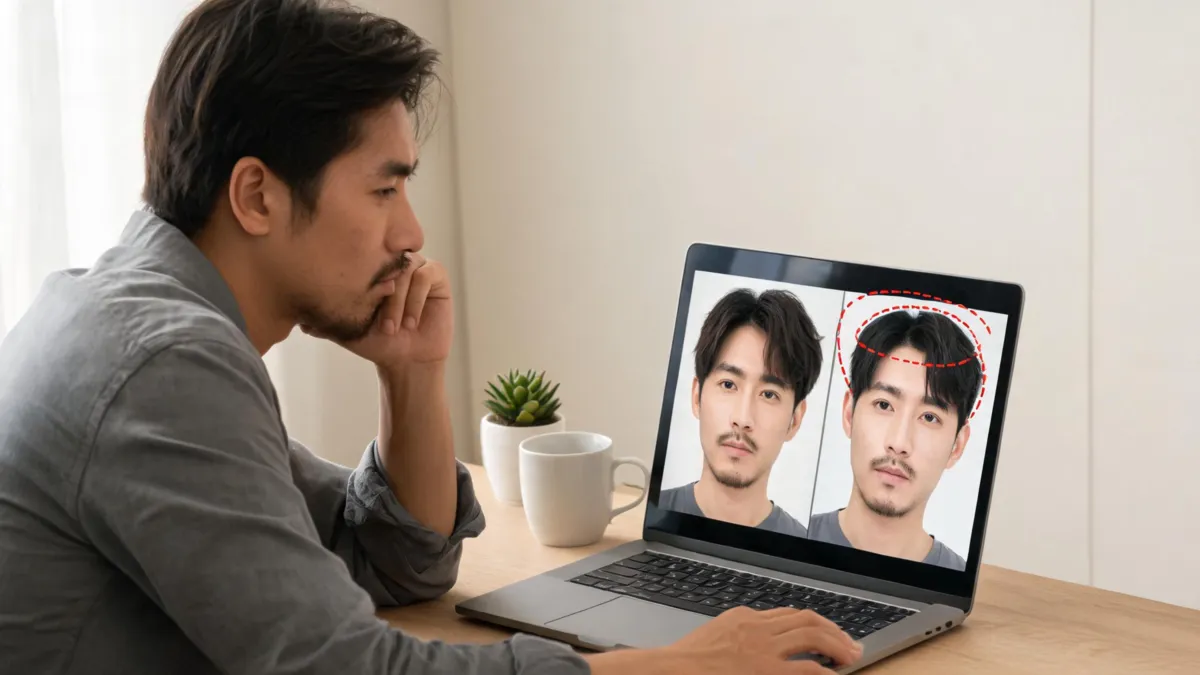
A hair filter changes your face when the edit is trying to reconstruct too much of the photo instead of making one controlled hair change. Do not treat that as feedback about your appearance or the hairstyle. Use a clear source image, ask the AI hairstyle changer to preserve the face and scene, then compare the result with the original. If the face still shifts, reject the render and simplify the test.
Last updated: September 1, 2026 · about 6 min read
First: a face-changing result is a failed comparison
The goal of a hairstyle preview is not a polished makeover. It is a usable answer to a narrow question: “How does this fringe, part, length, or shade sit around my existing face?” If the jaw, eyes, skin, expression, or lighting changes at the same time, you can no longer tell whether you like the hair.
That matters because generative image editing can change unrequested details. A 2026 WACV paper on everyday image editing reports that systems may add or alter details beyond a simple requested edit. Your own visual check is therefore the right final gate: if the person in the preview no longer looks recognizably like you, the image is not useful for a haircut decision.
| What changed? | Is the preview still useful? | What to do next |
|---|---|---|
| Only the hair color or haircut | Usually | Compare it with the original and save a note about the hair detail you prefer |
| A small hairline-edge artifact | Maybe | Retry with a clearer photo or a less dramatic hair request |
| Face shape, eyes, skin texture, or expression | No | Discard it; simplify the source image and request |
| Clothing, pose, or lighting | No for comparison | Retest from the same original photo with only the hair change |
A flattering but different-looking person is not a successful hairstyle preview. The boring, comparable result is the one that helps you decide.
Why a hair filter can drift beyond the hair
Most bad results start with an input that gives the tool too much to infer. Heavy beauty smoothing can change the face geometry before the hair edit even starts. Strong backlight can erase the hairline. A crop that hides ears or the forehead leaves less context for bangs, a pixie, or a short cut. Busy backgrounds and overlapping hair can make the edge of the hair ambiguous.
The request can also be too broad. “Give me a glamorous new look” asks for a new scene, face presentation, makeup, lighting, and hairstyle all at once. It should not surprise you when the answer becomes a different portrait. A narrow request gives you a better chance of a useful test.
| Common cause | What it looks like | Better move |
|---|---|---|
| Filtered or low-light source | Smoother skin, altered eyes, unstable face edges | Retake in even, neutral light without beauty effects |
| Hairline is hidden | Fringe starts too high, too low, or on the skin | Show the forehead and both sides of the front hairline |
| Multiple changes in one request | Different face, wardrobe, color, and hairstyle | Change one hair variable at a time |
| Dramatic or vague wording | Editorial makeover instead of a comparison | Name the haircut, length, part, and what must stay unchanged |
For source-photo details, use the best selfie for an AI hairstyle app guide before trying to repair an unsuitable image with a longer prompt.
Use this four-step reset workflow
- Return to the original photo. Do not edit the failed preview again. Start from the clear, unfiltered source so one bad transformation does not compound into the next.
- Make the frame easy to read. Use a chest-up, front-facing photo in even light. Include the face, forehead, hairline, ears when possible, and current hair texture. Keep glasses, hats, hands, and other people’s hair out of the way.
- Write one narrow request. Name one hairstyle change and list what must remain stable: face, expression, skin tone, pose, clothing, lighting, and background.
- Compare before you keep it. Put the original beside the new version. If you notice the face or scene first, the test failed. Retry once with a smaller change, then move on if it still drifts.
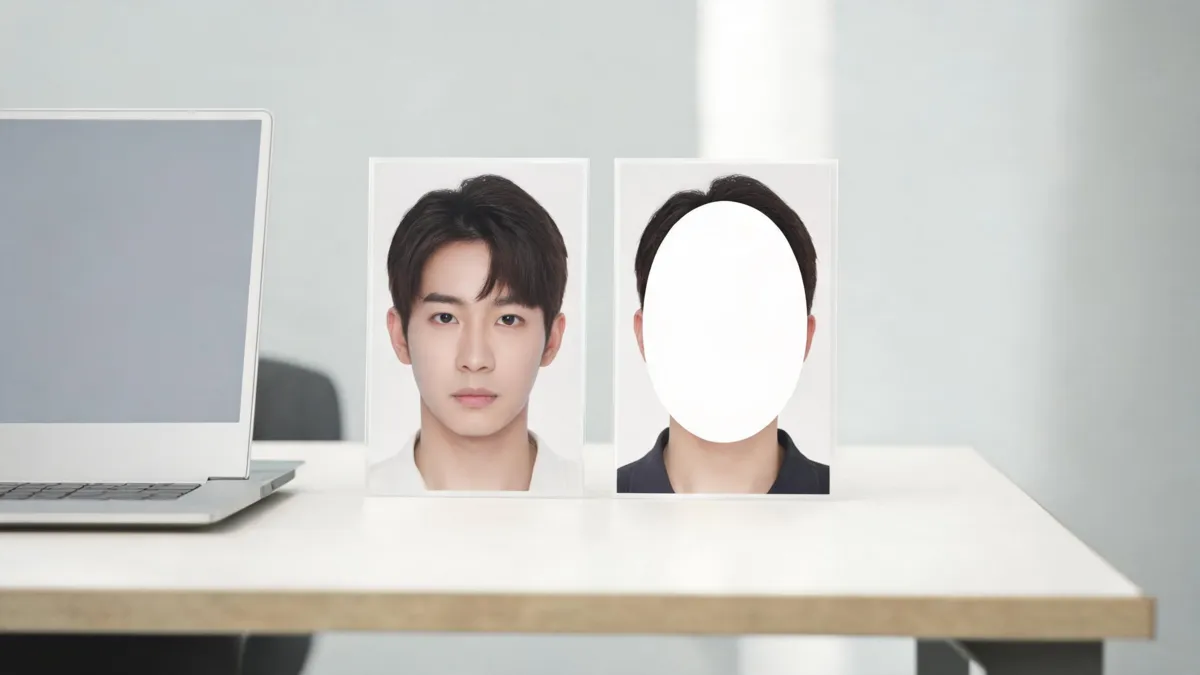
The most useful preview preserves the person and makes the hairstyle the only important difference.
A prompt that keeps the test focused
Use plain language. This is enough for most controlled previews:
Keep my face, expression, skin tone, clothing, pose, lighting, and background unchanged. Change only my hair to a natural [specific hairstyle] with [length, part, and texture]. Preserve my hairline and do not alter facial features.
For color, replace the hairstyle detail with the shade and placement you want. For example: “Change only my hair color to a soft neutral medium brown with subtle dimension. Keep the haircut, face, lighting, and background unchanged.” If you are choosing color rather than a cut, the hair color filter guide can help you make that comparison controlled too.
Avoid words such as “make me prettier,” “glamorous makeover,” or “new person.” They do not identify the hair decision you are trying to test and invite irrelevant changes. A preview is more honest when it is specific and modest.
Check the edge zones before you judge the style
The middle of a hairstyle can look convincing even when the edit has quietly altered the portrait. Inspect the places that connect hair to the rest of the image:
- Forehead and temples: Does the fringe start at a plausible hairline, or has it spilled onto skin?
- Ears and sideburns: Are hair strands and skin boundaries still coherent?
- Neck and shoulders: Does the new length meet clothing and skin naturally?
- Part and roots: Is the part aligned with the original hair direction, especially for color edits?
- Face landmarks: Are the eyes, brows, jaw, expression, and proportions recognizably the same?
Do not zoom so far in that every generated strand has to be perfect. The question is whether the image is stable enough to compare a real haircut or color direction. A minor flyaway can be harmless; a changed face means start over.
Know when to stop retrying
Two controlled attempts are usually enough. If a clear, simple photo and a narrow request still produce a changed face, the tool has not made a useful reference for that style on that image. Use a different well-lit source photo or reduce the change: try a softer fringe before blunt bangs, a collarbone lob before a pixie, or a near-natural shade before a high-contrast color.
For an important haircut, bring the original photo and a written preference to a stylist even if you have no perfect preview. “I like a little more movement around the cheekbones but want to keep length” is a better reference than an AI image that changes your features. The AI haircut preview at a salon guide shows how to use a result as a conversation starter rather than a promise.
Editorial disclosure: AIChangeHair is a visual-preview tool. It does not measure face shape, assess hair condition, or guarantee an edit will reproduce a real salon result. If a generated image changes your identity or scene, discard it rather than using it as a haircut or color verdict.
Frequently asked questions
Why does a hair filter change my face?
A filter can change more than hair when the source image is heavily filtered, dark, cropped, or visually complex, or when the requested edit asks the model to solve too many changes at once. Treat that result as a failed comparison and retry with a clearer, simpler photo.
How can I make a hair filter keep my face the same?
Use a clear, front-facing photo in even light with the hairline visible. Ask for one hair change and explicitly preserve the face, expression, skin tone, pose, clothing, lighting, and background. Review the result against the original before saving it.
Should I use a hair-filter result as a salon reference if my face changed?
No. A result that changes facial features or the scene is not a clean hair reference. Keep the original, retest with a smaller request, and bring only comparisons where the hair is the meaningful difference.
Related guides
- Try the free AI hairstyle changer →
- Best selfie for an AI hairstyle app
- Make an AI hairstyle preview look realistic
- AI haircut preview at a salon
- AI hair preview limitations
Keep the person; test the hair
Start with a clear original, ask one specific question, and reject a result that changes the person or scene. Use the AI hairstyle changer when you are ready to compare a hairstyle—not a new identity.