
Micro Bangs Filter: Preview Baby Bangs Before Cutting
Use a micro bangs filter to compare short baby bangs on your own photo before a haircut, then turn the clearest result into a useful salon conversation.
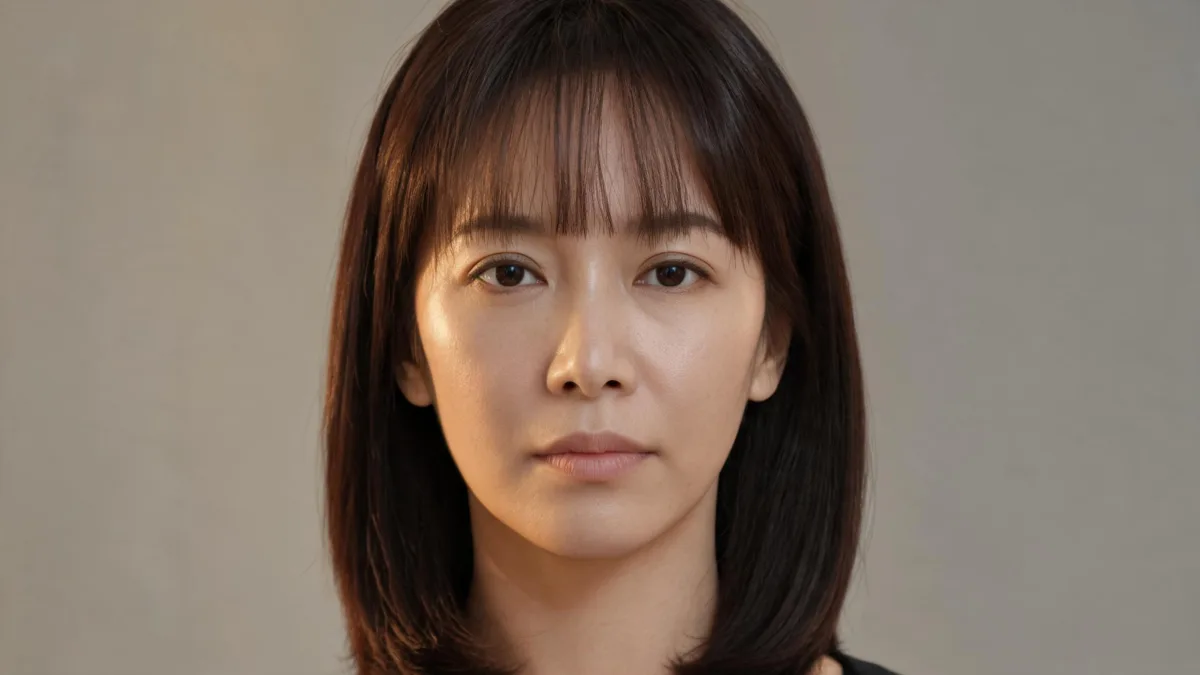
A micro bangs filter helps you see whether very short baby bangs feel like you before you make a hard-to-reverse cut. Use the AI hairstyle changer with one honest, front-facing photo, then compare two nearby fringe directions against the original. The goal is to decide on forehead coverage, edge softness, and part—not to treat a generated image as an exact haircut forecast.
Last updated: September 8, 2026 · about 7 min read
What a micro bangs preview can answer
Micro bangs, also called baby bangs, sit much higher than a typical brow-skimming fringe. That makes the first reaction especially useful: the style changes the open space around the brows and eyes quickly, while leaving the rest of the haircut mostly familiar.
Start with one practical question. Do you like a short, graphic line across the forehead? Or do you prefer a softer, separated edge that still leaves more of the forehead visible? A good preview lets you answer that on the same face, in the same light. It cannot tell you how many hairs a stylist should take, how your fringe will spring up when dry, or how often you will want a trim.
If you are unsure whether you want any fringe at all, begin with the broader bangs filter. If the real choice is a softer long frame, the wispy bangs filter makes a better comparison than repeatedly changing a micro-bangs result.
Make a useful micro bangs filter comparison in three steps
- Use a clear, recent photo. Face a window or use even indoor light. Keep the forehead, natural hairline, eyebrows, temples, and current front sections visible. Strong beauty filtering, sunglasses, a cropped forehead, or hair already covering one eye make it hard to judge where a short fringe would actually begin.
- Ask for one narrow change. Request short micro bangs while keeping your face, expression, color, length, clothes, pose, and background unchanged. A compact prompt is easier to evaluate than a makeover request: “Add short, soft micro bangs above the eyebrows with a natural hairline. Keep every other visible detail unchanged.”
- Create one nearby alternative. Keep the same photo and test a second version with only the edge changed: a straighter line, lighter separation, or slightly longer center. Put both beside the original at normal phone size. Save the version you can describe plainly, then discard results that alter your face or lighting.
A short fringe preview has failed if you notice a different face, a new makeup look, or a changed background before you notice the bangs. Reset with a clearer photo or a smaller request.
Compare the edge before you decide
There is no universal “micro bangs” result. The visible edge changes the commitment and the salon conversation. Test one direction at a time rather than adding new color, length, or makeup to make a render more flattering.
| Version to compare | What to look at on your photo | What the filter cannot decide |
|---|---|---|
| Soft, separated micro bangs | Whether a lighter edge feels open around the brows | How your density will separate after washing |
| Straight micro fringe | Whether a clearer horizontal line feels intentional | The exact line a stylist should cut |
| Slightly longer baby bangs | Whether a little more length feels less abrupt | How quickly your fringe will grow or curl upward |
| Wispy or curtain alternative | Whether a longer frame better fits your routine | Which cut will need the least styling on your texture |
The point is not to find a digitally perfect face. It is to notice the direction you prefer. A slightly longer test can be a useful lower-commitment reference, while a cleaner line shows whether the graphic shape is really what you want. For a bigger change in the same session, use the virtual haircut simulator in a separate comparison rather than stacking styles on one image.
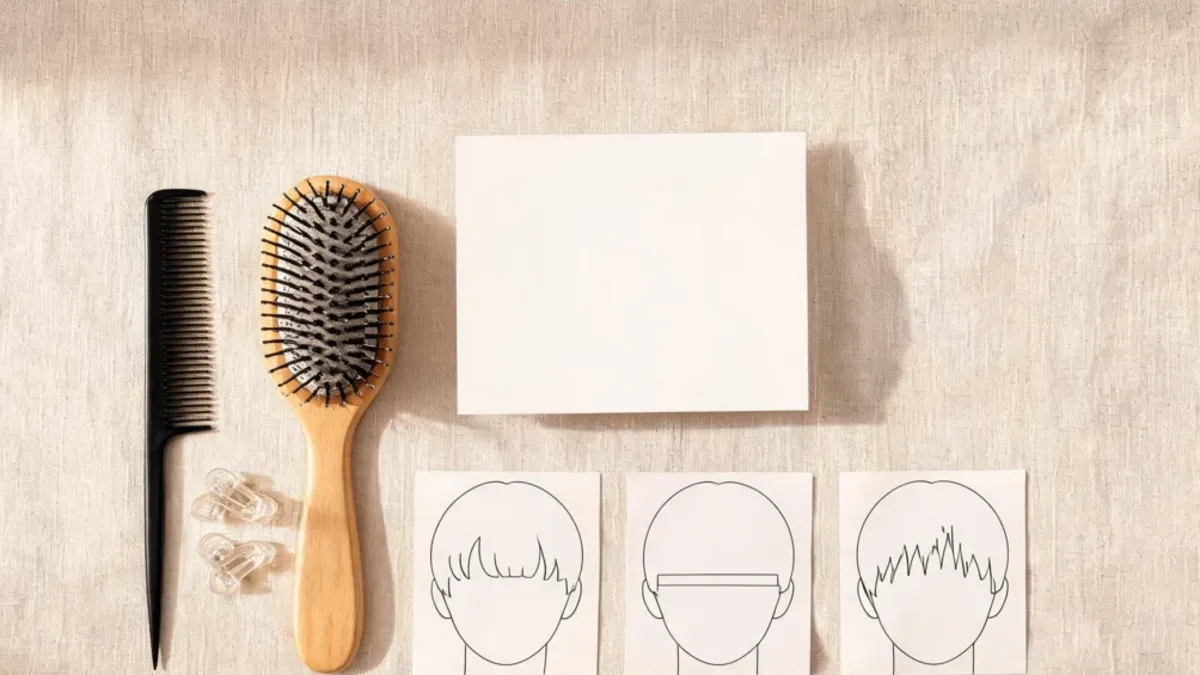
Editorial illustration: use one source photo and change the fringe edge only, so your reaction is to the bangs rather than a different image.
Check the hairline, brows, and ordinary routine
Zoom in on the roots, temples, and the point where the fringe meets your existing front sections. The preview should follow a plausible hairline instead of looking pasted onto the forehead. Then zoom back out: can you still see the amount of eyebrow and eye area you want to show? A striking close-up is less useful if it looks wrong at the size you normally see in the mirror or on a phone.
Think about an ordinary morning too. A generated image cannot tell you whether a cowlick will push a short fringe apart, whether curls will shorten it, or how the front section behaves in humidity. It also cannot tell you whether you want to style that area every day. The best selfie for an AI hairstyle app guide can help if the input photo is hiding the hairline or producing inconsistent results.
If heat styling is part of your routine, the American Academy of Dermatology advises limiting heat tools and using low or medium settings with heat protection in its hair-care guidance. That is general hair-care advice, not a rule that makes one fringe right for everyone.
Turn the preview into a salon conversation
Bring the unedited original plus no more than two controlled previews. Tell the stylist what you responded to: “I like the short length but not a solid line,” “I want more brow visible,” or “I prefer the softer edge.” Those preferences are more useful than asking for an AI image to be copied exactly.
Ask how the fringe will work with your natural part, texture, daily styling time, and grow-out. A stylist can assess the real-hair details the image cannot. If the result feels too bold, there is no need to force the decision: a longer curtain bangs filter comparison can clarify whether you prefer face framing without a short fringe.
Editorial disclosure: AIChangeHair provides visual hairstyle previews, not haircut instructions or a prediction of a salon result. Use a photo you have permission to upload, keep the original beside every preview, and ask a qualified stylist about technique, maintenance, and hair health.
Frequently asked questions
Can a micro bangs filter show whether baby bangs will suit me?
It can help you compare the visible amount of forehead, brow exposure, and face framing on your own photo. It cannot predict your exact cut, hair density, cowlicks, shrinkage, styling routine, or grow-out.
What photo is best for previewing micro bangs?
Choose a recent, sharp front-facing photo in even light. Show your forehead, hairline, brows, and both front sections of hair, and avoid beauty filters, hats, sunglasses, and hair across the face.
Should I try blunt or textured micro bangs first?
Start with the direction closest to your real goal. Compare one soft or textured version and one cleaner, straighter version on the same photo, while keeping length, color, pose, and lighting unchanged.
Can I cut micro bangs myself after using a filter?
A preview is not a cutting guide. Take the original and one or two restrained references to a qualified stylist, who can assess your hairline, texture, growth direction, and maintenance needs.
Related guides
- Try the free AI hairstyle changer →
- Bangs filter
- Wispy bangs filter
- Curtain bangs filter
- How would I look with bangs?
Preview the fringe before the appointment
Use the AI hairstyle changer to keep the comparison small and honest. Save the original and the clearest micro-bangs direction, then let a stylist translate the idea to your real hair.