
Cool Tone Hair Colors: Test a Shade in Two Lights
Test cool tone hair colors in daylight and ordinary indoor light before a salon appointment, using a controlled preview and a short review sheet.
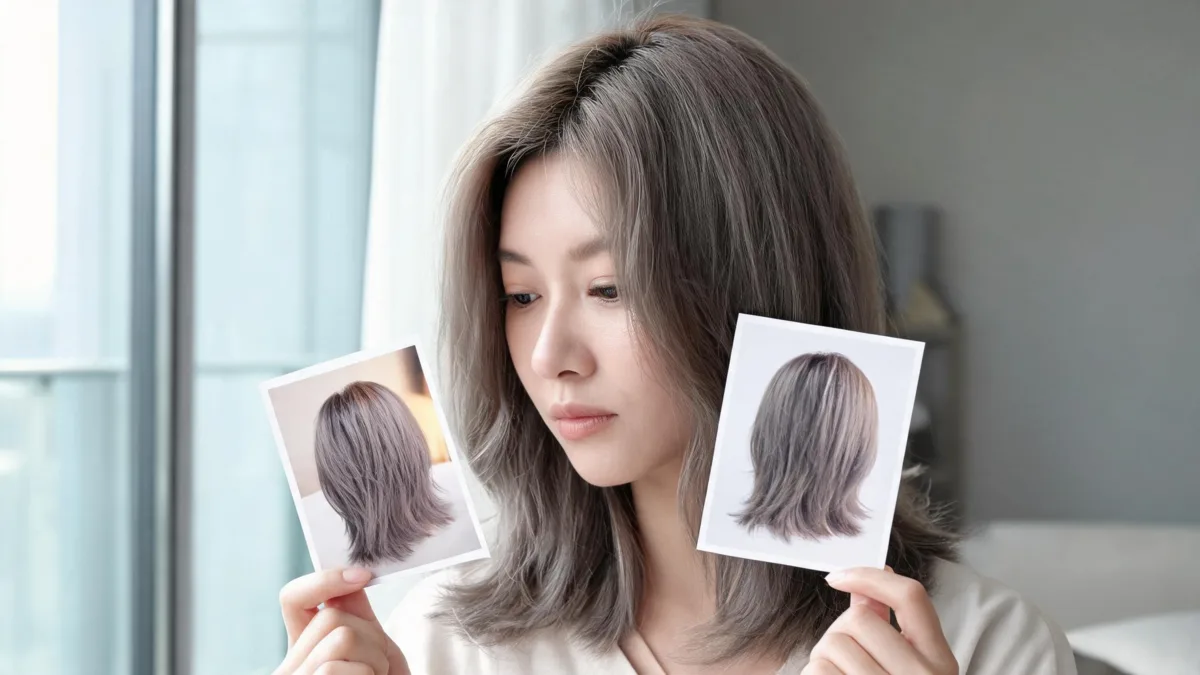
To test cool tone hair colors, compare the same two or three shades on one clear portrait taken in indirect daylight and a second portrait in ordinary indoor light. Keep your face, hair length, pose, and background as steady as possible. The shade that still feels believable in both views is a stronger salon candidate than one that only works in a flattering render. Use the AI hair color changer to make the controlled previews, then bring the original and your best two results to a color consultation.
Last updated: September 4, 2026 · about 7 min read
This is a companion to hair color for cool undertones. That guide helps with the earlier shade-family choice; this page tests whether a candidate still works when the light changes.
Set up a fair two-light comparison
Use two source photos, not unrelated selfies. Take the first near a window in indirect daylight and the second in the indoor light you actually use. Keep the camera height, expression, part, and clothing close.
Garnier's hair color number guide makes a helpful practical point: indoor light can make natural roots look darker or warmer. That is why daylight is a useful reference, while ordinary indoor light is a worthwhile reality check—not a reason to chase a perfect digital result.
| Keep steady | Change deliberately | Reject the comparison when |
|---|---|---|
| Face, pose, crop, hair length, and makeup | One shade at a time | The edit changes the face, roots, background, or exposure |
| The same three shade candidates | Daylight photo vs. indoor-light photo | One source photo is filtered, blurry, or strongly backlit |
| The original alongside each result | A short note about depth or warmth | You cannot tell which image is the original |
Do not try to identify your undertone again in this test. Choose candidates from the earlier shade-selection step, then ask whether each one remains a good visual choice across two normal lighting conditions.
Make the previews in three focused steps
- Choose a small set of neighbors. Pick two or three shades that answer one real question. If you are choosing a brunette, that might be ash brown, mushroom brown, and soft espresso. If you are going lighter, it might be beige blonde, dark ash blonde, and a slightly deeper neutral blonde. A small set makes differences easier to spot.
- Use one narrow instruction for every candidate. Ask for the shade by name and protect everything else: “Change only my hair to cool ash brown. Keep my face, hairline, texture, length, part, clothing, lighting, and background unchanged.” Start a new result instead of piling several edits onto one image.
- Repeat the same candidates on the second source photo. You are checking the same option under a different condition. Save the original, then name files simply: daylight–ash brown and indoor–ash brown.
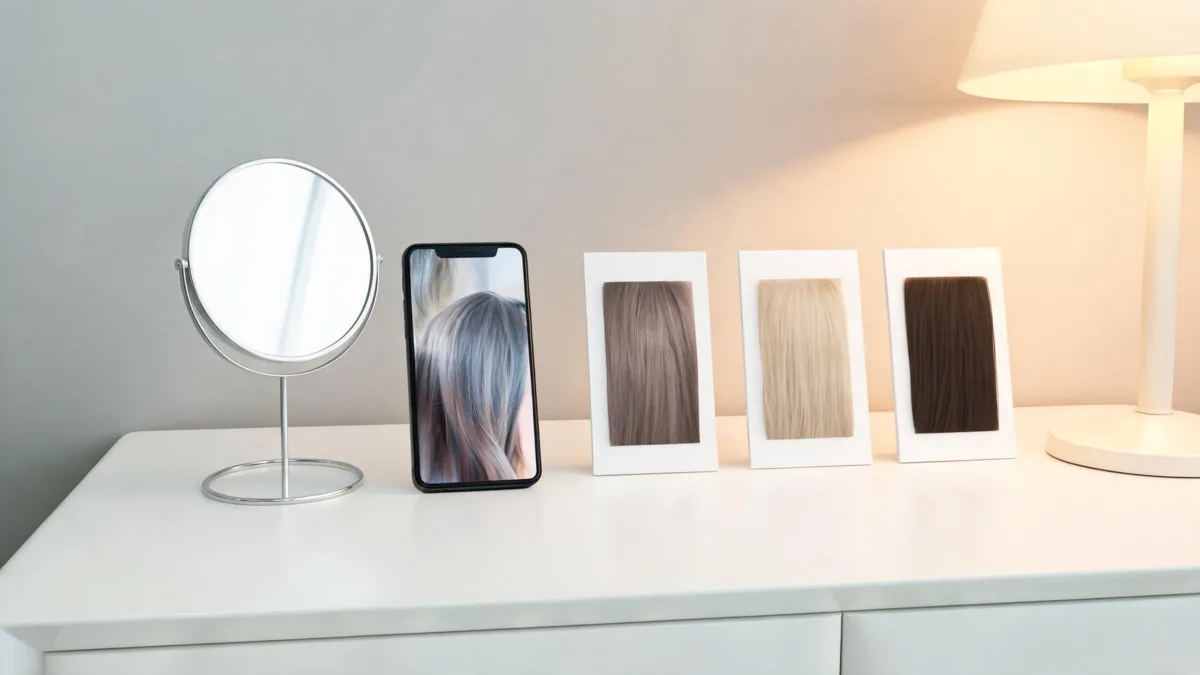
A short, repeatable comparison is more useful than a large folder of unrelated makeovers.
For a practical starting image, use the checklist in best selfie for an AI hairstyle app. Keep the roots and visible lengths in frame. Skip beauty mode, colored LEDs, sunglasses, hats, deep shadows, and a photo where one side of the hair disappears into the background.
What to look for in each pair
The goal is not to find a universally “best” cool color. It is to notice the trade-off you can live with. A second look is better at showing whether the color still feels like you.
| Question | A useful sign | A reason to pause |
|---|---|---|
| Does the shade still read as intentional indoors? | It keeps its depth without turning flat or unexpectedly warm | It only feels good when the render is unusually bright |
| Can you still see your roots and texture? | The transition looks plausible around the part and hairline | The roots blur, the density changes, or the edge becomes helmet-like |
| Does the depth suit your everyday contrast? | Your brows, features, and clothing still feel balanced | The preview looks like a different person because the app changed more than color |
| Can you describe the preference plainly? | “A little deeper,” “less gold,” or “more neutral at the roots” | You only have a vague preference for one heavily altered picture |
If the shade looks good in daylight but dull indoors, it may be a question for a colorist about dimension, placement, maintenance, or a nearby shade. The test gives you a clearer question; it does not replace professional formulation.
Keep a salon reference that does not overpromise
Bring four to seven images, not thirty: your two originals and the one or two most stable candidates in each light. On a note, write the visible preference and the condition:
- “Like the cool softness of mushroom brown in daylight; want to avoid a gold cast indoors.”
- “Prefer the depth of soft espresso, but not if it makes the overall look too severe.”
- “Want a beige, not yellow, blonde direction; please assess what is realistic from my current color.”
That language respects the difference between a preview and a chemical service. A colorist needs to consider your starting color, existing color, hair condition, porosity, maintenance tolerance, and products. A generated image cannot supply those facts.
The American Academy of Dermatology advises keeping a color change within three shades of your natural color to reduce the need for stronger lightening, and says to test store-bought hair color according to the product instructions. Read its coloring and perming tips before an at-home service. A visual preview does not assess allergy risk or replace a patch test.
When to abandon the preview and retake the photo
Retake rather than keep trying to rescue a weak image if the app changes the face, hairline, room, or lighting; if the subject is in strong sun or colored light; or if the hair is mostly hidden. A trustworthy comparison needs a stable source more than an elaborate prompt.
You may also need a different workflow when your real question is placement instead of overall tone. For example, balayage preview ideas can help you think about dimension, while a brown hair filter is a better starting point for a brunette depth decision. Keep the original photo with every option so you can spot when an edit stops being a controlled color test.
Editorial disclosure: AIChangeHair provides visual previews, not a diagnosis, color formula, safety assessment, or promise of an in-salon result. We do not know your dye history, texture, scalp sensitivity, or local salon practices. Use a preview to explain a preference, then make the final decision with appropriate product instructions and a qualified professional.
Frequently asked questions
Why does a cool hair color look different indoors?
Indoor light can make a shade appear warmer, darker, or flatter than it does in natural daylight. That does not prove the color is wrong; it means the lighting is part of the decision. Compare the same controlled preview in both conditions before treating it as a salon reference.
Which cool hair colors should I compare first?
Choose two or three nearby candidates rather than every possible shade. For example, compare ash brown with mushroom brown, or beige blonde with a slightly deeper cool blonde. The original photo is the control; it helps you see whether a result changed more than the hair color.
Can an AI preview tell me the exact salon result?
No. A preview can clarify your preference for depth and tone, but it cannot predict your starting color, porosity, prior color, developer choice, toner, or how the shade will fade. Use it to start a conversation with a qualified colorist, not to specify an exact formula.
Should I patch-test hair dye after using a preview?
Yes. A virtual preview is not a dye safety test. Follow the product instructions and patch-test store-bought color as directed; stop and seek medical advice if you develop a reaction.
Related guides
- Try the free AI hairstyle changer →
- AI hair color changer
- Hair color for cool undertones
- Hair color filter: test shades before dyeing
- How to make an AI hairstyle preview more realistic
Use the test to make a smaller decision
Try the AI hair color changer with two stable source photos, then choose the candidate that stays useful when you leave the most flattering light.